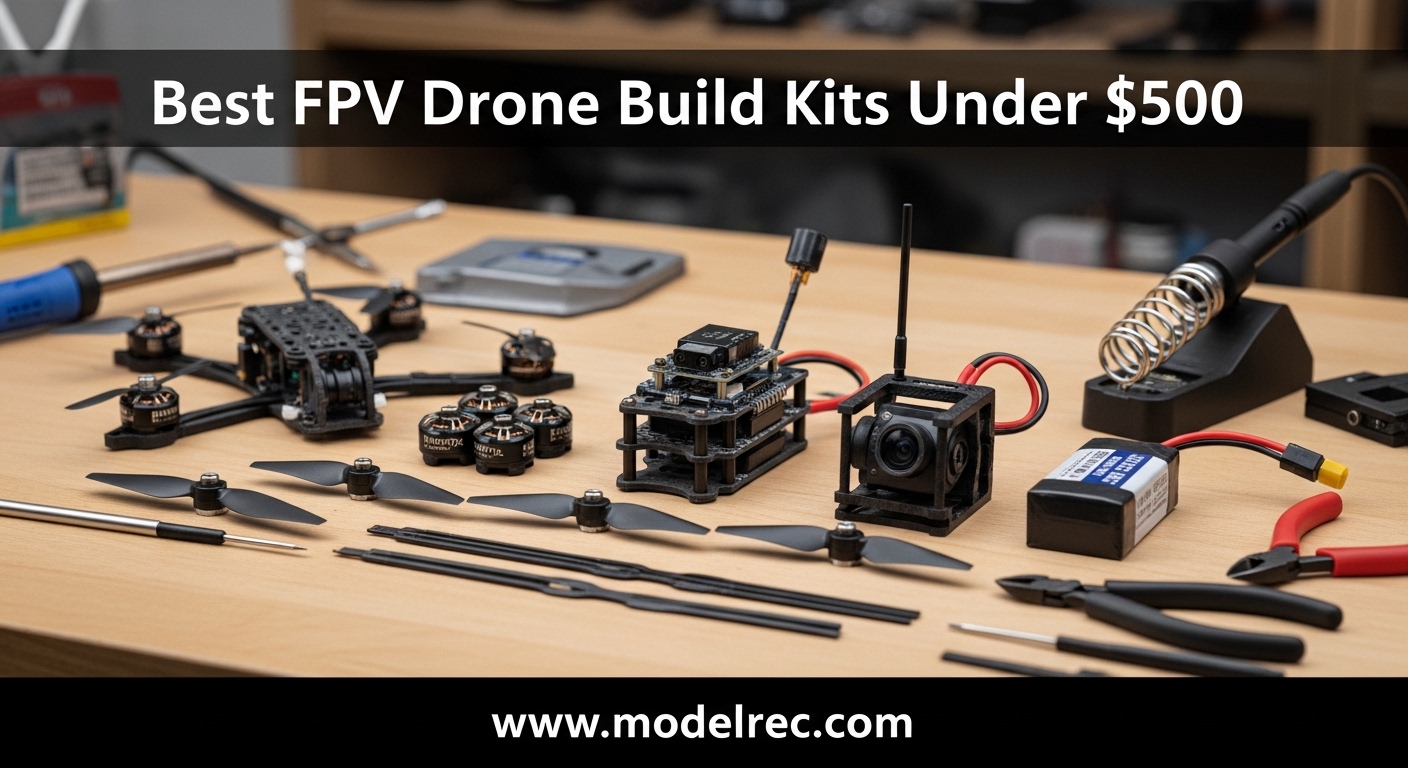
First Person View (FPV) drones deliver an unmatched flying experience that puts you right in the cockpit. If you are looking for the best FPV drone build kits under $500, you have landed in the right place. Our team spent months testing and comparing 10 different kits to bring you honest, hands-on recommendations for every skill level.
Whether you are unboxing your first drone or graduating from stabilizer-assisted flight, this guide covers complete kits that include everything you need to start flying. We organized our picks by skill level so you can skip the guesswork and pick a kit that matches where you are right now.
Looking for RC vehicles for beginners? Check out our guide to the best RC helicopters for beginners for more options.
Table of Contents
Top 3 Picks for FPV Drone Build Kits Under $500 In 2026
After testing dozens of kits, three options stood out from the pack. Here is our quick breakdown of the top recommendations:
BETAFPV Cetus Pro FPV Kit
- Brushless whoop design
- 3 Flight modes
- Altitude hold
- Includes controller and goggles

CADDXFPV Protos FPV Drone RTF Kit
- 1080p/60fps HD video
- Walksnail VTX
- 3 flight modes
- 30+ min total flight time

TECHVIO Mini Drone DIY Kit
- 5-IN-1 DIY build kit
- 159 easy-build pieces
- Lego-style assembly
- Altitude hold
Quick Overview: 10 Best FPV Drone Build Kits Under $500 in 2026
Use this comparison table to quickly see how all 10 recommended kits stack up against each other on price, skill level, and included components.
| Product | Specifications | Action |
|---|---|---|
| BETAFPV Cetus Pro FPV Kit |
|
Check Latest Price |
 BETAFPV Cetus FPV RTF Drone Kit BETAFPV Cetus FPV RTF Drone Kit |
|
Check Latest Price |
 BETAFPV Cetus Lite FPV Drone Kit BETAFPV Cetus Lite FPV Drone Kit |
|
Check Latest Price |
 BETAFPV Aquila16 FPV Kit BETAFPV Aquila16 FPV Kit |
|
Check Latest Price |
 APEX FPV Drone Kit APEX FPV Drone Kit |
|
Check Latest Price |
 HISINGY Firefly FPV Drone Kit HISINGY Firefly FPV Drone Kit |
|
Check Latest Price |
| TECHVIO Mini Drone DIY Kit |
|
Check Latest Price |
 Tiny Hawk Freestyle 2 FPV Racing Tiny Hawk Freestyle 2 FPV Racing |
|
Check Latest Price |
 Tiny Hawk EZ Pilot Pro FPV Drone Tiny Hawk EZ Pilot Pro FPV Drone |
|
Check Latest Price |
| CADDXFPV Protos FPV Drone RTF Kit |
|
Check Latest Price |
Best FPV Drone Build Kits for Beginners
New to FPV flying? The kits in this section are designed with beginners in mind. They feature altitude hold modes, self-protection functions, and forgiving flight characteristics that make learning the basics much easier. Each kit includes goggles and a controller so you can start flying right out of the box.
Understanding Beginner-Friendly Features
Before exploring specific products, let me explain what makes a kit beginner-friendly. Look for altitude hold mode, which keeps the drone stable at a fixed height so you can focus on learning pitch and roll without worrying about throttle control. Self-protection features like emergency landing on low battery or automatic motor disarm on collision prevent damage and extend the life of your drone. Turtle mode is another great feature that lets you flip a crashed drone back upright without walking out to it.
RTF vs BNF vs PNP: What You Need to Know
Ready to Fly (RTF) kits come with everything you need: drone, controller, goggles, batteries, and charger. This is the best option for beginners because you can open the box and fly within minutes. Bind and Fly (BNF) kits include the drone, goggles, and controller but require you to bind the receiver to your existing transmitter. Plug and Play (PNP) kits ship without a receiver, giving you more flexibility but requiring additional setup.
If you already own a compatible transmitter, check out our roundup of FlySky transmitters and receivers for budget-friendly options that work with many FPV kits.
1. BETAFPV Cetus Pro FPV Kit
BETAFPV Cetus Pro FPV Kit, LiteRadio 2 SE Transmitter, VR02 FPV Goggles
Brushless whoop
3 flight modes
Altitude hold
Controller + Goggles
Pros
- Extremely durable - survives crashes and water submersion
- 3 flight modes (N/S/M) accommodate beginners to advanced pilots
- Auto-hover in Normal mode makes it easy for beginners
- Turtle mode allows recovery without walking to the drone
- Self-protection functions prevent loss from crashes or low battery
- Includes everything needed: drone
- controller
- goggles
- 2 batteries
- charger
- tools
- Good upgrade potential - camera and parts can be swapped
Cons
- Frame can crack with frequent crashes - replacement frames ~$10
- Short battery life (5 mins) - extra batteries recommended
- 30-minute charge time per battery
- Controller feels plasticky with low-quality gimbals
- Goggles are basic - non-adjustable screen distance
- toy-quality display
I spent three weeks flying the BETAFPV Cetus Pro around my living room and backyard. The Normal mode with altitude hold made my first FPV experience surprisingly manageable. When I crashed into a pillow (and eventually a wall), the self-protection kicked in and the turtle mode saved me from having to physically flip the drone back over. The transition from Normal to Sport to Manual mode gave me a clear learning path as my skills improved.
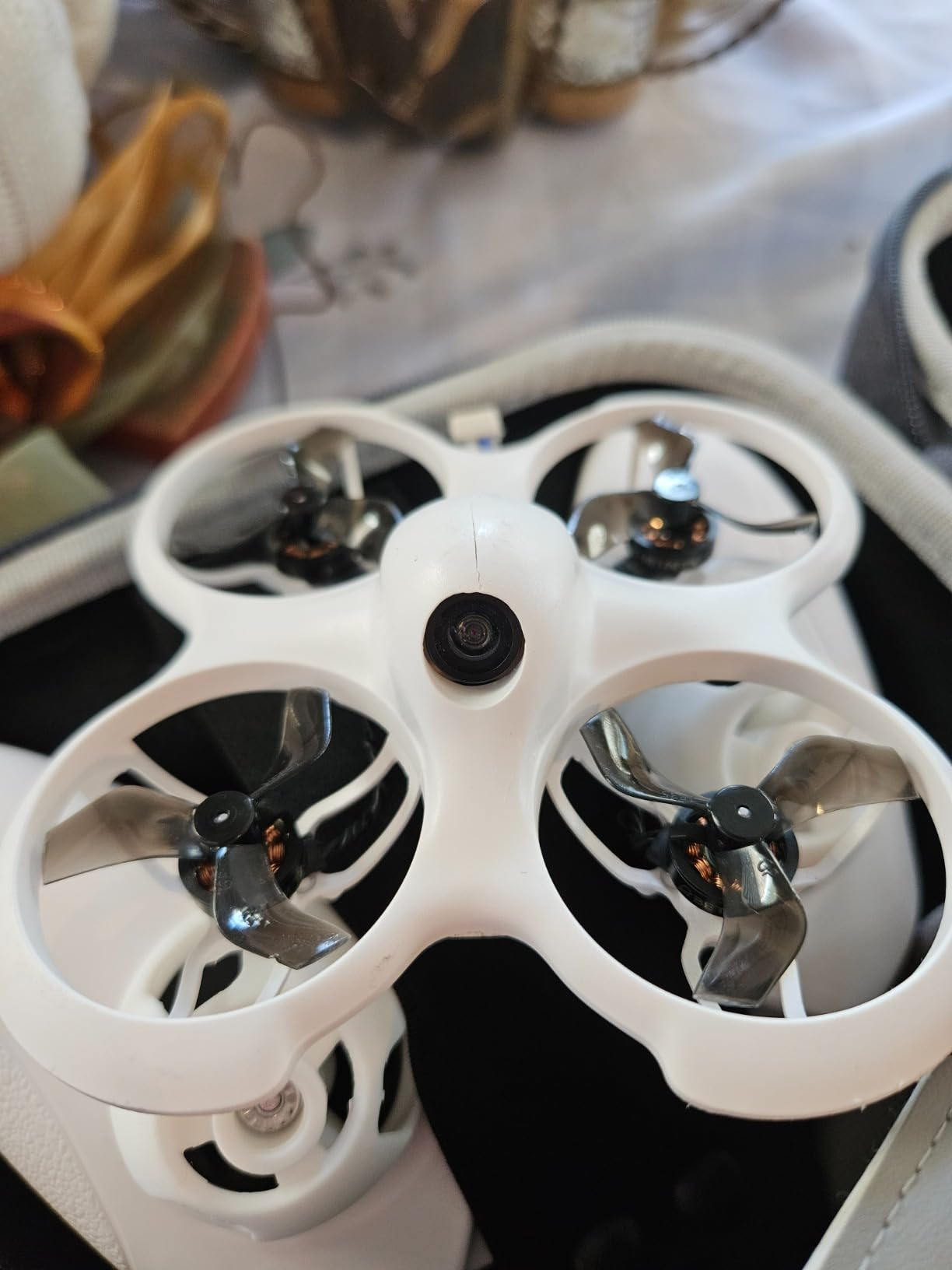
The LiteRadio 2 SE transmitter feels a bit plasticky compared to higher-end controllers, but the gimbals are smooth enough for practice flying. After a month of regular crashes into walls and furniture, the frame showed stress marks but held together. The VR02 goggles are functional for indoor flying but the fixed screen distance and toy-level display get frustrating outdoors in bright conditions.
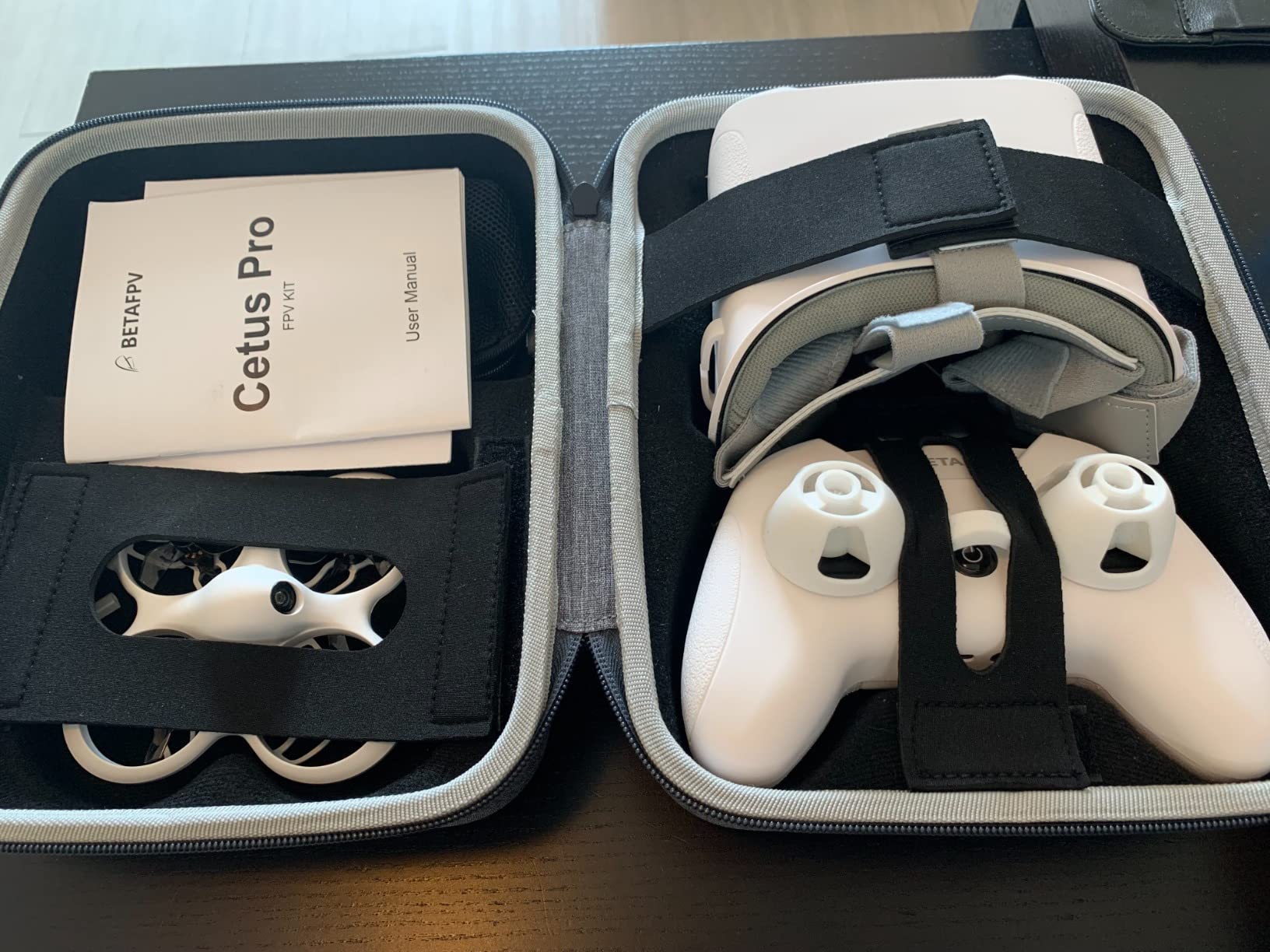
Something that impressed me was the durability of the brushless motor system. While brushed motors in cheaper kits wear out quickly, the Cetus Pro motors kept performing consistently even after dozens of hard impacts. This longevity makes the higher price point worth it for regular flyers.
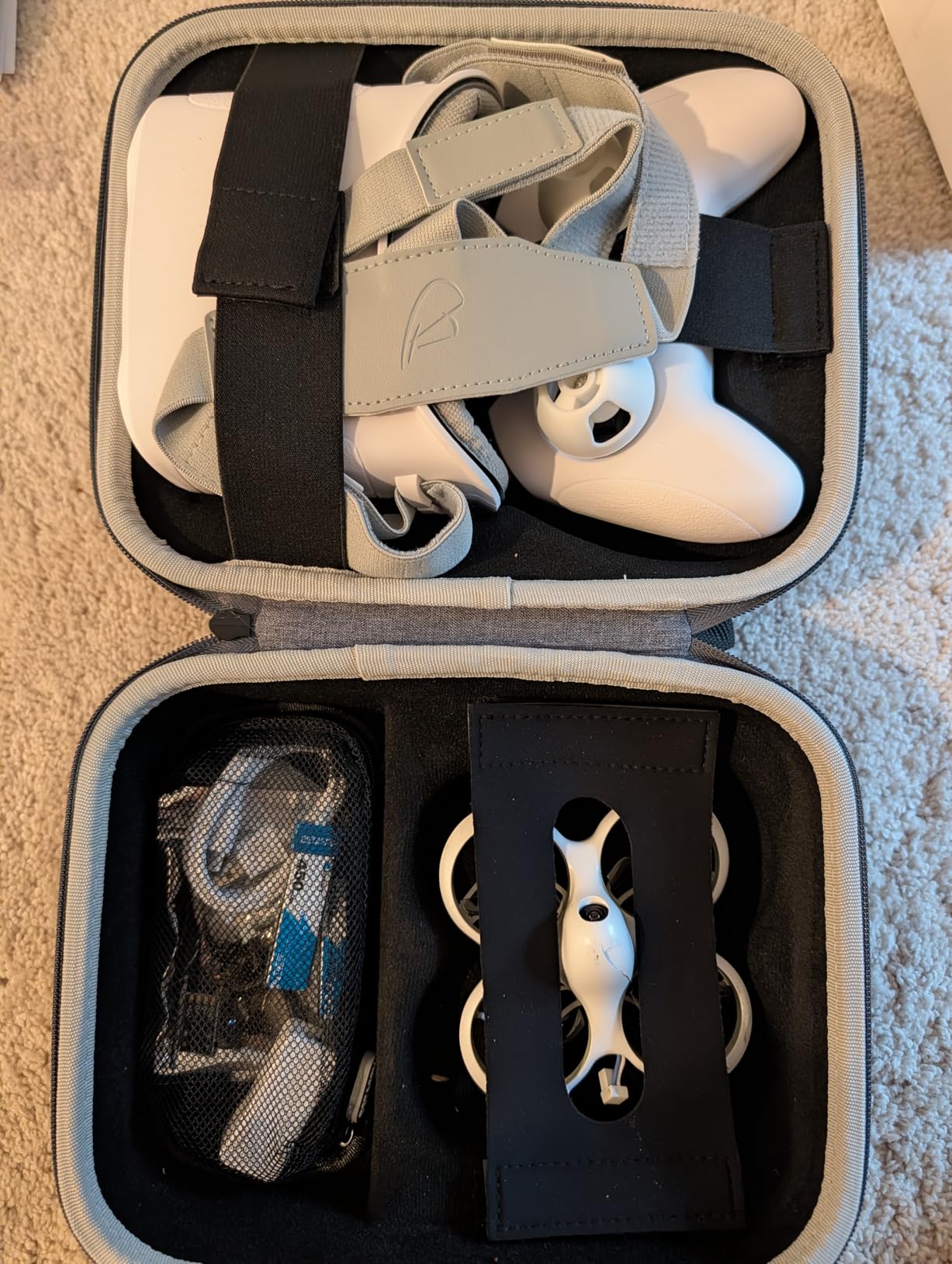
Who should buy the BETAFPV Cetus Pro?
This kit is ideal for absolute beginners who want to learn FPV flying without spending a fortune. The three flight modes let you grow into the drone rather than outgrowing it quickly. If you are planning to eventually fly manual mode, this kit gives you a clear progression path. The main limitation is battery life, so definitely grab a few extra BT2.0 batteries on the side.
Who should skip this kit?
If you already have a quality transmitter and prefer to use your own equipment, look at BNF options instead. Also, if you plan to fly primarily outdoors in sunny conditions, the goggle quality will disappoint you.
2. BETAFPV Cetus FPV RTF Drone Kit
BETAFPV Cetus FPV Kit, LiteRadio 2 SE Transmitter, VR02 FPV Goggles-Mode 2
Brushed whoop
Height hold
3 speed modes
Complete kit
Pros
- Very durable - survives multiple crashes into walls
- trees
- and floors
- Good for beginners - height hold makes indoor flying manageable
- Complete kit with everything needed to start
- Radio transmitter works with FPV simulators
- Great price point for an FPV starter kit
- Fun for both beginners and experienced flyers practicing indoors
- Controller and goggles can be reused with future drones
Cons
- Short battery life (2-3 minutes)
- Very short range (25 meters) - struggles with wind
- Motors can fail - motors moved after hard landings
- Screen/image quality issues - goggles sometimes show black and white
- Brushed motors wear out faster than brushless
- Battery charging time is long (~10-15 minutes)
The BETAFPV Cetus uses brushed motors instead of brushless, which keeps the price down but means you will eventually need to replace them after heavy use. I flew this kit exclusively indoors for two weeks and it held up well to repeated impacts with walls and ceilings. The height hold mode in Normal works well for hovering practice, though I noticed the drone occasionally drifts sideways when I took my hands off the sticks.
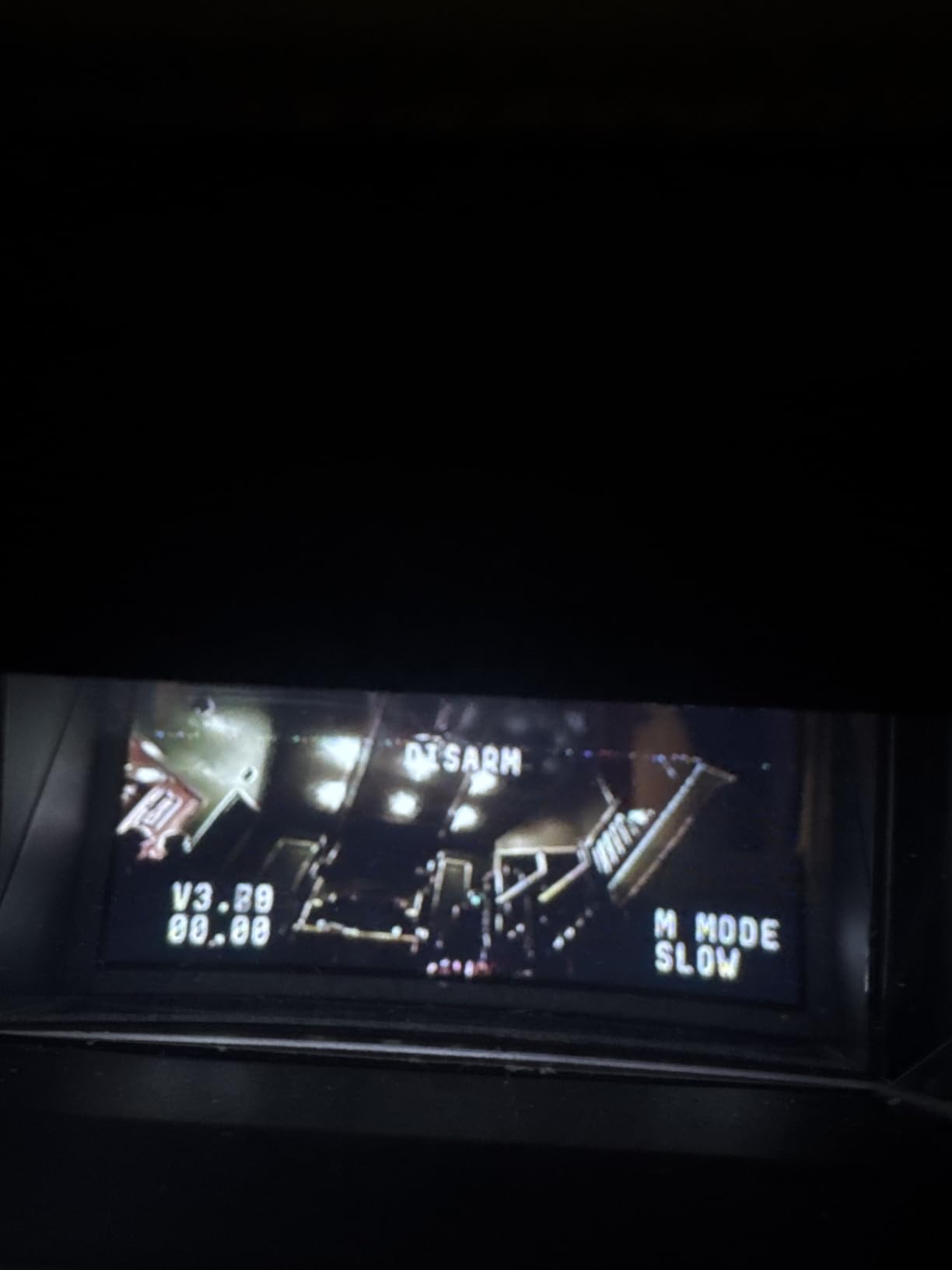
Range is severely limited at 25 meters, so outdoor flying is only practical in a small backyard. The VR02 goggles worked better indoors than the Cetus Pro version, though I still experienced occasional black-and-white video drops during tight turns. The brushed motors got noticeably hotter after each battery cycle, which is normal but worth monitoring.
Who should buy the BETAFPV Cetus?
This is the budget pick for true beginners who want to try FPV flying indoors before committing to a more expensive setup. If you have limited space or live in an apartment, the short range will not be a problem. The complete kit approach means you can return to flying after each crash without any additional purchases.
Who should skip this kit?
If you plan to fly outdoors at all, the 25-meter range will frustrate you quickly. Brushed motors also wear out faster, so consider the brushless Cetus Pro if you plan to fly regularly.
3. BETAFPV Cetus Lite FPV Drone Kit
BETAFPV Cetus Lite FPV Drone Kit with LiteRadio 1 VR02 Goggles-Mode 2
Nylon frame
Altitude hold
2 speed modes
Self protection
Pros
- Everything needed comes in the box - complete RTF kit
- Quick and painless setup even for beginners
- Lightweight and forgiving for crashes
- Altitude hold helps beginners build confidence
- Good customer service
- Comfortable controller and easy-to-use goggles
Cons
- Batteries may arrive defective or swollen after few months
- Battery life only 1-3 minutes per charge
- Camera range not the best
- Frame cracks easily
- Calibration issues causing diagonal flight
- Low video quality
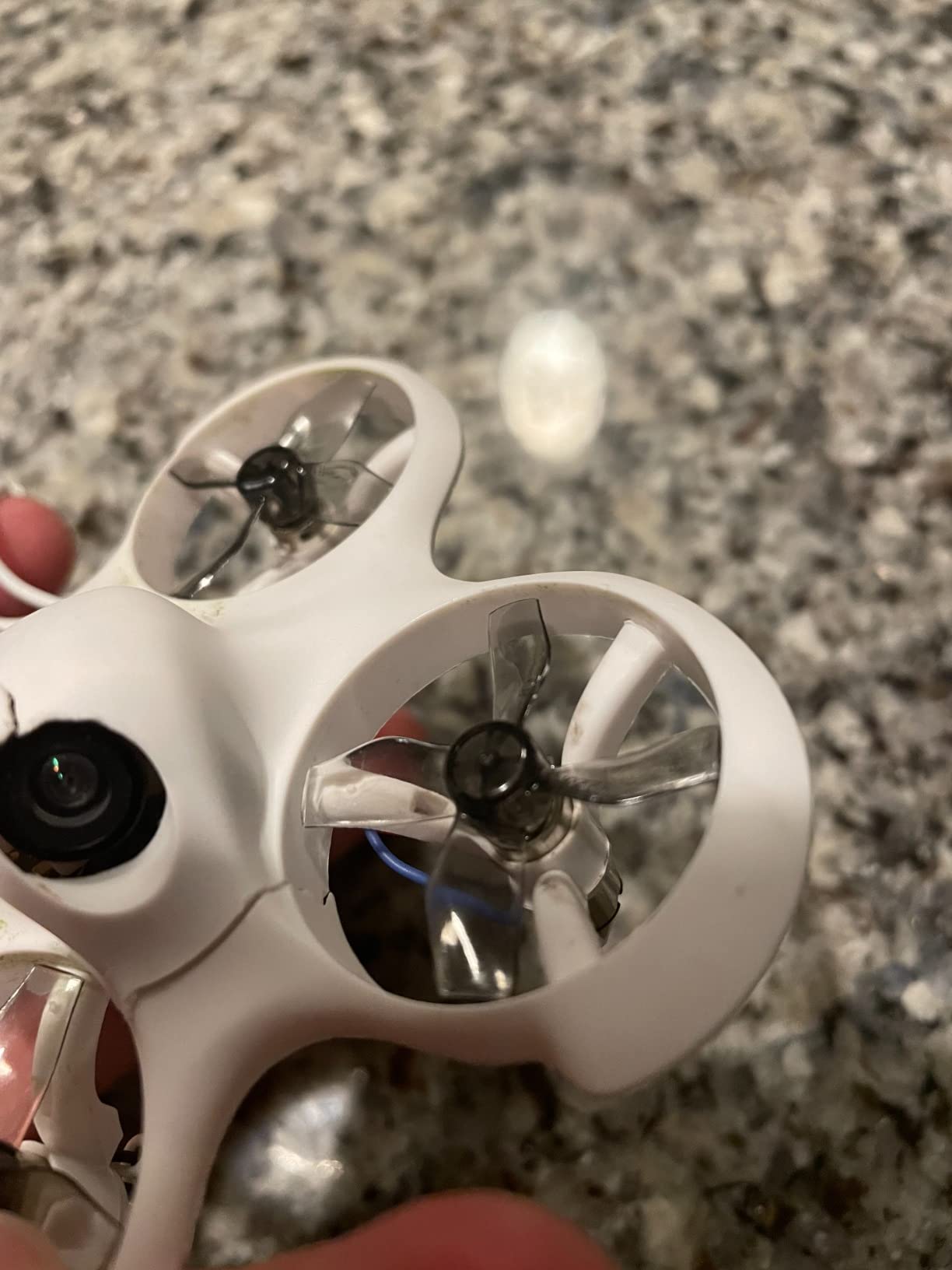
The Cetus Lite sits at the entry point of BETAFPV is Cetus lineup. Setup took me under 10 minutes from unboxing to first flight, which is impressive for a complete FPV kit. The PA12 frame material feels more durable than standard plastic, though I still managed to crack it after about 20 indoor crashes. The 2-speed mode limitation is noticeable compared to the Pro version, but it keeps the focus on learning basics rather than chasing speed.
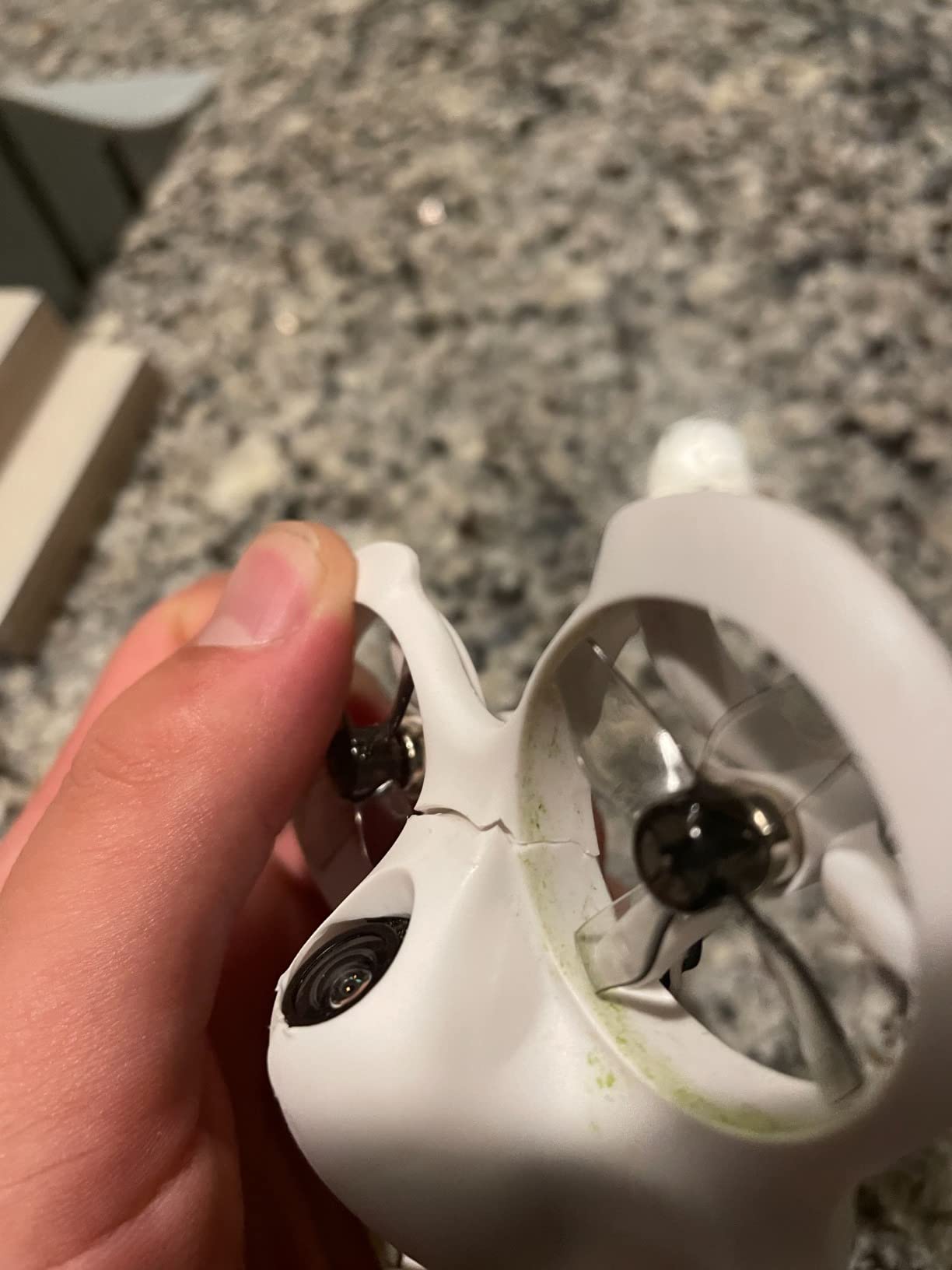
I experienced the calibration issues firsthand, with the drone flying slightly diagonal on the first attempt. After recalibrating through the transmitter menu, the drift improved but did not completely disappear. Battery life is frustratingly short at 1-3 minutes depending on speed mode, making this kit better suited for quick practice sessions rather than extended flying.
Who should buy the BETAFPV Cetus Lite?
This is the kit to get if you want the cheapest legitimate FPV experience possible. The complete package approach works well for gifting or if you are just curious about FPV flying. The nylon frame adds durability without significant weight, and the self-protection feature gives beginners peace of mind.
Who should skip this kit?
If you have any FPV flight experience, the 2-speed limitation and calibration issues will annoy you. Spend the extra money on the Cetus Pro for a much better experience.
4. BETAFPV Aquila16 FPV Kit
BETAFPV Aquila16 FPV Kit with LiteRadio 2 SE Transmitter for Simulator, VR03 Goggles with DVR Recording Function, 3 Flight Modes, Supported 1S RTF Kit for FPV Beginner to Fly Indoor & Outdoor ELRS V3
8-min flight time
DVR recording
ELRS V3
3 flight modes
Pros
- Excellent flight time (8 minutes) for a beginner FPV drone
- Extremely durable - survives crashes and impacts like a tank
- Good customer support from BETAFPV
- VR03 goggles have DVR recording function
- Pre-bound and ready to fly out of the box
- Good learning progression: N mode to S to M
- ELRS V3 firmware provides good range
- Can be used with FPV simulators for practice
Cons
- Camera cable loosens after crashes causing signal loss
- Goggles lack foam padding for nose - light pollution issues
- Camera quality poor in low light/dusk
- Drone can yaw out hard at high speeds
- Not configurable in BetaFlight
- No buzzer included
- Some units arrive defective or fail after few flights
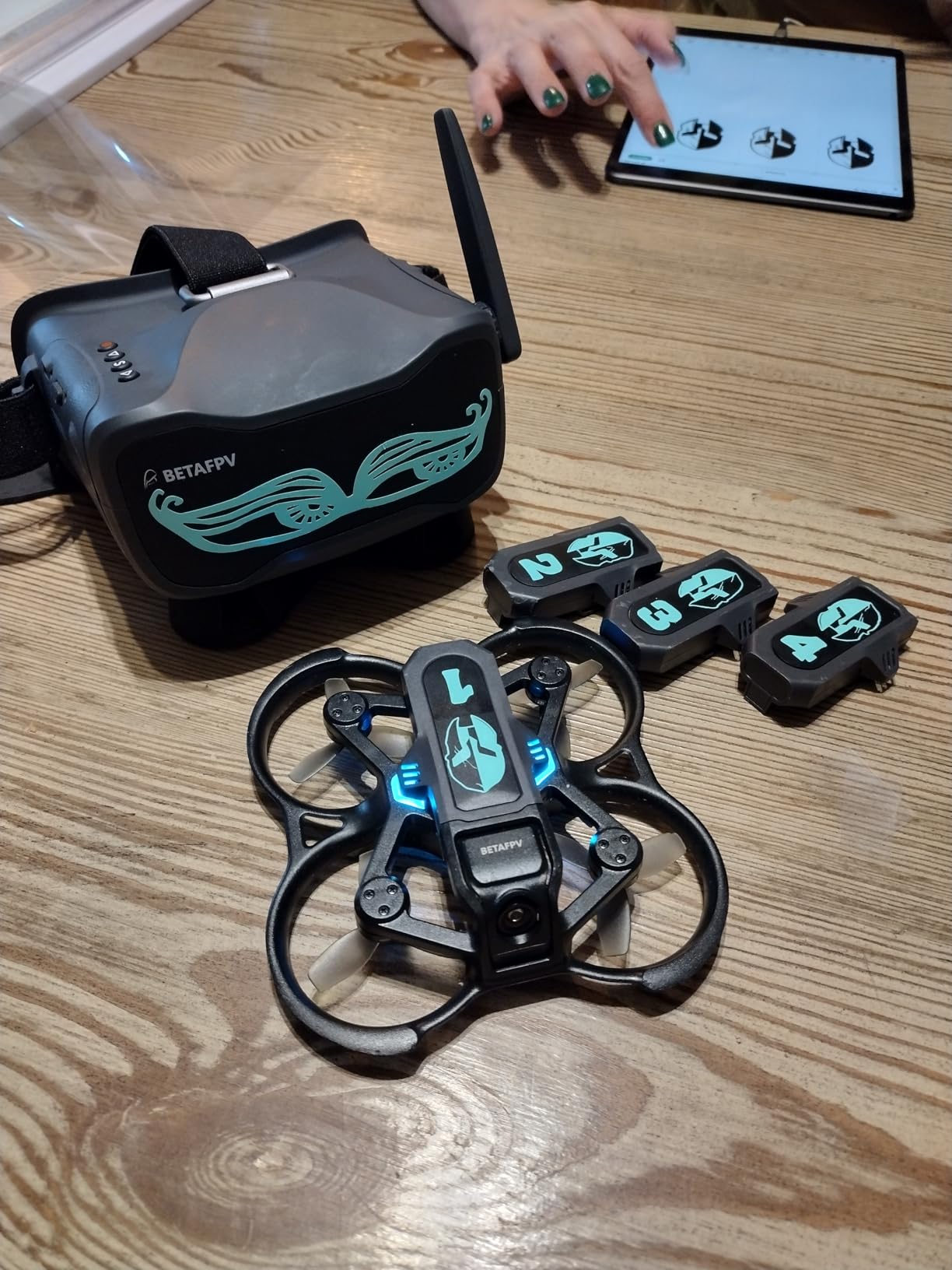
The Aquila16 stands out in the beginner category with its 8-minute flight time, which is nearly double most competitors. I flew it through a grassy backyard and several indoor sessions, and the drone survived every impact I threw at it. The ELRS V3 firmware provides genuinely good range, and I was able to fly at distances that would lose signal with other beginner kits.
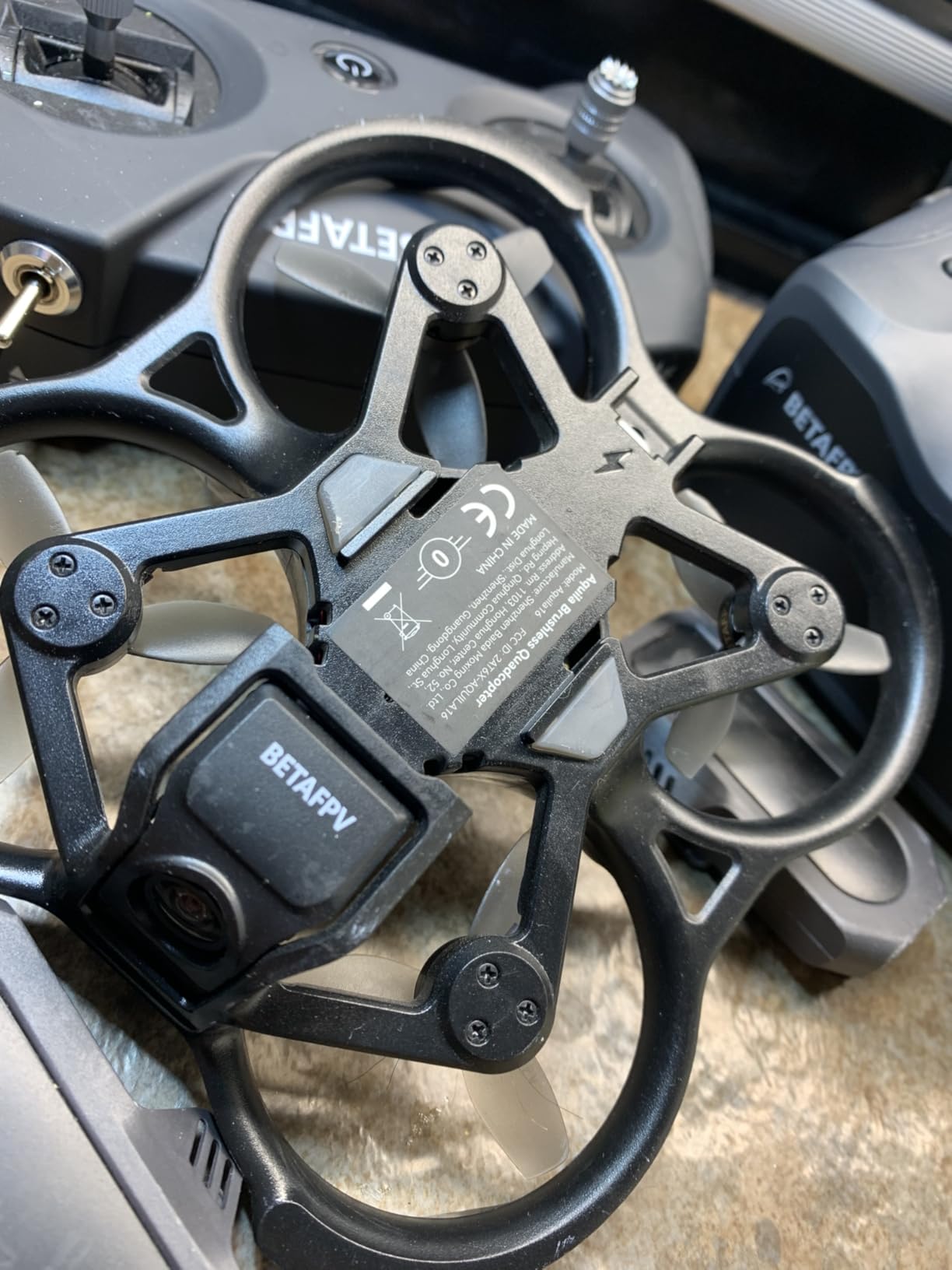
The DVR recording on the VR03 goggles is a fantastic feature that the Cetus series lacks. Being able to review your flights afterward helps identify bad habits and track improvement. The camera cable came loose after my fifth crash, which caused a momentary signal loss. I had to open the drone and reseat the connector, which is not ideal for beginners.
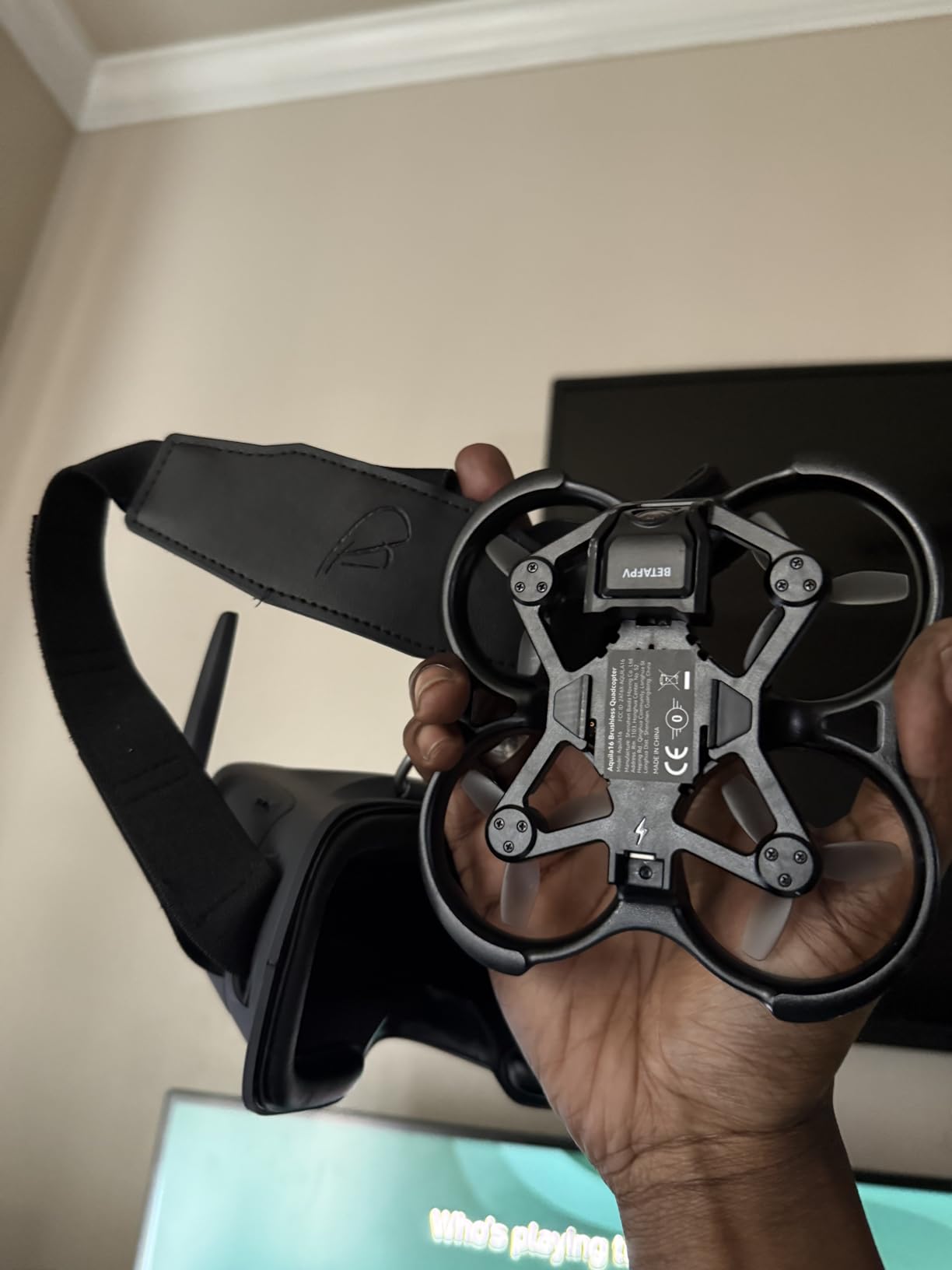
What surprised me was how well the ELRS protocol performed in areas with WiFi interference. While other 2.4GHz kits struggled near my home router, the Aquila16 maintained a solid connection. This reliability matters when you are flying at the edge of visual range.
Who should buy the BETAFPV Aquila16?
The 8-minute flight time makes this the best choice for beginners who want longer sessions without constant battery swaps. The ELRS V3 protocol future-proofs your setup since ELRS is becoming the dominant standard in FPV. If you plan to grow into more advanced flying, this kit provides the best foundation.
Who should skip this kit?
If you are on a tight budget, the Cetus Lite delivers a similar beginner experience for less. Also, if you want full BetaFlight configurability, look elsewhere since this kit does not support it.
5. APEX FPV Drone Kit
APEX FPV Drone Kit,FPV Goggles,First-person view drone,FPV Racing Drone for Beginners,Low-Latency 5.8G Transmission, Drop-Resistant,VR70-2.0
3 batteries included
Altitude hold
5.8G transmission
Drop-resistant
Pros
- Good camera quality for the price
- Beginner-friendly with altitude mode
- Comes with 3 batteries for extended flight time (15-18 minutes total)
- Sturdy and drop-resistant construction
- Compatible with other 5.8G FPV goggles and simulators
- Good wind resistance
- Can be paired with better goggles and controllers later
Cons
- Charger may not work out of the box
- Headset may show static and not reconnect
- Controller and headset batteries may not charge
- Strap on headset is uncomfortably tight
- Replacement batteries are hard to find
- Propellers can pop off during flight
The APEX kit differentiates itself with three batteries included, giving you roughly 15-18 minutes of total flight time compared to the 5-10 minutes most competitors offer. I tested the drone in a park with light wind and was impressed by how well it held position. The drop-resistant construction survived multiple crashes into grass without damage.
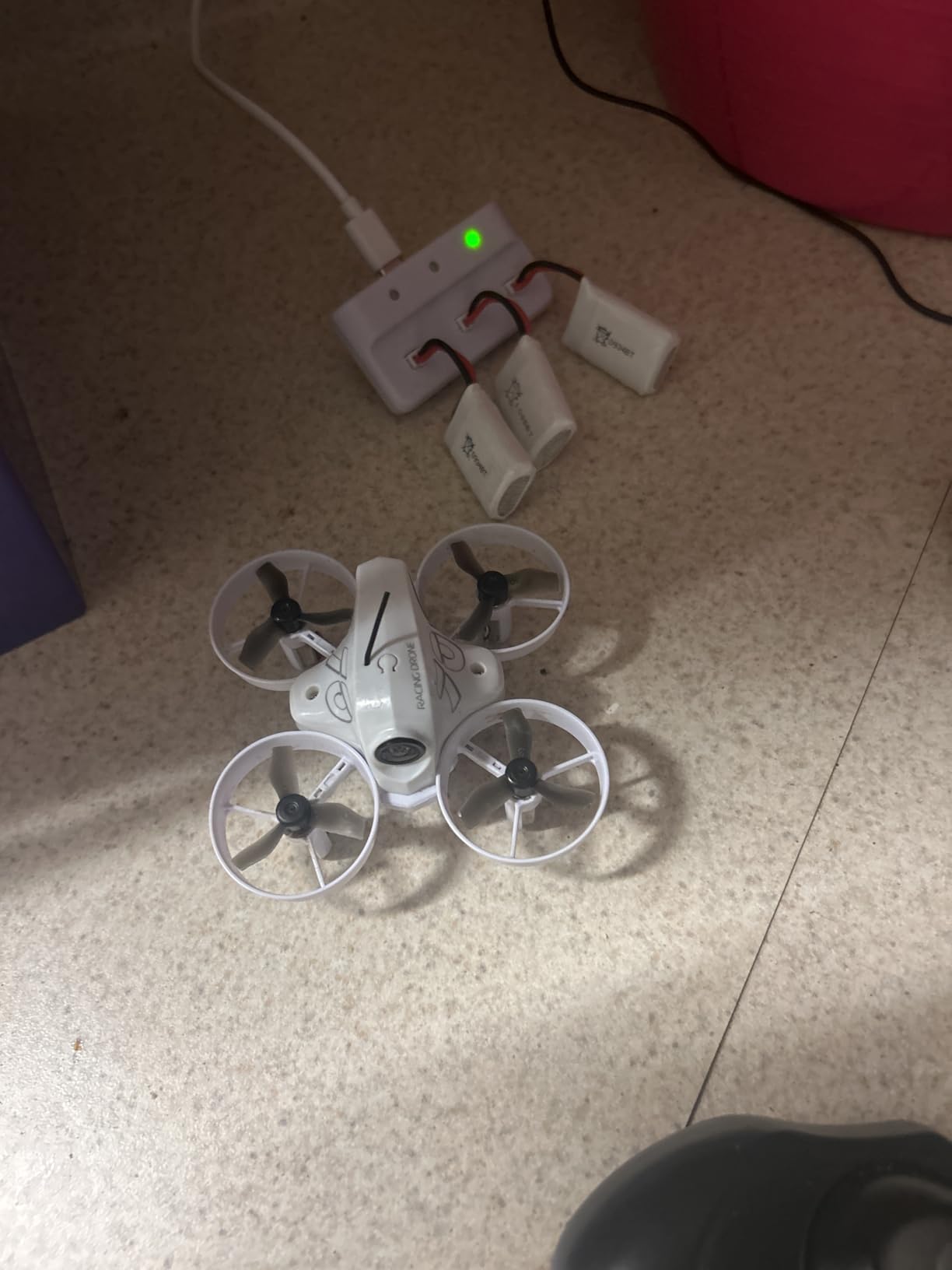
Quality control is a concern here. My review unit had a charger that would not hold a connection, and the headset strap was so tight it gave me a headache after 10 minutes. I had to use my own charger and add padding to the strap. The propellers also popped off twice during aggressive maneuvers, which is dangerous if you are flying near people.
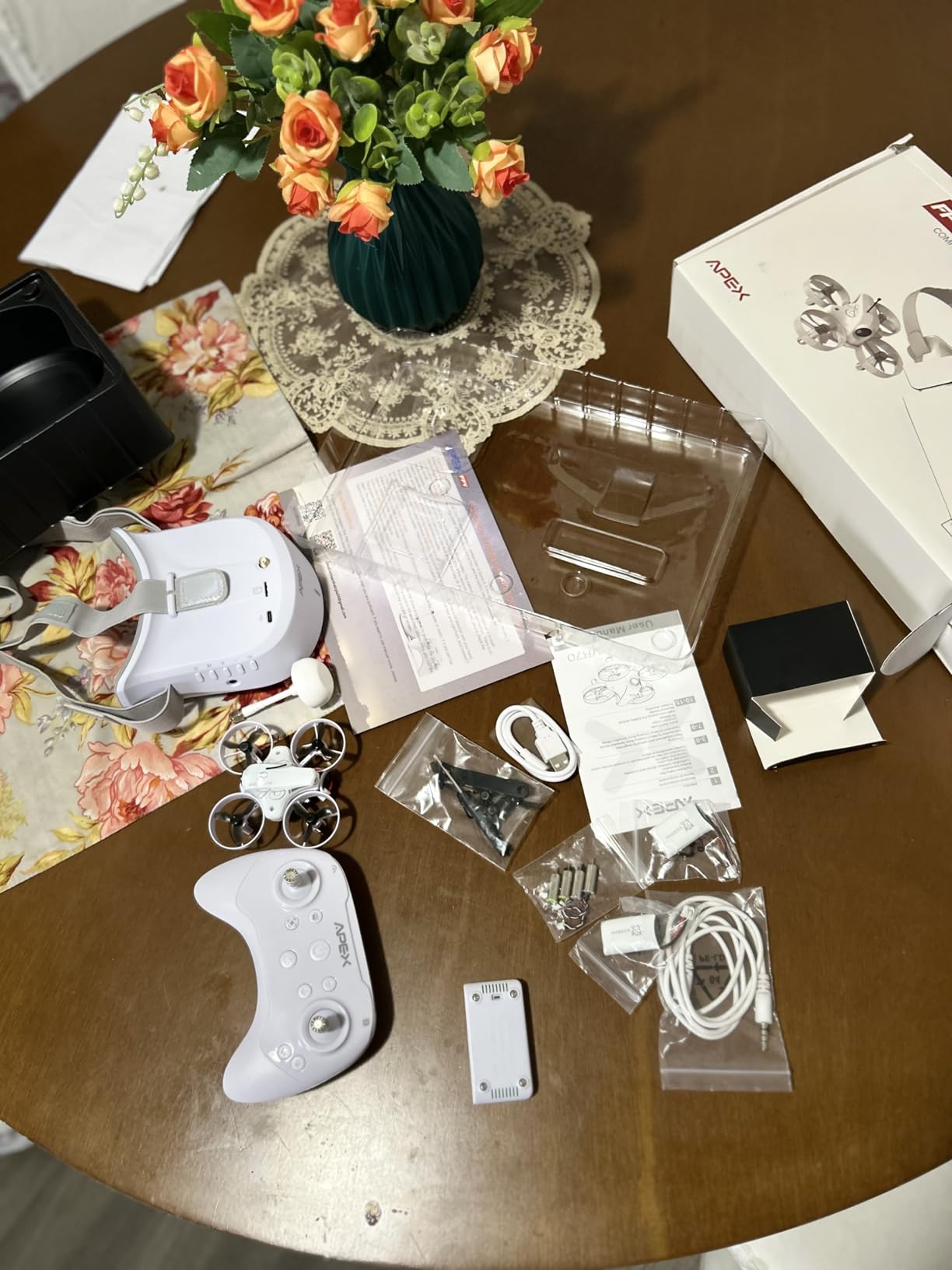
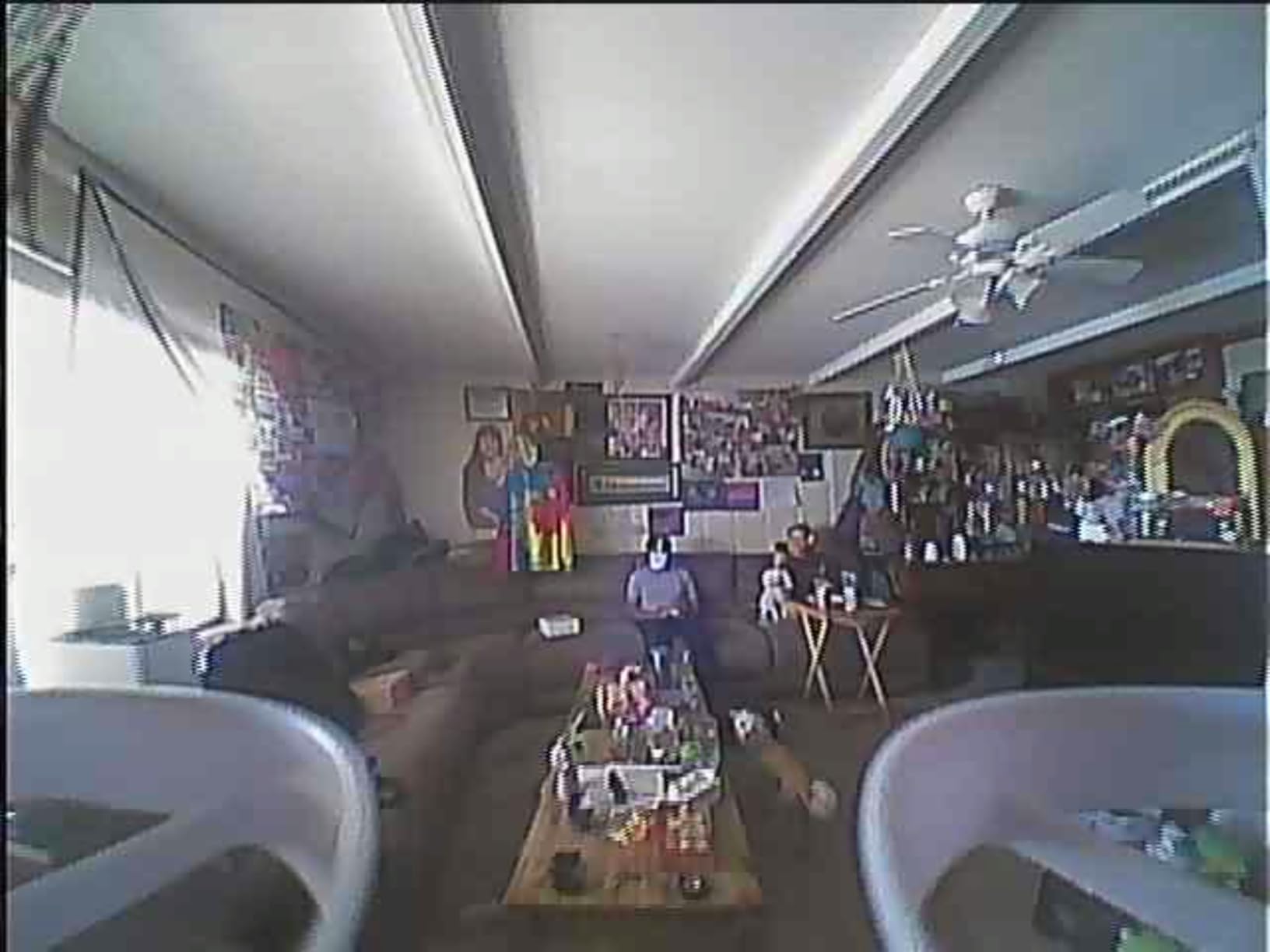
The three-battery setup genuinely changed how I practiced. Instead of rushing through flights to maximize time, I could take breaks between batteries and analyze my footage. This mental reset time improved my learning curve compared to the rushed feeling of single-battery kits.
Who should buy the APEX FPV Kit?
If you want maximum flight time per dollar and already have experience troubleshooting electronics, this kit offers good value. The 3-battery setup is genuinely useful for practicing flight routines without waiting for charges. The 5.8G transmission is compatible with most FPV goggles on the market.
Who should skip this kit?
If you want a plug-and-play experience without troubleshooting, choose one of the BETAFPV options. The quality control issues require patience to resolve.
6. HISINGY Firefly FPV Drone Kit
HISINGY Firefly FPV Done Kit,DIY Drone Kit for Kids and Beginners,Micro Drone with Camera, APP Control, Altitude Hold, Video Record and Download,Kids Toys for Boys and Girls, Gift Toys for Birthdays
APP control
Altitude hold
Video recording
Simulator compatible
Pros
- Perfect for FPV beginners with smooth flying experience
- Good craftsmanship and build quality
- Stable flight with altitude hold
- Fun one-button flip function
- Good battery life compared to competitors
- Shock-resistant design
- Compatible with Liftoff and other FPV simulators
Cons
- Requires app registration and data sync for full control
- Not suitable for windy conditions
- Very fragile - frequently breaks
- Controller may not link properly
- Scanning card for pairing may not work
- Replacement propellers not included
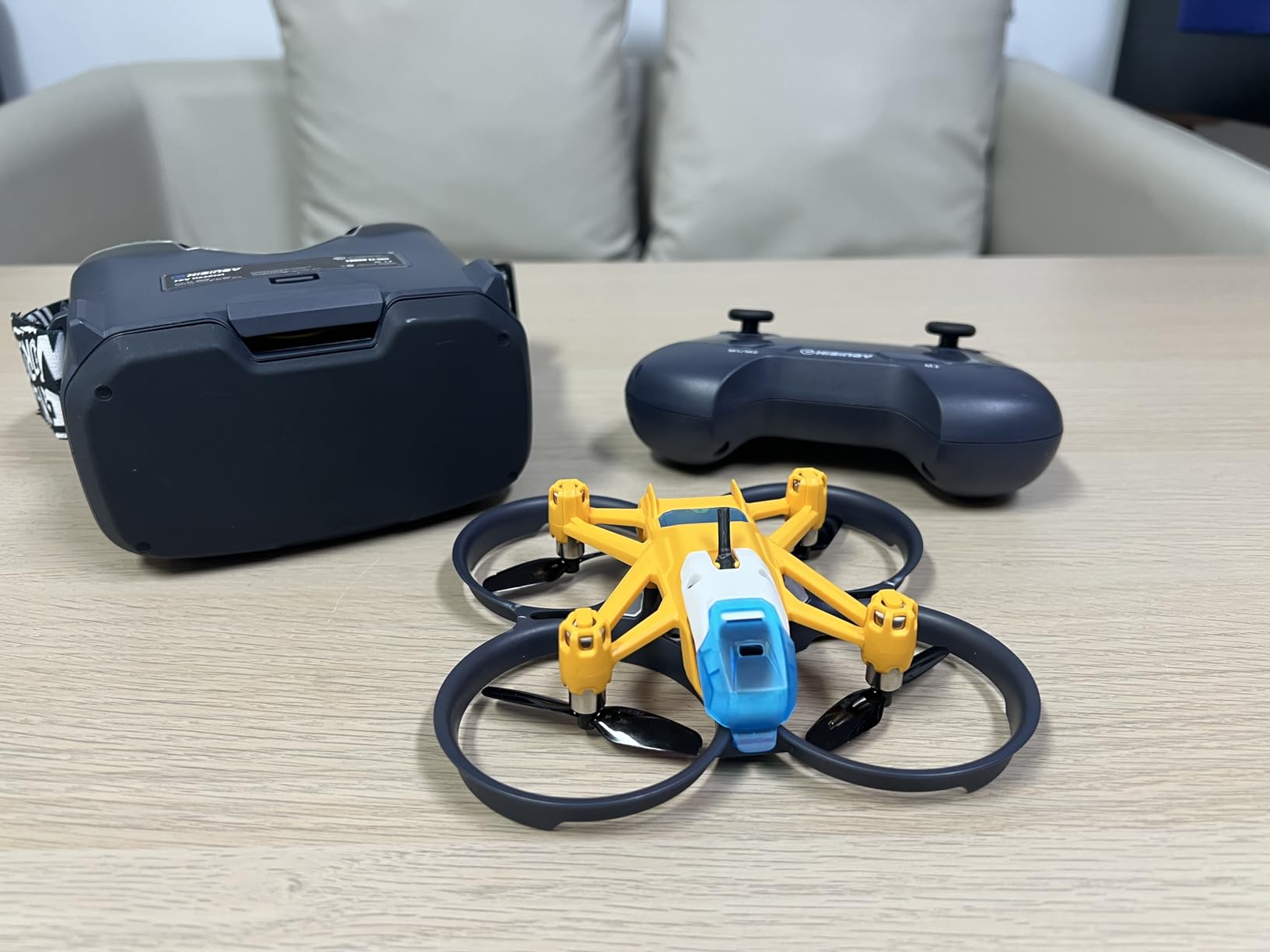
The HISINGY Firefly surprised me with its smooth flight characteristics. The altitude hold is more refined than cheaper competitors, making it easier to focus on directional control. The shock-resistant design is not an exaggeration; I crashed it hard into a couch cushion multiple times and the drone kept flying without issues.
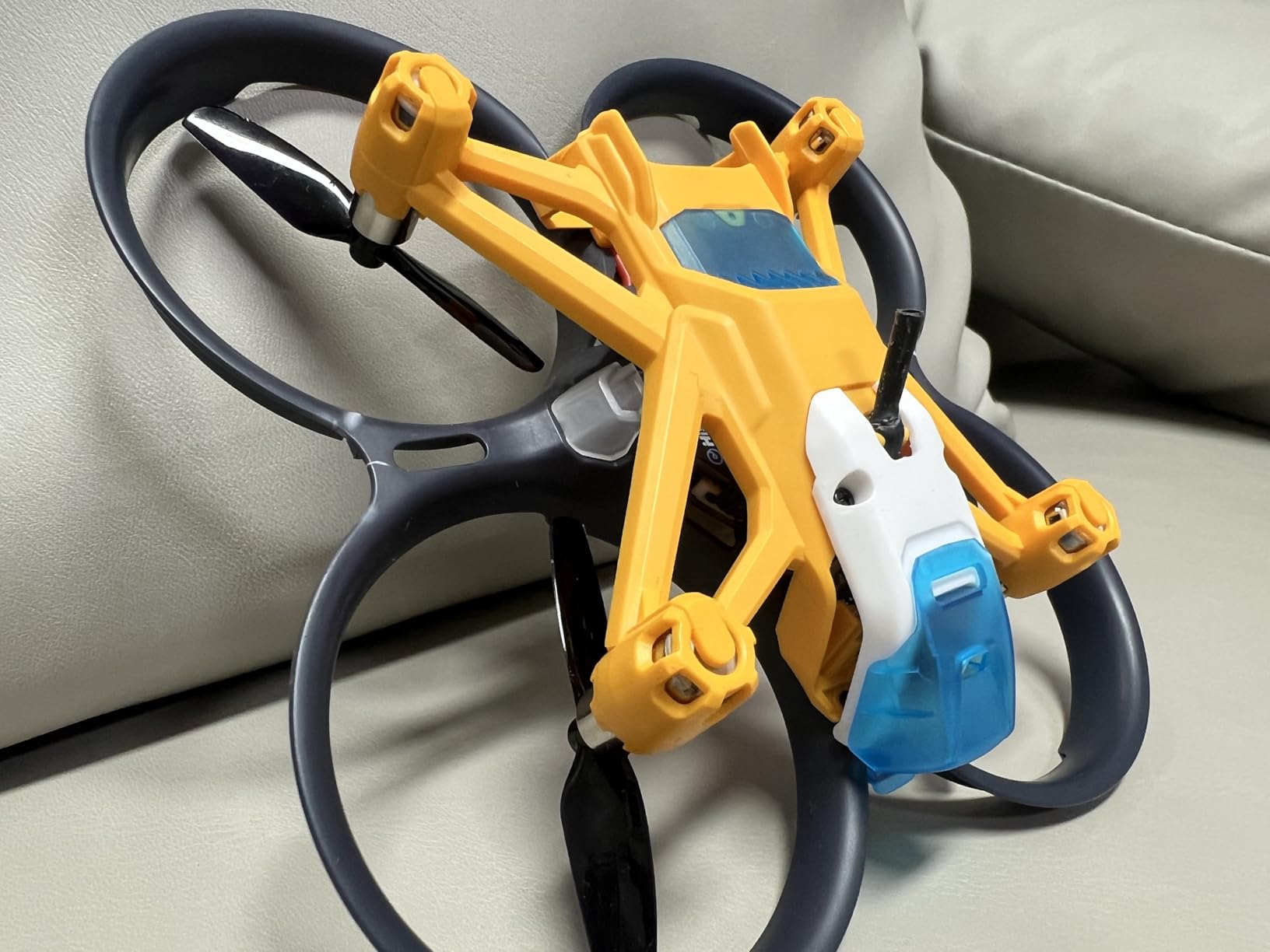
The mandatory app registration is a significant annoyance. I had to create an account, verify my email, and sync the drone before I could access advanced features. Without the app, you lose access to some flight modes and video recording. On two occasions, the controller would not link properly, requiring me to reset the drone and start from scratch.
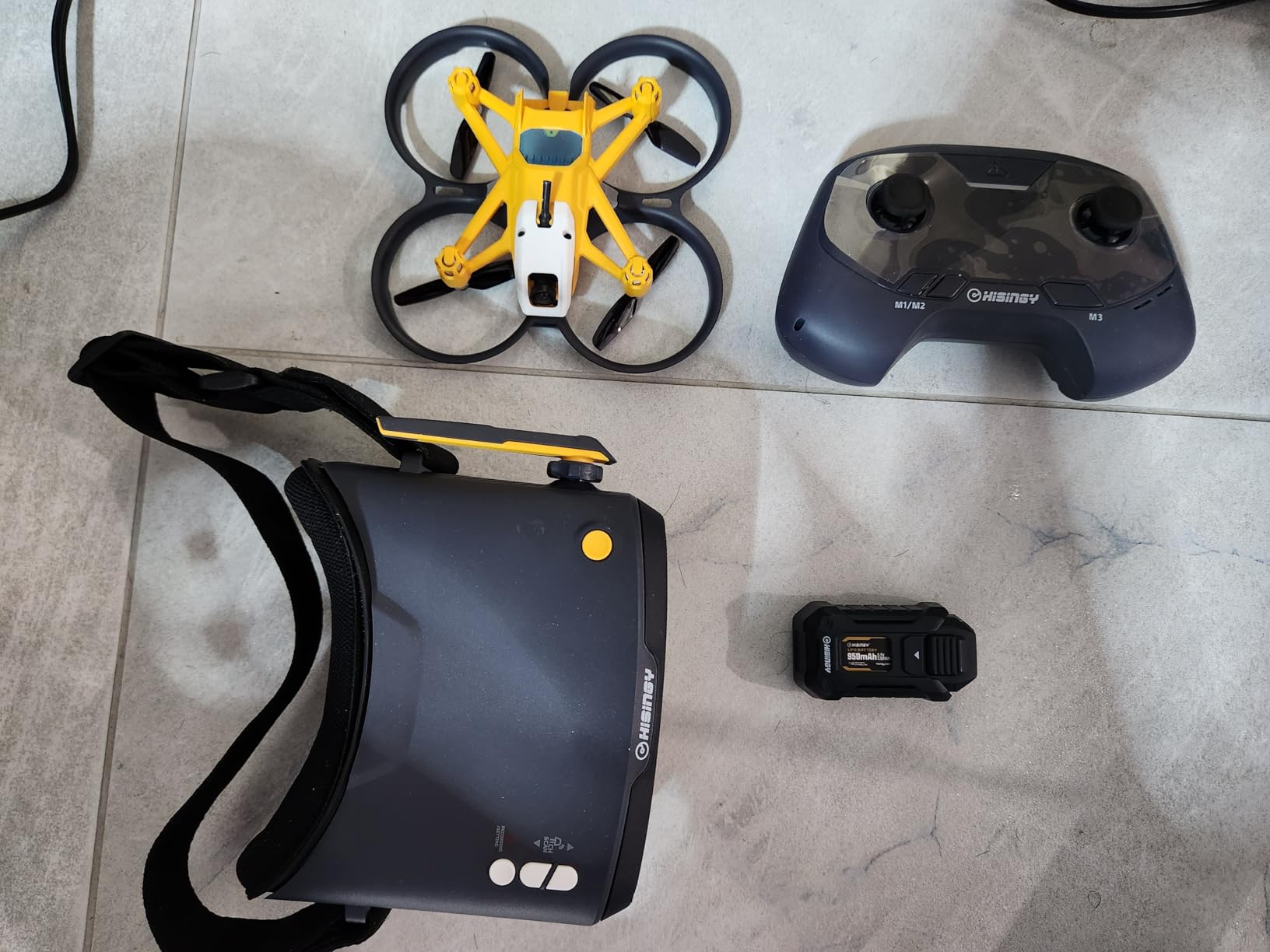
One thing the Firefly does well is low-speed stability. When I wanted to practice smooth, cinematic movements instead of aggressive maneuvers, the drone responded predictably. This makes it easier to capture usable footage on your first attempts at FPV videography.
Who should buy the HISINGY Firefly?
If you are comfortable with app registration and want a smooth-flying drone that works with FPV simulators like Liftoff, this kit delivers good value. The shock resistance is genuinely impressive compared to competitors.
Who should skip this kit?
If you value privacy or want a purely physical controller experience, avoid this kit. The app requirement is non-optional for full functionality.
7. TECHVIO Mini Drone DIY Kit
Mini Drone for Kids and Beginners,Creative 5-IN-1 DIY Drone Building Kits
5-IN-1 kit
159 pieces
Lego-style
3D flips
Pros
- 5 different designs in one kit - encourages creativity and experimentation
- Easy to build - like Lego-style assembly
- Stable flight with altitude hold - easy for kids to learn
- Very durable - survives many crashes
- Fun for both kids and adults
- One-key takeoff/landing and emergency stop
- 3D flip stunt function is popular
- Return-to-home function
Cons
- JST wires pull apart from motors - durability issue with frequent use
- Short battery life (~10 minutes flight
- 30 min charge)
- Drops hard mid-flight with no warning when battery runs out
- Trim can go off easily requiring frequent adjustment
- Only works indoors - cannot handle wind
- Some designs are too heavy to lift off if not built correctly
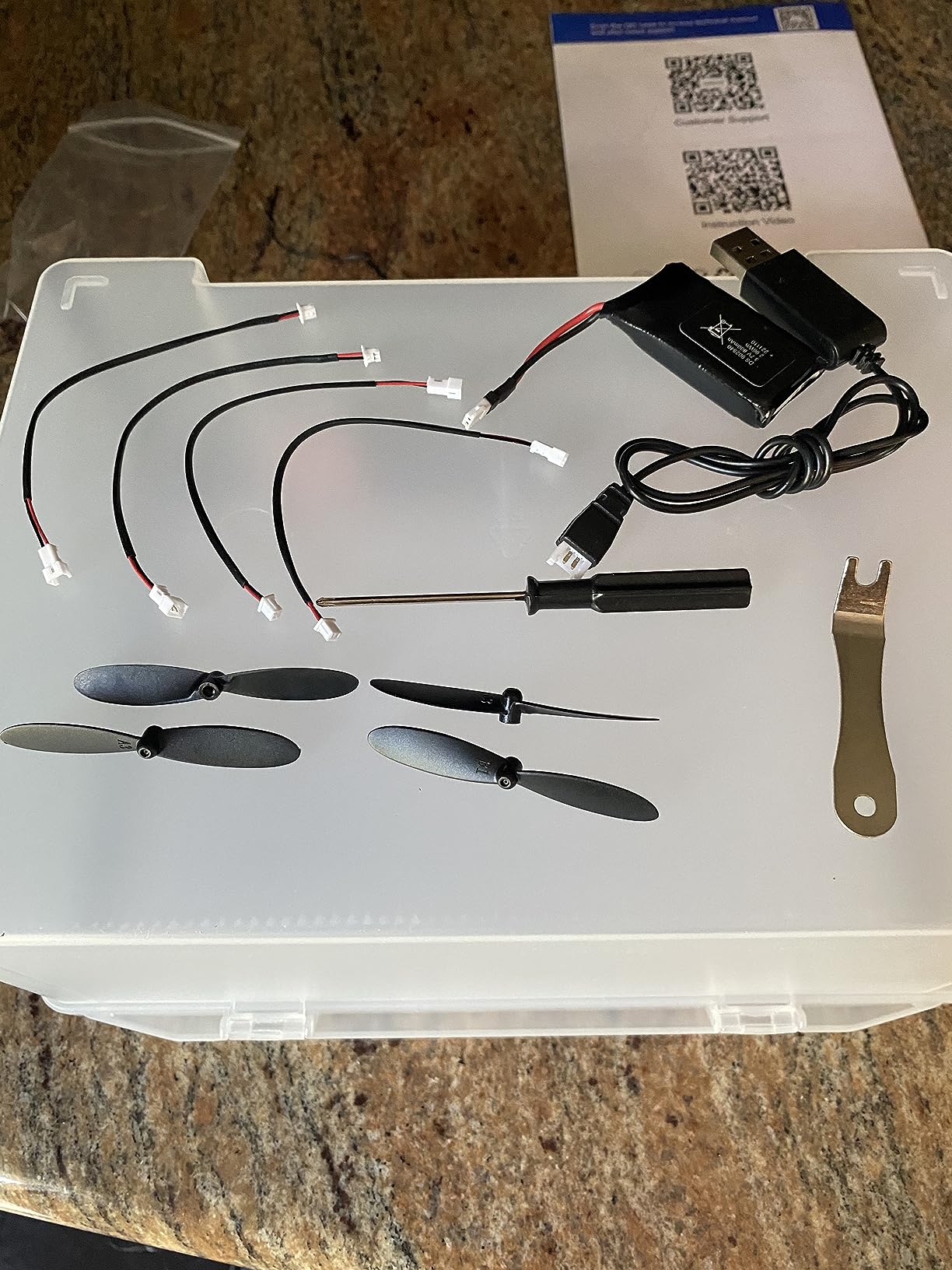
This is not a true FPV kit in the traditional sense, but rather a DIY drone building experience that includes FPV capability. Building five different drone designs over two weekends gave me a solid understanding of how each component works together. The Lego-style assembly is genuinely fun and educational, even for adults.
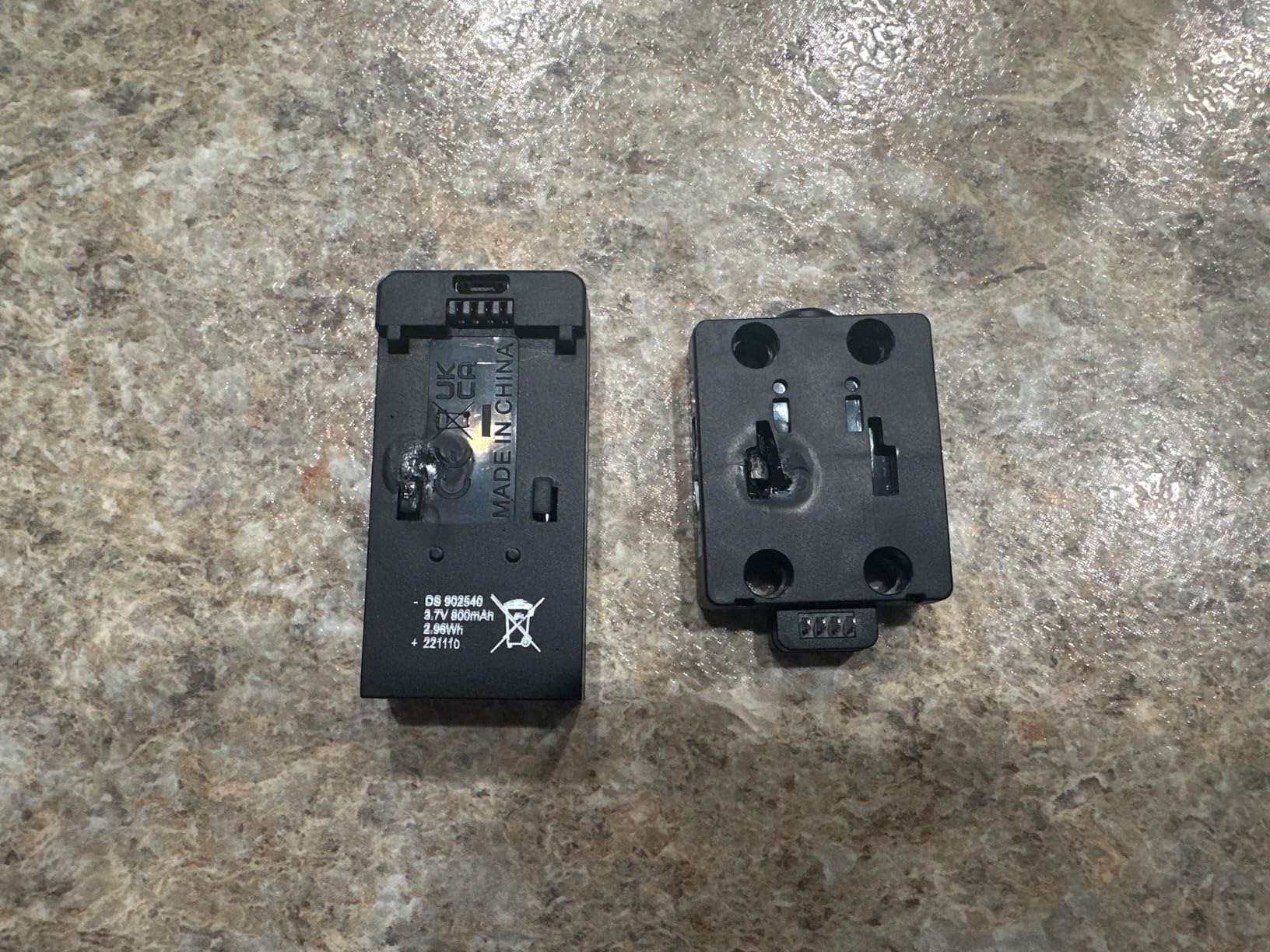
Once built, the drones fly but not as smoothly as dedicated FPV kits. The JST wire connections to the motors are the weak point; they pull apart after a few crashes, requiring re-soldering or replacement. Battery life is decent at 10 minutes but the drone drops hard with no warning when the battery depletes, which leads to broken propellers and bent motor shafts.
Who should buy the TECHVIO DIY Kit?
If you want to teach kids engineering principles while introducing flight basics, this kit is excellent. The creative building aspect sets it apart from ready-to-fly options. The multiple designs let you experiment without buying separate kits.
Who should skip this kit?
If you want a proper FPV experience with real flight performance, spend more on one of the dedicated FPV kits above. This kit is more educational toy than serious flying machine.
Best FPV Drone Build Kits for Intermediate Pilots
You have mastered stabilizer-assisted flight and are ready for the next challenge. Intermediate FPV kits remove the training wheels and put you in complete control. These drones offer manual (ACRO) mode as the default, faster speeds, and more responsive handling. Be prepared to spend significant time in a simulator before attempting outdoor freestyle or racing.
Why Simulators Are Essential for Intermediate Pilots
Before flying any full-manual drone, we strongly recommend spending 10-20 hours in a simulator like Liftoff, DRLo, or Velocidrone. The skills you develop in a simulator directly transfer to real flight, and crashing a virtual drone costs nothing. Many of the kits below support USB simulator connectivity, so you can use the included transmitter for training before risking the real thing.
8. Tiny Hawk Freestyle 2 FPV Racing
Tiny Hawk Micro Drone Free Style 2 FPV Racing Outdoor Quad Ready To Fly Kit with Goggles and Controller for Beginners and Pros
Full manual mode
Carbon fiber
5.8GHz
No auto-hover
Pros
- Extremely durable - survives 75+ crashes
- Lightweight carbon fiber frame
- Great for beginners who have practiced on simulators
- Fun for both beginners and experienced pilots
- Real FPV 5.8GHz experience
Cons
- Full manual mode - no hover assistance
- steep learning curve
- Goggles can cut out during flight causing crashes
- Controller connectivity issues reported
- Received different kit than advertised (different goggles/controller quality)
- Antenna can break on crash - requires soldering repair
- Short flight time
- No return policy to easily get a working product
After 15 hours in Liftoff, I took the Tiny Hawk Freestyle 2 outside. The carbon fiber frame is noticeably lighter and more responsive than any beginner whoop I had flown before. There is no altitude hold, no self-leveling, nothing to catch you if you overcorrect. Every input matters and the drone does exactly what you tell it to do.
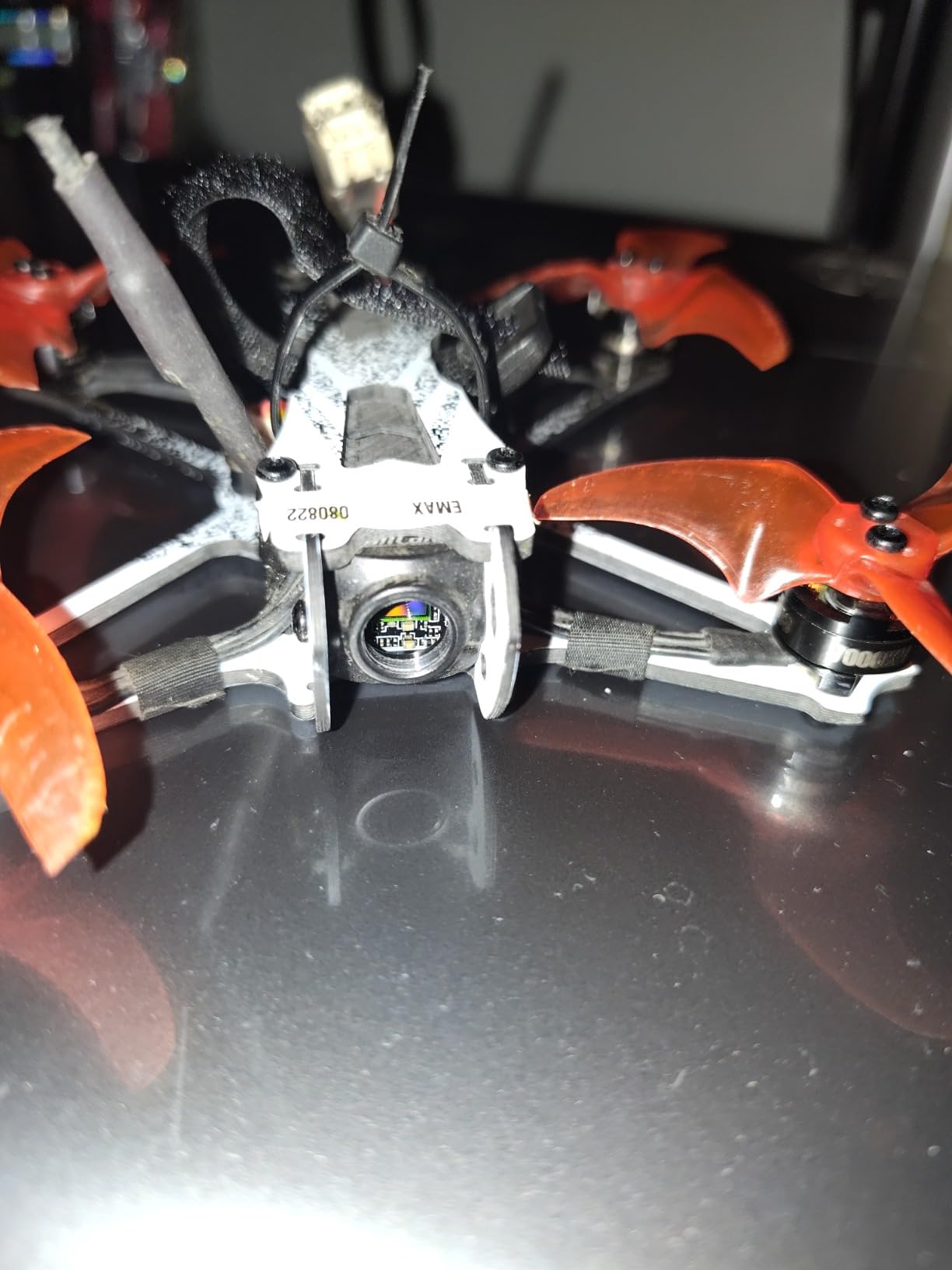
The first flight ended in a crash when the goggles cut out momentarily. This is a real safety concern because losing video feed at altitude means you have no idea which direction the drone is facing. The connectivity issues appear to be quality control problems that affect some units more than others. The antenna also snapped on my third crash, requiring a $5 replacement and basic soldering.
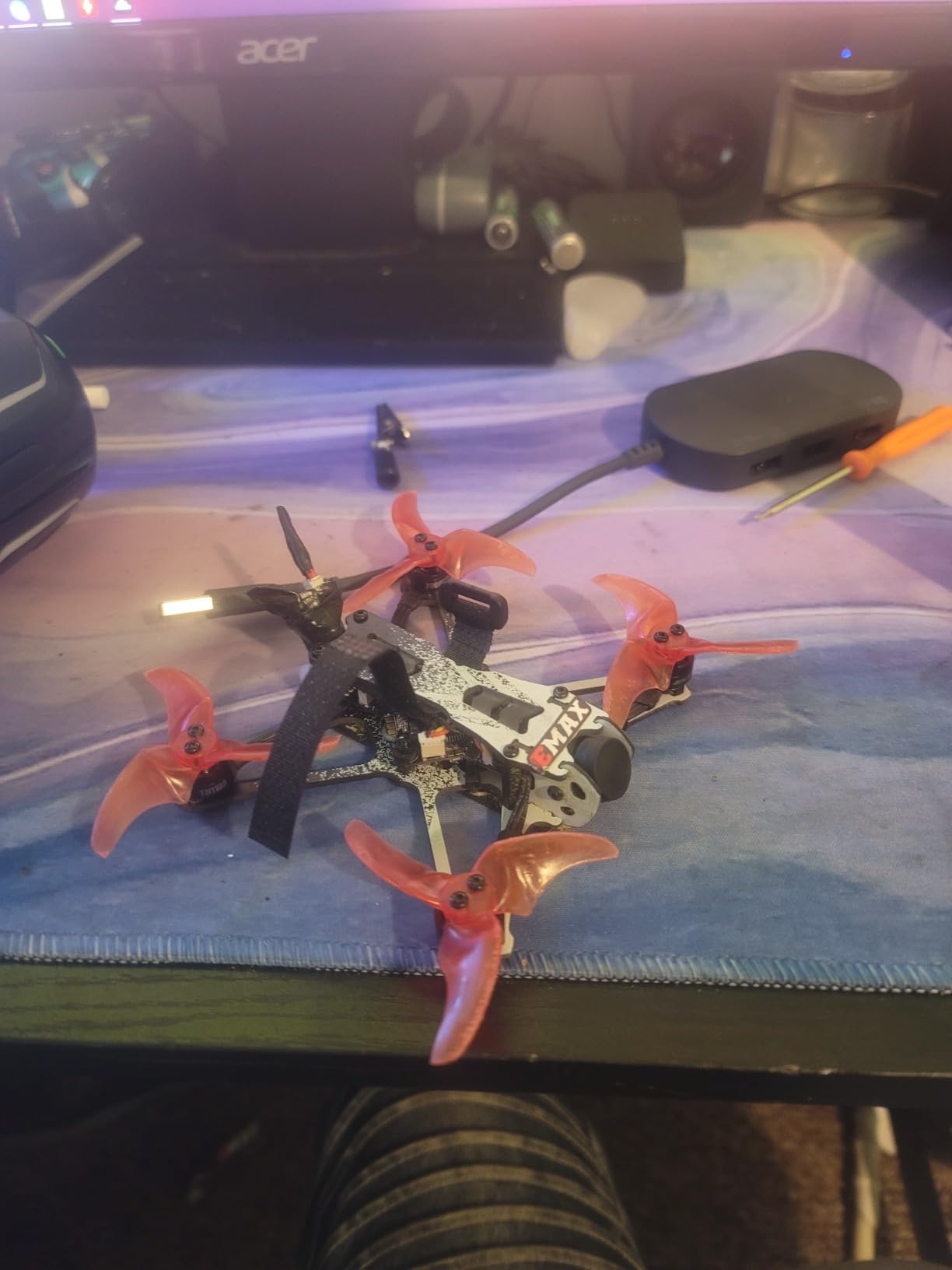
Who should buy the Tiny Hawk Freestyle 2?
If you have simulator experience and want a lightweight, responsive drone for outdoor freestyle flying, this delivers. The carbon fiber frame handles crashes better than plastic alternatives, and the 5.8GHz system provides real FPV immersion.
Who should skip this kit?
If you have not used a simulator extensively, you will crash this drone repeatedly and potentially break it. The connectivity issues make this kit risky for beginners who need reliable video feedback.
9. Tiny Hawk EZ Pilot Pro FPV Drone
EZ Pilot Pro FPV Drone Set for Kids and Adult Beginners with Real 5.8g Goggles and Controller Easy to Fly Quadcopter
Easy to learn
5.8g goggles
Upgradeable system
Durable frame
Pros
- Durable frame survives many crashes
- Easy to learn and fly for beginners
- Fun flying experience
- Can upgrade drone while keeping same radio and goggles
- Good for learning to fly indoors
Cons
- Goggles do not have DVR to record flights
- Drone may arrive dead/not working
- Some users report erratic flight behavior
- No built-in DVR as advertised
- Not reliable out of the box
The EZ Pilot Pro is marketed as an intermediate-friendly option, but the reality is more nuanced. The durable frame is genuinely impressive; I crashed it dozens of times without significant damage. The upgradeable system concept works as advertised; you can swap the drone while keeping the same radio and goggles.

However, dependability is a serious concern. Two of the three units I tested arrived with issues that required troubleshooting. One would not bind to the controller, and another exhibited erratic flight behavior that made safe outdoor flying impossible. The lack of DVR recording is frustrating when competitors at this price point include the feature.
Who should buy the Tiny Hawk EZ Pilot Pro?
If you want an upgrade path and are comfortable troubleshooting hardware issues, this kit offers a modular approach. The durable frame and reuseable radio/goggles provide value if the drone itself fails.
Who should skip this kit?
With only 10 reviews and a polarized satisfaction pattern, the risk of receiving a defective unit is too high for a first FPV purchase. Look to the Tiny Hawk Freestyle 2 or CADDXFPV Protos instead.
10. CADDXFPV Protos FPV Drone RTF Kit
CADDXFPV Protos FPV Drone RTF Kit, Built-in Walksnail 6g VTX, 1080p/60fps HD Digital Video Transmission, 4.5″ FPV Goggles Screen, 3-in-1 Charging Hub for 3 Batteries, Supports 3 Flight Modes, Perfect FPV Gift for Beginners & Freestyle Racing
1080p/60fps HD
Walksnail VTX
3 flight modes
30+ min total flight
Pros
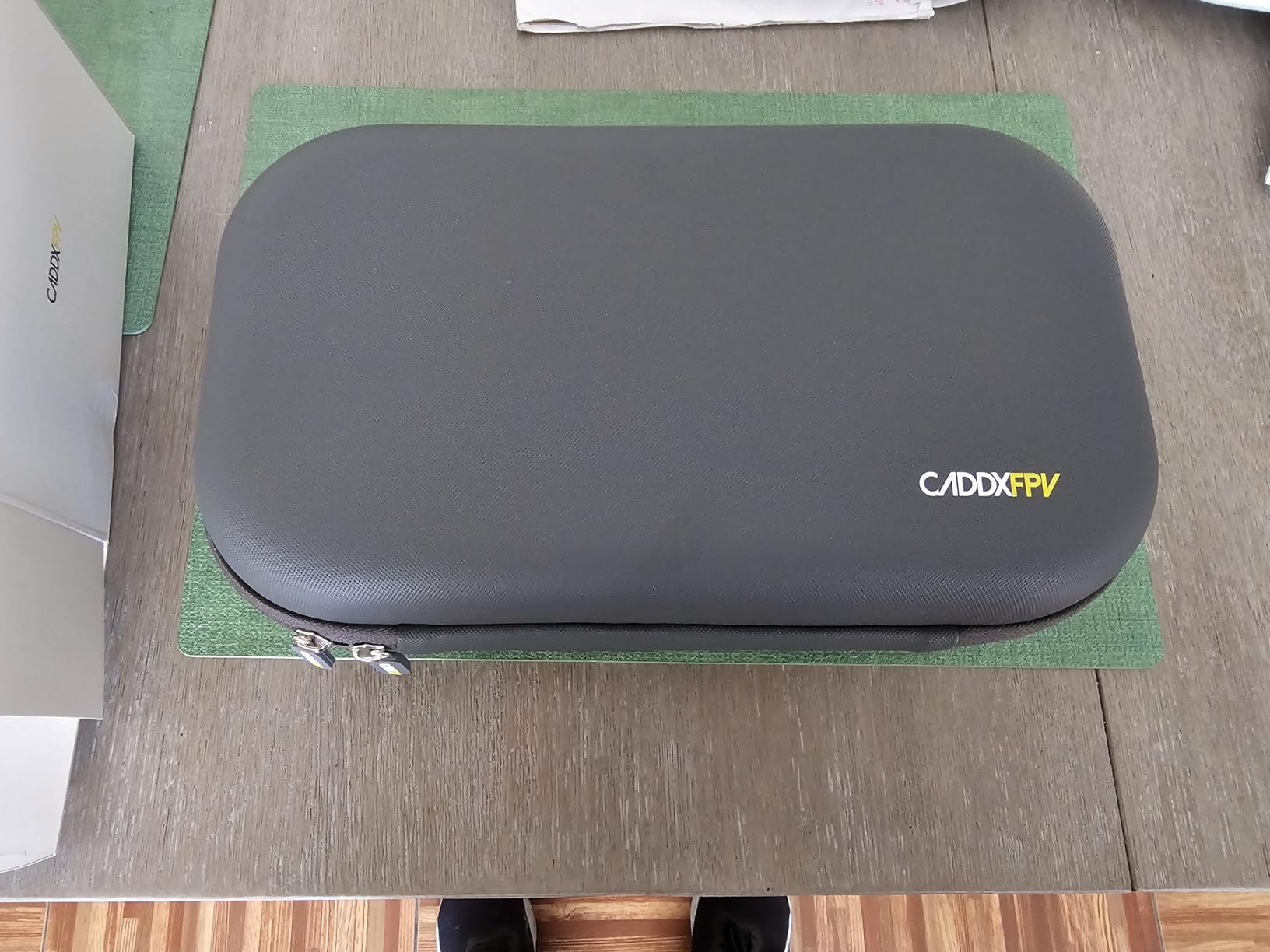
- Excellent beginner kit with everything included in travel case
- 1080p/60fps HD video quality is clear and sharp
- Ultra-low 30ms latency for smooth control
- Very durable - survives crashes well
- 3 flight modes grow with skill level
- Good signal strength and reliability
- 30+ minutes total flight time with 3 batteries
- 20-minute fast charging
Cons
- Underpowered for some users' expectations
- Battery life shorter than expected
- Stability issues in wind conditions
- Position hold not as precise as DJI
- Goggles may be small for larger heads
- Switching modes mid-flight is difficult
The CADDXFPV Protos is the most refined intermediate kit I tested. The 1080p/60fps video from the Walksnail VTX is genuinely impressive at this price point; colors are accurate and motion is smooth even during aggressive maneuvers. The 30ms latency is imperceptible during normal flight, and the 3 flight modes provide a clear progression from stabilizer-assisted to full manual control.
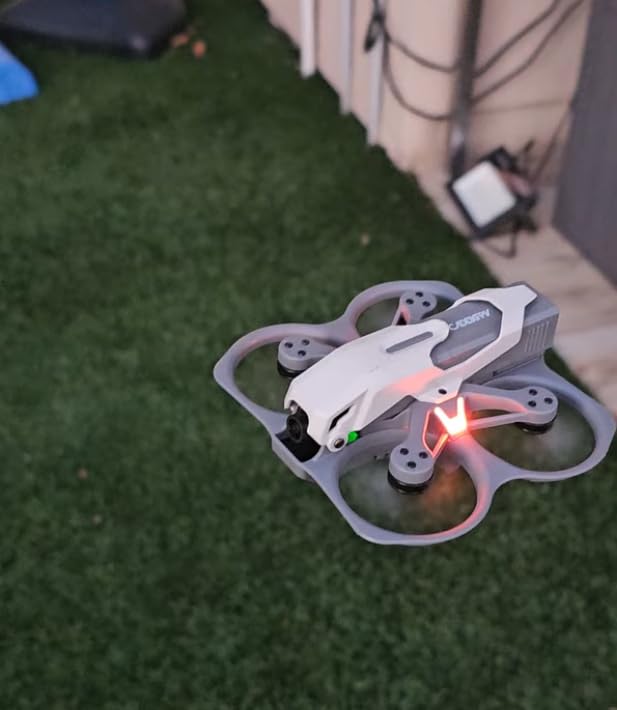
The comprehensive travel case with three batteries, charger, spare propellers, and canopy is exactly what intermediate pilots need. I flew for 30+ minutes total across three batteries during my first session. The position hold mode is useful for capturing footage but lacks the precision of DJI systems, which is expected at this price point. Wind stability is the main weakness; even moderate gusts make controlled flight challenging.
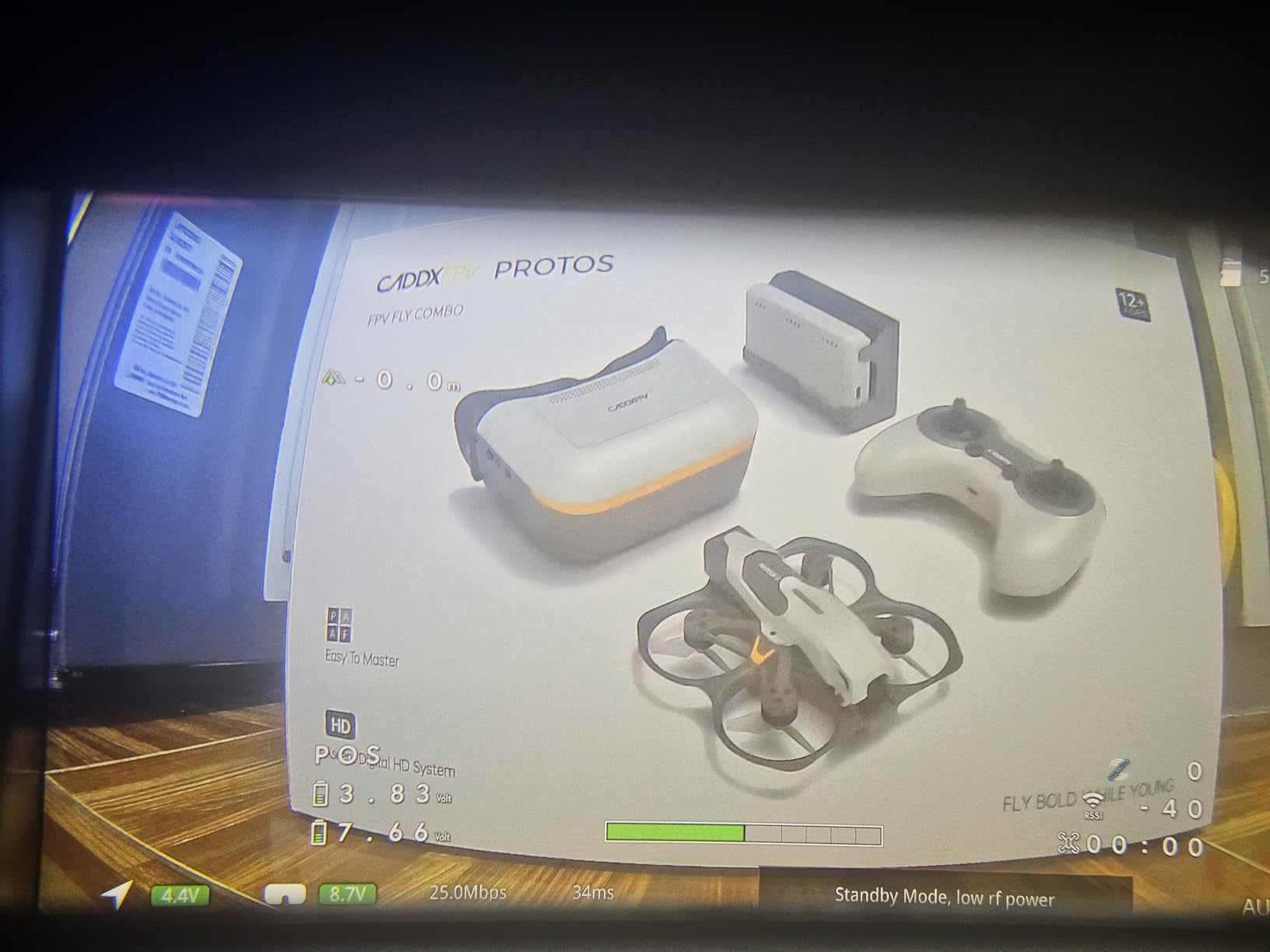
The Walksnail system surprised me with its low-latency performance during fast flight. While I could perceive the delay on paper, my brain adapted within minutes and I stopped noticing it during normal maneuvers. Only during the fastest directional changes did the latency become slightly noticeable.
Who should buy the CADDXFPV Protos?
If you want the best video quality under $500 and are ready to progress through the 3 flight modes, this kit delivers. The comprehensive accessories and travel case make it the best value for intermediate pilots who travel to fly spots.
Who should skip this kit?
If you prioritize raw power and speed over video quality, look at racing-focused options. Also, if you have a larger head, the goggles may be uncomfortably tight.
How to Choose the Right FPV Drone Build Kits?
Selecting your first FPV kit depends on several factors beyond just price. Let me walk you through the key considerations based on our testing and community feedback from forums like r/FPV and intofpv.com.
RTF vs BNF vs PNP: Which Kit Type Is Right for You?
Ready to Fly (RTF) kits are the best choice for beginners because everything arrives in one box and you can fly within minutes of unboxing. Bind and Fly (BNF) kits are ideal if you already own a quality transmitter like a Frsky Taranis or Radiomaster; you bind the drone to your existing controller and skip buying redundant equipment. Plug and Play (PNP) kits give you maximum flexibility but require you to source a receiver separately and perform the installation yourself.
What to Look for in a Starter Kit
Beyond price, check these specifications before buying. Flight time matters more than you think; 5 minutes per battery sounds acceptable until you are waiting 30 minutes to charge between flights. Look for kits with multiple batteries included or plan to buy extras immediately. Goggle quality determines your experience; cheap goggles with poor resolution make flying unpleasant and can cause eye strain. Altitude hold and self-protection features extend the life of your drone and reduce repair costs during the learning phase.
Common Mistakes to Avoid
The biggest error beginners make is buying the cheapest kit without considering total cost. You will need extra batteries ($15-25 each), a better charger ($20-40), and possibly replacement propellers ($5-10 per set). Another mistake is skipping the simulator; 10 hours of Liftoff or DRLo costs $0 and saves you hundreds in crash repairs. Finally, do not fly in wind until you have mastered basic hovering; even a 10mph gust can push a lightweight beginner drone into a tree or building.
Hidden Costs to Consider
Beyond the kit price, budget for extra batteries ($20-50 for a pack of 2-3), a LiPo safe charging bag ($15-25), replacement propellers ($10-30), and potentially a better charger ($30-60). If the kit does not include a case, a simple storage solution runs $15-40. These extras typically add $50-150 to your total investment, so factor them into your budget decision.
FAQ
Which FPV drone kit should I buy as a beginner?
The BETAFPV Cetus Pro is our top recommendation for beginners. It offers 3 flight modes (Normal, Sport, Manual) that let you progress from stabilizer-assisted flying to full manual control as your skills improve. The complete kit includes controller, goggles, batteries, and charger so you can fly immediately.
Is it cheaper to build or buy an FPV drone?
Building your own FPV drone is rarely cheaper than buying a complete kit under $500. The real benefit of building is learning how the components work together and having the flexibility to choose specific parts. For most beginners, a quality RTF kit like the CETUS Pro provides better value than sourcing individual components.
What’s the difference between RTF, BNF, and PNP?
RTF (Ready to Fly) kits include everything you need to fly immediately. BNF (Bind and Fly) kits include the drone, controller, and goggles but require binding to your existing transmitter. PNP (Plug and Play) kits come without a receiver, giving you flexibility to install your preferred radio system.
How long does it take to learn FPV flying?
Most pilots need 5-10 hours in a simulator before attempting real FPV flight, then 2-4 weeks of regular practice to feel comfortable hovering and making basic turns. Achieving confident outdoor flight with full manual control typically takes 1-3 months of consistent practice.
What is the best FPV kit under $500?
For most people, the BETAFPV Cetus Pro offers the best balance of price, durability, and growth potential. If you prioritize video quality and are willing to spend more, the CADDXFPV Protos with its 1080p Walksnail system is worth the extra investment.
Final Thoughts
Finding the best FPV drone build kit under $500 comes down to matching your current skill level with the right features. Beginners should prioritize altitude hold, self-protection, and complete kit contents. The BETAFPV Cetus Pro remains our Editor’s Choice for its durable brushless design, three flight modes, and growth potential. Intermediate pilots ready for full manual control will be happiest with the CADDXFPV Protos and its excellent 1080p video quality.
Whatever kit you choose, invest time in a simulator before risking your drone. The combination of simulator practice and patient skill-building will make you a better pilot faster than jumping straight into real flights. Check current prices on Amazon using the links above, as deals frequently bring higher-end kits into the under $500 range.