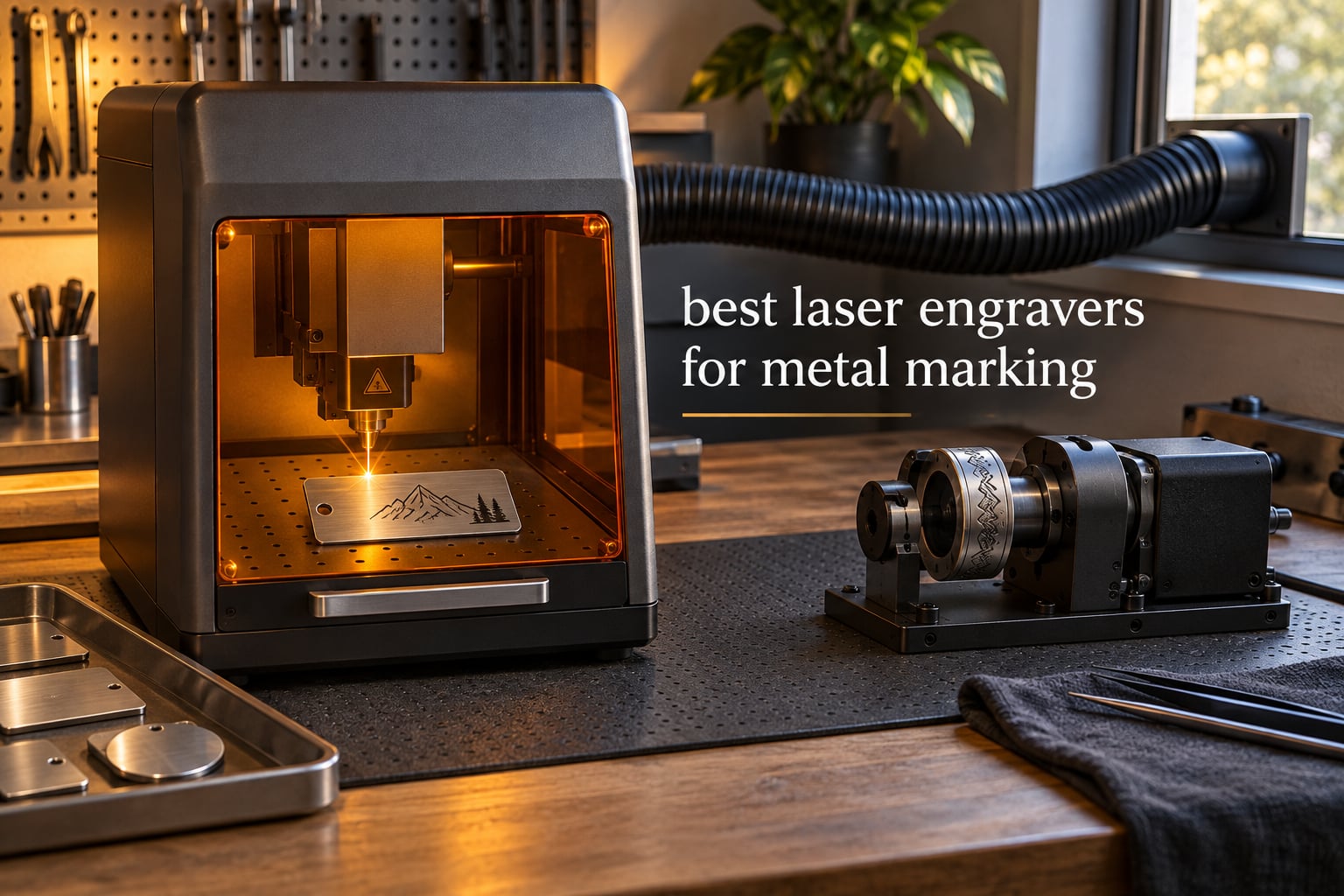
A fiber laser engraver is the only mainstream desktop machine that marks bare stainless steel, aluminum and titanium without a coating spray. That single fact eliminates most of the laser engravers sitting in shopping carts today, because diode and CO2 machines simply reflect off clean metal and leave nothing behind.
We spent weeks comparing ten machines that show up again and again when buyers ask about the best laser engravers for metal marking, from 20W entry fiber units to 60W MOPA systems and the enclosed diode machines that still make sense for coated surfaces. What follows covers mark quality on real metals, the specifications that actually change results, and the safety setup you need before firing anything indoors.
Forum consensus from r/Laserengraving, Practicalmachinist and EngraversCafe keeps landing on the same point, and it is a good one: brand matters far less than laser type. Buy the right wavelength and most of the decision is already made. If you want the wider picture first, our general laser engraver guide covers the non-metal categories too.
Table of Contents
The Short Answer: Which Laser Engraver Marks Metal Best
A 20W to 50W fiber laser engraver running at 1064nm is the correct machine for metal marking, because that wavelength is absorbed by stainless steel, raw aluminum and titanium rather than reflected. Marks come in two forms: annealing, which darkens the surface without removing material, and deep engraving, which vaporizes metal into a recessed groove that can be paint-filled. Diode machines handle coated tumblers and anodized parts well but cannot touch bare metal, and a marking spray is the only way around that limitation.
Below 20W, you are limited to shallow marks on thin, clean parts. Between 20W and 50W covers the overwhelming majority of jewelry, knife, EDC and small production work. Above 50W, you gain thicker stainless cutting, deeper relief engraving and faster cycle times on larger batches. For color marking on titanium and challenge coins, choose a MOPA source rather than a standard single-mode source.
One more thing buyers rarely hear from vendors: metal engraving produces an oxide plume that needs to leave the machine. Every serious setup here is a Class 4 laser, and every one needs proper fume extraction. We cover that checklist below, because it is the question that comes up most in the forums and the one vendors answer least.
Top 3 Best Laser Engravers for Metal Marking in October

xTool F1 Ultra 20W
- 20W fiber plus 20W diode
- 10000mm/s
- 220mm bed
- Marks gold silver copper brass titanium in seconds
- Enclosed with smoke extraction and emergency stop

xTool F2 Ultra 60W MOPA
- 60W MOPA fiber plus 40W diode
- 100+ consistent colors on metal
- Cuts up to 2mm metal with dual 48MP cameras

SFX 50W JPT Fiber
- 50W JPT source with 80mm head
- 175 x 175mm area with rotary axis
- 7m/s marking and LightBurn support
The F1 Ultra leads because it is the most widely reviewed true metal-capable desktop machine in this group, with 140 ratings, and because the dual-laser layout means the diode handles wood and acrylic without switching the fiber lens out. The F2 Ultra is the pick when color is the deliverable rather than a nice-to-have. The SFX 50W is the throughput play for anyone marking larger batches, though its 20 ratings are thin evidence compared with the rest.
Every Machine in the Roundup at a Glance in 2026
| Product | Specifications | Action |
|---|---|---|
| xTool F1 Ultra 20W |
|
Check Latest Price |
| xTool F2 Ultra 60W MOPA |
|
Check Latest Price |
| SFX 50W JPT Fiber |
|
Check Latest Price |
 GWEIKE G2 Max 50W GWEIKE G2 Max 50W |
|
Check Latest Price |
 ComMarker B4 20W ComMarker B4 20W |
|
Check Latest Price |
 LaserPecker LP5 LaserPecker LP5 |
|
Check Latest Price |
 xTool S1 40W Diode xTool S1 40W Diode |
|
Check Latest Price |
 Creality Falcon A1 Pro Creality Falcon A1 Pro |
|
Check Latest Price |
 ATOMSTACK A20 Pro V2 ATOMSTACK A20 Pro V2 |
|
Check Latest Price |
 GWEIKE G2 Pro 30W GWEIKE G2 Pro 30W |
|
Check Latest Price |
Four of these ten are true fiber machines built for bare metal. Three are dual-laser designs that pair a fiber head with a diode. The remaining three are diode machines included because coated and anodized surfaces still make up a large share of real metal work, and because the honest answer to “which laser” sometimes is the one your shop already owns.
1. xTool F1 Ultra 20W Fiber and Diode – Best All-Rounder for Metal
xTool F1 Ultra 20W Fiber & Diode Dual Laser Engraver
20W fiber plus 20W diode
10000mm/s
220 x 220mm bed
43.8 pounds
Pros
- Marks gold silver copper stainless brass and titanium in seconds
- High engraving speed with clean results on metal and non-metal
- 220mm x 220mm area with no lens switching
- Rotary attachment for curved surfaces
- Responsive support that fixed a missing part
Cons
- Initial calibration is awkward behind the light shield
- Deep engraving can take hours per piece
- LightBurn issues reported by Mac users
- Paywalled features in the bundled desktop software
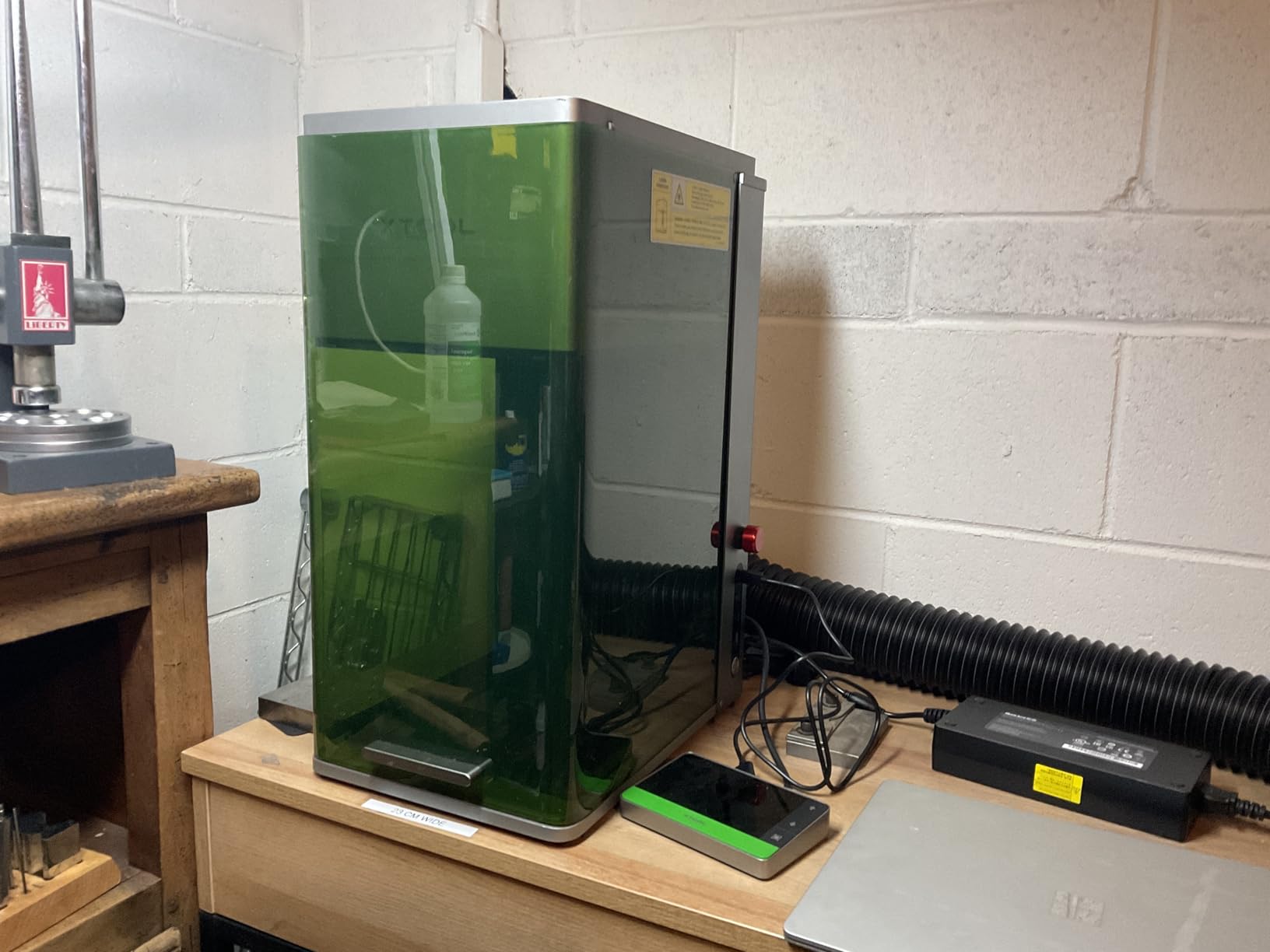
The F1 Ultra is the machine we recommend to someone buying their first metal-capable engraver with a real product line behind it. The 20W fiber head marks gold, silver, copper, stainless steel, brass and titanium, and at 10000mm/s scan speed shallow marks come back in seconds rather than minutes. The diode head handles wood, acrylic and coated surfaces, so one box covers a jewelry bench and a small production shop without a second machine on the bench.
The 16MP smart camera with automatic shape recognition is more useful on metal than it first appears, because reflective surfaces make manual alignment fiddly. The 220mm by 220mm bed is generous for a desktop unit and expands to 220mm by 500mm with the auto conveyor. The rotary attachment handles rings and tumblers without a separate fixture.
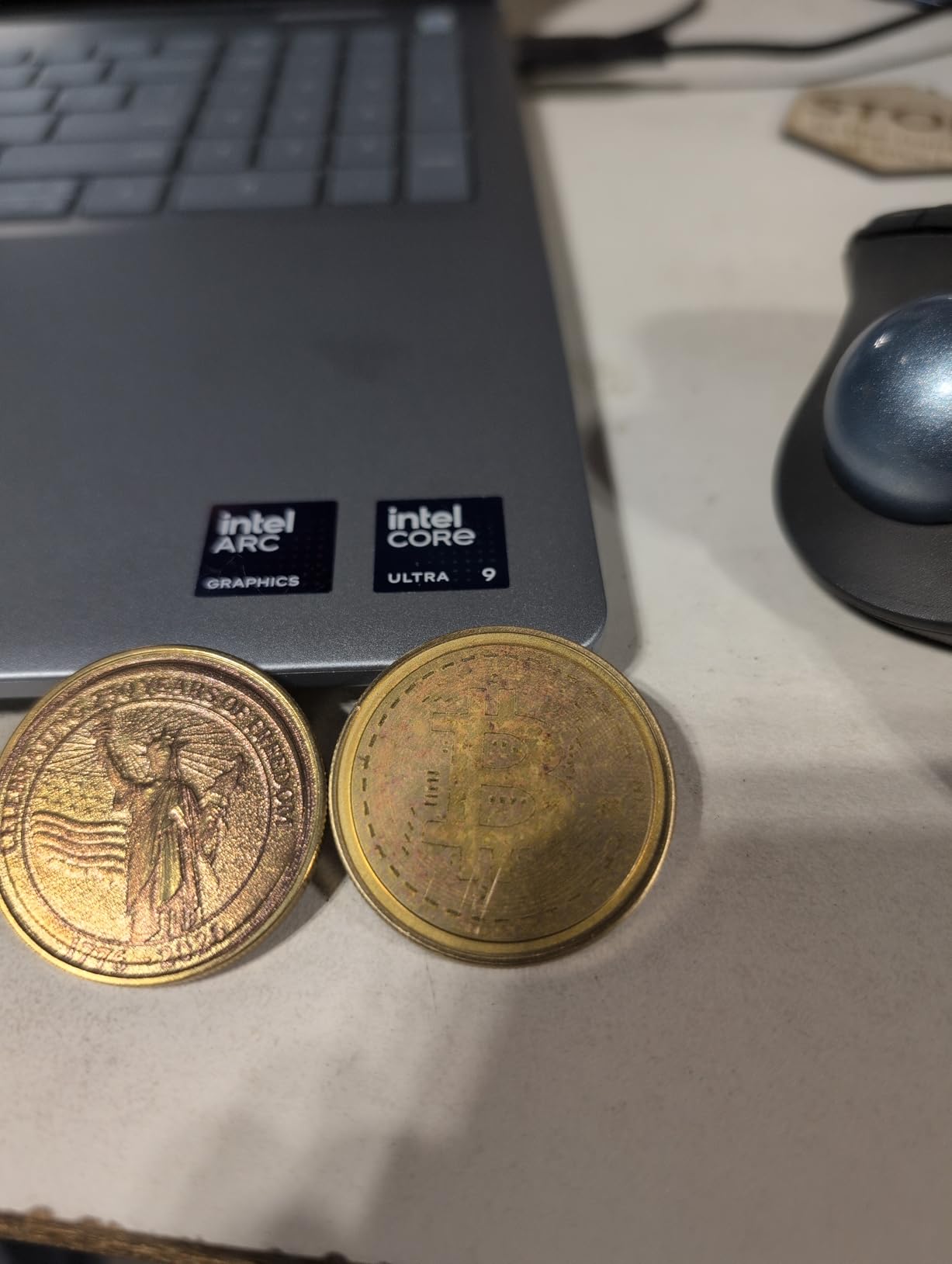
There are tradeoffs. The laser adjustment sits behind the light shield, which makes first-time calibration genuinely difficult, and anyone doing deep metal engraving should know that a recessed mark can run several hours per piece at useful settings. Mac users report LightBurn compatibility friction, and the desktop software locks some features behind a paywall after a purchase in the multiple thousands. The bundled vent tube is also too small to reach a standard 4-inch dryer vent, so plan your own ducting.
Reliability is the real concern to weigh. A 16% share of one-star ratings points at laser module failures within weeks of moderate use, and that is the single strongest argument to consider an extended warranty or to buy from a seller with a straightforward return path.
How it marks different metals
On stainless steel the annealing mark is clean and dark with no surface change, which is what you want for serial numbers and personalization. Brass and copper take a bright surface mark very well. Aluminum responds, though raw aluminum gives a lighter result than stainless and some buyers prefer to darken it with a chemical pass for contrast. Titanium marks sharply at 20W, but color work needs more power than a single-color mark, so this is not the machine for rainbow titanium rings.
Who should look elsewhere
If your work is deep engraving, thick stainless cutting or high-volume challenge coin color runs, step up to a 50W MOPA system. If you have no room for an enclosed machine and no plan for fume extraction, this is not the unit to start with, because the enclosure is what makes indoor metal work practical. Buyers doing only coated drinkware and wood projects would be paying for fiber capability they never touch.
2. xTool F2 Ultra 60W MOPA – Best for Multi-Color Marks
xTool F2 Ultra 60W MOPA & 40W Diode Dual Laser Engraver
60W MOPA fiber plus 40W diode
15000mm/s
8.7 x 8.7in bed
67.9 pounds
Pros
- MOPA fiber gives repeatable multi-color marks on coins
- Very high speed that holds accuracy in batch runs
- Dual 48MP cameras save setup time on curved items
- Diode side handles cups coated metal wood and plastic
- Compact footprint for the power it delivers
Cons
- Camera alignment is not accurate on every reflective surface
- Color work needs trial and error on tuning
- 8.7in bed suits small to medium projects
- Some machines arrived with lockout or door faults
The F2 Ultra is the only MOPA machine in this roundup, and that single specification explains its reputation. A MOPA source lets you dial pulse duration in nanoseconds, which is what makes 100-plus consistent colors on metal possible rather than theoretical. Business operators running challenge coins describe print-quality, repeatable multi-color output, and the pre-set color matrix files reduce the tuning that normally eats an afternoon.
Power is genuinely high: 60W MOPA fiber paired with a 40W diode, cutting up to 2mm of metal, 20mm of acrylic and 23mm of wood at speeds up to 15000mm/s. The dual 48MP AI cameras with 0.2mm positioning accuracy reduce alignment time on curved items, and the automatic streamline feature helps during batch production. It also handles laser cleaning, black marking on aluminum and thin metal welding.
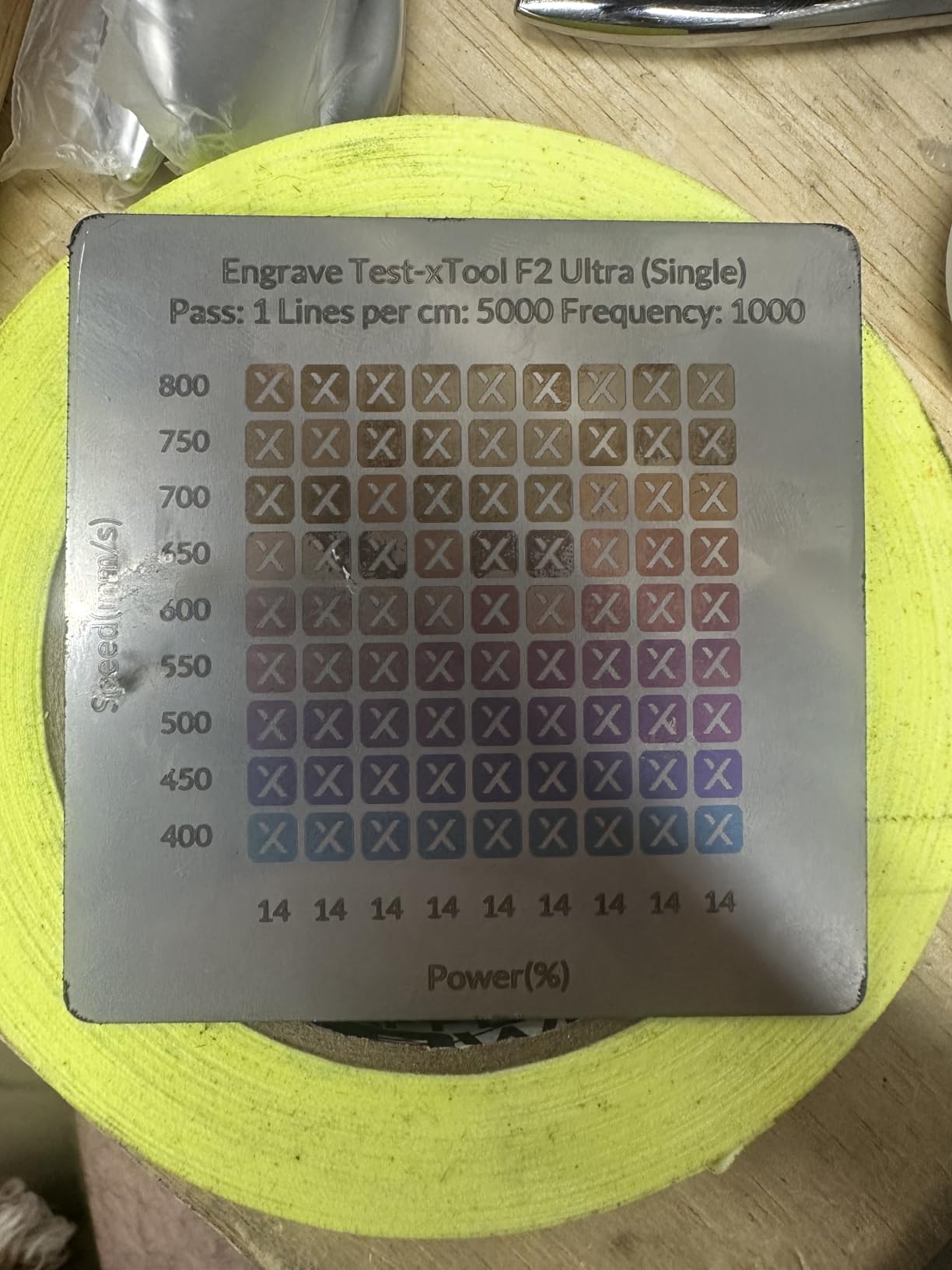
The honest costs are setup time and attention on reflective stock. Camera preview alignment is not always accurate on flat or reflective material, so expect test passes before a production run. Color engraving still requires tuning frequency, power, speed and spacing, and getting there is trial and error every time you change material. Several reviewers running heavy challenge-coin work have hit laser module failures on reflective brass, which is an argument for an extended warranty on that workload specifically.
The 8.7in by 8.7in bed, expandable to 8.7in by 19.7in with the conveyor, is comfortable for small to medium projects but not for large signage. Some machines also arrived with a safety lockout or door faults, so inspect the unit carefully on arrival rather than assuming it is fine.
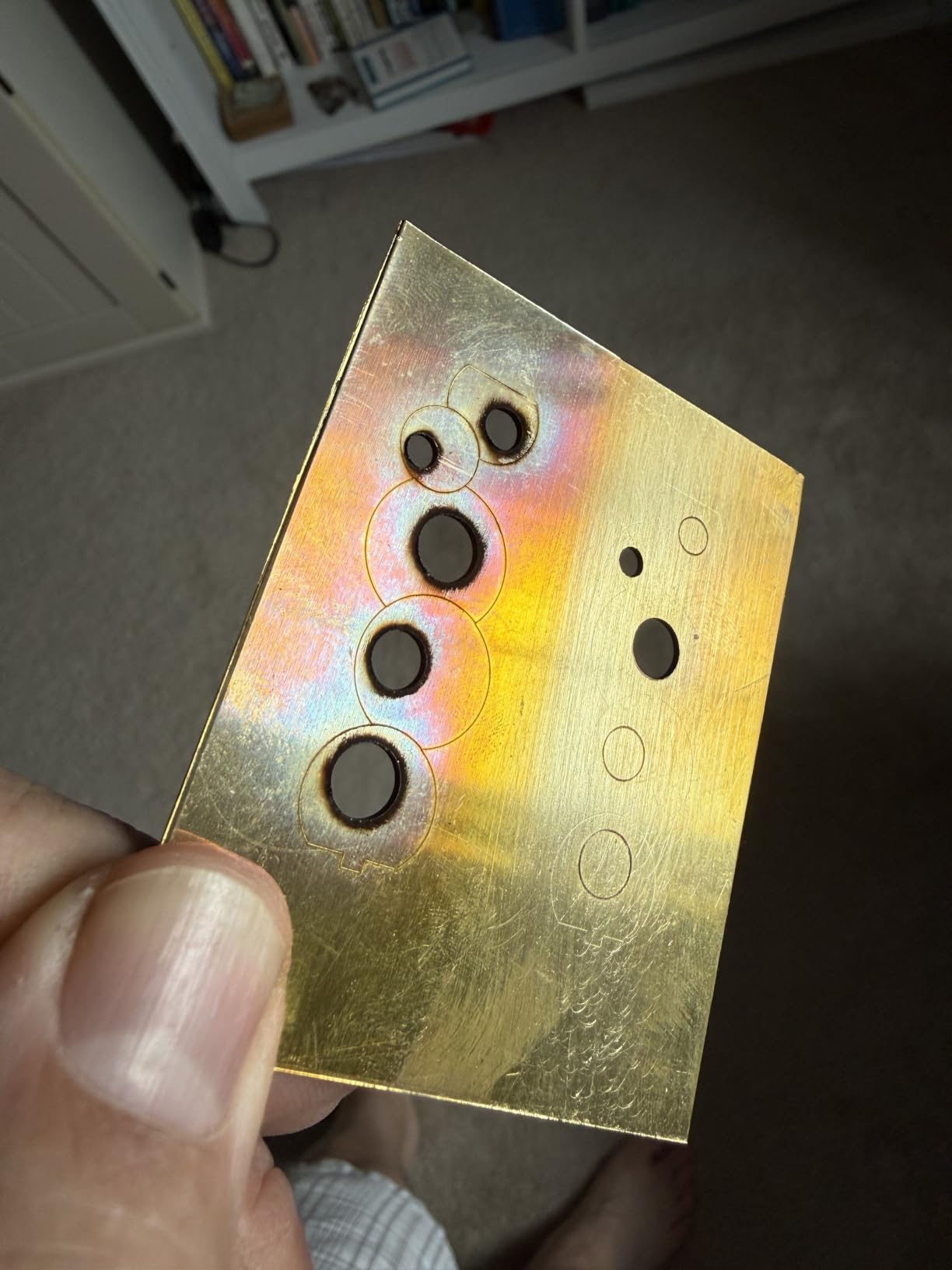
When MOPA is worth the extra spend
Choose MOPA when color is a deliverable, not decoration. Challenge coins, titanium rings, anodized aluminum tags and anything where a customer picks a color all benefit from independent pulse-duration control. You also get better control over deep engraving, because short pulses concentrate energy for cleaner, narrower cuts with less heat-affected area around the mark.
Where a standard source is enough
If your work is single-color serial numbers, personalization or part traceability, a standard single-mode fiber source at 20W to 50W does the same job for less money and with less to learn. A buyer marking a few hundred stainless tags a month has no reason to pay for color capability they will not use. Anyone working across metal, wood and plastic in one enclosure will still like the dual-laser layout.
3. SFX 50W JPT Fiber – Best for Production Throughput
US Stock 50W JPT Fiber Laser Engraver Machine Fiber Laser Marking Machine Engraving Machine 175×175mm Lens with Rotary Axis Compitable with Lightburn Class II Laser 0.874 mW FDA 2520815-000
50W JPT source with 80mm head
175 x 175mm area
7m/s marking
LightBurn compatible
Pros
- All 20 published ratings are five stars
- Large 175 x 175mm area with integrated rotary axis
- 7m/s marking with 0.002mm repositioning precision
- Works on aluminum stainless brass and copper
- Two-year manufacturer warranty with US support
Cons
- Only 20 reviews
- so reliability is hard to judge
- No written customer review text is available
- Very low sales rank means limited market traction
This is the throughput machine of the group. A 50W JPT LP+ series source with an 80mm rotating head, a 175 by 175mm marking area and engraving depth up to 1mm gives you more headroom than most of the compact machines here. Marking speed runs up to 7m/s with 0.002mm repositioning precision, and the repetition rate spans 1 to 600kHz at 200ns pulse duration, which is a wide enough window to work both shallow anneals and deeper cuts.
The BJ JCZ control board ships with EZCAD2 and is LightBurn compatible on Windows, so you are not locked into one control package. It marks aluminum, stainless steel, brass and copper, plus some plastics, and the integrated rotary axis is already part of the machine rather than an extra purchase.
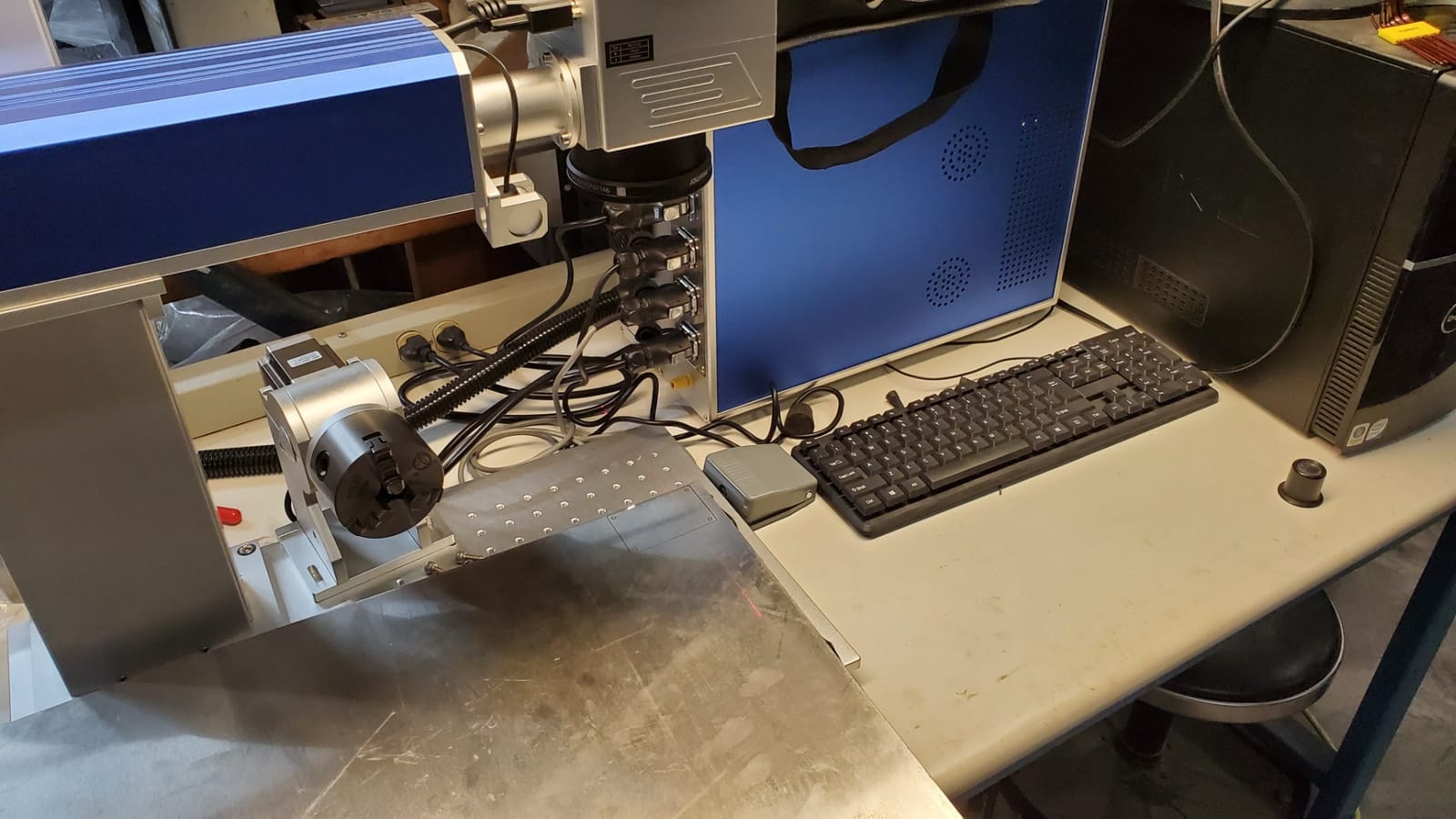
What we can and cannot tell you here matters. Every one of the 20 published ratings is five stars, and no written customer review text was returned with them, so the quality signal is genuinely thin. A 20-review base does not tell you how the machine behaves at year three, and the sales rank of roughly 1,027,748 in Arts, Crafts and Sewing shows limited market traction. Manufacturer claims of up to 70% electrical-to-optical conversion efficiency are worth asking the seller to explain, because that figure is often quoted without test conditions.
Two things do reduce risk. The listing states a two-year manufacturer warranty with US-based support and lifetime technical support from a manufacturer operating since 2004, and a JCZ board with LightBurn support is a known, well-documented platform. Ask for a demonstration video of your actual material before committing, and confirm the chiller and extraction are included rather than assumed.
What 50W actually buys you
The jump from 30W to 50W is not a doubling of speed on marking jobs, which is where most vendor wattage claims mislead. What it buys is depth and headroom: thicker stainless, up to 1mm of engraving depth, faster passes over larger surfaces and the ability to cut light metal rather than only mark it. If your parts stay thin and shallow, the extra power rarely pays for itself in cycle time.
Who this suits
Small production operations serializing or personalizing hundreds of stainless, brass or aluminum parts a week are the obvious fit, as are shops adding a rotary axis for rings or cylinders. Buyers wanting a single-color benchtop unit with a generous 175 by 175mm field and an integrated rotary axis will also find it hard to argue with the specification list. For color work, look at the MOPA machine instead.
4. GWEIKE G2 Max 50W – Best for Deep Engraving
GWEIKE G2 Max 50W Fiber Laser Engraver with 3D & Deep Engraving
50W 1064nm fiber
15000mm/s
150 x 150mm area
22 pounds
Pros
- 50W fiber power well below comparable xTool machines
- Fast galvo scanning gives detailed clean marks
- Electric lift column makes focus a one-button job
- Compact and detachable for handheld work
- 90+ color options on stainless and titanium
Cons
- Small 150 x 150mm working area limits part size
- Only 26 reviews
- so the reliability signal is thin
The G2 Max is the value entry into 50W fiber work. You get a 1064nm fiber source with a high-speed precision galvanometer, engraving speeds to 15000mm/s, 0.001mm accuracy and 8K engraving resolution, all in a 22-pound frame that measures 17.2 by 10.1 by 21.2 inches. Owners consistently note the power-to-cost ratio favorably once they compare it with similarly specced machines from better-known brands.
The electric lift column is the feature that saves the most time in daily use, because focus becomes a single button press instead of a manual height adjustment. Dual red light positioning and fully digital galvo scanning make placement fast, and the machine supports both GLaser and LightBurn over WiFi and USB. It handles 90-plus color engraving options on stainless steel and titanium, plus plastic, leather, glass, ceramic, acrylic and stone.
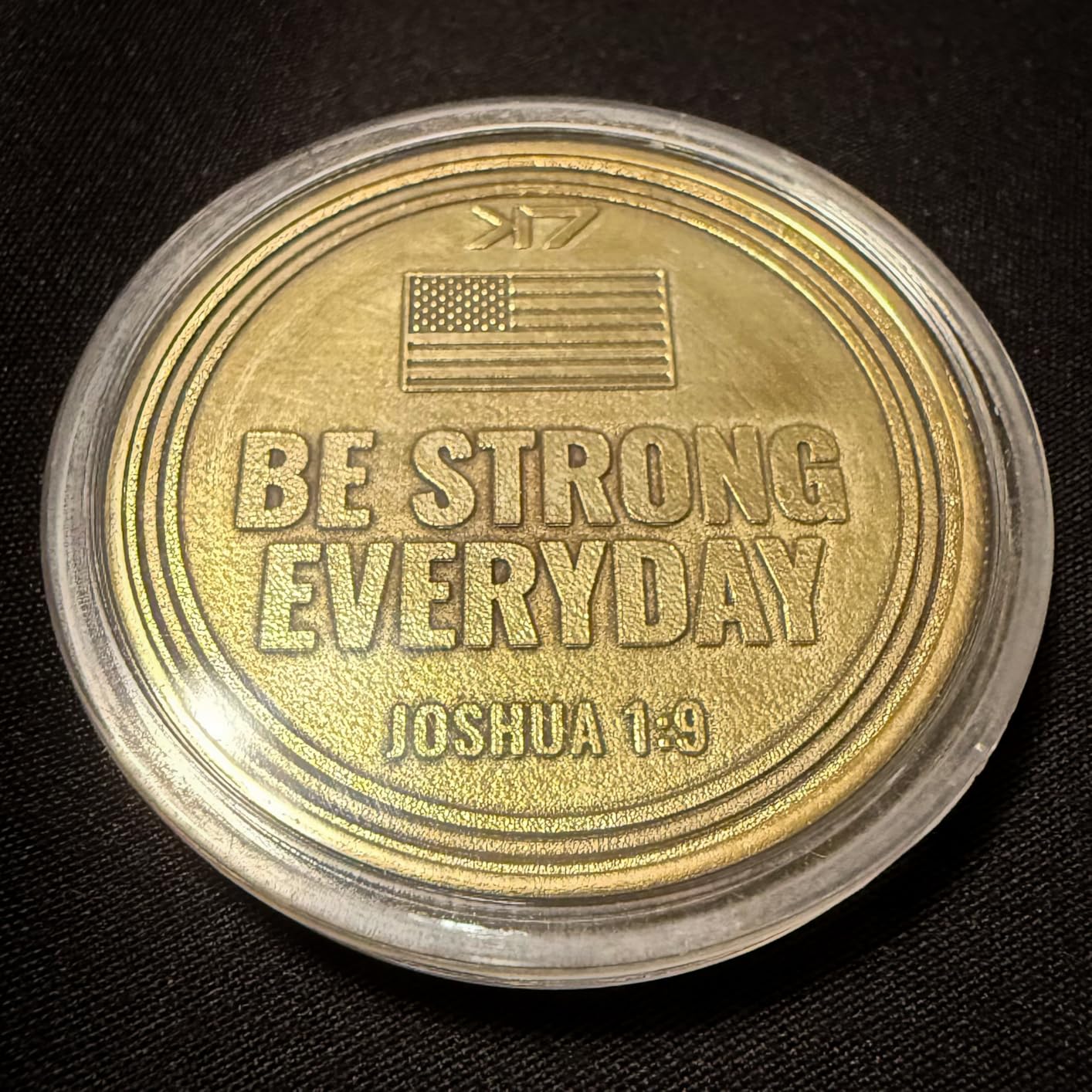
The 150 by 150mm working area is the limit to plan around. It is smaller than the SFX machine and smaller than the F1 Ultra, so larger flat parts need a different setup. Reviewers also flag that the design is detachable and handheld-capable, which is useful for field work but means the bench footprint is not the constraint, the field of view is.
On reliability, the 10% share of one-star ratings is a real signal, but it rests on 26 reviews, which is a small sample. Read that as something to monitor during the warranty period rather than a verdict. Support response times are the other variable worth testing with a question before you buy.
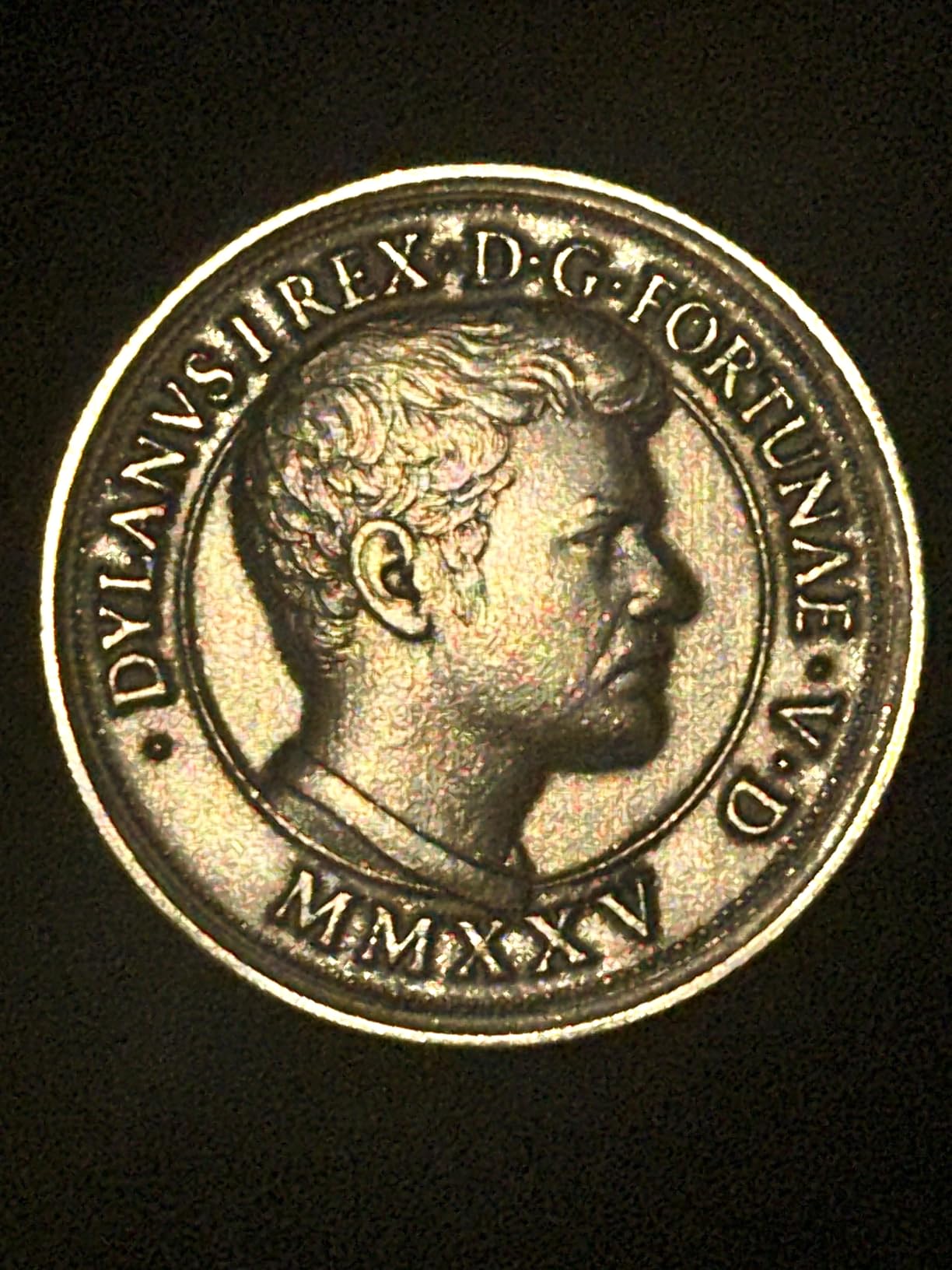
When deep engraving matters
Deep engraving means vaporizing metal to create a recessed mark that holds paint or epoxy and takes a brushed or sanded finish. 50W is where this becomes practical on everyday parts, and the fast galvo scanning keeps cycle time reasonable even with multiple passes. Relief work on slate, stone and thick acrylic also benefits from the power and the 8K resolution.
Where it is the wrong buy
If you mark large panels or long extrusions, the 150mm field will slow you down. If color consistency across hundreds of parts is the whole business, a dedicated MOPA source gives tighter control over the result. And if you are buying purely for engraving rather than marking, the same money in a diode machine will cut considerably thicker material.
5. ComMarker B4 20W – Best First Fiber Laser
ComMarker B4 20W Fiber Laser Engraver,LightBurn Compatible Laser Engraving Machine with 2Lens,2-in-1 Desktop and Handheld Fiber Laser Marking Machine for Jewelry,Sliver,Gold
20W 1064nm fiber
Desktop or handheld
Two lenses included
37.9 pounds
Pros
- Outstanding detail
- often needing a USB microscope to appreciate
- Very approachable machine with no complex moving parts
- Two lenses cover jewelry and larger flat pieces
- Support praised for responsiveness and free parts
- Strong value for an entry fiber system
Cons
- 20W is low and some buyers wish for more
- Reported not marking leather or steel cleanly at 20W
- Linux users must load firmware over USB first
- Listing implied a rotary drive that was not included
The B4 is the gentlest way into fiber marking. It runs 20W at 1064nm, works as a desktop machine or detaches for handheld engraving, and includes two lenses so you can cover both 110 by 110mm jewelry work and a 200 by 200mm field for larger flat pieces without buying anything. Marking speed reaches 15000mm/s at 20 to 60kHz, with a 0.01mm minimum line width and 0.3 to 0.5mm engraving depth.
Detail is the standout. Buyers regularly describe output good enough to need a USB microscope to appreciate, which is not a complaint. It works on stainless steel, aluminum, gold, silver, copper and painted plastics, supports LightBurn and EZCAD2 with rotary axis capability, and runs on Windows or macOS. The box includes a foot switch, positioner, starter material pack, automatic lifting, an emergency switch and 1064nm safety goggles.
Twenty watts is where expectations need managing. Some owners report it not marking leather or steel cleanly, and a few wish they had bought higher wattage, which is the honest ceiling of this class. The 13% one-star share traces to exactly that, plus one accessory discrepancy where the listing implied a rotary drive that was not in the box. Check what is physically in the carton before you need the rotary.
Linux users have one specific step to remember: the firmware must be loaded over USB before LightBurn will see the device. Everything else about the software experience is straightforward, and support is described as responsive and generous with replacement parts, which matters a lot at this price level.
What 20W is and is not good for
At 20W you are marking, not cutting. Personalization on jewelry, serial numbers on small stainless parts, logos on aluminum tags and shallow surface cleaning all look good. Expect to stay near perfect focus and to keep engraving depth in the tenths of a millimeter. Thicker stainless, deep relief and fast color work sit outside this machine’s comfort zone.
Who should start here
The B4 fits a jeweler, a knife hobbyist or a small shop that wants to know whether fiber marking is worth committing to before spending several times as much. It is also a good second machine for a booth or mobile setup, because the handheld mode lets you work on parts you cannot bring to a bench. Our fiber laser engraver guide covers the rest of the class.
6. LaserPecker LP5 – Best for Portable and Mobile Work
LaserPecker LP5 20W Fiber & Diode Dual Laser Engraver, 10X Faster 0.0027mm Precision for Metal Wood Jewelry, 3D Grayscale & Color Engraving, Portable 6kg Laser Cutter for Instant Store Customization
20W fiber plus 20W diode
6.02kg total weight
10000mm/s
0.0027mm precision
Pros
- About half the weight of comparable dual-laser machines
- Files metal and stone with no coating step
- Cuts thin brass and stainless cleanly
- Project outline preview removes alignment guesswork
- Aluminum body and braided cables feel solid
Cons
- Cooling fans are loud
- Edge cuts leave a bevel so jigsaw work is impractical
- Supplied USB and power cables are short
- Mobile app disconnects when backgrounded
The LP5 is the one to take to a craft fair, a kiosk or a client’s workshop. At 6.02kg in the housing it is roughly half the weight of comparable dual-laser machines, and it still carries a 20W fiber plus a 20W diode running at 10000mm/s with 0.0027mm precision. The fiber head marks metal and stone directly with no coating step and cuts 0.5mm brass and titanium, while the diode handles 20mm wood and 15mm acrylic.
Two details set it apart for a mobile workflow. The project outline preview shows the exact path on the material before firing, which removes most of the alignment guesswork when you cannot clamp something down properly. And 3D grayscale engraving, also called LDS, gives depth-controlled relief work on coins and engraved art rather than a single flat depth.
The complaints cluster around noise and convenience rather than output. Owners report the cooling fans are loud enough to be heard over a television, which matters at a market stall. Cuts away from the center of the bed leave a sharp bevel, so jigsaw-style cut-outs are not practical. The supplied USB and power cables are short for a typical bench, and the mobile app disconnects when backgrounded with Android material presets disappearing.
One more thing to check if you already own an LP4: the enclosure, rotary and expansion accessories are not backwards compatible. Bluetooth pairing failure on a new machine is the most prominent single defect report, so allow time to sort connectivity before you rely on it for a paid job.
Metal marks without a coating
The practical advantage over a diode machine is that there is no prep step. Diode marking on stainless or aluminum needs a ceramic coating or marking spray applied first, cleaned off afterward, and the result depends on how well that was done. The LP5’s fiber head hits bare metal directly, which is why side-hustle owners working knives, tools and jewelry singles praise it out for a coating workflow.
Where portability stops helping
Weight is the one thing the design truly solves, and it does not solve everything else. Deep engraving is slow, the 20W fiber is at the bottom of the useful range, and loud fans make a long session tiring in a shared space. For a fixed shop with extraction and power to spare, a larger enclosed machine is the better long-term investment.
7. xTool S1 40W Diode – Best for Coated Metal and Drinkware
xTool S1 40W Laser Cutter and Laser Engraver for Tumblers, 23.93″ x 15.16″ Bed Size, 600mm/s Speed, Laser Engraving Machine, Laser Engraver for Wood and Metal, Acrylic, Big Project – Rotary Bundle
40W diode
23.93 x 15.16in bed
600mm/s
86.8 pounds
Pros
- Cuts 18mm cherry wood in a single pass
- Very easy setup for a first laser
- Class 1 enclosure means no goggles needed
- Creative Space has 400+ tested material settings
- Support replaced an air assist cable quickly
Cons
- Diode will not mark bare metal at all
- Heavy at roughly 87 pounds
- Fumes are strong enough that venting is required
- No motor braking so origins can be bumped
Including a diode machine in a metal roundup needs a clear reason, and the S1 has one: coated metal. Powder-coated tumblers, anodized aluminum tags, painted steel and vinyl-wrapped items are a huge share of the metal work people actually do, and a diode laser does that faster, quieter to operate and with far less safety overhead than a fiber machine. The rotary bundle in this configuration is built for exactly that job.
It is also the most proven machine here. At 233 ratings and 4.6 average, it has by far the largest review base in the roundup, and owners consistently praise setup simplicity and cut precision. The Class 1 enclosure filters 99% of laser light with five flame sensors, so no goggles are needed and most of the smoke and noise stays inside, and the 3mm aluminum frame has been tested for 71,830 hours. The bed takes up to 119 dog tags per run at 23.93 by 15.16 inches, and AutoPassthrough handles projects out to 118 inches when the feeder is added.
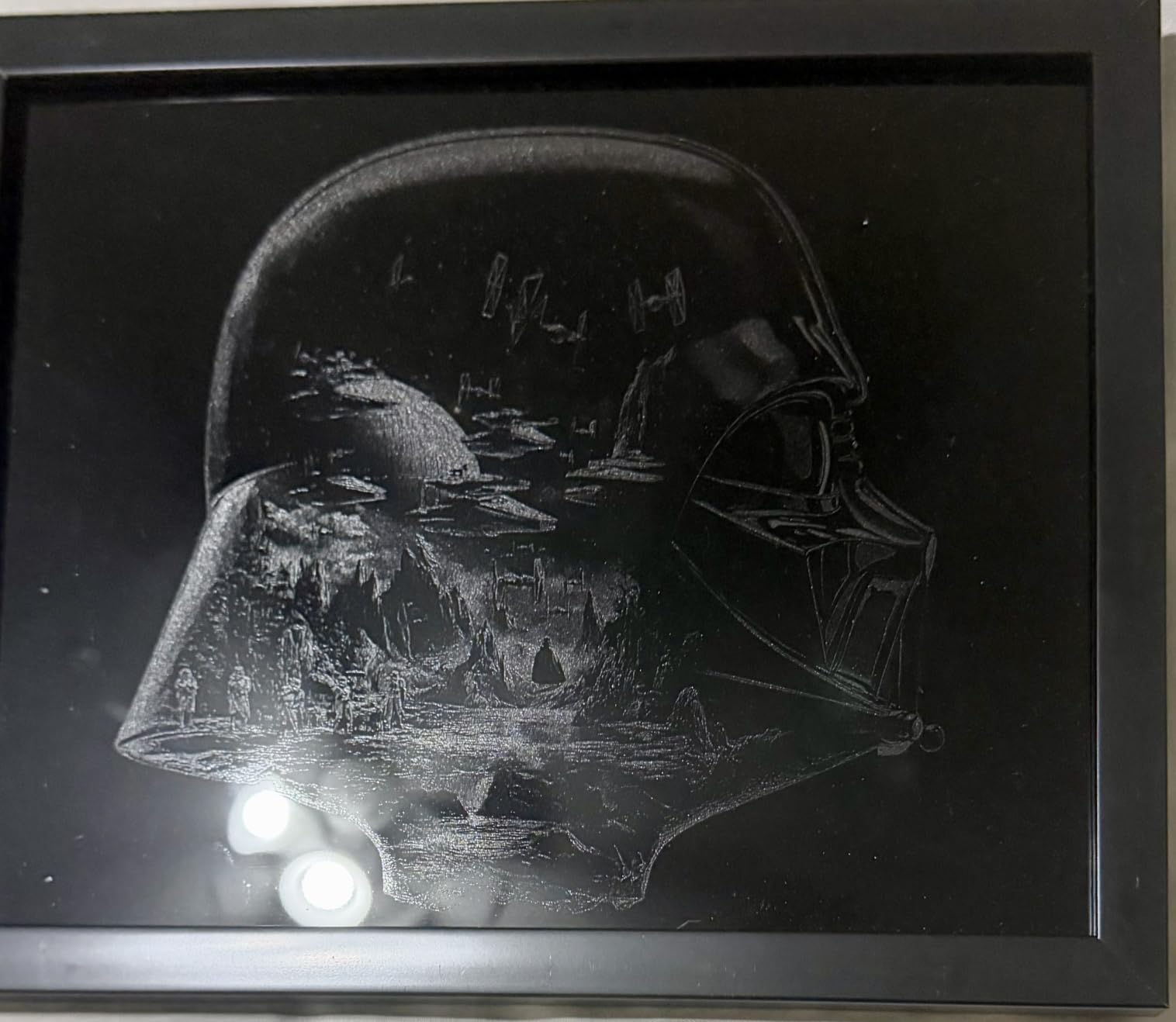
Be clear about the limitation that defines this machine: a diode laser will not mark bare metal, only coated or painted surfaces. Anyone expecting stainless from this will be disappointed within an hour. Everything else is manageable. At roughly 87 pounds it needs a dedicated bench, fumes are strong enough that external venting is effectively required, and the spring-loaded Z probe spear can be dented by soft material and return false height readings.
There is no motor braking on the head, so alignment origins can be knocked out of position if you bump the carriage, which is an easy habit to break once you know. On the other hand, 400-plus pre-tested material settings in xTool Creative Space mean fewer failed test cuts for beginners, and support replaced a faulty air assist cable quickly and transparently.
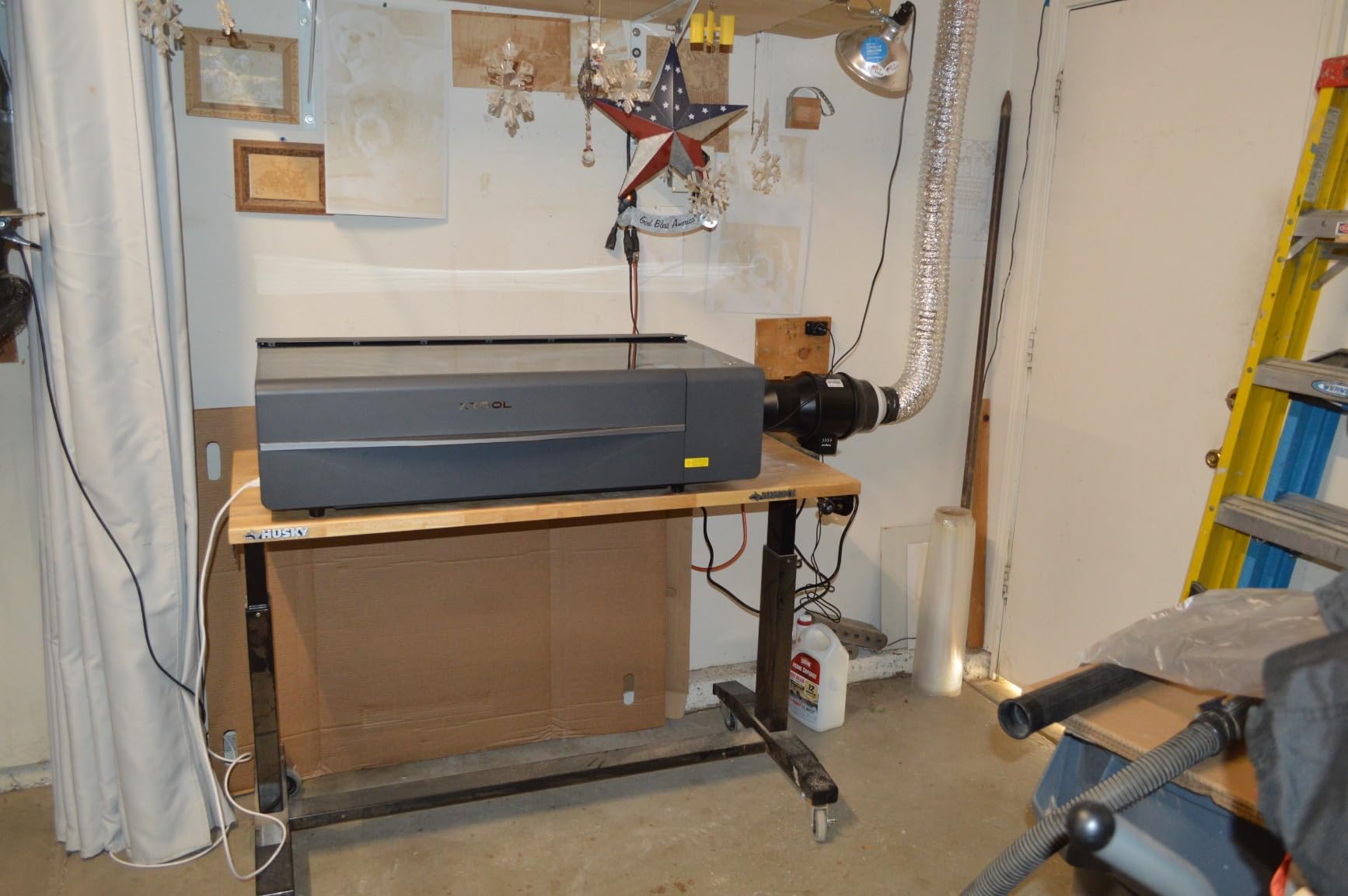
Coated surfaces versus bare metal
A diode laser heats a coating, so what you mark is the paint, powder coat or vinyl, not the steel underneath. That is why powder-coated tumblers and cups work so well with a rotary axis: the mark is a clean removal of a layer with a crisp edge. It also means durability is only as good as the coating, and a scratch through the coating exposes bare metal that will not mark.
Who should buy it instead of a fiber
Drinkware shops, small business personalization services and makers working mostly wood, acrylic and coated products should look here first. It is the safest, quietest and fastest machine to learn on, and the price gap versus a fiber system is substantial. If bare metal is part of your work, add a 20W fiber later or accept a marking spray on bare surfaces.
8. Creality Falcon A1 Pro – Best Enclosed Starter Machine
Creality Falcon A1 Pro 20W Laser Engraver, Full Enclosed 180W Output Laser Engraver Machine, Touch Screen, Auto Focus, APP Control, Pre-Assembled, Ideal for Wood and Metal, Class 1 Safety
20W blue laser
600mm/s
Optional 2W 1064nm module
Fully enclosed
Pros
- Touchscreen and app control for cable-free remote monitoring
- Enclosed with dual covers filtering 99% of light
- Three-second auto-focus via camera and ranging
- 80% pre-assembled so setup takes minutes
- Quick module swapping between laser types
Cons
- 2W IR module is a separate purchase and weak for metal
- Honeycomb bed is an extra purchase
- Very heavy steel construction
- Camera is not well supported in LightBurn
- Exhaust fan and air assist are underpowered
The Falcon A1 Pro is worth including as a starting point for someone who wants an enclosed, camera-guided machine without committing to fiber power. The 20W blue laser runs at 600mm/s, cuts 10mm basswood and 8mm black acrylic, and the HD camera with AI vision and red-dot ranging delivers a three-second Z-axis auto-focus accurate to within 0.012 inches. It arrives 80% pre-assembled, so setup takes minutes rather than an afternoon.
On metal, honesty first. The optional 2W 1064nm infrared module produces a 0.03mm spot that is lovely for photo engraving, but 2W is nowhere near enough for serious metal work. A buyer whose goal is marking stainless or aluminum should treat this as a wood, plastic and coated-surface machine with a nice camera, and look at a fiber machine instead.
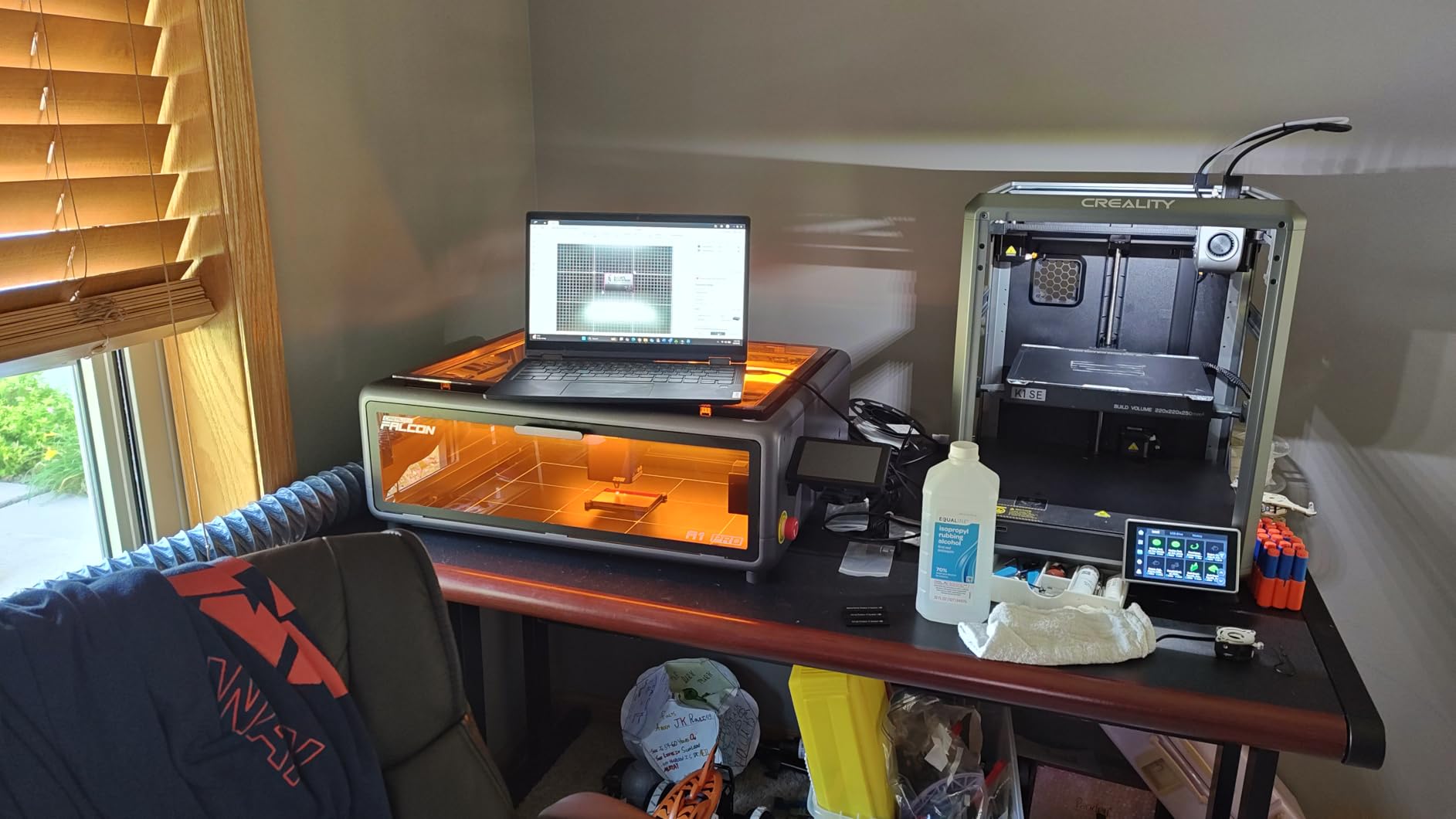
The accessory structure is the most common complaint. The IR module is bought separately, and so is the honeycomb bed, which means the out-of-box experience includes more spending than expected. Buyers also note the heavy steel construction rather than aluminum, exhaust fan and air assist that are underpowered, and a noisy overall footprint. The camera is not well supported in LightBurn and can bump the carriage, and the Z travel limits autofocus to about three-eighths of an inch with the honeycomb installed.
At 158 ratings averaging 4.2, the read from owners is a capable entry-level enclosed machine that punches above its weight once settings and ventilation are tuned. One one-star review describes unpredictable calibration and power loss, and calls it unsuitable for business use, which is a fair warning if production uptime is your priority.
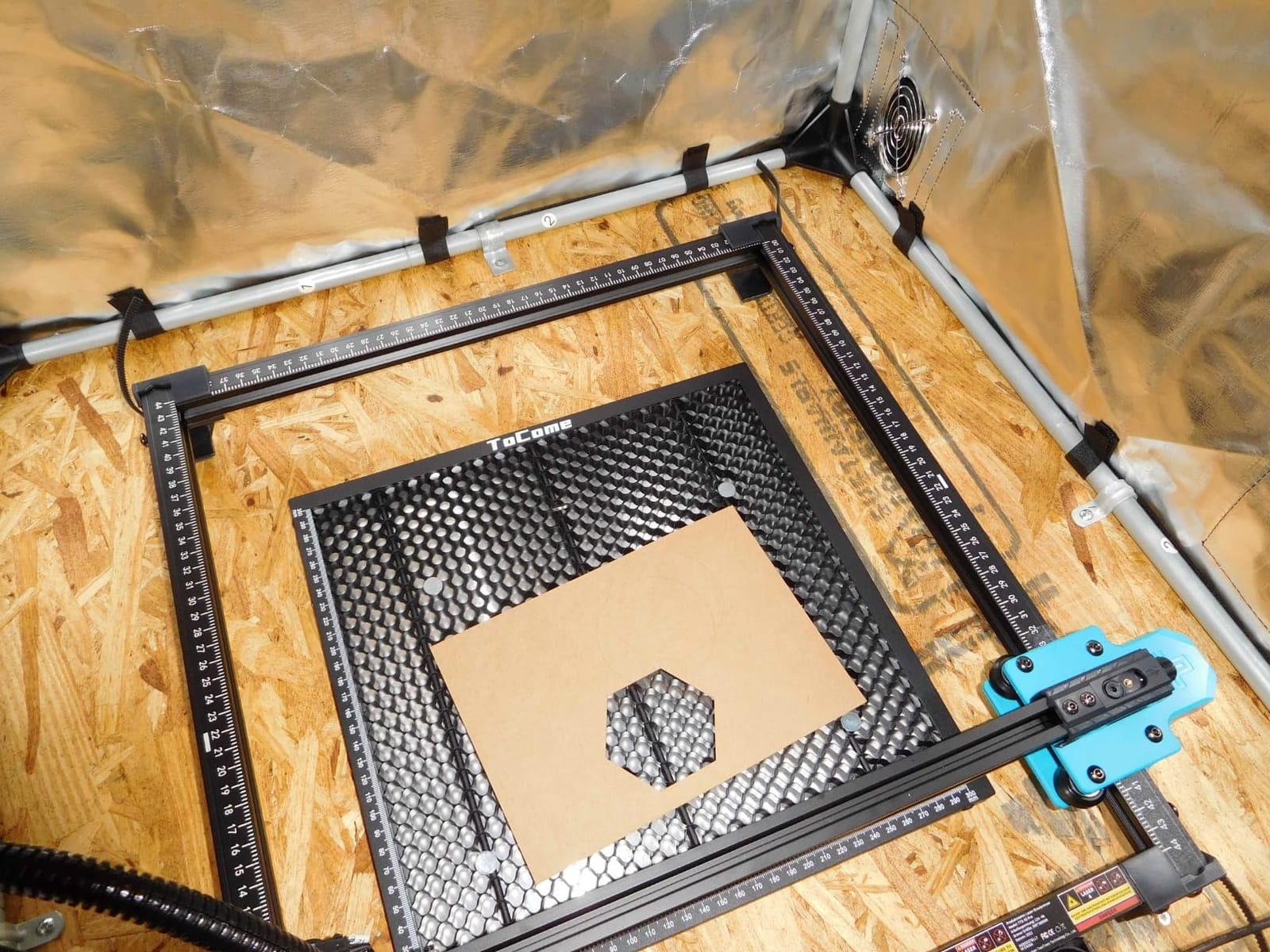
Safety enclosure as a feature
The dual covers filtering 99% of light, internal smoke extraction, emergency stop and lid-open halt make this a Class 1 style setup that is far more forgiving in a home or shared space than an open Class 4 machine. That is genuinely the strongest argument for it, and it is why enclosed diode designs keep gaining ground among beginners. Our desktop laser engraver guide compares more enclosed options.
When to skip it
Skip it if bare metal is central to your work, if you need to cut thicker material, or if a quiet, quick setup matters more than camera features. For a business that cannot tolerate calibration drift or power loss mid-job, the review pattern suggests looking further up the list. For a home maker learning on wood, plastic and coated surfaces, it is a reasonable first machine.
9. ATOMSTACK A20 Pro V2 – Budget Pick for Coated Surfaces
ATOMSTACK 20W Laser Engraver, A20 PRO V2 Laser Cutter, High Accuracy Laser Engraving Machine for Personalized Gifts, Business Cards, Wood, Metal, Acrylic, Leather
20W Class 4 diode
400mm/s
0.01mm claimed accuracy
13.42 pounds
Pros
- Best price-to-performance in this roundup
- Sharp detailed engraving once settings are dialed
- Large work area in a light 13.42-pound frame
- Works immediately with LightBurn
- Solid build with clear assembly instructions
Cons
- No written documentation beyond picture instructions
- Bundled apps are basic and proprietary software is paid
- Gantry cables are not in a drag chain
- Belt drive so accuracy drops on larger items
The A20 Pro V2 is the cheapest way to put a working laser on a bench, and experienced laser users rate it higher than its tier suggests. It delivers 20000mW of Class 4 output, 0.08 by 0.1mm dot compression, 0.01mm claimed engraving accuracy and speeds up to 400mm/s, all in a 13.42-pound integrated linear guide frame measuring 22.83 by 9.84 by 6.69 inches. Owners with prior laser experience call it a fraction of the cost of comparable machines with no meaningful quality loss on coated work.
It works with LightBurn and LaserGRBL out of the box, and the most common piece of advice from buyers is to skip the bundled software entirely. Assembly takes about 20 minutes with clearly illustrated instructions, built-in limit switches and a cross-line light help with setup, and the removable magnetic protective cover, safety glasses and tilt-angle safety beep are all included.
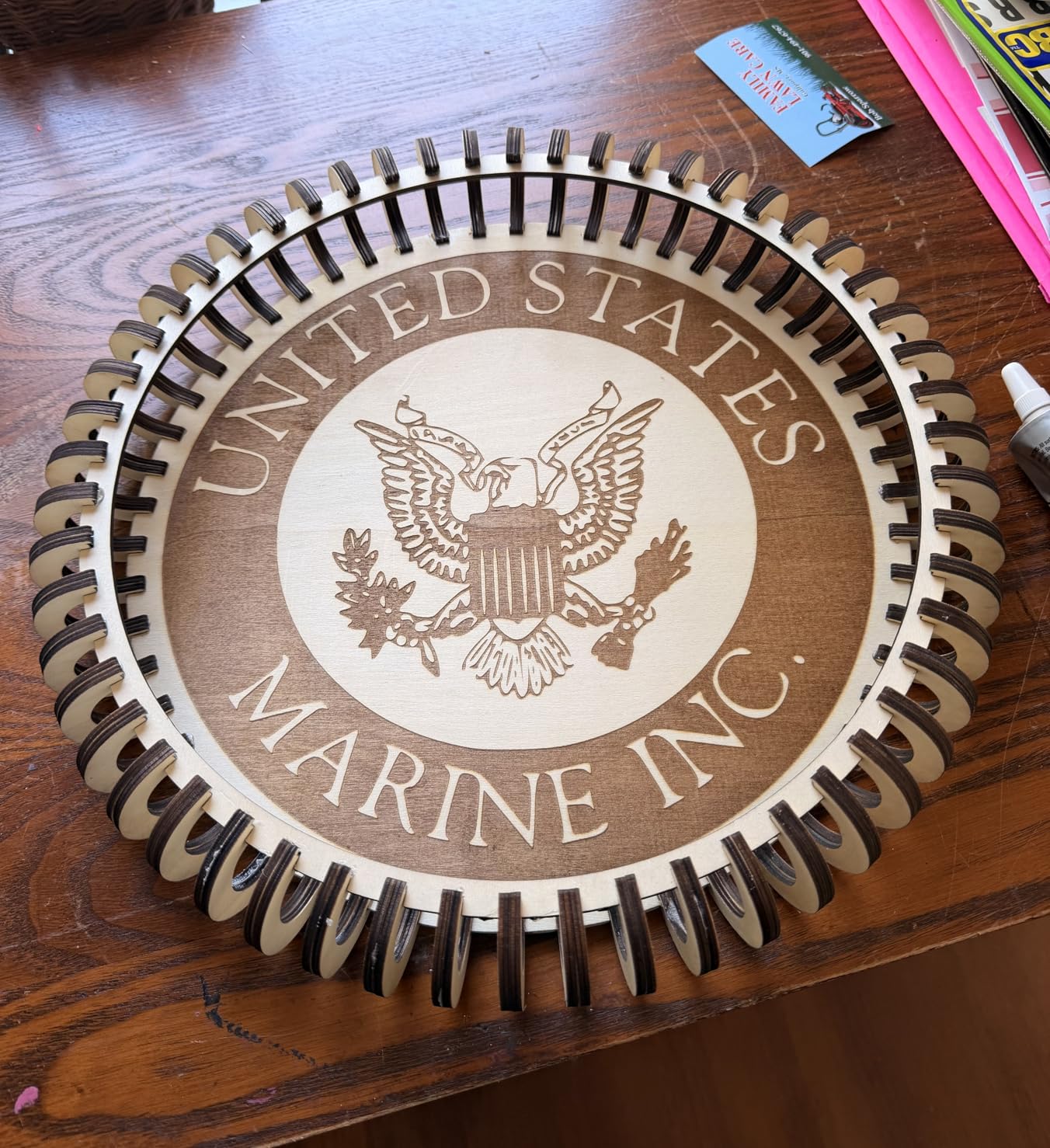
Documentation is the weak point, and it is worth knowing before you buy. There is no written manual beyond picture-based assembly instructions, the bundled phone and PC apps are very basic, and the proprietary software is a paid upgrade. Gantry electrical cables are not in a drag chain and can snag on the work, and the belt drive means accuracy drops on larger items, so keep big jobs for a gantry machine.
At 134 ratings and 4.2 average, this is a well-established budget machine, but the 7% one-star share includes reports of units arriving with a smoking electronics box and limited replacement support. Confirm the return process in writing before ordering, and check that the unit powers up cleanly from the moment it arrives.
Metal limits worth accepting
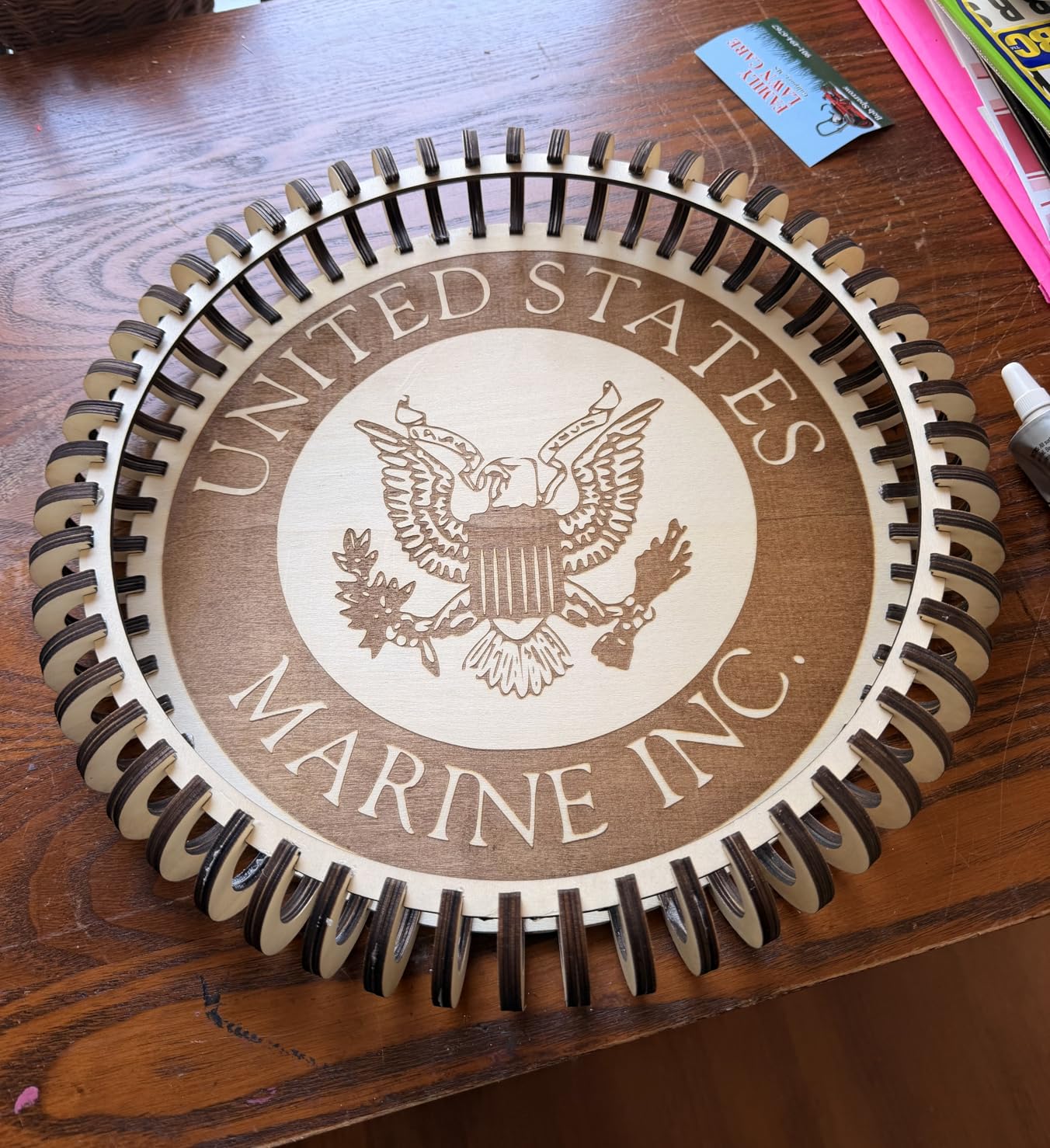
This is a 20W diode machine, so bare stainless, aluminum and titanium are out of reach. What it can do is mark painted, powder-coated and anodized surfaces, plus leather, wood, acrylic, paper and card. If your metal work is mostly personalized tumblers, name tags and coated blanks, it does that job well for the money. If bare metal matters, treat this as a learning machine rather than the final one.
Who gets the most out of it
Students, first-time buyers and hobbyists who want to learn LightBurn and material settings before committing to fiber will get excellent value here. It is also a useful second machine for a shop that already has a fiber head and needs a cheap, light workhorse for wood and coated blanks. Just budget for a proper stand, because an open frame needs one.
10. GWEIKE G2 Pro 30W – Best for Handheld Engraving
GWEIKE G2 Pro 30W Fiber Laser Engraver with 3D & Deep Engraving
30W 1064nm fiber
15000mm/s
110 x 110mm area
22 pounds
Pros
- Compact 30W fiber handles tumblers flasks tools and coins
- Detachable design allows handheld engraving off-bench
- LightBurn integration is straightforward
- Material guide and sample aluminum cards included
- Support described as fast and genuinely helpful
Cons
- Lowest average rating here at 3.9 with a 20% one-star share
- Intermittent power loss stops cutting mid-run
- Plugging in rotary triggers the head lift and ruins focus
- Focus column buttons awkwardly placed
- Listing media shows two different machines
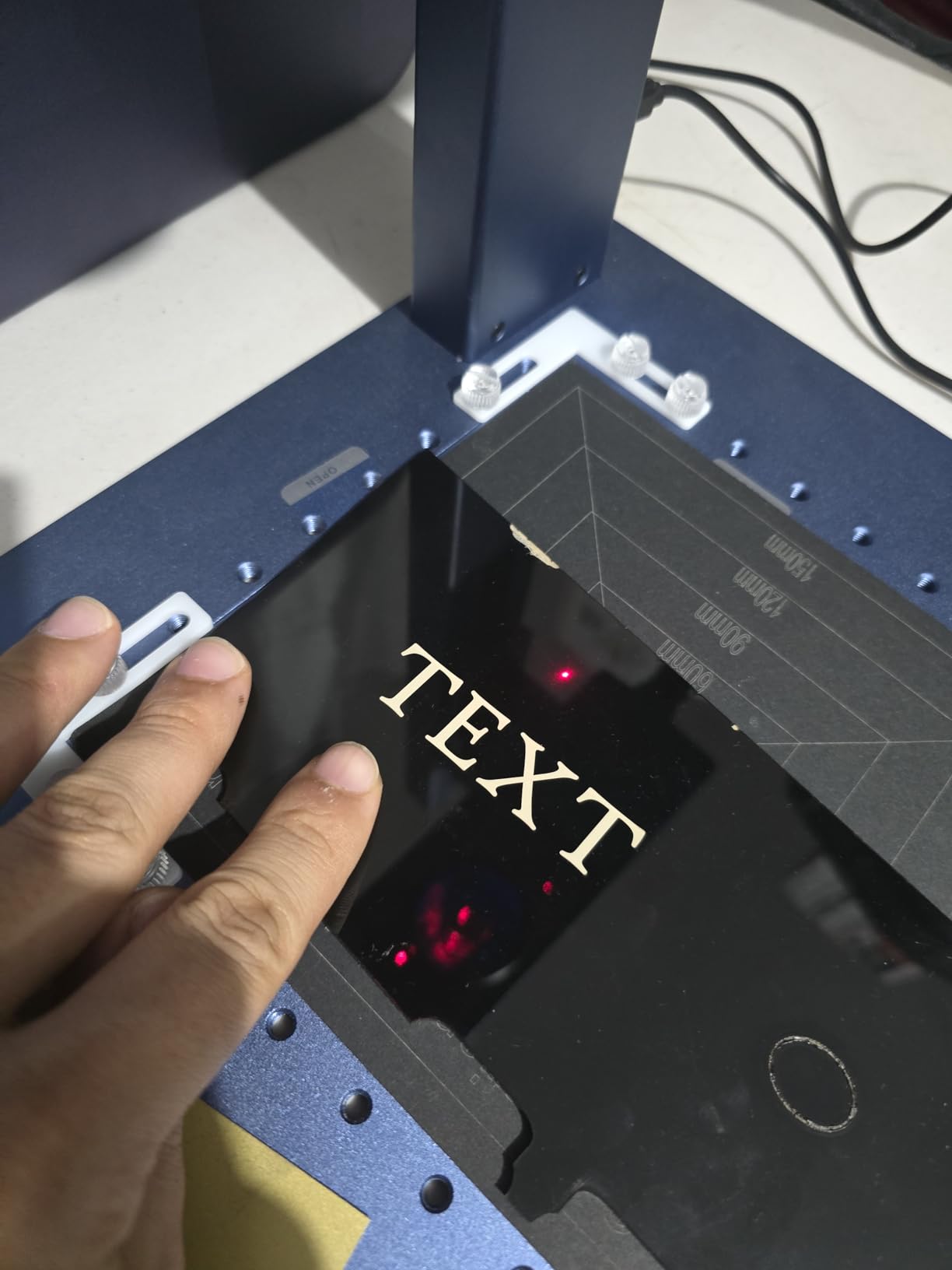
The G2 Pro is a 30W 1064nm fiber with a precision galvanometer, 15000mm/s speed, accuracy up to 0.001mm and 8K resolution, in the same 22-pound detachable chassis as the G2 Max. Hobby machinists and tumbler customizers get good value from it, and the 90-plus color engraving options on stainless steel and titanium, plus plastics, leather, ceramic, acrylic and stone, make it versatile for small batches.
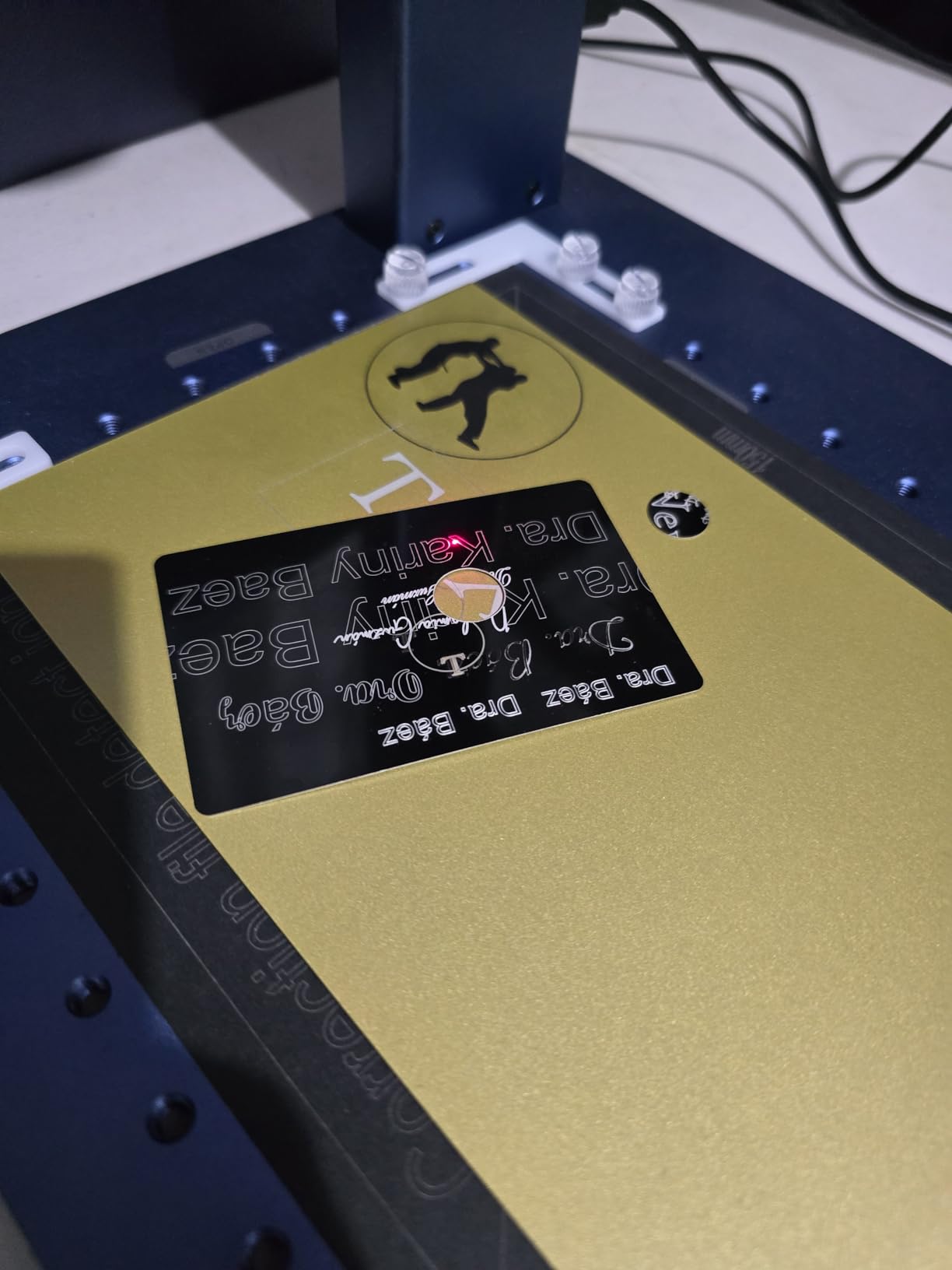
The detachable design is the real reason to consider it. You can lift the head off the bench and mark flasks, tools and installed parts where the machine cannot go, and the included aluminum sample cards plus the material guide reduce guesswork when dialing in a new alloy. LightBurn works over WiFi and USB, and support responsiveness is repeatedly praised by buyers.
This one carries the weakest rating in the roundup at 3.9, and the reason is specific rather than vague. A 20% one-star share centers on intermittent power loss where the laser stops cutting mid-run and needs a restart, with some buyers receiving replacement machines carrying the same fault. After-sales follow-up on those cases is described as slow, which is the part that matters more than the fault itself.
Two smaller annoyances are worth planning around. Plugging in the rotary accessory triggers the head lift motor and ruins focus, so engage rotary first, then focus. The motorized focus column buttons are also awkwardly placed next to a hand crank. And the listing images and videos reportedly show two different machines, so do not treat the promotional media as an accurate picture of the unit you receive.
When 30W is the right amount
Thirty watts is the sweet spot for marking, not cutting. It handles tumblers, flasks, tools, coins, slate and small stainless parts with clean, fast marks, and it is a step up from 20W in mark darkness and depth consistency on thicker material. It will not cut metal meaningfully, and deep relief engraving will be slow, so those jobs point to the 50W machines in this list.
Should you accept the reliability risk
If your work is low-volume, varied and hobby-scale, the handheld capability and included samples may outweigh the reported fault pattern, especially with a clear return policy. If you are running production jobs where a mid-run stop costs you a customer, pick a machine with a stronger review base and a longer rating history. Either way, test the power supply behavior in the first week.
Metal Compatibility: What Each Laser Type Can Mark
This is the comparison buyers most often assemble by accident across a dozen product pages, so it is worth laying out in plain language here. Fiber, diode and UV each behave very differently on the surfaces people actually bring to a bench. A mark means a permanent, visible change in the surface itself; a coating means the mark sits on a layer rather than on the metal underneath.
For fiber at 1064nm, stainless steel and titanium respond best, raw aluminum needs a darkening pass for good contrast, and anodized aluminum marks cleanly. For diode, only coated and painted surfaces mark, and a ceramic marking spray is the standard workaround for bare steel and aluminum, though you must clean the residue off afterward. UV cold-marking lasers, which none of the ten machines here use, are the genuinely different option: Practicalmachinist users value them because they mark cold on fabric, plastic, rubber, wood, steels and copper without altering the surface.
Two practical notes. Anodized aluminum is one of the easiest and most attractive surfaces to work, because the anodic layer changes color and the mark is effectively permanent rather than a removal. Powder-coated items are best handled with a diode and a rotary axis, since the fiber adds little when the coating is already the marking surface.
How to Choose: Wattage, Source and Motion
Start with the job, not the wattage number. If you are marking serial numbers, personalizing jewelry or tagging small stainless parts, a 20W fiber covers it and costs the least to run. If you are cutting thin metal, engraving deeper, or running batches, 30W to 50W is the range. Vendors advertise wattage as a speed multiplier, but the real difference between 30W and 50W is depth and headroom, not cycle time on a shallow mark.
Next, decide the laser source. A standard single-mode source such as JPT or Raycus is enough for single-color work. A MOPA source is worth the step up when color consistency matters, when you need finer control over deep engraving, or when you are working thin reflective metals that a standard source struggles to keep stable. A buyer marking a few hundred tags a month should not pay for MOPA, and a coin shop should not skip it.
Then consider motion and mechanics. Galvo scanning heads, which every fiber machine in this roundup uses, move a focused beam rather than moving the machine, which is why they hit 15000mm/s and hold 0.001mm accuracy. Diode and gantry machines move the head itself, which is slower at 400 to 600mm/s but handles large beds and thick cutting. Check whether a closed-loop chiller is included, whether the protective lens is sealed, and whether the frame is steel or aluminum, because those three items decide how the machine feels at month six.
Software matters more than buyers expect. LightBurn is the common language across most of these machines, and the Material Test generator in it is the fastest way to dial in a new alloy instead of guessing. Our CO2 laser engraver guide and diode laser engraver guide cover the software setups for the other machine types.
Marking Metal Safely Indoors
Every fiber machine in this roundup is a Class 4 laser, and one buyer planning a closet install with a locking door and a window for the ventilation duct was asking exactly the right questions in the forums. Nobody sells you this information, so here is the checklist.
Use a fully enclosed machine with an interlock or lid lock whenever possible, and never defeat an interlock. Enclosure is the single most effective control, and it is why the xTool S1 and Falcon A1 Pro, both Class 1 enclosed designs, are the easiest machines to own in a home. Keep a Class 4 laser with an open frame in a dedicated room with a lockable door.
Ventilate properly. Metal engraving produces an oxide plume, not the pleasant-smelling smoke of wood, and the extraction port needs a dedicated duct to the outside rather than a filter recirculating indoors. The bundled vent tube on the F1 Ultra is too small to reach a standard 4-inch dryer vent, so plan on the correct duct diameter from the start. Underpowered exhaust fans, a complaint on the Falcon A1 Pro, will let plume accumulate in the enclosure.
Wear the right eyewear for the wavelength, which for 1064nm fiber means OD6+ goggles rated for that wavelength, and never look at the beam path or use a camera without a rated filter. Keep a Class C or better fire extinguisher near the machine, keep the exhaust path clear of combustibles, and understand that the operator must be trained before anyone else in the household is allowed near it.
Finally, control access and paperwork. Post the Class 4 warning label, keep a log of who is trained, and check your local rules on laser use, ventilation discharge and fire inspection before committing. A dedicated metal marking room with locked door, interlocked enclosure and exterior ducting is the safe answer to the question of whether this is appropriate in a home with other people around.
Frequently Asked Questions
What kind of laser engraver do I need to engrave metal?
A 20W to 50W fiber laser engraver at the 1064nm wavelength is the correct machine for bare metal. Stainless steel, aluminum and titanium absorb that wavelength readily, so a fiber laser produces a permanent mark with no coating step. Diode and CO2 machines reflect off clean metal and can only mark coated or painted surfaces, or bare metal treated with a ceramic marking spray. Choose annealing for dark marks that leave the surface intact, or deep engraving for a recessed groove that can hold paint.
What is the best laser machine for metal engraving?
For most buyers the xTool F1 Ultra 20W is the best all-rounder: it is the most reviewed true metal-capable desktop machine here, marks gold, silver, copper, stainless, brass and titanium quickly, and pairs the fiber head with a 20W diode for wood and acrylic in one enclosure. For multi-color work the xTool F2 Ultra 60W MOPA is the stronger choice, and the SFX 50W JPT leads on throughput with its 175 by 175mm area and 7m/s marking speed.
What is the best at-home laser engraver for metal?
For a home workshop, an enclosed machine is the deciding factor rather than wattage. The xTool S1 40W and Creality Falcon A1 Pro are fully enclosed and filtered to 99% of laser light, which keeps plume and noise contained. Neither marks bare metal well, so for real metal at home choose an enclosed fiber unit such as the xTool F1 Ultra and pair it with a locking door, an interlock, 1064nm eyewear and ducted fume extraction to the outside.
Is a fiber laser worth it for metal marking compared to a diode or CO2 laser?
For bare metal, yes. Fiber lasers at 1064nm are absorbed by stainless steel, aluminum and titanium, while diode and CO2 beams bounce off clean metal and produce no mark. A diode machine can still mark powder-coated tumblers, anodized aluminum and painted steel, and it is quieter, safer to run and cheaper to own. A ceramic marking spray extends diode work to bare metal but adds preparation and cleanup. Forum consensus across Reddit, Practicalmachinist and EngraversCafe is that fiber beats diode or CO2 for metal.
Do I need MOPA if I want color marking on titanium?
MOPA is the practical choice for consistent color on titanium and challenge coins because it lets you adjust pulse duration independently of frequency, which is what makes repeatable colors possible. The xTool F2 Ultra 60W MOPA ships with pre-set color matrix files for one-click color engraving. Standard single-mode sources such as JPT and Raycus can produce color effects on stainless and titanium, as the GWEIKE G2 Max and G2 Pro do, but consistency across hundreds of pieces is harder to hold.
What safety do I need to engrave metal at home?
Treat it as a Class 4 laser job. Use a fully enclosed machine with an interlock or lid lock, keep a dedicated lockable room if the machine is open frame, wear OD6 or higher 1064nm-rated eyewear, and never view the beam path directly. Metal engraving releases an oxide plume, so duct the exhaust port to the outside with correctly sized ducting rather than recirculating through a filter. Keep a suitable fire extinguisher nearby, keep combustibles clear of the exhaust path, and restrict operation to trained users.
Final Verdict
After working through all ten, the best laser engravers for metal marking in 2026 come down to a short list with clear use cases. The xTool F1 Ultra 20W is our editor’s choice and the sensible default, because it marks six metals well, covers wood and acrylic in the same box, and has the largest review base among the fiber machines here. Buyers chasing color should take the xTool F2 Ultra 60W MOPA, and production shops should take the SFX 50W JPT for its 175mm field and 7m/s throughput.
The rest of the list fills genuine gaps: the GWEIKE G2 Max for deep engraving, the ComMarker B4 as a low-risk first fiber, the LaserPecker LP5 for mobile work, the GWEIKE G2 Pro for handheld jobs, and the enclosed diode machines when your metal is coated rather than bare. Check current details for each machine before you commit, and treat the safety checklist above as part of the purchase rather than an afterthought.