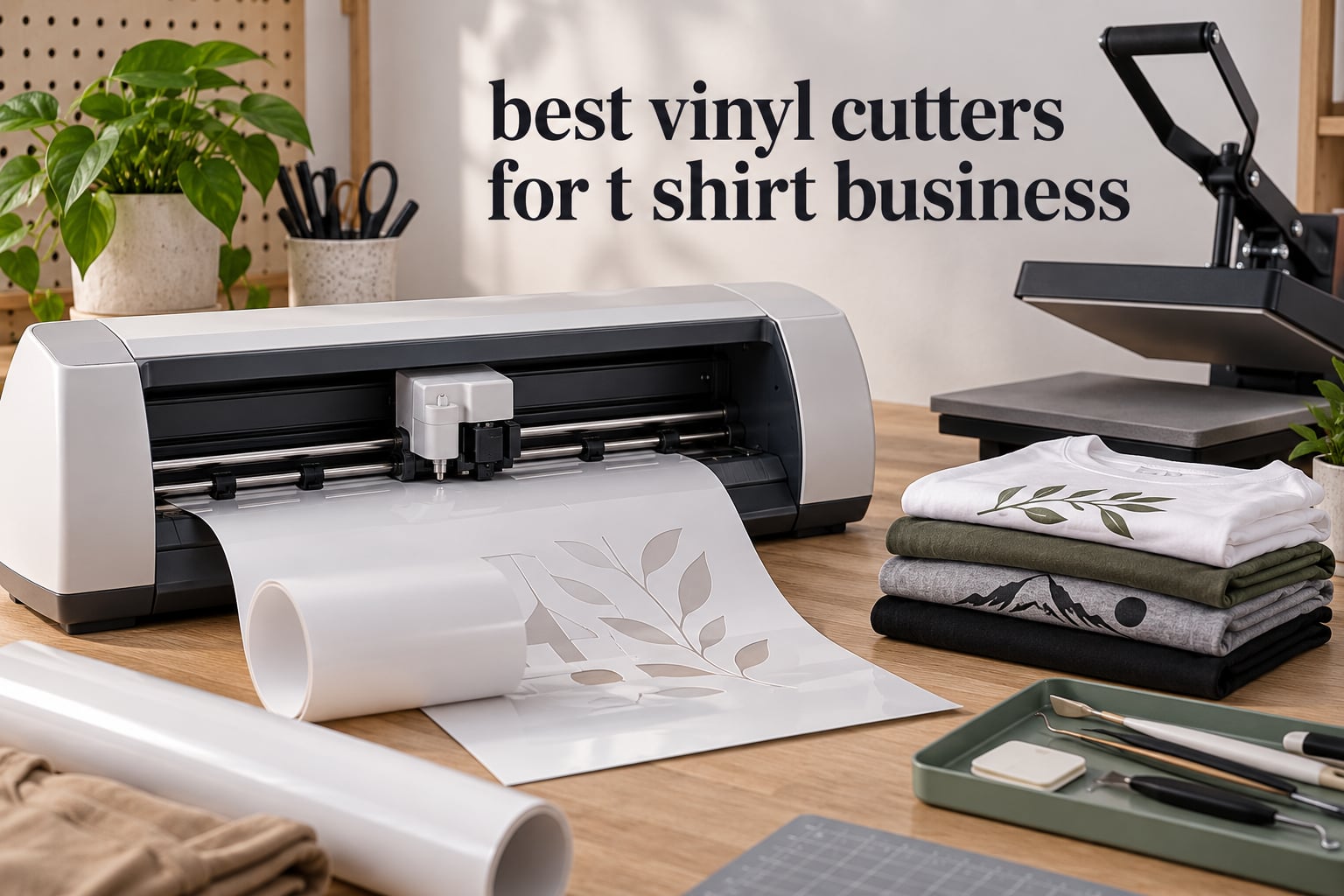
If you have ever printed a shirt on a home printer and called it a business, the gap between that and real production is almost always one machine: a vinyl cutter. The best vinyl cutters for a t shirt business are the ones that hold registration through a full roll of heat transfer vinyl, force enough blade pressure to survive glitter and stretch HTV, and keep running after eight hours of cutting rather than eight shirts.
Here is the honest version of that answer up front. The Brother SDX85 ScanNCut is the best vinyl cutter for a t shirt business overall, because it has no paid software gate, a built-in scanner that removes the registration-mark step, and an automatic blade with a material sensor. It has the largest review base of anything we tested, which matters more than a spec sheet when you are gambling on a machine that has to earn its keep on live orders.
That said, the SDX85 is a 12-inch desktop machine, and 12 inches stops being enough the moment you want a full front design with a chest logo layered on top. So this roundup also covers the 24-inch class, the manual plotters that still turn out banner-sized work every day, and the mid-range options where the software costs less than a single roll of HTV. Nine machines, every one of them with real owner reviews behind it.
We spent several weeks comparing cutting width, material thickness limits, software models, and the ongoing costs nobody lists on the box. What follows is what we would actually buy for a shirt business, ordered by the order volume each machine suits.
Table of Contents
Top 3 Best Vinyl Cutters for a T-Shirt Business in 2026

Brother SDX85 ScanNCut
- Built-in scanner makes cut files automatically
- Cuts up to 3 mm thick material
- Auto blade with material sensor
- No paid software required

Silhouette Cameo 5 Alpha
- Up to 400 mm/s cut speed
- 15-inch cutting width
- Electrostatic mat with no peeling
- AutoBlade sets depth for you

Cricut Maker 4 Kit
- Bundled with HTV and vinyl sheets
- 144 square inch cutting area
- Fast cuts on iron-on material
- One year warranty
The Cameo 5 Alpha edges out the SDX85 on speed and on how little it complains about your material, but it charges you for its design library after the first month. The Cricut Maker 4 bundle ships with iron-on sheets so you can press a shirt on day one, which is worth real money to someone starting out.
Every Cutter in the Roundup Compared in October
| Product | Specifications | Action |
|---|---|---|
| Brother SDX85 ScanNCut |
|
Check Latest Price |
 Brother SDX125E ScanNCut Brother SDX125E ScanNCut |
|
Check Latest Price |
| Silhouette Cameo 5 Alpha Plus |
|
Check Latest Price |
 Silhouette Cameo PRO Silhouette Cameo PRO |
|
Check Latest Price |
| Cricut Maker 4 Starter Kit |
|
Check Latest Price |
 VEVOR 34-Inch Vinyl Cutter VEVOR 34-Inch Vinyl Cutter |
|
Check Latest Price |
 Siser Romeo HD Cutter Siser Romeo HD Cutter |
|
Check Latest Price |
 USCutter 34-Inch Plotter USCutter 34-Inch Plotter |
|
Check Latest Price |
 VEVOR 28-Inch Vinyl Cutter VEVOR 28-Inch Vinyl Cutter |
|
Check Latest Price |
1. Brother SDX85 ScanNCut – Best Overall Vinyl Cutter for a T-Shirt Business
Brother SDX85 ScanNCut Electronic Cutting Machine Scanner
Cuts up to 3 mm thick
Built-in scanner makes cut files
Auto blade with material sensor
3.47-inch touchscreen LCD
Pros
- Built-in scanner turns printed artwork straight into cut files
- No paid software subscription required
- Automatic blade and holder with material thickness sensor
- Cuts up to 3 mm including thick HTV
- USB and wireless connectivity with 251 built-in designs
Cons
- On-machine interface is small and takes real practice
- Standard tack mat grips too tightly for thin vinyl
- Replacement mats cost more than multi-packs from other brands
The thing that made this the machine we kept coming back to is the scanner. You draw a design, print it, lay it under the lid, and the machine cuts exactly what it sees. For a t-shirt business that means no registration marks to place, no printing light-colored transfer tape, and no misalignment when a design has small text. That workflow alone removes the single most common failure point we see in cut-then-weed files.
The blade holder has a material sensor, so the machine reads thickness and sets itself rather than asking you to guess a pressure dial. It cuts material up to 3 mm, which comfortably covers standard heat transfer vinyl, thicker stretch blends, and light twill. Owners working sticker and apparel jobs report that cut production time dropped sharply once they stopped re-cutting the same file.
What you give up is width. This is a 12×12 mat machine, and the machine itself is 21 inches wide with a 6.8-inch depth, so it lives on a counter rather than under a bench. It also weighs 5.8 kg, which is manageable but not something you carry between rooms easily. Plan your layout around a single full-front design per sheet.
What the scanner saves you in production time
Every manual step in scan-and-cut is a step where registration slips. With the scanner, the machine’s own optical sensor does the alignment, which is why owners of sticker businesses cite big time savings. You can load a page of designs, send them as one job, and walk away while it cuts.
The tradeoff is the mat. The included 12×12 standard tack mat grips hard enough that peeling thin vinyl or delicate iron-on can lift the material. That is a real annoyance on thin heat transfer, so keep a lighter-grip mat on hand for fine detail work.
Where this machine will frustrate you
CanvasWorkspace is free, which beats every subscription model here, but it is not the most intuitive piece of software we have used. Expect a week of trial cuts before your file naming and sending workflow feels automatic. Several owners also mention the desktop app asking them to log in again after roughly two weeks, which breaks long production runs.
Related reading on our other guides: we keep a running list of equipment in paper cutters and pipe cutters, and the same logic applies here: buy for the material you actually cut today, not the material you think you will cut next year.
2. Brother SDX125E ScanNCut – Best for Multi-Layer and Fabric Work
Brother SDX125E ScanNCut Electronic Cutting Machine Scanner
Cuts up to 3 mm thick
5-inch touchscreen LCD
682 built-in designs
Scanner and auto blade included
Pros
- Larger 5-inch touchscreen than smaller Brother models
- 682 built-in designs including quilting patterns
- Automatic blade removes manual material selection
- Cuts cleanly through vinyl fabric and thicker stock
- USB port plus wireless connectivity
Cons
- Same sticky standard tack mat that tears thin material
- Learning curve for both the on-machine menu and CanvasWorkspace
- Software update support for older models may be phased down
This is the SDX85 with a bigger screen and a much deeper built-in library, and that library matters more than the hardware difference once you start running orders. It ships with 682 designs, including 100 quilting patterns and 9 fonts, which cuts down the dead time where an operator is hunting for a lettered script in a subscription library.
The scanner behaves the same way as the SDX85, which means the same benefit: skip registration marks entirely. For multi-layer HTV, we prefer machines where the blade depth is automated, because each layer of thick or stretch vinyl needs a slightly different depth and manual adjustment is where the mistakes creep in.
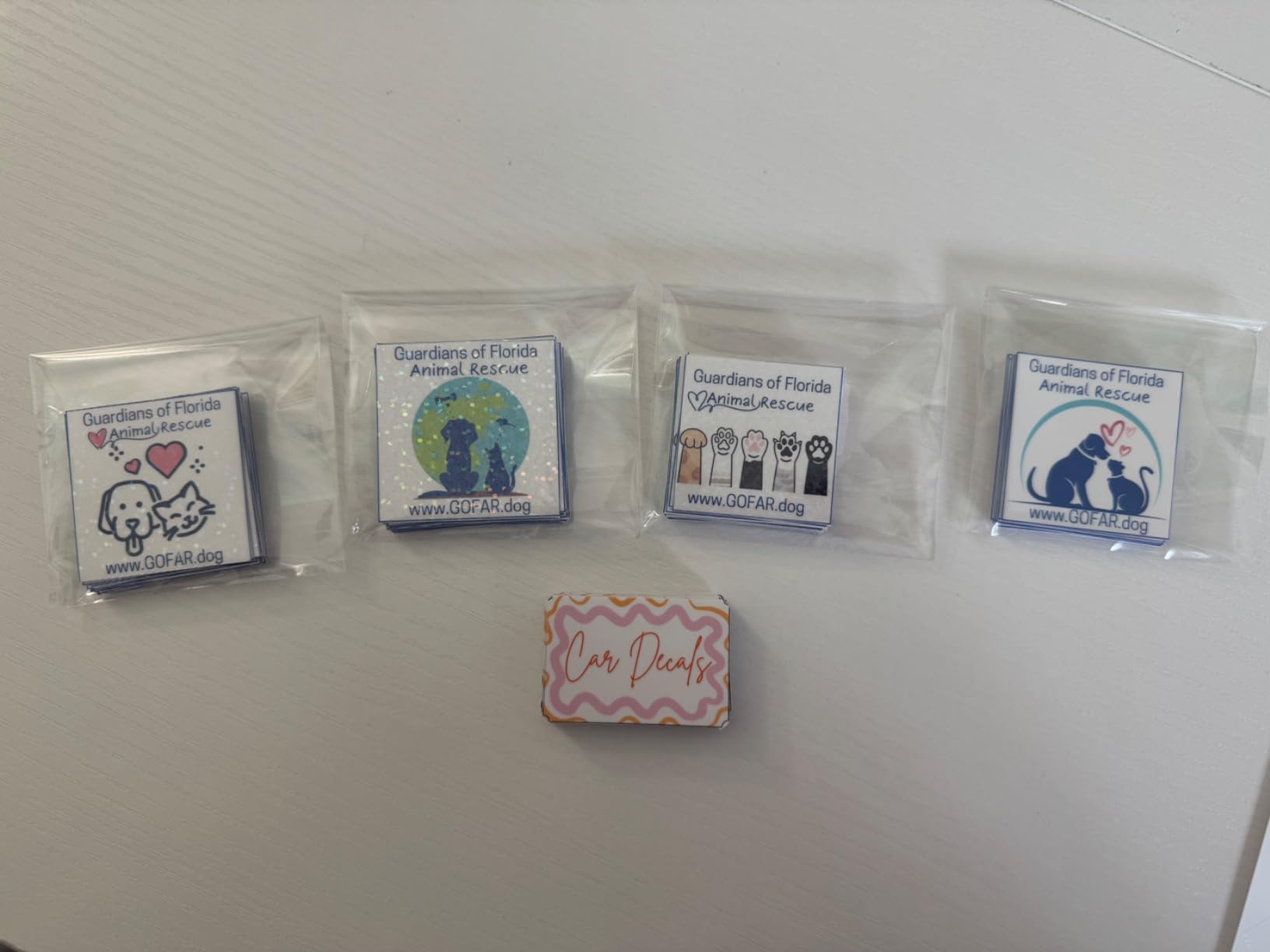
The 5-inch touchscreen is the real day-to-day difference. Laying out a multi-position HTV design means dragging and scaling several elements, and on a small screen that is genuinely tedious. The larger panel turns a frustrating adjustment into a two-minute job.
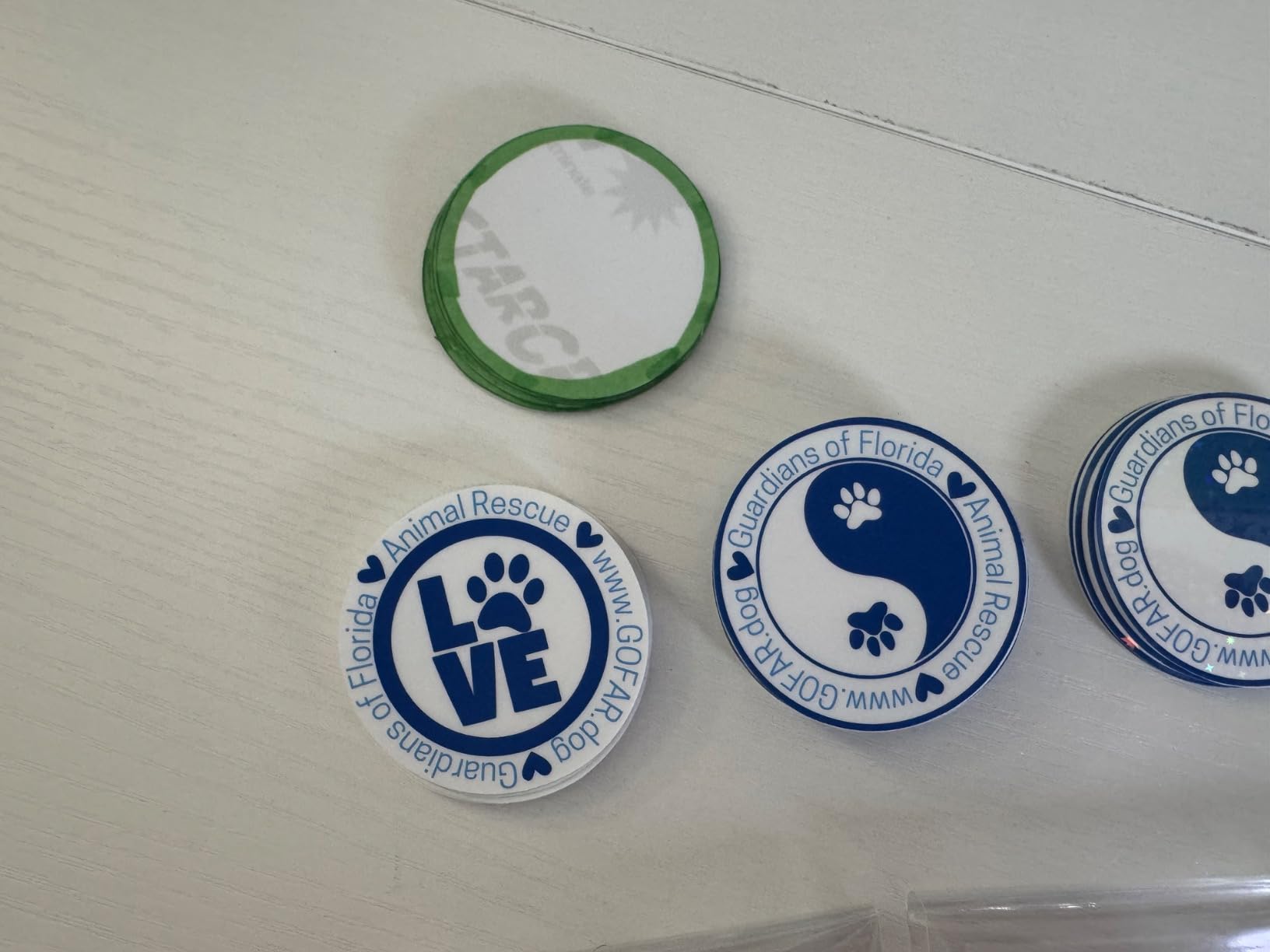
Owners consistently mention clean cuts on both vinyl and fabric, and several note that the mat system handles a full 12×12 sheet without shifting. That flatness matters for a full-front design, where any slip in the mat translates into a shifted letter on every shirt in the run.
Why you would pick this over the SDX85
The honest answer is design volume. If your operator is placing lettering, scripts, or layout templates several times a day, the larger screen and 682 stored designs cut a real amount of click time per job. If you mostly import finished artwork, the SDX85 does the same job for less money.
Note the machine is sold as a 120-volt US unit, and using it on other voltages voids the warranty. For a business operating in more than one country, that is worth checking before you standardize on the model.
Where the workflow breaks down
The standard tack mat is the most repeated complaint across both Brother models. It grips so firmly that peeling a weeded HTV letter can distort it, and several owners report tearing rather than clean release on thin material. Budget for a second, lighter-grip mat if you run delicate iron-on.
Both Brother machines share the same CanvasWorkspace ecosystem, so the learning curve is identical on each.
3. Silhouette Cameo 5 Alpha Plus – Best Premium Desktop Cutter for Daily Production
Silhouette Cameo 5 Alpha Plus – 15″ Craft & Vinyl Cutter Machine with Automatic Blade, Fast Sketch Mode & 4-Point Registration – Includes Studio Software & 100 Designs, 1-Month Subscription – Black
Up to 400 mm/s cut speed
15-inch cutting width
Electrostatic mat to 0.5 mm
AutoBlade automatic depth
Pros
- Highest cut speed in the desktop group at 400 mm/s
- 15-inch width handles most single-logo apparel designs
- Electrostatic mat needs no peeling film over the sheet
- AutoBlade sets blade depth automatically
- Quiet running with automatic Power Slide Lid
Cons
- Full design library requires a paid Design Store subscription after the included month
- Silhouette Studio workflow takes practice for new users
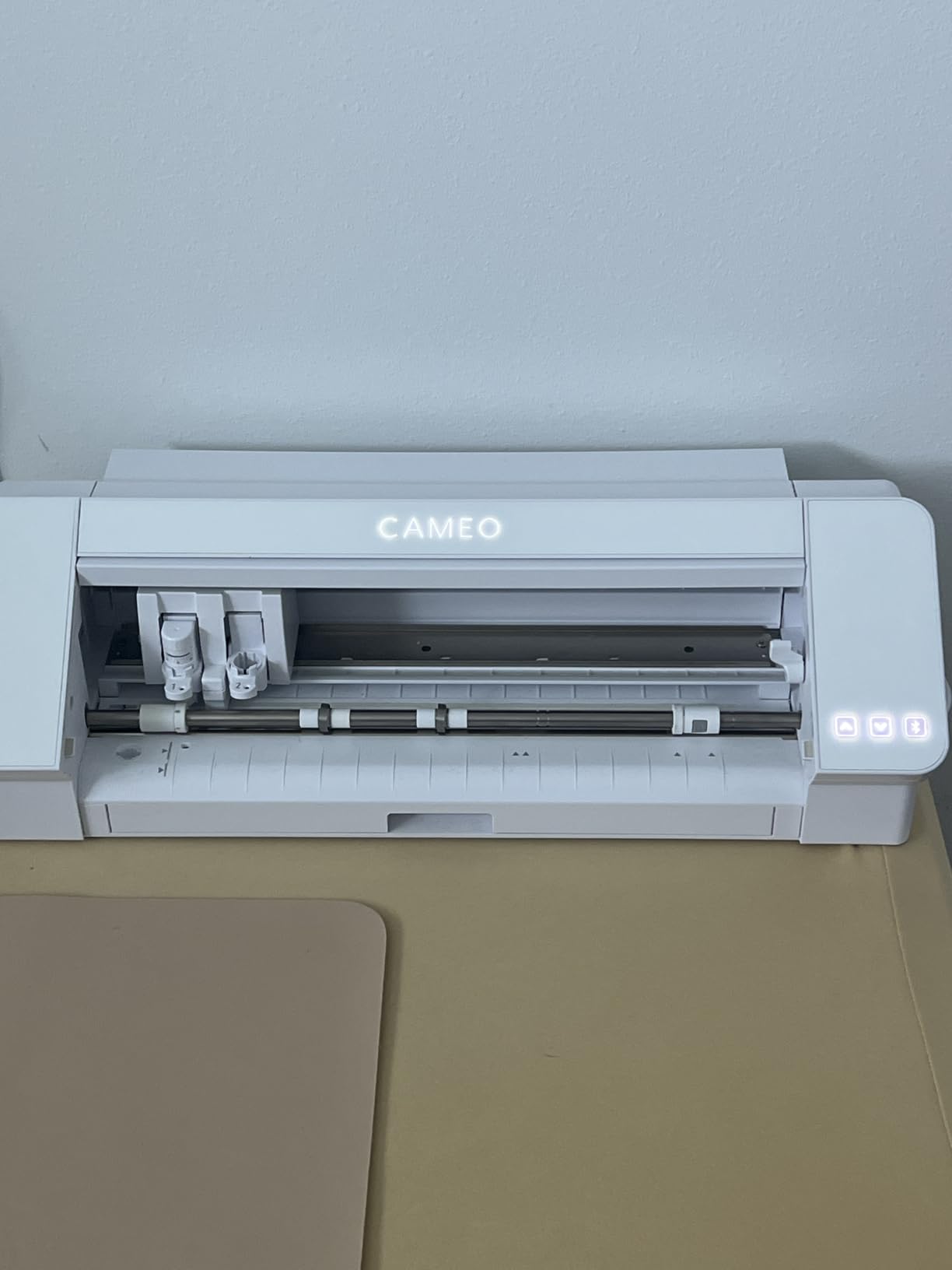
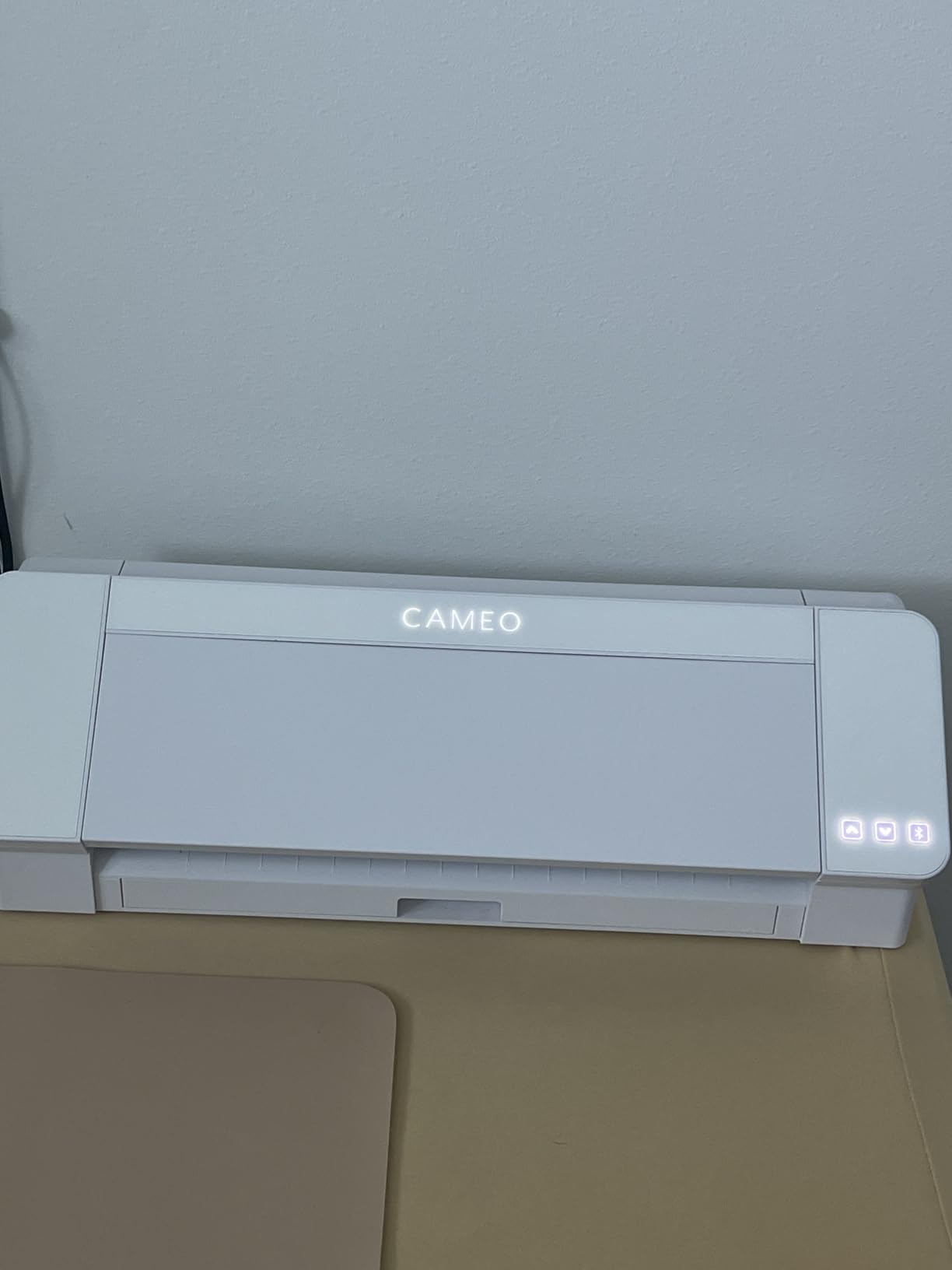
Speed is why this one ranks so high. At up to 400 mm/s, it clears a sheet of HTV far faster than the Brother units in this group, and when you are cutting a run of shirts rather than one sample, that difference matters. The 15-inch width also covers a wide chest logo without the splitting and taping you would do on a 12-inch machine.
The electrostatic mat is the sleeper feature for apparel. It holds material flat with static instead of adhesive, so there is no peeling film to lift and nothing dragging across your design as you peel. For thin, stretchy, or delicate iron-on that behaves far better than a tack mat.
AutoBlade removes the blade depth guesswork, and the automatic Power Slide Lid means the operator does not have to hover over the machine waiting to press start. For a shop where someone else runs the cutter while you press shirts, that unattended workflow saves real time.
How the speed and width translate to shirt counts
A single 15-inch sheet holds one full chest print or two to three smaller left-chest designs. At 400 mm/s, a simple two-colour name-number design finishes in seconds, so the bottleneck becomes weed time and pressing, not cutting. That is exactly where you want the bottleneck to sit once volume picks up.
The 4-point registration mark system is what lets you do print-and-cut work on the same machine. If you ever add a printable HTV or a printed sticker line to your product mix, that registration is what keeps the contour aligned to the print.
What the subscription really costs you
The bundle includes Silhouette Studio, 100 designs, and one month of Design Store access. After that, the full library is behind a subscription. If you upload your own artwork, as most apparel sellers do, you can run indefinitely on the free tier, so treat the subscription as optional rather than required.
The machine is 25.28 inches wide and 4.89 inches tall, so it needs a longer stretch of desk than the Brother units but far less bench than the 24-inch plotters. It weighs 12.7 pounds, which is heavier than a craft cutter but still a two-person lift.
4. Silhouette Cameo PRO – Best 24-Inch Cutter for Banner-Sized Apparel Designs
Silhouette Cameo PRO
24-inch cutting width
Built-in roll feeder and cross cutter
Dual-tool carriage
Auxiliary rollers to 60 feet
Pros
- 24-inch width cuts large multi-panel designs in one pass
- Dual-powered carriage runs two tools at once
- Built-in roll feeder and cross cutter handle long jobs
- Auxiliary rollers stabilize cuts out to 60 feet
Cons
- Carriage homing and loading faults reported
- Inconsistent cut depth on heavier media
- Software needs the paid upgrade to read SVG files
- Two small feed rollers give limited pressure
- Reported as loud in operation
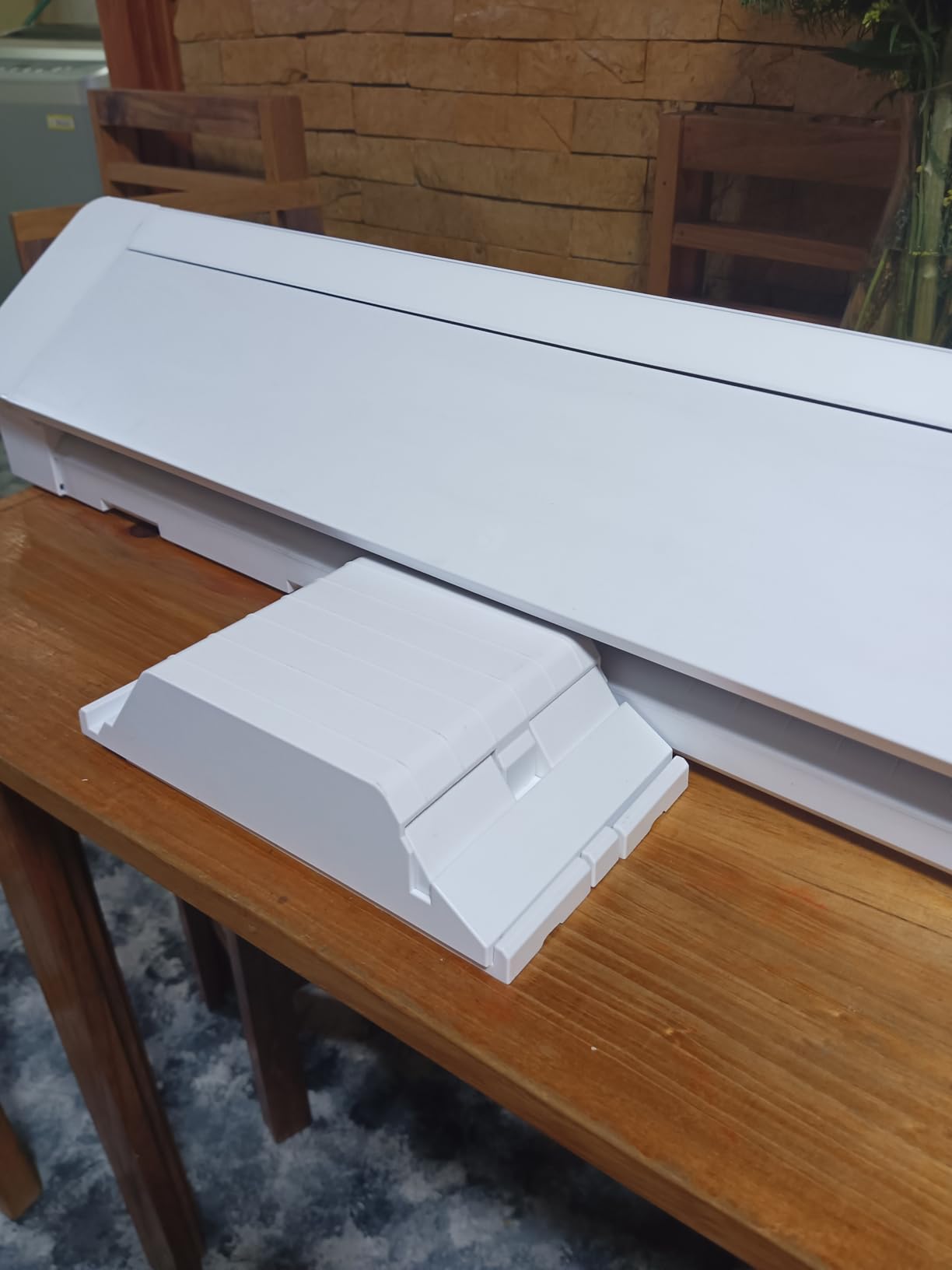
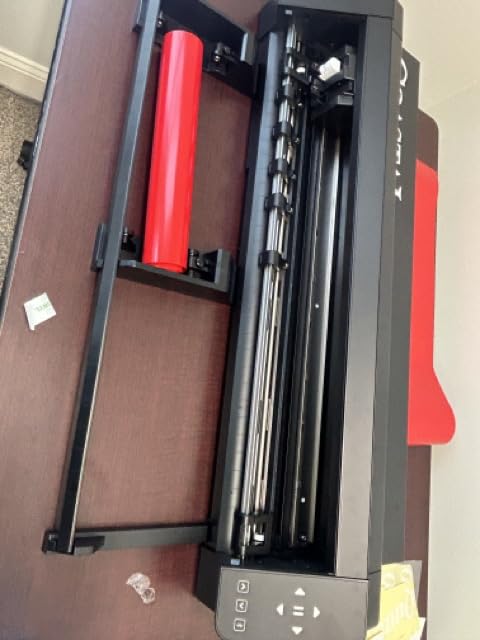
This machine exists for a specific reason: the roll feeder. If your business cuts yard after yard of banner vinyl, decal stock, or wide-format HTV, feeding material straight off a roll removes the most tedious part of large-format cutting, and the cross cutter handles the offcut for you.
The dual-powered carriage is a genuine production trick. It can hold a blade and a pen at once, so you can cut and sketch registration marks in a single pass. That matters when you are doing print-and-cut alignment on large sheets rather than small decals.
When the 24-inch width actually pays off
A 24-inch bed lets you lay out a full front design with sleeves, or several placements across one sheet of heat transfer vinyl. For a shop running team name-and-number orders, that means one long banner sheet becomes a whole run’s worth of numbers rather than three at a time.
Auxiliary rollers extend stable cutting to 60 feet, which is what keeps a long cut from drifting off registration. On a manual machine without them, the material can wander and you lose the job to a half-cut letter.
The complaints you should weigh before buying
This carries the most negative feedback in the group, and it is worth being direct about. Owners report homing and loading faults that needed service, and cut depth that does not stay consistent on heavier media. Those two together are a real problem for a business that cannot afford scrapped blanks.
Two small feed rollers provide limited pressure, which is why uneven cuts show up on heavier material. The listing also markets reduced noise, yet owners describe it as loud in practice. And reading SVG files requires the paid software upgrade, which is an annoying gate for designers who work in vectors.
If your designs stay under 12 inches, this is a lot of machine for the job. If you genuinely cut wide banners and multi-panel apparel prints every week, the roll feeder earns its keep. For most t-shirt businesses, the Siser Romeo gives you the same 24 inches with a quieter reputation.
5. Cricut Maker 4 Starter Kit – Best Value Bundle for First-Time Sellers
Cricut Maker 4 Starter Kit for Beginners – Smart Cutting Machine with Vinyl & Iron-On (HTV), Tools & Materials for Stickers, Shirts & DIY Crafts
144 square inch cutting area
Bundled HTV and vinyl sheets
Mat blade and tools included
One year warranty
Pros
- Bundle includes iron-on and vinyl sheets so you can press shirts immediately
- Fast and consistent cuts on HTV and sticker stock
- Beginner-friendly setup and tool changes
- Large material library in Design Space
- One year manufacturer warranty
Cons
- Design Space needs internet and a paid tier for the full library
- Does not run on Chromebook computers
- Bulky body relative to desktop rivals
- Bundles sometimes arrive with missing sheets or a warped mat
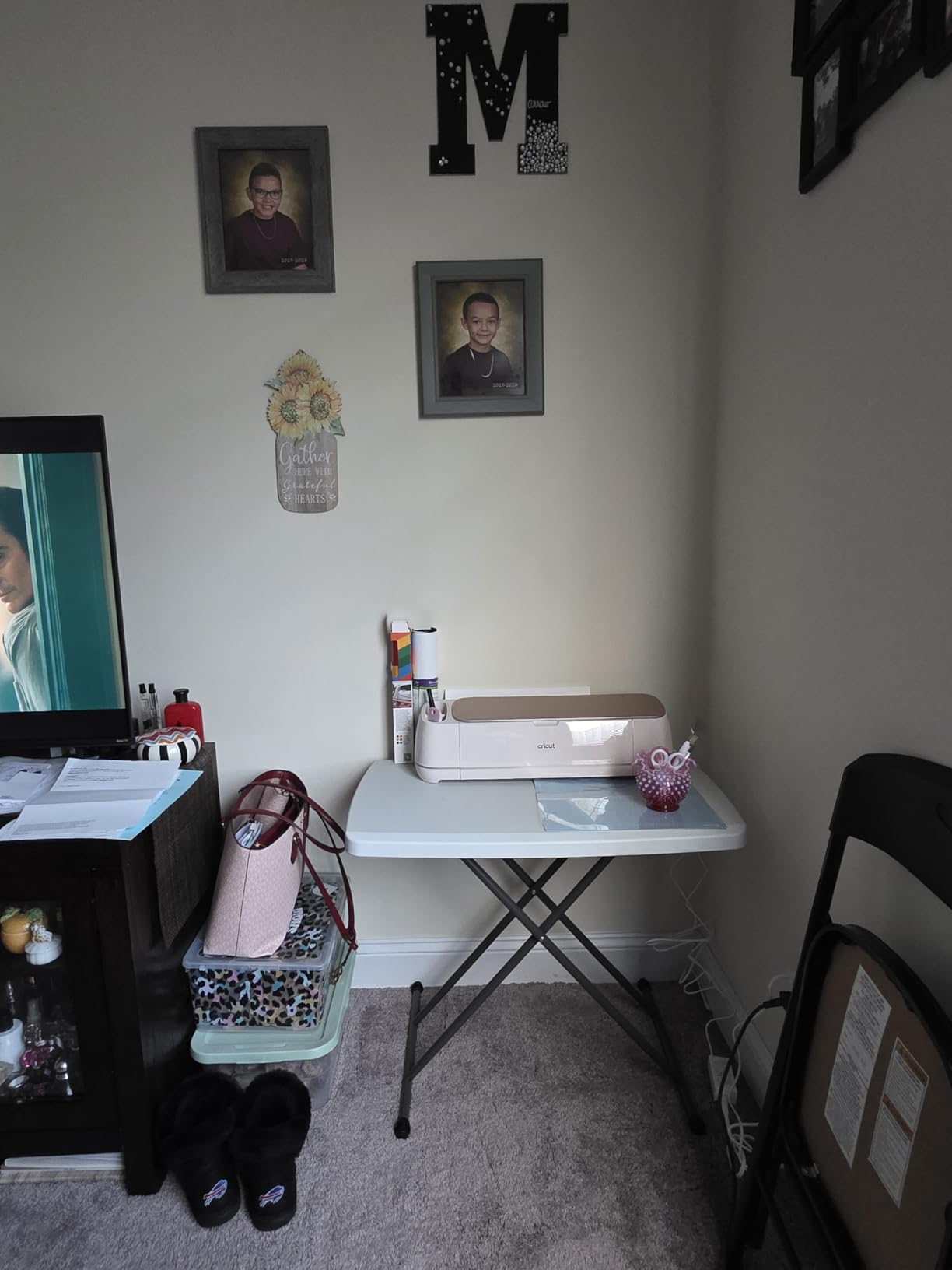
The bundle argument is straightforward: the box includes the machine, a cutting mat, a blade, tools, and sampler sheets of both adhesive vinyl and iron-on. A first-time seller can press an actual shirt the same afternoon instead of ordering a starter HTV pack separately, and that removes the single biggest delay between buying a machine and testing your product idea.
Cut quality on heat transfer vinyl is fast and consistent, and the material handling is the easiest in this group for a new operator. Setup, mat loading, and tool changes all take minutes with no calibration routine.
Design Space has the widest material library of any software here, which is useful when you are still deciding which vinyl brands to carry. Finding a glitter HTV tested for your machine takes one search rather than a dozen forum threads.
What the bundle really saves you
Add up the included sheets, the mat, and the tool set and you get roughly a dozen finished designs worth of material from the box alone. For someone validating whether customers will pay for heat transfer at all, that is a cheaper test than a full HTV restock.
The 144 square inch area is the same as the Brother SDX125E, so plan for one full-front design or a batch of small chest logos per sheet. There is no roll feed, so you load sheet by sheet.
The ecosystem tax you accept
Design Space requires an internet connection and a paid subscription for the full content library. Owners who upload their own artwork and never touch the library report the machine performs fine, so the subscription is an option rather than a requirement.
Two smaller issues: the machine will not run on a Chromebook, which catches out start-ups that standardised on cheap laptops, and some bundles arrive with missing vinyl sheets or a warped mat. Check the mat on arrival and test-cut immediately.
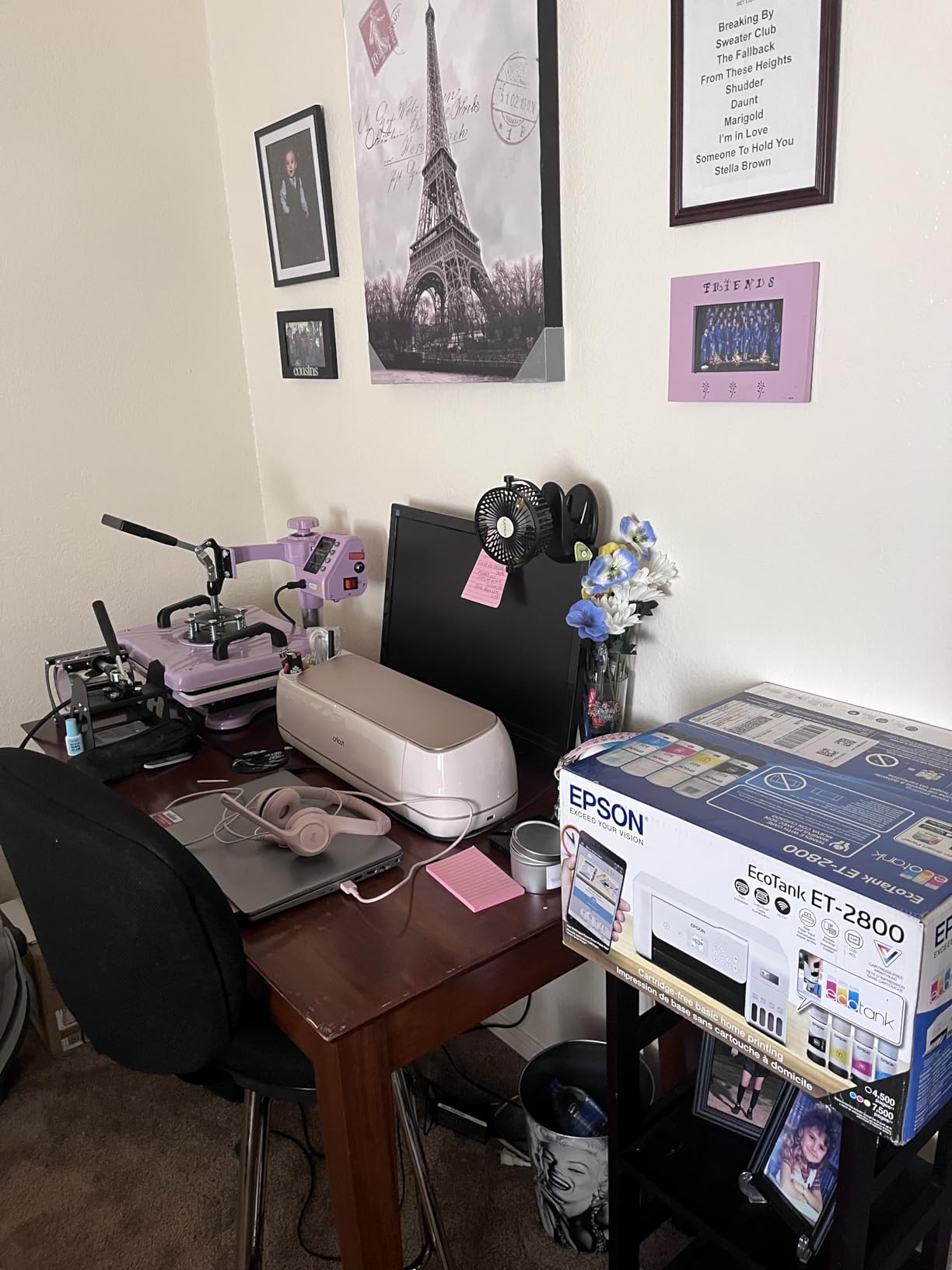
The machine itself is rated very highly for reliability, and the criticism almost all points at the software ecosystem rather than the hardware. That is an important distinction when you are deciding whether to scale orders.
6. VEVOR 34-Inch Vinyl Cutter – Best for Maximum Cutting Width
VEVOR Vinyl Cutter Machine 34 inches Bundle Manual Vinyl Plotter Cutter
30.7-inch cutting width
20-500 g cutting pressure
20-800 mm/s speed
SVG and PDF import
Pros
- Widest cutting area in this roundup at 30.7 inches
- Stated precision of +/-0.01 mm
- Pressure and speed both adjustable with a backlit LCD
- Imports SVG and PDF files directly
- Software installs from included media or download code
Cons
- Fully manual workflow with no auto blade or design software
- Windows-only USB and COMPIM connection
- Manual roller pressure gives less repeatable results
- Share of one-star reviews signals build inconsistency
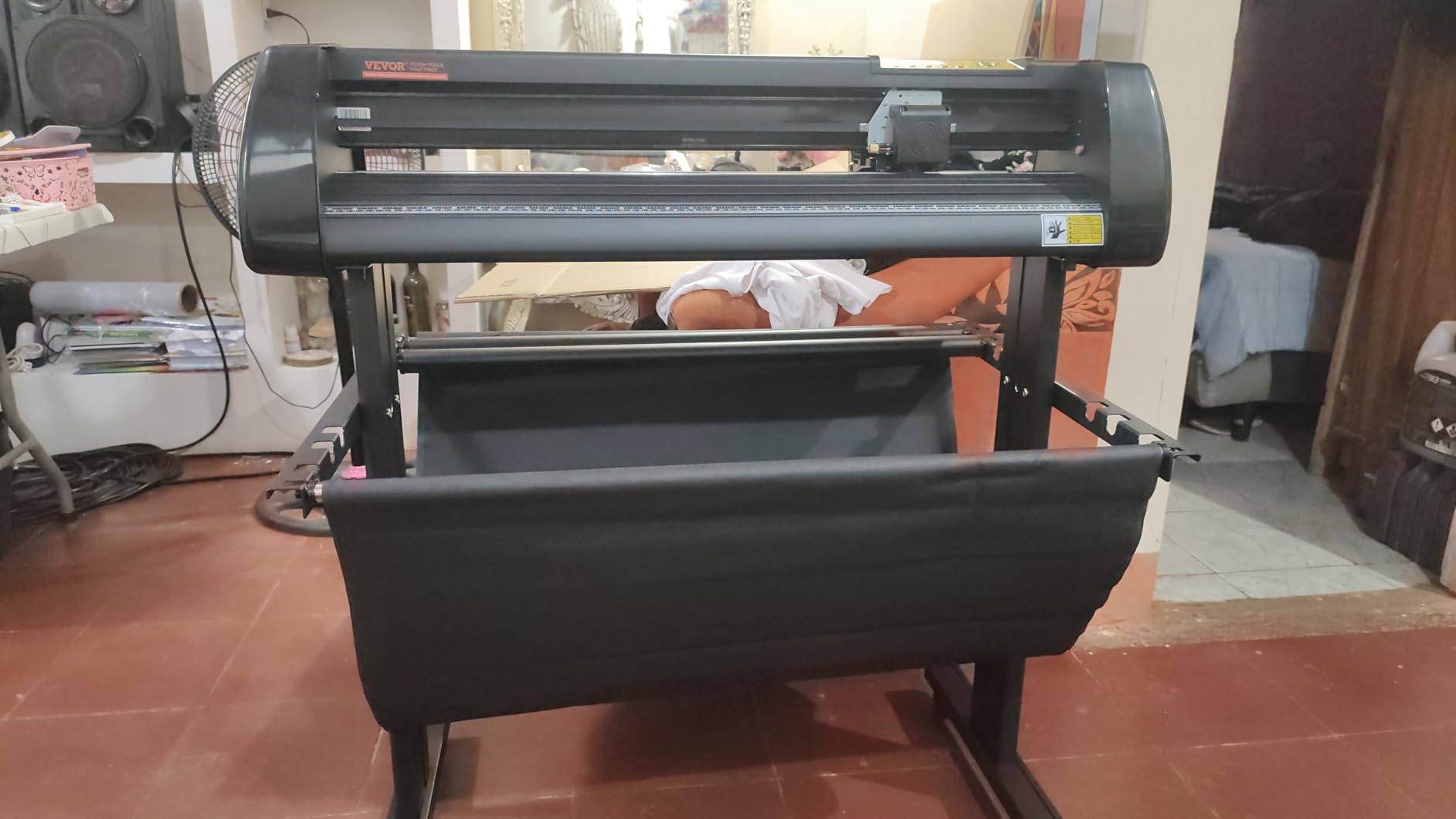
This is a production plotter, not a craft machine, and the distinction shows up in every spec. Maximum feed is 870 mm, and maximum cutting width is 780 mm, which is 30.7 inches. Nothing else in this roundup gives you that much usable blade travel, and for long banner runs and multi-panel apparel prints it is the difference between one pass and three.
Cutting pressure adjusts from 20 to 500 grams and speed from 20 to 800 mm/s, both on a backlit LCD. That range covers everything from thin heat transfer to thick glitter and reflective material, which is exactly the versatility a garment business needs when a customer asks for reflective lettering.
Why manual can be an advantage at volume
On a fixed production run, manual control is not a drawback. Once a job is dialled in, the operator loads a roll, hits send, and the machine runs at the pressure and speed you set. There is no software layer deciding when to change the blade, and no calibration routine between batches.
The double-spring pinch rollers and roughened steel roller feed are what keep a heavy roll tracking straight through a long cut. Feed consistency is what separates a plotter that holds registration on job ten from one that drifts.
Where the manual workflow costs you
Manual means you set roller pressure by hand for each material. That is fine if one operator learns one material; it is a problem when a different person every shift has to dial it in from scratch. The result is less repeatable output than an auto-blade machine.
It is also Windows-only. No Mac support, and the software installs from an included disc or a download code. Some owners report inconsistent cut quality and hardware durability, so we would put this on a dedicated bench rather than in a home setup where it gets moved around.
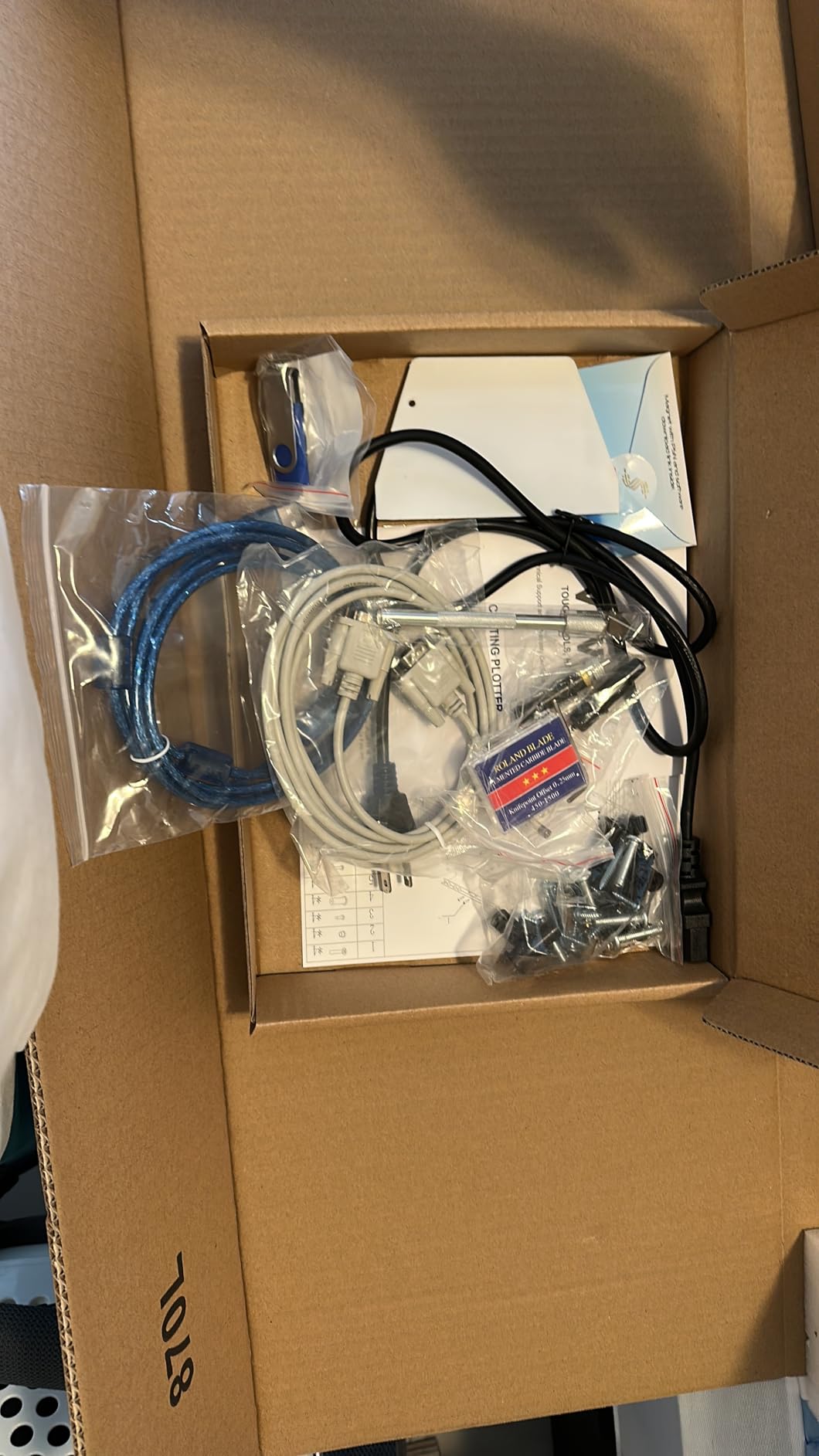
The stated precision of +/-0.01 mm is excellent on paper. In practice, expect to spend real time tuning pressure before a full run, and do a test cut on every new vinyl brand before you commit a roll.
7. Siser Romeo High-Definition Cutter – Best for Built-In Siser HTV Settings
Siser Romeo High-Definition Cutter – 24″ Professional Cutting Machine for Vinyl, Paper, and More – WiFi Compatible with Windows & Mac – Includes Leonardo Design Studio Software, Roll Holder Accessory
24-inch cutting area
Matless or mat-based cutting
Preinstalled Siser HTV cut settings
Up to 60 percent faster than desktop cutters
Pros
- 24-inch cutting area handles banner-sized HTV
- Matless cutting uses the whole area with no mat to peel
- Preinstalled cut settings for Siser HTV and EasyPSV
- Adjustable pinch rollers and variable grit rollers
- Works on both Windows and Mac with WiFi
Cons
- Leonardo Design Studio is less mature than rival software
- Share of one-star reviews points to setup or reliability issues
If your business sells Siser heat transfer vinyl, this machine removes the trial-and-error phase entirely. Cut settings for Siser HTV and EasyPSV are preinstalled, so the blade depth is already matched to the film before you touch anything. That eliminates the most common cause of a failed press, which is a cut that went too deep and distorted the carrier during weeding.
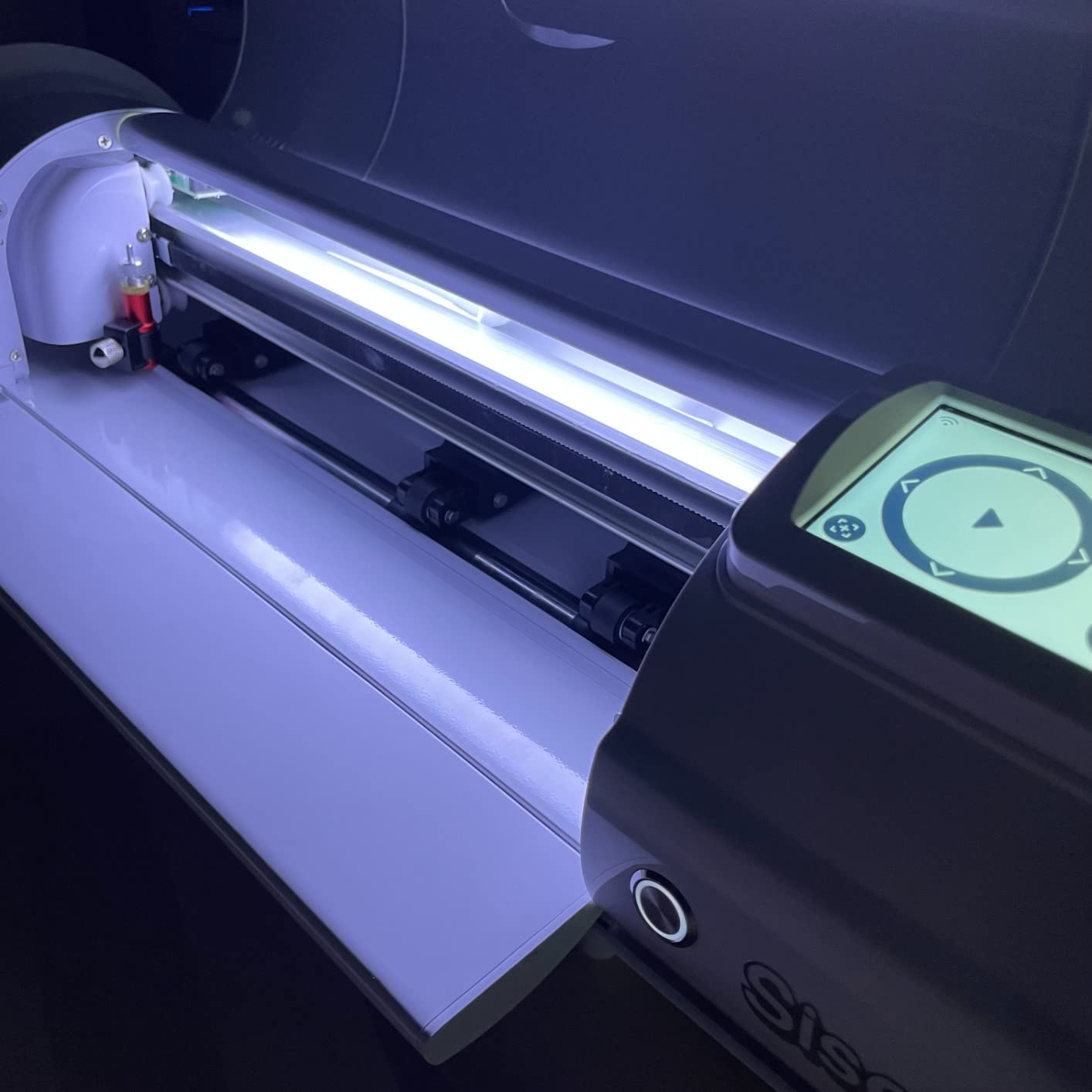
Matless cutting is the feature that changes daily workflow. Instead of loading a mat and peeling it away, the sheet sits on the bed and the full 24-inch area is usable. That removes a handling step from every single shirt, and on a fifty-piece run it adds up.
How the 24-inch area changes a run
Roughly double the area of a 12-inch desktop machine. A full front print fits in one pass, and smaller chest logos can be laid out several to a sheet. Owners running apparel orders consistently highlight the 24-inch matless area as the reason they stopped running two machines.
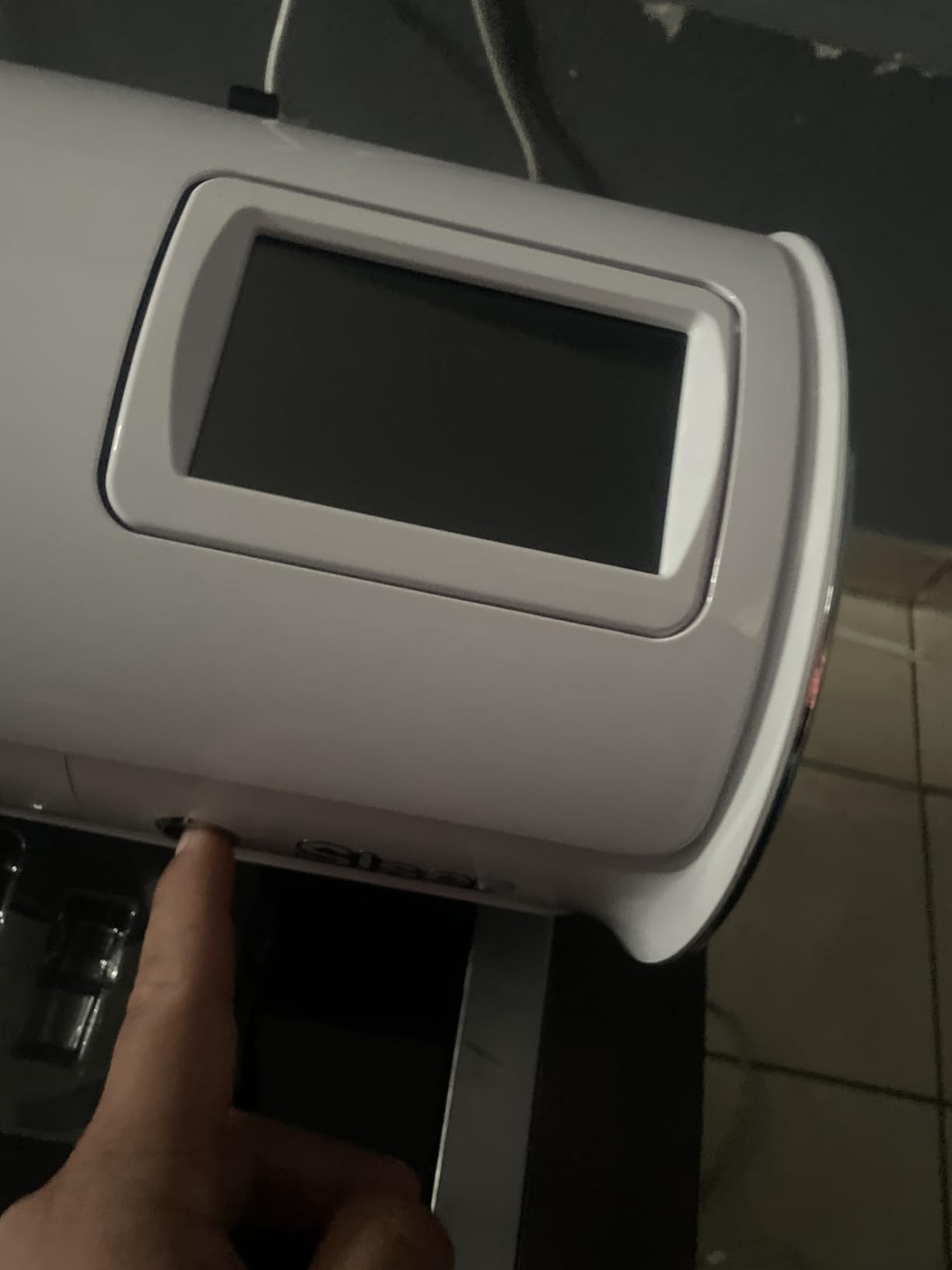
The motor runs up to 60 percent faster than traditional desktop cutters with a quieter design, which matters if the machine sits near a heat press and a sewing machine. The touchscreen handles the layout work without a laptop open on the bench.
Why Siser buyers stay and Mac users notice
The adjustable pinch rollers and variable grit rollers let you tune feed for different film weights, which is what keeps glitter and stretch HTV from shifting mid-job. Windows and Mac support with WiFi is unusual in this group, where several rivals are Windows-only.
The clear weak point is the software. Leonardo Design Studio is the least mature design package here, with fewer cleanup tools than Silhouette Studio or Design Space. If you import finished vector artwork, this matters little. If your operator needs to trace and clean up artwork inside the machine software, budget extra time for it.
The machine is 36.5 inches wide and 10 kg, so it needs a proper bench with clearance for the sheet feed. The roll holder accessory is included, which matters if you buy long HTV rolls by the yard.
8. USCutter 34-Inch Plotter – Best for Lifetime Phone Support and Roll Work
USCutter 34-inch Vinyl Cutter Plotter with Stand and VinylMaster Cut Software, Free US-Based Technical & Lifetime Phone Support
34-inch feed with 30-inch cut width
Three adjustable pinch rollers
VinylMaster Cut software included
Floor stand included
Pros
- 30-inch cut width for large apparel and sign work
- Three fully adjustable pinch rollers give strong feed control
- Ball-bearing dual roller system tracks vinyl reliably
- VinylMaster Cut vectorizing software included
- Floor stand included plus lifetime US phone support
Cons
- Aged design with no auto origin or cutting presets
- Feed motor struggles with very large heavy rolls
- VinylMaster software lacks modern cleanup features
- Some owners report thin metal and plastic construction
The stand is what sells this one. A 34-inch machine on a desk is a cantilever waiting to fail, and the included floor stand with casters puts the blade at working height so you can feed a full roll without lifting the material. For a shop that cuts all day, that ergonomics change is worth more than any software feature.
Three fully adjustable pinch rollers plus a ball-bearing dual roller feed system give you direct control over how the material moves. That is the mechanism that decides whether a long cut tracks straight or drifts into a half-cut letter, and having three independently adjustable rollers gives you far more tuning range than a single-roller desktop machine.
VinylMaster Cut is included with vectorizing, so there is no subscription to budget for, and the US-based lifetime phone support is unusual at this level. Several owners report the machine paying for itself within the first paid job.
How the three pinch rollers change cut quality
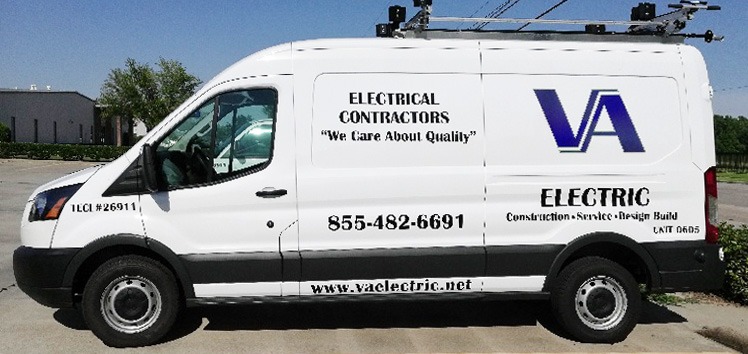
Pinch rollers set grip. Too little and the media slips under load; too much and thin vinyl drags and distorts. Three independently adjustable rollers let you set different pressure across a 34-inch width, which matters when you cut wide HTV next to a narrower banner material on the same sheet.
Speed and cutting pressure are both adjustable, so you can run a fast pass on thin heat transfer and slow down for thick glitter without swapping machines. That range is what lets one cutter serve both a single logo and a full roll of reflective film.
Where this plotter shows its age
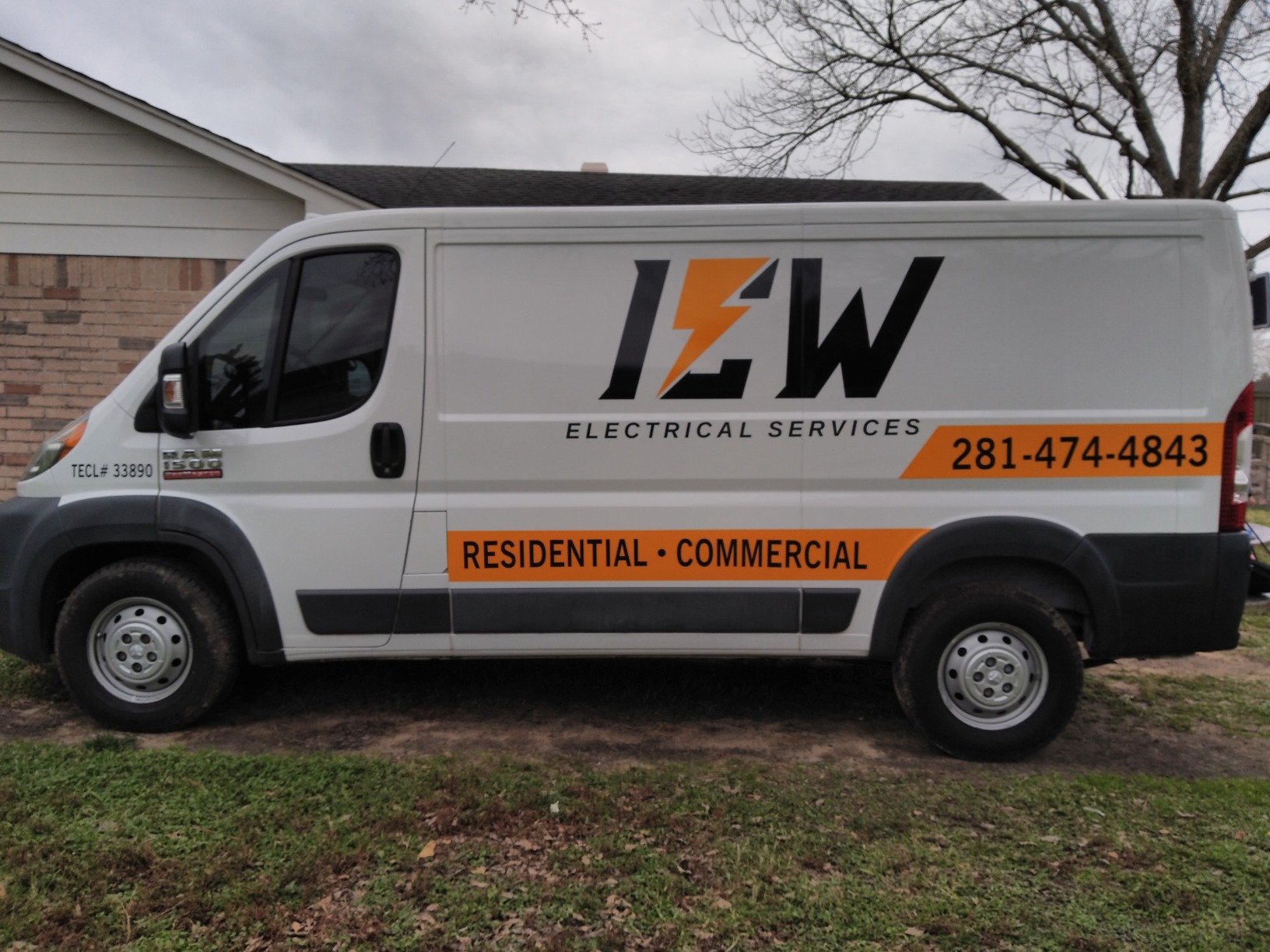
This design has been around since 2016 and it shows. There is no auto origin, no cutting presets, and no media length polling, so setup is manual every time. If you are used to a machine that reads its own material, the workflow feels dated from the first job.
The feed motor struggles with very large heavy rolls and can throw accuracy errors, so keep your rolls at a manageable diameter and change them more often. Some owners report thin metal and plastic construction and oversized dull blades, so we would inspect the blade before a paid run.
At 47 pounds and 37 by 13 by 16 inches, this is a shop machine. It does not share a table with a laptop.
9. VEVOR 28-Inch Vinyl Cutter – Best Budget Plotter With a Stand Included
VEVOR Vinyl Cutter 28 Inch Vinyl Cutter Machine with 20 Blades Maximum Paper Feed 720mm Vinyl Plotter Cutter Machine with Sturdy Floor Stand Adjustable Force and Speed for Sign Making
24.8-inch cutting width
10-500 g cutting pressure
20 blades included
Floor stand included
Pros
- 28.3 inch feed and 24.8 inch cutting width
- Floor stand included rather than sold separately
- Twenty blades cover a wide range of material thicknesses
- Pressure and speed adjust across wide ranges
- Illuminated LCD with a large control panel
Cons
- Windows-only with no Mac compatibility
- Fully manual operation with no design software integration
- Manual roller pressure reduces repeatability between materials
- Share of one-star reviews points to occasional feed issues
This is the one to buy if capacity matters more than automation. You get 28.3 inches of feed and 24.8 inches of cutting width, which puts real banner and multi-panel apparel work in reach, and the floor stand is included rather than sold as a separate accessory.
Twenty blades is a generous inclusion for a machine at this capacity. Between them you have something for thin heat transfer and something for thick glitter or reflective film, which saves you from ordering individual blades for each material you add to your product line.
What a manual workflow looks like in a real shop
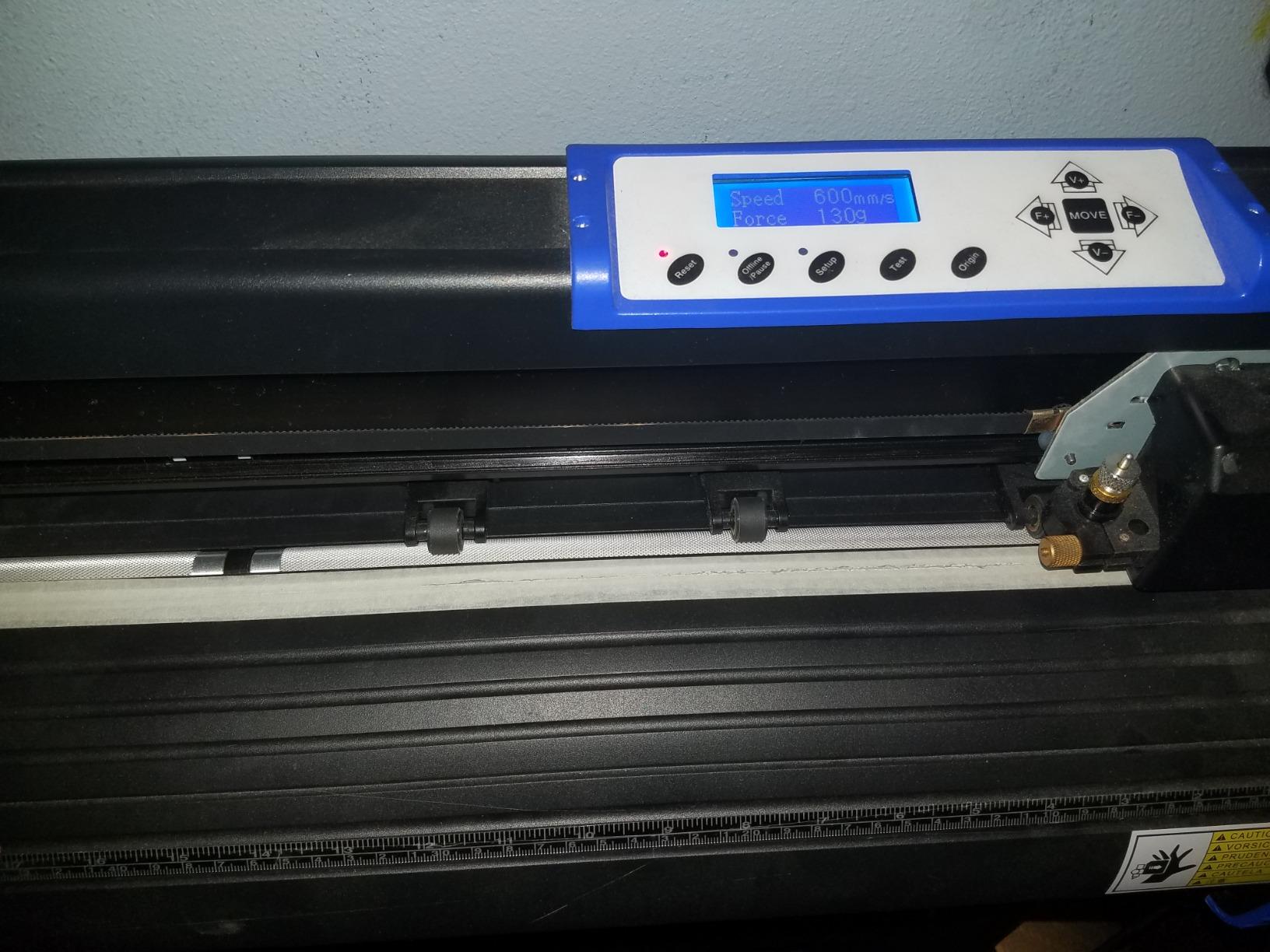
You load material onto the bed, set the roller pressure by hand for that film, choose a blade, dial pressure between 10 and 500 grams, and send the file through USB. Once that job is dialled in, the machine runs unattended for the rest of the roll.
Cutting pressure and speed both adjust across wide ranges, and the illuminated LCD with a large control panel makes the manual steps readable in a dim workshop. The double-spring pinch rollers and aluminum knurling stick help hold material steady.
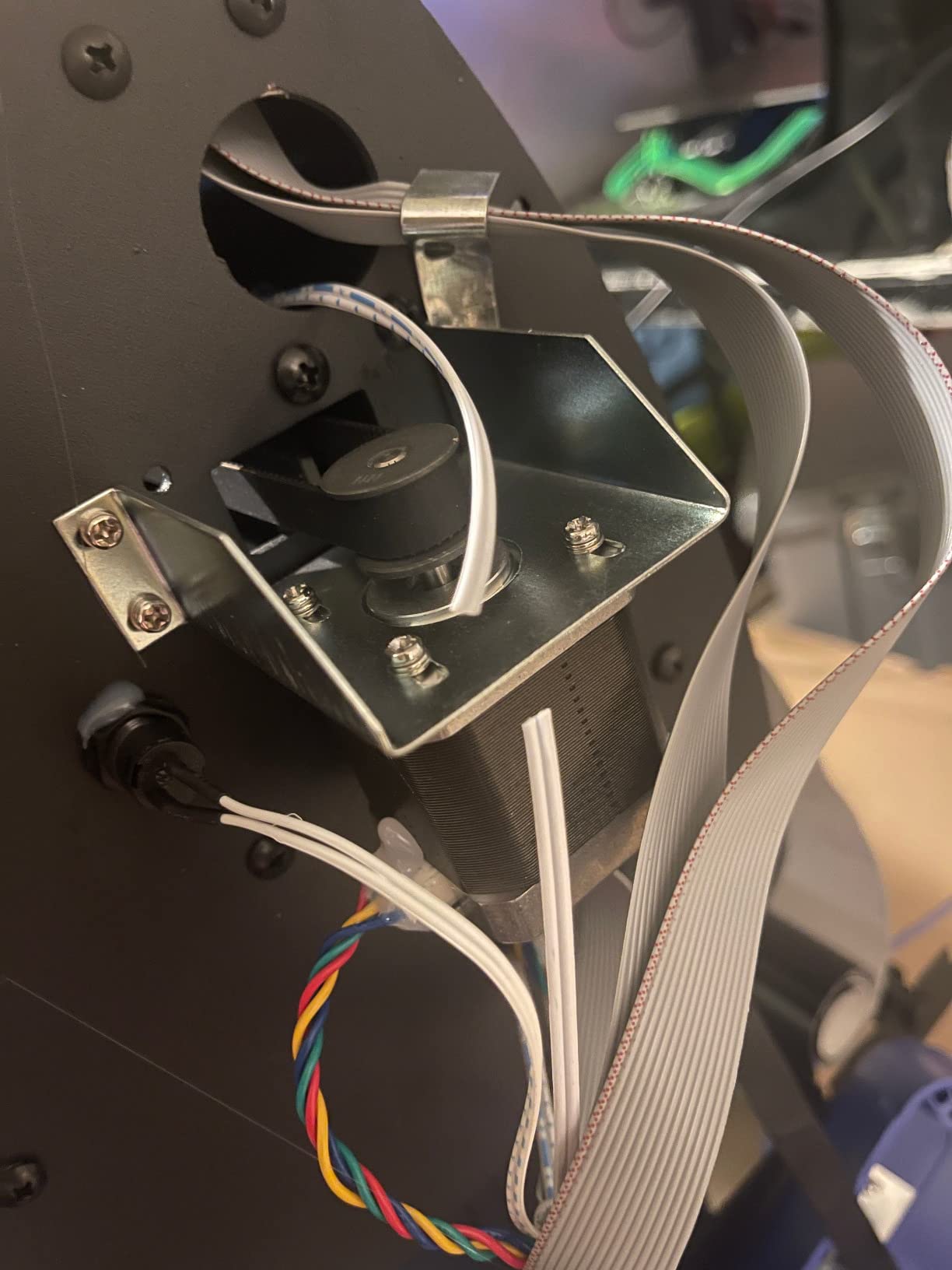
The limits you should plan around
There is no design software integration and no automatic blade. Every material change is a manual adjustment, which means results depend on how consistently your operator tunes the machine between jobs. In a shop with one trained person, that is manageable. Across shifts, it is not.
Compatibility is Windows-only, listed for Windows XP through 10 in both 32-bit and 64-bit, with no Mac support. It imports DM/PL and HP/PL languages, so prepared files from a cutting package will run, but you are driving it yourself with no layout tool included.
Owners rate it well on capacity versus cost. The share of one-star reviews points to occasional hardware and feed issues, so test-cut every new material before a full run.
How to Choose a Vinyl Cutter for Your T-Shirt Business
What cutting width do you actually need?
Cutting width is the number that decides whether a machine works or does not, and it is not about the machine size but the blade travel. A 12-inch machine handles a centred chest logo or a chest-side name perfectly well. It also means splitting any full-front design into two or three pieces that you tape together before pressing, and taped seams show up on finished shirts.
Here is the rule we use. Under 12 inches covers chest logos, names, and numbers. Fifteen inches covers most single-design apparel prints without splitting. Twenty-four inches covers full-front designs, sleeves, and multi-panel layouts on one sheet. Beyond 28 inches you are cutting banners and strips for screen printing stencils rather than garment graphics.
Before you commit, measure your three most common designs at their widest point. That measurement, not the machine spec, is your requirement.
Cut-only vs print-and-cut: which one you need
A cut-only machine cuts solid-colour heat transfer vinyl. You weed it, apply transfer tape, and press it. That is the entire product line for most t-shirt businesses, and it is also the cheapest and most reliable way to work.
A print-and-cut machine adds a printer so you can produce full-colour graphics. It is only worth it if you plan to sell photographic or multi-colour tees. If you buy a combo for a solid-colour HTV business, you are paying for a printer you will not use and dealing with ink maintenance. Many first-time buyers make exactly this mistake.
One important expectation to set: a vinyl cutter cannot print full-colour artwork on its own. It produces cut HTV, stencils, decals, labels, and the contour path for printable HTV. Plan your product mix accordingly.
Servo motor vs stepper motor, explained
This one term comes up constantly in cutter buying videos and almost never in product pages, so here is the plain version. A stepper motor moves in fixed steps and pushes the blade through the material with a fixed force. A servo motor measures its own position and applies force on demand, which is why servo-driven plotters hold registration better on long jobs and cut thicker material without the blade bogging down.
For occasional cutting, a stepper-driven desktop machine is fine. For production work where you cut roll after roll and cannot afford drift, a servo-driven plotter is the safer bet. This is also why the manual plotters in this roundup hold registration better than some of the wider desktop machines.
Mat-based vs matless cutting for HTV
Mat-based machines grip the sheet on an adhesive mat and you peel the mat away before weeding. Matless machines hold the material with static or rollers and skip the mat entirely. Matless gives you the whole bed as usable area and removes a handling step from every job. Mat-based is more reliable for very small pieces that static will not hold.
Whatever you choose, plan for replacement mats. Adhesive mats lose tack, become a consumable cost, and owners regularly report this as an expense they forgot to budget for.
Can you actually make money with a vinyl cutter?
Yes, but the cutter is rarely the bottleneck. The profit on a heat transfer shirt comes from the design, the brand, and the order channel. The cutter affects your profit only through throughput and waste: how many shirts you can finish in an hour, and how much material you throw away on failed cuts.
Run the numbers simply. Take your average order value, subtract blank cost, vinyl cost, transfer tape, and your press time. Then estimate how many shirts you can weed and press per hour, which is usually well below what a machine’s cut speed suggests. Weeding takes longer than cutting for most designs, and no cutter on this list changes that.
The machines that pay back fastest are the ones with automatic blade depth, because a blade set wrong is what causes failed cuts and wasted HTV. The SDX85 and the Cameo 5 Alpha both handle that automatically. That is the practical answer to whether a machine pays for itself.
Our broader equipment notes cover adjacent kit, including vinyl storage solutions for keeping rolls organised, and flannel shirt jacket picks if you want a garment line that does not need vinyl at all.
When to upgrade from a 12-inch craft cutter
Move up when any of these become true, and not before. First, you are splitting designs to fit the bed. Second, you cut nearly every day and the mat peeling and reloading is eating your production time. Third, you are running out of 12-inch rolls and losing material on the offcut. Fourth, you are waiting on calibration between jobs that a machine with a fixed blade holder would not need.
The common thread in owner discussions is that craft machines get outgrown quickly. That is not a criticism of them, which are excellent value, it is a fact about what happens when a side hustle becomes daily production. Buy a 12-inch craft machine to test a product idea. Buy a 24-inch machine when the idea is working.
Mistakes that waste HTV
Forgetting to mirror the design. Heat transfer vinyl goes down mirror image because the carrier peels away on the other side. Double check before you send the file, especially on names and script.
Skipping the test cut. Every new vinyl brand has a different backing and needs a different blade depth. A small corner test costs seconds and saves a full sheet.
Over-cutting the carrier. Cutting deeper than the film leaves a groove in the carrier and the weed tears. Automatic blade machines largely remove this problem, which is their real advantage.
Setting pressure too high out of habit. Force beyond what the material needs causes tracking drift on long jobs and shortened blade life.
Budgeting for consumables too late. Blades, cutting strips, mats, weeding tools, and transfer tape all add up. Owners who track these report it as a consistent percentage of material spend, not an occasional surprise.
Frequently Asked Questions
Can you make money with a vinyl cutter?
Yes, but the cutter is rarely what makes or breaks the profit. Income depends on your designs, pricing, and sales channel. The machine affects profit through throughput and waste, since failed cuts and wrong blade depth throw away heat transfer vinyl. Machines with an automatic blade and material sensor lose the least material overall.
Is there a better cutter than Cricut?
For a t-shirt business, yes. Cricut machines are strong on ease of use and material selection, but the paid design library and the 12-inch mat limit production. The Brother SDX85 and Silhouette Cameo 5 Alpha cut faster with wider beds and automatic blade handling, and dedicated 24-inch plotters serve larger runs entirely.
Who makes the best vinyl cutters?
The brands most often recommended for shop durability are Graphtec and Roland, which owner discussions consistently praise for holding up over years. USCutter is valued for included software and lifetime US phone support. Siser leads on preinstalled heat transfer settings. Silhouette, Brother, and Cricut cover the desktop craft and small business tier.
What is the best vinyl cutter for cutting T-shirts?
The Brother SDX85 ScanNCut is the best overall choice for a t-shirt business because it has no paid software requirement, a built-in scanner that skips registration marks, and an automatic blade with a material sensor. If you need more width and speed, the Silhouette Cameo 5 Alpha cuts at up to 400 mm/s across a 15-inch bed.
Do I need a print and cut machine or just a cutter for tees?
For solid-colour heat transfer vinyl you only need a cutter, which is cheaper and more reliable. A print-and-cut combo adds a printer for full-colour photographic graphics and is only worth buying if you plan to sell those designs. Most t-shirt businesses that start with a combo end up using only the cutter half of it.
Final Verdict on the Best Vinyl Cutters for a T-Shirt Business
The Brother SDX85 ScanNCut is our pick as the best vinyl cutter for a t shirt business, on the strength of no software subscription, a scanner that removes registration marks, and the deepest owner review base we could verify. Buy the SDX125E instead if screen time and stored designs matter more to your operator.
Step up to the Silhouette Cameo 5 Alpha Plus when you need speed and a wider bed, to the Cricut Maker 4 Starter Kit when you want material in the box on day one, and to the Siser Romeo or a 24-inch plotter once designs stop fitting a 12-inch sheet.
Whichever you choose, test-cut every new vinyl brand before a paid run, and start tracking blades, mats, and transfer tape as running costs from your first week.