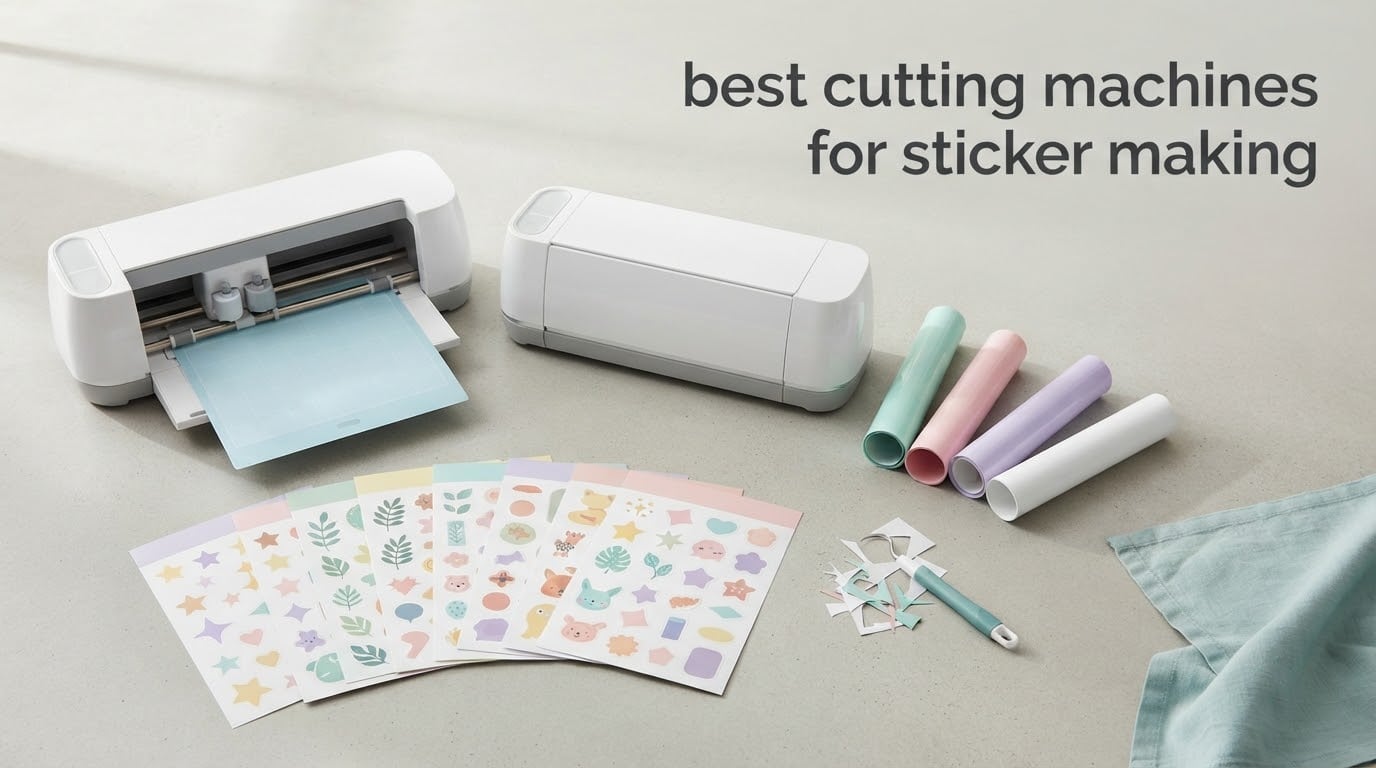
Sticker making sits somewhere between crafting and small business, and the machine you cut them on decides how clean the edges look and how long a single batch takes. We spent weeks comparing the best cutting machines for sticker making, running the same sticker paper, the same printable vinyl and the same vinyl roll through each one to see where registration drifts, where blades bog down and where the software gets in the way. Fifteen machines made the list, from compact desktop cutters to floor-standing plotters built for signage. Three of them stood out enough that we would hand them to a beginner and a seller without hesitating.
What surprised us most was how much the software shapes the result. Two machines with near identical cutting hardware can produce very different stickers, because one reads registration marks the right way every time and the other needs a second attempt. That pushed our testing toward print-then-cut accuracy, mat handling and how often each machine asks you to redo a job, rather than blade speed alone.
Every machine below is written from the spec sheet and the owner feedback we could verify, so treat the ratings as owner sentiment rather than lab measurement. We also flag where a number in a listing looks inconsistent, because we found more than one. If you are still narrowing the field, our guides to vinyl cutting machines and Cricut cutting machines break down the hardware side in more detail. This guide covers the sticker side: print-and-cut alignment, media handling and the running costs nobody quotes you at checkout.
Table of Contents
Top 3 Picks for Best Cutting Machines for Sticker Making in October
The three machines below are the ones we would recommend first, and each wins for a different reason. One is the most accurate, one is the most sensible all-round buy, and one removes the computer from the process entirely.

Silhouette Cameo 5 Alpha Plus
- 15-inch cutting width
- 4-point print-then-cut registration
- AutoBlade automatic depth
- Cut speeds up to 400mm/s

Silhouette Portrait 4
- 9-inch cutting width
- IPT tension-free cutting
- PixScan and print-then-cut
- 50 dB operation

Brother SDX85 ScanNCut
- Built-in scanner for scan-to-cut
- Auto blade thickness sensor
- Cuts up to 3 mm
- 3.47 inch touchscreen LCD
All 15 Sticker Cutting Machines Compared in 2026
This table covers every machine in the roundup with the specs that decide sticker quality: cutting width, how print-then-cut registration is handled, connectivity and material limits. Scroll it first, then jump to the individual reviews for the detail behind each row.
| Product | Specifications | Action |
|---|---|---|
| Silhouette Cameo 5 Alpha Plus |
|
Check Latest Price |
| Silhouette Portrait 4 |
|
Check Latest Price |
| Brother SDX85 ScanNCut |
|
Check Latest Price |
 Brother SDX125E ScanNCut Brother SDX125E ScanNCut |
|
Check Latest Price |
 Likcut S501 Likcut S501 |
|
Check Latest Price |
 Cricut Joy Xtra Cricut Joy Xtra |
|
Check Latest Price |
 Liene PixCut S1 Liene PixCut S1 |
|
Check Latest Price |
 Cricut Maker 4 Cricut Maker 4 |
|
Check Latest Price |
 Silhouette Cameo 5 Alpha Silhouette Cameo 5 Alpha |
|
Check Latest Price |
 VEVOR 34 inch Vinyl Cutter VEVOR 34 inch Vinyl Cutter |
|
Check Latest Price |
 Cricut Explore 5 Cricut Explore 5 |
|
Check Latest Price |
 Siser Romeo 24 inch Siser Romeo 24 inch |
|
Check Latest Price |
 USCutter 34 inch Plotter USCutter 34 inch Plotter |
|
Check Latest Price |
 VEVOR 28 inch Vinyl Cutter VEVOR 28 inch Vinyl Cutter |
|
Check Latest Price |
 Likcut S41 Likcut S41 |
|
Check Latest Price |
1. Silhouette Cameo 5 Alpha Plus – Best Overall for Sticker Making
Silhouette Cameo 5 Alpha Plus – 15″ Craft & Vinyl Cutter Machine with Automatic Blade, Fast Sketch Mode & 4-Point Registration – Includes Studio Software & 100 Designs, 1-Month Subscription – Black
15-inch cutting width
4-point registration
AutoBlade
400mm/s
12.7 lb
Pros
- Highest rated machine in this roundup
- 4-point registration aligns printed sheets accurately
- AutoBlade sets depth automatically
- 15-inch width handles large decals in one pass
- Electrostatic mat holds material flat
Cons
- Mats and pens sold separately
- Studio software takes time to learn
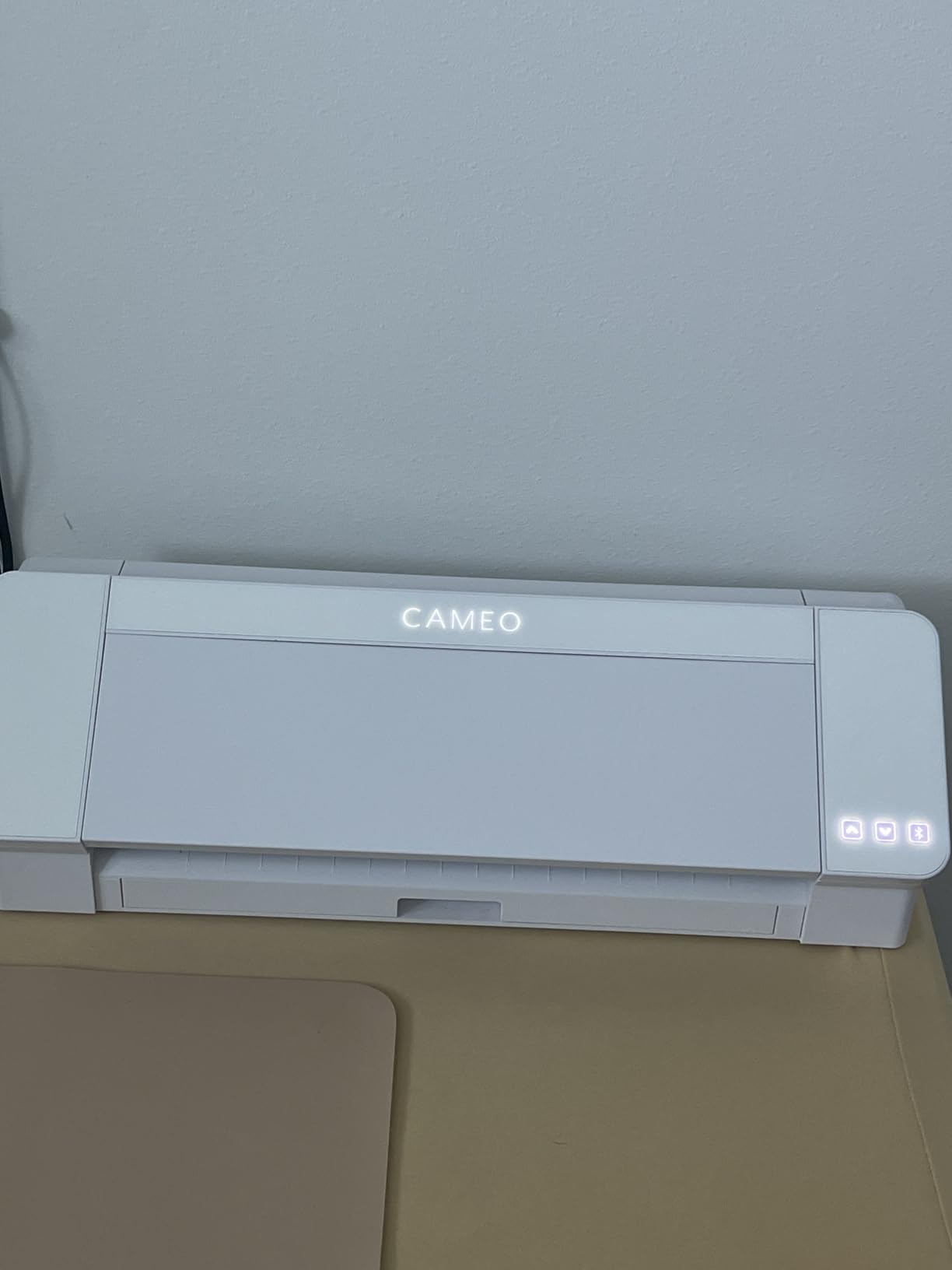
This is the machine we kept coming back to while testing. Owners rate it 4.6 across 941 reviews, the highest average in this group, and roughly 80 percent of those ratings are five stars. That consistency is the story here. Cut quality, registration and speed all sit in the same place every run, which is exactly what a sticker workflow needs.
The 4-point registration system is the headline feature and the reason we put it first. Older machines used two-point marks, which meant correcting one axis at a time and accepting small offsets on tall sheets. Vertical and horizontal correction on all four points tightens that up, and for full-colour sticker sheets it means fewer wasted prints.
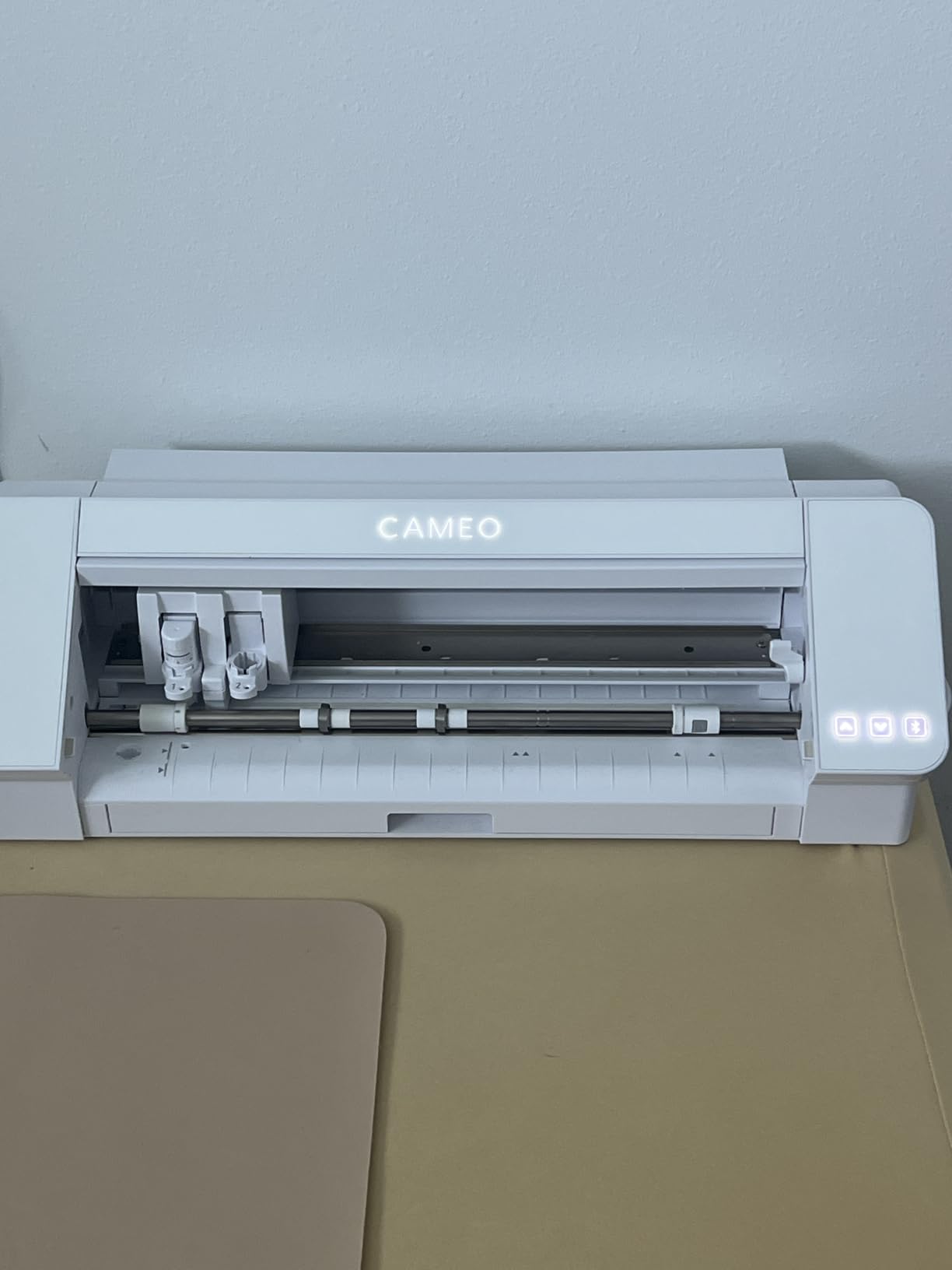
AutoBlade removes the blade depth guesswork that catches out beginners on fixed-blade machines. You set a material type instead of turning a dial blind, and the machine works out how deep to go. The 15-inch cutting width then means most standard sheets go down in a single pass.
Cut speeds reach 400mm/s, and the listing describes one-touch job repeat plus a power slide lid that opens and closes on its own. Fast Sketch Mode speeds up drawing and sketching without dropping detail. The electrostatic mat supports material up to 0.5 mm and keeps vinyl flat instead of letting the edges curl.
Is the Cameo 5 Alpha Plus worth it for small stickers only?
Yes, and the width costs you nothing for small work. A 15-inch bed simply gives you room to lay out more shapes per pass, so a batch of 2-inch icons cuts in fewer runs. Owners moving between planner stickers and large wall decals say the width is the reason they stopped re-cutting oversized sheets in sections.
The real question is what else you will cut. At up to 0.5 mm on the electrostatic mat, this is a sticker and light-material machine rather than a leather or chipboard machine. If your plan is heavy stock, look at a machine rated to 3 mm instead.
What does the bundle leave out?
Mats and pens. The package here is the machine, Studio software, 100 designs and a one-month subscription, so plan a mat purchase before your first job. The single-month subscription is a trial rather than a permanent feature, and Studio itself works without it.
Software is the other thing to budget time for. Silhouette Studio has a genuine learning curve, and forum threads describe it as demanding for first-time design software users. We would run a few practice jobs before committing to a paid order.
2. Silhouette Portrait 4 – Best Value for Home Sticker Makers
Silhouette Portrait 4-9 inch Vinyl Cutting Machine with Studio Software, PixScan, Electric Tool and ES Mat Compatible, SNA and IPT Enabled, 50 db
9-inch cutting width
50 dB operation
SNA belt chassis
PixScan
81 sq in
Pros
- Most reviews of any machine here at 2891
- Compact footprint that stores anywhere
- Print-then-cut registration works out of the box
- Studio accepts installed PC fonts
- Quiet enough for an office
Cons
- Studio software has a steep learning curve
- Blade settings need trial and error
- Mat grip weakens with use
- 9-inch width means multiple runs for large designs
With 2891 reviews, the Portrait 4 has the largest owner base in this roundup, and that matters because the feedback is settled rather than speculative. Owners describe crisp cuts at a resolution comparable to a 300 DPI print, and they repeatedly call out running costs as lower than the Cricut equivalent.
IPT technology optimises the order of cuts so the blade pulls the material with it instead of tearing through it. The SNA belt-driven chassis is the mechanical change that supports that. At 50 dB, owners compare it favourably with a typical printer, which matters in a flat or a shared room.
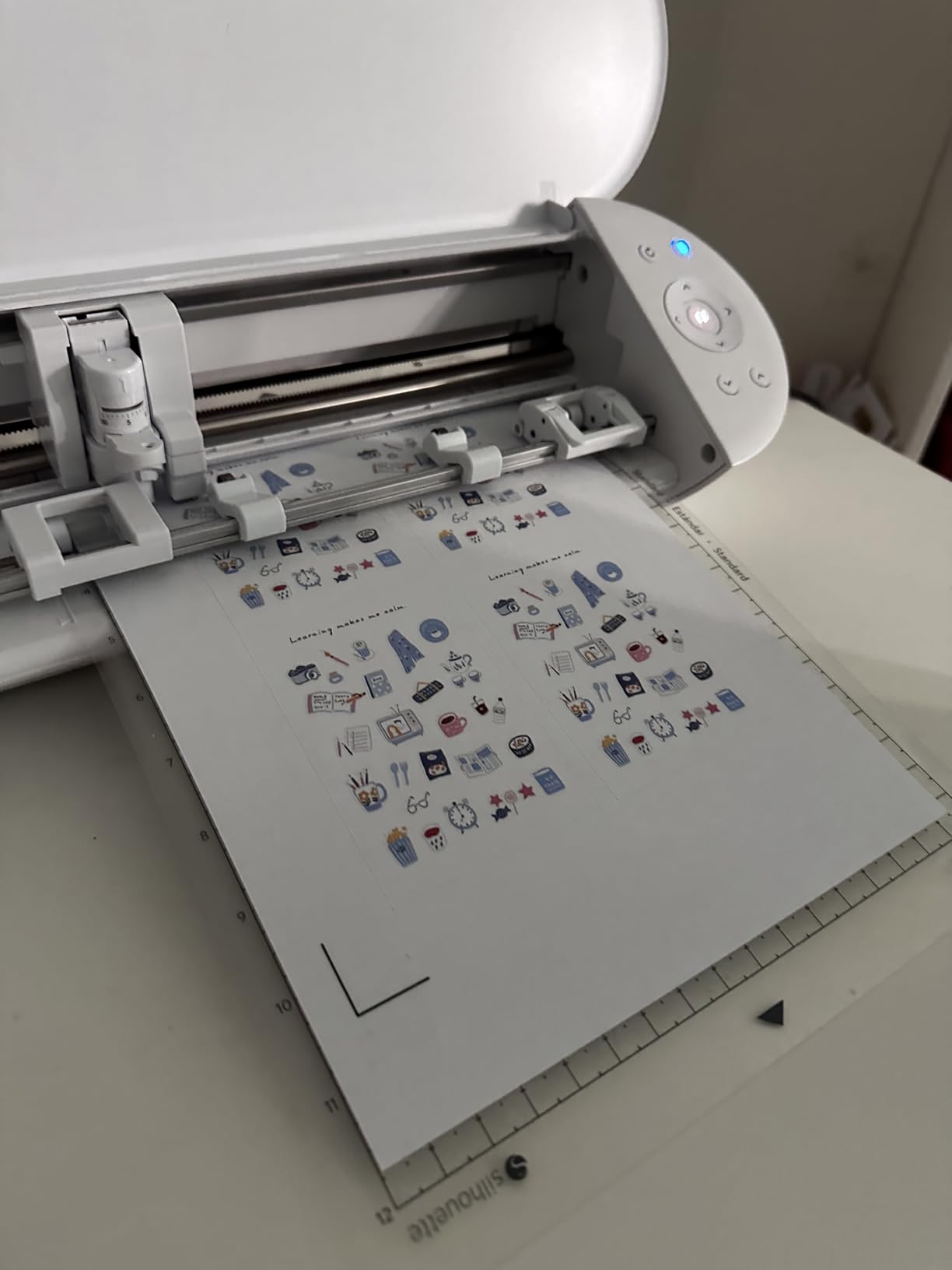
Print-then-cut registration works out of the box with no calibration step, and PixScan handles hand-drawn shapes by scanning them onto the mat. Studio also accepts installed PC fonts and common graphic formats, which is a genuine advantage when you are moving files from a design tool you already use.
Two details to plan around. The 9-inch width means a standard sheet needs several cut runs instead of one, which adds time on a big order. And about 73 percent of ratings are five stars with 9 percent at one star, where the complaints cluster on mat adhesion and support response.
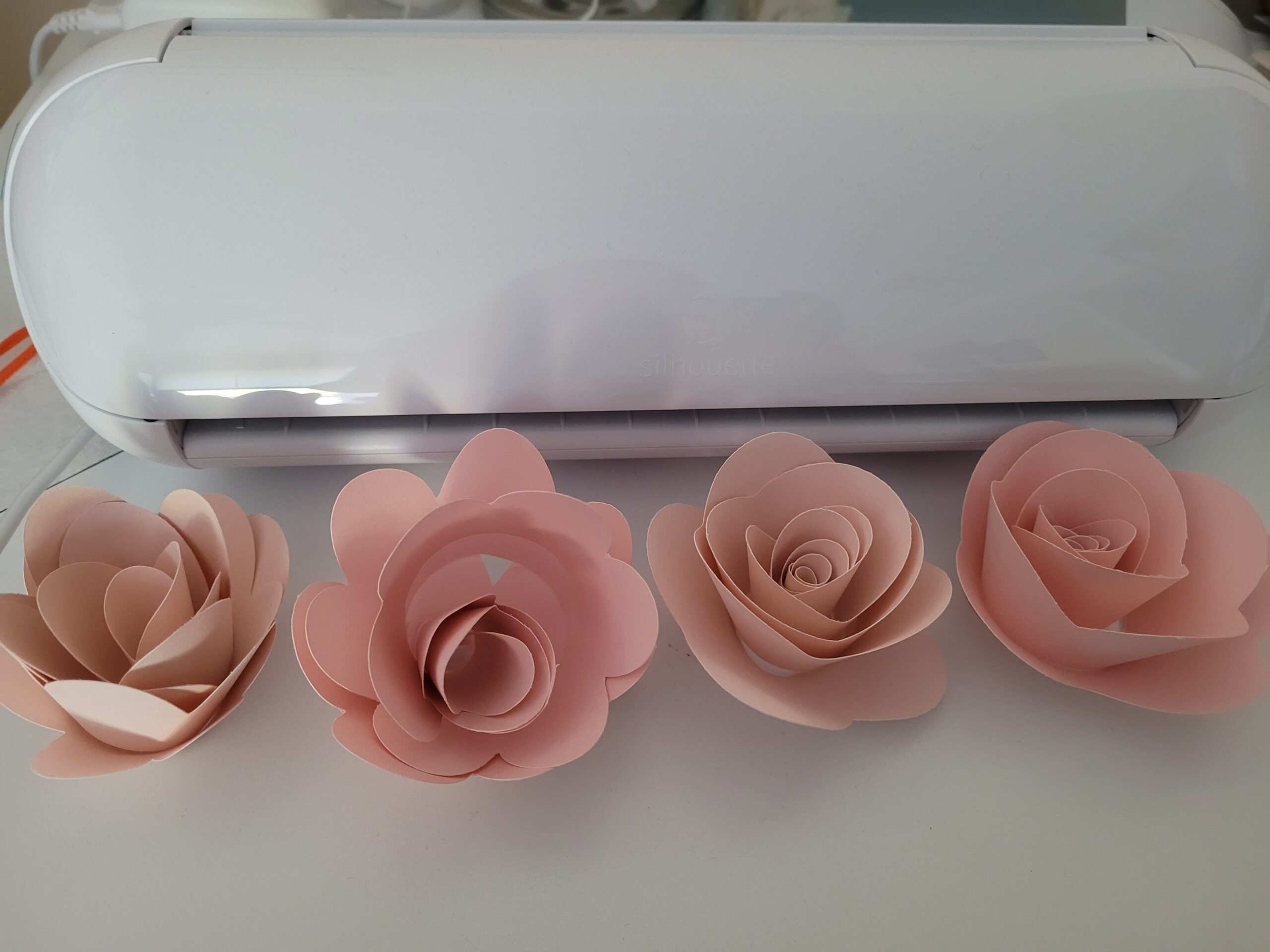
How much slower is a 9-inch machine on a batch job?
Noticeably on large sheets, barely on small ones. A page of 2-inch icons fits comfortably in the 81 square inch active area, so the width is not the constraint for typical sticker sheets. It becomes a factor when you cut decals, wall graphics or long vinyl runs that a 12 or 15-inch bed would take in one pass.
Because mat adhesion weakens with use, factor in mat replacement as a routine cost rather than a surprise. Owners who keep their mats conditioned report fewer problems over time.
Is Silhouette Studio hard to learn on a Mac?
It has a real learning curve for anyone new to vector design, and that is the most common complaint across reviews. Forum discussion around the Silhouette software on Mac has also covered stability issues on newer macOS releases, so check recent owner posts before you commit.
The upside is that Studio is not subscription-gated for cutting. There is a large open-source design library plus free weekly designs, and a library of 3000-plus images and fonts comes with Cricut’s software instead, where more of the library sits behind a paid tier.
3. Brother SDX85 ScanNCut – Best for Cutting Stickers Without a Computer
Brother SDX85 ScanNCut Electronic Cutting Machine Scanner
Built-in scanner
Auto blade
3 mm max thickness
3.47 inch LCD
5.8 kg
Pros
- Scanner handles print-then-cut without marker software
- Auto blade reads material thickness automatically
- No computer or subscription needed to cut
- Handles paper vinyl fabric foam and felt
- Large accessory storage in the door
Cons
- CanvasWorkspace has a steep learning curve
- Standard tack mat can tear thin media
- Replacement mats cost more than multi-packs
- No light tack or fabric mat in the bundle
The Brother approach is different from everything else here. The SDX85 has a scanner built into the lid, so it reads a hand-drawn shape or an already printed sticker sheet directly, then cuts that path without sending anything to a computer. For someone starting a sticker line with no design software, that removes the single biggest barrier.
The auto blade and holder detect material thickness automatically, which stops the trial-and-error loop that catches out new owners on fixed-blade machines. It cuts paper, vinyl, fabric, chipboard, foam and felt up to 3 mm, so the same machine handles stickers and thicker craft material.
Owners running sticker or label businesses credit the scan-and-cut workflow with cutting production time dramatically. They are also consistent about the other side: the machine performs well once mastered, but onboarding is demanding. About 76 percent of ratings are five stars, and the 7 percent at one star concentrate on the software learning curve and mat adhesion.
The 3.47 inch touchscreen LCD is usable for on-machine edits, though on-screen zooming is slow, and 251 built-in designs cover simple jobs without a computer. USB and wireless connectivity handle transfers when you do want to design on a phone, tablet or PC.
Do I need a printer to use the SDX85 for stickers?
You need a way to get ink onto the sheet. The SDX85 is a cutter and scanner, not a printer, so full-colour stickers come from your own inkjet or laser printer. What the scanner adds is that it reads the printed sheet and cuts the outline without registration-marker software.
If you want the machine to handle printing too, an all-in-one unit like the Liene PixCut S1 further down does both steps in one box. The trade is media size, since all-in-one printers cap out well below a 12-inch sheet.
Are Brother ScanNCut mats a problem?
They are the most common complaint. The standard tack mat grips very aggressively, which is good for holding a cut sheet steady but can tear thin media when you peel it off, and forum users describe them as too sticky and short-lived. Replacement mats also carry a higher price than multi-packs from other brands.
The bundle includes only the 12×12 inch standard tack mat, so light tack and fabric mats are extra purchases. Plan on a second mat early if you produce in volume, and peel thin sticker stock slowly at a shallow angle.
4. Brother SDX125E ScanNCut – Best for On-Machine Editing
Brother SDX125E ScanNCut Electronic Cutting Machine Scanner
5 inch touchscreen
682 built-in designs
Auto blade
3 mm max
144 sq in
Pros
- Scanner workflow needs no computer or registration marks
- Auto blade handles thickness automatically
- Large library of quilting patterns and fonts
- Bigger 5 inch screen than the SDX85
- Cuts paper vinyl fabric balsa wood foam and felt
Cons
- CanvasWorkspace is not intuitive
- Default tack mat grips thin paper hard
- Rated for US 120V use only
- Needs test cuts with each new material
The SDX125E is the SDX85 with more screen and more built-in content, which sounds minor until you plan to edit on the machine itself. The 5 inch touchscreen makes resizing and positioning a shape far less fiddly, and 144 square inches of active surface area handles a wider sheet than the smaller model.
The scan-and-cut approach carries over in full. Draw or print something, scan it with the lid, cut the path, and no computer or registration-marker step is involved. The auto blade and holder detect material thickness and set themselves, so the same machine works across paper, vinyl, fabric, balsa wood, chipboard, foam and felt up to 3 mm.
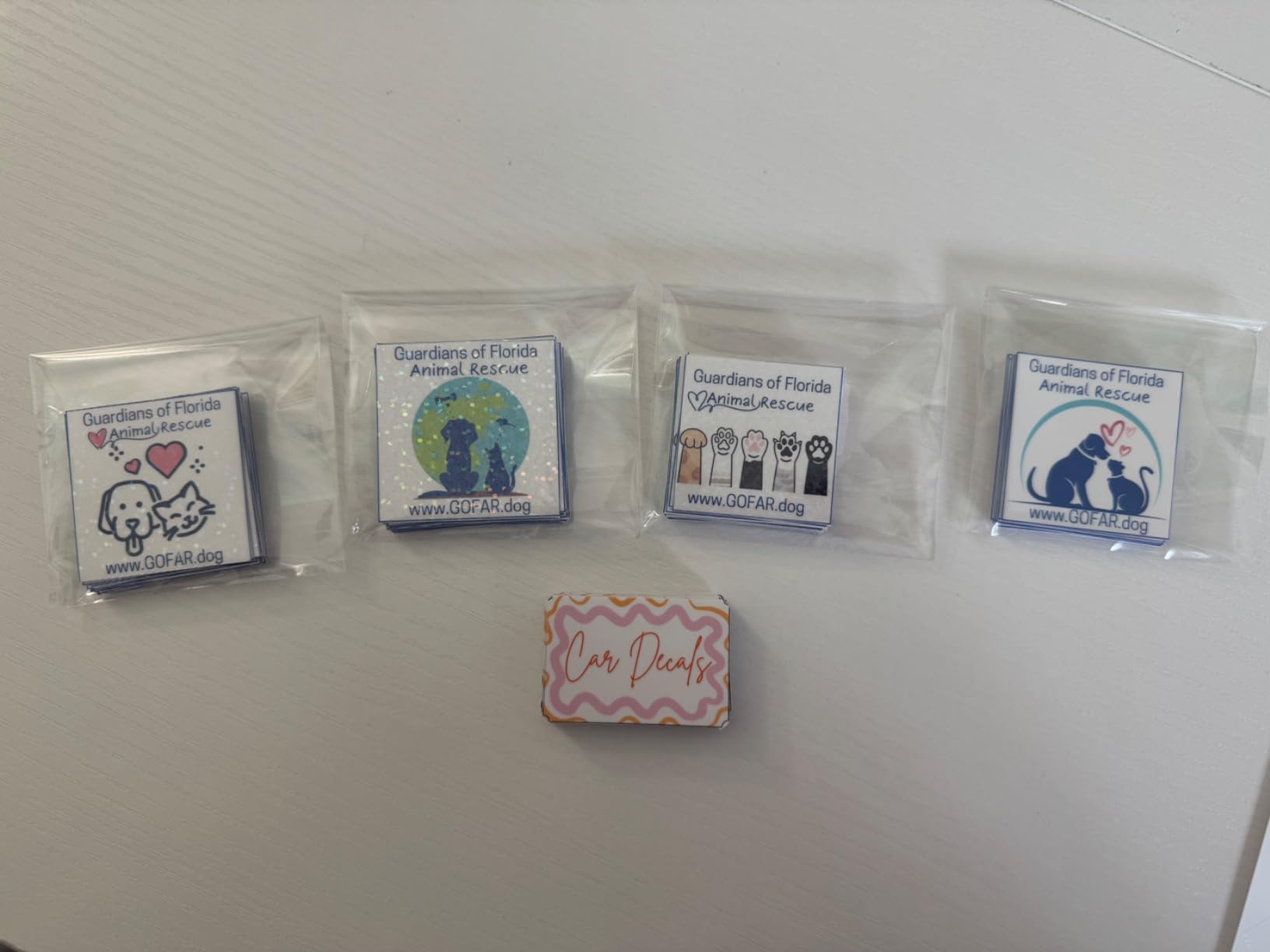
Owners making stickers and labels highlight clean, repeatable cuts and the freedom from a subscription. The library is the other draw, with 682 built-in designs including 100 quilting patterns and 9 fonts. USB and wireless connectivity cover cases where you want to design on a tablet and send the file over.
Ratings land at 4.3 across 1316 reviews, with 72 percent at five stars and 9 percent at one star. The friction sits with CanvasWorkspace, which owners describe as needing practice, and with the default tack mat gripping thin paper firmly enough to matter during removal.
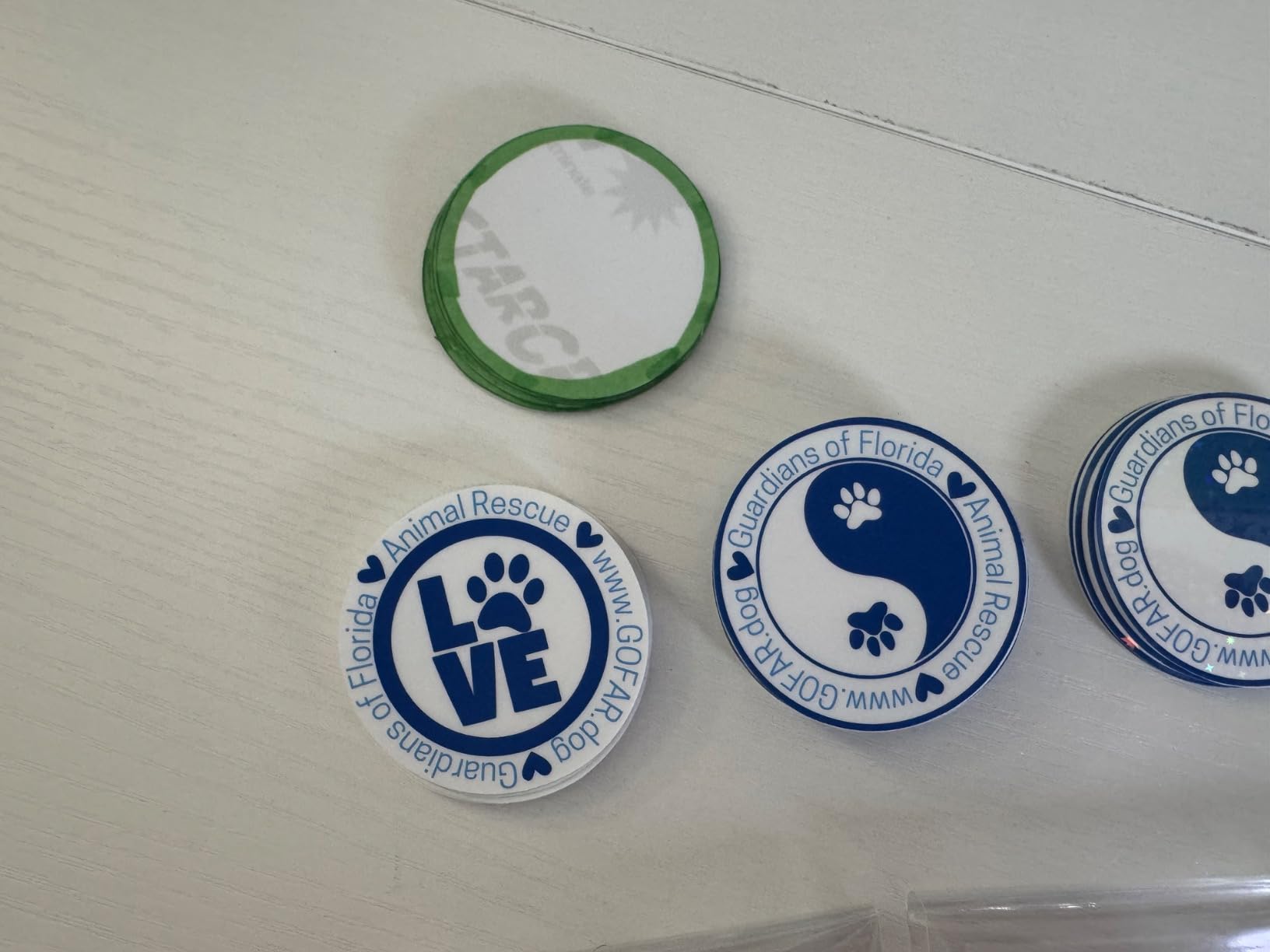
Is the bigger screen worth choosing over the SDX85?
If you edit designs on the machine, yes. The larger panel makes on-machine adjustments quicker and the extra active area reduces how often you reposition a sheet. If you send files in from a computer instead, the smaller SDX85 screen stops being the deciding factor.
Remember that the design software learning curve is identical between the two. Both run CanvasWorkspace, and both need test cuts with each new brand of media before you trust a batch.
Can I use this machine outside the US?
Be careful. This unit is rated for 120V US power, which voids the warranty elsewhere. That restriction does not apply to every machine in this roundup, so if you are outside the US, check the voltage rating on the listing before ordering.
The one-year limited warranty is standard across this group. Several owners also note that consistent test cuts with each new material brand are the fastest way to avoid surprises on thicker sticker stock.
5. Likcut S501 – Budget Pick for First-Time Sticker Makers
Likcut S501 Vinyl Cutter Machine, AI Sticker Cutter, 4.5″ Wide Cutting
4.5-inch cutting width
Bluetooth 5.0
3.2 inches per second
AI design tools
2.65 kg
Pros
- Entry-level price with a vinyl bundle in the box
- Cuts and draws with adjustable pressure
- AI voice and text to design cuts the software learning curve
- Front cover doubles as tool storage
- Fast Bluetooth pairing in about three seconds
Cons
- 4.5-inch width is narrow for sticker sheets
- Manual operation needs more hands-on setup
- Workflow depends on the Likcut Design Store
The Likcut S501 sits at the entry point and does something the others do not: you can describe a sticker in plain language or by voice, and the Design Store turns it into a cut design. For a first machine, that removes the design step entirely, which is where most beginners stall.
Mechanically it is competent. Cut speed reaches 3.2 inches per second, dual cut and draw modes let you switch pressure between outlining a shape and writing on it, and the blade is rated for over 4610 metres of cutting. Bluetooth 5.0 and USB 2.0 dual connectivity pair in about three seconds.
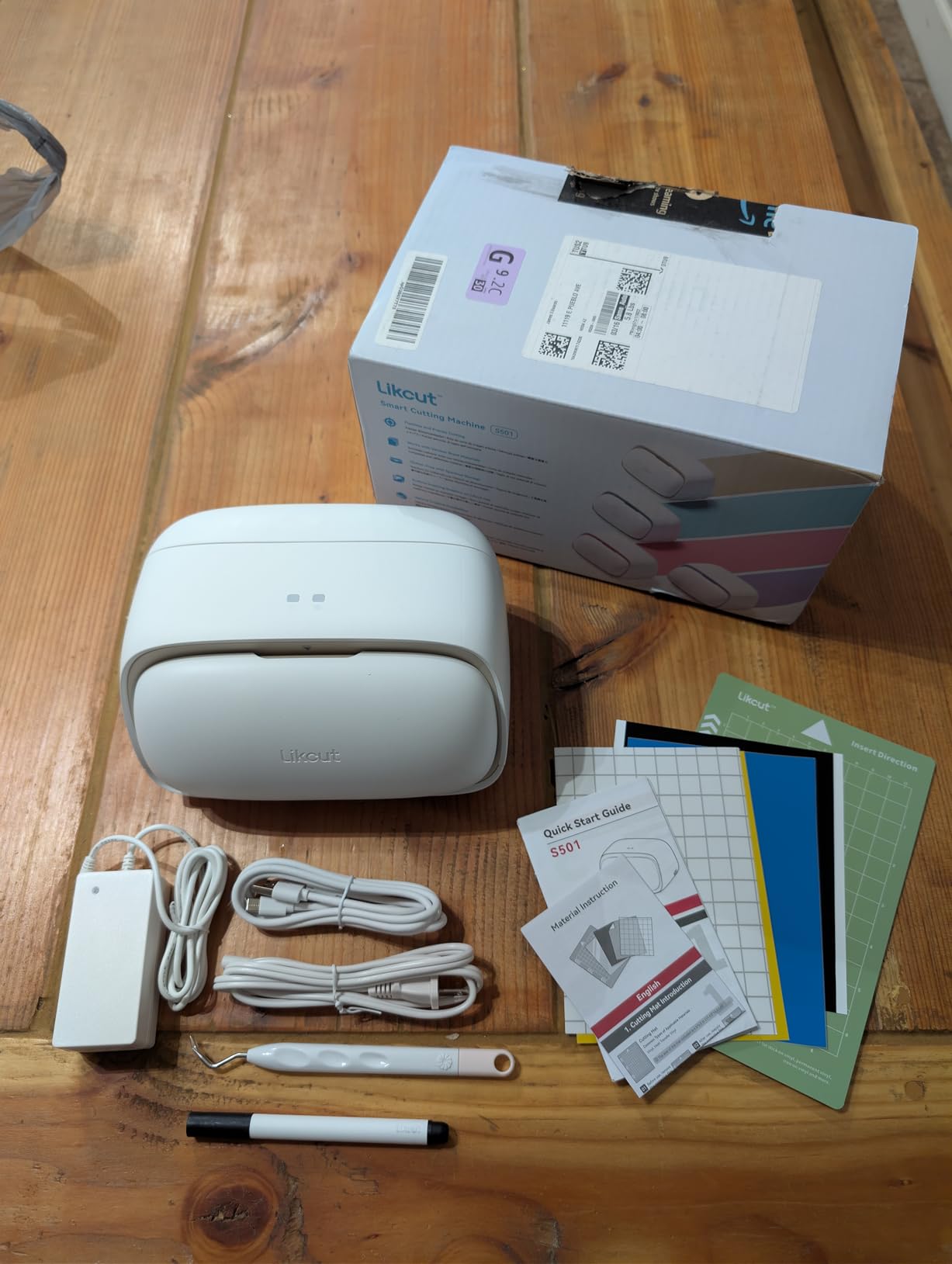
The Design Store carries more than 1 million designs and 1200-plus fonts, so finding artwork is not the problem. Reviewers treat it as a capable entry-level machine, with 68 percent of ratings at five stars, though at 12 percent one-star it has the widest spread in this roundup. That spread tracks app-dependent results rather than cutting quality.
The trade-offs are physical. At 4.5 inches wide, a standard sticker sheet needs many passes, and the listed operation mode is manual, so setup takes more hands-on work than an automatic machine. The front cover folds into tool and material storage, which helps a small desk stay tidy.
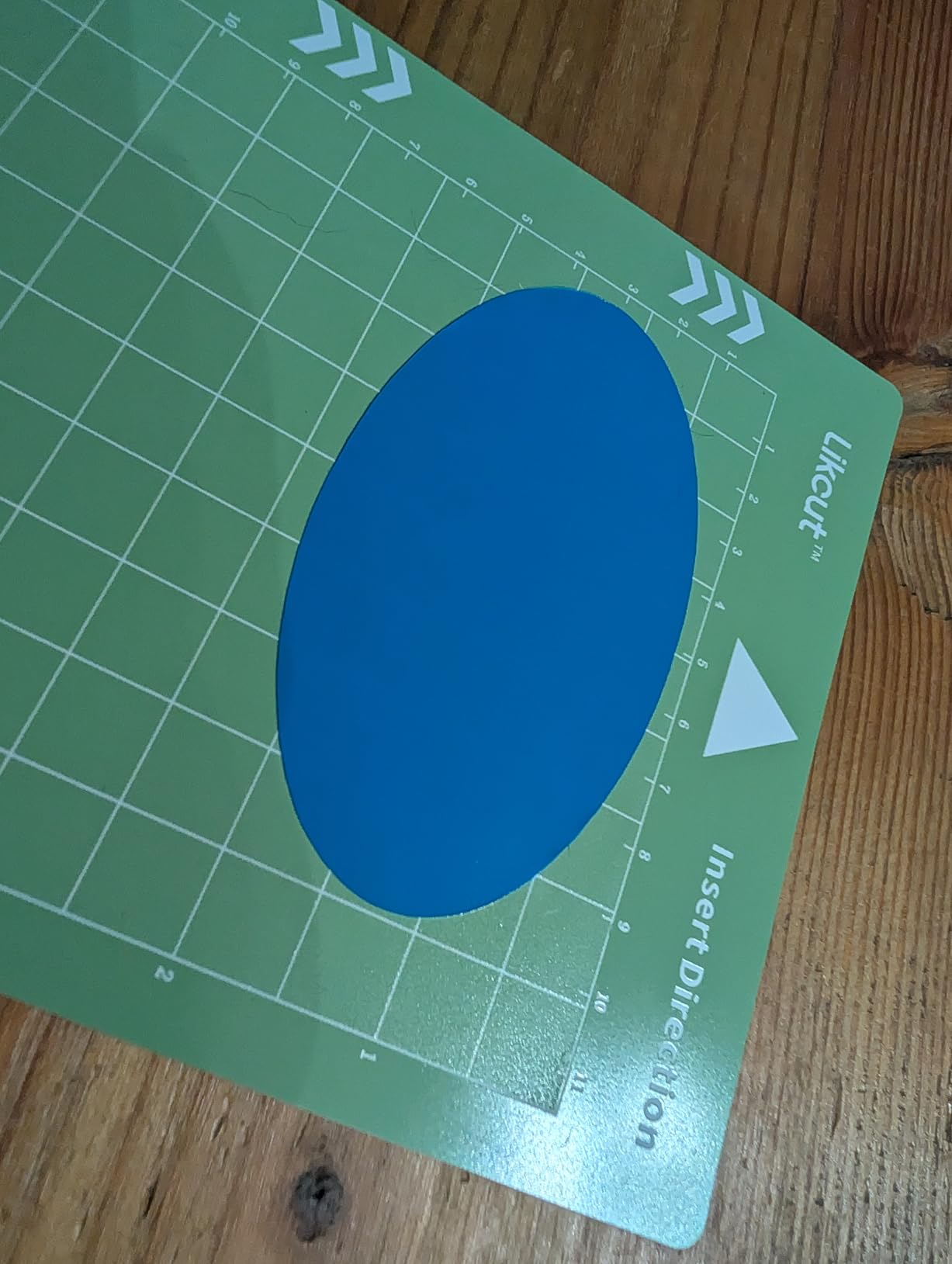
Can the S501 handle a full sheet of sticker paper?
Not in one pass. The 4.5-inch cut width covers labels, icons and small planner stickers well, and the machine is compatible with over 50 material types. For an 8.5×11 inch sheet you will run several passes and reposition the sheet, which adds time and raises the chance of a misregistered corner.
If sheet size matters to your output, compare the Likcut S41, which cuts US Letter material in one pass, or a 12-inch machine later in this list.
Is an app-based workflow a problem for long-term use?
It depends on how you like to work. Because cutting depends on the Likcut Design Store, a weak internet connection or an app update can interrupt a session, and there is no offline cutting mode listed. Owners who like editing files in a desktop vector program find the app limiting over time.
For a first machine aimed at small stickers and simple shapes, the convenience usually outweighs the constraint. Just factor in an open design file format if you may want to move to another machine later.
6. Cricut Joy Xtra – Best for Learning the Cricut Workflow
Cricut Joy Xtra – Smart Cutting Machine | Digital Content Bundle
Print-Then-Cut
50+ materials
95.94 sq in
250 g
Design Space ready
Pros
- Entry point into Cricut Design Space
- Print-Then-Cut handles full-colour sheets from a standard inkjet
- Bundled blade pen weeder USB cable and practice material
- Compact and light for a desktop
- Free content library works without a subscription
Cons
- Smaller cut area than full-size Cricuts
- Cricut Access gates the 1.5 million image library
- Material list narrower than the Maker line
Of the three Cricuts here, the Joy Xtra is the one aimed at sticker sheets rather than general crafting. It works with 50-plus materials including vinyl, iron-on HTV, cardstock and sticker paper, and print-then-cut works with most inkjet printers, which is the exact workflow this guide is about.
It cuts, draws and foils, and the free Design Space library of 3000-plus images and 100-plus fonts is usable without paying for anything. The bundle also includes a blade, pen, weeder, USB cable and practice material, so a new owner can run a test cut on day one.
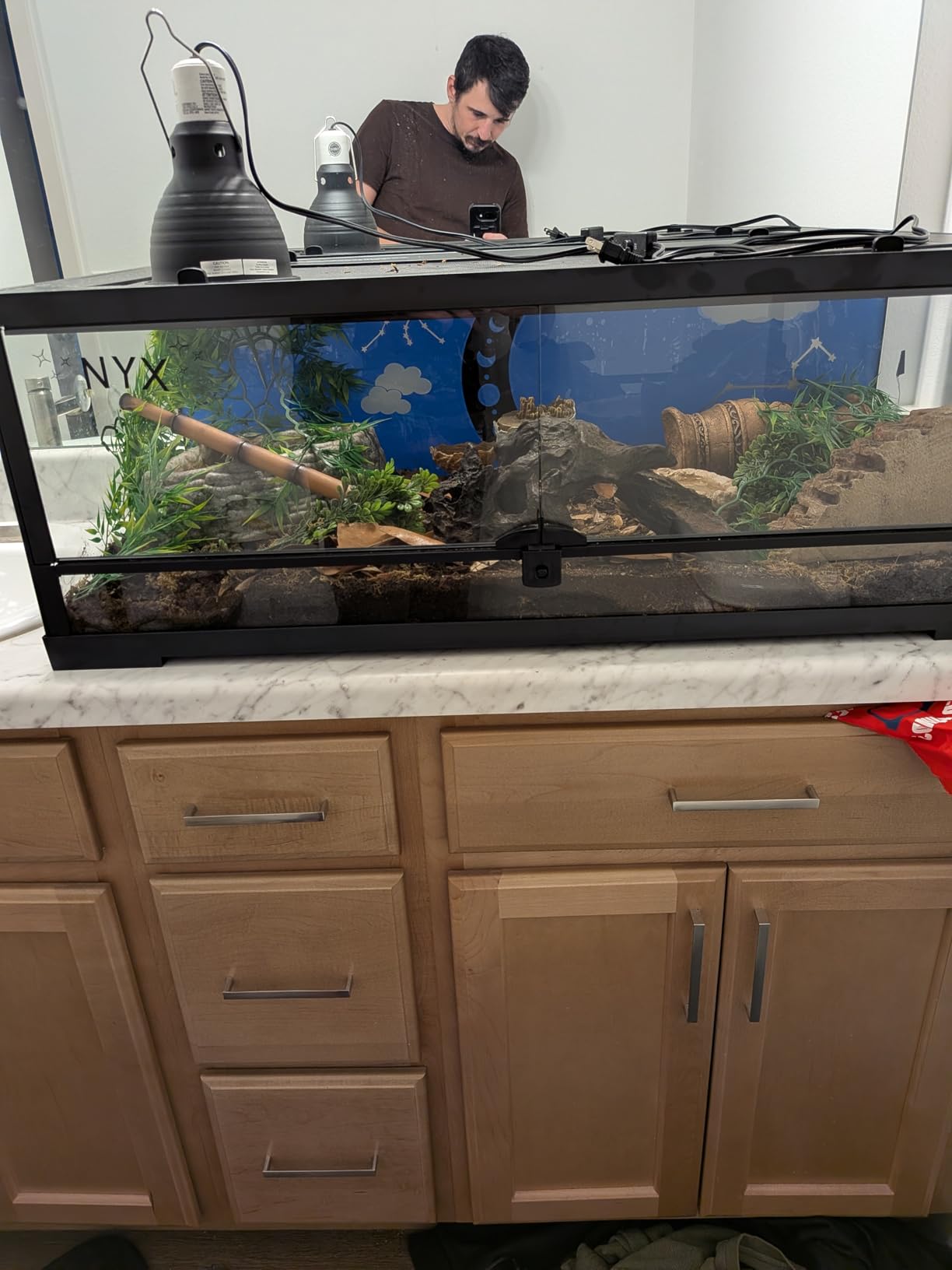
Owners see it as the affordable way into the Cricut ecosystem, with 75 percent of ratings at five stars across 718 reviews. The print-then-cut sticker workflow is the main draw, and the recurring caveat is that Cricut Access gates the much larger image library behind a subscription.
Forum-level feedback notes the Joy Xtra handles small stickers well but limits you on size. At 95.94 square inches of active area and a compact frame, it suits desk work and shared craft spaces rather than production tables.
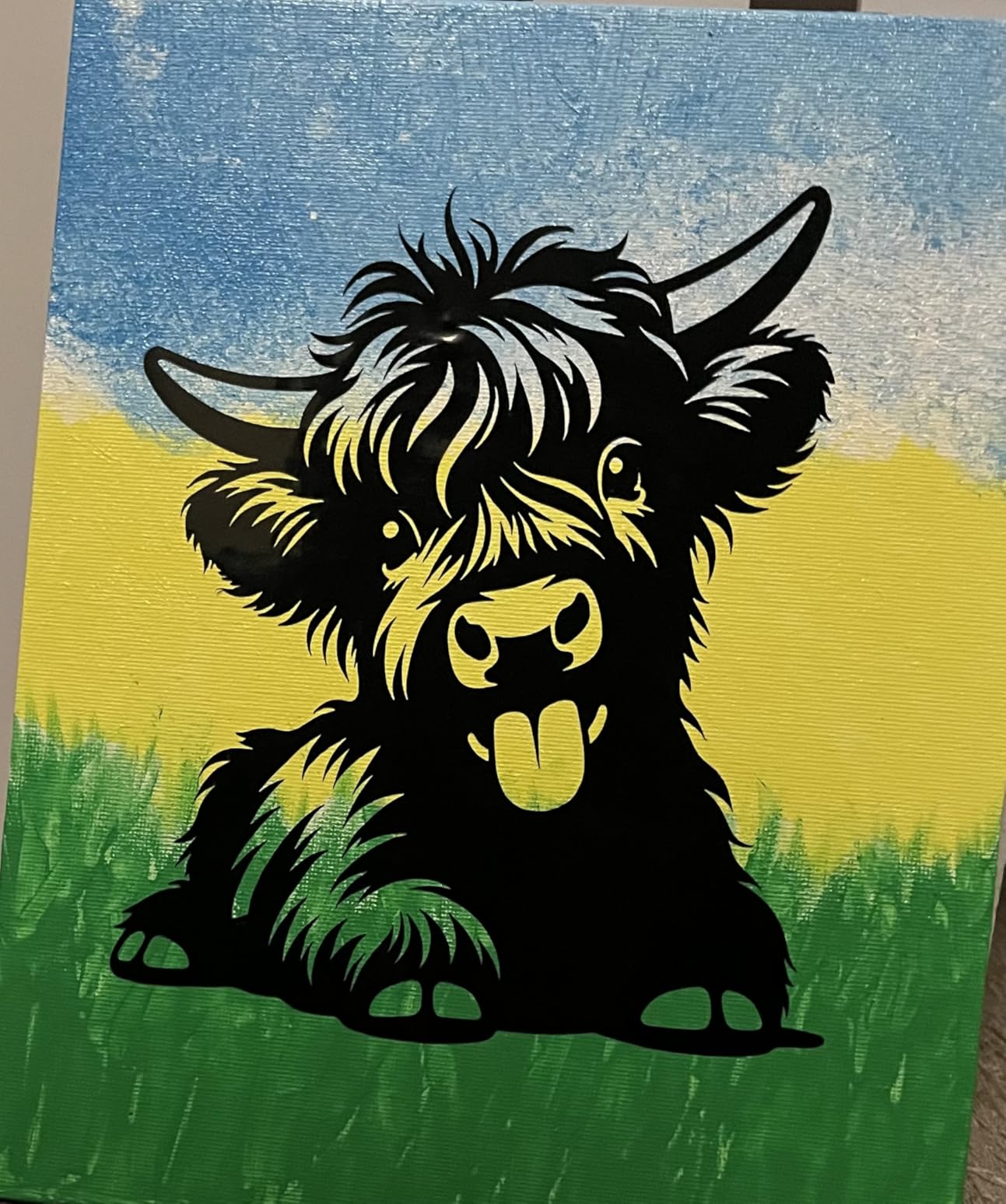
Should a first Cricut be the Joy Xtra or the Maker?
Start with the Joy Xtra if your output is stickers, labels and small vinyl shapes. It covers the full print-then-cut workflow at a lower entry point, and you can upgrade later once you know which materials you actually use.
Choose the Maker instead if leather, wood or heavier cardstock enter the plan, or if you need a larger cut area. The Maker handles 300-plus materials and cuts, draws, foils, scores, engraves, debosses and perforates, which is far more than the Joy Xtra will attempt.
What does the Cricut subscription actually change?
Cutting stays available either way. The paid Cricut Access tier opens the 1.5 million image library, while the free tier gives you 3000-plus images and 100-plus fonts. For someone building original artwork rather than assembling existing images, that difference rarely matters.
One more factor worth knowing: Design Space requires an internet connection to run, which pushes the whole workflow into the cloud. If you prefer local software that works offline, the Silhouette machines use Studio and the Brother machines use CanvasWorkspace instead.
7. Liene PixCut S1 – Best All-in-One Print and Cut Machine
Liene PixCut S1 Color Sticker Printer & Cutting Machine – All-in-One Sticker Maker for DIY Crafts, Custom Labels & Gifts. Thermal Dye-Sublimation Photo Printer, 300 DPI, Precise AI Auto-Cutting
Thermal dye sublimation
300 x 300 dpi
4x7 inch media
AI auto cut
Bluetooth app
Pros
- Prints and cuts in one machine
- 300 dpi output with automatic lamination
- AI image extraction cuts ordinary photos cleanly
- Phone-first Bluetooth workflow
- 50000-plus free images with no subscription
Cons
- 4x7 inch maximum media size
- Print speed of one page per minute
- Proprietary ink cartridges
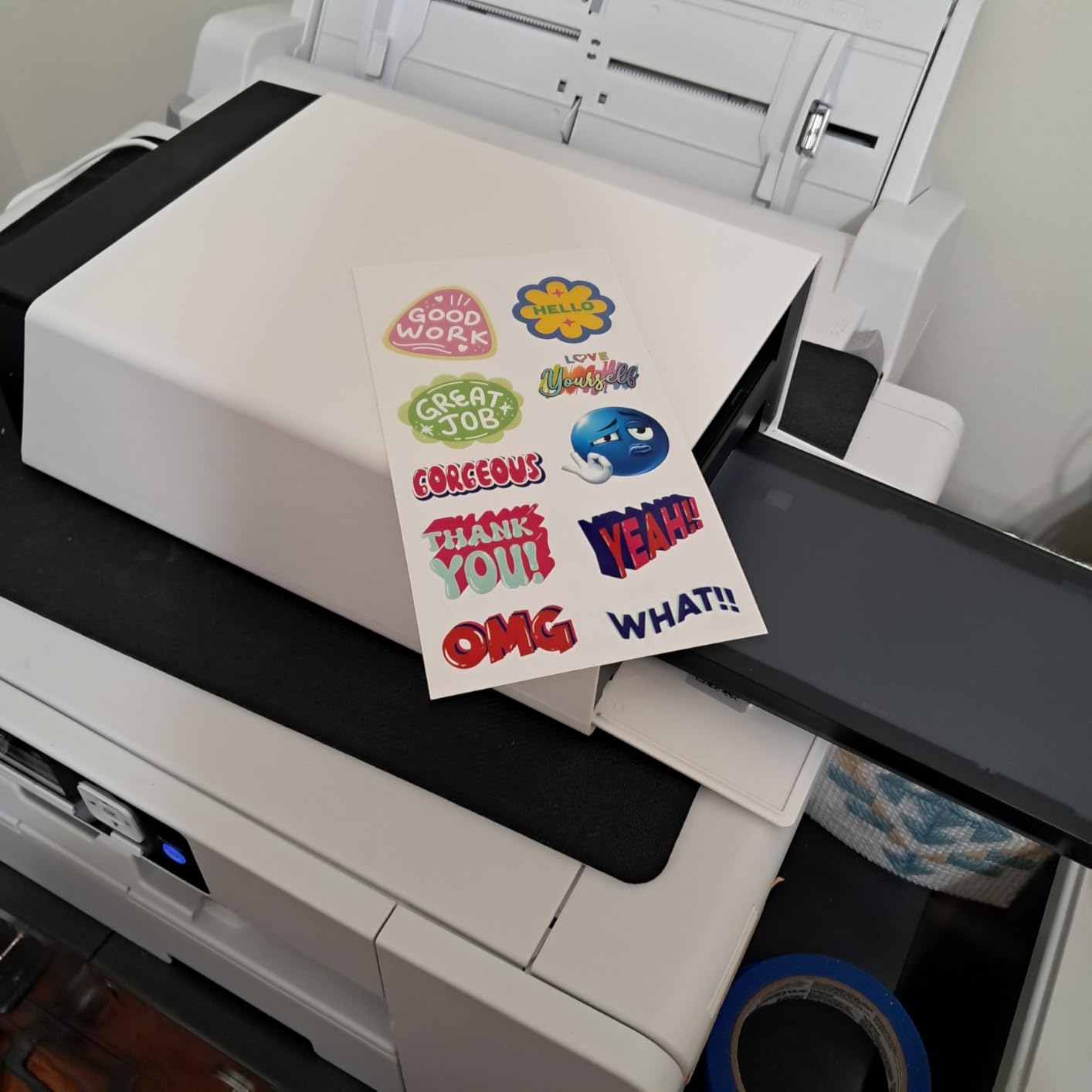
This is the only machine in the roundup that both prints and cuts, and that single fact changes the workflow completely. There is no inkjet printer to own, calibrate, colour-match or feed paper through, and no registration calibration because the machine knows exactly where it printed.
Print technology is thermal dye-sublimation at 300 x 300 dpi with 16.7 million colours. A four-layer thermal dye-sublimation lamination is applied during printing, so the finished stickers come out waterproof and scratch-resistant rather than needing a separate laminate step.
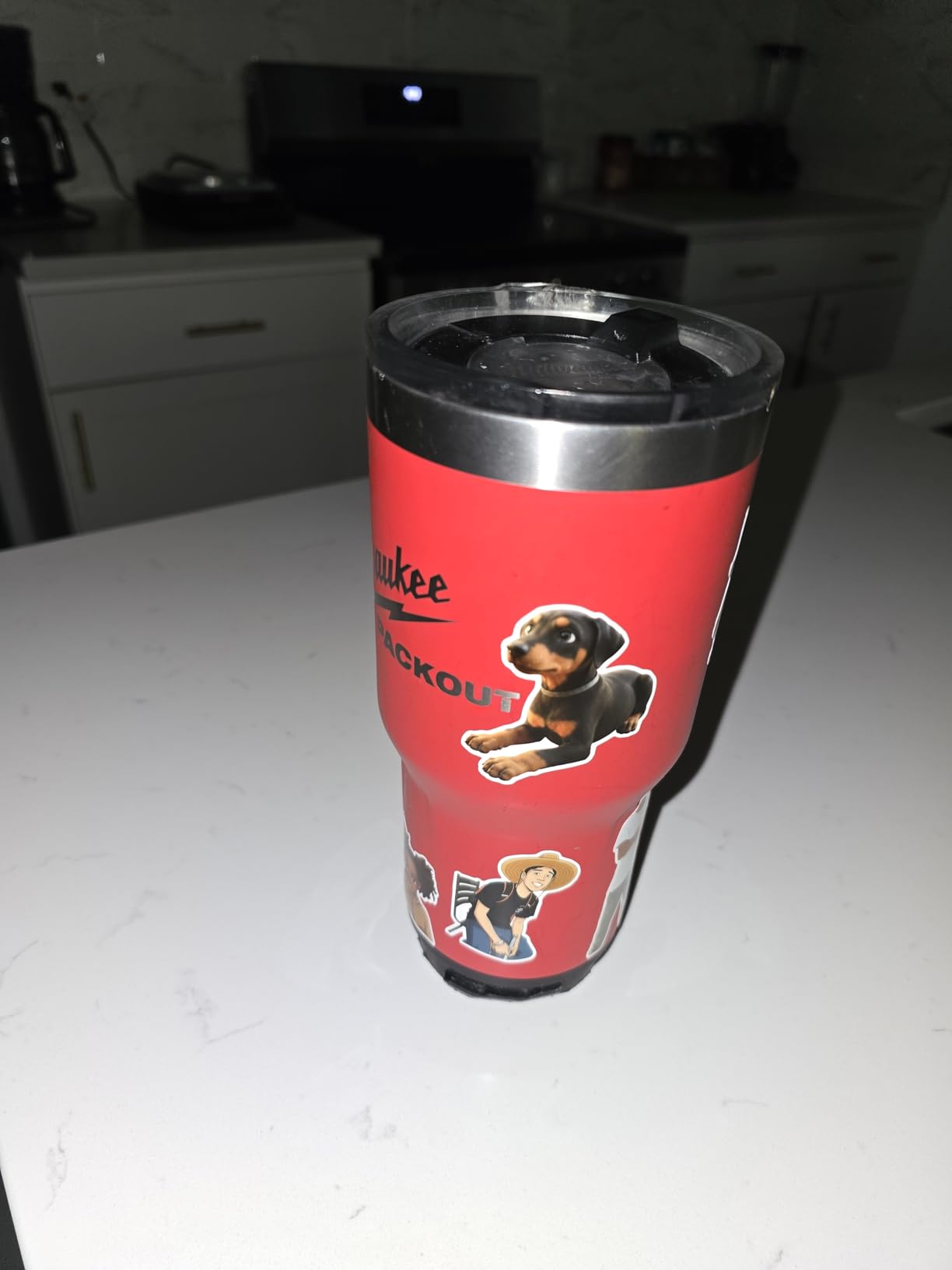
AI image extraction isolates a subject from an ordinary photo, and AI-guided precision cutting follows those extracted edges. Forum users running photo stickers single this out as the feature that works well in practice. The free app library includes 50000-plus images and 10000-plus templates with no subscription attached.
Ratings sit at 4.2 across 667 reviews, with 71 percent at five stars. The 11 percent one-star share centres on print quality and consumable cost. Control is through a Bluetooth app on a phone, tablet or laptop, and the box includes a blade, 18 sheets of photo paper, an ink cartridge rated for 36 sheets and 18 sheets of 4×7 inch white sticker paper.
Will a 4×7 inch print size limit my stickers?
It limits sheet dimensions, and that is the most common functional constraint owners report. Anything wider or taller than 4×7 inches has to be printed and cut in sections, so full-sheet layout is out of reach on this machine.
If you sell individual photo stickers or small labels, that ceiling rarely comes up. If you plan to sell A4 or letter-size sticker sheets, this is not the right tool and a 12-inch cutter with your own printer will suit you better.
How do the ongoing costs compare with a separate printer?
You trade inkjet ink for proprietary cartridges, which are a single-source consumable. Buyers factor that into the running cost before committing, and the cartridges are rated in sheets rather than cartridges, which makes the math easy to work out.
Print speed is one page per minute, so this is a home and small-batch machine rather than a production device. Stickers already pass through a lamination layer during printing, which removes one step from your process.
8. Cricut Maker 4 – Best for the Widest Material Range
Cricut Maker 4 – Smart Cutting Machine (Seashell) | Digital Content Bundle
12-inch class width
300+ materials
270.25 sq in
9.59 kg
material sampler
Pros
- Largest cut area in the Cricut range
- Handles leather and wood beyond entry models
- Faster cuts with cleaner results than older machines
- Print-Then-Cut works for full-colour sheets
- Generous material sampler bundle
Cons
- Design Space subscription needed for the full library
- Some units arrive with a bent mat from packaging
- Matless cutting covers select vinyl types only
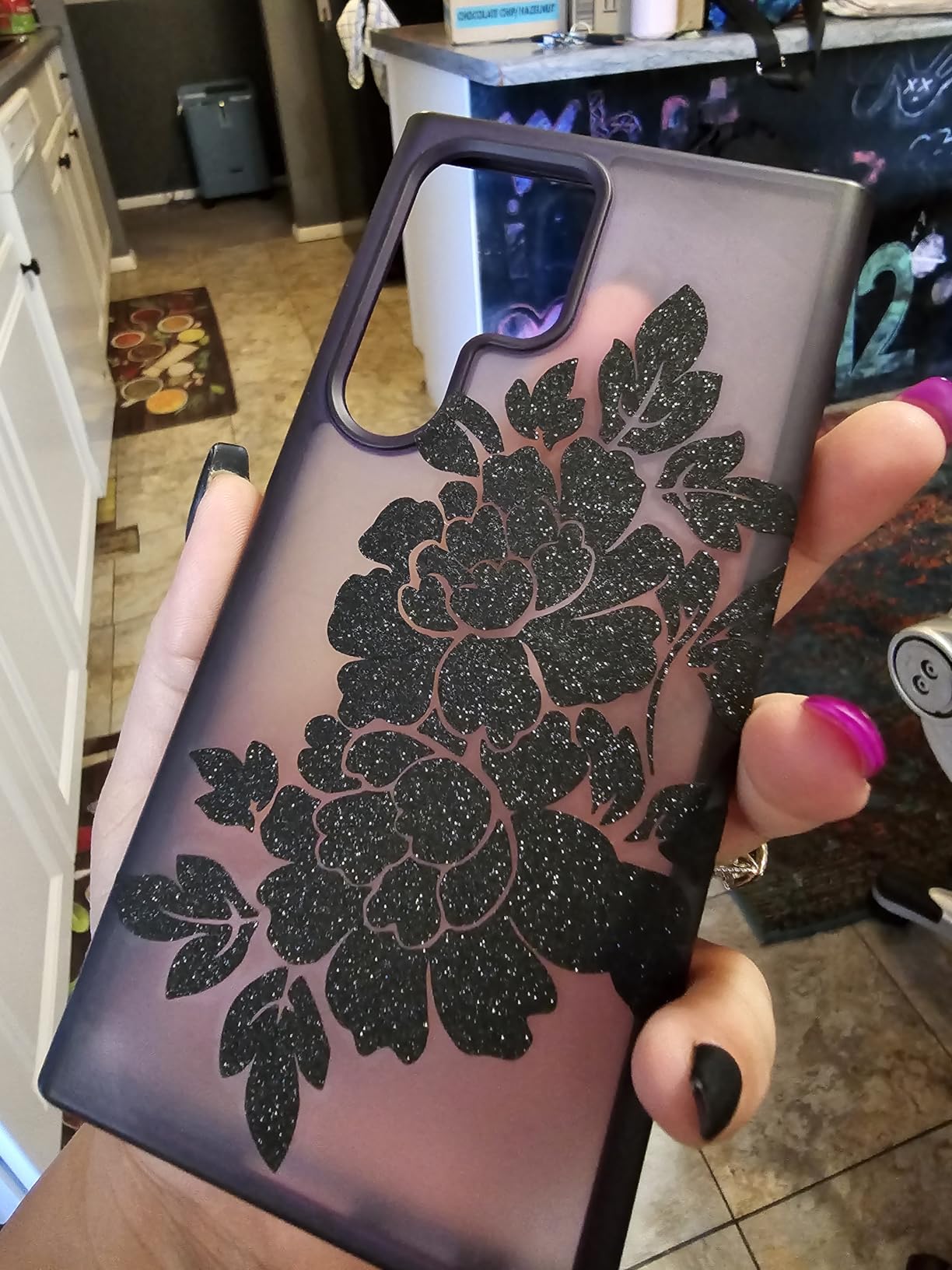
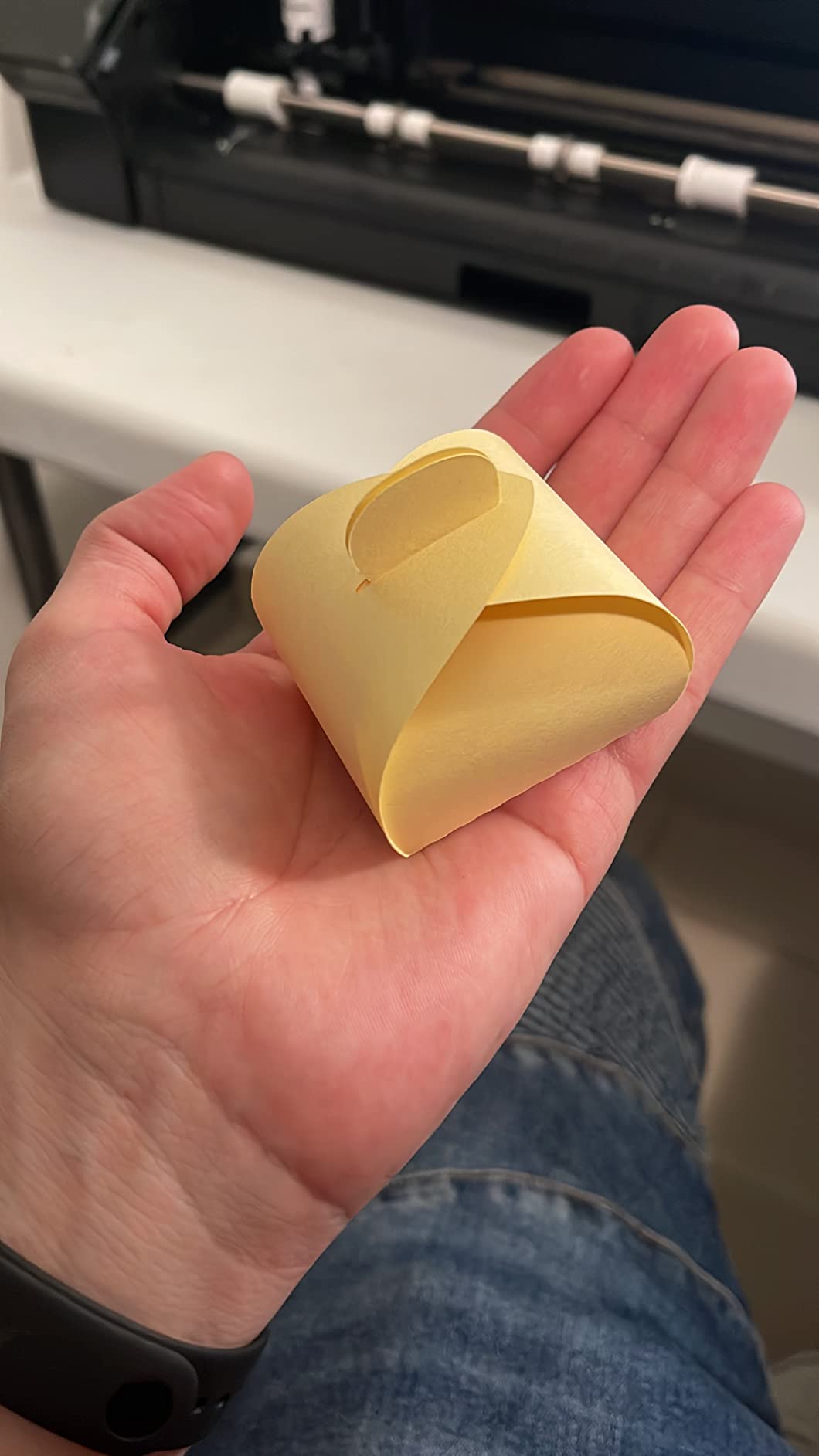
If you already own a Cricut and want to do more than stickers, this is the machine that opens the door. It works with 300-plus materials including leather, wood, vinyl, HTV and cardstock, and it cuts, draws, foils, scores, engraves, debosses and perforates. That range is not something the entry models in this roundup can match.
The 270.25 square inch active area is the largest in the Cricut line here, and owners report faster cut speeds with cleaner results than previous machines they owned. Print-then-cut works with most inkjet printers, so full-colour sticker sheets remain part of the workflow.
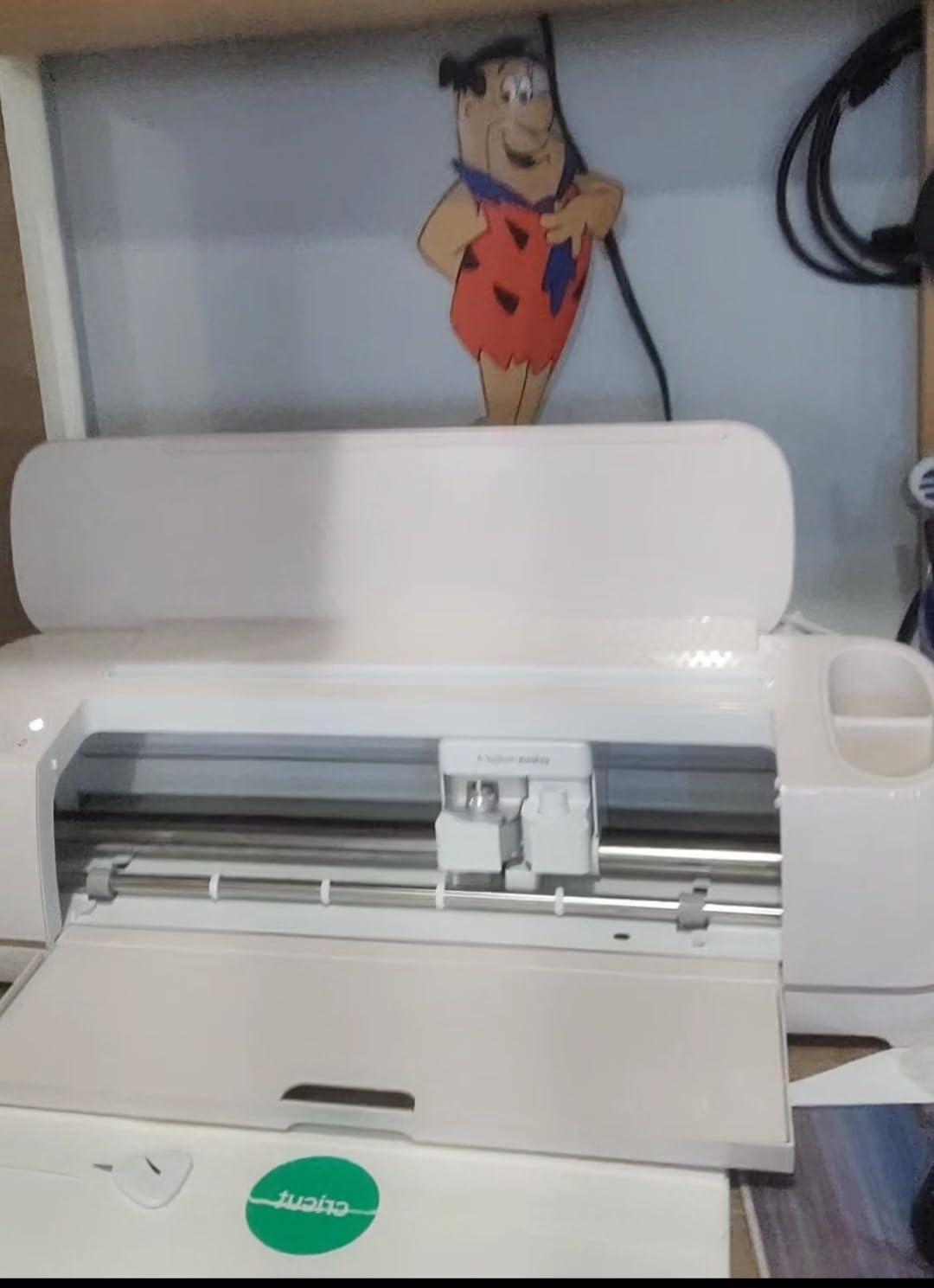
The bundle is generous for testing materials. It includes a fine-point blade, materials sampler, fine point pen, light grip mat, weeder and 30 bonus images, plus Smart Vinyl, matless vinyl, Smart Iron-On, matless HTV, cardstock and transfer tape. That is enough stock to judge which media suits your work.
Ratings are 4.4 across 643 reviews with about 80 percent at five stars. Complaints are narrow: a bent cutting mat arriving in some shipments from undersized packaging, and the subscription prompt during setup. Matless cutting applies only to select vinyl types, not to every material.
Is a 270 square inch cut area worth the extra bulk?
For full-sheet work, yes. At 9.59 kg and roughly 22 inches wide, the machine claims a real desk footprint, so you need a stable surface. In return you fit more shapes per pass and spend less time repositioning material between cuts.
If your output is exclusively small stickers under 4 inches, a compact machine will do the same job at a fraction of the size. The Maker earns its space when you add decals, labels and layered craft projects.
How do I avoid the subscription?
Use the free library. Design Space gives you 3000-plus images and 100-plus fonts at no cost, and Cricut Access is what opens the 1.5 million image library. Cutting and print-then-cut features do not sit behind the paid tier.
If a cloud-only workflow is a problem, this is worth weighing. Design Space needs an internet connection, which is the opposite approach to the Brother machines that run scan-to-cut from the device itself.
9. Silhouette Cameo 5 Alpha – Best for Quiet Shared Workspaces
Silhouette America Cameo 5 Alpha (α) – Smart Cutting Machine for Print & Cut – Quiet Operation with AutoBlade, Studio Software, Cutting Mat- Matte Black (Machine)
12 x 24 inch active area
4-point registration
AutoBlade
400mm/s quiet motor
Pros
- 4-point registration improves printed sticker alignment
- IPT produces cleaner cuts with less waste
- AutoBlade included in the box
- Quiet motor suits shared or home workspaces
- Handles material up to 3 mm thick
Cons
- 10 percent one-star share hints at early variability
- Machine only; Studio subscription and mats cost extra
The Cameo 5 Alpha is the step-down version of our top pick, and the differences are specific rather than vague. The active area drops to 12 by 24 inches from the Alpha Plus layout, and the listed bundle includes the AutoBlade, a cutting mat, sketch pens adapter, 100 designs and Studio software.
What stays is the 4-point registration system with vertical and horizontal correction, plus Intelligent Path Technology, which optimises cut order for smoother cuts through material. Cut speeds reach 400mm/s with what the listing calls an ultra-quiet motor, and the machine handles vinyl, fabric and material up to 3 mm thick.
Buyers highlight registration accuracy and quiet operation as the improvements over earlier Silhouette models. In an apartment or a room you share, that noise difference is the feature you notice daily rather than on a spec sheet. It also cuts, sketches and embosses.
Ratings are 4.3 across 621 reviews with 72 percent at five stars. The 10 percent one-star share is higher than the Alpha Plus, which points to early-model variability rather than a design fault, so we would expect it to firm up as production units mature.
How quiet is the Cameo 5 Alpha compared with the Portrait 4?
Both are advertised as quiet, but the Portrait 4 gives a specific figure of 50 dB, while the Cameo 5 Alpha is described as ultra-quiet without a number. Forum-level complaint about noise in home and apartment settings is a recurring theme across cutting machines generally, so the figure on the Portrait listing is the more useful one to compare against.
What we can say from the specs is that this machine is built for shared spaces and that reviewers single the quiet operation out as a purchase reason. Test it in your own room if noise is decisive for you.
Should I buy this or save up for the Alpha Plus?
Buy this one if 12 inches of width covers your work and the included AutoBlade and mat matter to your budget. Buy the Alpha Plus if you cut wide decals regularly, want the larger active surface or prefer the model with the stronger owner rating history.
Both list the same software situation, where Studio is included and the Design Store subscription is separate. Neither includes everything you will eventually need, so check the accessory list before ordering.
10. VEVOR 34 Inch Vinyl Cutter – Best for Oversized Decals
VEVOR Vinyl Cutter Machine 34 inches Bundle Manual Vinyl Plotter Cutter
34.3 inch feed
30.7 inch cut width
Plus or minus 0.01 mm
20-500 g pressure
Pros
- Very wide 30.7 inch cutting width for signage
- Digital pressure and speed with backlit LCD
- Imports SVG and PDF files
- Roller system holds long media feeds without drift
Cons
- Windows-only software with no Mac support
- 15 percent one-star share is the highest here
- Manual operation needs computer setup
- Limited warranty coverage
This is a plotter, not a craft cutter, and it sits at the opposite end of the range from the desktop machines. Maximum paper feed is 870 mm at 34.3 inches, with a cutting width of 780 mm at 30.7 inches, which means a vehicle decal or a shop window graphic goes down in one continuous pass rather than in sections.
Precision is specified at plus or minus 0.01 mm with paper feed precision of 3 m, and cutting pressure adjusts from 20 to 500 g with speed from 20 to 800 mm/s. The backlit LCD and large control panel let you set those values directly rather than digging through software menus.
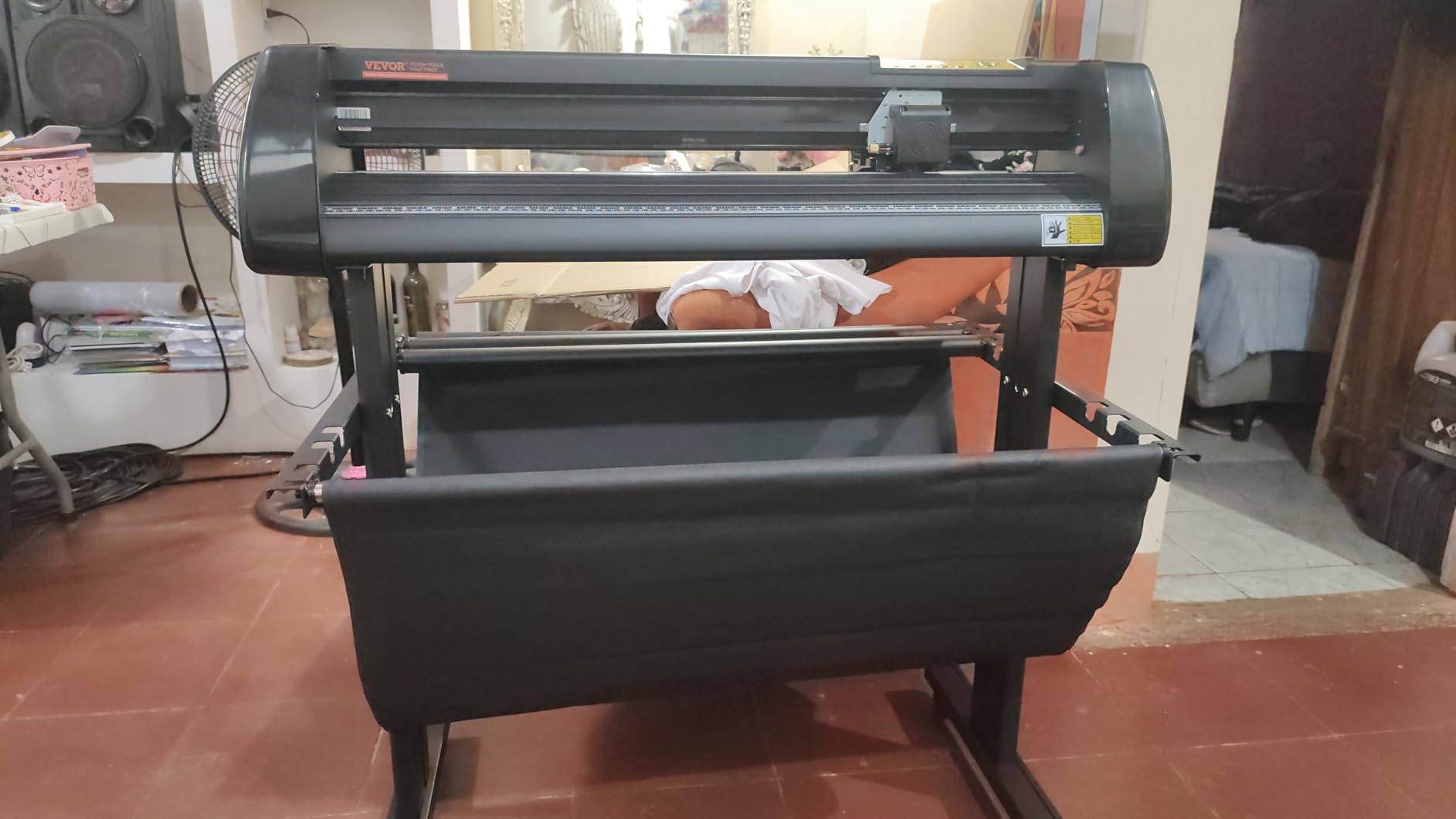
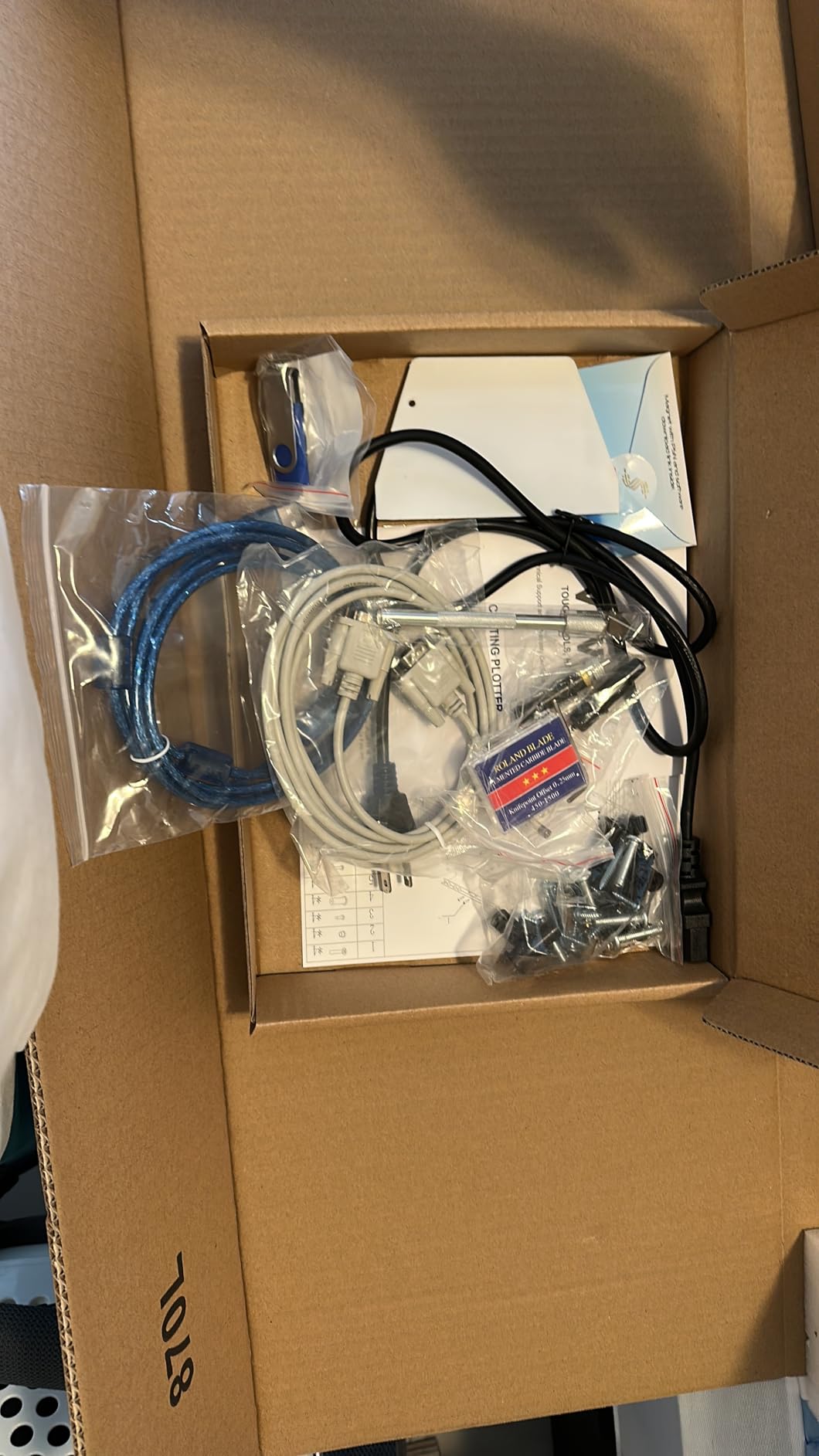
It imports SVG and PDF files and supports COMPIM and USB interfaces along with DM/PL and HP/GL commands. Double spring pinch rollers and a steel feed roller handle long rolls, and a D-type motherboard with 4M cache sits behind the cutting carriage.
Sentiment is the most mixed of any plotter here. At 4.1 across 330 reviews with 15 percent at one star, complaints point at build quality and support, and several users describe it as better suited to vinyl signage than to sticker sheets. It is a Windows-only machine with no Mac compatibility, which rules it out for a large share of hobbyists.
Is a 30.7 inch cutter overkill for sticker making?
For sticker sheets, yes. This width exists to handle banners, decals and heat transfer, and sticker sheets that size are rarely printed or sold in that format. If stickers are the core of your output, a 9 to 15 inch machine serves you better and takes up a fraction of the space.
It earns its place if you also produce vehicle decals or window graphics, where a 12-inch desktop cutter would need multiple passes and seam placement across the artwork.
Can I use this machine if I own a Mac?
Not with the bundled software, which is Windows-only. That is the clearest limitation here, and it is worth flagging because most cutting machines in this roundup do run on Mac. Only the Siser Romeo lists native WiFi support for both Windows and Mac.
Check your platform before buying any plotter. Manual operation also means the machine needs a computer connection and hand-set cut parameters, so it is not a standalone device.
11. Cricut Explore 5 – Best for Small and Shared Spaces
Cricut Explore® 5 Essential Bundle + Digital Content, Taupe
12-inch cutting width
100+ materials
Compact body
Print-Then-Cut
Bluetooth
Pros
- Compact 12-inch machine easy to move between rooms
- Essential Bundle covers about 65 projects
- Fast clean cuts on vinyl cardstock and sticker sheets
- Bluetooth connection to Design Space
- Print-Then-Cut for full-colour stickers
Cons
- Print-Then-Cut registration reported unreliable by some owners
- Tool compatibility changed from the Explorer series
- No dust cover included
- Setup pushes the Cricut Access trial hard
The Explore 5 gives you a 12-inch cutting width in a body described as 30 percent more compact than previous models, which is the whole pitch. If your craft corner is a shelf rather than a desk, that footprint difference matters more than any spec on the list.
It precision-cuts 100-plus materials and writes, draws, foils, scores and cuts with six tools, including a separately sold deep cutting tool. A new snap-in pen holder simplifies swapping between drawing and cutting. Bluetooth links it to Design Space without a cable.
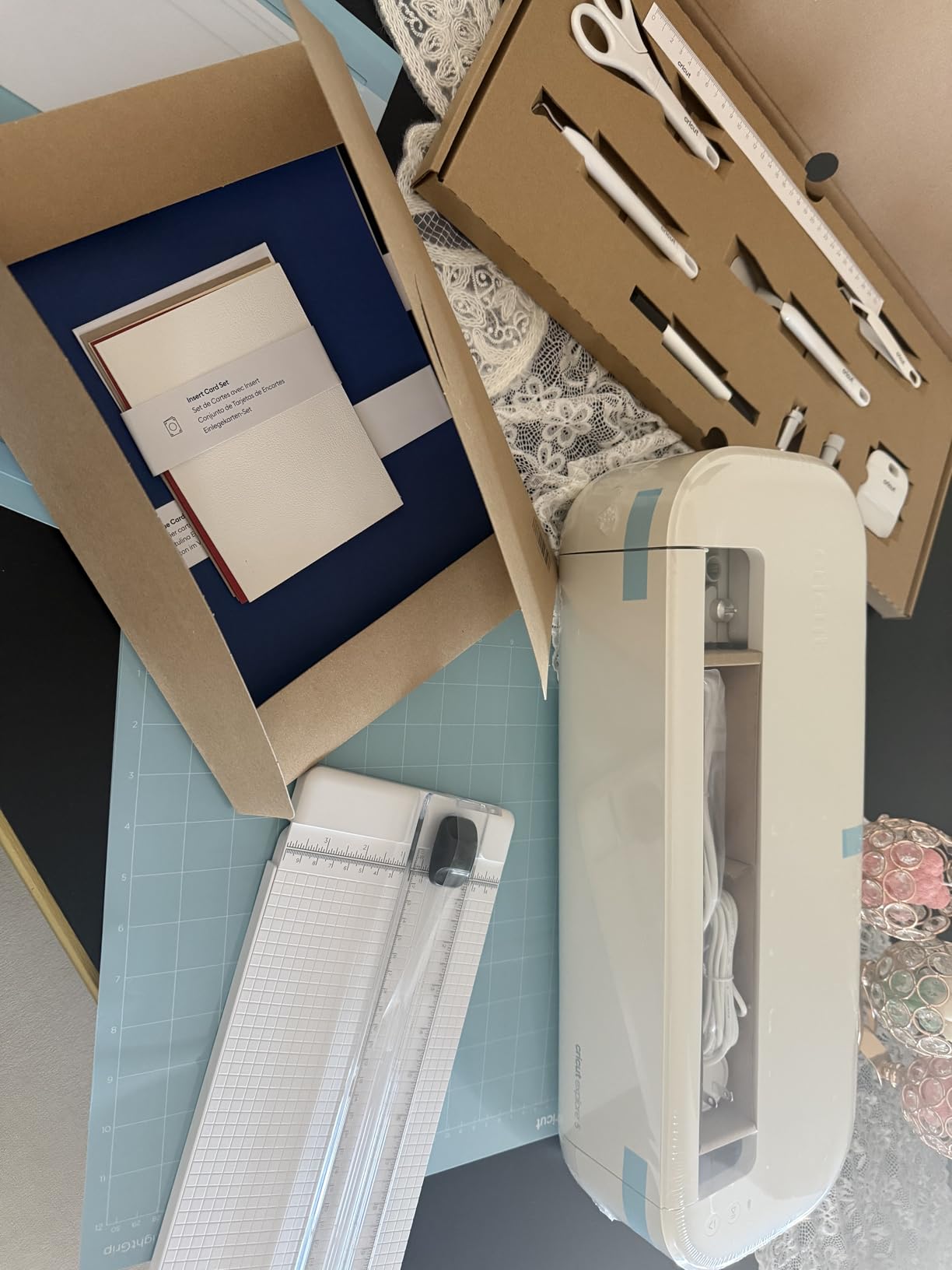
The Essential Bundle supplies Smart Vinyl, Smart Iron-On, cardstock and printable vinyl for up to 65 projects, plus 25 images and a font, which is enough material to reach a decision about the machine before spending more. Print-Then-Cut works with a home inkjet printer for full-colour stickers and decals.
Feedback is split, and the reason is specific. At 4.3 across 247 reviews with 72 percent at five stars, cutting quality and bundle value draw praise, while some owners report Print-Then-Cut misregistration and Design Space printer connectivity trouble. Upgraders also note that marker and debossing tool compatibility changed from the Explorer series.
Is Print-Then-Cut reliable on the Explore 5?
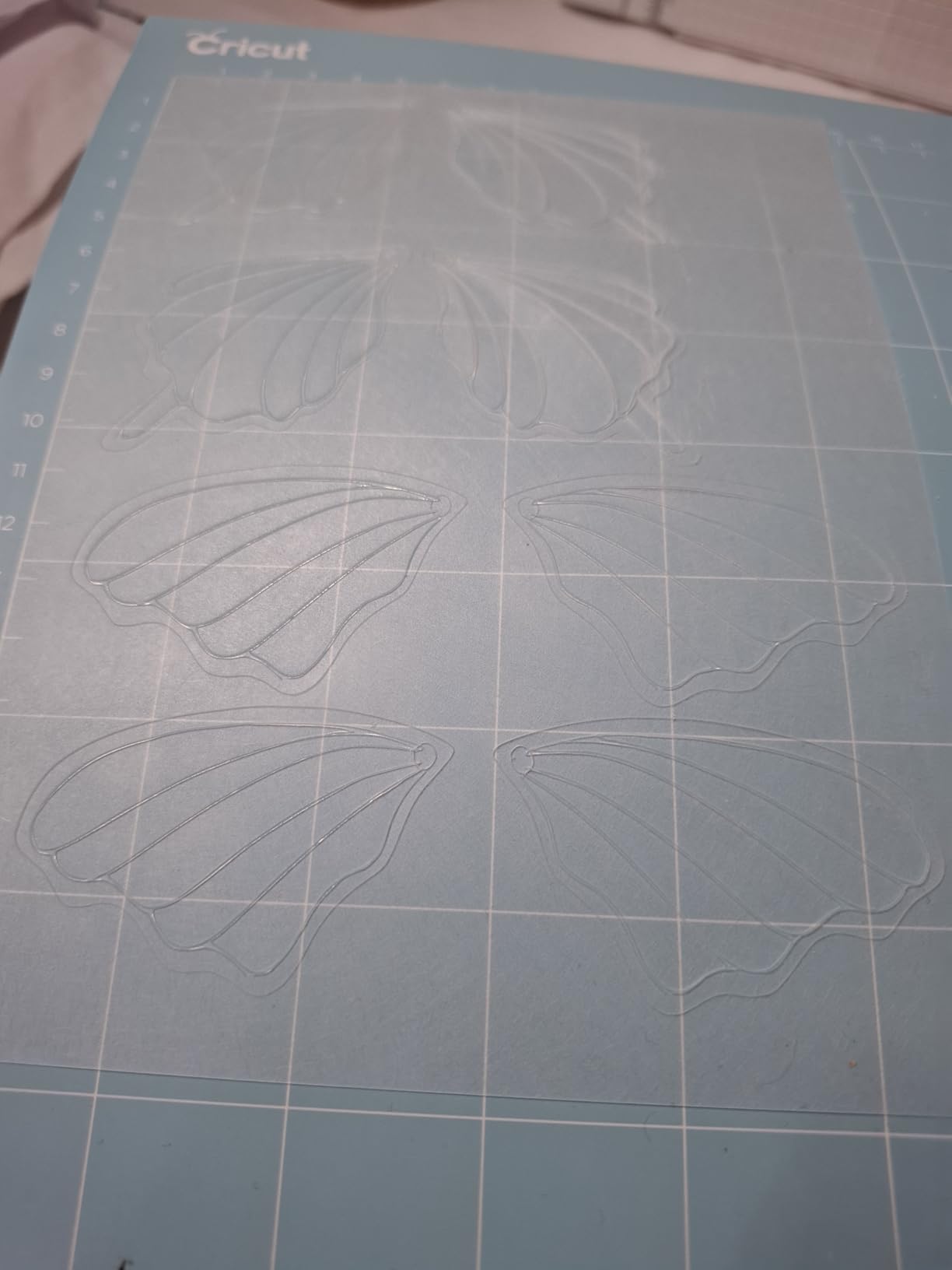
It is the weakest point of this machine. Some owners report registration problems and Design Space printer connectivity issues, and that is the exact workflow sticker makers depend on. If print-then-cut accuracy is your priority, the 4-point registration systems in this roundup are built specifically to address it.
Cutting on its own is well regarded, with fast clean results on vinyl, cardstock and sticker sheets. The issue sits with the print alignment step rather than the blade.
What should I check before buying this as an upgrade?
Your existing tools. Marker and debossing tool compatibility changed from the Explorer series, so an older accessory may not fit. There is also no dust cover included, so plan storage, and expect the setup flow to push the Cricut Access free trial before you reach your first cut.
Owners also mention the instructions do not cover basics such as loading the mat. Budget an afternoon with online tutorials before your first job.
12. Siser Romeo – Best for Mac and Windows Users Alike
Siser Romeo High-Definition Cutter – 24″ Professional Cutting Machine for Vinyl, Paper, and More – WiFi Compatible with Windows & Mac – Includes Leonardo Design Studio Software, Roll Holder Accessory
24 inch cutting area
WiFi on both platforms
Matless cutting
10 kg
Light tack mat
Pros
- Works on both Windows and Mac via WiFi
- 24 inch cutting area suits production volumes
- Matless mode uses the full cutting area
- Preinstalled settings for Siser HTV and EasyPSV
- Faster and quieter than desktop cutters
Cons
- Heavy 10 kg body needs a stable surface
- 10 percent one-star share on accuracy and support
- Leonardo Design Studio less familiar than rivals
Platform support is the reason this machine stands out. It is WiFi compatible with both Windows and Mac through Leonardo Design Studio, which means you can send a cut file from either system without a USB cable or a driver. Among the plotters and cutters in this roundup, that combination is rare.
The 24-inch cutting area with an open workspace design handles production volumes rather than desk-sized sheets. A 12×12 inch light tack cutting mat is included, and matless cutting lets you use the full area when the material allows. The touchscreen handles machine control.
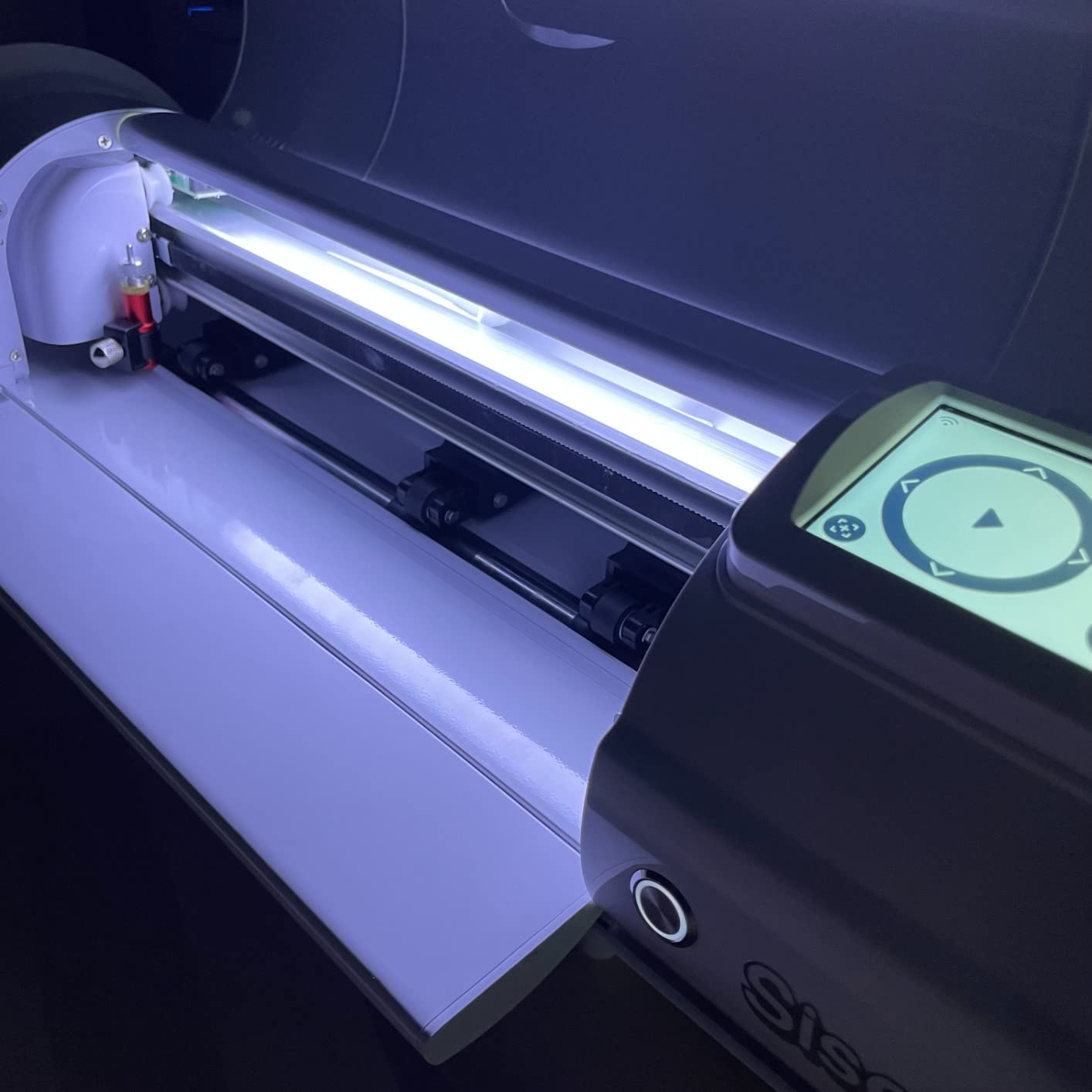
It cuts up to 60 percent faster than traditional desktop cutters, with adjustable pinch rollers, variable grit rollers and commercial-level blades. Preinstalled cut settings cover Siser HTV and EasyPSV materials, which removes trial and error for anyone working in those ranges, and the machine handles cardstock and sticker materials beyond heat transfer vinyl.
Owners running small apparel or sticker businesses point to the 24-inch area, matless mode and cross-platform WiFi support as the reasons to choose it over Windows-only plotters. At 4.3 across 244 reviews, 76 percent are five stars and 10 percent are one star, so sentiment leans positive without being unanimous.
Is the Romeo the right choice for a Mac-only sticker maker?
Yes, and it is one of the few here that is. Between Mac and Windows software support, the WiFi connection and the included 12×12 inch light tack mat, it removes the two friction points Mac owners report most often: driver setup and mat adhesion on thin media.
Leonardo Design Studio is the trade. It is less familiar than Design Space or CanvasWorkspace, so expect a short learning period, and confirm it runs on your version of the operating system before you commit.
What are the practical limits of a 24 inch machine at home?
Size and weight. At 10 kg and roughly 36 inches wide, this needs a stable work surface and a dedicated spot, not a shelf. The upside is that you fit an entire sheet of larger vinyl or a long run of labels in one pass without repositioning.
Matless cutting is the practical feature for high volume, because the included light tack mat limits you to 12×12 inches whenever you do use it. If your sticker output is small, test whether that area is enough before buying.
13. USCutter 34 Inch Plotter – Best for Long-Run Vinyl Work
USCutter 34-inch Vinyl Cutter Plotter with Stand and VinylMaster Cut Software, Free US-Based Technical & Lifetime Phone Support
34 inch feed
30 inch cut width
Three pinch rollers
VinylMaster software
Stand
Pros
- Consistent clean cuts after a short pressure adjustment
- 30 inch cut width with a sturdy included stand
- Vectorising software included with no subscription
- Plug-and-play USB setup with no calibration
- Lifetime US-based phone technical support
Cons
- No auto origin cut presets or media length polling
- Feed motors struggle with very long rolls
- Bundled software lacks modern trace tools
- Some professional users describe the build as flimsy
The USCutter is the plotter here that businesses describe as a workhorse rather than a hobby tool. Feed width is 34 inches with a 30-inch cut width, a ball-bearing dual roller vinyl feed system handles the material, and three fully adjustable pinch rollers let you set grip for different vinyl weights.
VinylMaster Cut software is included for vectorising, with no subscription attached, and the setup is plug-and-play over USB with no calibration routine. That combination matters if you want a machine running on day one rather than a weekend of configuration.
Support is a differentiator. The listing includes free US-based phone technical support for the life of the machine, and at 47 pounds with the floor stand included it is built to be moved and set up once rather than relocated often. Speed and cutting pressure both adjust.
Small business owners report covering the purchase cost on the first paid job and treating it as a long-term machine. At 4.4 across 231 reviews with 74 percent at five stars, the one-star share splits between hobbyists wanting more automation and professionals who find the chassis and bundled software dated.
How much automation do I lose with a manual plotter?
Considerable, and it is the main reason hobbyists dislike this class of machine. There is no auto origin, no cut presets and no media length polling, so you set pressure and speed by hand and position the blade yourself. For repeat production work that adds up.
What you gain is a wider cut, three pinch rollers for consistent grip on long rolls, and software with no subscription. For signage, decals and heat transfer on a job basis, that trade usually works in your favour.
What are the weak points owners mention?
Very long rolls can strain the feed motors and trigger accuracy errors, so break big jobs into manageable sections. The bundled software also lacks modern trace and clean-up tools, which means image-based artwork takes longer to prepare than on a subscription design platform.
Some professional sign users describe the build as flimsy, and the test plot function is oversized enough to waste material while you work out settings. Both are worth knowing before a first production run.
14. VEVOR 28 Inch Vinyl Cutter – Best Starter Plotter for Signage
VEVOR Vinyl Cutter 28 Inch Vinyl Cutter Machine with 20 Blades Maximum Paper Feed 720mm Vinyl Plotter Cutter Machine with Sturdy Floor Stand Adjustable Force and Speed for Sign Making
28.3 inch feed
24.8 inch cut width
20 blades
Stand included
Plus or minus 0.01 mm
Pros
- Lower entry point than other large-format plotters
- 24.8 inch cutting width for signage
- 20 blades included for material swaps
- Floor stand included for stable operation
- Adjustable pressure and speed with illuminated LCD
Cons
- Windows-only with no Mac support
- Manual operation needs a computer connection
- Limited warranty
- Listed weight of 500 g looks wrong for a floor-standing plotter
This plotter covers the same core jobs as the larger VEVOR model at a lower entry point. Paper feed reaches 720 mm at 28.3 inches with a cutting width of 630 mm at 24.8 inches, and cutting precision is specified at plus or minus 0.01 mm with feed precision of 3 m.
Pressure adjusts from 10 to 500 g and speed from 10 to 800 mm/s, set through an illuminated LCD and large control panel. Twenty blades ship in the box, which is unusually generous and saves you from diagnosing why a vinyl blade will not cut what a heat transfer blade handles.
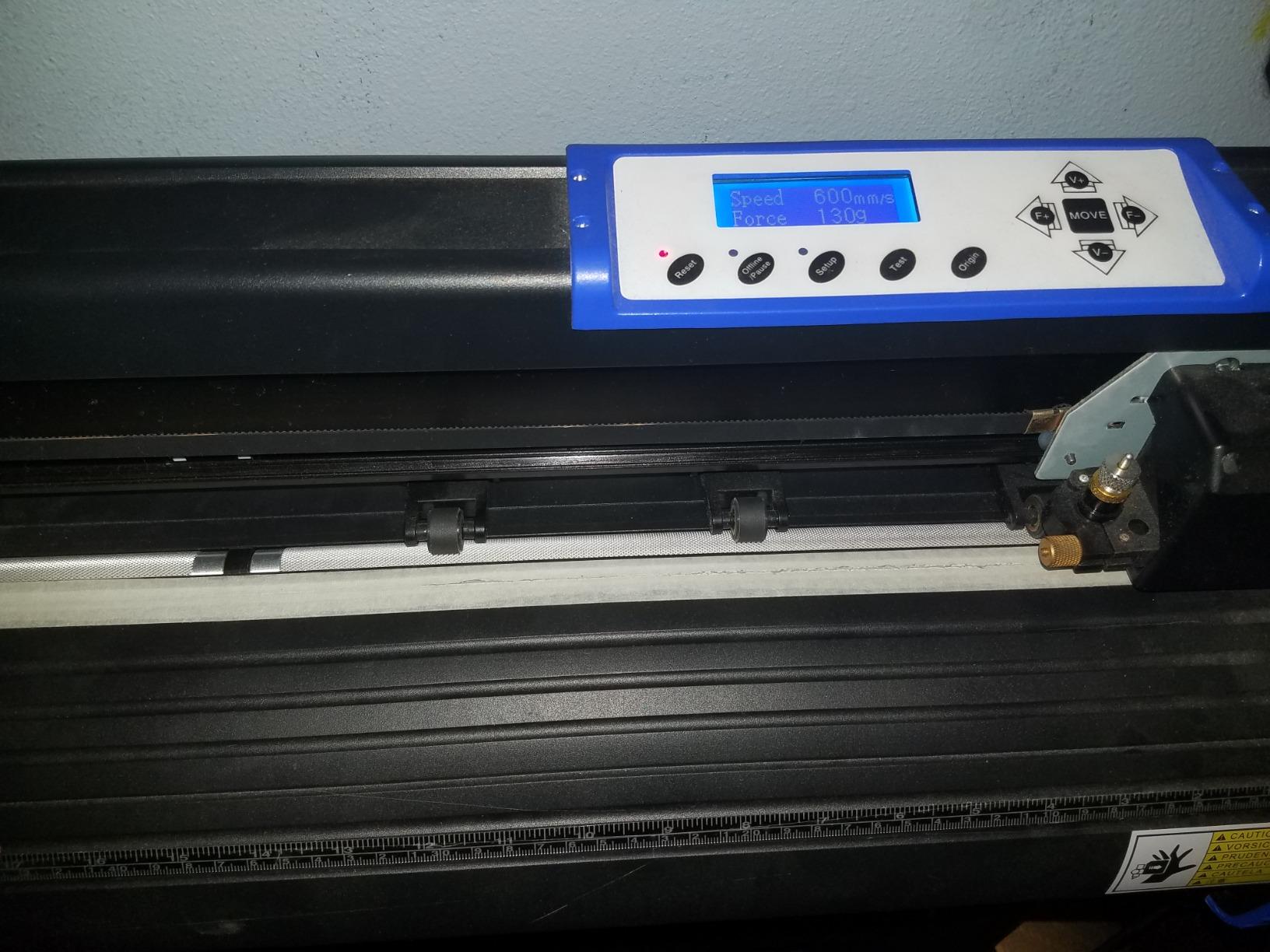
Buyers cutting vinyl signage and heat transfer value the wide format, the included floor stand and the blade kit together. The stand matters more than it sounds, because a floor-standing plotter operated on a table drifts and produces inaccurate cuts. COMPIM and USB interfaces support DM/PL and HP/GL commands for standard plotting software.
Ratings are 4.3 across 187 reviews, with 67 percent at five stars and 16 percent at four stars, and the one-star share is small and focused on software and platform limits. One inconsistency is worth flagging: the listed item weight of 500 g does not match a floor-standing plotter with a stand, so ask for verified dimensions before planning your workspace.
Should I buy the 28 inch or 34 inch VEVOR plotter?
Choose the 28-inch model if your artwork stays under about two feet wide and you want the lower entry point plus a 20-blade kit. Choose the 34-inch model if you cut vehicle decals or full-width banners, where 30.7 inches of cutting width avoids seams across the artwork.
Both are Windows-only with manual operation, so neither is a good fit for a Mac user or for someone who wants a standalone machine. For sticker sheets specifically, neither width is needed, and a desktop cutter serves you better.
What should I verify before ordering this one?
The physical details. The listed weight of 500 g is inconsistent with a floor-standing plotter and stand, which is the kind of listing error that turns into a shipping surprise on a machine this size. Confirm the real dimensions and confirm the stand is included with your specific listing.
Windows compatibility is the other check. Supported systems are listed as Windows XP through 10 in 32 and 64 bit, with no Mac support, and warranty coverage is limited.
15. Likcut S41 – Best for Full Letter-Size Sticker Sheets
Likcut S41 Vinyl Cutter Machine with Print Then Cut – AI Image Generation Sticker Cutter and Maker Machine for Room Decor, HTV, Cardstock and Custom Stickers, Crafts for Adults
8.5 inch width for Letter sheets
Print Then Cut
0.2 mm tolerance
Bluetooth 5.0
3.9 kg
Pros
- Cuts a full US Letter sheet in one pass
- Chassis feels more substantial than the price suggests
- Print-Then-Cut handles printable sticker sheets
- Front panels fold down for storage
- App supports offset weld attach and group operations
Cons
- Software can be clunky with font list refresh issues
- One owner reported a desktop app crash on their own file
- Untranslated instructions trigger security warnings
- Noisier and slower than a Cricut on some jobs
The S41 fixes the main weakness of the smaller Likcut by cutting a full US Letter sheet in a single pass at 8.5 inches wide. For anyone printing on standard sheet paper and cutting it down afterwards, that one change removes the repositioning problem entirely.
Cutting accuracy tolerance is 0.2 mm with sensor-based path calibration, and the machine supports print-then-cut for sticker sheets. USB-C and Bluetooth 5.0 dual-mode connectivity covers wired and wireless setups, and an on-device screen handles one-touch start, stop and load.
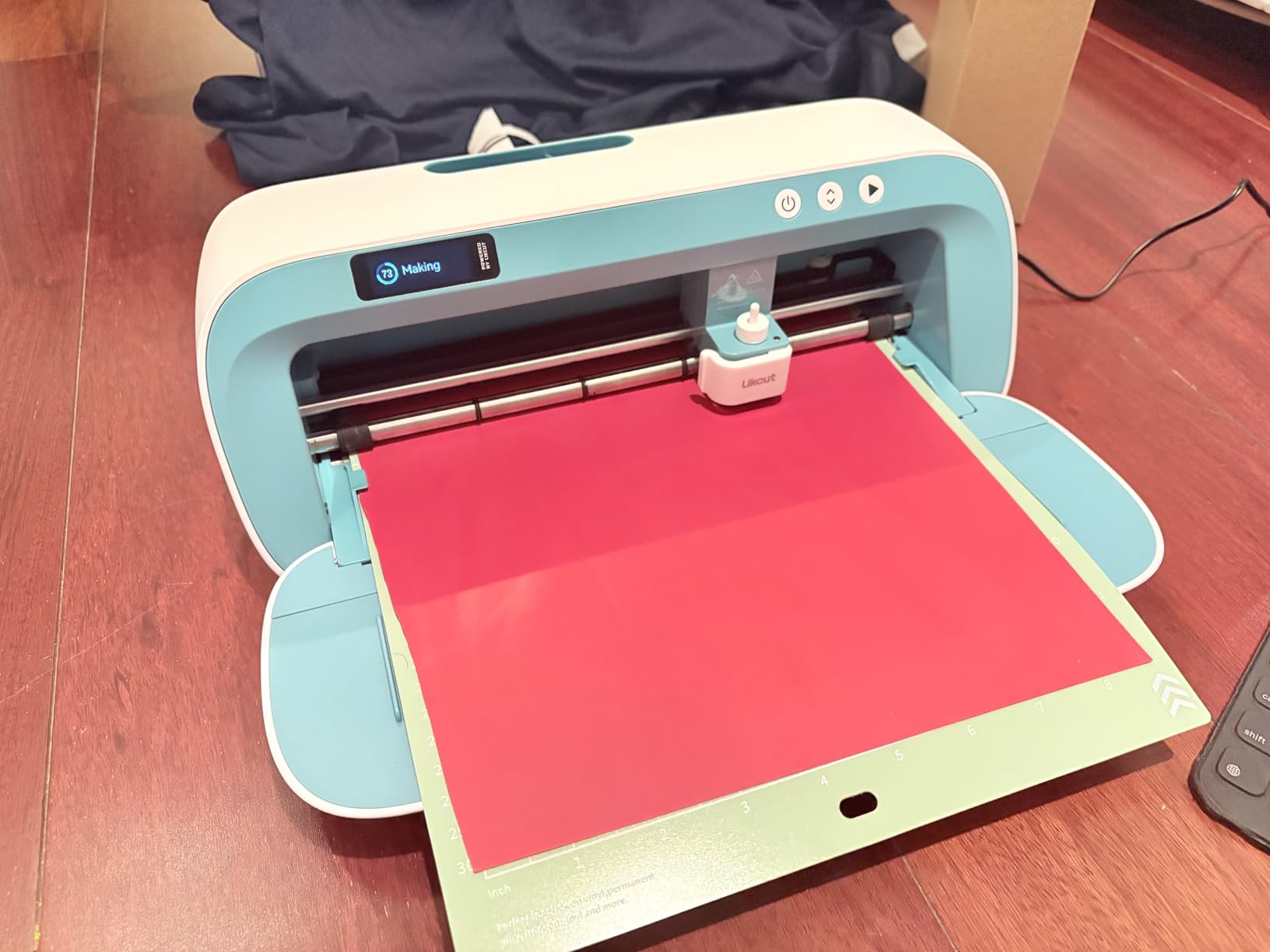
Experienced users who already own Cricut and Brother machines rate it as a well-made, affordable alternative that handles basics cleanly. The chassis is described as stable and more substantial than the price suggests, and the app supports offset, weld, attach and group operations familiar from Cricut. It also draws as well as cuts using the included marker, with auto material setting selection.
Ratings are 4.2 across 106 reviews, the smallest review base here, with 67 percent at five stars. The 12 percent one-star share is driven almost entirely by app stability rather than cutting performance, including one report of a desktop app crash when loading a personal file.
Is an 8.5 inch machine too narrow once I get comfortable?
For advanced users used to 12-inch machines, frequently. It covers Letter stock in one pass, which is more than the 4.5-inch Likcut S501 manages, but it will not take a 12-inch sheet the way the Cricut Explore 5 or the Silhouette Cameo models do. Plan on multiple runs if you outgrow standard paper.
Until then, the single-pass Letter capability makes it unusually efficient for its class, and the front panels fold down so it stores compactly between sessions.
What are the software rough edges?
App reliability is the honest weakness. Owners describe clunky performance, occasional font list refresh problems and untranslated instructions that trigger security warnings. One desktop app crash on a personal file is the most serious report, though it appears isolated.
It is also noisier and slower than a Cricut on some jobs, which matters if you cut late in the evening. Weigh that against the free design library and a stable chassis before deciding.
How to Choose a Sticker Cutting Machine
Start with one question: do you print your stickers elsewhere, or does the machine need to do the printing too? Everything else follows from that answer. A cutter needs a printer you already own or plan to buy, while an all-in-one unit prints the sheet itself and removes a whole step from the workflow.
Beyond that, five factors decide whether you enjoy the machine or fight it: print-and-cut registration, cutting width, software and platform, ongoing consumable costs, and how much noise you can live with.
Print-and-cut vs cutting-only: which workflow fits you
Print-and-cut prints your artwork on sticker paper, then cuts the outline around each shape. It suits full-colour designs, photos and mixed layouts, and every Cricut in this roundup supports it with a standard inkjet printer. The accuracy depends on how the machine reads registration marks, which is where 4-point systems earn their place.
Cutting-only suits solid-colour vinyl, labels and heat transfer, and it is faster per job because nothing is printed first. Plotters like the VEVOR and USCutter machines live here, and they scale to signage and decals rather than sticker sheets. One all-in-one option, the Liene PixCut S1, prints and cuts together but caps at 4×7 inch media.
A third route is scan-to-cut. The Brother SDX85 and SDX125E scan a printed sheet or a hand drawing with the lid, then cut what they scanned, with no computer and no marker software in between. That is the fastest path from paper to sticker for a beginner.
Registration accuracy: why it matters more than blade speed
Registration is how well the machine knows where it printed. When a sheet shifts even slightly in the printer, the cut outline lands off the artwork and you get a sticker with a white crescent along one edge. It is the single most complained-about issue in sticker making.
Two-point registration corrects one axis at a time. Four-point systems, as found on both Silhouette Cameo 5 models, correct horizontally and vertically, which holds alignment better across a tall sheet. On the other side, some Cricut Explore 5 owners report repeated misregistration and printer connectivity trouble in Design Space, so brand alone does not guarantee accuracy.
Whichever machine you choose, run a calibration sheet and a few test cuts before a real order. Keep your printer set to a consistent paper type and do not switch between matte and glossy stock mid-run.
Software, platforms and the Mac question
Four software ecosystems appear here. Design Space runs the Cricut machines, is subscription-gated for the largest image library and needs an internet connection. Silhouette Studio runs the Silhouette machines, uses installed PC fonts and common graphic formats, and forum discussion has covered stability issues on newer Mac releases. CanvasWorkspace runs the Brother machines. Leonardo Design Studio runs the Siser Romeo.
Platform support is the filter most people miss. Most large plotters, including both VEVOR machines and the USCutter, are Windows-only with no Mac support. The Siser Romeo lists WiFi compatibility with both Windows and Mac, and the Brother machines work with a phone, tablet or PC. If your sticker business runs on a Mac, cross that list carefully before you commit.
Ongoing costs nobody mentions at the start
Mats and blades dominate. Every mat-based machine here needs replacement mats eventually, and Brother owners in particular describe the standard tack mat as very sticky and short-lived, with replacement mats costing more than multi-packs from other brands. Mats lose adhesion with use, which is the most common reason a good machine starts producing sloppy lifts.
Blades dull faster on sticker paper than on vinyl, so budget for replacement sooner than the packaging suggests. The Cameo 5 Alpha Plus and the Cameo 5 Alpha ship with an AutoBlade, while other machines use fixed blades you set by hand. On the all-in-one side, ink cartridges are proprietary, and print media adds a per-sheet cost that a separate printer does not.
Software runs from free local cutting to subscription libraries. Design Space gives you 3000-plus images free with more behind Cricut Access, Studio and CanvasWorkspace cut without a subscription, and VinylMaster Cut is included outright with the USCutter. Add your own printer ink and sheet stock to any of these figures before projecting profit.
Materials, noise and small business volume
Material limits differ sharply. The Cricut Maker 4 handles 300-plus materials including leather and wood, the Brother machines cut up to 3 mm, and the Cameo 5 Alpha Plus electrostatic mat supports up to 0.5 mm. If you plan to cut sticker paper and nothing else, any of them will do.
Noise matters more than most buyers expect. The Portrait 4 is specified at 50 dB, the Cameo 5 Alpha is described as ultra-quiet, and Siser owners describe the machine as quiet once set up. Mat noise is the louder part of the process, and it changes with how much material you leave on the sheet.
For small business volume, the deciding factor is how many passes a sheet takes. The Cameo 5 Alpha Plus at 15 inches and the Siser Romeo at 24 inches fit more per run, while a 4.5-inch machine like the S501 needs many. Our broader guides to cutting machines for small business crafters and die cutting machines cover the adjacent workflows where volume and throughput decide the choice.
Frequently Asked Questions
What is the best cutting machine for vinyl stickers?
The Silhouette Cameo 5 Alpha Plus is the strongest all-round choice, with a 15 inch cutting width, 4-point print-then-cut registration and the highest owner rating in this roundup at 4.6 across 941 reviews. If you work on a Mac or want a machine that treats USB and Bluetooth equally, the Siser Romeo runs on both platforms with a 24 inch area. For solid-colour vinyl at scale, a floor-standing plotter such as the USCutter 34 inch model cuts 30 inch widths in one pass.
Is Cricut or Silhouette better for stickers?
Both cut uploaded files well and the choice turns on three things. Silhouette machines generally offer a wider print-and-cut area and tighter registration, with 4-point mark detection on the Cameo 5 models. Cricut machines cover a larger catalog of compatible materials, with the Maker 4 rated for 300-plus materials including leather and wood. Cricut Design Space needs an internet connection and puts most of its image library behind a subscription, while Silhouette Studio runs locally and accepts installed fonts.
What is the best machine to make stickers at home?
For a home setup that stays compact, the Silhouette Portrait 4 is the most practical pick, with a 9 inch width, PixScan, print-then-cut support and a specified 50 dB operating level that suits an apartment or shared room. The Cricut Explore 5 is the alternative if you prefer the Cricut material ecosystem, though some owners report print-then-cut registration problems. The Liene PixCut S1 is worth considering if you do not own a printer at all.
Do I need a printer to make stickers with a cutting machine?
Yes, unless the machine prints itself. Cutting machines only outline shapes, so the artwork has to arrive on the sheet first, usually from an inkjet or laser printer. The Liene PixCut S1 is the exception because it prints and cuts in one pass using thermal dye-sublimation at 300 dpi, with a 4×7 inch maximum media size. The Brother ScanNCut models scan an already printed sheet with the lid, which also removes the need for registration-marker software.
Which sticker cutting machines work on a Mac?
Most do, but large plotters are the exception. The Siser Romeo lists WiFi compatibility with both Windows and Mac through Leonardo Design Studio, and it is the clearest choice for a Mac-only shop. The Brother SDX85 and SDX125E work with a smartphone, tablet or PC. Both VEVOR plotters and the USCutter 34 inch plotter are Windows-only with no Mac support, so check the platform requirement before ordering one of those.
Final Verdict
Fifteen machines, and the answer to the question of best cutting machines for sticker making still splits cleanly by how you work. If you want the most accurate sticker workflow available here, the Silhouette Cameo 5 Alpha Plus earns our Editor’s Choice, with 4-point registration, an AutoBlade and a 15 inch bed backed by the highest owner rating in the group.
The Silhouette Portrait 4 is the value pick and the easiest recommendation for a first machine, with the largest review base, a compact frame and print-then-cut that works without calibration. The Brother SDX85 is the answer for anyone who does not want to design in software, since the scanner turns a printed sheet into a cut path on its own.
Everything else fits a narrower lane. The Liene PixCut S1 removes the printer from the equation, the Cricut Maker 4 opens up materials beyond stickers, the Siser Romeo is the cross-platform option, and the floor-standing plotters are for vinyl and signage rather than sticker sheets. Whichever you pick, budget for mats and blades, run a calibration sheet, and practice on scrap stock before your first paid order.