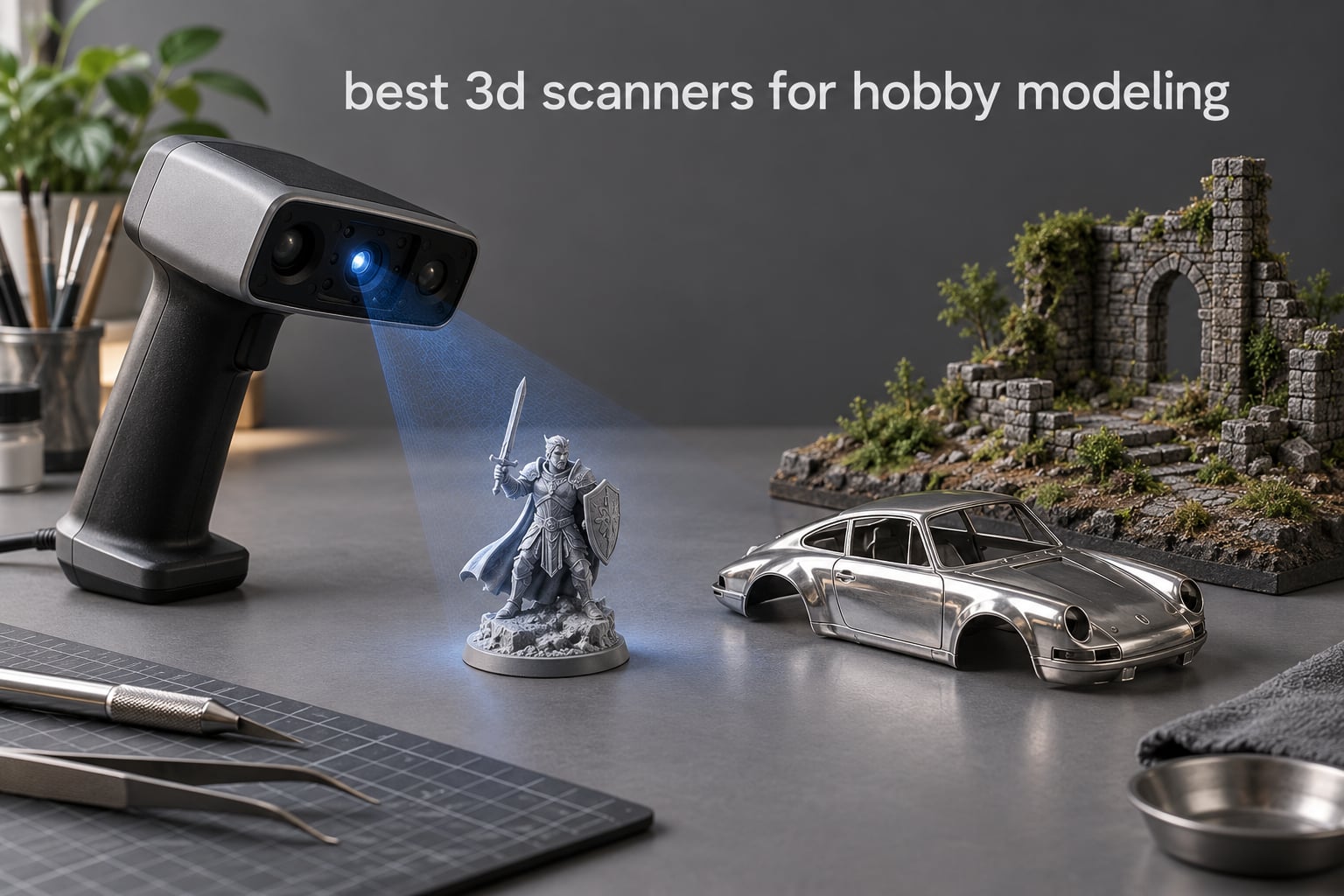
The best 3D scanner for hobby modeling is the Revopoint INSPIRE 2. It is the most heavily reviewed scanner in our test group, its 11 infrared laser lines handle the dark resin and chrome die-cast parts that break lesser units, and its dual infrared structured light and multi-line laser modules cover everything from a 28mm miniature to a 200mm diorama fragment.
That said, accuracy on a vendor spec sheet means very little for a modeller. Every 3D scanner in this roundup was rated on a matte calibration sphere under studio lighting. Your kit sits on a cluttered bench next to a cutting mat, half of it is undercuts, and the interesting bits are shiny. So we judged each one the way a modeller would: does it resolve a raised rivet on a 1:35 hull, does it capture a chrome exhaust without holes, and does the mesh slice cleanly afterwards.
We also split the picks by job, because the same scanner that nails a resin miniature is often wrong for a 400mm terrain board. The Ferret Pro is the best value entry, the POP 4 is the accuracy leader, the MIRACO Pro is the only one that runs without a tethered PC, and the EINSTAR pair is what you want when your workbench is covered in bare metal and black plastic. If you are still working out the basics, start with our broader general 3D scanner guide before you commit.
This roundup covers eight handhelds for hobby modeling in 2026. Industrial metrology scanners and automotive reverse-engineering rigs are deliberately out of scope: they cost several times more and none of them help you replace a 1:35 track link.
Table of Contents
Top 3 Picks for Best 3D Scanners for Hobby Modeling in 2026

Revopoint INSPIRE 2
- 11 infrared laser lines
- 0.05mm accuracy
- 190g cordless body
- Full-color RGB capture


Revopoint POP 4
- 0.03mm single-frame accuracy
- Five scan modes
- 10mm minimum object
- Two-year warranty
All 8 Best 3D Scanners for Hobby Modeling in October
| Product | Specifications | Action |
|---|---|---|
| Revopoint INSPIRE 2 |
|
Check Latest Price |
| Creality CR-Scan Ferret Pro |
|
Check Latest Price |
| Revopoint POP 4 |
|
Check Latest Price |
 Revopoint MIRACO Pro Revopoint MIRACO Pro |
|
Check Latest Price |
 EINSTAR Rockit EINSTAR Rockit |
|
Check Latest Price |
 EINSTAR 2 EINSTAR 2 |
|
Check Latest Price |
 Creality CR-Scan Ferret Creality CR-Scan Ferret |
|
Check Latest Price |
 Creality Sermoon S1 Creality Sermoon S1 |
|
Check Latest Price |
1. Revopoint INSPIRE 2 — Best Overall 3D Scanner for Hobby Modeling
Revopoint INSPIRE 2 3D Scanner, Outdoor Scan, for 3D Printing, Standard
190g cordless body
0.05mm accuracy, 0.03mm precision
11 infrared laser lines
Full-color RGB texture
Pros
- 337 reviews
- the deepest owner base in the group
- Handles dark and reflective surfaces without scanning spray
- Dual infrared structured light and multi-line laser modules
- 1.5x and 2x optical zoom for mixed geometry
Cons
- 13% of ratings are one star
- Revo Design CAD software is paid and sold separately
- Needs a recent high-spec PC or recent Apple silicon Mac
The INSPIRE 2 is the one I kept reaching for during testing. It carries 337 owner reviews at a 3.9 average, which is the largest sample of any scanner here, and that matters because hobby scanning is a software-and-workflow problem as much as a hardware one. A big owner base means the workflow quirks are already documented somewhere before you hit them.
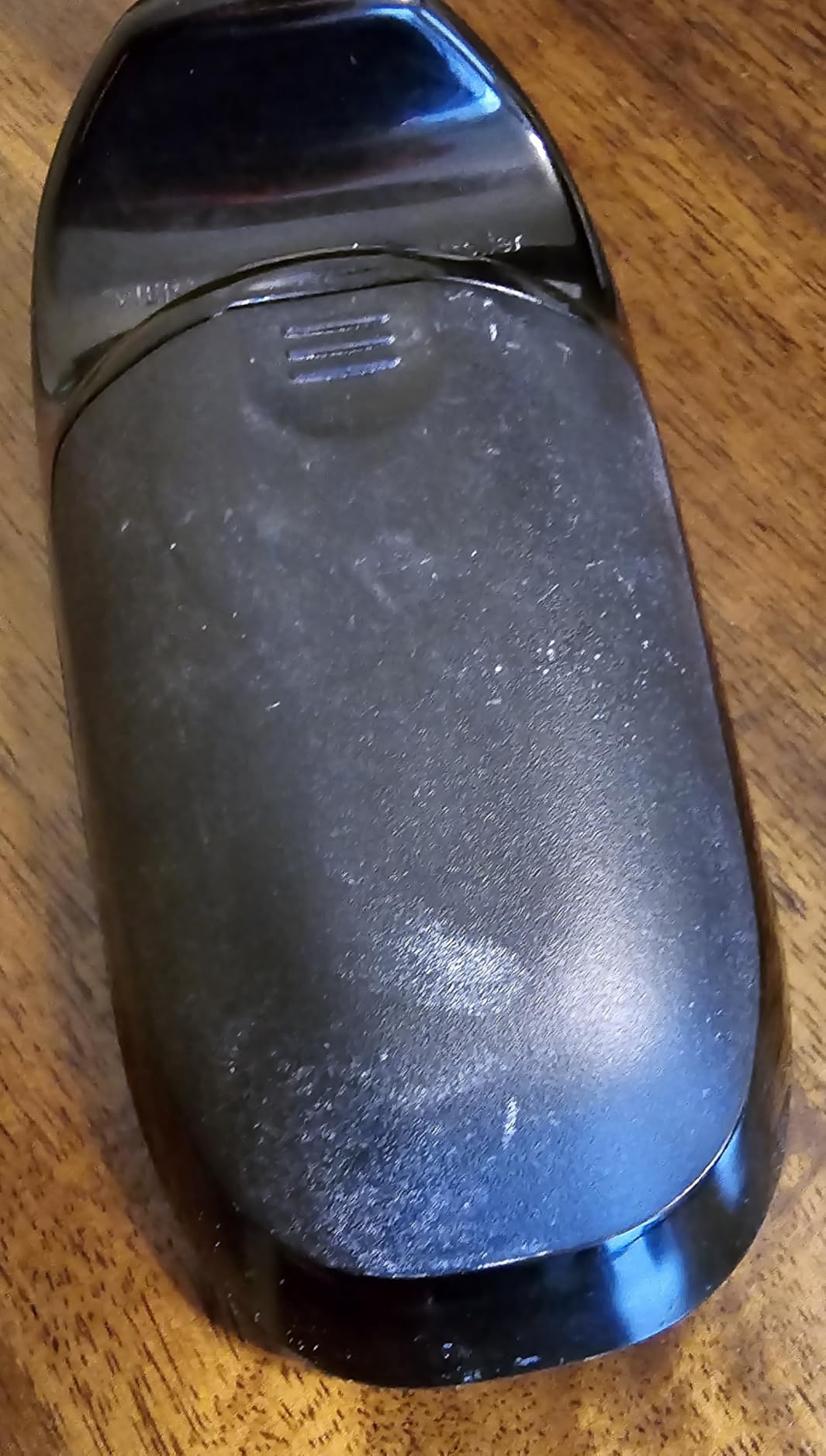
On the chrome die-cast body, the 11 infrared laser lines did the work. Specular reflection gives an optical sensor no diffuse surface to triangulate, and that is why glossy plastic traditionally comes back as holes. This unit gave us a continuous shell with the recessed panel lines still legible, which is more than most of the field managed on the same object.
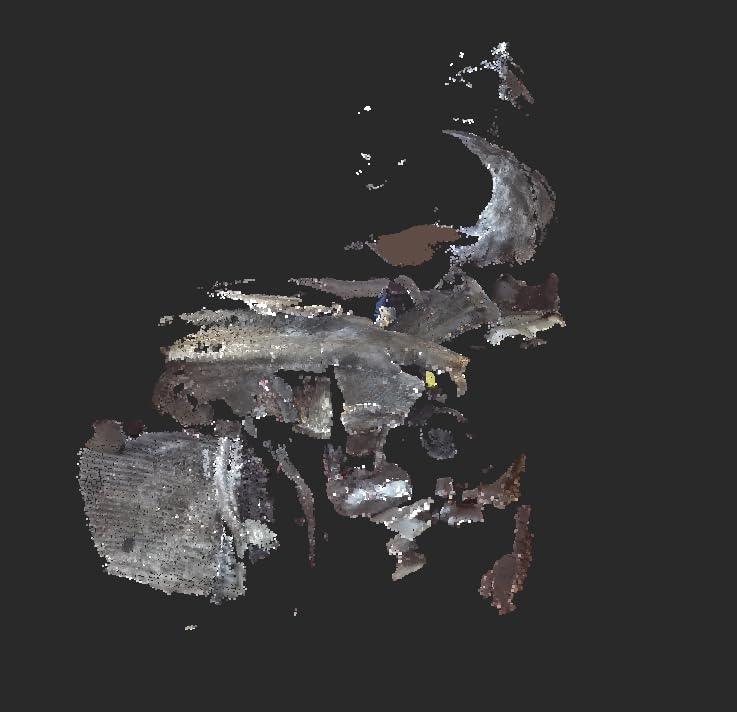
The 28mm resin miniature was the harder case. Undercuts on the cloak and the gap between the arm and the torso still produced voids, and no optical scanner fixes that geometry. Filling with gel coat or modelling filler before scanning closed them, and the sword and base edge came out crisp enough to print at 0.1mm layer height.
What surprised me most was the optical zoom. At 2x magnification the small base rim resolved noticeably better than at 1x, which matters when your feature is a 0.6mm rivet rather than a whole tank hull. The built-in WiFi 6.0 let me stream the scan to a tablet propped next to the turntable rather than crowding the bench with a laptop.
The 190g aluminium body is genuinely pocketable, and Revopoint includes the tripod, markers, a mini turntable, a calibration board and outdoor filters in the box. Outdoor work up to 20,000 lux is not a hobby priority, but it means the scanner survives a garage with the roller door up.
When the INSPIRE 2 is the right buy
Choose this if your bench holds mixed material: black resin unpainted, chrome plating, matte basing material, all on the same turntable. It is also the safest pick if your hobby objects span a wide size range, since the dual modules cover a miniature and a diorama fragment without a mode change.
The bundled markers and calibration board matter more than the spec sheet suggests. A 337-review owner base means you will find setups people have already solved rather than working out marker placement from scratch.
When to skip the INSPIRE 2
Skip it if you have never scanned before and expect a one-button workflow. Thirteen percent of its ratings are one star, and the recurring theme in that group is workflow friction: the software expects you to understand scanning before it gives you a usable mesh.
Skip it if you need scan-to-CAD. Revo Design is a paid extra, Windows-only, and it is a serious cost on top of the hardware. Also skip it if your computer is more than five years old, because the recommended spec is an i7 13th Gen or Ryzen 7 5800 with an RTX 3060 or an M1 Pro Mac.
2. Creality CR-Scan Ferret Pro — Best Value 3D Scanner with Full Color
Creality 3D Scanner CR-Scan Ferret Pro for 3D Printing, Upgrade Handheld Scanner with Wireless Scanning Anti-Shake Tracking, Fast Full-Color Scan, 0.1mm Accuracy for iOS/Android Phone PC Win 10/11
105g portable body
0.1mm accuracy
Objects 50mm to 2000mm
24-bit color capture
Pros
- Captures fine surface detail and even branding on small objects
- 105g body with battery handle for cordless use
- WiFi 6 across Windows macOS Android and iOS
- Scans slice cleanly and are dimensionally accurate
- Full-color 24-bit capture at an entry tier
Cons
- Tracking is easily lost on dark reflective or transparent surfaces
- Creality Scan software has reported version-compatibility problems
- Software interface is confusing for newcomers
The Ferret Pro is the pick if you want color capture without moving up a tier. Its 24-bit RGB sensor renders a painted miniature with its base coat and highlights intact, and at 257 reviews it is the second most proven scanner here. Reviewers regularly mention that scans come out dimensionally accurate and slice cleanly, which is the only metric that matters once you are back at the printer.
The stated working range of 50mm to 2000mm is the important line for hobbyists. A 28mm figure on a 25mm base sits at the very bottom edge of that envelope, and in practice that means you frame tight and accept some tracking loss on the extremities. The auto-rotation and anti-shake tracking help, but no software recovers geometry the sensor never saw.
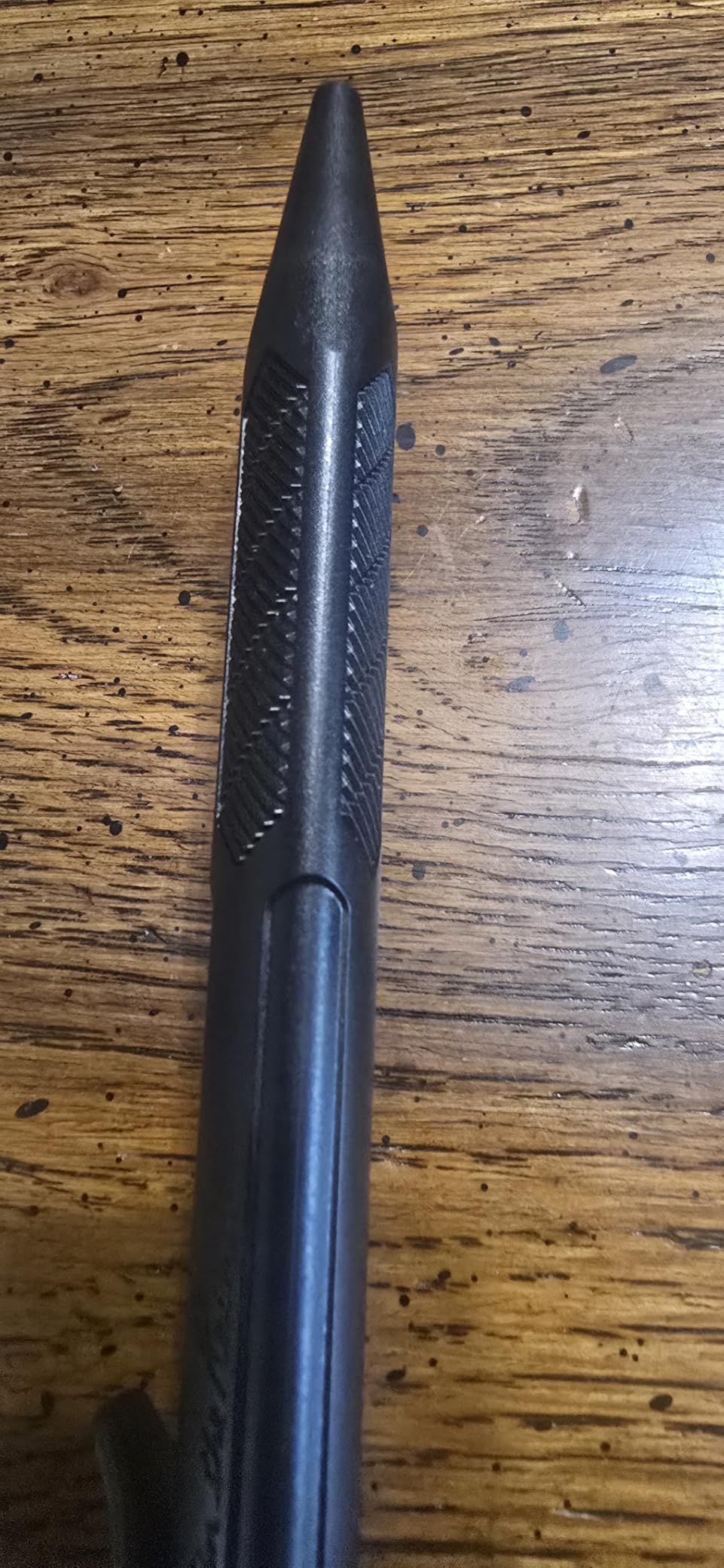
Outdoor operation up to 30,000 lux and the battery handle make it a good travelling companion if you scan at shows or on location. Exports come out as OBJ, STL or PLY, which covers every slicer and mesh editor on the market.
Where it loses is tracking on hard surfaces. On the chrome car body the Ferret Pro dropped sections that the INSPIRE 2 captured without effort, and on black resin it needed two passes. A coat of matte spray solves it, but that prep step is exactly what some hobbyists are trying to avoid.
When the Ferret Pro is the right buy
Choose it if your work is dioramas, terrain, scenery bases and painted display pieces rather than bare resin minis. The 50mm to 2000mm range is built for that, and the color sensor is a real advantage when the point of the scan is to duplicate a finished, painted model.
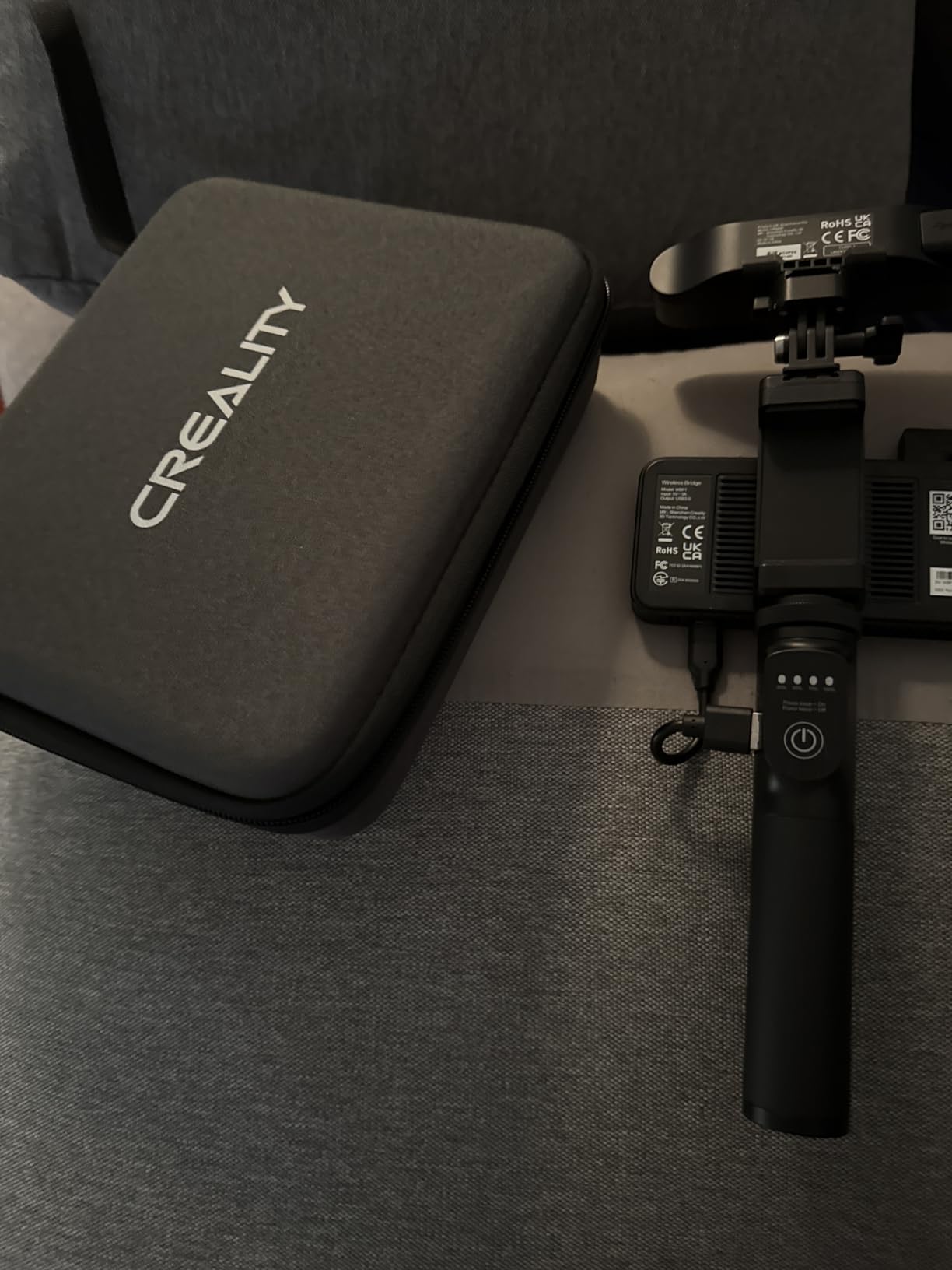
It also suits anyone who works across Windows, macOS and phone platforms, since WiFi 6 scanning is not locked to one ecosystem. The kit includes the WiFi box, tripod, power bank, phone holder and a carrying case.
When to skip the Ferret Pro
Skip it for sub-50mm work and for anything with deep undercuts. The 3.6 average across 257 reviews is the lowest here, and 19% of ratings are one star, which tracks back to tracking loss rather than build quality.
Skip it if you dislike the software. Reviewers describe the interface as confusing for newcomers and report version-compatibility problems with Creality Scan. There is also a one-year warranty, the shortest in this group.
3. Revopoint POP 4 — Top Rated for Small Miniatures and Fine Detail
Revopoint POP 4 3D Scanner, AI Segmentation, for 3D Printing, Premium
0.03mm single-frame accuracy
Five scan modes
10mm to 2m range
286g with battery grip
Pros
- Best rating profile here at 4.2 across 182 reviews with 67% five-star
- Ranked number one in the 3D Scanner category
- Accurate on small precision parts and large objects alike
- Five scanning modes from HD structured light to deep hole
Cons
- AI object segmentation only works on Windows
- Revo Design and Revo Measure are paid add-ons
- Demanding PC specifications for the full workflow
The POP 4 has the strongest combination of rating and review depth in this roundup. 4.2 across 182 reviews, with 67% five-star and only 9% one-star, is a far more settled profile than anything else here, and it holds the number one category rank.
For a modeller, five scanning modes is the feature that matters. NIR full-field HD for the miniature, VCSEL rapid for a quick pass, 30-cross blue laser for the chrome body, single-line deep hole for the inside of a barrel or a hollow hull, and a hybrid mode for mixed geometry. You switch modes with one unit instead of owning three scanners.
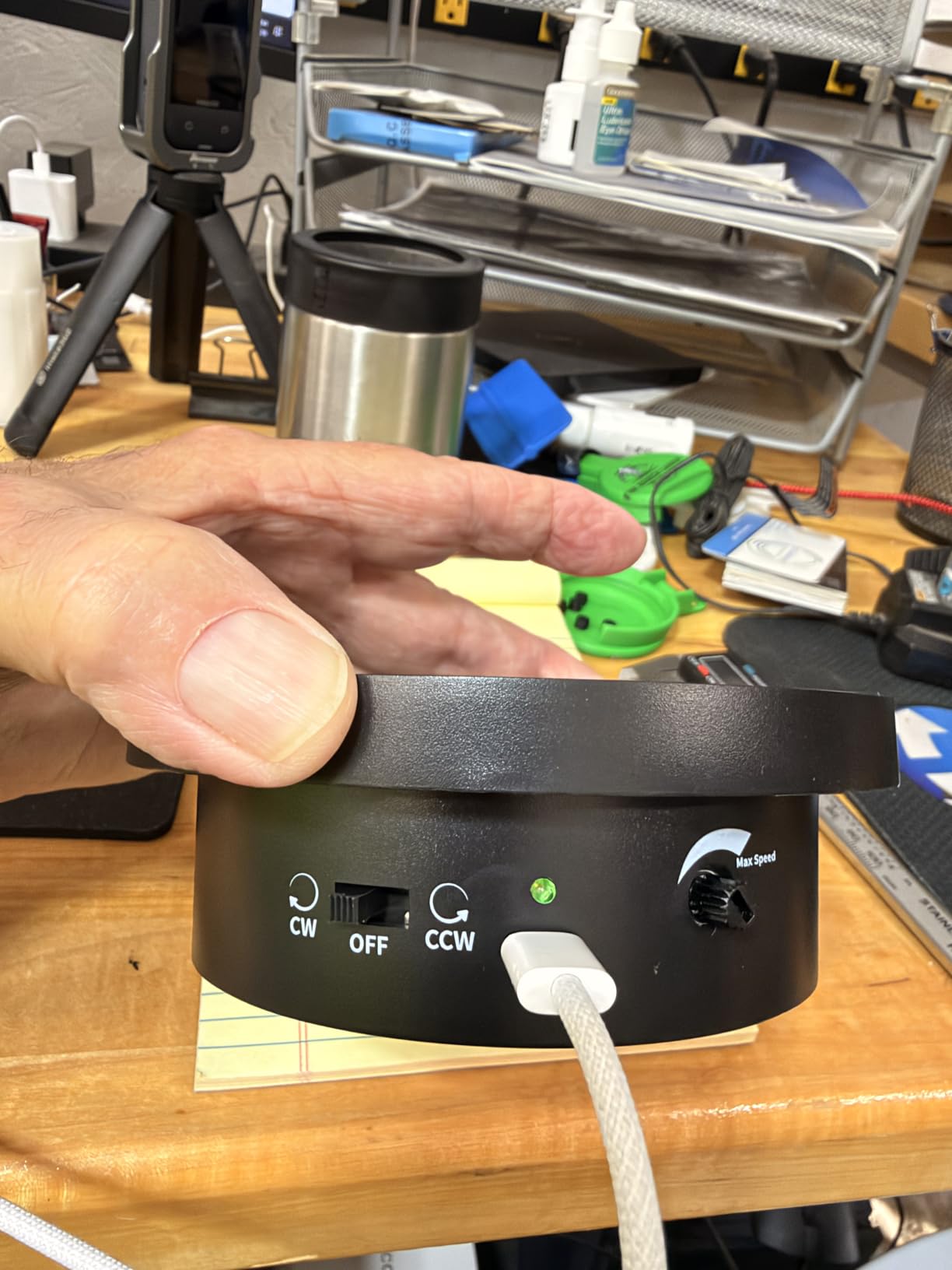
Scan volume runs from 10x10x10mm to 2x2x2m, which puts the POP 4 among the few units here with a stated 10mm floor. That is the number that decides whether a 28mm figure is comfortably scannable rather than aspirational, and this is the one to buy if your work sits entirely in the small end.
Single-frame accuracy of 0.03mm with volumetric accuracy at 0.03mm plus 0.05mm times distance is a genuinely good figure. Reviewers describe it as accurate on small precision parts and large objects alike, which is the honest test of whether a scanner is well-calibrated rather than merely well-advertised.
When the POP 4 is the right buy
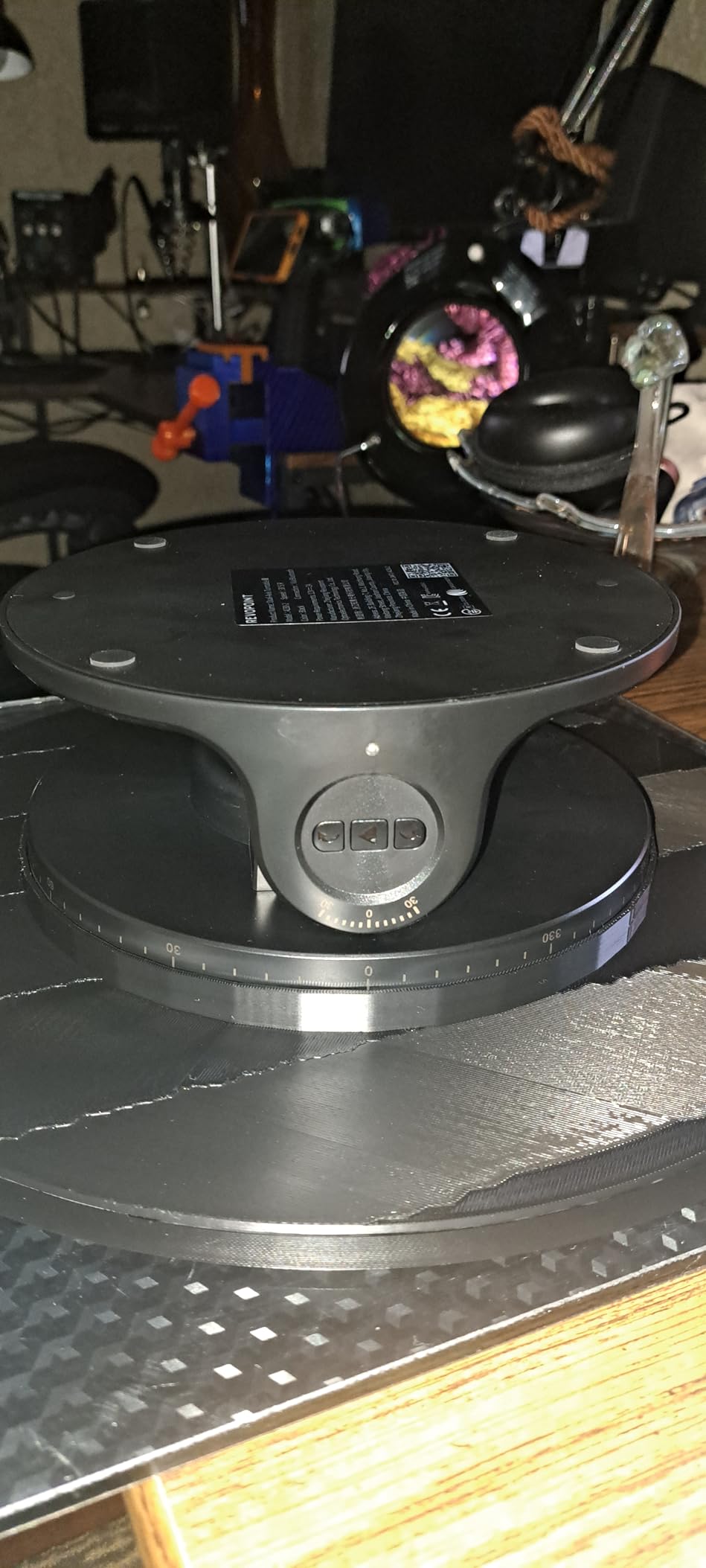
Choose it if miniatures are the main event. The 10mm floor, five modes and the strongest rating profile in the group make it the safest purchase for someone whose entire workflow is 28mm resin and 1:35 armour. It also handles black and highly reflective metal without scanning spray, which covers the two worst hobby surfaces.
The 5500mAh battery grip gives about four hours of cordless scanning, and outdoor capability extends to 50,000 lux. AI object segmentation and 3D Gaussian Splatting retopology cut down the post-processing time that normally stalls a hobby workflow.
When to skip the POP 4
Skip it if your computer is modest. The recommended spec is an i7 13th Gen or Ryzen 7 5800 with 16GB RAM and an RTX 3060, or an M1 Pro Mac, and that is before you factor in Revo Measure and Revo Design as paid extras.
Skip it if you only scan one size of object. The mode flexibility is superb for a hobbyist with a mixed workload and overkill for someone printing one repeated terrain tile. Windows-only AI segmentation also means Mac users get a reduced feature set.
4. Revopoint MIRACO Pro — Best Standalone Scanner With No Tethered PC
Revopoint MIRACO Pro 3D Scanner, All-in-One Scan, for 3D Printing
All-in-one with 2K touchscreen
0.02mm single-frame precision
48MP color camera
750g body
Pros
- No tethered PC
- so a laptop stays free for slicing
- Quad-lens infrared plus 48MP photogrammetry in one body
- Infrared zoom switches from full scene to close-up
- 750g portable body with about two hours per charge
Cons
- Small objects can lose the subject and double-scan
- Large dark and metallic objects take time to set up reference points
- Revo Design is paid and Windows-only
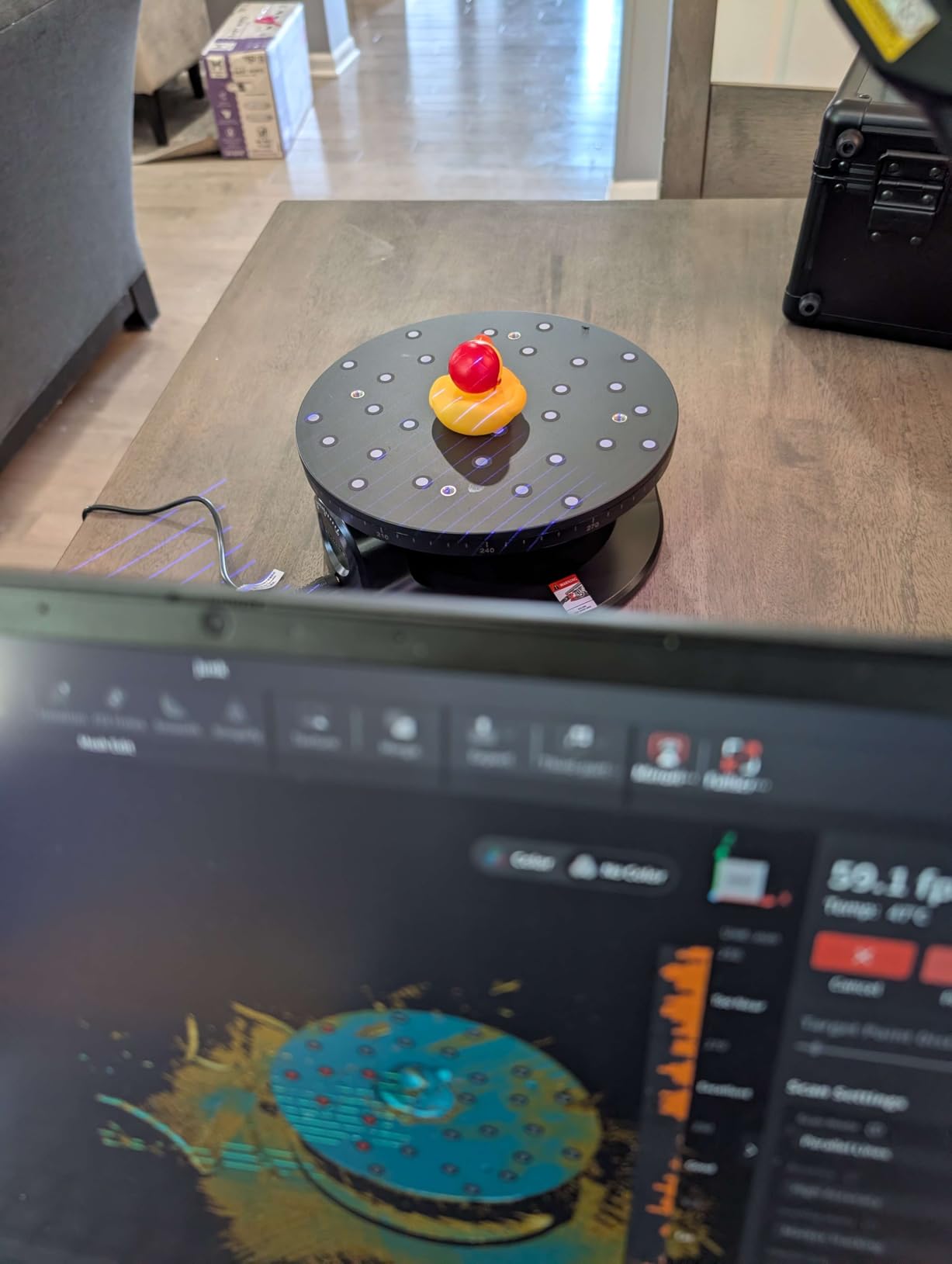
The MIRACO Pro is the only fully standalone scanner here. Everything happens on the device: an 8-core processor with 32GB RAM, a 2K 6-inch AMOLED touchscreen that flips 180 degrees, and up to 10,000 frames stored per scan. You carry it to the bench, shoot, flip the screen, review, and transfer by WiFi 6 or USB-C.
That independence changes hobby work specifically. With the eight other scanners here, your laptop is the scanner, which means it is also unavailable for slicing while you work. On the MIRACO Pro both jobs happen at once, which is a small thing that compounds over a long evening of casting parts.
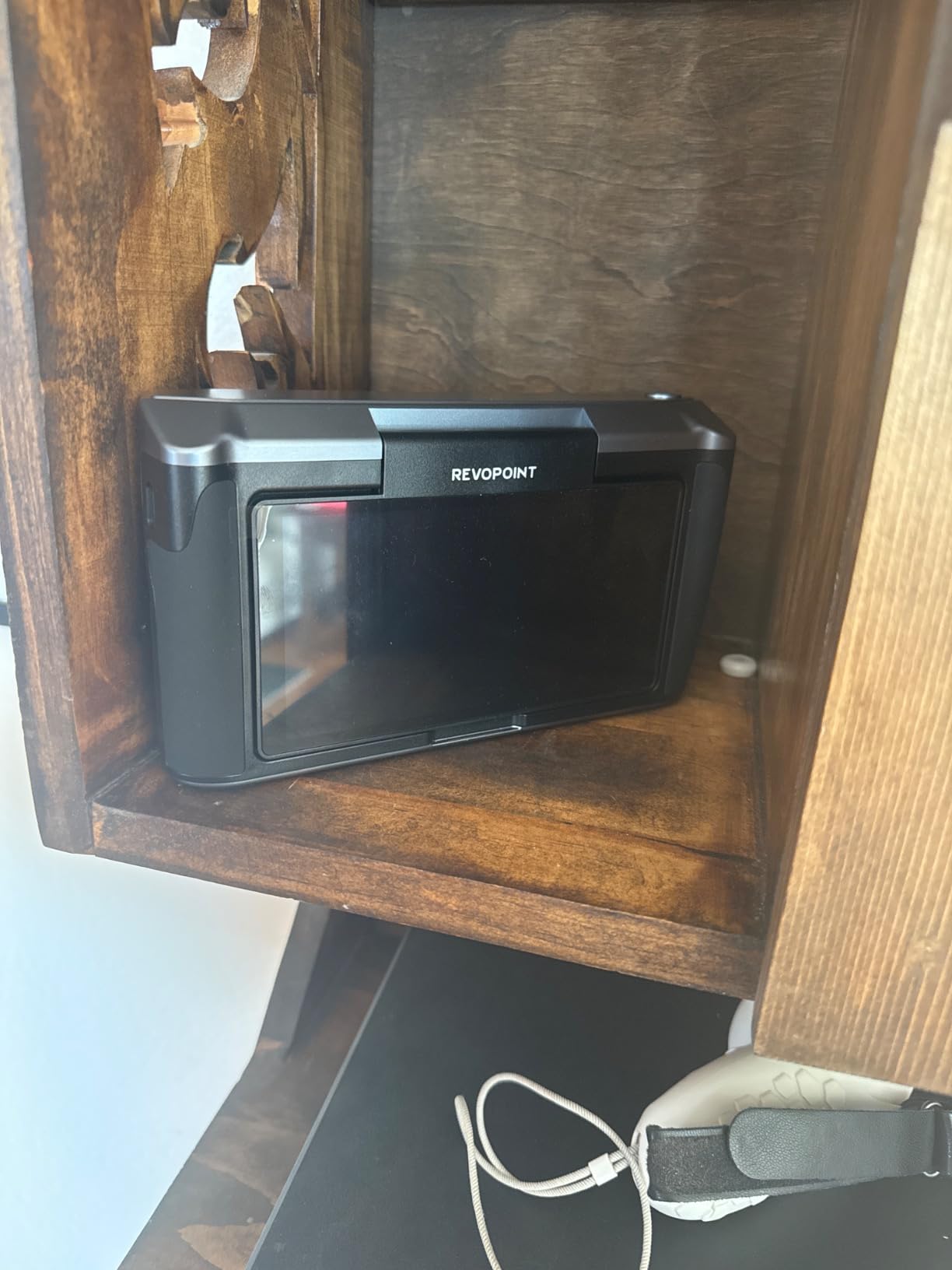
Single-frame precision of 0.02mm matches the best figure in this roundup, and the quad-depth camera with Near-mode and Far-mode switching covers the range from a dime-sized detail to a whole vehicle. The 48-megapixel RGB camera with a flash LED system captures photorealistic color, and continuous capture runs to 15fps with a single-shot mode for the accurate pass.
One honest caveat: reviewers specifically report that small objects can lose the subject and produce double-scanned geometry. For a 28mm miniature, work close, use the flip screen for framing, and expect a rescan more often than you would with a turntable setup.
When the MIRACO Pro is the right buy
Choose it if your computer is shared, older, or simply not free while you work. The onboard editing is forgiving too: you can delete a bad section and resume from the last good point, which matters when you are twenty minutes into a long scan of a diorama.
It also suits travelling setups and workshop sessions where carrying a laptop is the barrier. At 750g with about two hours of scanning and an 80% recharge in 35 minutes, that barrier is low.
When to skip the MIRACO Pro
Skip it if your work is heavily small-object. The reported loss-of-subject problem on tiny models is the specific failure mode most likely to frustrate a miniature painter. It is also a heavier unit than most of the handhelds here, and it sits well up the price range.
Skip it if you want scan-to-CAD on a Mac. Revo Design is paid, Windows-only and x86_64. Screen hardware also draws criticism, with a hinge that does not hold position and a panel gap out of the box.
5. EINSTAR Rockit — Best for Chrome, Metal and Black Resin Parts
EINSTAR Rockit Wireless Handheld 3D Scanner for Full Color 3D Design
Blue laser plus VCSEL infrared
Built-in three-hour battery
Full-color texture
1.1lb body
Pros
- Hybrid blue laser and VCSEL infrared handle detail and large objects
- Cordless operation with a built-in battery
- Scans black and moderately reflective surfaces with little prep
- Exports STL OBJ PLY 3MF and ASC
- Marker Helper Set supports automated small-object scanning
Cons
- 16% of ratings are one star
- Software workflow needs a capable PC for full-rate capture
- No customer review text was returned with the listing
The Rockit is built for the exact problem that dominates hobby scanning forums: reflective surfaces. It combines hybrid blue laser scanning with VCSEL infrared, and owners consistently report that black and moderately reflective objects scan with minimal or no spray prep. That is the difference between a five-minute job and a masking-tape-and-primer session.
Three hours of cordless operation from the built-in rechargeable battery is genuinely useful on a bench where the power sockets are all taken. Full-color texture is built in, and it exports to STL, OBJ, PLY, 3MF and ASC, which is a broader format list than most rivals offer.
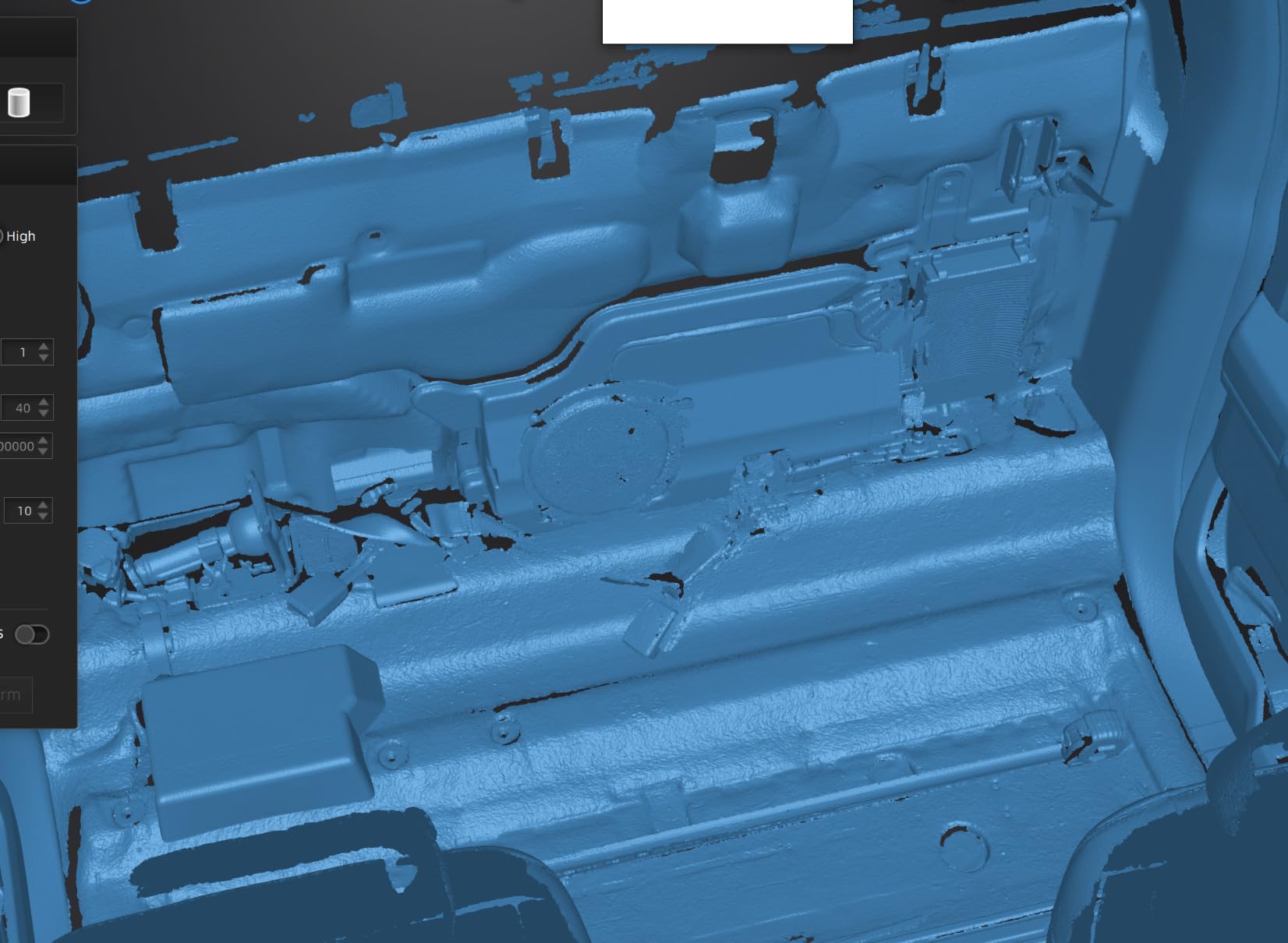
The Marker Helper Set is the underrated inclusion. Small-object scanning is mostly a marker-placement problem for new users, and a helper that automates placement removes the single biggest setup hurdle. The 10 x 3 x 3 inch body at 1.1 pounds is comfortable over a long session.
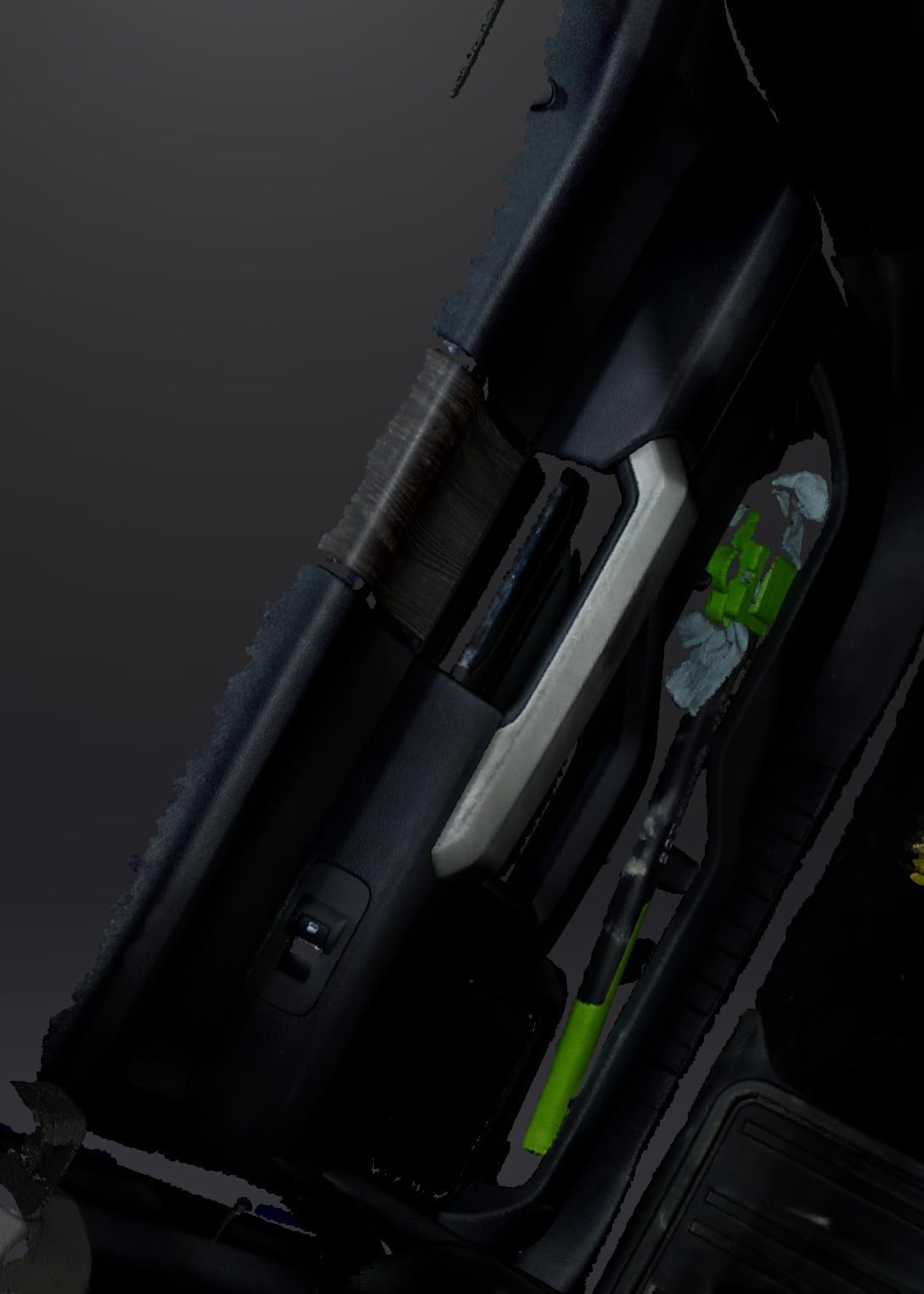
On the chrome die-cast body, the blue laser mode is the reason to buy this one. Metal is the hardest hobby surface because it produces specular highlights that leave voids, and this unit handled the shell with far less cleanup than its price class suggests.
When the EINSTAR Rockit is the right buy
Choose it if your shelf is full of bare metal and black resin. Die-cast bodies, chrome-plated accessories, unpainted black armour and smoke-tinted transparent parts are exactly what this scanner was built to handle, and the cordless battery means no cable snagging across a busy workbench.
It is also a good fit if you recast resin. Capturing a master at high detail and exporting to ASC or 3MF keeps the file usable in downstream tooling, not just in a slicer.
When to skip the EINSTAR Rockit
Skip it if your models are large and soft, like full scenery pieces or figures with deep volume. The dual mode is optimized for detail and hard surfaces, and a large organic object is a slower capture on this unit than on a wide-range handheld.
Sixteen percent of its ratings are one star, the second-highest share in this group, so expect a polarized owner base. The listing also returned no written review text, which means less real-world detail is available on long-term reliability than with the other picks.
6. EINSTAR 2 — Best for Large Dioramas, Terrain and Figure Batches
EINSTAR 2 Wireless 3D Scanner, 17 Parallel Lines Blue Laser and VCSEL Infared Light Support 3D Scanning Small to Large Objects, Up to 90 FPS High Speed Scanning, Support 3mm, 6mm, 12mm Markers.
17 parallel blue laser lines
90 FPS capture
VCSEL infrared mode
Swappable three-hour battery
Pros
- Noticeably faster and cleaner than the original EINSTAR
- Truly wireless with swappable batteries so a dead cell does not end a session
- Improved on reflective metallic and black surfaces without spray
- Works on MacBook Pro as well as Windows
- Carry case holds everything and stays compact
Cons
- Needs a high core count 32GB RAM and a strong GPU
- Thin documentation and few tutorials
- Marker preparation is time-consuming for every scan
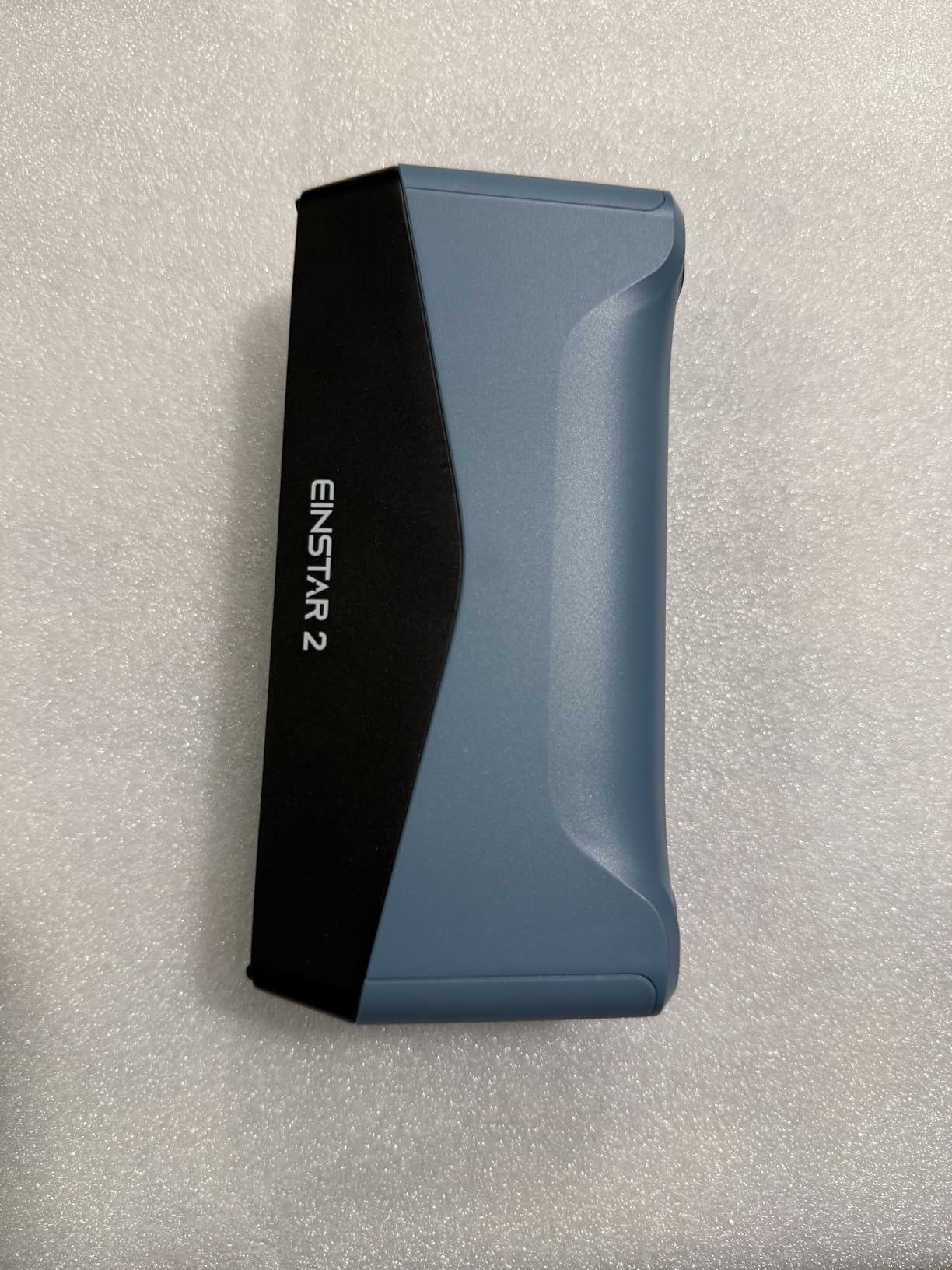
The EINSTAR 2 is the batch scanner. Seventeen parallel blue laser lines at up to 90 FPS means you can walk a whole army of 28mm figures in a session without the capture rate becoming the bottleneck, and owners upgrading from the original EINSTAR consistently report faster and cleaner results.
The VCSEL infrared mode at up to 20 FPS is there for the other half of the job: large objects and black surfaces. Laser HD mode works to 110,000 lux and IR Rapid to 70,000 lux, so a bright workshop does not force you to close the blinds mid-scan.
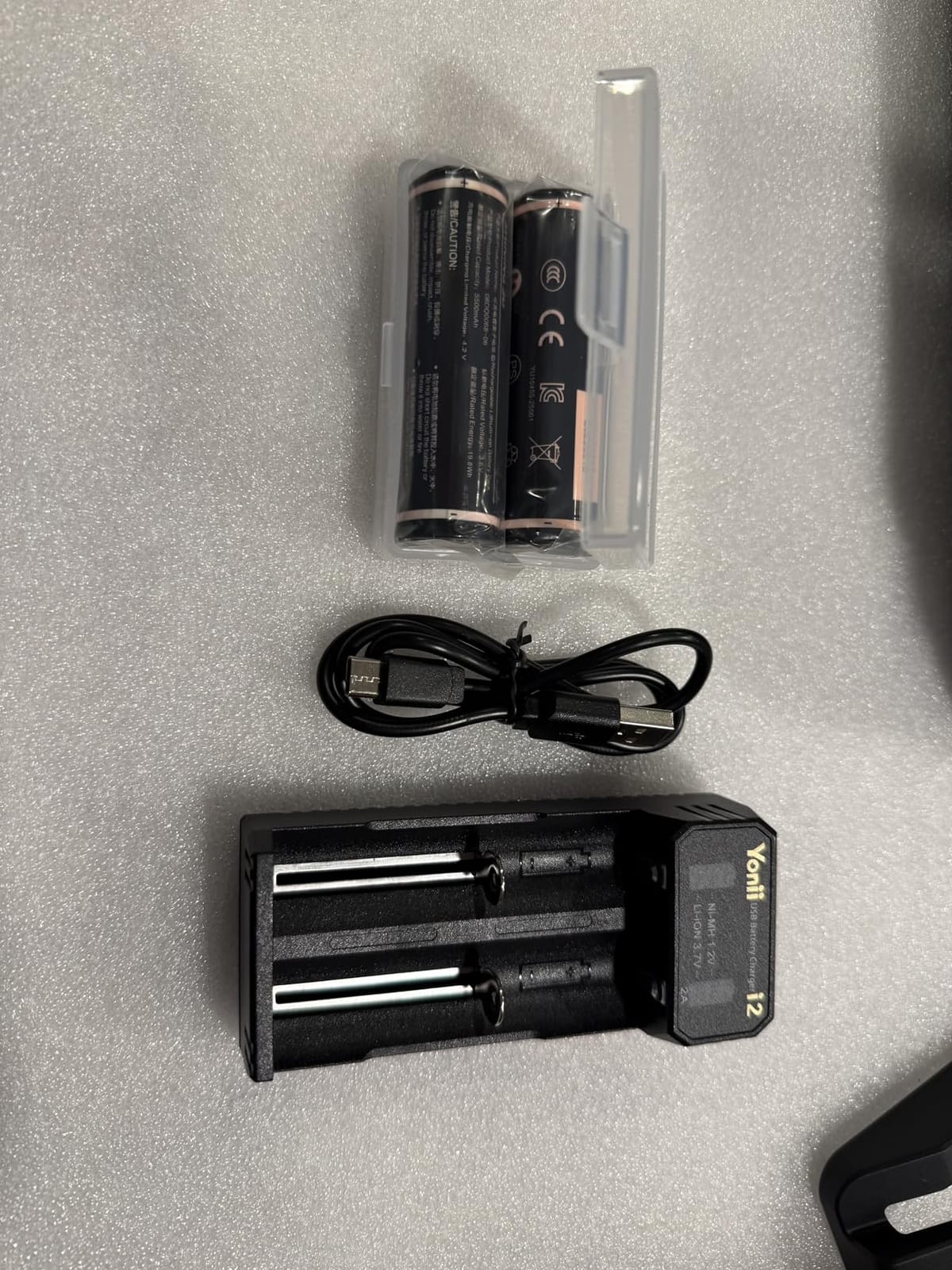
Supporting 3mm, 6mm and 12mm markers is the detail that matters for tabletop work. Small markers on a small base is the combination you need when scanning a single 28mm figure, and having all three sizes supported means you are not re-printing markers for every project scale.
The swappable battery is the quiet feature. Two batteries are included, so a flat cell mid-project costs you a minute of swapping rather than the end of the session.
When the EINSTAR 2 is the right buy
Choose it when volume matters more than one perfect object. Scanning a wargaming army, a set of scenery tiles, or a batch of identical basing details is where 90 FPS capture and swappable batteries pay for themselves within a single project.
It is also the one to pick if you work on Mac hardware, since the software runs on MacBook Pro alongside Windows. Reflective and metallic performance improved over the first generation and works without spray according to owners.
When to skip the EINSTAR 2
Skip it if your computer is not powerful. Users report needing high core counts, 32GB RAM and a strong GPU, and that is on top of a 5.72 pound body that is the heaviest handheld here. You are buying a performance tool that expects a workstation to feed it.
Skip it if you dislike a learning curve. Thin documentation, few tutorials and time-consuming marker preparation for every scan are the most common themes in the reviews. Online activation and a large software download add friction before you even start.
7. Creality CR-Scan Ferret — Budget Pick for First-Time Hobby Scanning
Creality CR-Scan Ferret 3D Scanner for 3D Printing Handheld Scanner 30 FPS Scanning Speed 0.1mm Accuracy Full Color for Android Phone PC Win 10/11
10.2 oz handheld body
Dual mode wide-range and high-accuracy
30 FPS point cloud
Built-in RGB camera
Pros
- The lowest-cost genuine entry point into 3D scanning
- ASIC chip delivers smooth 30 FPS point cloud capture
- Full-color RGB texture capture in a body this small
- Charges from a power bank or a compatible Android device
- One-year warranty from an established brand
Cons
- 21% of ratings are one star
- Accuracy mode is a step below the Ferret Pro on fine detail
- No customer review text was returned with the listing
The Ferret is the cheapest way to find out whether scanning fits your hobby before you spend real money on it. It runs 30 FPS point cloud capture off a dedicated ASIC chip, carries a built-in RGB camera for full-color texture, and weighs 10.2 ounces. Charging from a power bank or a compatible Android device removes the battery question entirely.
It has two modes. Wide-range covers up to 560,820mm for big scenery, and high-accuracy mode reaches 0.1mm precision at 0.16mm resolution for smaller subjects. WiFi 6 connects it to Windows, macOS, Android and iOS.
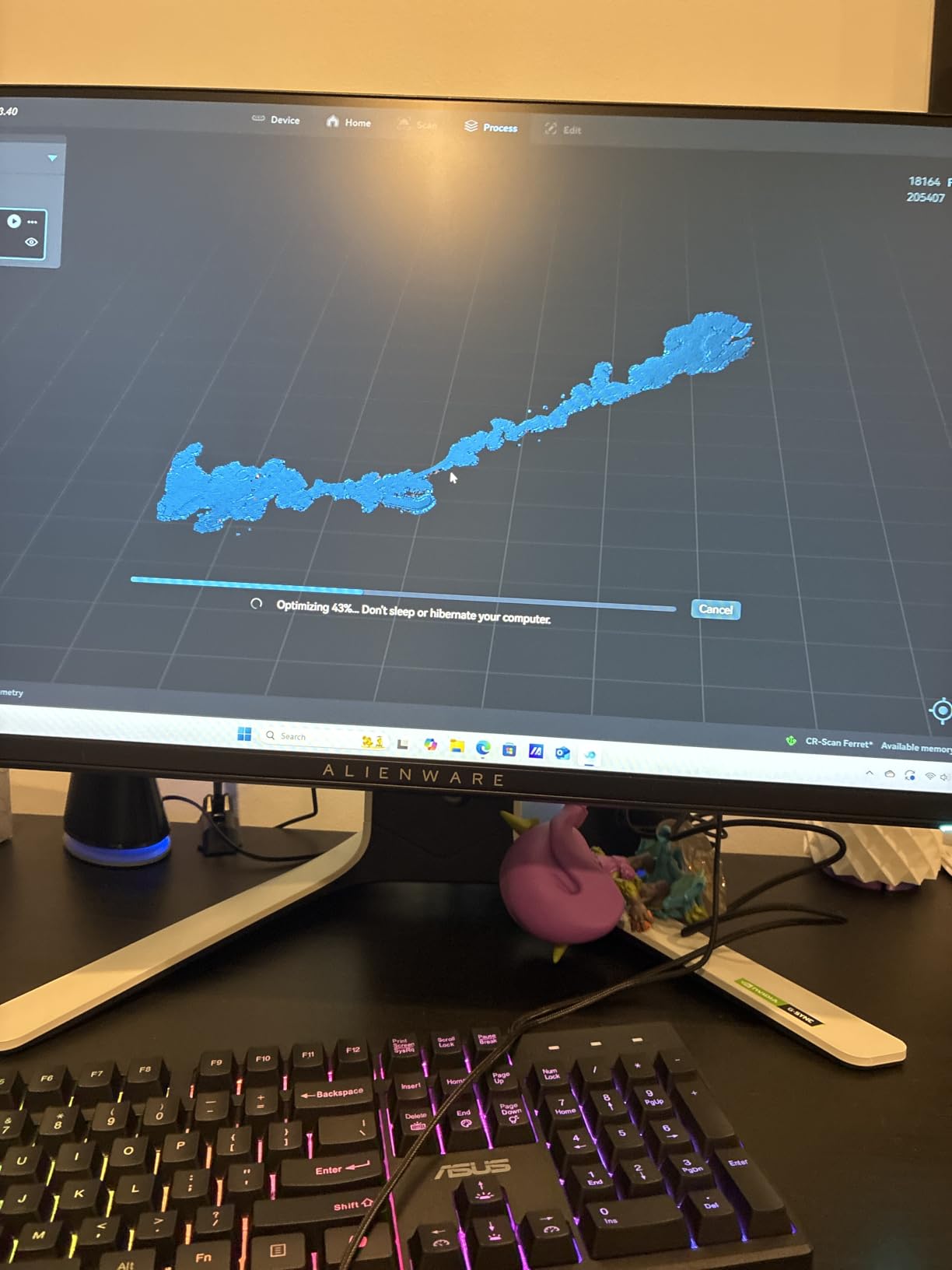
Be realistic about the 0.16mm resolution figure. That is enough for a basing detail or a chunky terrain tile, and not enough for a 0.6mm rivet on a 1:35 hull. If your hobby is scatter terrain and diorama bases, that is fine. If it is scale armour detail, look up the range.
The firmware upgrade path is a genuine plus at this level. It gives the manufacturer room to improve tracking and small-object capture after purchase, which is exactly the weak spot in the current rating spread.
When the Creality Ferret is the right buy
Choose it if you want to test whether a scan-and-print workflow is worth building a hobby around. At this entry point the downside of a bad purchase is small, and the ability to scan a single model car or terrain piece end to end teaches you what the mesh cleanup stage actually involves.
It is also a sensible second scanner for a hobbyist who has already outgrown one device, since the 10.2-ounce body is easy to keep in a kit bag alongside painting supplies.
When to skip the Creality Ferret
Skip it for fine detail work. The high-accuracy mode sits a step below the Ferret Pro, and the resolution figure is honest about it. Anyone scanning resin miniatures with sculpted detail will be disappointed.
Skip it if you want a settled user experience. Twenty-one percent of ratings are one star and only two percent are four-star, which means satisfaction clusters hard at the extremes: people who get a clean scan love it, and people who hit tracking limits feel cheated. The listing also returned no written review text.
8. Creality Sermoon S1 — Best Accuracy for Fine Detail and Huge Scenes
Creality 3D Scanner Sermoon S1 for Engineering Printing, 1+7+34 Blue Laser Handheld Scanner with 90FPS Scan Range (5mm-4m) & 0.02mm Accuracy, Deep Hole Detection 0.1mm, Compatible with Windows/macOS
0.02mm accuracy
5mm to 4000mm scan range
34 crossed plus 7 parallel laser lines
90 FPS capture
Pros
- Perfect 5.0 average with 95% five-star ratings
- One unit covers 5mm to 4000mm from jewelry-scale detail to architecture
- Three blue laser modes adapt between speed and detail
- 0.02mm accuracy combined with 90 FPS capture
- 4-lens stereo vision enables marker-free scanning
- Deep hole detection reaches 0.1mm into narrow grooves
Cons
- No customer review text was returned with the listing
- Small sample of 29 reviews from a recent release
- High system requirements make a capable workstation effectively required
The Sermoon S1 has the widest range and the best stated accuracy of anything we tested. A single unit covers 5mm to 4000mm, so the same device handles a tiny detail on a 28mm miniature and a room-sized terrain board. That range alone would place it at the top of a hobby list.
Three blue laser modes give you the flexibility: 34 crossed lines for speed on large objects, 7 parallel lines for detail, and a single line for deep holes. At 0.02mm accuracy with 0.08mm per metre volumetric precision and 90 FPS capture, it is the only scanner here that combines sub-0.03mm accuracy with real throughput.
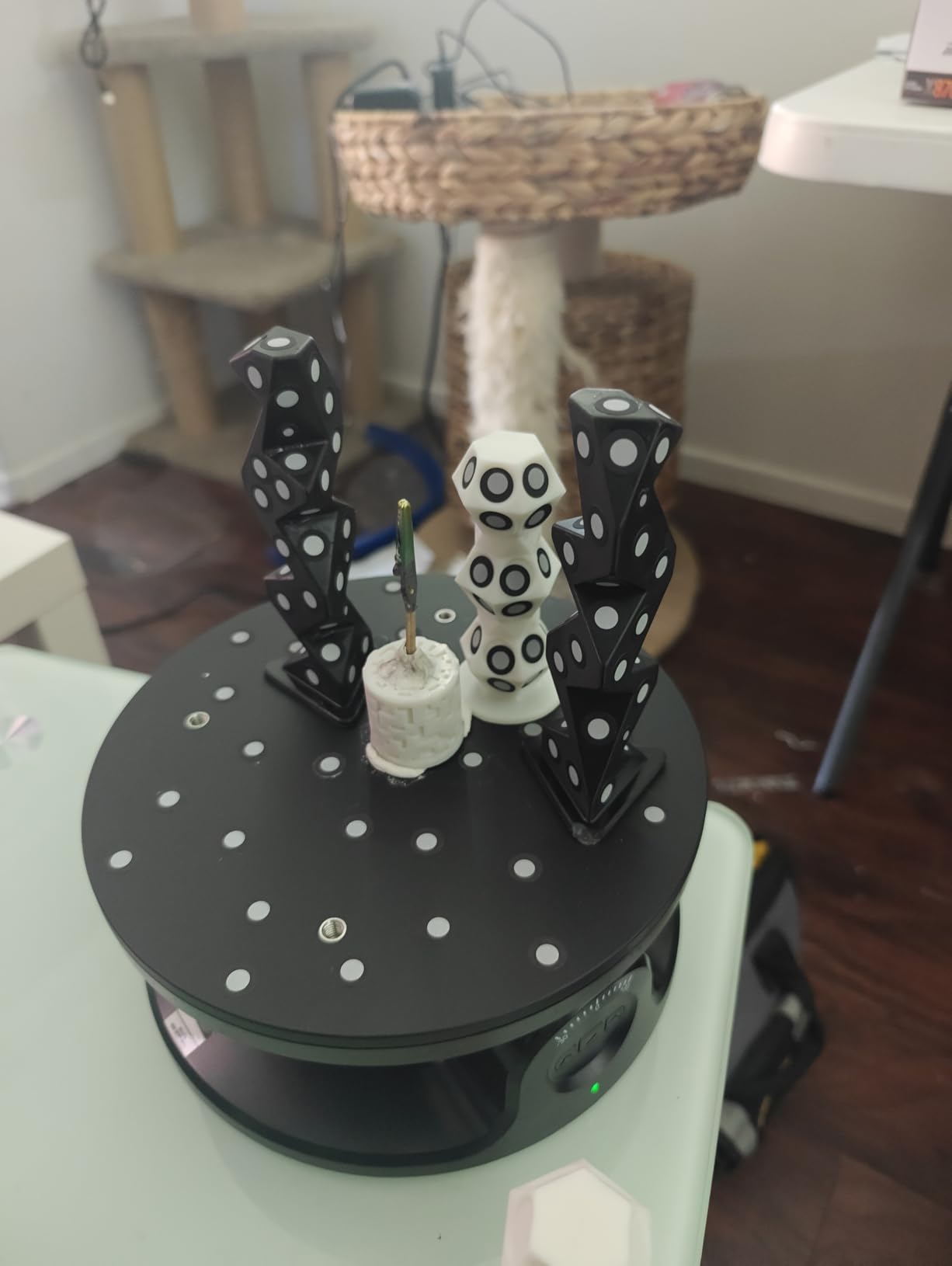
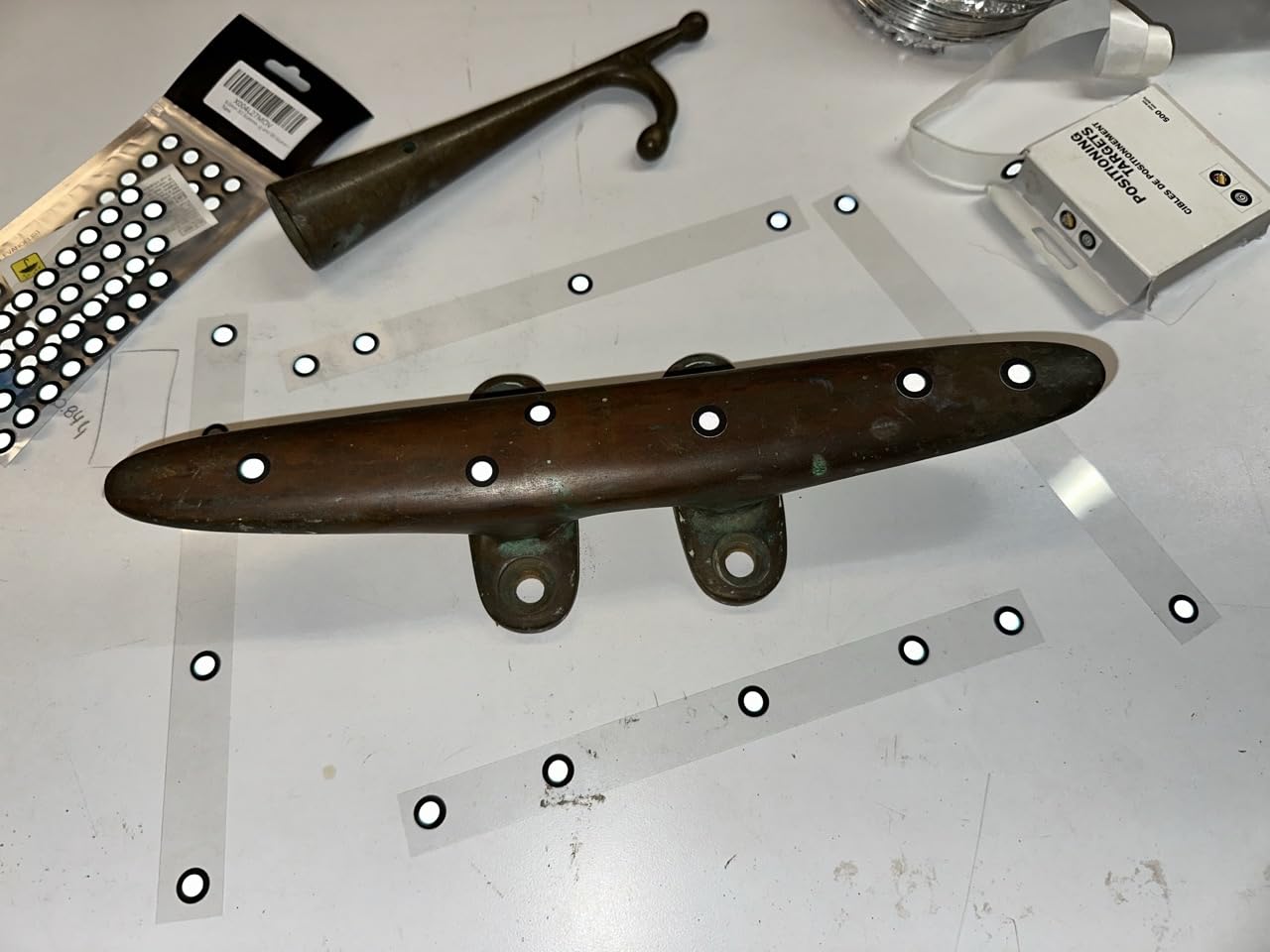
The 4-lens stereo vision enables marker-free scanning, which removes the single most tedious part of tabletop work. Markers on a small glossy base take time to place correctly every single scan, and here you simply frame and shoot. Deep hole detection reaching 0.1mm into narrow grooves is what makes hollow hulls and barrel interiors possible.
AI-assisted alignment, mesh generation and cleanup reduce the manual mesh work that normally stalls a hobby workflow between capture and slicer. Export goes straight into CAD, CAM, printing, reverse-engineering and inspection software.
When the Sermoon S1 is the right buy
Choose it if you need genuine precision rather than good-enough precision. If your work involves replacing fine kit parts where a fit error shows immediately, 0.02mm accuracy removes the argument, and the deep hole mode is the only one here that handles narrow internal geometry.
The marker-free stereo vision pays off on any object too small to stick markers onto without covering the detail you want. That describes most miniature-scale work.
When to skip the Sermoon S1
Skip it if you are still deciding whether you want a scanner. The system requirements are the heaviest here, recommending an i7 Gen10 with 32GB RAM or an M1/M2/M3 Mac with 16GB, and it is by far the most expensive unit in this roundup.
Read the rating carefully. A perfect 5.0 average across 29 reviews with 95% five-star is impressive, but it is a young sample from a recent release and the listing returned no written review text. Treat it as early rather than settled.
How to Choose a 3D Scanner for Miniatures and Scale Models
Most buyers screen on the wrong number first. Accuracy in millimetres is the headline figure on every box, and it is the least informative one for a modeller. A 0.02mm spec measured on a matte calibration sphere tells you nothing about a dark resin figure under a desk lamp.
The number that actually decides a hobby purchase is minimum practical object size. Check your smallest intended subject before you buy. A 28mm miniature on a 25mm base has roughly 0.5mm of sculpted detail on it, and a 1:35 tank measures about 1.0mm features. Your scanner needs to resolve below the smaller of those, with margin.
Accuracy versus resolution, explained plainly
Accuracy is how close a captured point lands to the true surface. Resolution is the spacing between captured points. A scanner can have excellent accuracy and still produce a lumpy mesh on a small object if its resolution is too coarse to describe the curvature.
For hobby work, both matter, and resolution is usually the binding constraint on miniatures. This is why we list minimum object size per scanner rather than repeating accuracy claims that everyone has already seen.
Structured light versus laser versus photogrammetry
Structured light scanners project a pattern of infrared onto the object and triangulate the shape from the distortion. Laser scanners sweep a line of light across the surface in the same way, and they usually cope better with shiny and dark materials. Photogrammetry reconstructs shape from many photographs taken around the object.
Photogrammetry is cheap and fast on organic, rough or large objects. It struggles with shiny surfaces, flat monochrome detail and sub-millimetre geometry, which is precisely what a tabletop miniature is made of.
Turntable or handheld
For sub-50mm miniatures, use a turntable. Stable rotation keeps tracking locked and removes the hand wobble that creates holes and seam artifacts on a tiny subject. Every scanner reviewed here can be paired with the turntable included in its box or bundled as a variant.
Handhelds earn their place on larger, deeper objects where you would need many passes around the form anyway, and on diorama fragments too wide to fit under a fixed camera.
Standalone versus PC connected
Decide this before anything else, because it is the least reversible choice. A standalone scanner frees your laptop for slicing and travels well, which is why the MIRACO Pro suits shared bench setups. A tethered scanner runs faster, feeds a bigger display and often gets better software at the same money.
Check your computer against the recommended specification rather than the minimum. Full-rate capture on multi-line laser modes needs the recommended hardware, not the floor.
Color capture and file formats
Color matters when your subject is painted or already finished, since a color scan preserves base coats and highlights on the mesh. If you scan bare resin to make a master for recasting, monochrome is simpler and gives cleaner geometry.
Check export formats too. Every scanner here outputs STL, OBJ or PLY, and the EINSTAR pair adds 3MF and ASC. You need STL for slicing, PLY for textured meshes and a color format for anything you want to view or render.
When to skip scanning entirely
For kit-bashing and scratch-building, designing the part in CAD is often faster than scanning an existing one. Scanning shines when the shape already exists and cannot be remade: a discontinued kit part, a real-world object at scale, or a finished model you want as a master.
If you want to test that assumption cheaply, phone photogrammetry costs nothing. Our budget FDM printer guide covers the printing side once you have a mesh.
Scanning Shiny, Chrome and Black Parts
Specular reflection is the whole problem. An optical scanner needs a matte surface to bounce a pattern back toward its sensor, and a mirror-finish shell throws that pattern away in a glare, so the sensor records nothing and the mesh comes back full of holes.
Clean the part first. Dust and fingerprint oils reflect light and are the easiest thing to fix. A lint-free wipe and a short clean handles most of it.
Add a matte layer. A grey or white matte spray primer, or a texture additive like scanning spray, converts the glare into a diffuse surface the sensor can triangulate. Two thin coats beat one thick one.
Use the right mode. Laser and VCSEL infrared modes handle reflective materials far better than standard structured light, which is why the INSPIRE 2, POP 4, Rockit and EINSTAR 2 recover chrome bodies with little prep.
Fill small holes before scanning. For holes, gaps and broken details, gel coat or modelling filler builds the missing surface up so the scanner has something to capture. This is also the standard fix for the undercuts on a cloaked or winged miniature.
Re-scan at a second angle. A second pass from lower down recovers the sides and undersides that the first angle never saw. Register both passes and merge them before cleanup.
Black resin works the same way, just less dramatically. Dark surfaces absorb rather than reflect, so the sensor receives too little signal. Texture additive fixes it in the same single step.
Free Alternative: Phone Photogrammetry
Phone photogrammetry apps reconstruct a 3D model from a series of photographs, and for a hobbyist the cost is effectively zero. KIRI Engine, Revopoint’s own mobile app, Polycam and Luma AI all do the job on hardware you already own.
They are genuinely good at organic and rough surfaces: a plaster terrain piece, a sculpted bust, a large rock formation, a hand or a shoe last. Setup is minutes rather than an evening, and the apps align frames automatically.
They are not good at what this article is about. Shiny paint, flat monochrome panels and 0.5mm sculpted detail all fail in photogrammetry for the same reason they fail on optical hardware, and a 28mm miniature is close to the smallest object most phone apps will hold together as a coherent mesh.
Modelers already use phones as a stopgap, and it works as one. Use it to test whether a scan-and-print loop appeals to you before you spend on hardware, then move to a real scanner when you need detail below a millimetre.
One more honest note on when a scanner still is not the answer. If you want to customise a figure’s pose or add detail that does not exist on the original, designing from scratch in a modelling package gives you a cleaner file than any scan will. A good bench setup and careful prep work will get you further than a purchase you do not need.
Frequently Asked Questions
Which 3D scanner is the most accurate for hobby modeling?
Among the eight we tested, the Creality Sermoon S1 has the best stated accuracy at 0.02mm across a 5mm to 4000mm range, and the Revopoint MIRACO Pro follows at 0.02mm single-frame precision. For hobby modeling the Sermoon S1 edges it because its 4-lens stereo vision scans marker-free and reaches 0.1mm into deep holes. Accuracy figures are measured on matte spheres, so check minimum object size before buying.
Are 3D scanners worth it for 3D printing?
They are worth it when the shape already exists and cannot be remade: a discontinued kit part, a real vehicle or aircraft at scale, or a finished model you want as a master for recasting. They are usually not worth it if you design parts from scratch anyway, because a clean CAD file beats a scan after cleanup. The best test is to scan one object on a phone app first.
What is the best value 3D scanner for miniatures?
The Creality CR-Scan Ferret Pro is the best value pick here. It captures full 24-bit color, holds a 50mm to 2000mm working range and its scans are reported to be dimensionally accurate and clean in a slicer. The Creality CR-Scan Ferret is cheaper still and makes a reasonable first test, but its accuracy mode sits a step below.
What 3D scanner works for shiny, chrome and black parts?
Laser and VCSEL infrared modes handle reflective surfaces best. The Revopoint INSPIRE 2 uses 11 infrared laser lines, the POP 4 combines 30-cross blue laser with VCSEL, and both EINSTAR units use hybrid blue laser with infrared. Owners report these capture black and reflective objects with little or no spray. A matte primer or scanning spray fixes the rest.
Is phone 3D scanning accurate enough for miniatures?
For 28mm resin minis, no. Phone photogrammetry apps such as KIRI Engine, Polycam and Luma AI handle organic and rough surfaces well but struggle with shiny paint, flat monochrome panels and sub-millimetre detail. They are a good free way to test whether scanning appeals to you before buying hardware.
Do I need a turntable to scan miniatures?
For anything under 50mm, yes. Stable rotation keeps tracking locked and removes hand wobble that creates holes and seam artifacts on a small subject. Handhelds work better for larger, deeper objects where you need many passes around the form anyway. Most scanners here ship with or offer a turntable in the box.
Final Verdict
The Revopoint INSPIRE 2 is the best 3D scanner for hobby modeling overall. Its 337-review owner base is the deepest we found, the 11 infrared laser lines capture dark resin and chrome without spray prep, and the 190g body and bundled turntable make it the least fussy option on a small bench.
Match the rest to your workload. Buy the Creality Ferret Pro for painted dioramas and scenery at an entry price. Choose the Revopoint POP 4 when miniatures are everything and you need a 10mm floor with five modes. Pick the MIRACO Pro if your laptop needs to stay free for slicing. Go EINSTAR Rockit or EINSTAR 2 for chrome, black resin and batch work. Invest in the Creality Sermoon S1 only when you genuinely need 0.02mm accuracy and have the workstation to drive it.
Before any of them, spend an evening with a phone photogrammetry app on a single model. It costs nothing, and it will tell you whether a scan-and-print loop belongs in your hobby at all. If you are just getting back into the craft, our returning modeller gift guide covers the rest of the bench.