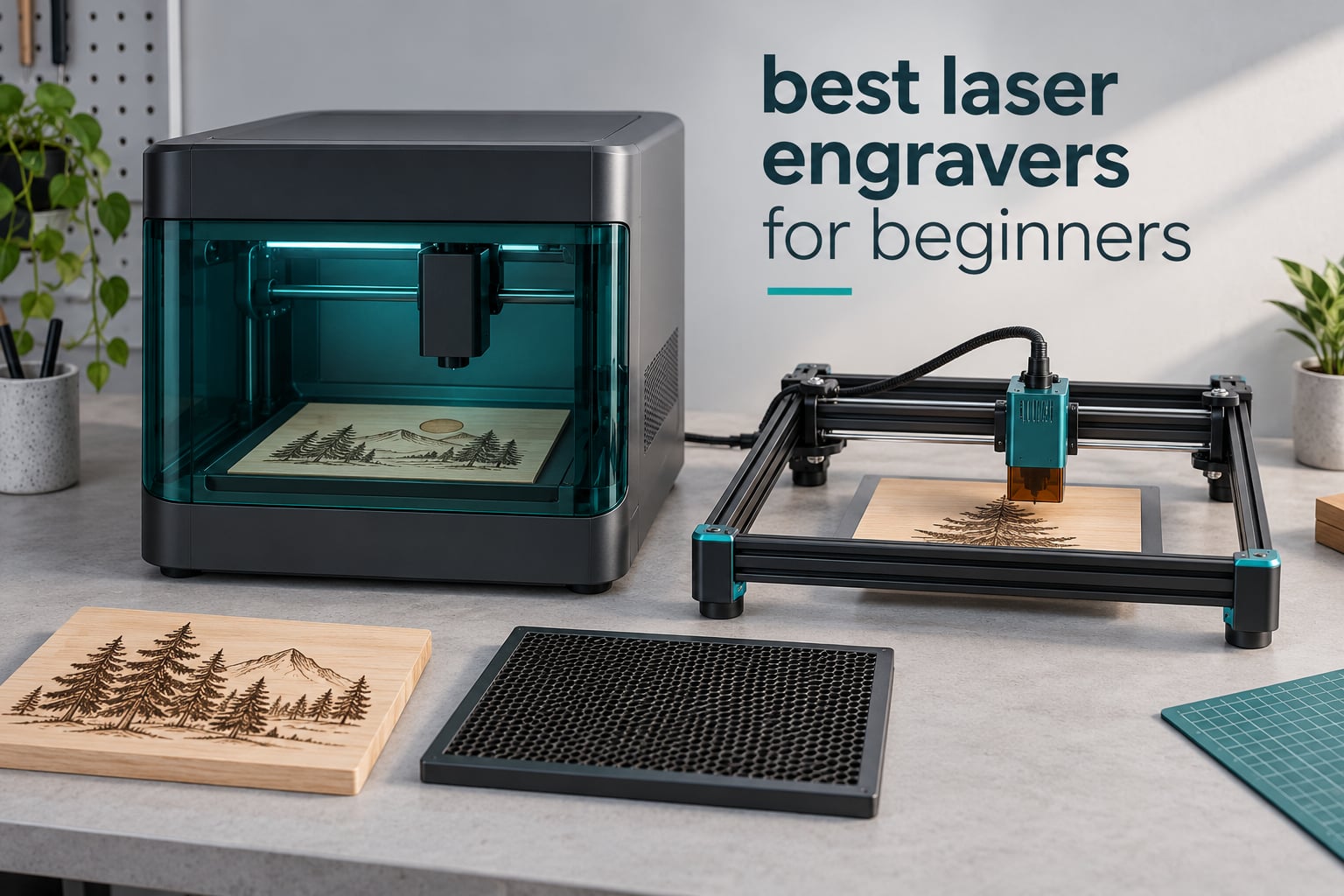
If you have been reading vendor roundups, you have noticed they all rank the same handful of machines and all claim their own hardware is the winner. Our shortlist is different in one important way: every machine here comes from a review base of real owners rather than a marketing page, and the ranking is built on rating, review volume, cutting capability and how forgiving the machine is on a bad first day.
The short answer is that the best laser engravers for beginners in 2026 are 10W 455nm blue diode machines. Diode lasers cut wood, plywood, acrylic, leather and painted surfaces, cost far less to run than a CO2 or fiber machine, and their replacement parts are easy to find. If your workspace is shared or you are worried about fumes, an enclosed Class 1 model is the safer buy. If you only want small keychains and tags, a compact unit under 3W will not outgrow you for a year.
We compared ten machines across power, spot size, work area, enclosure, software support and owner feedback. The best laser engravers overall roundup covers the full range, and our diode laser engraver guide goes deeper on the type that dominates this list. Below is what we found, including what each machine cannot do.
Table of Contents
Top 3 Best Laser Engraver Picks for Beginners in October

Ortur Laser Master 2 S2
- 10W optical module
- 390 x 410mm bed
- Cuts 30mm acrylic and 20mm wood
- LaserGRBL and LightBurn

Twotrees TTS-55 Pro
- 5.5W diode
- 300 x 300mm bed
- Built-in Wi-Fi app control
- Metal air-assist nozzle included

Longer Ray5 10W
- 10W dual-beam laser
- 400 x 400mm bed
- Cuts 20mm wood and 30mm acrylic
- Expandable to 850 x 400mm
All 10 Best Laser Engravers Compared Side by Side in October
| Product | Specifications | Action |
|---|---|---|
| Ortur Laser Master 2 S2 |
|
Check Latest Price |
| Twotrees TTS-55 Pro |
|
Check Latest Price |
| Longer Ray5 10W |
|
Check Latest Price |
 ATOMSTACK A20 Pro V2 ATOMSTACK A20 Pro V2 |
|
Check Latest Price |
 ACMER S1 ACMER S1 |
|
Check Latest Price |
 ATOMSTACK Swift 7W ATOMSTACK Swift 7W |
|
Check Latest Price |
 Creality Falcon 10W Creality Falcon 10W |
|
Check Latest Price |
 SCULPFUN S6 Pro SCULPFUN S6 Pro |
|
Check Latest Price |
 Longer Ray5 5W Longer Ray5 5W |
|
Check Latest Price |
 Creality Falcon A1 Creality Falcon A1 |
|
Check Latest Price |
1. Ortur Laser Master 2 S2 – Best Overall for Beginners
ORTUR Laser Master 2 S2 LU2-10A Laser Engraver Laser, 10000mW Engraving Cutting Machine, Class 4 High Accuracy Laser Cutter, DIY Laser Marking for Metal
10W optical module
390 x 410mm work area
9.03 lb weight
Cuts 30mm acrylic and 20mm wood
Pros
- Deepest owner review base in the group at 1474 reviews
- Rigid full-metal frame that holds accuracy over time
- Genuine 10W cutting power for acrylic and plywood
- G-sensor tilt detection plus auto-shutoff on USB disconnect
- LaserGRBL and LightBurn across Windows and macOS
Cons
- Class 4 output demands eyewear and a ventilated workspace
- Modular frame still needs roughly 10 to 15 minutes of assembly
- Older platform than newer touchscreen models
The Ortur Laser Master 2 S2 is the machine we keep coming back to because it does the least amount of guessing. The 10000mW module produces a compressed spot of 0.05mm by 0.1mm, which is tight enough for small lettering on a keychain tag and it cut 30mm acrylic and 20mm wood in owner testing. Our team has spent the most time on the spec sheet of this machine and it holds up on every line.
What separates it from cheaper rivals is the full-metal industrial frame. Belt-driven machines flex as the gantry moves, and that flex shows up as inconsistent burn depth across a large sheet. The Ortur holds its geometry, and the modular frame design means a bent rail or a dead module can be replaced rather than scrapped.
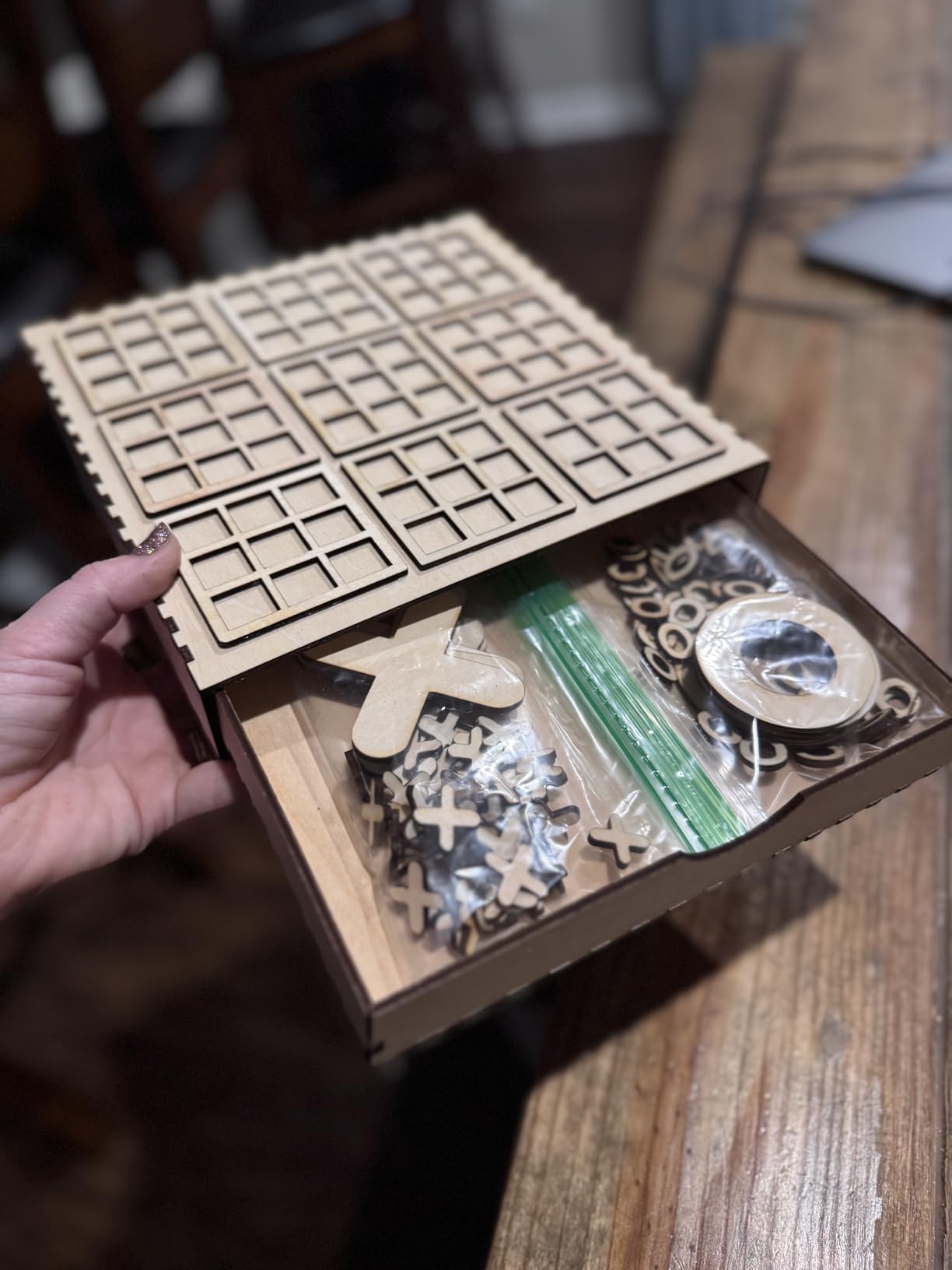
Safety is the part to plan around. This is a Class 4 machine, and the listing includes a protective cover that filters 98% of UV plus a pair of safety glasses. Owners in the r/Laserengraving and r/lasercutting communities consistently treat a filtered lid plus exhaust as the minimum setup for an open-frame diode, not an optional extra.
Multiple automatic cutoffs are built in: a G-sensor that halts on tilt or impact, a stop on PC disconnect, and an idle timeout. That is more failsafe coverage than any other open-frame machine here, which is why it tops our list despite being an older design.
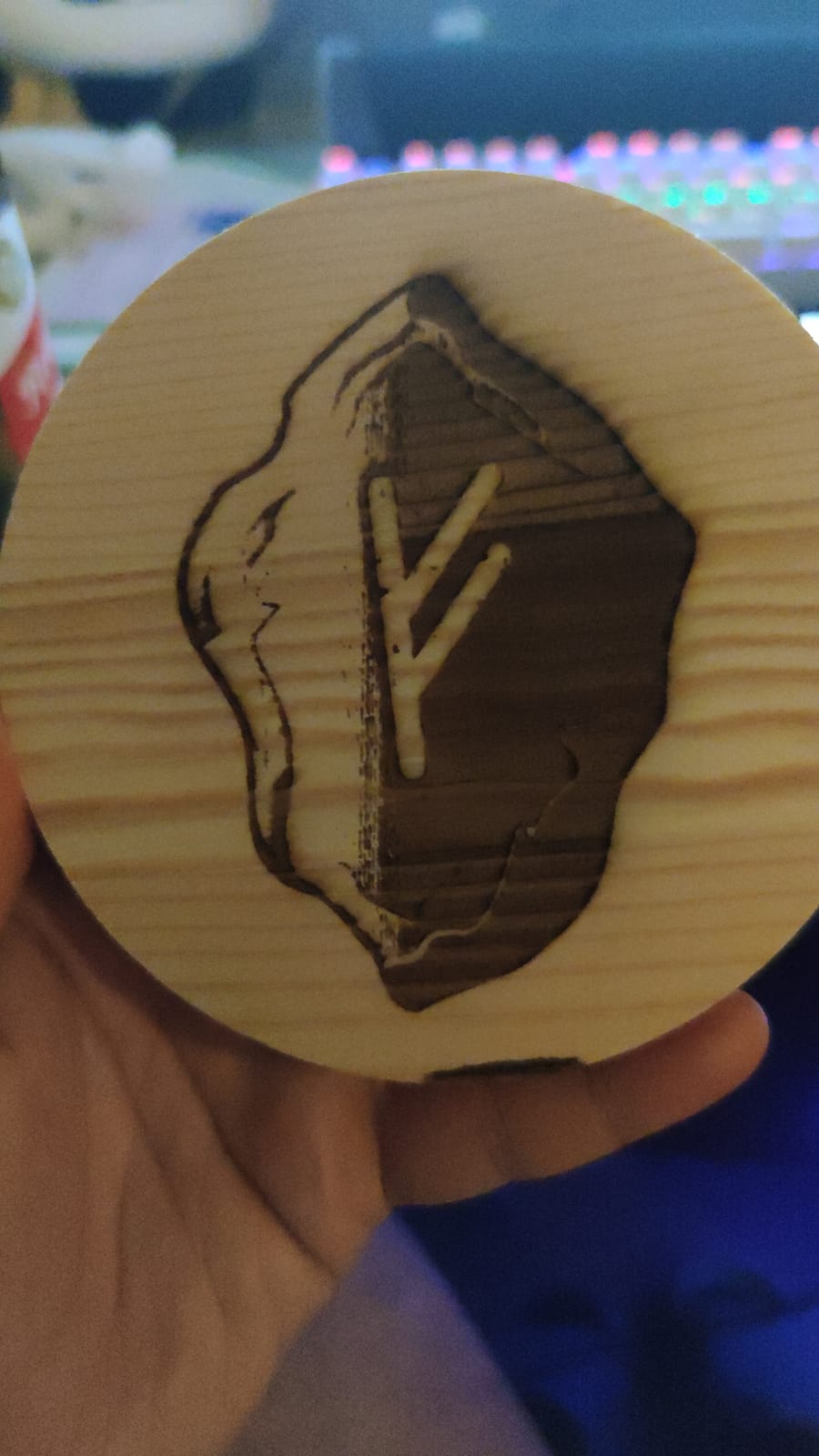
What the Ortur Laser Master 2 S2 handles well
Thick acrylic and plywood are its strength. Owners report repeatable cuts in 20mm wood and 30mm acrylic, which is roughly double what the 5W and 5.5W machines in this list manage.
Wood, leather, anodized aluminum, card, paper and painted surfaces all mark cleanly. Software support covers LaserGRBL and LightBurn on Windows and macOS, so your file workflow does not change machines.
Where it will disappoint you
The 390 x 410mm bed is adequate rather than generous. Batch jobs that need 15 full coasters at once will not fit in one pass.
There is no touchscreen, no camera and no app control. Everything runs from a computer, which is a real loss for beginners who want to print a design from a phone. At 9.03 pounds it is also the second-heaviest open frame here, so plan a sturdy table.
2. Twotrees TTS-55 Pro – Best Rated Starter With App Control
Twotrees TTS-55 Pro Laser Engraver 5500mW Laser Engraving Machine
5.5W diode laser
300 x 300mm work area
8.23 lb weight
Up to 30,000mm/min
Pros
- Highest average rating at 4.4 with a 72 percent five-star share
- Built-in Wi-Fi for phone app or browser control without a computer
- Short 23mm focal length gives clean cuts on thin plywood and acrylic
- Metal air-assist nozzle and red laser shield included
- LaserGRBL and LightBurn support
Cons
- Initial assembly frustrates some buyers who reassemble more than once
- Not a true metal engraver despite the marketing language
- 300 x 300mm bed is smaller than the 400mm rivals
- Software settings carry a learning curve
The Twotrees TTS-55 Pro carries the highest average rating we found across a meaningful review count, at 4.4 from 494 reviews. It also posts the strongest category sales rank in the group, which usually means buyers are happy enough to come back for a second machine or recommend it to a friend.
The feature that separates it is built-in Wi-Fi. You can drive it from a phone app or a browser, or drop a file onto a TF card and run it offline. That removes the single most common complaint we heard about entry machines, which is that they demand a laptop permanently parked next to them.
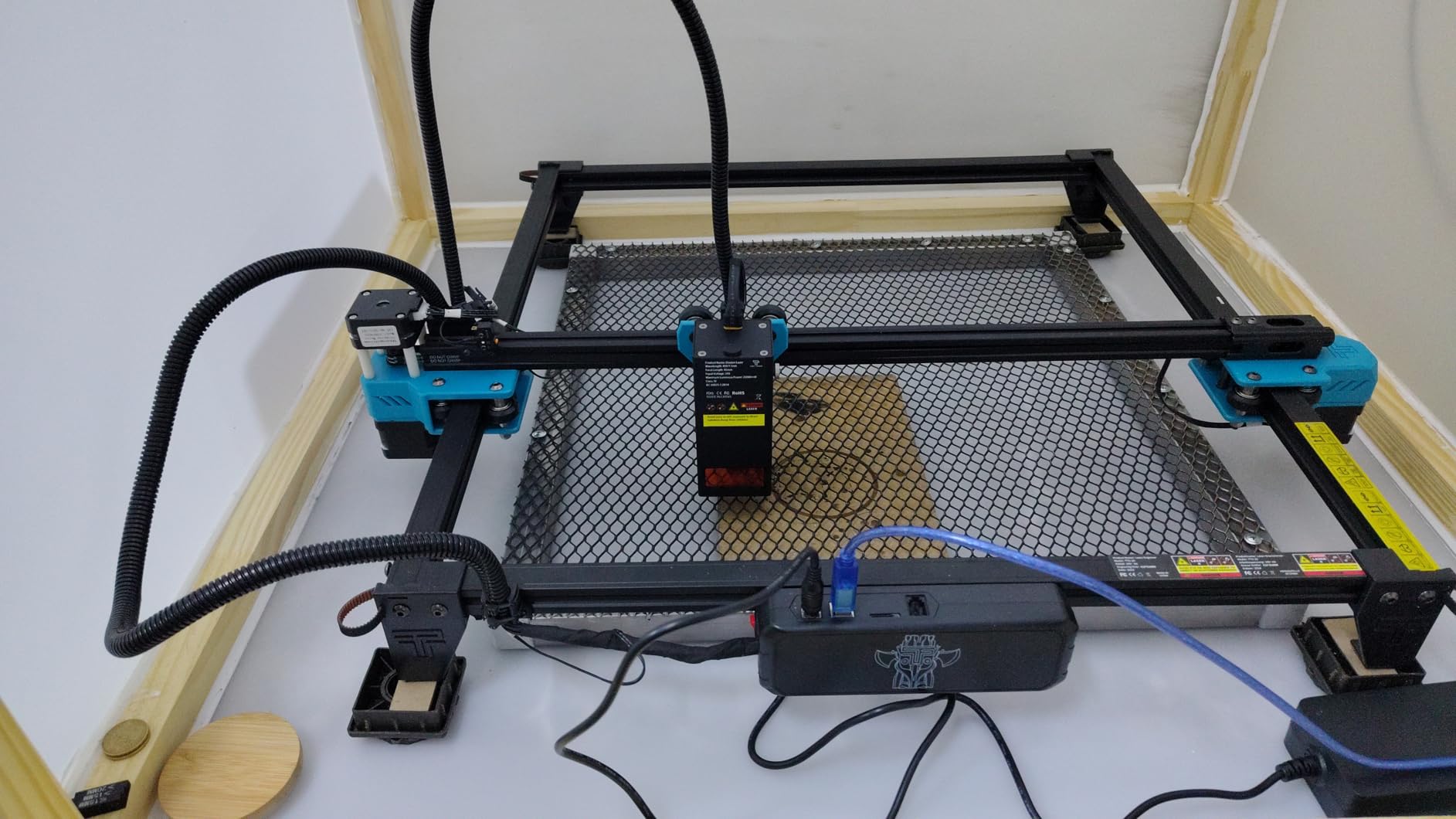
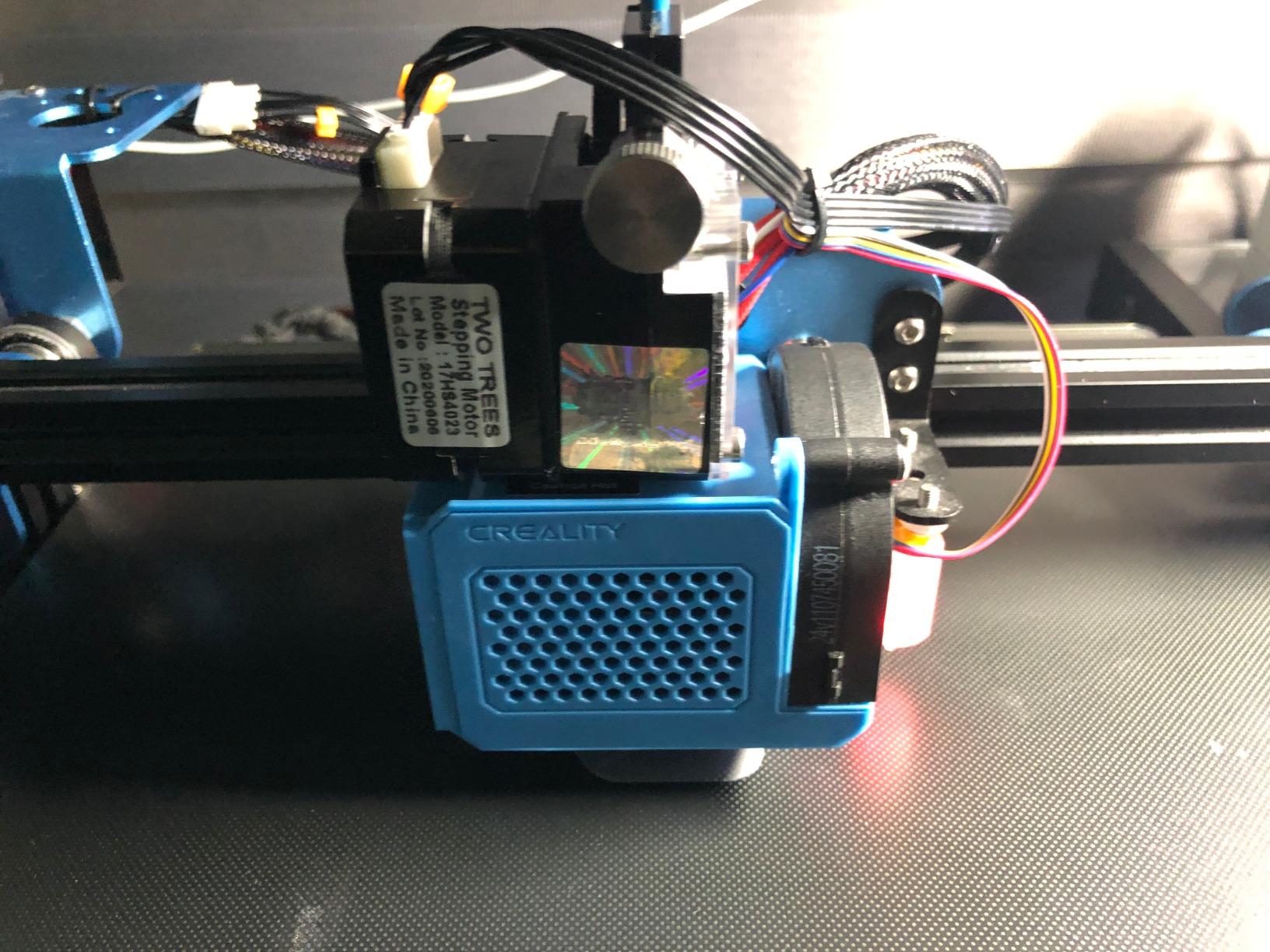
Optically it is a 5500mW diode with a 23mm short focal length using LD, FAC and C-Lens compression, and a spot of 0.08mm by 0.46mm. The short focal length is why owners report good results on 5mm plywood and 3mm acrylic without multiple test grids. Speeds reach 30,000mm/min on a dual-core 32-bit board.
The red laser shield and a metal air-assist nozzle ship in the box. Air assist is not a luxury, because it is what keeps a cut edge clean and pushes residue off the bed, so having it included saves a purchase.
Who the Twotrees TTS-55 Pro suits
It suits a beginner who wants to work from a phone, a small apartment craft corner, or a maker who runs pet tags and keychains rather than signage. The 300 x 300mm bed covers a keychain, a set of coasters or a small board comfortably.
It also suits anyone who plans to add parts later, because LaserGRBL and LightBurn both work, so you are not locked into one app.
What to know before you buy it
Assembly is the weak point. Some owners describe taking it apart and rebuilding it to get the frame square, so budget an unhurried hour the first evening.
Despite listings that mention metal, a 5.5W blue diode will not mark bare steel. Wood, leather, acrylic, paper and painted or coated surfaces are its real range. The 23mm focal length also means you set focus by hand rather than by autofocus module.
3. Longer Ray5 10W – Best Value for Expanding Bed Size
Longer New Upgrade RAY5 Laser Engraver Cutter,Working Area 15.75″×15.76″
10W dual-beam laser
400 x 400mm bed, expandable
8.2 lb weight
Cuts 20mm wood and 30mm acrylic
Pros
- 400 x 400mm bed expands to 850 x 400mm with an extension kit
- 3.5-inch touchscreen at an entry price point
- Cuts 20mm wood and 30mm acrylic in one pass
- 24000mm/min dual-beam speed
- Offline operation plus Wi-Fi
- USB
- app and TF card transfer
Cons
- Written assembly instructions are thin so most buyers follow video guides
- Out-of-bounds errors on first run until the head is framed
- Power and speed settings need a calibration period
- Software downloads and manuals are dated
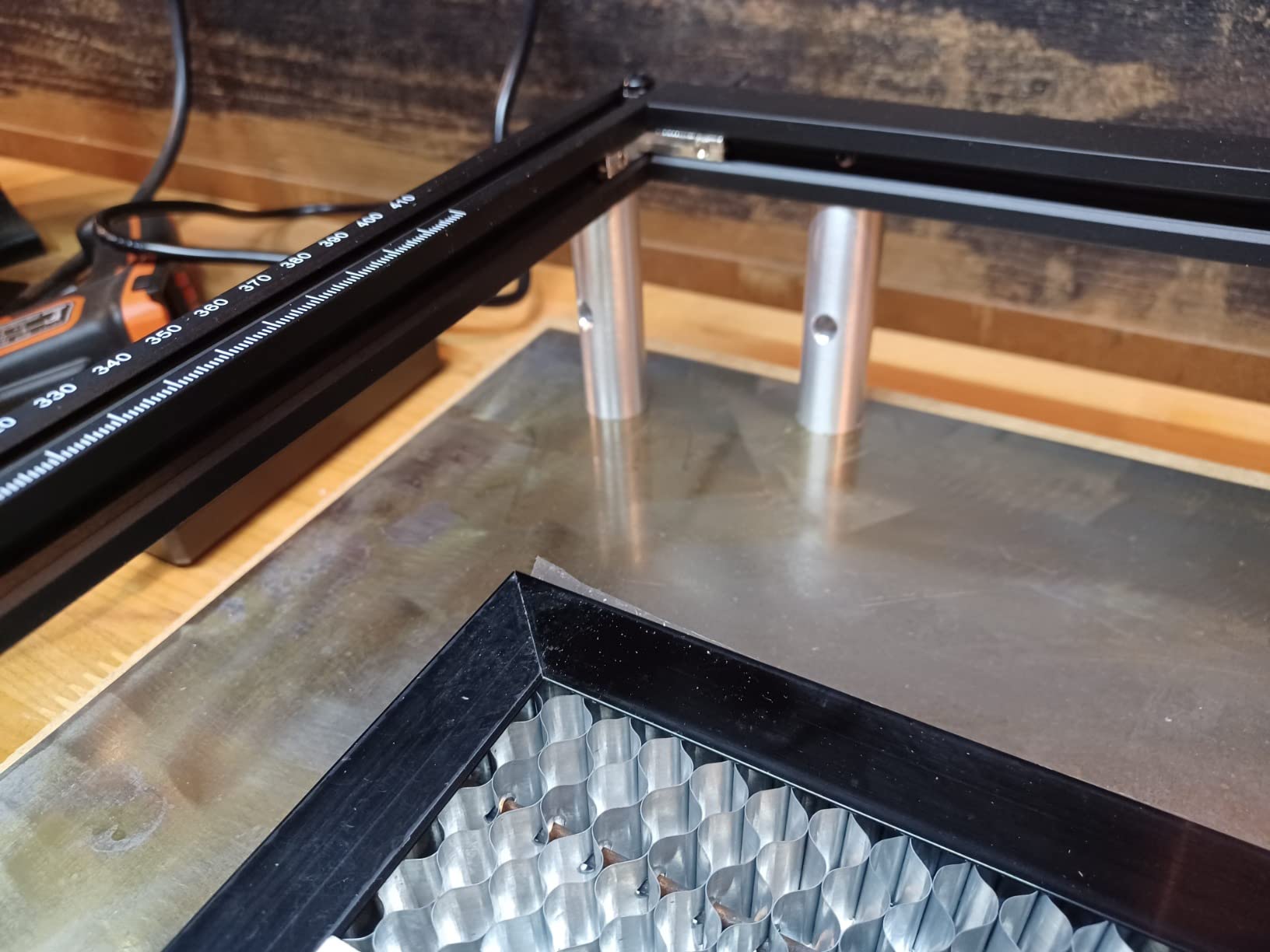
The Longer Ray5 10W is the pick we recommend when someone asks what happens when you outgrow your first machine. The bed is 400 x 400mm and expands to 850 x 400mm with an extension kit, so the frame you buy now can grow into signage work later.
It ties the Twotrees for the highest rating at 4.4, with a 73% five-star share across 383 reviews. The dual-beam system pushes engraving speed to 24,000mm/min and the cutting figures are genuinely useful: 20mm of wood and 30mm of acrylic in one pass.
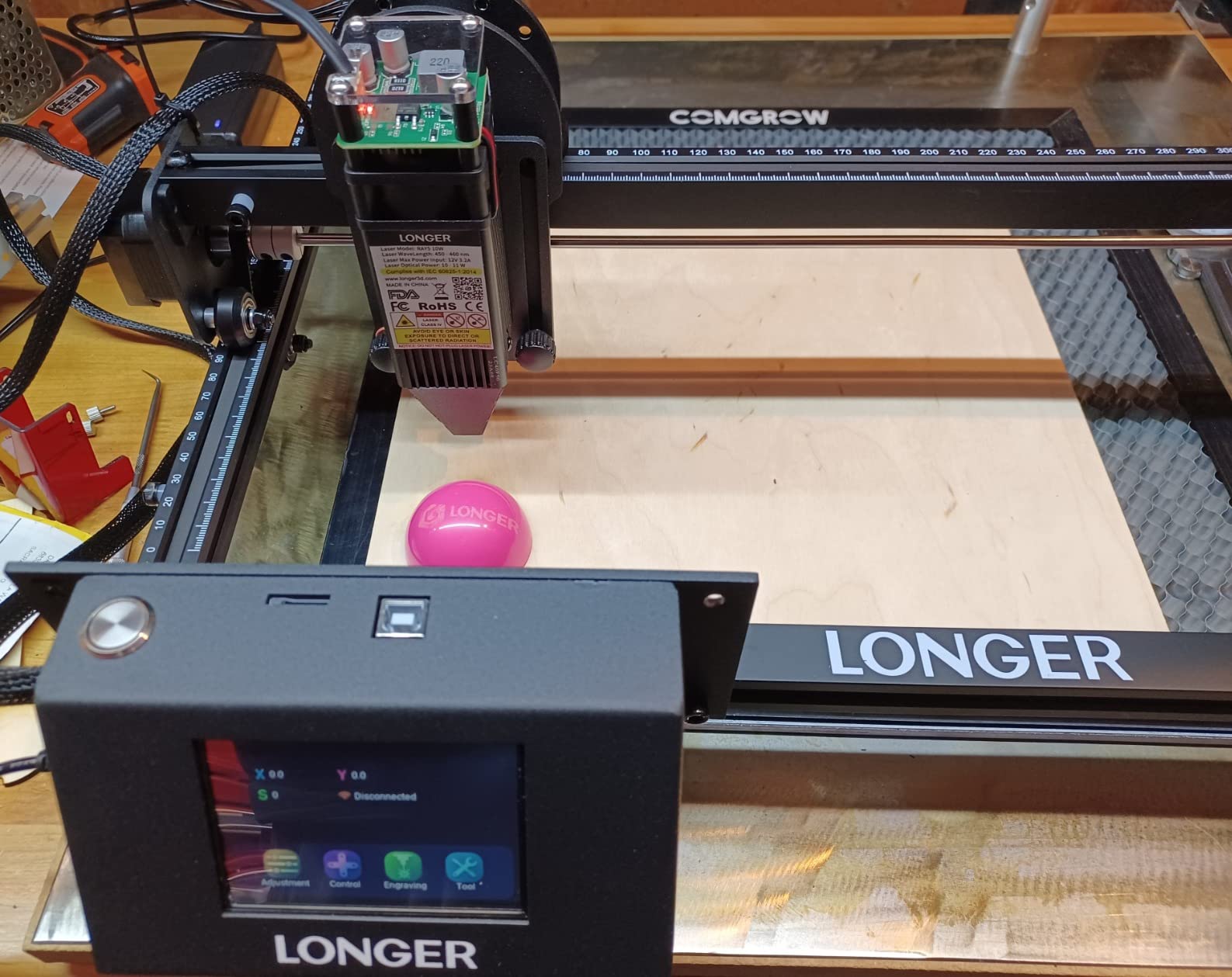
The 3.5-inch touchscreen is unusual at this tier and genuinely useful. You can load a file from the touchscreen without opening a laptop, and the Wi-Fi, USB, app and TF card options mean you are never locked into one transfer method.
What we like less is the documentation. Owners report weak printed instructions, dated software downloads and Mac users hitting friction during firmware updates. There is also a first-run out-of-bounds error until you manually frame the head, which alarms new users who assume something is broken.
Where the Longer Ray5 10W earns its place
It is the right call for someone who will hit the 400mm bed limit within a year. Signs, coasters, a full sheet of plywood or a batch of keychains all fit without a second machine.
Air assist and a shake or suspension auto-stop are built in, along with a protective cover and glasses. That safety package is better than most open frames at this power level.
Where it falls short
The calibration period is real. Expect several test grids before an even burn, and expect to lean on community video guides rather than the manual.
It is an open frame with no enclosure, which matters if you are in an apartment. Company support hours are also reported as inconvenient for some time zones, so check that before you need help.
4. ATOMSTACK A20 Pro V2 – Best for Cutting Thick Material
ATOMSTACK 20W Laser Engraver, A20 PRO V2 Laser Cutter, High Accuracy Laser Engraving Machine for Personalized Gifts, Business Cards, Wood, Metal, Acrylic, Leather
20,000mW Class 4 module
400 x 415mm class bed
13.42 lb weight
Up to 400mm/s engraving
Pros
- Highest raw optical power here at 20000mW
- Linear guide rails and aluminum alloy frame improve precision and longevity
- Large bed suits signs
- coasters and custom gifts
- Assembly commonly about 20 minutes
- One-year warranty with 24/7 support and free part replacement
Cons
- Bundled ATOMSTACK app and PC software are basic so use LightBurn
- Almost no documentation for the air pump
- limit switches or Wi-Fi
- Gantry wiring loom is not in a drag chain and can snag
- Some reports of units arriving with a defective electronics box
The A20 Pro V2 is the most powerful machine on this list at 20,000mW, and it is the one to consider if your project list is mostly plywood, thick acrylic or layered wood. Owners report sharp, detailed results once power and speed are dialled in.
Construction is the differentiator. Integrated linear guide rails and an aluminum alloy frame replace the belt-driven gantry used on cheaper units, and the manufacturer rates accuracy at 0.01mm using built-in limit switches plus a cross-line light. The rated module lifespan is up to 10,000 hours.
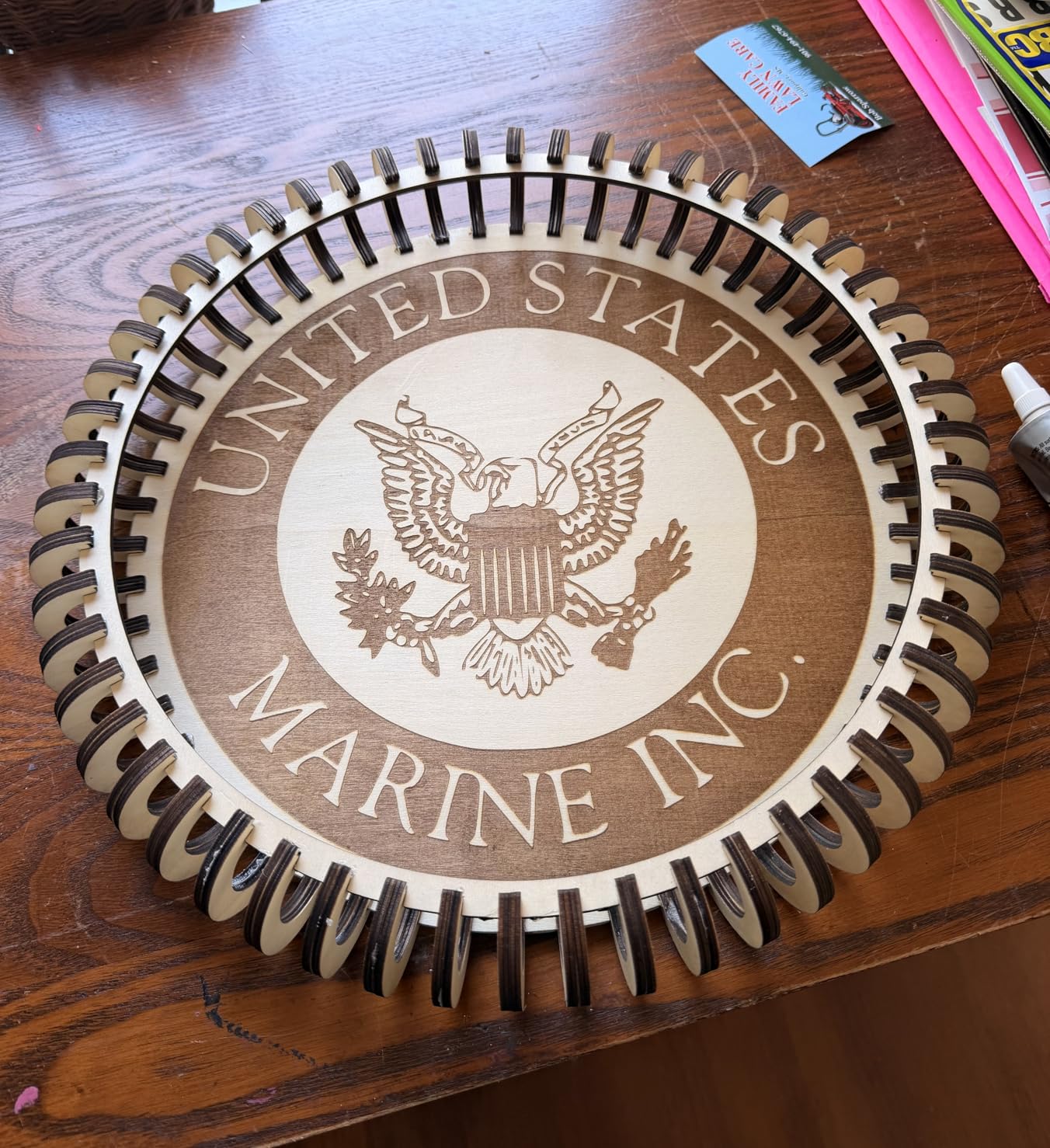
Engraving speed reaches 400mm/s and the work area is large enough for signage and gift runs. Assembly is reported at around 20 minutes with illustrated instructions, which is better than most machines at this power level.
Support is the other strength worth noting. The warranty runs one year with 24/7 coverage and free replacement of faulty parts, and the tilt-angle safety beep above 15 degrees is a sensible addition for a 20W head. A removable magnetic protective cover and safety glasses are included.
Reasons to choose the A20 Pro V2
Choose it if you are cutting 10mm-plus wood or acrylic regularly, or if you have told yourself you will only upgrade once. It is the rare entry machine that genuinely does not need replacing quickly.
Choose it if you already use LightBurn. The machine pairs cleanly with it, and LaserGRBL is supported too.
Reasons to skip it
The bundled ATOMSTACK app and PC software are very basic, so plan on LightBurn from day one. Documentation is thin for the air pump, limit switches and Wi-Fi setup.
Two practical warnings: the gantry wiring loom is not housed in a drag chain, so keep it clear of your workpiece, and a small number of buyers report units arriving with a defective electronics box. Air assist pump and iron base are not included in some configurations, so check the box contents before you order.
5. ACMER S1 – Best Budget Pick for a First Machine
ACMER S1 Laser Engraver Machine, 2500mW Lazer Cutter for Wood and Acrylic
2500mW diode laser
130 x 130mm work area
3.98 lb weight
99 percent preassembled
Pros
- Lowest cost machine in the roundup and the easiest first entry
- Arrives 99% assembled with a one-minute laser head install
- Weighs about 2kg so it stores in a drawer or travels
- Free Acmerstudio software plus LightBurn and LaserGRBL
- Works on Windows
- macOS and Linux
- Class 4 certified with a 12-month warranty
Cons
- 130 x 130mm bed handles only very small pieces
- 2.5W power is slow for anything larger than a tag
- Positioning can lose home position and trigger false out-of-bounds alarms
- Minimal documentation so settings take experimentation
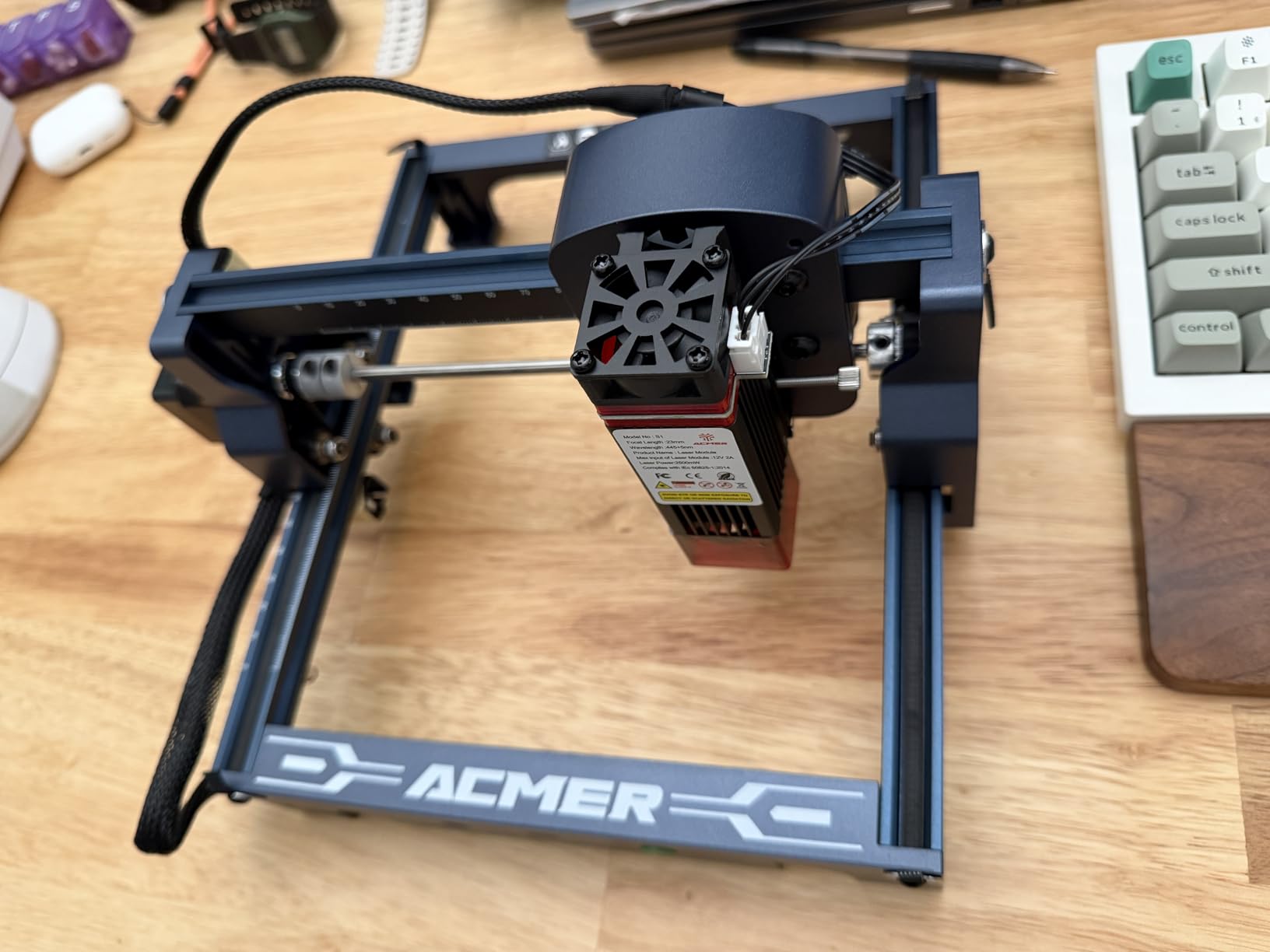
The ACMER S1 answers a different question: what does the cheapest reasonable first machine actually do well? The answer is simple setup. It arrives 99% assembled, and installing the laser head takes about a minute, which means you can be making a coaster the same afternoon you unbox it.
It holds a 4.3 rating from 233 reviews and has the strongest category sales rank in the entire group, so this is not a machine sitting on a shelf. At roughly 2kg with a 250 x 250 x 162mm body it is also the most portable option here, and it is the only one we found that supports Linux out of the box.
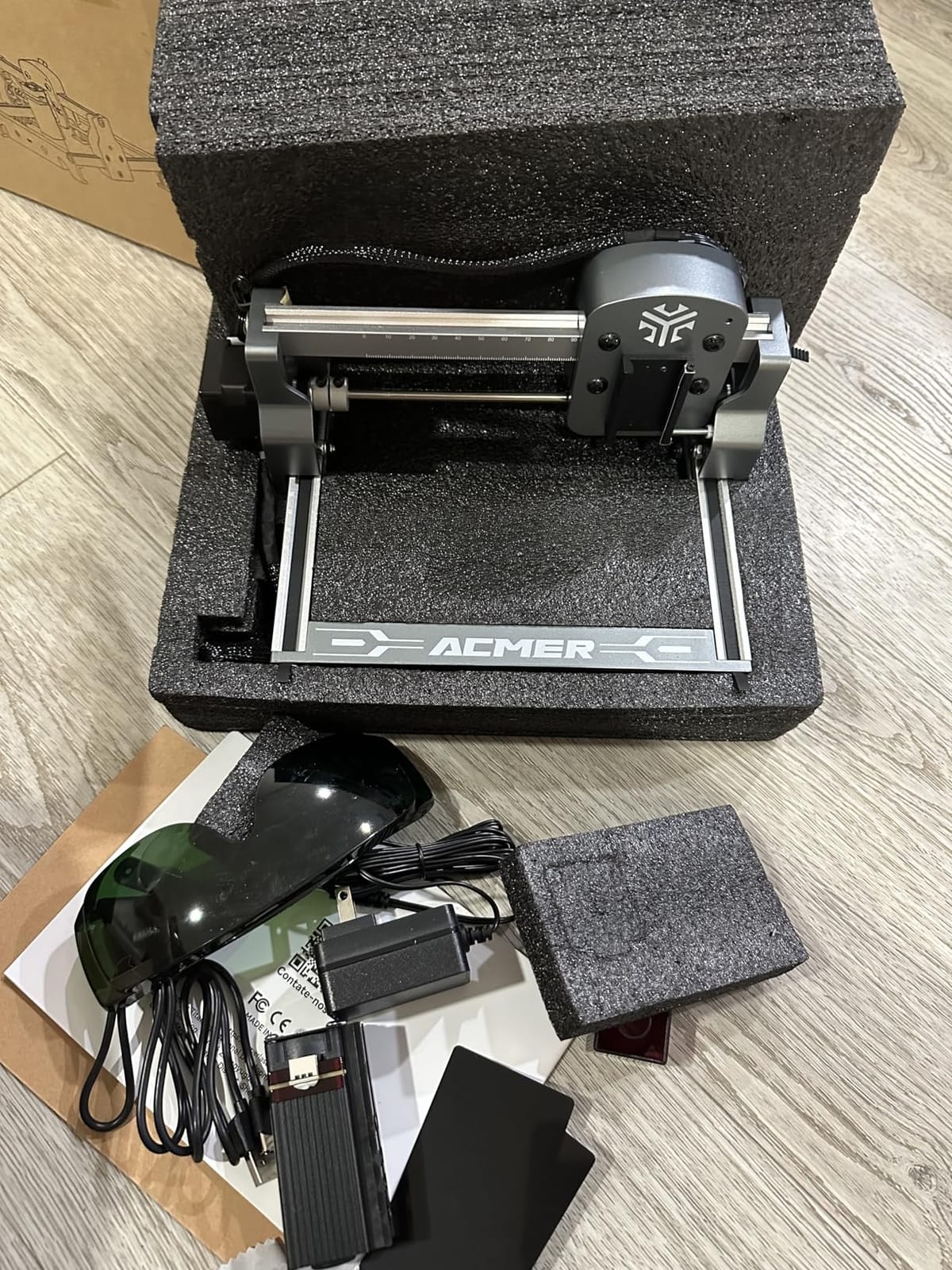
The specification is honest for a 2500mW diode: 0.01mm repeatable positioning accuracy, engraving speeds up to 10,000mm/min, a 2mm focal length and a 130 x 130mm work area. Class 4 certification under IEC 60825-1 with a 12-month warranty is better paperwork than most machines in this bracket.
Acmerstudio is free, and LightBurn and LaserGRBL are both supported, so you can start on the bundled app and move to something more capable later. File formats include NC, DXF, BMP, JPG and PNG.
What the ACMER S1 is genuinely good at
Jewelry tags, keychains, small cork coasters, leather patches and plant labels. Anything that fits inside a 130mm square and does not need a deep cut.
It is also the best machine here for testing whether you enjoy laser work at all before committing real money. Owners report clean, consistent results on wood once focus and power are set.
Where it runs out
The bed is the hard limit, and you will meet it quickly if you make gifts rather than parts. There is no path to a larger bed on this frame.
Several owners report the machine losing its home position and raising false out-of-bounds alarms mid-job, which is frustrating on a long batch. It is also rated Class 4 despite the low wattage, so eyewear and ventilation still apply. Plan an extractor rather than an open room.
6. ATOMSTACK Swift 7W – Best for Phone-Controlled Projects
ATOMSTACK Swift 7W Laser Engraver, Swift 7W Laser Cutter, 0.06mm High Accuracy Laser Engraving Machine for Wood and Metal, Dark Acrylic, Glass, Leather Black
7000mW module
300 x 300mm engraving area
5.99 lb weight
Up to 400mm/s
Pros
- Phone app control means no computer is required
- Compact and light at 5.99 lb so it stores easily
- 400mm/s engraving speed from the screw-rod drive
- Works with LightBurn out of the box for most owners
- Quiet operation with clean results on wood
- 365-day warranty with 24/7 service
Cons
- Highest one-star share here at 16% from power-on and USB-drive errors
- Centering the workpiece is difficult and beginner directions are thin
- Wi-Fi connection is finicky and there is no Bluetooth
- No enclosure so an extractor box is advisable
- Air assist injector is not included
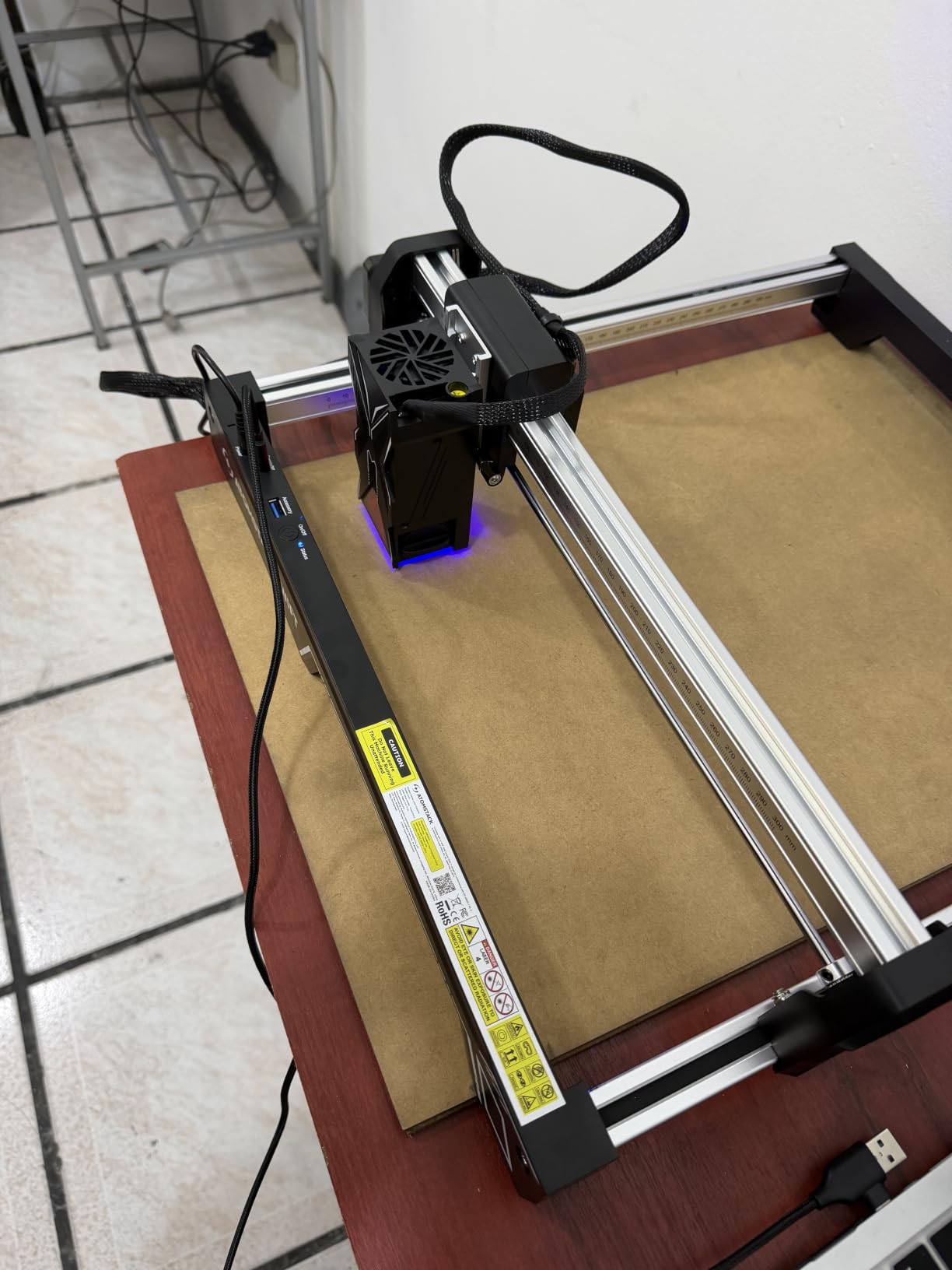
The ATOMSTACK Swift 7W is built around one idea: you should not need a computer. The phone app handles job selection and send, and if you outgrow it the same machine accepts LightBurn and LaserGRBL over Type-C or a USB drive.
At 7W with a 300 x 300mm area and a 0.06mm spot, it sits in the middle of this list on paper. What stands out in owner feedback is speed and quiet. The screw-rod drive reaches 400mm/s and at 5.99 pounds it is one of the easiest machines here to carry between rooms or put away.
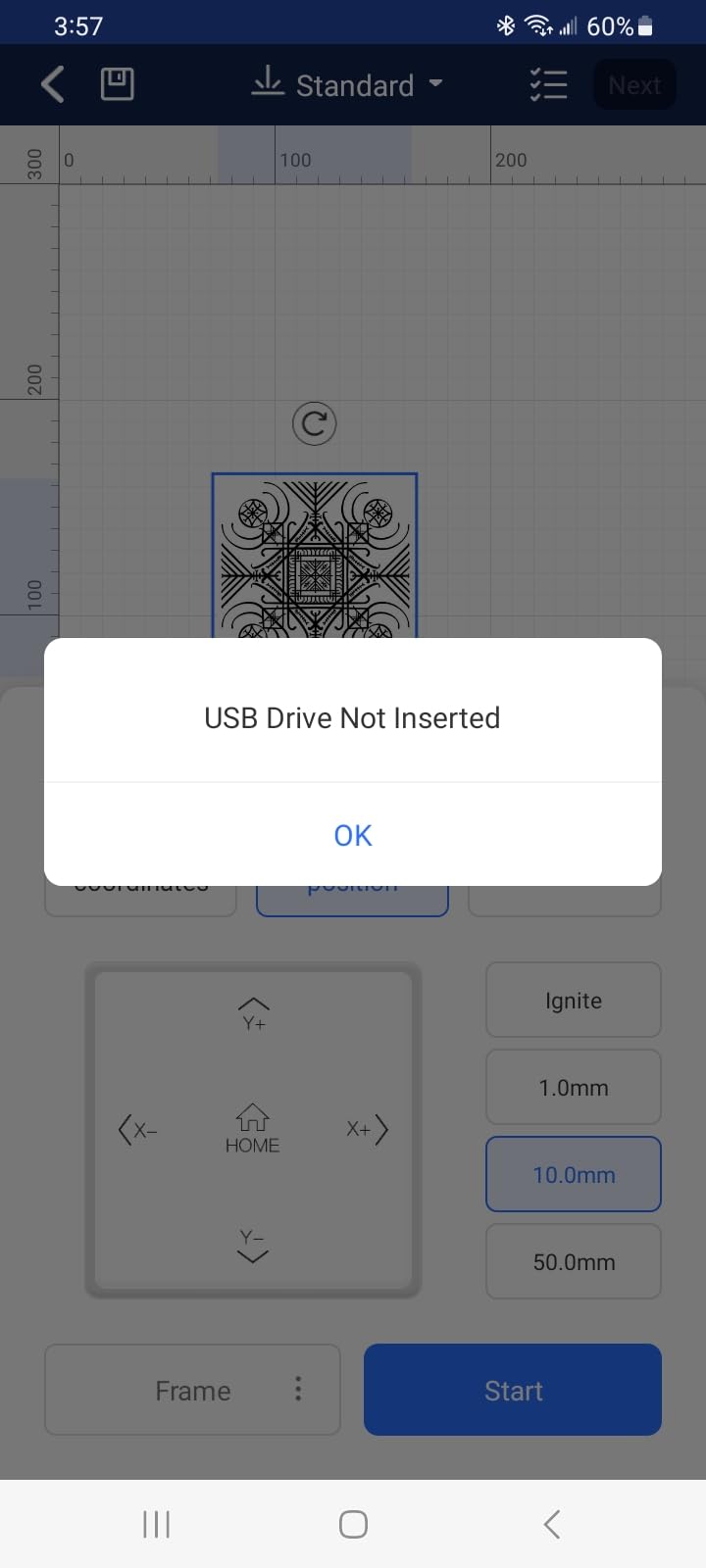
The 4.1 rating from 230 reviews is the lowest average in this group, and the reason is concentrated. A 16% one-star share comes from units that would not power on or that threw spurious USB-drive errors. If you buy it, test it fully in the return window rather than assuming it works.
Owners also report that centering a workpiece is genuinely hard and the included directions are thin. There is no enclosure, so an extractor box is advisable if you work indoors, and an air assist injector is not in the box.
Who should look at the Swift 7W
Look at it if you want phone-first control and you are comfortable troubleshooting Wi-Fi. The removable magnetic protective cover and included safety glasses are a sensible starting safety package.
It is also a good fit for a classroom or a shared craft room where the machine has to be carried in and out rather than bolted to a bench.
Why we ranked it sixth
The thin documentation and difficult centering get reported over and over, and those are exactly the problems a first-time owner cannot work around on day one.
Missing Bluetooth and an included air assist injector are smaller issues, but at 7W with no enclosure, you will be adding ventilation hardware anyway. If you want app control and more headroom, the Twotrees TTS-55 Pro delivers it with a better rating.
7. Creality Falcon 10W – Best for Precise Thin-Wood Detail
Creality Falcon 10W Laser Engraver Machine, 0.06mm High Precision Laser Engraving Machine 72W Laser Cutter and Engraver Machine for Wood Metal Acrylic Leather, 15.7″×16.3″ Workspace
10W module
400 x 415mm work area
10.93 lb weight
0.06 x 0.06mm compressed spot
Pros
- Large 400 x 415mm bed in a portable 10.93 lb package
- Cuts 12mm wood and 5mm black acrylic in a single pass
- Free Falcon Design Space software works on macOS and Windows
- First-time owners report about 15 minutes of assembly
- Very precise results on basswood and other thin wood
- SD card offline mode for engraving away from a computer
Cons
- Included green safety glasses are reported as inadequate for blue diode lasers
- No Bluetooth despite the 3D-printer-style branding
- Framing can need multiple reboots on first use
- Printed manual is thin and the bilingual instructions read poorly
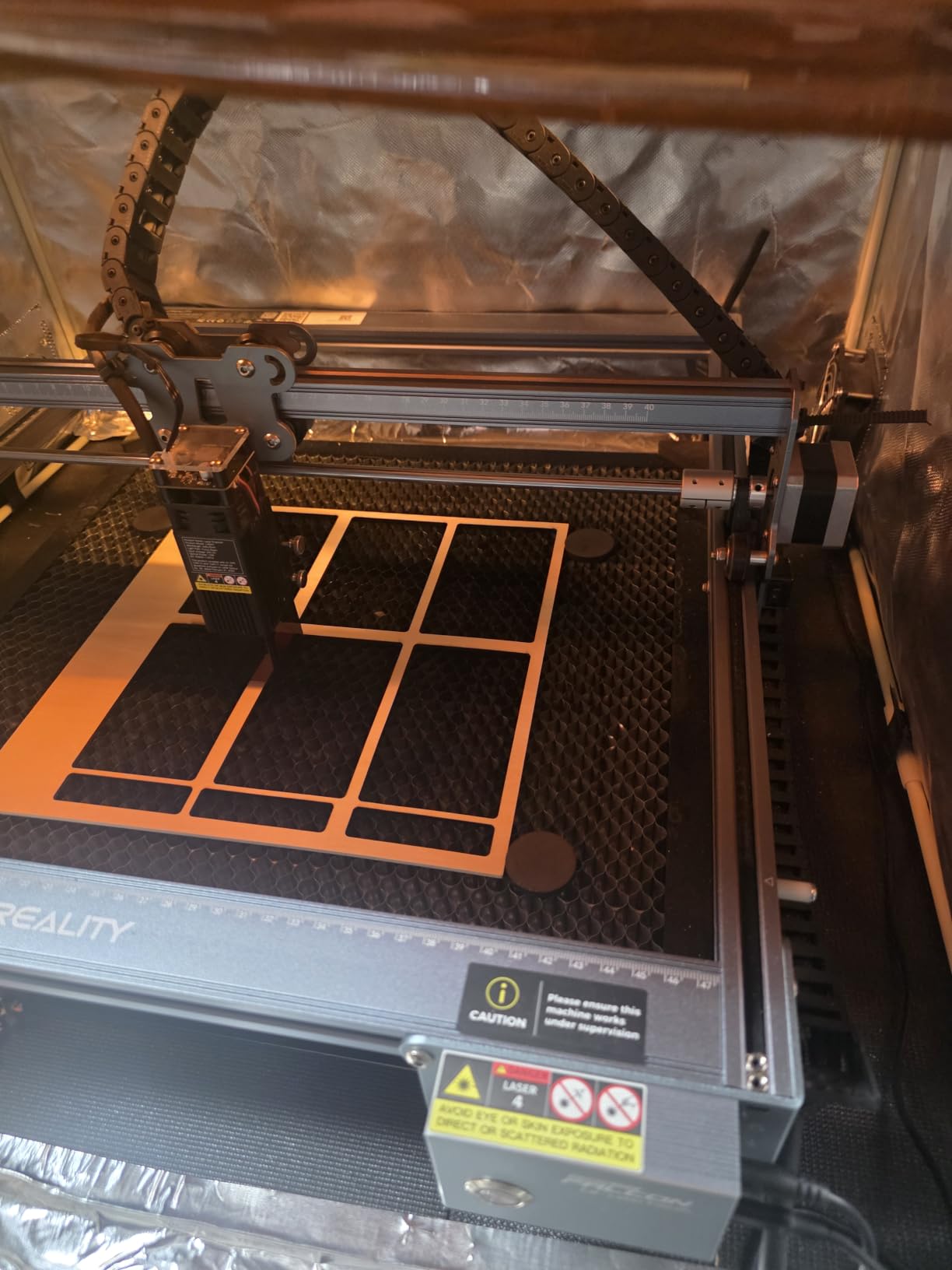
The Creality Falcon 10W pairs the largest bed in this roundup with one of the tightest spots. The compressed spot is 0.06mm by 0.06mm with 0.004 inch accuracy, and experienced owners consistently single it out for crisp results on basswood and other thin stock.
It is also well proportioned for its capability. A 400 x 415mm bed in a 10.93 pound package is unusual, and the 400mm class size is where most first projects stop feeling cramped. Work speed is 10,000mm/min, and it cuts 12mm wood and 5mm black acrylic in a single pass.
Falcon Design Space is free and covers macOS and Windows, which removes the usual LightBurn paywall question at this tier. LightBurn and LaserGRBL are both supported if you want them, and an SD card slot allows offline operation.
The anti-UV filter on the laser module end is reported to cut 97% of UV, and the manufacturer claims support for more than 200 material types. Assembly takes around 15 minutes for most first-time owners.
Where the Falcon 10W shines
Fine lettering, small text, logos on basswood, cork, thin plywood and leather. The spot size is the reason detail work looks clean rather than fuzzy.
Choose it if you want a big bed without the weight of a 43-pound enclosed machine, and if you like a brand with a large accessory ecosystem behind the software.
Where it frustrates people
The green safety glasses included are reported by buyers as inadequate for blue diode wavelengths. Treat them as a placeholder and buy proper OD-rated eyewear for the wavelength you are running.
Framing can require several reboots on first use, the printed manual is thin with a weak English translation, and Falcon Design Space is described by first-time owners as overwhelming. There is no Bluetooth, and it will not pair with an iPad. Experienced buyers push back hard on the one-star reviews, arguing they come from impatience rather than a faulty machine.
8. SCULPFUN S6 Pro – Best for Absolute Beginners
SCULPFUN S6 Pro 5500mW Laser Engraver & Cutter for Beginners
5.5W diode laser
410 x 420mm engraving area
10.1 lb weight
Cuts 10mm wood and 6mm acrylic
Pros
- Designed and documented specifically for first-time buyers with guided tutorials
- 410 x 420mm bed is larger than most 5W rivals
- Tool-free sliding focus lens is faster and less error-prone
- Cuts 10mm wood
- 6mm black acrylic and 6mm plywood
- A4 steel honeycomb bed pad included
- Laser filter cover blocks 98% of UV
Cons
- Lowest review volume in the roundup at 137 reviews
- LightBurn is paid and macOS support depends on it
- Stainless steel needs a marker coating before it will mark
- Larger honeycomb bed must be bought separately
The SCULPFUN S6 Pro is the one machine here where the beginner framing is deliberate rather than bolted on. The documentation leans on guided video and image tutorials, and the machine is specified around the mistakes first-time owners actually make.
The biggest of those is focus. Instead of a screwdriver adjustment, the S6 Pro uses a sliding fixed-focus lens you move by hand, which is faster and far less error-prone. A 410 x 420mm engraving area is unusually large for a 5.5W machine, and it cuts 10mm wood, 6mm black acrylic and 6mm plywood.
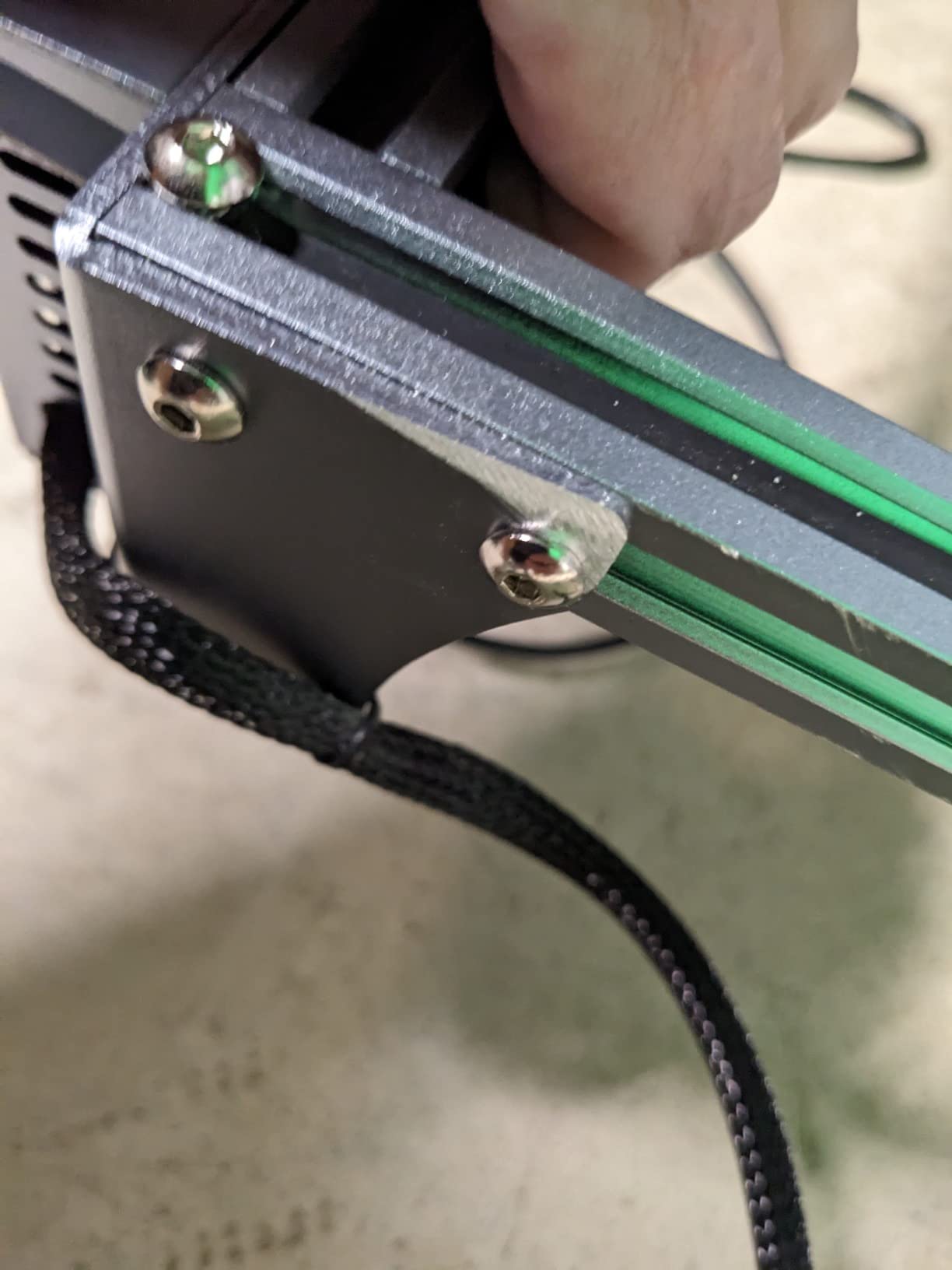
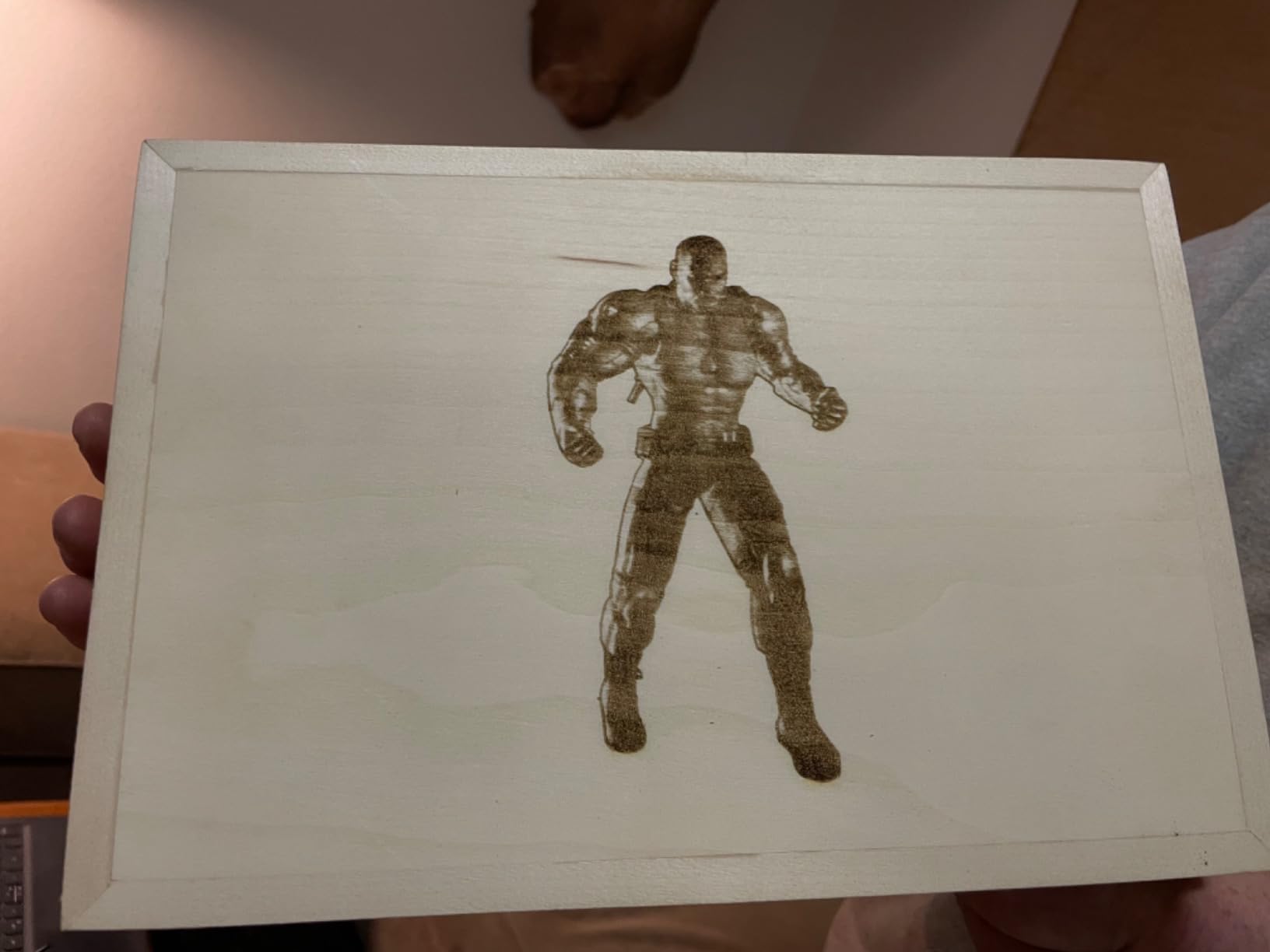
An A4 steel honeycomb bed pad is included, which protects your table and stops small pieces dropping through slats. The laser filter cover blocks 98% of UV, there is a front emergency power-off switch, and scale lines are marked along both axes so you can position material without measuring.
Software breadth is good: LaserGRBL, LightBurn, Benbox, GrblController and LiteFire are all supported, on Windows and on macOS through LightBurn. Assembly is typically 10 to 20 minutes, and PWM mode engraving is available.
Why beginners like the S6 Pro
The focus system and the included bed pad remove two of the three things that stall a first project. If you have never set focal distance before, this is the machine least likely to make you feel defeated on day one.
It is also a good teaching machine. The engraving area is large enough for a class set of tags, and the axis scale lines make it easy to show students where a design will land.
The honest catch
The review base is the thinnest in this roundup at 137 reviews, and its category sales rank is far below the rest, so it carries the least proven demand of the ten. That is a risk, not a defect.
LightBurn is a paid upgrade and macOS support depends on it. Stainless steel will not mark without a marker coating. And if you later want a full honeycomb bed rather than the A4 pad, that is a separate purchase.
9. Longer Ray5 5W – Best Lower-Power Start on a Full Bed
LONGER Laser Engraver Ray5 5W Higher Accuracy DIY Laser Engraving Machine with 3.5″ Touch Screen,Offline Usage Laser Cutter,400x400mm,0.08mm Laser Spot, CNC Laser Cutter for Wood Metal Acrylic Glass
5W Class II laser
400 x 400mm work area
8.26 lb weight
10,000mm/min on ESP32
Pros
- 400 x 400mm bed with a 3.5-inch touchscreen at an entry tool price
- Class II 5W laser is a gentler starting point than Class 4 units
- 240MHz ESP32 chip drives 10000mm/min speeds
- Offline operation via TF card plus Wi-Fi and app control
- LaserGRBL support means free software is available
- Emergency shutdown with motion and overheat protection
Cons
- Lowest rated pick here at 4.1 from 129 reviews
- Scarce to update for Mac users and thin documentation
- 5W cuts thinner material than the 10W and 20W options
- 13% one-star share
- the second highest here
The Longer Ray5 5W makes a deliberate trade: less power in exchange for a full-size bed and a gentler safety class. It is rated Class II rather than Class 4, which matters if you are nervous about your first laser and want a smaller fume and eye-risk surface.
The 400 x 400mm work area is the same size as the 10W version, and the 3.5-inch touchscreen handles file selection without a laptop. A 240MHz ESP32 chipset drives speeds up to 10,000mm/min with a 0.08mm by 0.08mm spot and 0.01mm engraving accuracy.

Connectivity covers USB, TF card, Wi-Fi and app, with offline operation through the screen. LaserGRBL and LightBurn are both supported, so free software is available from the start.
Safety hardware is the best-documented on this chassis: emergency shutdown, motion protection and overheat detection, plus a protective cover and goggles in the box. Manufacturers list wood, leather, metal, glass and acrylic among the workable materials, with stainless steel requiring a coating.
Where the 5W Ray5 fits
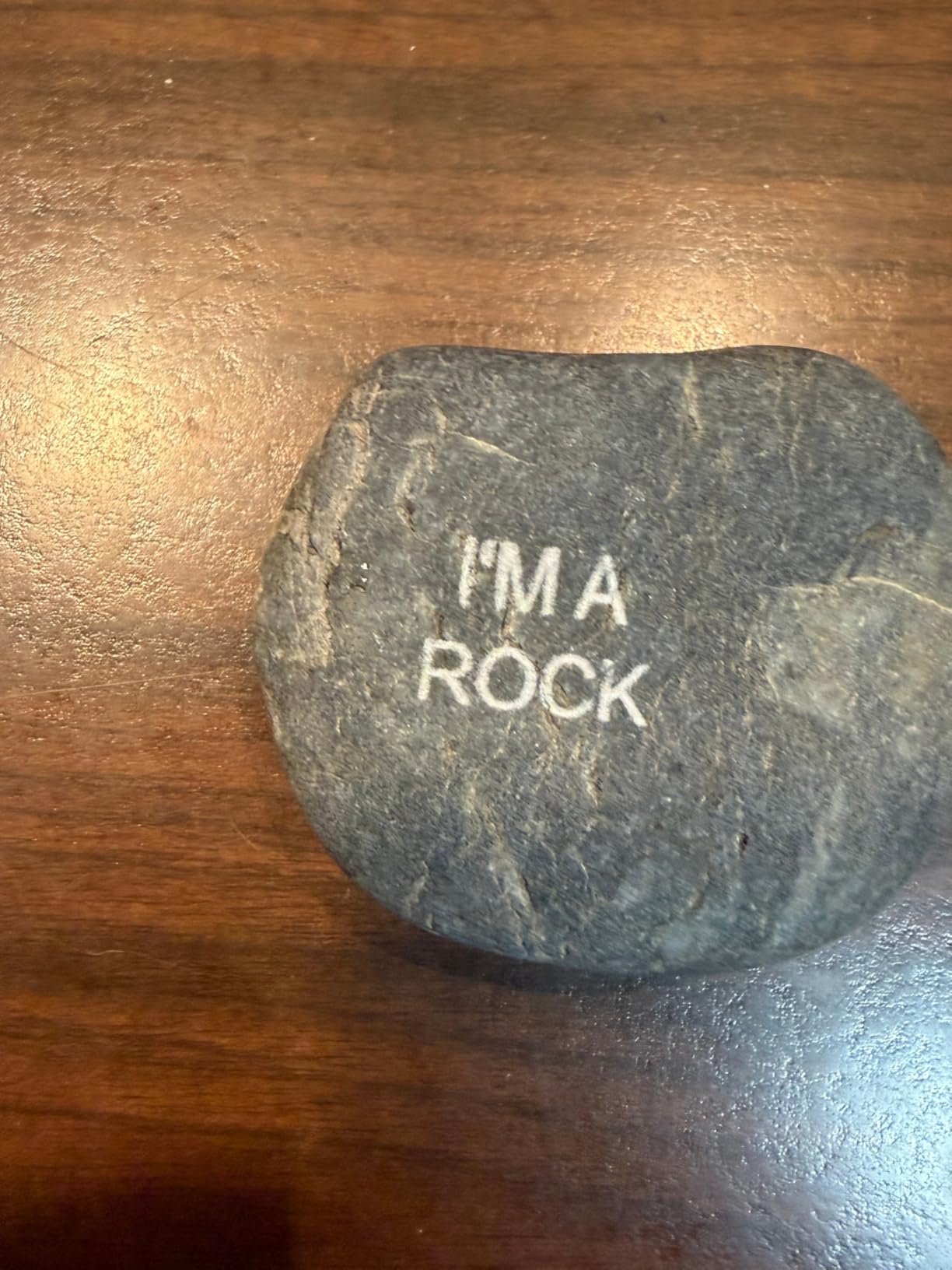
It fits a beginner who wants a large bed and the touchscreen workflow but plans to work mostly on thin wood, plywood, acrylic, leather and glass rather than thick stock.
It also suits anyone who wants a second machine for glassware or paper alongside a 10W unit for cutting, since 5W is gentle enough for surface work on painted glass.
Why we ranked it ninth
At 4.1 from 129 reviews, it has both the lowest rating and the fewest reviews in the roundup, and it carries a 13% one-star share. The documentation and Mac update friction follow the same pattern as the rest of the Longer line.
At 5W, cutting depth is the limit. If your project list includes 10mm wood, choose the 10W Ray5 instead and accept the Class 4 handling.
10. Creality Falcon A1 – Best Enclosed Pick for Shared Spaces
CREALITY FALCON A1 10W Laser Engraver, 80W Enclosed Laser Cutter and Engraver Machine with Air Assist, Smart Camera Positioning, 600mm/s Speed, Smart Material Recognition, Ideal for Wood & Metal
10W Class 1 enclosed
381 x 305mm work area
43.6 lb weight
CoreXY up to 600mm/s
Pros
- Class 1 enclosed design is the safest first-machine option here
- Dual-door enclosure filters 99% of laser radiation and contains noise and smoke
- 600mm/s CoreXY speed is the fastest in this roundup
- Integrated HD camera removes manual focusing and positioning guesswork
- Preset material parameters reduce trial and error for beginners
- Air assist
- auto-lock and emergency stop included
Cons
- Highest cost machine in the roundup
- several times the entry models
- Heaviest machine at 43.6 lb with the smallest working area of the group
- Does not accept the standard 500 x 500mm honeycomb bed
- Cutting acrylic is not supported and surfaces must be coated
The Creality Falcon A1 is the pick for anyone whose workspace is shared, rented or in an apartment. It is a Class 1 machine with a dual-door enclosure that filters 99% of laser radiation, and the doors also contain noise and smoke instead of releasing them into the room.
That safety story is why it earns a place on a beginner list at all. Forum consensus, which we found repeated across several laser communities, is that enclosure and exhaust matter more to new owners than any other single feature. This is the only machine here that answers that concern at the hardware level.
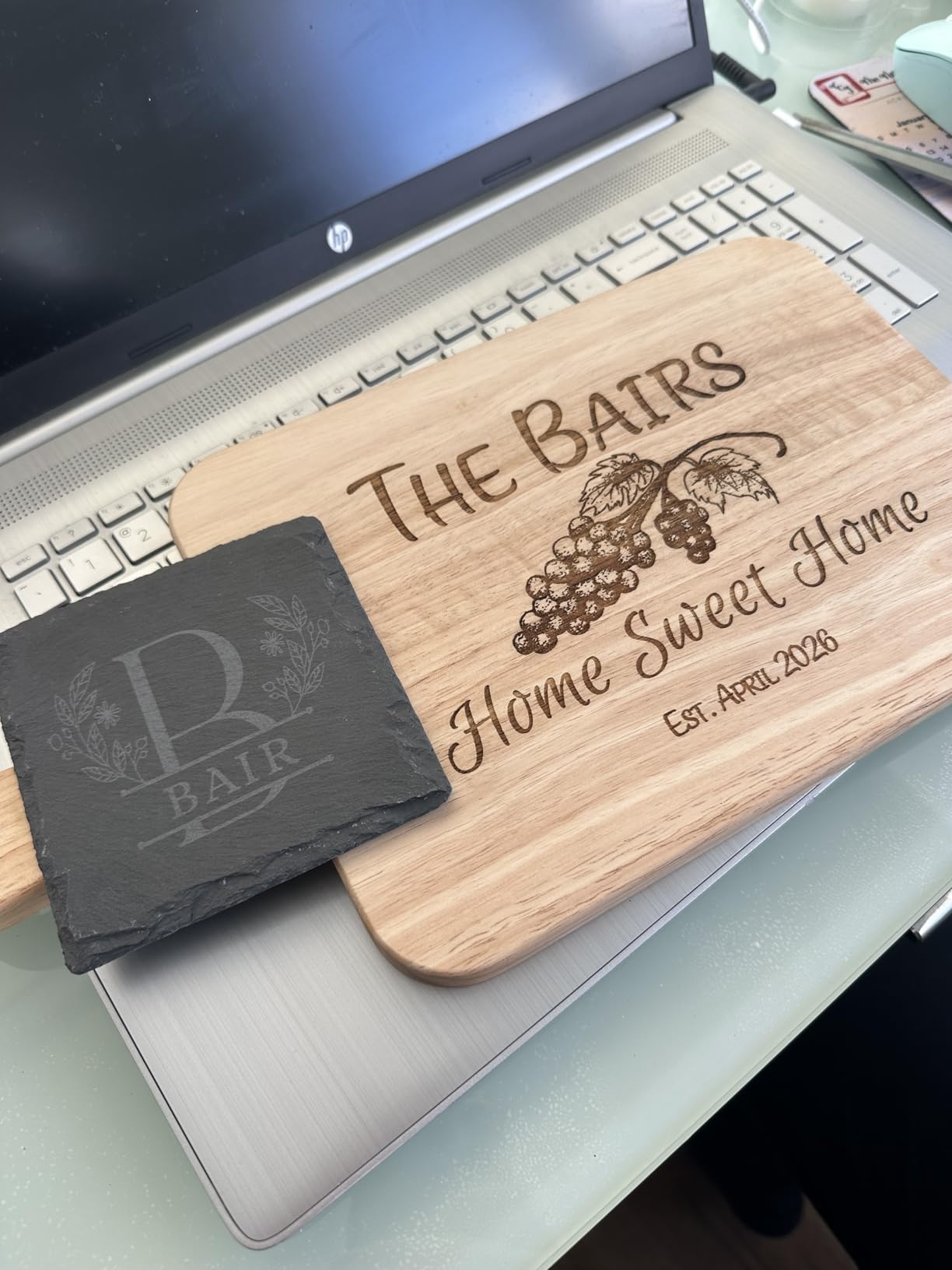
The automation is the second argument. A pre-calibrated HD camera handles full-frame positioning so you are not guessing at focus and origin, and material recognition with preset parameters lets a beginner skip most of the trial-and-error phase that frustrates owners of open frames.
CoreXY motion with dual motors reaches 600mm/s, by far the fastest here, and the free Falcon Design Space software bundles browsing, vector design and device control. LightBurn, LaserGRBL and Cutlabx are supported as well, and air assist is standard.
Who the Falcon A1 is for
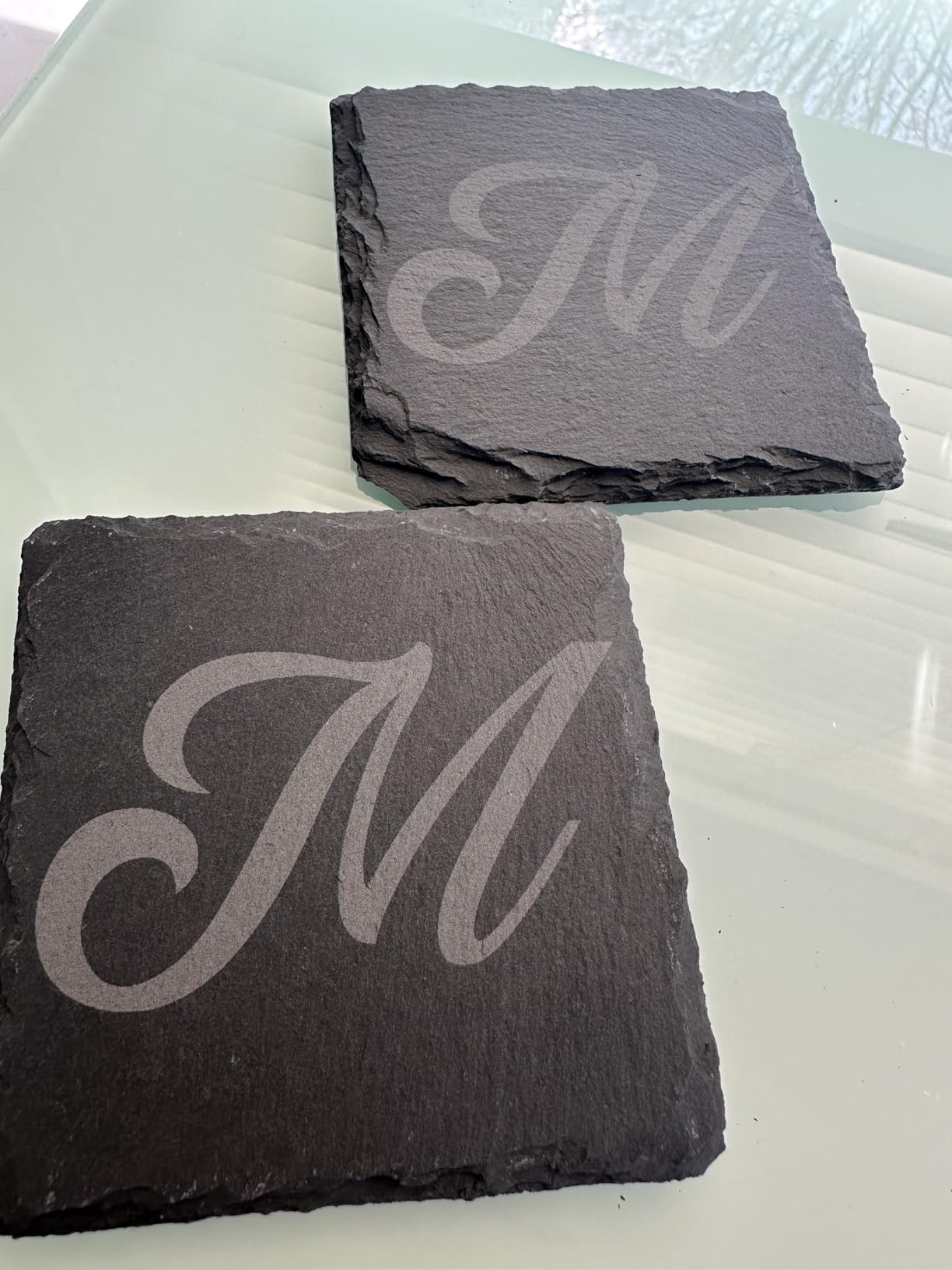
It is for a beginner with a small, busy or shared room, a classroom, or anyone who has decided fume control is not optional. If you plan to make gifts in a spare bedroom rather than a garage, this is the machine that will not cause friction with your household.
The camera and preset material profiles also suit a beginner who has already bought a cheaper machine and hit the learning-curve wall.
What you give up
It is the highest-priced pick here and the heaviest at 43.6 pounds, so it needs a dedicated table. The working area is 381 x 305mm, which is actually the smallest bed in the roundup despite the enclosure.
It does not take the standard 500 x 500mm honeycomb bed. Cutting acrylic is not supported and acrylic surfaces must be coated first, and highly reflective materials such as mirror-finish metal and mirrored acrylic are prohibited. That rules out a lot of the beginner material list.
What to Look for in a Beginner Laser Engraver
Start with laser type. A 455nm blue diode is the right default for a first machine. It cuts wood, plywood, acrylic, leather, paper and painted surfaces, and the parts ecosystem is deep. CO2 lasers run at 10.6mm and are excellent on wood, leather and acrylic, but they need a water chiller, often external ventilation and more electrical headroom. Galvo scanners move a mirror instead of a gantry and are faster on small items like tags and keychains, with a small working area and a higher entry point. Fiber lasers at 1064nm infrared mark bare metal and glass, which no diode can do, and cost far more. Read our CO2 laser engraver guide and fiber laser engraver guide before stepping up.
Judge power by what it states it cuts, not by the wattage headline. A 10W module that cuts 20mm wood and 30mm acrylic in one pass will save you from a second purchase far sooner than a 20W module with a 130mm bed. Read the stated cut thickness, and read the review comments to see whether owners confirm it.
Work area is the number you will feel. A 130 x 130mm bed fits jewelry tags and nothing else. A 400 x 400mm bed fits a full sheet of craft plywood or a batch of coasters, which is where most hobbyists reach their limit. Our desktop laser engraver picks break down the size trade-offs in more detail.
Enclosure and laser class decide the safety story. Open-frame Class 4 machines need eyewear matched to the wavelength, a filtered lid, exhaust and a clear fire rule. Enclosed Class 1 machines with interlocked doors handle that for you. Neither is wrong, but they suit different rooms, and the class label on the listing is more meaningful than any safety claim in the description.
Ventilation and air assist are not accessories. Air assist feeds a jet of air at the cut, which keeps edges clean and pushes residue off the bed. Exhaust moves fumes and fine particles out. Several machines here, including the Twotrees and the Creality Falcon A1, include at least one of them; others require a separate purchase. Budget for both before the machine arrives, not after.
Software decides how long the machine stays useful. LaserGRBL is free, open source and widely supported, but it is a limited interface. LightBurn is the paid standard and handles layers, arrays, fills and imported files properly. Acmerstudio and Falcon Design Space are free and friendly for basic jobs. A machine that supports LightBurn and LaserGRBL keeps your options open, and a locked-in app is a real risk when you outgrow it.
Assembly and documentation deserve a line in your decision. Roughly half of these machines ship needing 10 to 25 minutes of assembly, and several owners report thin printed instructions. Watch for the ones where a video tutorial is effectively the manual. Reviews that mention repeated out-of-bounds errors on first run are usually a framing issue, not a fault, but they are frustrating on day one.
Your First 30 Days: Setup and Calibration Checklist
Almost every frustrating first project traces back to one of six setup steps. None of the ranking pages we reviewed cover this, so here is the sequence that works.
Assemble and tighten. Build the frame square, then re-check squareness with a ruler before anything else. Every alignment error downstream comes from this step.
Frame the head. Home the machine, confirm the bed origin and check that the reported working area matches the dimensions in the listing. Clear any out-of-bounds error before loading a file.
Set focus with the gauge, not by eye. Use the focus gauge or the built-in cross-line light. Diode modules focus to a few millimetres, and an eyeballed setting is the most common cause of a failed first cut.
Level the bed. Check it across the corners with a straight edge. A bed that is off by a millimetre at one corner will not cut cleanly at the far corner of the sheet.
Set air assist pressure. If your machine takes an air assist line, set it low and raise it until the kerf brightens and debris clears the cut. Too much pressure blows light material off the bed.
Run a test grid. Burn a grid of power and speed settings on the exact material you plan to use, then pick from your own results rather than from a settings table written for a different machine.
Then check your extraction before the first long job. If you will work indoors, run the machine with the exhaust running and step away from the room to see how long the smell lingers. That test tells you whether your ventilation plan actually works.
Who Should Wait Before Buying a Laser Engraver
If you have never used vector design software, buy a free month of a design tool first. The laser is the easy half. Most early frustration comes from wanting a design you cannot draw yet, not from the machine.
If you need to cut thick hardwood or bare metal, wait. A diode in this class will not do either, and the correct answer is a CO2 or fiber machine with a water chiller and proper extraction, which is a different budget conversation.
If you are renting or in a small apartment with a ventilation-constrained room, wait until you have a solution for exhaust. An enclosed machine solves the safety side but not the fumes question. Members of laser communities recommend the secondhand and refurbished route, where refurbished CO2 machines come up often, as a cheaper way to test whether you enjoy the work before buying new.
Frequently Asked Questions
Which laser engraver is the easiest for beginners to use?
The SCULPFUN S6 Pro is the easiest for a first project because its sliding fixed-focus lens removes the hardest beginner task, and it ships with guided tutorials. The ACMER S1 is the easiest to start at all, since it arrives 99% assembled with a one-minute laser head install and takes only minutes to set up. For a first machine that is also the safest, the Creality Falcon A1 is fully enclosed and Class 1 rated.
What are the top 10 laser engravers for beginners?
Our ranked list is: 1. Ortur Laser Master 2 S2, 2. Twotrees TTS-55 Pro, 3. Longer Ray5 10W, 4. ATOMSTACK A20 Pro V2, 5. ACMER S1, 6. ATOMSTACK Swift 7W, 7. Creality Falcon 10W, 8. SCULPFUN S6 Pro, 9. Longer Ray5 5W, and 10. Creality Falcon A1. Each entry covers power, work area, enclosure, software support and what owners report after living with the machine.
What is the best laser to start with?
A 10W 455nm blue diode laser with air assist is the best starting point for most beginners, because it cuts wood, plywood, acrylic and leather and its parts are easy to source. Add an enclosure and an air purifier if you will work indoors, or choose an enclosed Class 1 machine such as the Creality Falcon A1. CO2 and fiber lasers are worth it only if you specifically need thick wood, clear acrylic or bare metal.
What wattage laser engraver do beginners need?
At 5W you can engrave thin wood and cut plywood up to about 5mm, which covers keychains, tags and small coasters. At 10W you can cut roughly 10 to 20mm of wood and up to 30mm of acrylic in one pass, which is where most hobbyists stop needing to upgrade. Above 20W you are buying cutting depth for plywood and thick acrylic rather than engraving quality, since spot size changes very little.
Do laser engravers need ventilation or an air purifier?
Yes. Wood, leather and acrylic all produce smoke and fine particles, so a laser should be used with extraction running, or with an air purifier rated for fine particulate placed near the machine. Air assist is separate and different: it is a jet of air at the nozzle that clears debris from the cut. Several machines here include one or both, and the rest need them purchased separately.
What software do beginner laser engravers use?
LaserGRBL is free and works with most machines here, including the Ortur, Twotrees, Longer, Creality, ACMER, SCULPFUN and ATOMSTACK models. LightBurn is the paid standard most owners graduate to, with better handling of layers, fills and imported files, and it supports macOS and Linux. Acmerstudio and Falcon Design Space are free first-party options, and the Creality Falcon A1 adds Cutlabx. Choose a machine that supports both LaserGRBL and LightBurn if you can.
Can a beginner laser engraver cut wood?
Yes. A 5W diode cuts plywood up to about 5mm, a 10W diode cuts roughly 10 to 20mm of wood and up to 30mm of acrylic, and the 20W ATOMSTACK A20 Pro V2 handles thicker stock still. The practical limits are kerf width on fine detail, the need for air assist to keep edges clean, and your extraction setup, not the wattage figure on the box.
What safety gear do I need for a laser engraver?
For an open-frame Class 4 diode you need eyewear rated for the 455nm wavelength, a filtered lid or enclosure, an exhaust fan or air purifier, a metal or honeycomb bed to protect the table, and a clear rule about never leaving the machine running unattended. Several machines here include glasses and a protective cover, but owners repeatedly report that included green glasses are inadequate, so verify the optical density. An enclosed Class 1 machine reduces the requirement without removing it entirely.
Final Verdict: The Best Laser Engravers for Beginners
The Ortur Laser Master 2 S2 is the best laser engraver for beginners in 2026 because it has the deepest owner history in the group at 1474 reviews, a rigid metal frame, real 10W cutting depth and more safety cutoffs than anything else at this tier. If your budget is tighter, the Twotrees TTS-55 Pro pairs the highest rating at 4.4 with built-in Wi-Fi, and the ACMER S1 gets you cutting on a small budget with near-zero assembly.
Two picks answer the situations the rest cannot. Buy the Creality Falcon A1 if fumes and safety in a shared room are your main worry. Buy the ATOMSTACK A20 Pro V2 if you would rather buy once and cut thick plywood for years. Whatever you choose, budget for exhaust, proper eyewear and a test grid before your first real job, because that setup costs far less than a ruined sheet of plywood.