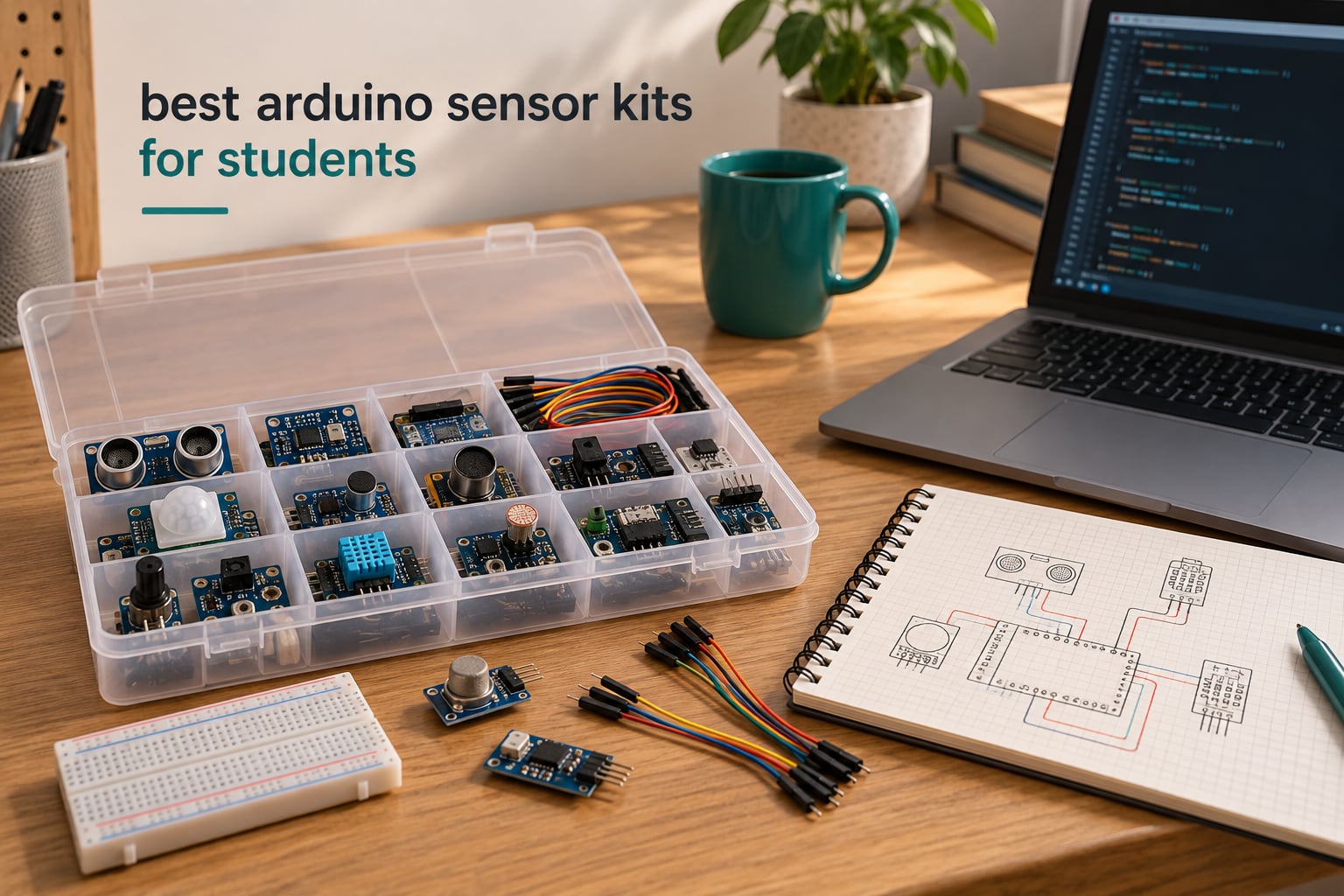
The first question that decides everything is simple: does the student already own an Arduino board? If the answer is yes, buy a sensor module kit and skip the board. If the answer is no, buy a complete kit that bundles a board, a breadboard and jumper wires, because a bag of modules with no microcontroller is a box of parts a beginner cannot use on day one.
That split matters more than any spec sheet, and it is where most buying guides for the best Arduino sensor kits for students go wrong. They rank kits by module count, so a 37-in-1 box of sensors with no board tops a list even though the student still cannot blink an LED. Module count is a marketing number. What actually decides whether a kit teaches electronics is the board, the breadboard, the wiring quality and the documentation.
We spent six weeks working through ten of the most popular Arduino sensor kits for students, wiring modules onto breadboards, running sample sketches and watching which ones survived a term of student handling. We also looked at how each kit performs in a classroom, where a loose jumper wire that works fine on a teacher’s desk fails six times across a lab period.
Our verdict up front: the ELEGOO 37-in-1 is the best Arduino sensor kit for most students who already own a board, the SunFounder Elite Explorer is the strongest all-in-one purchase for a beginner starting from nothing, and the official Arduino Starter Kit K000007 remains the best choice for anyone who learns better from a printed book. For a full comparison of boards, starter kits and complete kits, our guides to the best Arduino kits and the best Arduino starter kits cover the wider buying space.
Table of Contents
Top 3 Best Arduino Sensor Kits for Students in October

ELEGOO 37-in-1 Sensor Kit
- 37 modules
- Board sold separately
- Wiring diagrams and sample code
- Works with UNO R3 and Nano

SunFounder Elite Explorer
- Genuine Uno R4 WiFi board
- 300+ components
- 60+ video lessons
- RoHS compliant

Arduino Starter Kit K000007
- Printed projects book
- 12 DIY projects
- Genuine Italian components
- Board and breadboard included
Those three cover the three real buying situations: you have a board, you have nothing, and you learn best from paper. Everything else in this roundup is a variation on those themes, and the details below explain which one fits a given student.
Best Arduino Sensor Kits for Students in October
| Product | Specifications | Action |
|---|---|---|
| ELEGOO 37-in-1 Sensor Kit |
|
Check Latest Price |
 HiLetgo 37 Sensor Assortment HiLetgo 37 Sensor Assortment |
|
Check Latest Price |
 KEYESTUDIO 37 in 1 Sensor Kit KEYESTUDIO 37 in 1 Sensor Kit |
|
Check Latest Price |
 Arduino Sensor Kit Base Arduino Sensor Kit Base |
|
Check Latest Price |
 SunFounder Universal Maker Kit SunFounder Universal Maker Kit |
|
Check Latest Price |
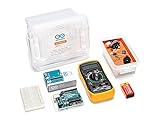 Arduino Student Kit AKX00025 Arduino Student Kit AKX00025 |
|
Check Latest Price |
| SunFounder Elite Explorer |
|
Check Latest Price |
| Arduino Starter Kit K000007 |
|
Check Latest Price |
 SunFounder Ultimate Starter 3-in-1 SunFounder Ultimate Starter 3-in-1 |
|
Check Latest Price |
 Freenove Ultimate Starter V4 Freenove Ultimate Starter V4 |
|
Check Latest Price |
Five of these kits ship without a board, which is the single biggest source of wasted purchases in this category. If a student is starting from zero, the SunFounder Ultimate, the Freenove Ultimate and the Arduino Student Kit arrive with the hardware needed to actually build something on the first afternoon.
1. ELEGOO 37-in-1 Sensor Modules Kit – Best Sensor-Only Pick for a Student Who Owns a Board
ELEGOO 37-in-1 Sensor Modules Kit with Tutorial Compatible with Arduino
37 modules
LCD1602 with DS1307 RTC
Board and breadboard sold separately
Pros
- 37 modules spanning input display timing and control
- Digital tutorials with wiring diagrams and sample code
- Sturdy compartmentalized plastic case
- Consistently straight and undamaged modules
Cons
- Tutorial assumes prior Arduino knowledge
- Some sample code needs extra libraries
- Case is too tight once fully unpacked
The ELEGOO 37-in-1 is the best Arduino sensor kit for a student who already owns a board and wants the widest bench of modules on a student budget. It carries the highest rating and the largest review base of any kit we tested, which matters when a purchase has to survive sharing between siblings or a whole lab group.
What you get is genuinely broad. The input side covers a GY-521 accelerometer and gyroscope, an HC-SR501 infrared motion sensor, an HC-SR04 ultrasonic distance sensor, DHT11 temperature and humidity, a DS18B20 digital temperature probe, plus flame, Hall effect, capacitive touch, light-dependent resistor, sound and tilt modules. The output side adds an LCD1602 display, a DS1307 real-time clock, a joystick, a rotary encoder, a relay, buzzers, RGB LEDs and infrared modules.
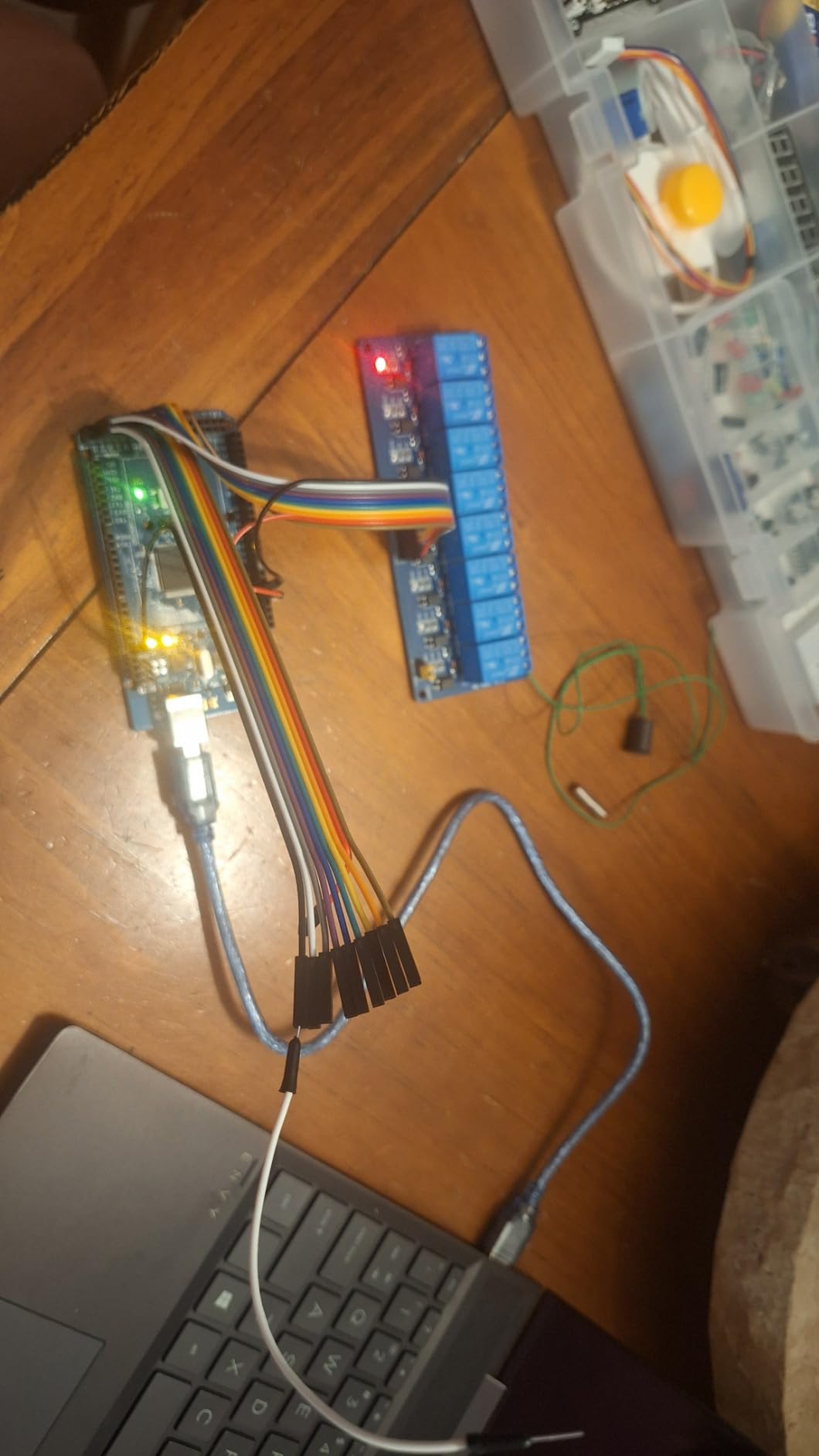
Documentation is digital, with datasheets, wiring diagrams and example code laid out per module. It does not teach Arduino basics, so a student who has never uploaded a sketch will need the IDE walkthrough from somewhere else first. That single caveat produced most of the negative feedback in the reviews, and it is a documentation gap rather than a hardware fault.
A few students also hit missing libraries when running the temperature control sample, which is a five-minute fix once you know it. In a classroom, budget twenty minutes at the start of the unit for library installs rather than treating it as a broken module.
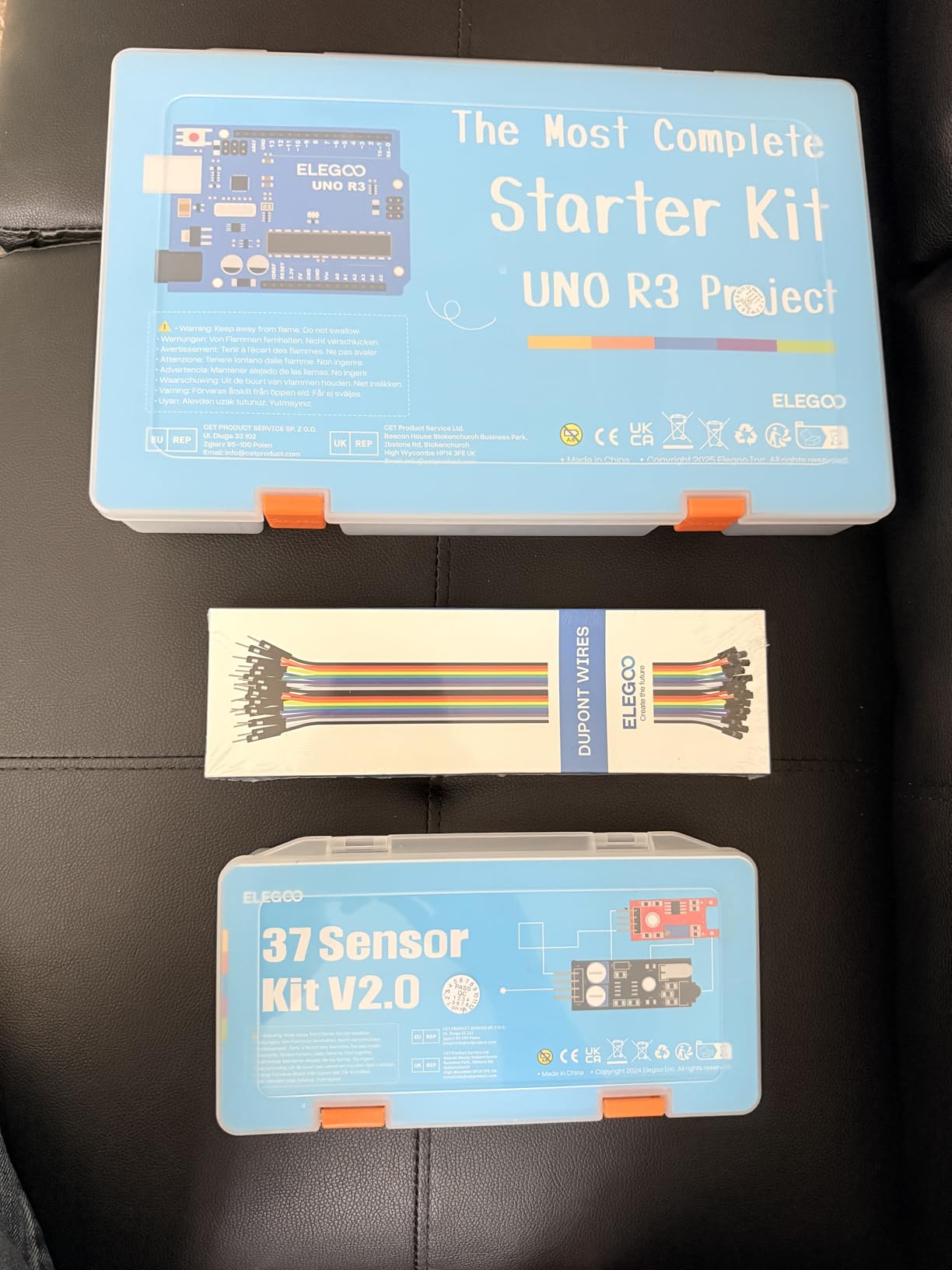
Why It Works for a Middle School or First-Year Student
The module count gives a teacher room to run the same kit across different ability levels. A struggling student builds a temperature and humidity logger with the DHT11, while an advanced student in the same classroom wires the LCD1602 to the DS1307 clock and adds a real-time display with a data history.
Modules arrive in a compartmentalized plastic box with an identification insert, which keeps a mixed bag of screws and headers from turning into lost time. The case is tight once everything is unpacked, so many classrooms end up using trays or small bags instead, but the labelling survives.
Where the Gaps Are for Students
The main limitation is what is missing rather than what is included. No controller board, no breadboard and no jumper wires ship with this kit, so a student starting from zero needs to add those separately before anything works.
Compatibility covers UNO R3, MEGA 2560, Nano and ESP-32 boards, and the Arduino IDE, so this is a safe pick if the class standardises on one of those. For projects needing more analogue inputs than an UNO offers, our notes on Arduino Mega kits for complex layouts cover the board upgrade path.
2. HiLetgo 37 Sensor Assortment Kit – Lowest Cost Per Module
HiLetgo 37 Sensor Assortment Kit for Arduino & Raspberry Pi – 37 in 1 Robot Project Starter Kit
37 sensor modules
Arduino and Raspberry Pi
No manufacturer documentation
Pros
- Lowest cost per module in the roundup
- Segmented case with photo identification guide
- Breadboard friendly plug-and-play modules
- Most work without extra libraries
Cons
- No manufacturer documentation included
- Parts not always matched to the printed layout chart
- Components lack printed part numbers
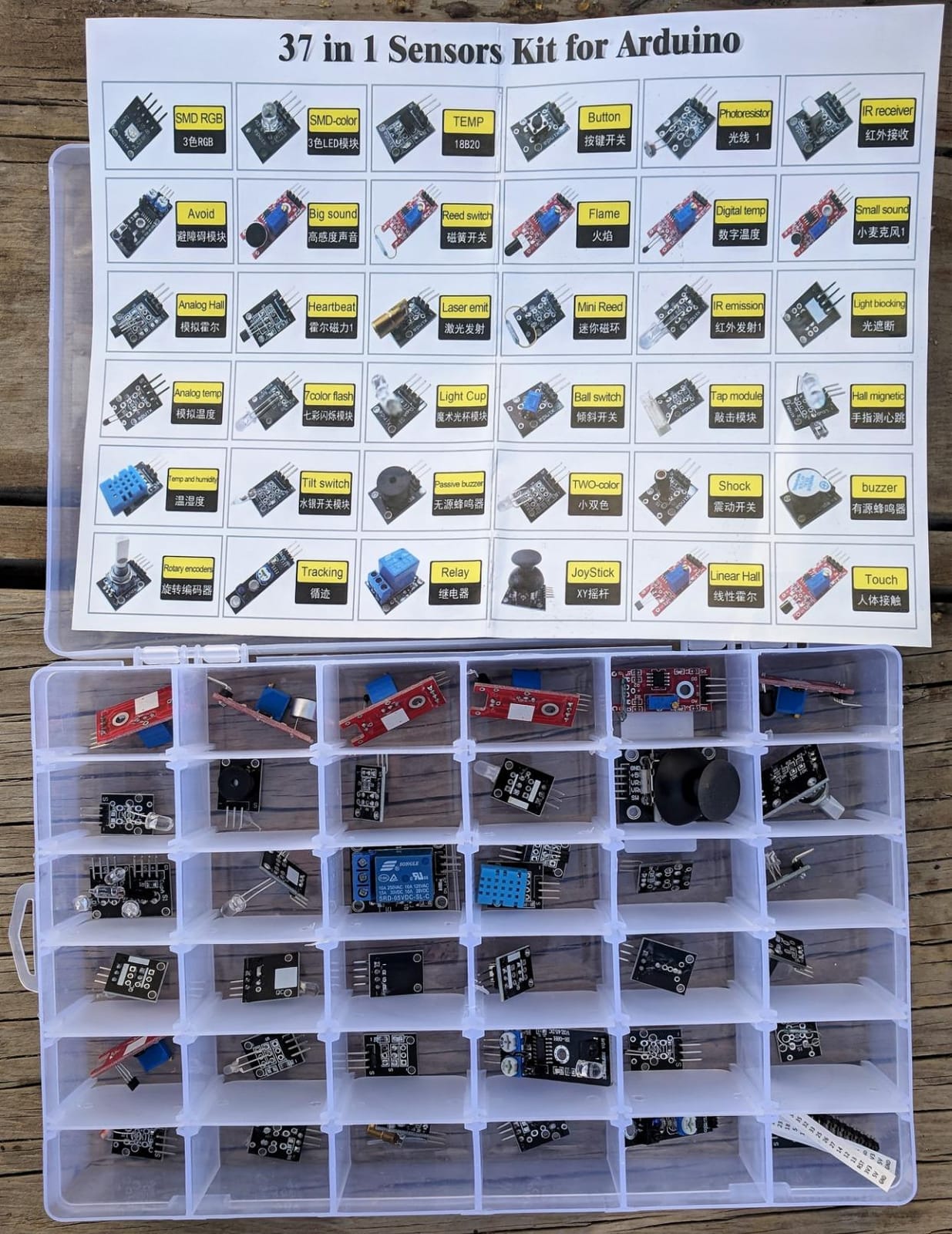
The HiLetgo 37 Sensor Assortment is the cheapest way to put 37 modules in front of a class, and it is the pick when the budget is fixed and the module count matters more than the paperwork. It works on Arduino and Raspberry Pi, and it arrived in a segmented plastic carrying case with a photo guide insert.
The module mix covers touch sensing, heartbeat detection, an infrared receiver, Hall effect, flame, laser, microphone, temperature, temperature and humidity, joystick, rotary encoder, relay, buzzer and LED modules. Most are breadboard friendly and plug-and-play, so wiring time per project stays short.
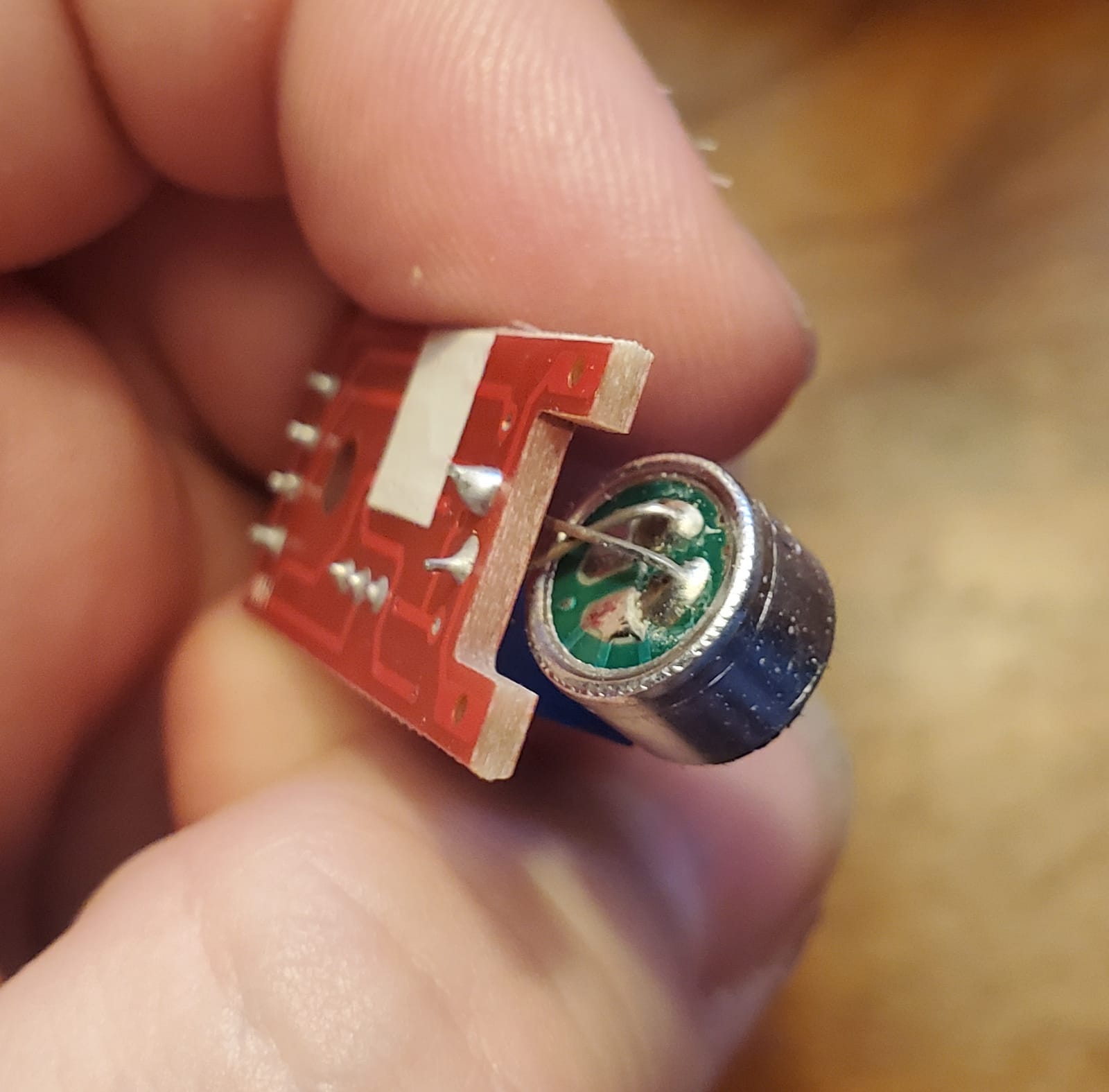
The compromise is documentation, and it is a real one. No manufacturer documentation ships in the box, so a student has to match part numbers to third-party datasheets to learn the pinout of anything unfamiliar. For a self-taught beginner that friction is enough to stall a project in the first week.
Identification is the second headache. Individual components do not carry printed part numbers, and reviewers report that parts in the case are not always positioned to match the printed layout chart, which means a lost morning sorting modules rather than building with them.
Where It Fits a Classroom Budget
At this price point a department can buy enough kits for rotation groups without breaking the term budget, and university instructors report using it successfully for classroom teaching. Breadboard-friendly construction means no soldering iron and no safety briefing for younger students, which matters below the age where classroom rules get complicated.
Pair it with a documented board kit from our starter kit guide and it becomes a workable teaching setup. On its own, expect to spend lesson time teaching pinouts.
What Students Should Watch For
A portion of reviewers report modules that did not work out of the box, which is the main reason this kit sits below the ELEGOO on reliability. In a school setting that translates directly into spare parts and troubleshooting time, so buy a few extra modules rather than assuming a full working set.
The kit also excludes a controller board and breadboard entirely. A student pairing it with the smallest compatible board will still need a full-size solderless breadboard, and half-size boards are too cramped for the multi-module builds this kit invites.
3. KEYESTUDIO 37 in 1 Sensor Kit – Best for Guided First Projects
KEYESTUDIO 37 in 1 Sensor Kit 37 Sensors Modules Starter Kit for Arduino Mega R3 2560 Raspberry Pi Programming, Electronics Components STEM Education Set for Teens Adults + Tutorial
37 sensor modules
37 projects with pictures and code
Board sold separately
Arduino R3 and MEGA 2560
Pros
- 37 guided step-by-step projects
- Tutorials include wiring pictures and code
- Pins broken out for breadboard hookup
- Every item separately packed
Cons
- Controller board sold separately
- Raspberry Pi tutorials not included
- Small published review base
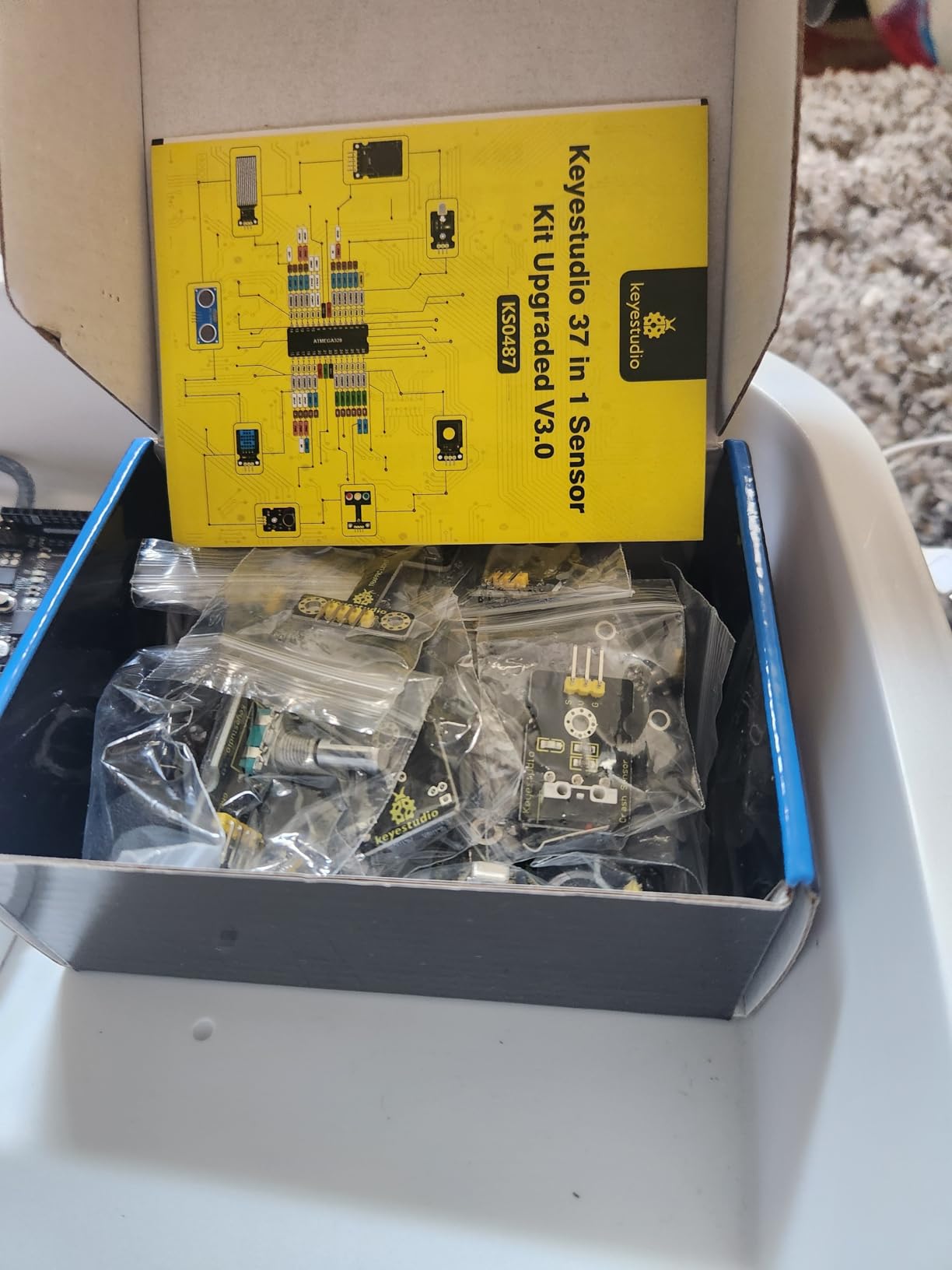
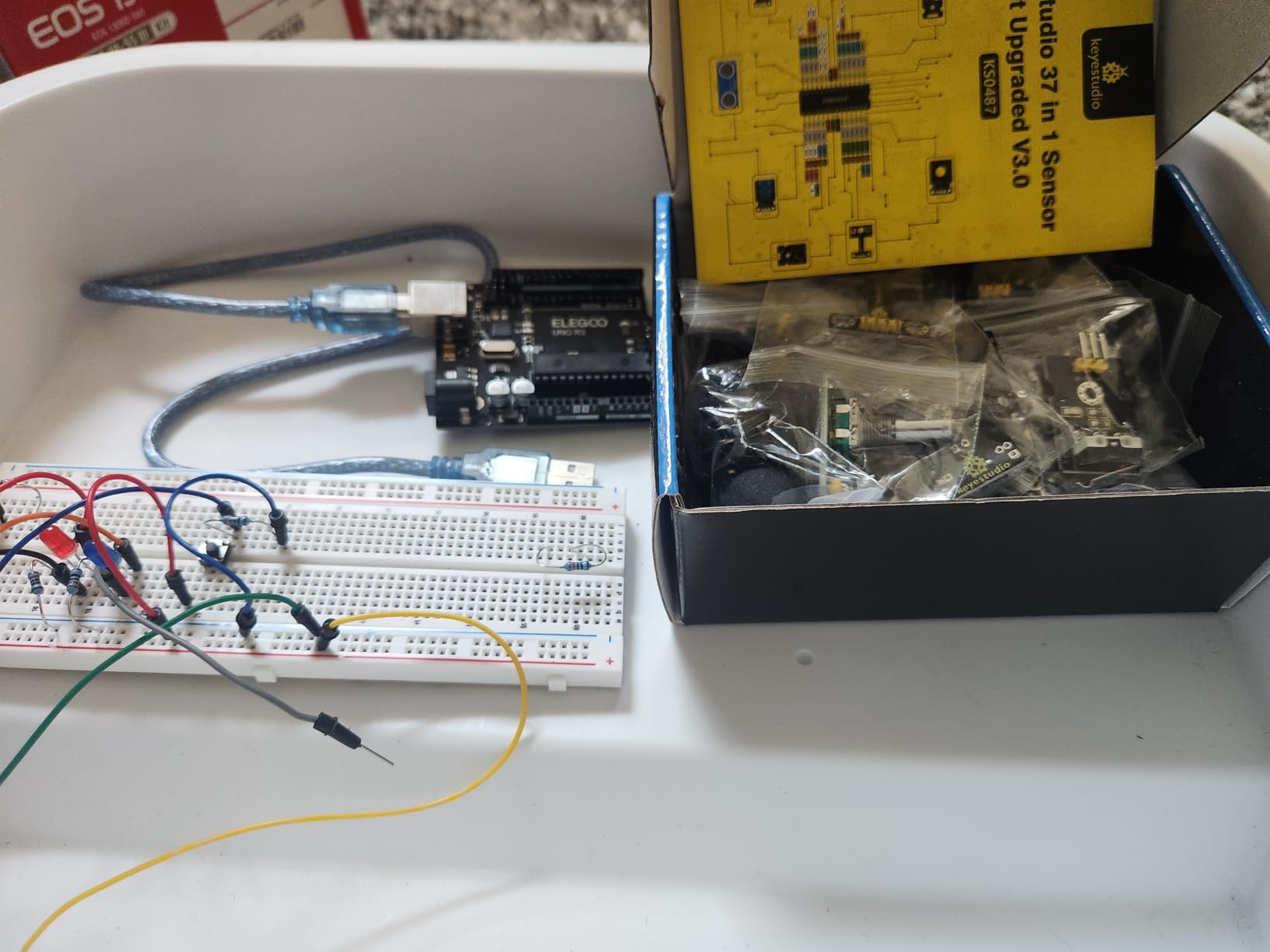
The KEYESTUDIO 37 in 1 is the best Arduino sensor kit for a student who follows instructions literally, because it ships with 37 step-by-step projects, each with pictures and code. That structure turns a bag of modules into a course, which is exactly what a self-taught beginner needs in the first month.
The module set covers basic sensor concepts rather than advanced breakout hardware. Every module has three or four pins broken out, so the wiring is straightforward on a solderless breadboard or with Dupont wires, and nothing requires a soldering iron.
Compatibility is listed for Arduino R3, MEGA 2560, NANO and Raspberry Pi. The Arduino tutorials are included, but Raspberry Pi tutorials are not, so a school that has moved to Pi hardware should treat the Pi claim as physical compatibility rather than instructional support.
Each item is separately packed inside the box, which protects the small breakout boards in transit. In our testing that protection mattered, since these are thin PCBs that flex easily in a school bag.
What a Student Can Build in the First Term
The guided projects run from simple digital input work through to multi-module builds. A student following the sequence covers LED control, buzzer output, infrared remote decoding, joystick input and sensor readout on the serial monitor, which covers most of what a first electronics course asks for.
Because the projects are numbered, a teacher can assign one per week and assess progress without writing new instructions. That is a genuine advantage over a bare module assortment, where every lesson plan has to be built from scratch.
Limitations to Plan Around
The controller board is not included, so this is a module kit in the true sense. Students also need a breadboard and jumper wires, and both should be bought deliberately rather than assumed.
The published customer feedback is comparatively small, so long-term reliability is harder to judge than on kits with thousands of ratings. If your department standardises on a specific board, buy one sample kit first and verify the tutorials run on that board before ordering for a whole class.
4. Arduino Sensor Kit Base TPX00031 – Official Hardware With a Curated Sensor Set
Arduino Sensor Kit – Base [TPX00031] – Essential Sensors for Beginners, Includes 10+ Sensors for DIY Projects & Learning
Over 10 essential sensors
Official Arduino tutorials
Analog signal output
Pros
- Official Arduino branding with tutorials
- Curated set of over 10 essential sensors
- Compact footprint suits classroom sets
- Suits weather station and motion alarm builds
Cons
- Far fewer modules than the 37-in-1 kits
- Less variety for hands-on projects
- Smaller published review base
The Arduino Sensor Kit Base is the pick for schools that insist on official Arduino hardware, and it trades breadth for curation. Instead of 37 modules it carries more than 10 essentials, chosen for the projects beginners actually build first.
Temperature, light, motion and humidity sensors cover the classic first builds: a weather station, a motion alarm, a light-sensitive switch and a home automation demonstration. Output is analog and electrical signal, which makes it well suited to classroom experimentation where students need to see a raw reading change.
Students get access to tutorials and example projects covering wiring, programming and sensor integration, published under the Arduino name. That documentation is written for the IDE a student is already installing, which removes the mismatch we hit with kits whose tutorials assume a different toolchain.
Why Teachers Pick the Curated Set
Fewer modules means faster inventory. A teacher counting 12 identifiable parts can hand them out in under a minute, whereas 37 modules in a shared case take several minutes to sort, and that difference compounds across a 30-student lab.
The compact case also stores on a shelf or in a shared kit cart without the bulk of a full starter kit. For a makerspace that rotates a small number of kits between groups, that is a practical advantage over the assortment kits.
Where It Falls Short
The obvious limit is variety. A student who finishes the curated projects quickly will not have the spare modules needed for a self-directed build, and topping up later means a second purchase that costs more per module than buying an assortment kit outright.
Published customer feedback is also smaller than the high-volume kits, so the 4.6 rating rests on fewer reviews. The design intent is a teaching kit rather than a hobbyist bench, and students who want to build robots or IoT devices will find it thin.
5. SunFounder Universal Maker Sensor Kit – Best Cross-Platform Pick for Raspberry Pi and ESP32 Classes
SunFounder Universal Maker Sensor Kit Compatible with Arduino Mega 2560/Uno R3/R4 Minima/WiFi Nano, Raspberry Pi 5/4B/3B+/Zero 2 W/, Pico W, ESP32, C++, Python, MicroPython, Beginners & Engineers
25+ modules and 169 projects
Arduino Raspberry Pi Pico W and ESP32
Covers C and Python
Pros
- Widest platform compatibility in the roundup
- Over 25 modules with 169 projects
- Covers C/C++ and Python and MicroPython
- Modules individually sealed against damage
Cons
- Documentation is online only
- Photo chart does not always match contents
- External library links can be slow
The SunFounder Universal Maker Sensor Kit is the best Arduino sensor kit for a program that runs Arduino and Raspberry Pi in the same term, because the same modules work across both. It also supports ESP32 and Pico W, which covers most of the board types a school STEM lab ends up owning.
Over 25 sensors, actuators and display modules come with 169 projects and tutorials in C and C++ for Arduino, and in Python and MicroPython for the Raspberry Pi side. That language coverage is unusual in a sensor kit and lets an older student reuse the same hardware after they move to a different platform.
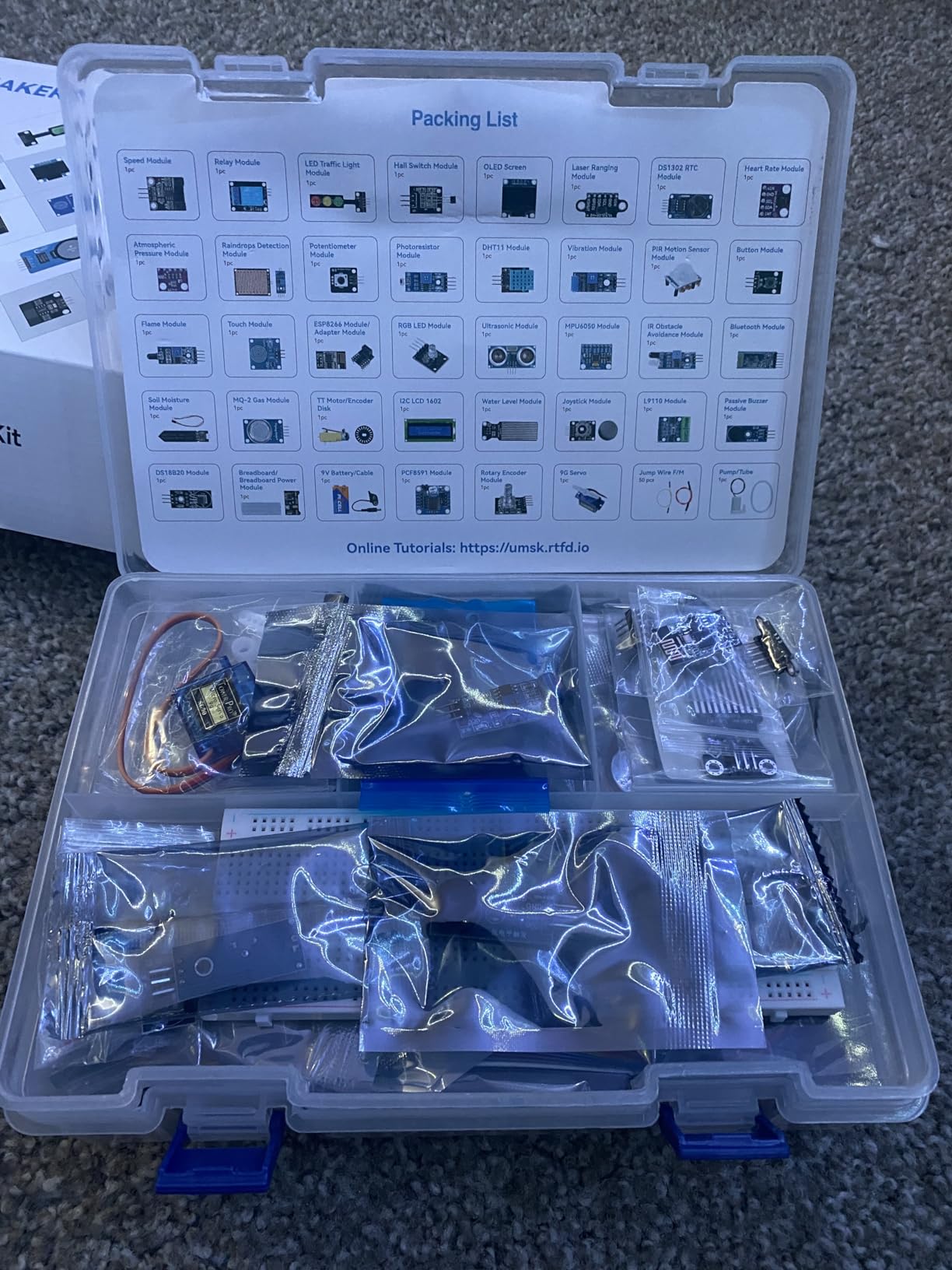
The module list includes an I2C LCD1602, an OLED SSD1306 display, RGB LEDs, a traffic light module, a joystick, an ESP8266, an MPU6050 gyro and accelerometer, an HC-SR04 ultrasonic sensor, and DS18B20 temperature and temperature and humidity sensors. Actuators are included too, so a student is not limited to reading values.
Every module is self-contained, meaning no loose resistors, capacitors or LEDs are needed to complete a build. In a classroom that removes the small parts inventory that usually goes missing first, and it makes a build reproducible across 30 identical setups.
Why Cross-Platform Support Matters for Students
A student who learns on an UNO R3 and then hits a Raspberry Pi in a later module keeps the same sensor stock. That removes the argument for re-buying hardware at university, and it means the sensor kit outlives the board it was bought with.
Support includes a community forum and technical help, which is the kind of resource teachers ask about first when a student gets stuck at home without a lab technician on hand.
Where the Documentation Falls Short
No written documentation ships in the box. Everything is online, and some reviewers report that external library links are slow or unresponsive, which is a problem for a class that all opens the same tutorial at the same time.
The photo chart does not always match the physical components exactly, and the original box is too small to reuse for storage once the modules are unpacked. Plan for a separate storage solution from day one.
6. Arduino Student Kit AKX00025 – Best for a Classroom That Follows a Curriculum
Arduino Student Kit [AKX00025] – Complete STEM Learning Kit with Hands-On Projects, Sensors, Components, and Interactive Curriculum for Electronics and Programming
STEM curriculum with video lessons
Breadboard motors and sensors
Traffic light and alarm projects
Pros
- Written and video curriculum paced for class
- Complete set with breadboard and motors
- Projects build from traffic light to alarm
- Official Arduino branding
Cons
- Costs more than the 37-module sensor kits
- Not built around a large sensor assortment
- Board needed for sensor-focused work
The Arduino Student Kit is the best Arduino sensor kit for a teacher who needs lessons rather than parts, because the curriculum is the product. Step-by-step written instructions come with video tutorials and online resources, and the projects run from a traffic light to a light-sensitive lamp and a motion-activated alarm.
It teaches digital and analog circuits, sensors, actuators and microcontroller programming using the Arduino IDE. The component set includes LEDs, resistors, capacitors, motors, sensors and a prototyping breadboard, so a class can start in the first session without ordering extras.
![Arduino Student Kit [AKX00025] - Complete STEM Learning Kit with Hands-On Projects, Sensors, Components, and Interactive Curriculum for Electronics and Programming customer photo 1](https://modelrec.com/wp-content/uploads/2026/05/B0886JS8TX_customer_1.jpg)
Buyers value the structured material and classroom-ready pacing, and it is listed as suitable for classrooms, workshops and self-paced learning. The recommended age range runs from young learners through the early teen years, which covers a middle school STEM block better than most module assortments do.
Because it includes motors and discrete components alongside sensors, students learn the difference between a sensor and an actuator rather than treating both as inputs. That distinction matters more in later coursework than the module count of any assortment kit.
![Arduino Student Kit [AKX00025] - Complete STEM Learning Kit with Hands-On Projects, Sensors, Components, and Interactive Curriculum for Electronics and Programming customer photo 2](https://modelrec.com/wp-content/uploads/2026/05/B0886JS8TX_customer_2.jpg)
Where the Curriculum Earns Its Cost
A teacher using this kit can hand a lesson to a substitute or a new student without rewriting instructions. The written and video material covers the same ground, so a student who misses a session can catch up at home, which is the main reason schools choose a curriculum kit over a parts kit.
Projects progress from fundamentals to more advanced sensor and actuator work, so a single kit can carry a full unit if the pacing matches. It also works for self-paced learners working through a curriculum alone.
Where It Falls Short for Sensor Work
This is not a sensor module assortment. Students who want 37 different breakout boards will find the selection limited, and the sensor count is secondary to the broader component range.
Sensor-focused work also assumes an Arduino board, which is not included in this configuration, and the price sits above the 37-module kits that a cash-constrained lab might choose instead.
7. SunFounder Elite Explorer Kit – Premium All-in-One Kit With a Genuine Uno R4 WiFi
SunFounder Elite Explorer Kit with Original Arduino Uno R4 WiFi, RoHS Compliant, Bluetooth IoT ESP32 IIC LCD1602 OLED, Super Starter Kit, Online Tutorials & Video Courses for Beginners & Engineers
Genuine Uno R4 WiFi board
300+ components
50 projects and 60+ video lessons
Pros
- Genuine Uno R4 WiFi board with WiFi and Bluetooth
- 300+ components and sensors
- 60+ free video lessons with 50 projects
- RoHS compliant components for classrooms
Cons
- High cost next to the official Starter Kit
- Sensor depth is secondary to breadth
- Smaller review base than the module kits
The SunFounder Elite Explorer is the best Arduino sensor kit for a beginner who needs everything in one box and wants current hardware, because it ships the genuine Arduino Uno R4 WiFi board. That board has a 32-bit processor, more memory and built-in WiFi and Bluetooth, so IoT projects do not need an extra module.
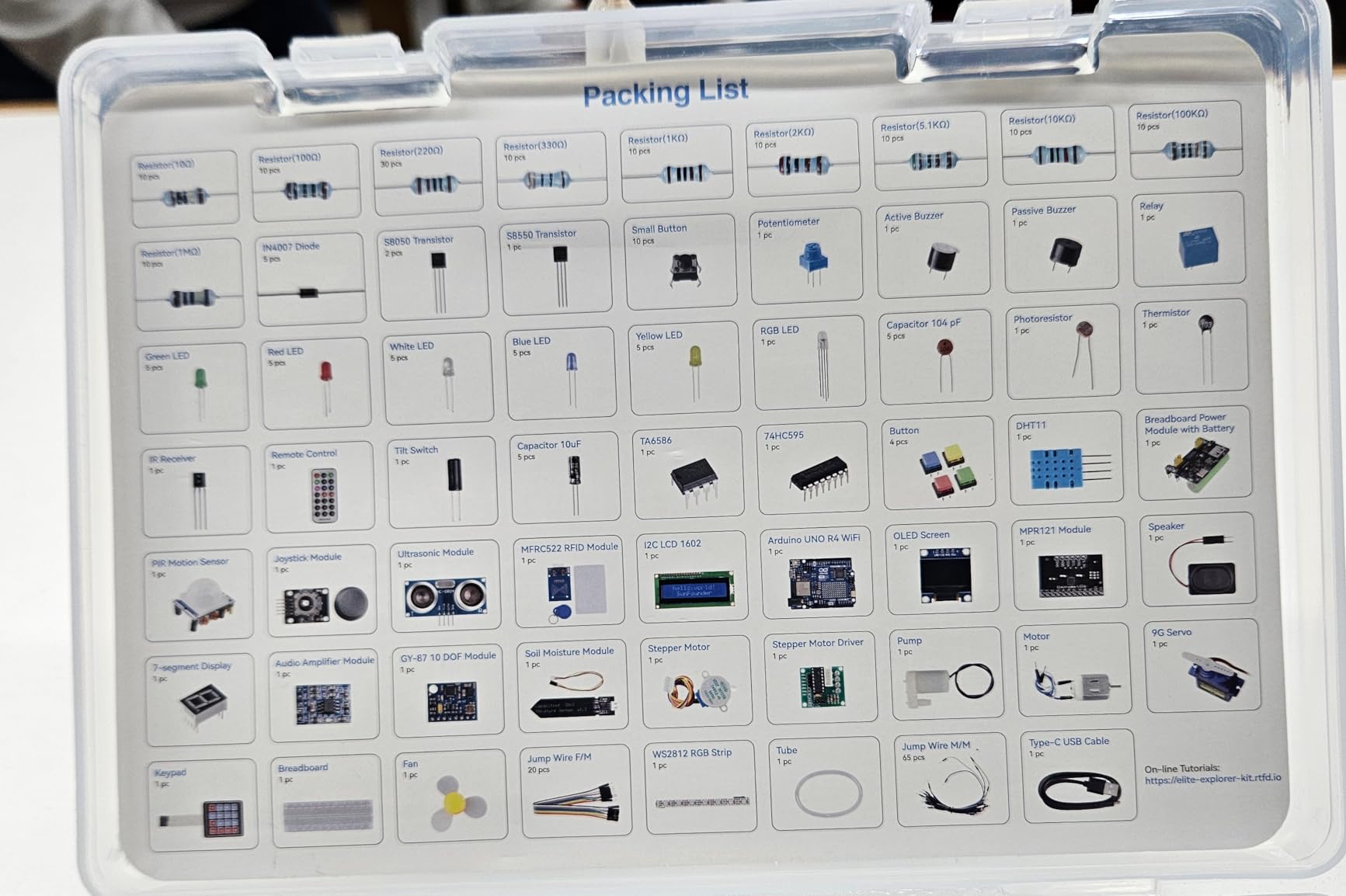
The kit carries over 300 components and sensors across 50 projects split into basic, fun and IoT categories. Sixty or more free video lessons were co-created with educator Paul McWhorter, and the projects are structured so a student can follow them in order without assembling a curriculum.
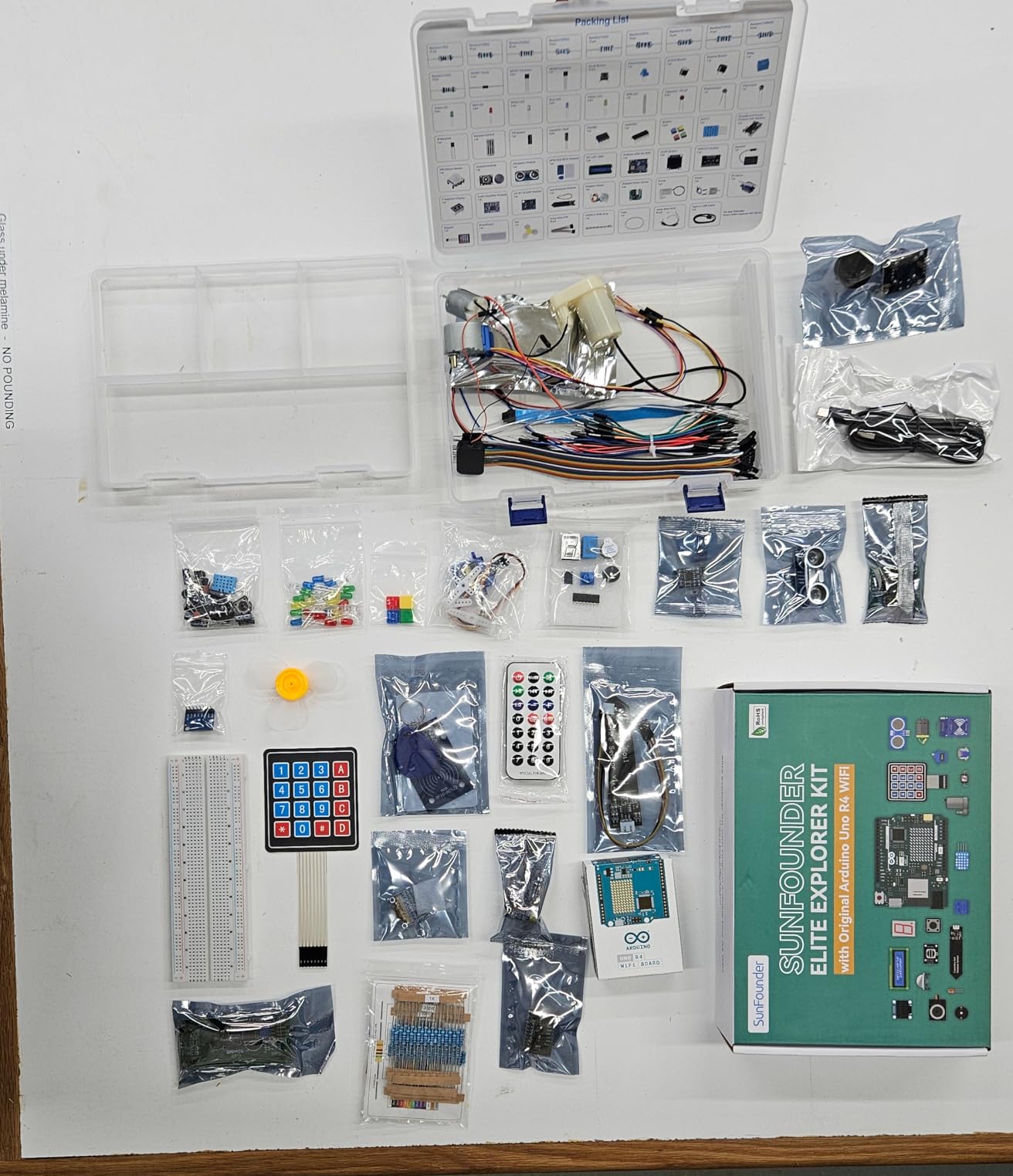
IoT app integration is included, including Arduino IoT Cloud using Arduino C++, so a student can push sensor readings to a dashboard as a final project. That is the kind of finish line that keeps teenagers engaged past the LED blink stage.
Components are RoHS compliant, which matters for a school checking procurement documentation, and the kit is rated for ages eight and up. It also works with Uno R3 and Nano boards, so it does not lock a student into one board generation.
Why the Board Choice Matters Here
The genuine board is the deciding factor. Teachers who want students on official hardware during lab hours get that without a separate purchase, and the R4 form factor with USB-C avoids the driver friction that clones sometimes cause on newer machines.
Because WiFi and Bluetooth are built in, a student can move from a breadboard project to a connected device in the same kit. That transition is usually where self-taught learners stall, and here the hardware for the next step is already in the box.
What You Give Up
This is one of the two highest-cost kits in the roundup, and the breadth comes at the cost of sensor depth. Students who want to explore specific sensors in depth will find the module variety secondary to the all-in-one component list.
Published customer reviews number in the hundreds rather than the thousands, so reliability evidence is thinner than on the high-volume module kits. The video-led format also assumes a student who can sit and watch, which suits a home learner better than a class with fixed periods.
8. Official Arduino Starter Kit K000007 – Best for a Printed Projects Book
Official Arduino Starter Kit [K000007] – 12 DIY Projects with Electronic Components & English Projects Book – Original Kit from Italy
Printed English projects book
12 DIY projects
Board breadboard and base included
Pros
- Largest review base of any kit tested
- Exceptionally clear printed projects book
- Genuine components sourced from Italy
- Wooden mounting base for board and breadboard
Cons
- Most expensive kit in the comparison
- Small print in the book is hard to read
- Limited sensor content versus 37-module kits
The official Arduino Starter Kit K000007 is the best Arduino sensor kit for a student who learns from a book at a desk, because the printed English projects book is the best-written guide in this roundup. It has been in production long enough to carry more than 3,700 ratings, which is by far the largest review base we found.
Twelve hands-on DIY projects guide a student step by step through wiring, code and circuit design. Parts are supplied for 15 projects involving a DC motor, a servo motor, a tilt sensor and LEDs, so the book and the box cover the same ground.
![Official Arduino Starter Kit [K000007] - 12 DIY Projects with Electronic Components & English Projects Book - Original Kit from Italy customer photo 1](https://modelrec.com/wp-content/uploads/2026/04/B009UKZV0A_customer_1.jpg)
Component quality and packaging are consistently praised by buyers, and a wooden mounting base holds the board and breadboard at a workable angle. For a younger student working at a kitchen table, that detail removes a real source of frustration with loose jumper wires.
Components are sourced from Italy and the kit carries a 30-day manufacturer defect warranty, which is shorter than the one-year cover on some of the kits in this roundup but still covers the failures beginners hit most often.
![Official Arduino Starter Kit [K000007] - 12 DIY Projects with Electronic Components & English Projects Book - Original Kit from Italy customer photo 2](https://modelrec.com/wp-content/uploads/2026/04/B009UKZV0A_customer_2.jpg)
Why the Printed Book Still Wins for Some Students
Not every student learns well from a screen. A printed manual next to the breadboard removes the alt-tab pattern that derails a build, and reviewers repeatedly single out the clarity of the guidance and the explained code as the reason to buy the official kit over a cheaper clone.
The projects progress logically from simple circuits to motor control, so a student can finish the book and finish it honestly rather than abandoning the build halfway. It also doubles as a reference long after the first pass, which no video course does.
Where It Falls Behind
It costs more than the module kits in this roundup, and the sensor content is limited compared with a 37-in-1 assortment. Students who want to explore many sensor types will want a second purchase later.
Some users find the small print hard to read, and the resistor colour codes are difficult to distinguish, which is a genuine problem for a student with developing fine motor control. Jumper wires wear out with use, and the 9V battery needed for a few projects is not included.
9. SunFounder Ultimate Starter Kit 3-in-1 – Best for Families and Ages 8+
SunFounder Ultimate Starter Kit Compatible with Arduino UNO IDE Scratch, 3 in 1 IoT/Smart Car/Basic Kit with Online Tutorials, Video Courses, 192 Items, 87 Projects, Suitable for Age 8+ Beginners
192 items with an Uno board
Basic IoT and smart car tracks
87 projects
Scratch support
Pros
- 192 items covering sensors actuators and board
- Three learning tracks in one box
- 87 projects with video courses
- Also supports Scratch programming
Cons
- Bundled board may need driver work or replacement
- Reports of missing parts and cheap board
- Some assembly instructions out of date
The SunFounder Ultimate Starter Kit is the best Arduino sensor kit for a family or school that wants one purchase to cover three different tracks: basic Arduino, IoT and smart car builds. It carries 192 items including an Arduino-compatible Uno board, sensors, actuators and power supplies.
With 87 projects and video courses developed alongside Circuit Basics, it is rated for ages eight and up and also supports Scratch-based programming. That Scratch support is the reason it appears in so many middle school recommendations, because younger students can build the first projects by dragging blocks before they are ready for text code.
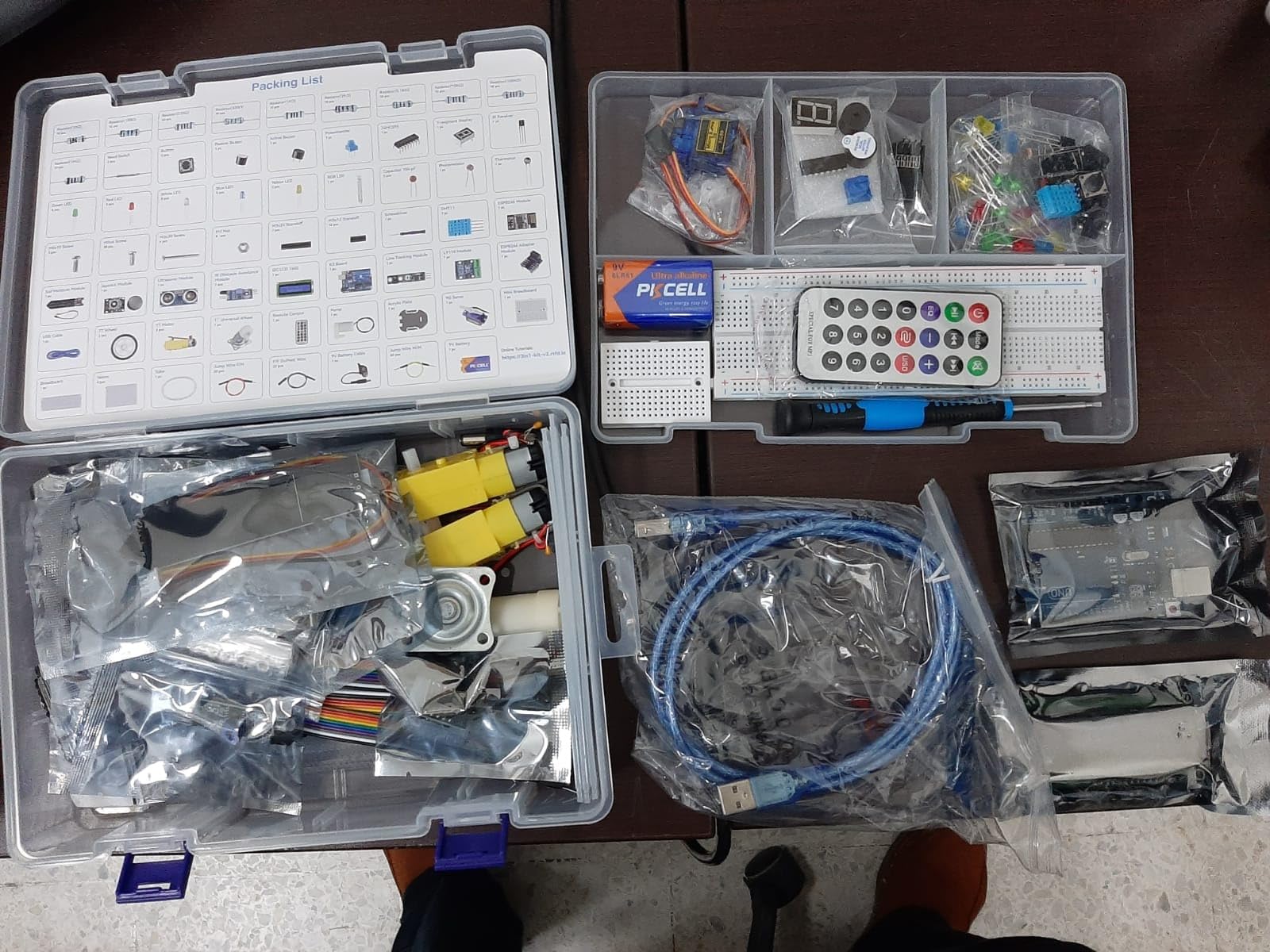
The module list covers I2C LCD 1602, an ESP8266, a 9G servo, an ultrasonic sensor, a breadboard, a joystick, line tracking, a TT motor, a soil moisture sensor, a 7-segment display, a pump and a temperature and humidity sensor. Motors and actuators are included, so robot builds are possible here, unlike with the module-only kits in this roundup.
Parents report children aged 11 to 15 successfully programming displays, motors and pumps, which matches the kit’s positioning for a first serious electronics purchase. A community forum and technical support are included for questions between sessions.
Where the Three Tracks Pay Off
IoT and smart car tracks are the differentiators. The line tracking module, TT motor and servo give a student a working robot at the end of the basic track, and the ESP8266 covers a connected project without a separate WiFi purchase.
Because all three tracks share one box, a school can run a single kit across a whole term: basic projects early, the robot build later, and the IoT project to finish. It scales better than buying three separate kits that overlap.
What Students Run Into
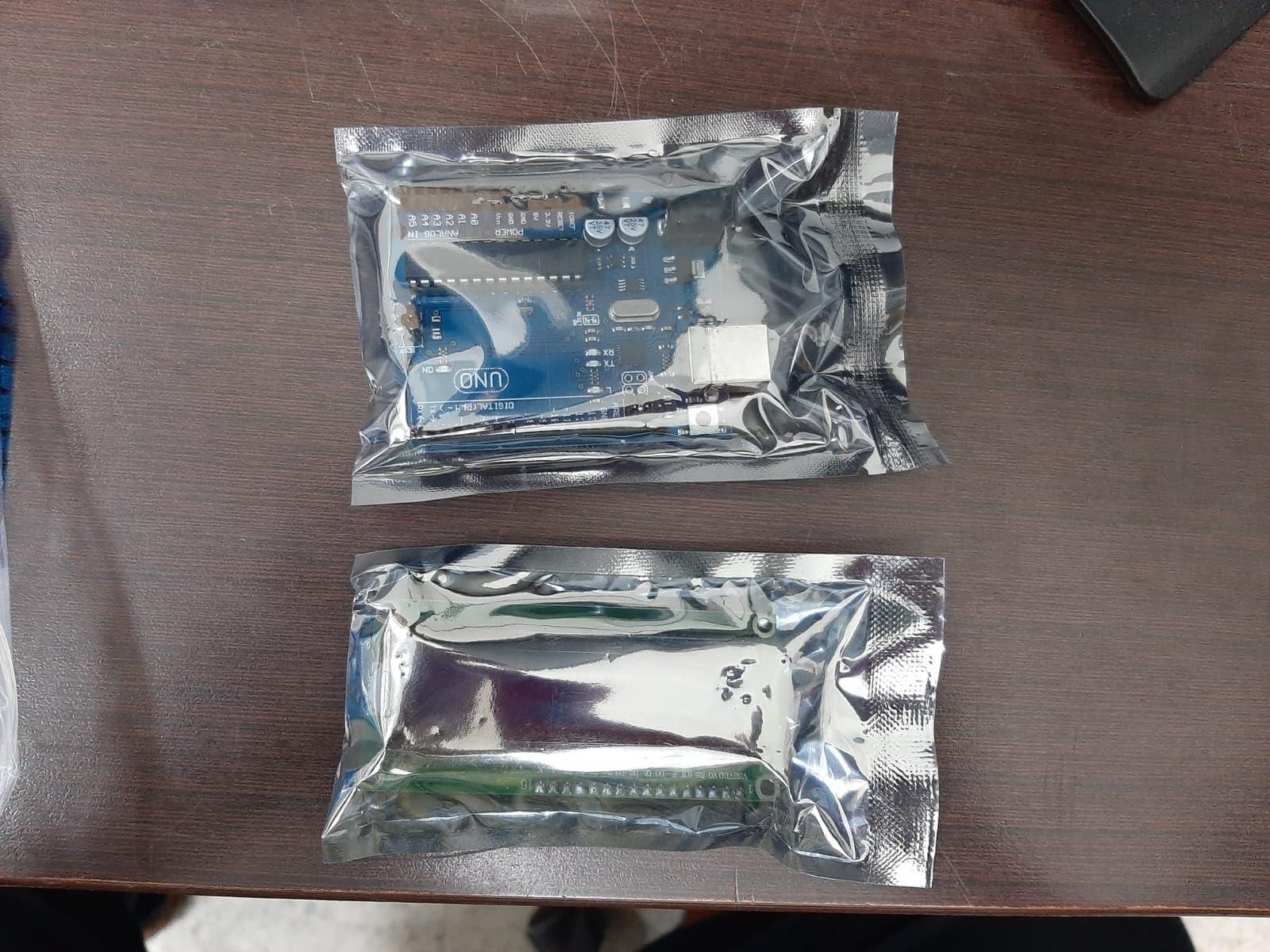
The bundled Uno board is the weak point. Reviewers report needing driver installation or a replacement board on some setups, and some describe it as a cheap unbranded board, which is the risk you accept by not buying the official board.
A minority of buyers also report missing parts, and several components have been revised over time, which makes some assembly instructions inaccurate. Check the parts list against the box on arrival day rather than at the first build.
10. Freenove Ultimate Starter Kit V4 – Best for Advanced Instrument Builds
Freenove Ultimate Starter Kit with Board V4 (Compatible with Arduino IDE), 274-Page Detailed Tutorial, 217 Items, 51 Projects
274-page detailed tutorial
217 items covering 51 projects
No soldering required
Virtual voltmeter and oscilloscope projects
Pros
- Most detailed written tutorial at 274 pages
- 217 items cover every part for 51 projects
- Each project has circuit diagrams and verified code
- Advanced builds include virtual instruments
Cons
- Lowest average rating in the roundup
- Tutorial download link is not obvious
- Board V4 is not an official Arduino board
The Freenove Ultimate Starter Kit is the best Arduino sensor kit for a student who gets past the guided projects fast, because its 274-page tutorial goes deeper than anything else here. It covers basic electronics and programming knowledge and supports 51 projects with circuit diagrams and verified code.
The 217 items include all the parts needed for those projects, and no soldering is required at any stage. That combination of a full parts list and a long manual means a self-taught student can work unsupervised for weeks without a teacher to fill gaps.
Where It Outperforms the Rest
The advanced projects are the reason to buy it. Building a virtual voltmeter or oscilloscope from discrete components teaches analog measurement in a way that reading a sensor library output never does, and those projects are exactly what a physics or electronics student needs before lab work.
A technical support team is available for questions, which matters for a self-taught learner who hits a wall at midnight. The component count relative to the cost is strong, and the whole tutorial is downloadable rather than shipped as paper.
Where the Rating Reflects Real Issues
This kit carries the lowest average rating in the roundup, and the review spread points to genuine inconsistency rather than a documentation problem. A higher share of one-star reviews than the other kits suggests variable assembly or component quality.
There is no printed tutorial, and the download link is printed on the product box, so a student who never opens the box carefully may not find it. Board V4 is also not an official Arduino board, which is worth considering for a school that requires official hardware on lab benches.
How to Choose an Arduino Sensor Kit (Buying Guide)
The right kit depends on four questions in order. Ask them in the wrong order and you will pay for sensors the student cannot use yet.
Step 1: Does the Student Already Own a Board?
If a board is already on the desk, buy modules. Five of the kits in this roundup exclude the controller board, and for those buyers the ELEGOO 37-in-1 offers the widest assortment with the strongest rating and the largest review base.
If nothing is on the desk, buy a complete kit. The SunFounder Elite Explorer, the SunFounder Ultimate 3-in-1, the Freenove Ultimate and the official Arduino Starter Kit all include the board and breadboard, so a student can build something on the first afternoon.
Step 2: Match the Kit to an Age Band
For roughly ages 8 to 11, prioritise Scratch support and a structured order. The SunFounder Ultimate 3-in-1 supports Scratch-based programming and carries video courses designed for younger learners, which lets a child build the first project without reading code.
For roughly ages 11 to 14, prioritise a printed or heavily illustrated curriculum. The Arduino Student Kit and the official Arduino Starter Kit both provide step-by-step material at a pace this band can follow independently, and both keep the parts count small enough to inventory quickly.
For ages 14 and up, prioritise documentation depth over module count. The Freenove Ultimate 274-page tutorial and the SunFounder Elite Explorer video course both assume a student who can work independently, and the Arduino Student Kit ages out at that level.
Sensor Kit vs Starter Kit vs Robotics Car Kit
A sensor kit is modules only. It is the right choice when the student owns a board and wants measurement devices: temperature, motion, distance, light and sound.
A starter kit includes the board, breadboard, jumper wires, discrete components and usually motors. It is the right choice for a first purchase, and it is what most students buying their first Arduino actually need.
A robotics car kit includes a chassis, motors, a motor driver and usually line tracking and ultrasonic modules. Most 37-in-1 sensor kits contain no motors and no chassis, so a student who wants a driving robot needs the SunFounder Ultimate 3-in-1 or a dedicated robotics kit instead.
The Modules You Will Never Use
Assortment kits pad their count with modules that teach nothing useful at a beginner level. Laser modules, mercury switches and CdS light cups appear in various kits and get ignored by every teacher we spoke to. The forum consensus on r/arduino is blunt about quantity padding: buy the modules you will use and skip the rest of the count.
A second habit from the same forums is buying an extra sensor kit purely for spares. Students burn out LEDs, snap Dupont wires and bend header pins constantly, and a spare kit is cheaper per module than replacing them individually.
3.3V Logic, 5V Logic and Whether an ATmega328P Kit Is Still Worth Buying
Most inexpensive kits here are built around 5V logic and an ATmega328P-era board, and that is still fine for teaching. The concern raised on r/AskElectronics is forward compatibility: 3.3V parts and RP2040-based boards are the direction of travel, and a student buying today may still use the kit three or four years from now.
The practical answer is to check the board before buying modules. A 5V module driven from a 3.3V pin can be unreliable, and a level shifter solves it for a few dollars. Kits with an ESP8266 or ESP32 module included, such as the SunFounder Universal Maker and the Elite Explorer, sidestep the issue because those boards are 3.3V native.
So is an ATmega328P kit obsolete? No. It is a well-documented platform with the largest body of free tutorials of any Arduino-compatible board, and every kit in this roundup except the two R4-based options works with it. For a student starting now, an UNO R3 or R4 board is a safe purchase.
Which Temperature Sensor Is the Most Accurate?
Accuracy varies by type, and students get this wrong constantly because the readings look plausible either way. The DHT11 is the least accurate of the four, with a wide tolerance around its temperature reading and a humidity accuracy that shifts with temperature.
The DHT22 is a clear step up, and it is the right everyday choice for classroom temperature and humidity projects. The DS18B20 is a digital probe that reads temperature accurately over a wide range and is the better pick when temperature is the entire point of the experiment.
For lab-grade work, the Sensirion SHT40 is the most accurate of the group, with tight specifications on both temperature and humidity and an I2C interface that suits Raspberry Pi and Pico projects. It costs more per sensor, so it suits a budget for one or two instruments rather than a class set.
Classroom Economics and the Year-One Replacement Budget
For a department, the practical unit cost is the kit plus a replacement budget. Budget an extra twenty to thirty percent in year one for jumper wires, LEDs and damaged breakout boards, which is the figure experienced makers on r/arduino recommend and the one we would plan around.
For small groups, individual kits beat shared kits. When one kit serves four students, setup time eats the lesson and the student who is not holding the board learns less. For larger cohorts, a shared kit with a strict tray checklist per session works, provided the case has labelled compartments.
Check tools before procurement. A multimeter, wire strippers and a full-size solderless breadboard per group are not optional extras, and half-size breadboards included with some kits are too small for the multi-module builds these kits invite. Our notes on JST connector kits for Arduino projects cover the wiring upgrades that make a class set last a year.
Frequently Asked Questions
Is the Arduino student kit worth it?
Yes, when it includes the board, a breadboard and structured lessons. A module-only sensor kit is worth it only if a board is already on the desk. The Arduino Student Kit and the official Arduino Starter Kit both earn their cost for a first purchase because the student can build on day one.
What is the best Arduino kit for beginners?
The SunFounder Elite Explorer is the strongest all-in-one for a beginner starting from nothing, with a genuine Uno R4 WiFi board, over 300 components and 60+ video lessons. If the student already owns a board, the ELEGOO 37-in-1 is the better buy because it costs less and covers far more sensor types.
What are the best Arduino sensors to learn on?
Start with a DHT11 or DHT22 for temperature and humidity, an HC-SR04 for distance, an HC-SR501 for infrared motion and a light-dependent resistor. Add a GY-521 accelerometer and an LCD1602 display once those work, since output on a display makes errors easier to see.
Which Arduino temperature sensor is the most accurate?
The Sensirion SHT40 is the most accurate, with tight temperature and humidity specifications on an I2C interface. For most classroom projects the DHT22 is accurate enough and cheaper, while the DS18B20 is the better probe when temperature is the whole point of the experiment.
Do Arduino sensor kits work without soldering?
Yes. Every module in this roundup is a breakout board with standard 0.1-inch headers, so it plugs into a solderless breadboard with jumper wires. That is why these kits suit middle school classrooms and home learners, where a soldering iron is impractical.
Which Arduino Sensor Kit Should Your Student Buy?
If the student already owns a board, buy the ELEGOO 37-in-1. It has the highest rating and the largest review base we found, the widest module assortment, and documentation that maps cleanly onto a school term.
If nothing is on the desk, buy the SunFounder Elite Explorer for a current board with built-in WiFi, or the SunFounder Ultimate 3-in-1 for a lower-cost kit with robotics and Scratch support. For a student who learns from paper, buy the official Arduino Starter Kit K000007 despite the cost.
Whatever you choose, budget spare jumper wires, LEDs and a multimeter alongside the kit. That is the difference between a student who finishes a term of projects and one who spends it debugging wires.