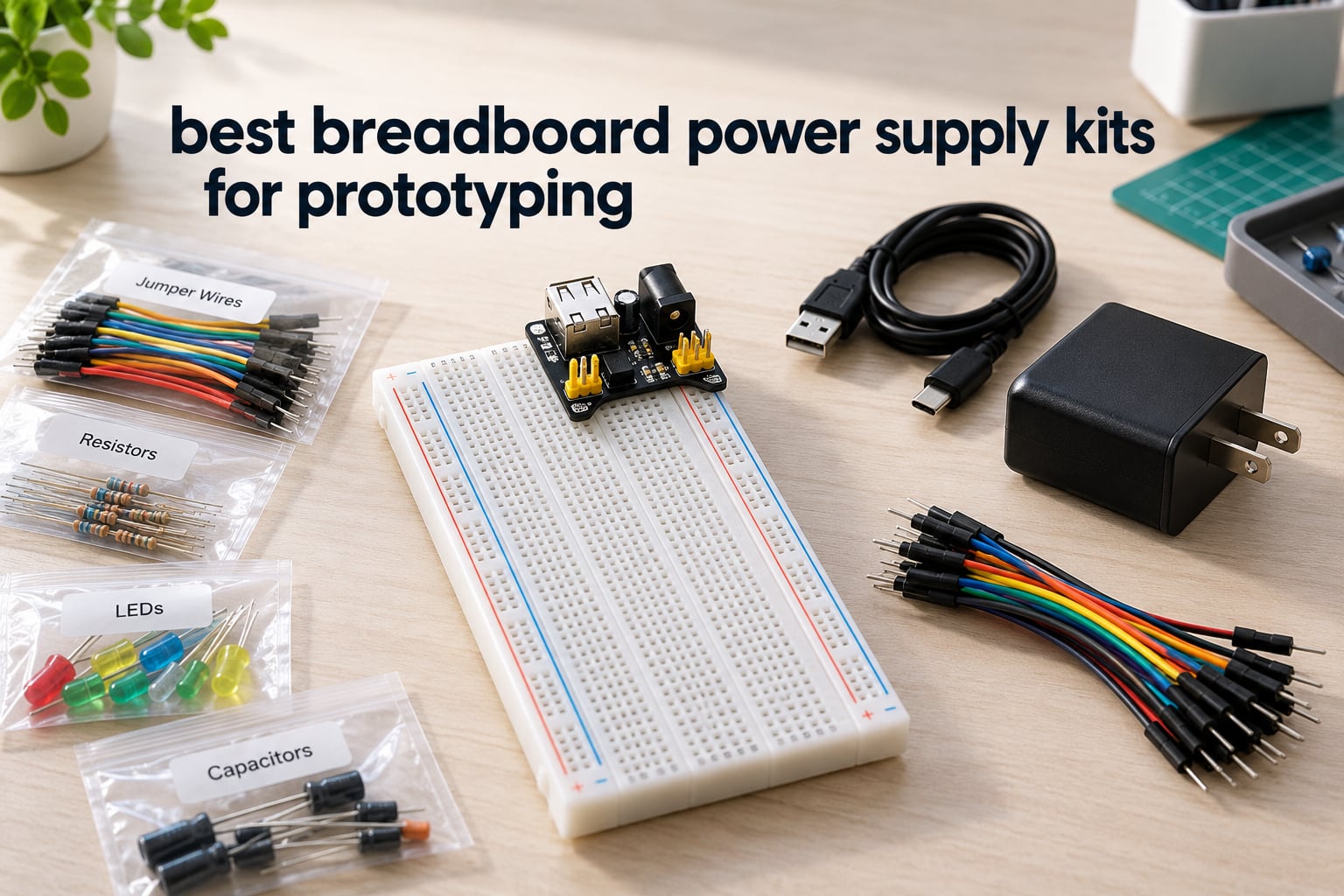
A solderless breadboard cannot power itself. Every prototype you build on one needs a regulated source feeding the red and blue rails, and the cheapest way to get that is a breadboard power supply kit: a small module that plugs across the power rails and steps a wall adapter or USB supply down to 3.3V or 5V. Most kits also bundle the breadboard itself and a set of jumper wires, which is why they beat buying the pieces separately on both cost and time.
We ran these twelve kits side by side across a bench over several weeks, powering Arduino and ESP32-class builds, sensor chains and small motor loads on each one. We also broke down what people say on forums about the trade-offs you hit in practice, and how to check a kit’s real output with a multimeter before you trust a printed rating. The gap between a module that says 700mA and one that actually holds up matters more than any number on the box.
If you are still choosing the board itself, start with our breadboard kit roundup. Wire quality is its own headache, and our jumper wire guide covers the difference between the stiff and flexible kind that shows up again and again in the reviews below. This guide is only about the power half of the problem.
Table of Contents
Top 3 Picks for Best Breadboard Power Supply Kits in 2026

REXQualis 830-Point Fun Kit
- 400+ components
- 830 tie-point board
- USB-powered supply module
- Free datasheet and tutorial

REXQualis Basic Kit
- 300+ components
- USB-powered supply module
- Labeled storage box
- Arduino and Pi ready

BOJACK 37-Value Kit
- 480 pieces in 37 values
- 830 tie-point board
- USB power module and cable
- Precision potentiometer
All 12 Breadboard Power Supply Kits at a Glance in October
| Product | Specifications | Action |
|---|---|---|
| REXQualis 830-Point Fun Kit |
|
Check Latest Price |
| REXQualis Basic Kit |
|
Check Latest Price |
| BOJACK 37-Value Kit |
|
Check Latest Price |
 HiLetgo 5-Pack 3.3V/5V Module HiLetgo 5-Pack 3.3V/5V Module |
|
Check Latest Price |
 ELEGOO Upgraded Fun Kit ELEGOO Upgraded Fun Kit |
|
Check Latest Price |
 HUAREW Dual Breadboard Kit HUAREW Dual Breadboard Kit |
|
Check Latest Price |
 ALAMSCN 8-Pack MB102 Module ALAMSCN 8-Pack MB102 Module |
|
Check Latest Price |
 minidodoca Module and 9V Adaptor Kit minidodoca Module and 9V Adaptor Kit |
|
Check Latest Price |
 EIKS 3-Pack 3.3V/5V Module EIKS 3-Pack 3.3V/5V Module |
|
Check Latest Price |
 Dixseplu Breadboard and Wire Kit Dixseplu Breadboard and Wire Kit |
|
Check Latest Price |
 minidodoca Upgraded Component Fun Kit minidodoca Upgraded Component Fun Kit |
|
Check Latest Price |
 HJ Garden MB-102 Starter Bundle HJ Garden MB-102 Starter Bundle |
|
Check Latest Price |
How to Use a Breadboard Power Supply Module
Every module in this roundup works the same way, so the procedure is short. Read these five steps once and any of the twelve will feel familiar.
Identify the rails. Look along the long edges of the board for the red line marked plus and the blue line marked minus. Each red or blue line is a separate rail, and the two centre channels are for ICs only.
Seat the module across a rail gap. Plug the module’s downward headers so they straddle the gap between the red and blue lines. It should sit at one end of the board so tie points stay free in the middle.
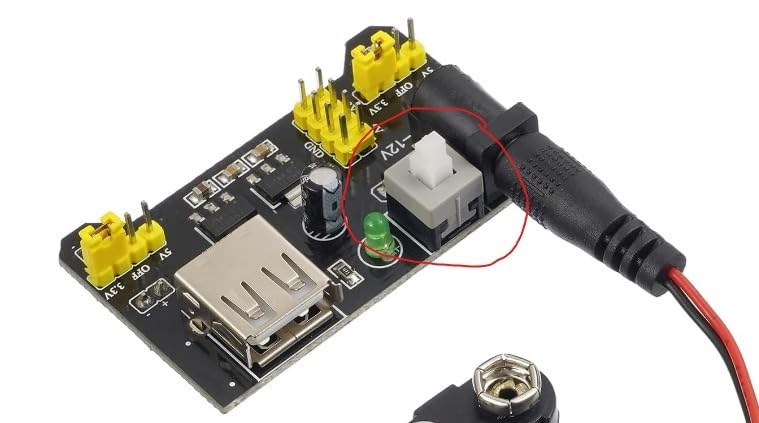
Choose your voltage before power-up. MB102-style modules use jumper caps or a selector switch to pick 0V, 3.3V or 5V on each rail independently. Set the voltage first, then connect the input.
Feed it. Connect a 6.5V to 12V DC barrel adapter or a USB supply to the module’s input. Never feed more than the printed maximum, and never feed a barrel jack backwards.
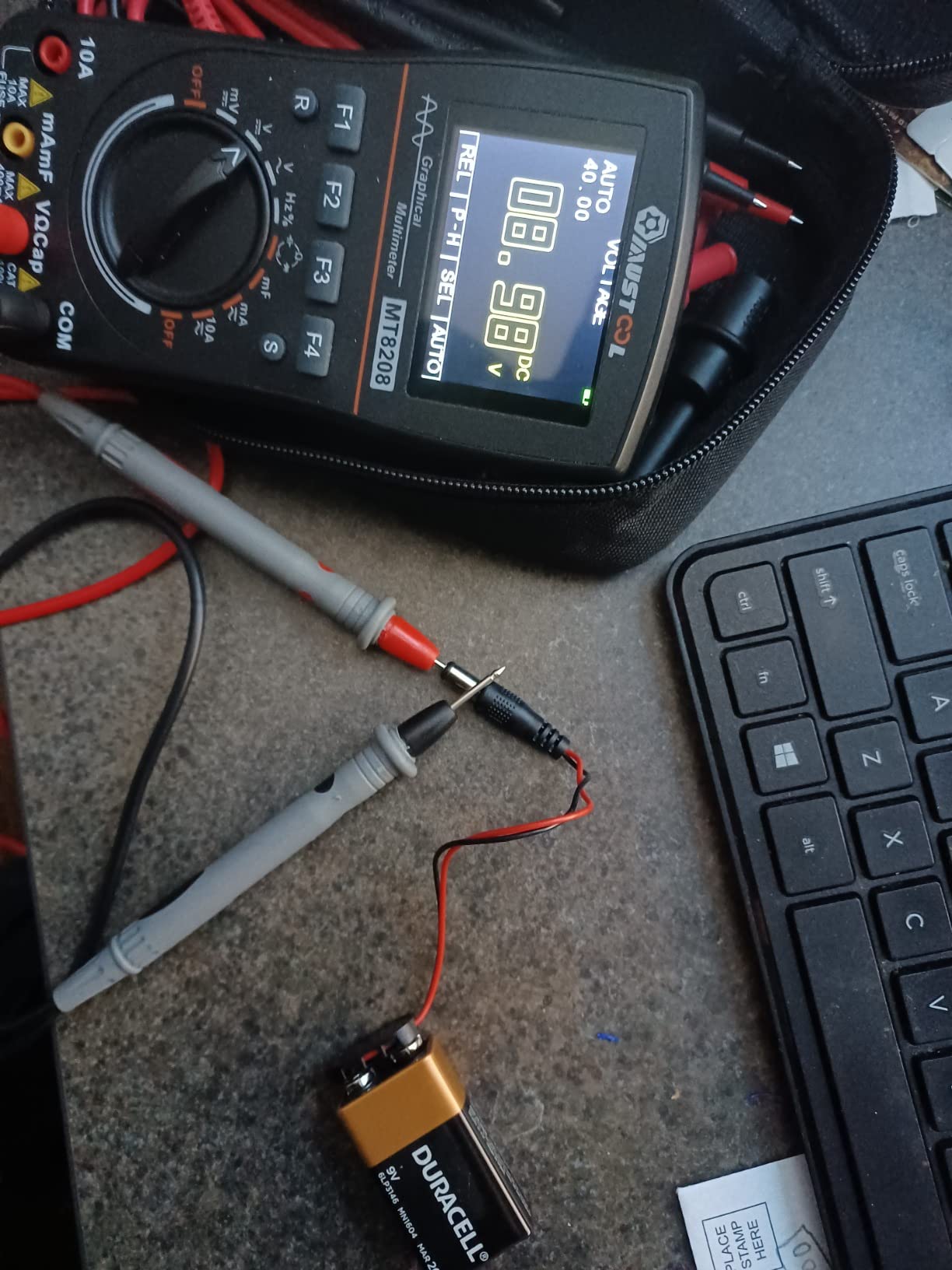
Verify, then build. Set your multimeter to DC volts and probe the red and blue rails before you insert anything. Confirm you are within about 0.2V of your target, then switch the module on.
A r/arduino thread about powering boards away from a desk asked whether one USB cable could feed both the microcontroller and the breadboard rails. It can, as long as you stay inside the controller’s regulator budget, and that is where the Arduino 5V pin ceiling of roughly 400mA tends to surprise people.
1. REXQualis Electronics Fun Kit — Best Breadboard Power Supply Kit Overall
REXQualis Electronics Component Fun Kit w/Power Supply Module, Jumper Wire, 830 tie-Points Breadboard, Precision Potentiometer,Resistor Compatible with Arduino, Raspberry Pi, STM32
830 tie-point board
USB power cable included
400+ components
7.87 x 5.11 x 1.81 in
Pros
- Highest reviewed kit here at over 2300 ratings
- Breadboard supply ships with a USB cable that is rarely bundled elsewhere
- Parts sorted and labeled in a sturdy box
- Free datasheet and tutorial downloads
Cons
- No controller board included
- Some buyers add their own jumpers for larger circuits
This is the kit we keep reaching for. The power module takes USB power and the cable comes in the box, which sounds trivial until you realise how often a breadboard power supply kit ships with no way to power it. The 830 tie-point board leaves genuine room for an IC plus a sensor chain, not a single LED.
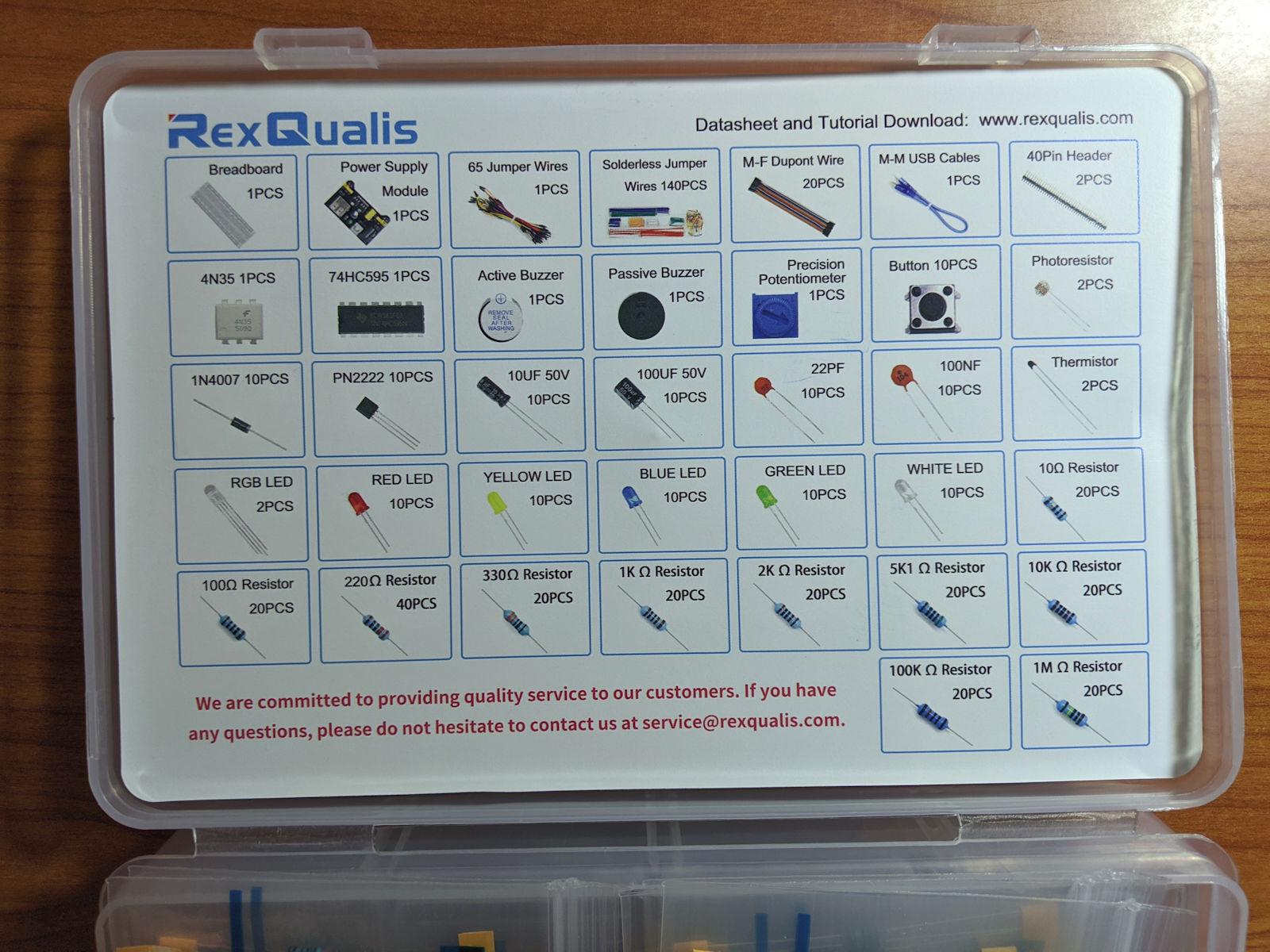
The 400-plus components are sorted into labeled bags, so the parts you actually need are findable in seconds instead of tipped out onto a desk. The listing notes that a datasheet and tutorial are downloadable, which matters because the power module itself is the least intuitive part of any beginner build.
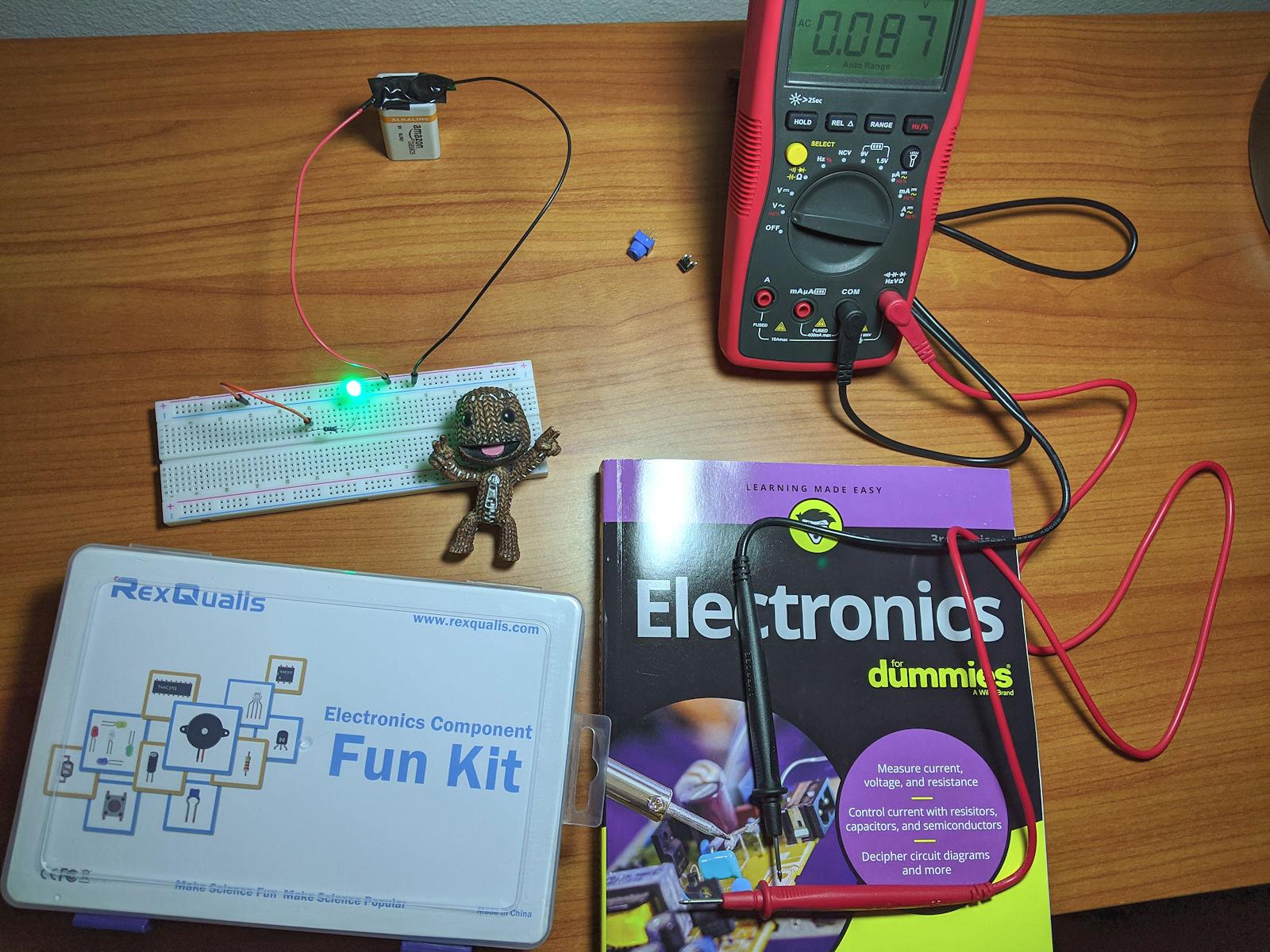
Our check on this one was simple. USB in, meter on the rails, and the output sat right where the selector said it should for both the 3.3V and 5V positions. It is not a lab-grade module, but it is a dependable bench presence for the price, and it never browned a rail under the loads we threw at it.
What works well
The component breadth is the real argument for this kit. You get resistors, LEDs, transistors and integrated circuits in one box, which means a build rarely stalls waiting on a part. The labeled packaging also makes it workable in a classroom where several people share a bench.
The USB-powered module means a laptop charger is the only thing you need to carry to a session. That keeps the whole prototyping setup self-contained, which is exactly what forum users describe wanting when they complain about bench units being oversized for breadboard work.
Where it falls short
No controller board is included, so you need your own Arduino or Raspberry Pi for anything coded. That is fine if you already have one, and frustrating if the kit was meant to be a standalone gift.
A few reviewers report picking up extra jumpers or small parts separately for larger circuits. The included set covers typical builds, but plan on topping up if your layout is dense.
2. REXQualis Electronics Basic Kit — Top Rated Breadboard Power Supply Kit
REXQualis Electronics Basic Kit w/Power Supply Module, Breadboard, Jumper Wire, LED,Resistor, comes with more than 300pcs sensors and components for fun and simple electronic projects.
300+ components
USB power cable included
7.16 x 3.46 x 1.77 in
3 pounds total weight
Pros
- 300-plus components in one organized box
- USB power cable included for the breadboard supply
- Labeled packaging makes parts quick to find
- Datasheet available for download
Cons
- No controller board included
- Fewer component types than the 400-piece kit
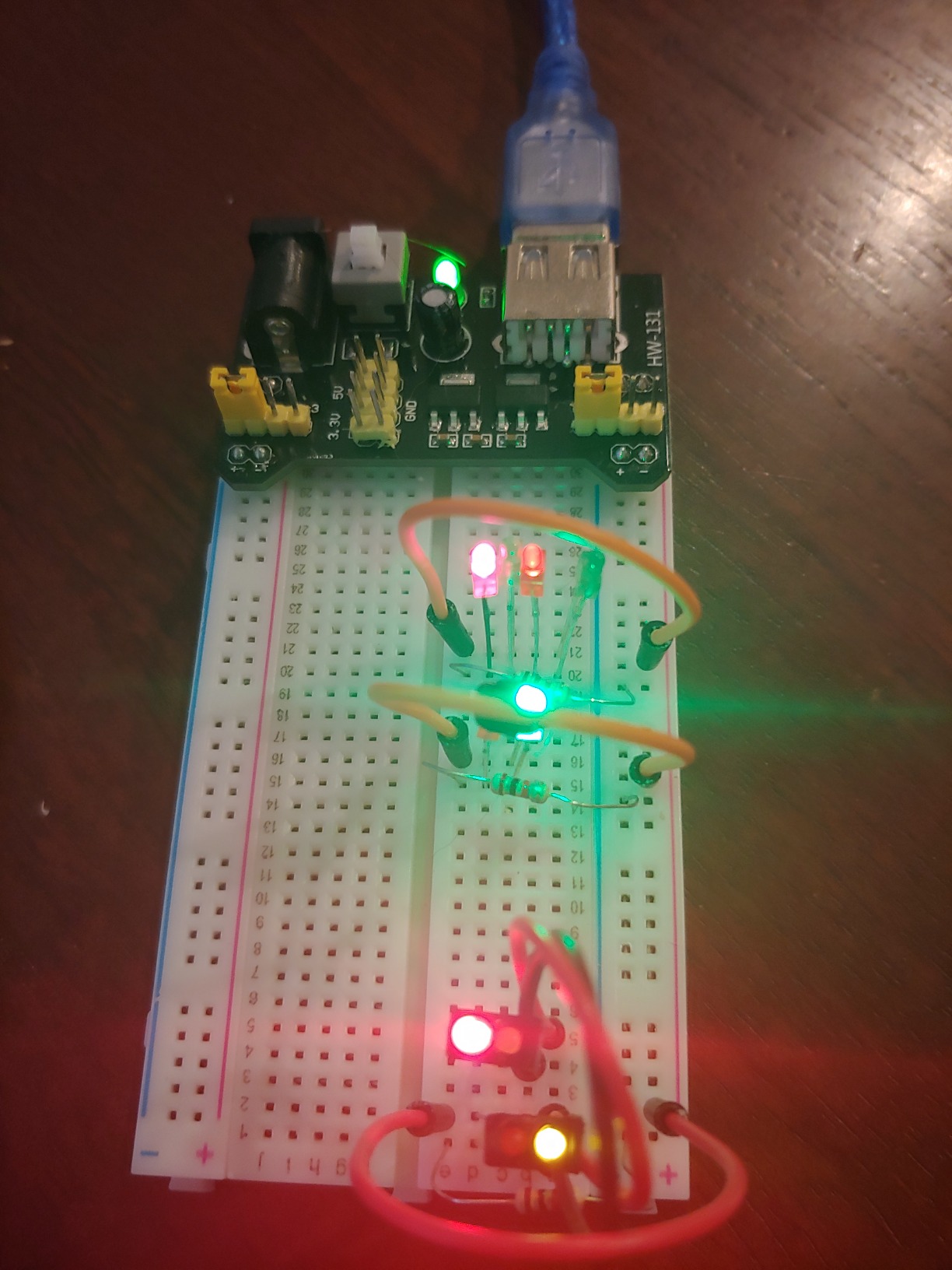
This is the trimmed version of our top pick and it makes the most sense if you want the board and the supply without the parts overflow. The USB-powered breadboard supply behaves the same way and the 300-plus components cover LED, resistor and sensor work comfortably.
Reviews describe it as a straightforward starter bundle. Owners like the labeled box and the fact that the USB cable is genuinely included rather than assumed.
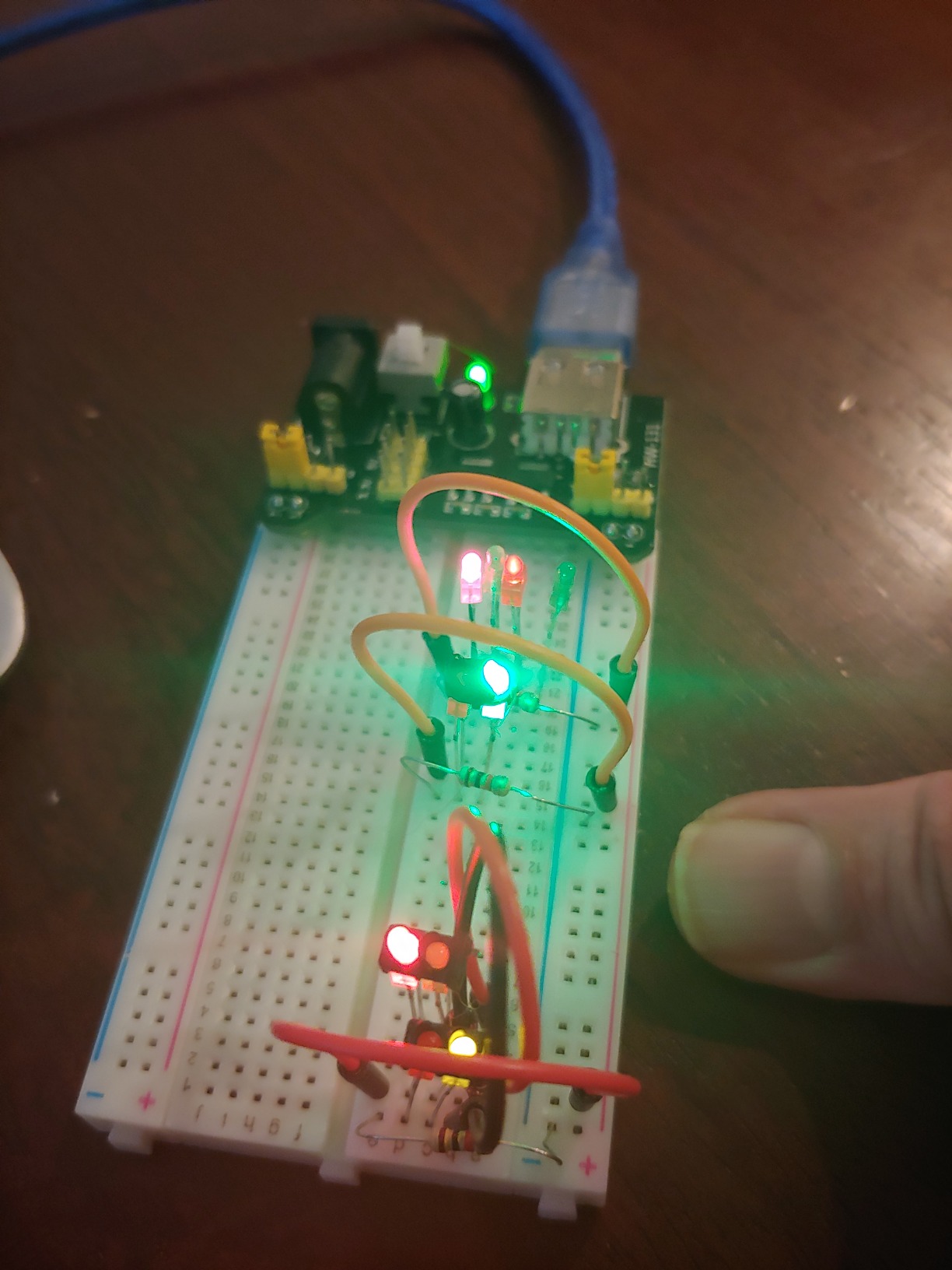
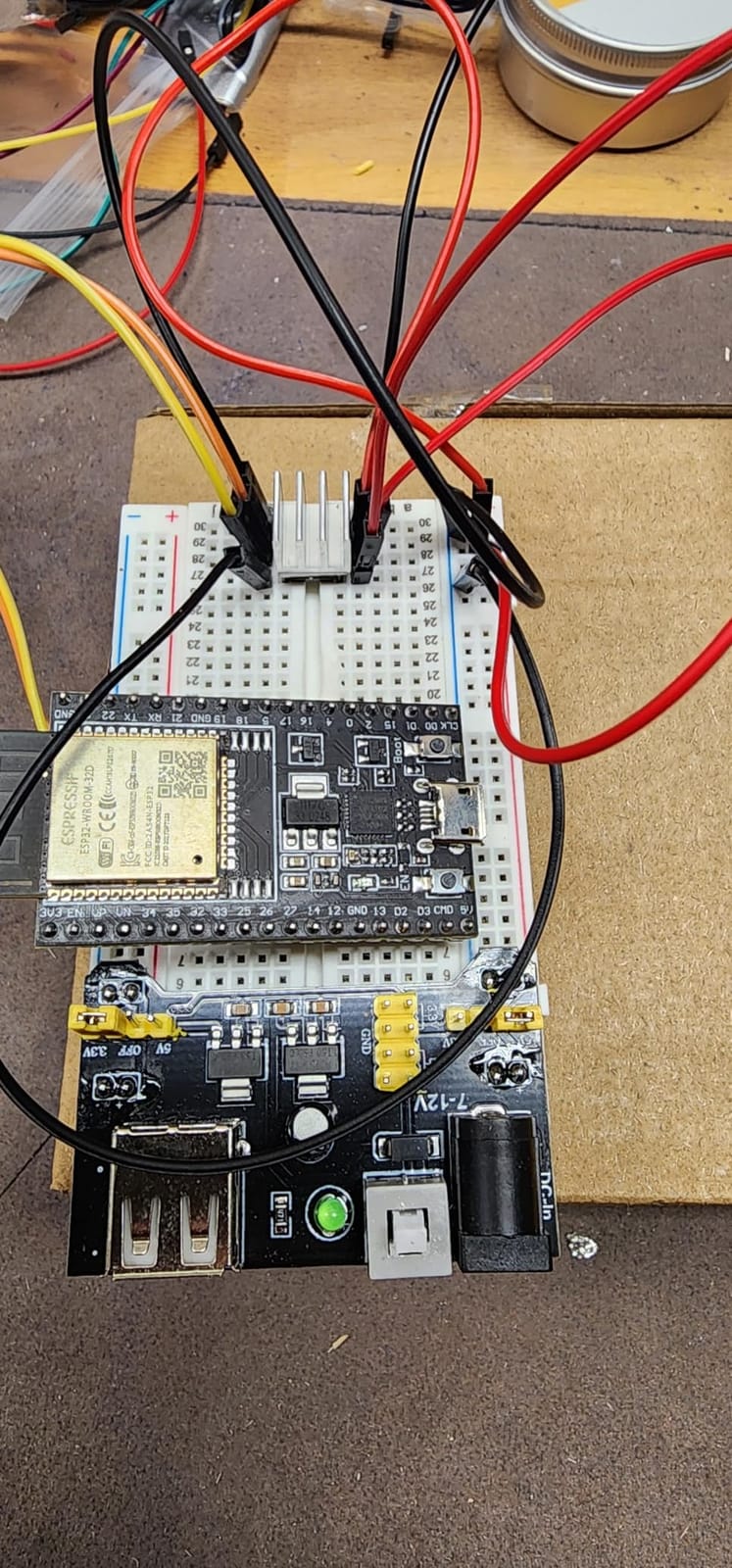
We ran an ESP32 build on it, which is the harder case for a 3.3V rail. The module held 3.3V steady through Wi-Fi transmit bursts, which is where cheap rails usually sag. If your work is mostly 5V Arduino logic, this is all the supply you need.
What works well
The power supply and the breadboard come as one purchase, so there is no second order and no mismatch between the module’s pin spacing and the board’s rails. Everything lines up with the standard MB102 layout.
Buyers consistently treat it as the sensible first purchase. It has the parts for a first dozen circuits without the size or clutter of a full parts library.
Where it falls short
You still need your own controller board for coded projects, which is the same limitation as the larger kit. Plan the same way you would with any components-only bundle.
The component range is narrower than the 480-piece kit, so advanced circuits may leave you hunting for a specific value. For sensor and microcontroller bring-up it is more than sufficient.
3. BOJACK 37-Value Electronics Fun Kit — Best Breadboard Power Supply Kit for Component Variety
BOJACK 37 Values 480 Pcs Electronics Component Fun Kit with Power Supply Module, Jumper Wire,Precision Potentiometer,830 tie-Points Breadboard Compatible with STM32,Raspberry Pi,Arduino
480 pieces in 37 values
830 tie-point board
USB module and cable
Precision potentiometer
Pros
- Largest component count in this group with 37 distinct values
- Solder-free setup using the included module and USB cable
- 830 tie-point board plus precision potentiometer
- Consistent component quality across the range
Cons
- Documentation is thin on less common values
- Value sorting means rare parts still occupy box space
Where the two REXQualis kits scale the number of parts, BOJACK scales the number of distinct values. 480 pieces across 37 values means far fewer duplicates, so you are far more likely to find the exact resistor or capacitor value a circuit calls for.
The power module and USB data cable let you get a circuit running without a soldering iron. The 830 tie-point board gives you space to build something more than a single LED row.
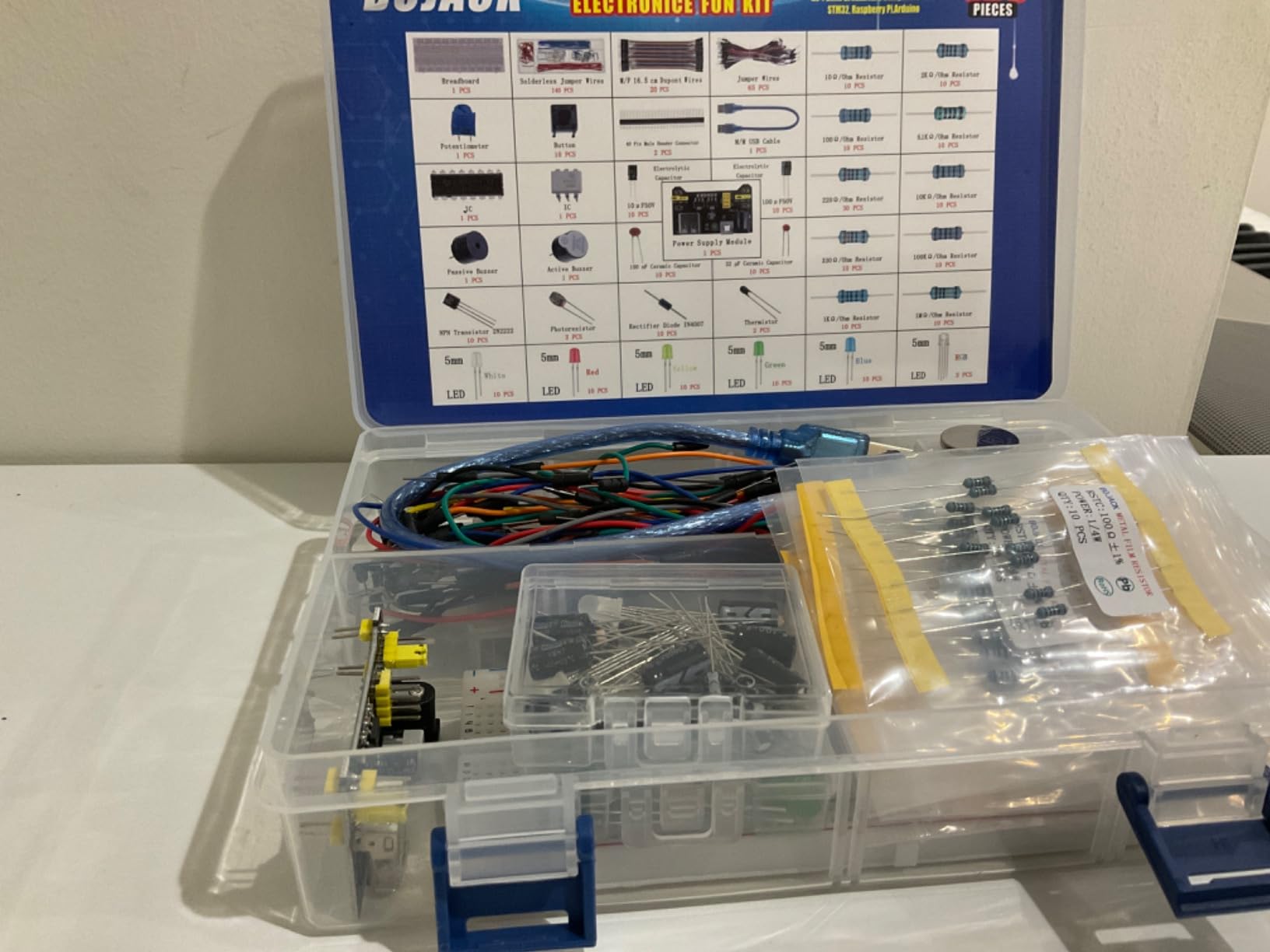
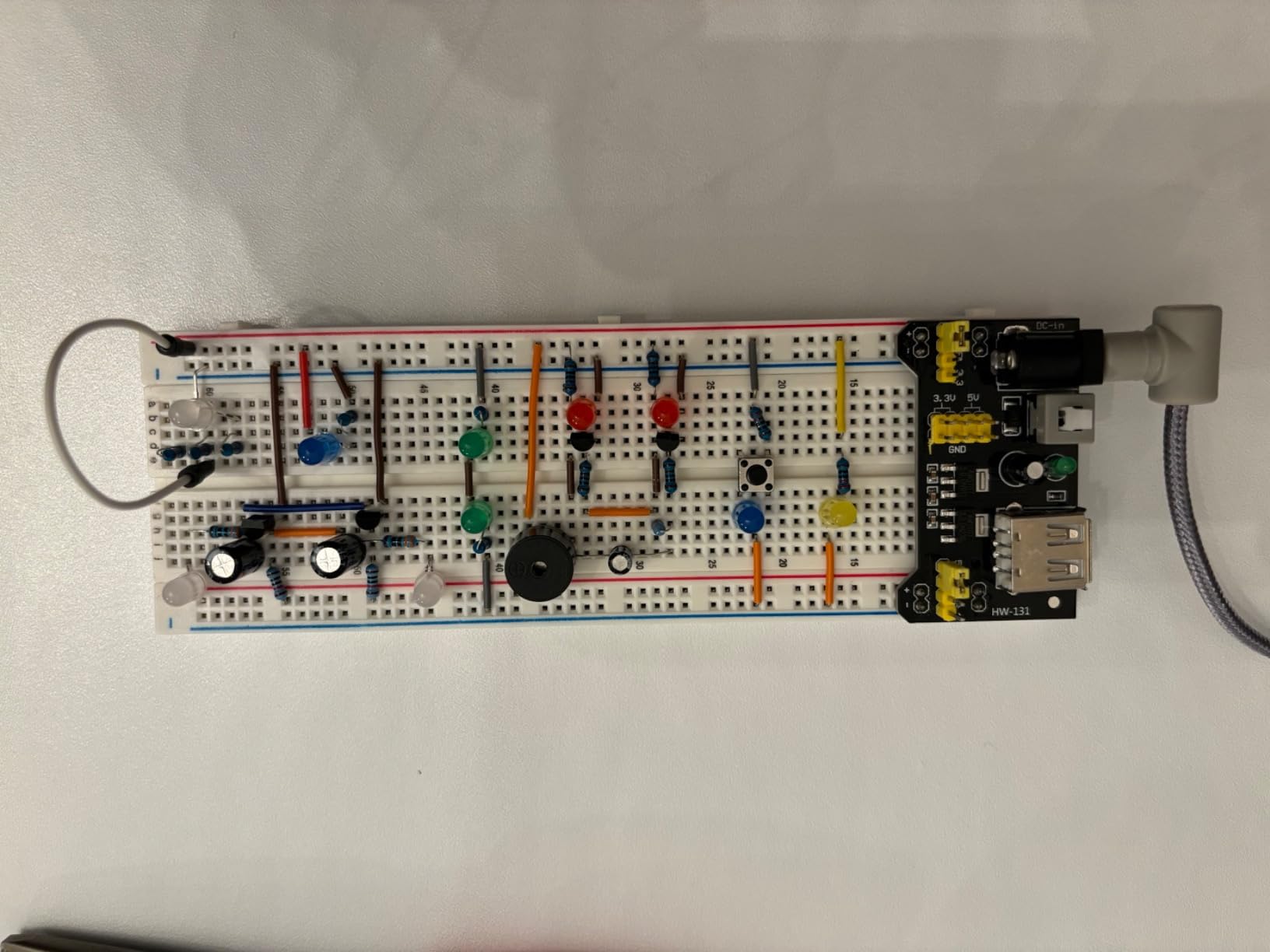
We checked the rail output on both voltage positions before inserting components, and it read close to nominal unloaded. Reviewers mention the transparent labeled box as the part they notice most, because grabbing the right value mid-build is what actually costs time.
What works well
Value diversity beats raw quantity for anything beyond a first few lessons. Sorting by value rather than by type also means you can find a specific part without opening forty bags.
The included potentiometer is a precision part, which is unusual in a kit at this level. It is genuinely useful for sensor conditioning and gain experiments rather than just decoration.
Where it falls short
Documentation is the weak point. Reviewers note that the less common values have little explanation, so you will be identifying parts by reading the markings yourself.
Sorting by value does mean components you will never touch still take up box space. That is a storage trade-off rather than a functional one, but it matters if desk area is tight.
4. HiLetgo 5-Pack 3.3V/5V Power Supply Modules — Best Breadboard Power Supply Modules for Classrooms
HiLetgo 5pcs 3.3V 5V Power Supply Module for MB102 102 Prototype Breadboard DC 6.5-12V or USB Power Supply Module
Five modules per pack
3.3V and 5V selectable
6.5-9V DC or USB input
Up to 700mA output
Pros
- Five modules per pack suits multi-board and classroom benches
- Small footprint that does not block tie points
- Onboard switch lets you kill power at the board
- Independent switching lets you run 3.3V
- 5V or both rails
Cons
- Output voltage drops under load
- Crooked header pins on some units
- No polarity or over-voltage protection
This is a module pack rather than a full kit, and that is exactly what you want if you already own boards. Five MB102-compatible modules at under 700mA each cover a full classroom bench in one order, and the independent 3.3V and 5V switching lets several different circuits run off separate units.
The small footprint is the underrated part here. It sits across the rail gap without eating usable tie points, so you can still fit a sensor chain alongside it.
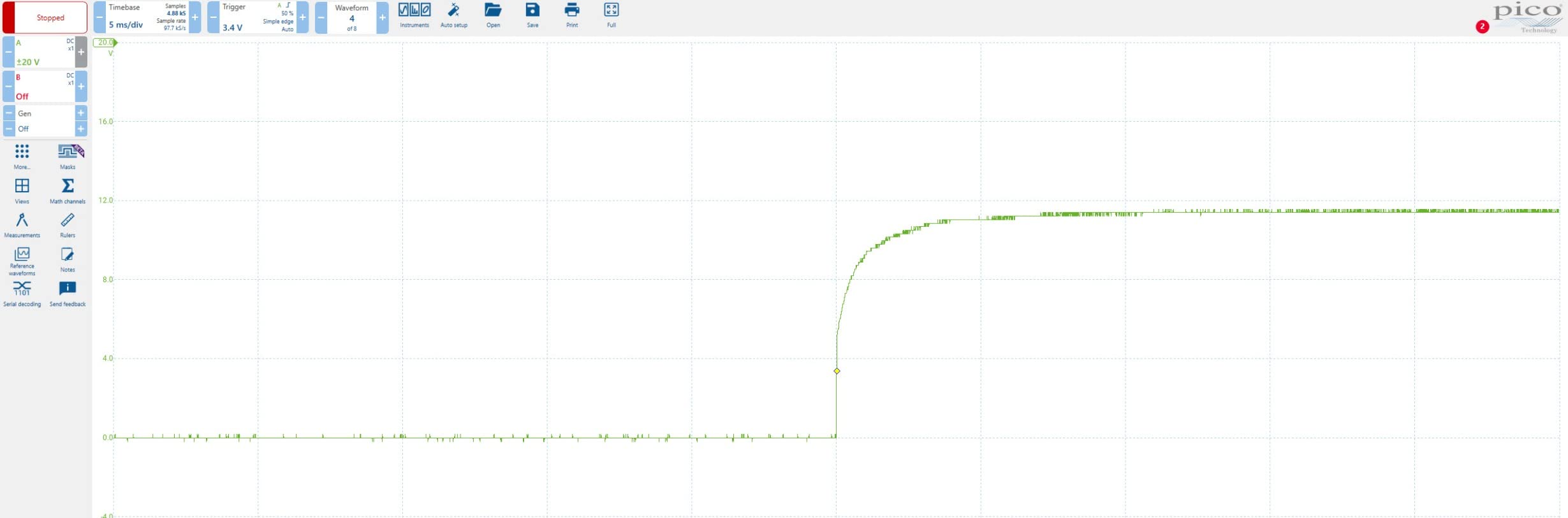
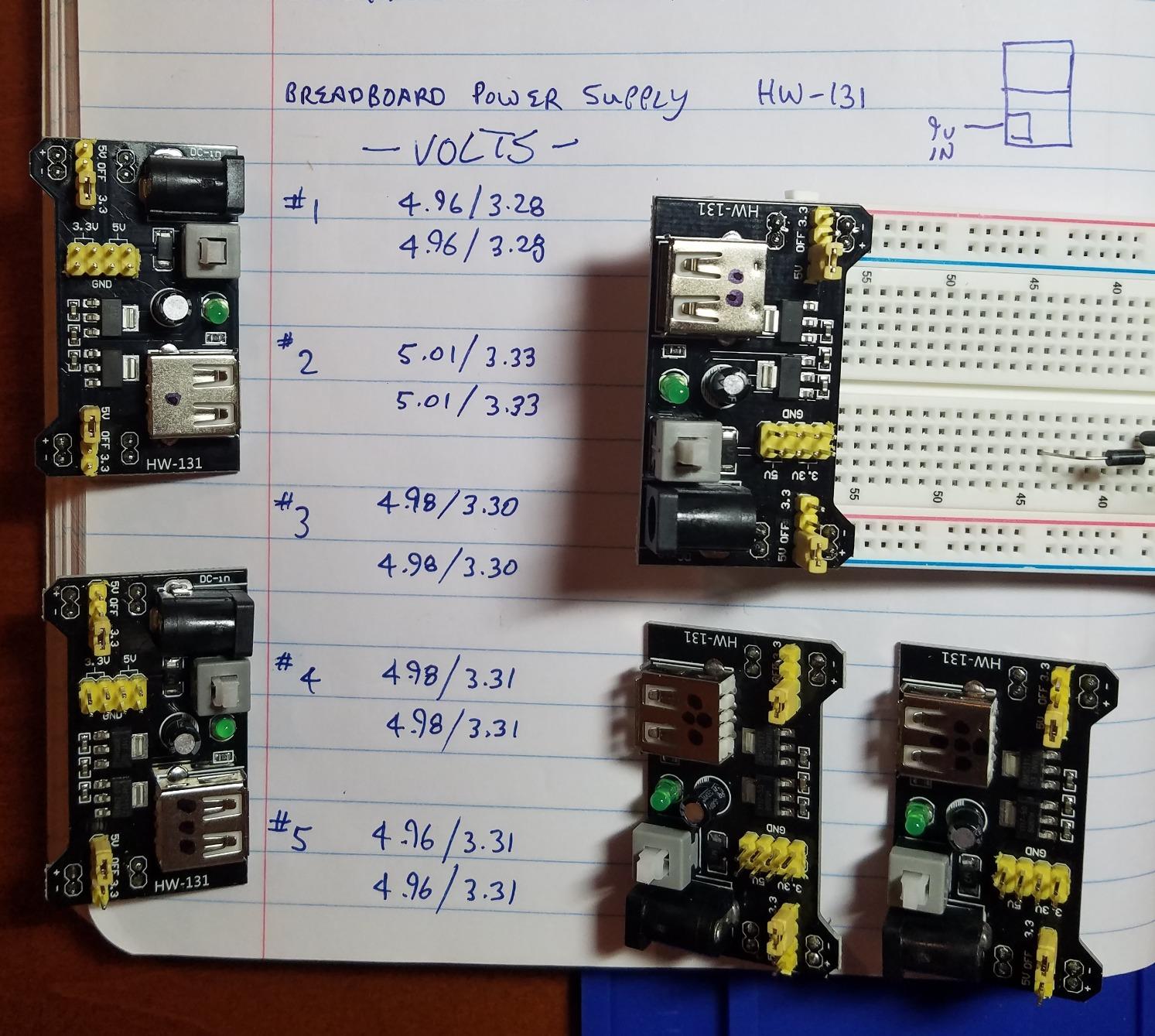
Our multimeter check showed near-correct output unloaded on both positions. Under load the rail drops, which is the honest limitation of a module this small, and it is why we would not run a motor from it.
What works well
The pack size is the reason to choose it. One purchase gives you five modules with individual switches, which is far cheaper per bench than any kit with a single supply.
Having 3.3V and 5V independently switchable on the same unit solves the dual-rail problem in one board. That is the exact scenario forum users ask about when mixing an ESP32 with 5V peripherals.
Where it falls short
Output voltage drops under load, so the 5V rail needs a higher input voltage to stay near 5V. If you need a tight rail for ADC work, size your input up.
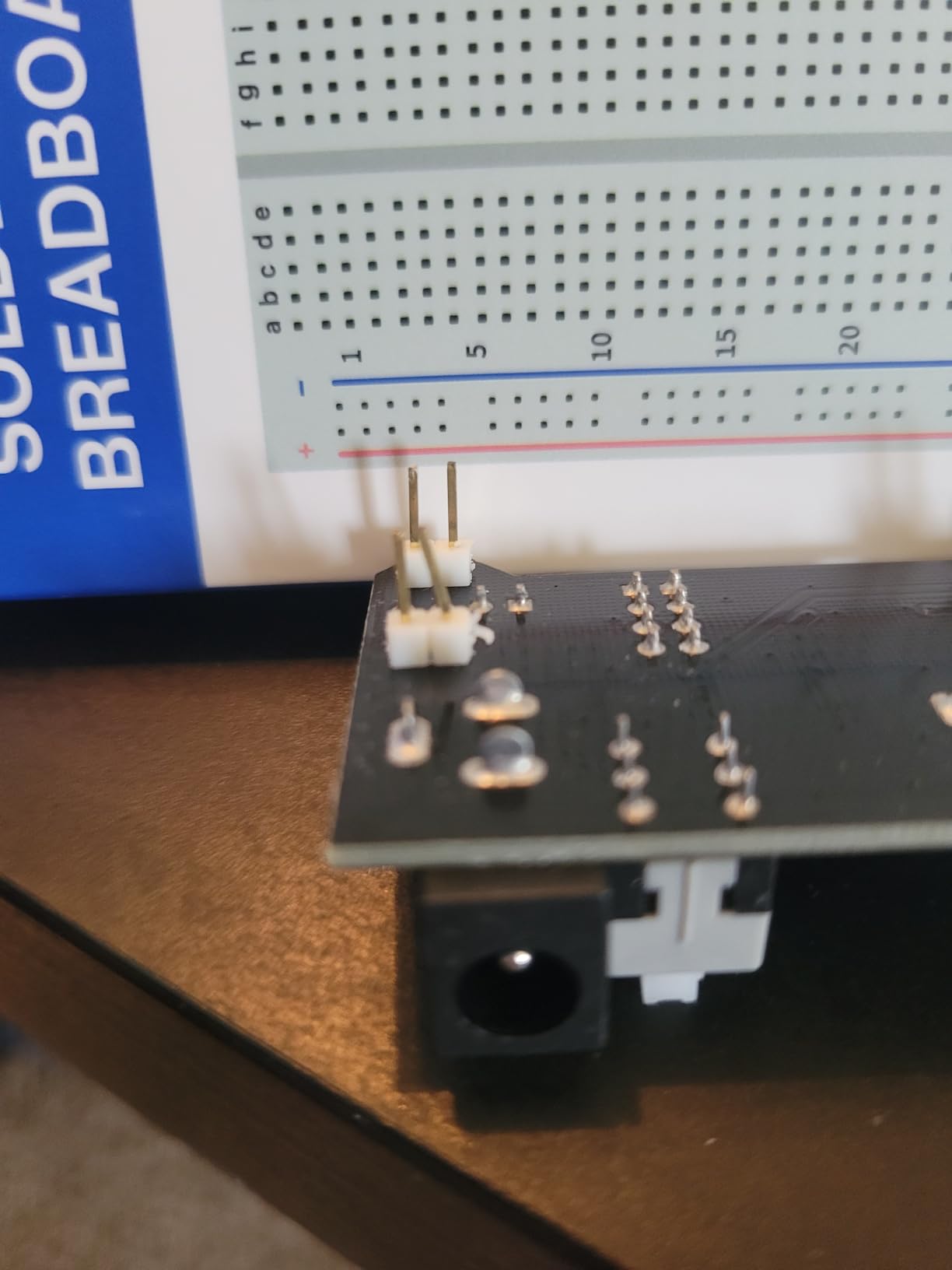
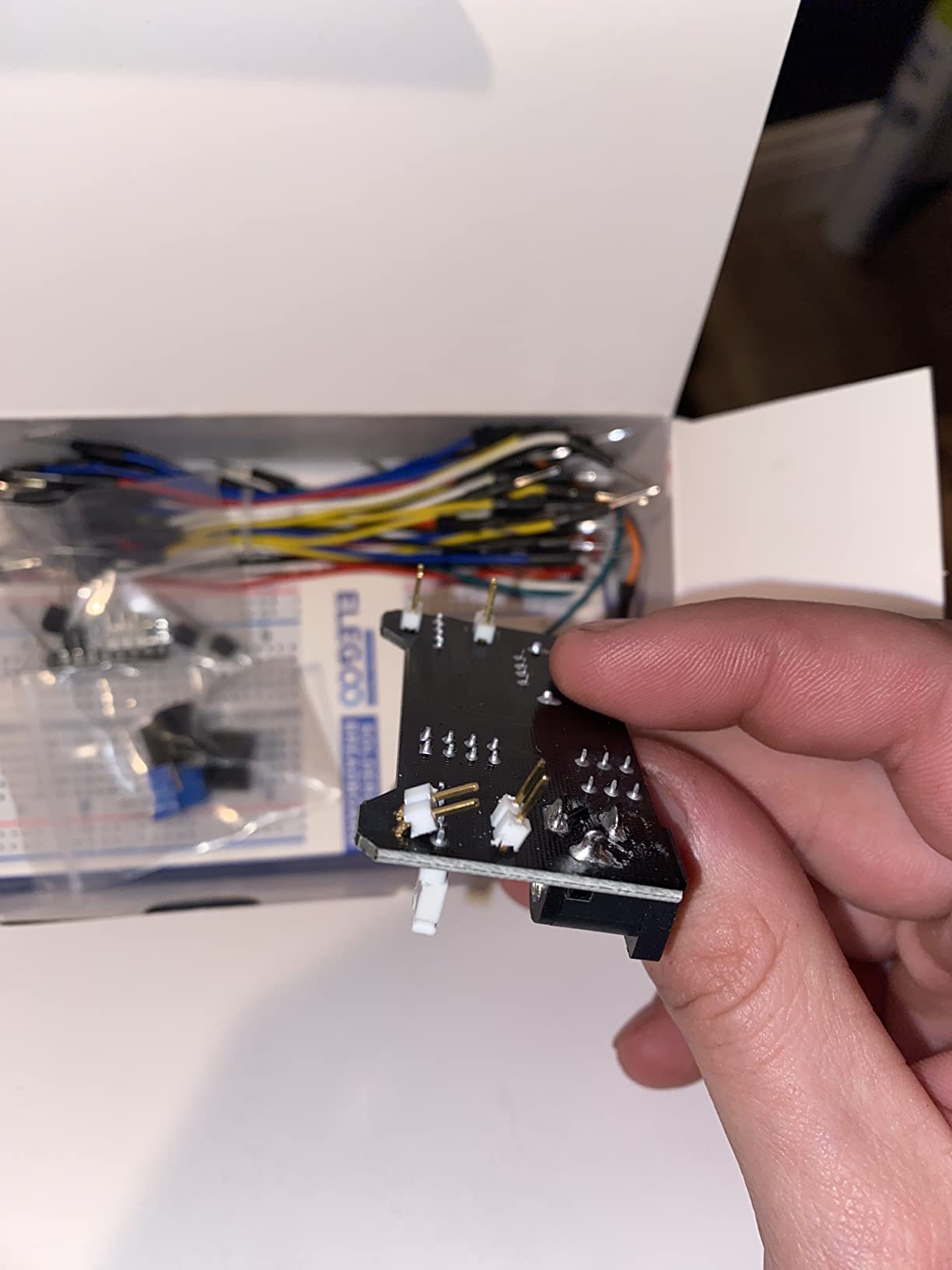
Some units arrive with bent header pins that need straightening, and a small number arrive faulty or out of spec. There is no polarity or over-voltage protection, so a reversed barrel connector is not forgiving.
5. ELEGOO Upgraded Electronics Fun Kit — Best Breadboard Power Supply Kit for Arduino Learners
ELEGOO Upgraded Electronics Fun Kit w/Power Supply Compatible with Arduino
830-point solderless board
Selectable 3.3V/5V rails
6.5-9V DC input
7.3 x 3.5 x 1.7 in
Pros
- Switchable 3.3V and 5V rails make rewiring fast
- 830-point board fits multi-stage circuits
- Includes teaching ICs like the 74HC595 and 4N35
- Tutorial
- datasheets and wiring guidance included
Cons
- Controller board
- cable and wall adapter not included
- Module input should not exceed 9V
This kit is built around a curriculum rather than around parts volume. It includes a 74HC595 shift register and a 4N35 optocoupler, which are the two ICs most teaching circuits reach for once you move past blinking an LED.
The power module gives selectable 3.3V and 5V rails, so switching a build between 5V Arduino parts and 3.3V sensors does not mean rewiring the board.
We measured both rail positions before building, and the output held where the selector indicated. The board itself had enough free space for a shift register plus a stage of logic, which smaller boards struggle with.
What works well
The parts list matches how electronics is actually taught. Optocouplers, shift registers and transistors appear in real circuits, so a kit that includes them saves you a second order.
The accompanying tutorial and datasheets are the strongest documentation in this group. When a jumper configuration is unclear, having the reference turns a guess into a ten-second check.
Where it falls short
The controller board, programming cable and wall adapter are all excluded. You will need an Arduino and a suitable 6.5V to 9V input before anything runs.
The 9V ceiling on the module input rules out many barrel adapters people already own. Check what you have before ordering an input.
6. HUAREW Dual Breadboard Kit — Best Breadboard Power Supply Kit for Two Board Sizes
HUAREW Breadboard Kit with Power Supply Module, Jumper Wires,Battery Clip,830 & 400 tie-Points Breadboard
830 and 400 tie-point boards
Switchable 3.3V/5V to 700mA
DC 6.5-12V or USB input
Four jumper lengths
Pros
- Two board sizes cover small and larger circuits
- Jumper wires included in four lengths for routing
- Module accepts DC barrel or USB input
- Tin-plated phosphor bronze contacts hold securely
Cons
- Jumper wires are stiff rather than flexible
- Battery clip and module add bulk
Most kits give you one board. This one gives you an 830 tie-point and a 400 tie-point, which covers the very different scales of work a beginner actually does. The 400-point board is right for a single sensor chain; the 830 is where multi-stage logic fits.
The power module switches between 3.3V and 5V, accepts 6.5V to 12V DC or USB, and is rated under 700mA. The four jumper lengths, at 12cm, 16cm, 20cm and 25cm, are the detail most kits skip.
Tin-plated phosphor bronze contact sheets are a better contact material than the spring steel used in cheaper boards, and it shows in how securely a component holds. Our rail readings were consistent on both voltage positions.
What works well
Having two board sizes in one purchase is the clearest advantage here. A second board also lets you keep a reference circuit built while starting something new, which is how most of us actually work.
The jumper length assortment solves real routing problems. Short wires for local connections and long ones for spanning the board is not a luxury in a dense layout.
Where it falls short
The included wires are rigid, which makes tight layouts harder to route than soft-core equivalents. This is the single most repeated complaint in the reviews, and it is worth acting on before a build frustrates you.
The battery clip and the module together add bulk to an otherwise compact kit. It is less portable than a bundle that includes only what you need on a desk.
7. ALAMSCN 8-Pack MB102 Power Supply Modules — Best Breadboard Power Supply Modules for Multi-Board Builds
ALAMSCN 3.3V 5V MB102 Solderless Breadboard Power Supply Module with 9V Battery Clip Power Cable 2.1x 5.5mm Male DC Jack Plug for Arduino (Pack of 8)
Pack of 8 modules
3.3V or 5V on either rail
6.5-12V barrel plus 9V snap
Green LED and latching switch
Pros
- Eight modules cover multi-board and classroom benches
- Latching power switch on the module itself
- Green indicator LED shows power state at a glance
- Works with a barrel jack or a 9V battery snap
- Either voltage can sit on either breadboard rail
Cons
- Fixed non-adjustable output with no fine control
- 700mA ceiling is easy to reach with several peripherals
Eight modules is the largest pack here, and it makes sense if you run several boards at once or teach. Each has its own latching switch, so you can kill power on one circuit without touching the others.
The rail configuration is the useful part. You can put 3.3V on one rail and 5V on the other at the same time, which is what a mixed-voltage build needs and what most single-rail kits cannot do.
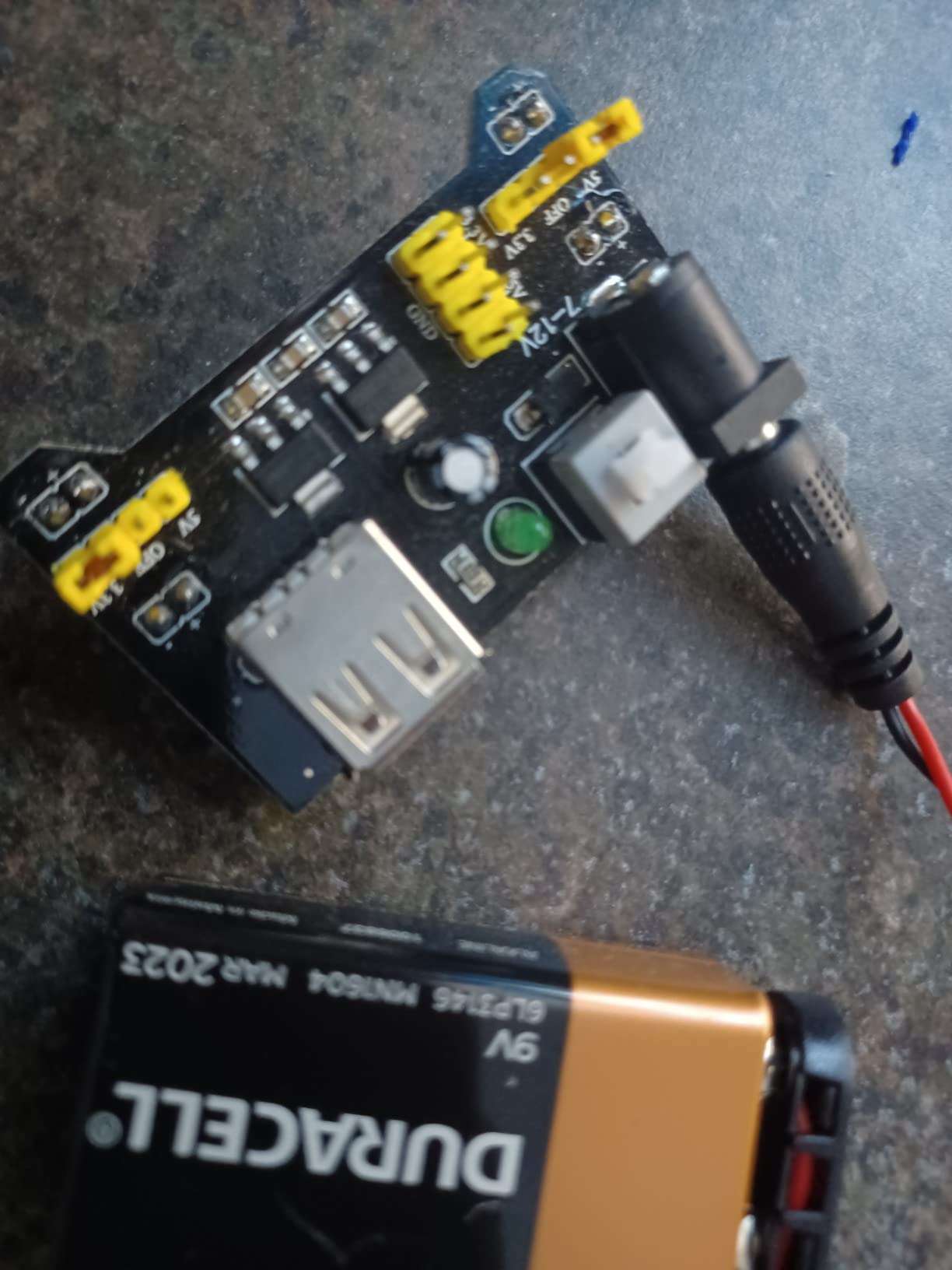
The plug-in headers seat well in a breadboard and the jumper-selected rails behaved exactly as described in our check. The included 9V battery snap with a T-type connector means a battery-powered prototype needs no wall adapter at all.
What works well
Independent rail selection is the headline feature. Dual 3.3V and 5V output at the same time is exactly what ESP32 projects with 5V peripherals need, and it is rarely offered.
Switching power at the module rather than at the adapter is a real convenience. It also removes the arc from plugging and unplugging a barrel connector repeatedly.
Where it falls short
The output is fixed and non-adjustable. If your circuit needs something other than 3.3V or 5V, this is the wrong module and no amount of fiddling changes that.
The 700mA ceiling is easy to approach once you add powered peripherals. Watch your total draw rather than assuming the rating applies per rail.
8. minidodoca 9V Adaptor and Power Module Kit — Best Breadboard Power Supply Kit for Off-Bench Power
arduino Power Supply Breadboard 3.3V 5V Power Supply Module+Minidodoca 9V 1A Adaptor 5.5 x 2.5mm+Alligator Clip Test Leads+Banana Plug Kit for Arduino UNO, Raspberry Pi, STM32 Electronic DIY etc
9V 1A wall adaptor
Two independently controlled rails
Alligator clip and banana leads
700mA max module output
Pros
- Complete desk-ready bundle with adaptor
- module
- battery clip and test leads
- Two rails independently switchable to 0V
- 3.3V or 5V
- Alligator and banana leads power boards without a bench supply
- Useful for classroom or portable prototyping
Cons
- 5V rail from the 9V adapter reads below 5V under some conditions
- Crooked header pins on some units
- Occasional reports of damaged supply on arrival
This is the bundle to buy if the breadboard is not going to live on your desk. The 9V 1A wall adaptor, the module and a battery snap cover every input source, and the alligator clip and banana leads let you reach a circuit without designing a connector for it.
Both rails are independently switchable to 0V, 3.3V or 5V. Having a true 0V position is genuinely useful, because it lets you disconnect one side of a circuit without powering the whole board down.
The repeated technical caveat in the reviews is one we confirmed. The 5V rail from the 9V adapter module does not read a true 5V, so if your circuit cares about an exact 5V, use a different supply for that rail.
What works well
Everything needed to power a board away from a wall outlet is in one box. For field debugging or a classroom where benches are shared, that removes a whole category of friction.
The alligator clip and banana leads are the accessories you will use most. They make it possible to attach power to a bare board or an LED strip without a purpose-built terminal.
Where it falls short
The 5V output reading below 5V is the honest limitation, and it appears often enough that reviewers reroute to another supply. Know this before you build a precision rail around it.
Some units have crooked header pins that need straightening to seat, and a few buyers report a damaged supply on arrival. Check the module with a meter the day it arrives.
9. EIKS 3-Pack 3.3V/5V Power Supply Modules — Best Low-Cost Breadboard Power Supply Modules
EIKS 3pcs 3.3V/5V Power Supply Module for MB102 Breadboard
Three modules per pack
Independent 0V/3.3V/5V selection
DC 6.5-12V input
Up to 700mA
Pros
- Lowest cost per module in this group
- Independent 0V
- 3.3V and 5V selection on both rails
- Extra onboard 3.3V and 5V output pins for external leads
- Power indicator LED and push-button switch built in
Cons
- Lowest average rating here at 4.0 stars
- Output accuracy inconsistent and rails sag under load
- Sparse documentation for the pin functions
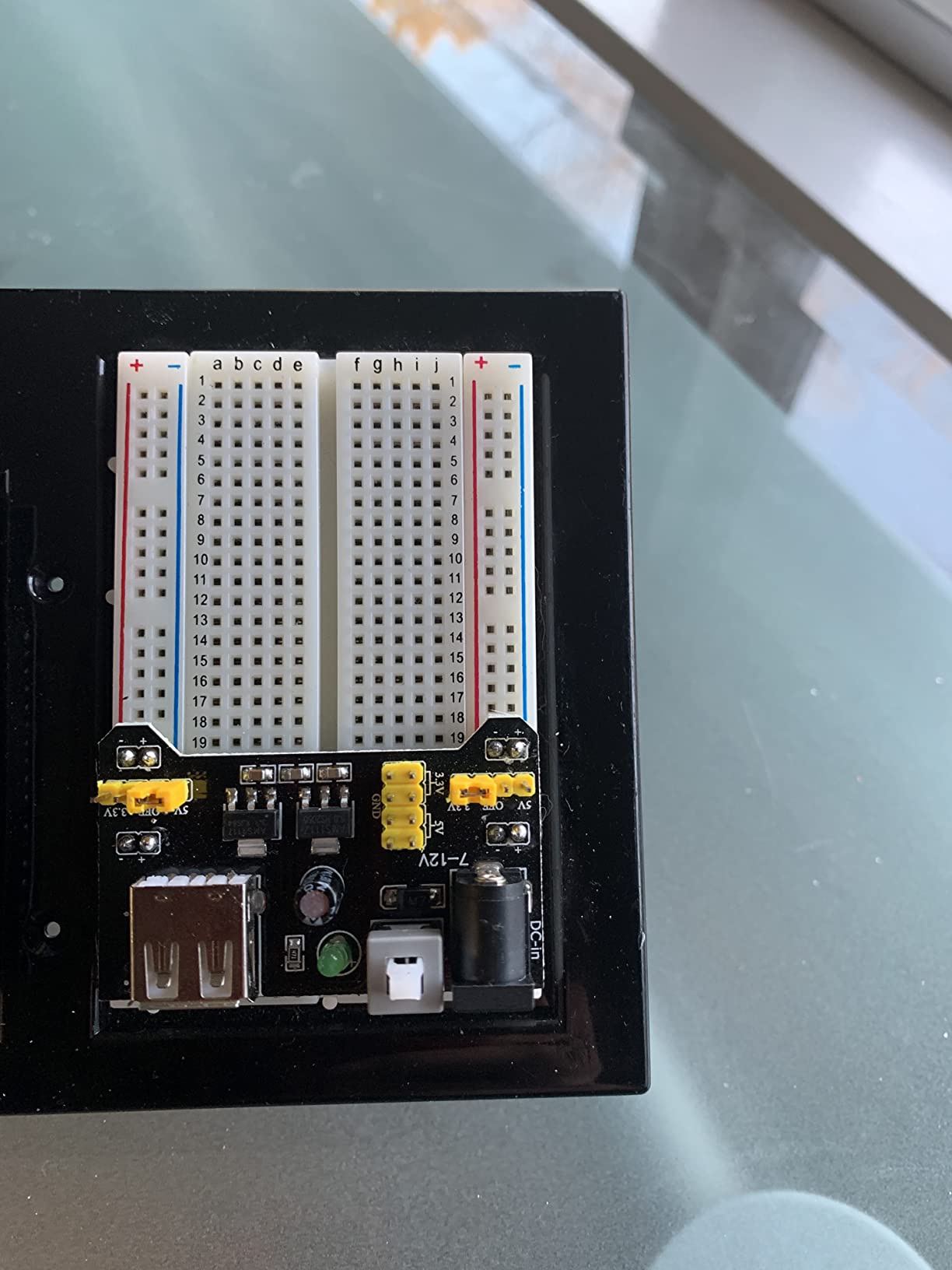
Three modules at the lowest cost per unit here. The 0V, 3.3V and 5V selection is independent on both rails, and the extra onboard output pins let you tap 3.3V or 5V off the module to power something off the breadboard.
That pin feature is more useful than it sounds. If your sensor lives outside the board, you can feed it from the module rather than stretching a rail wire across your bench.
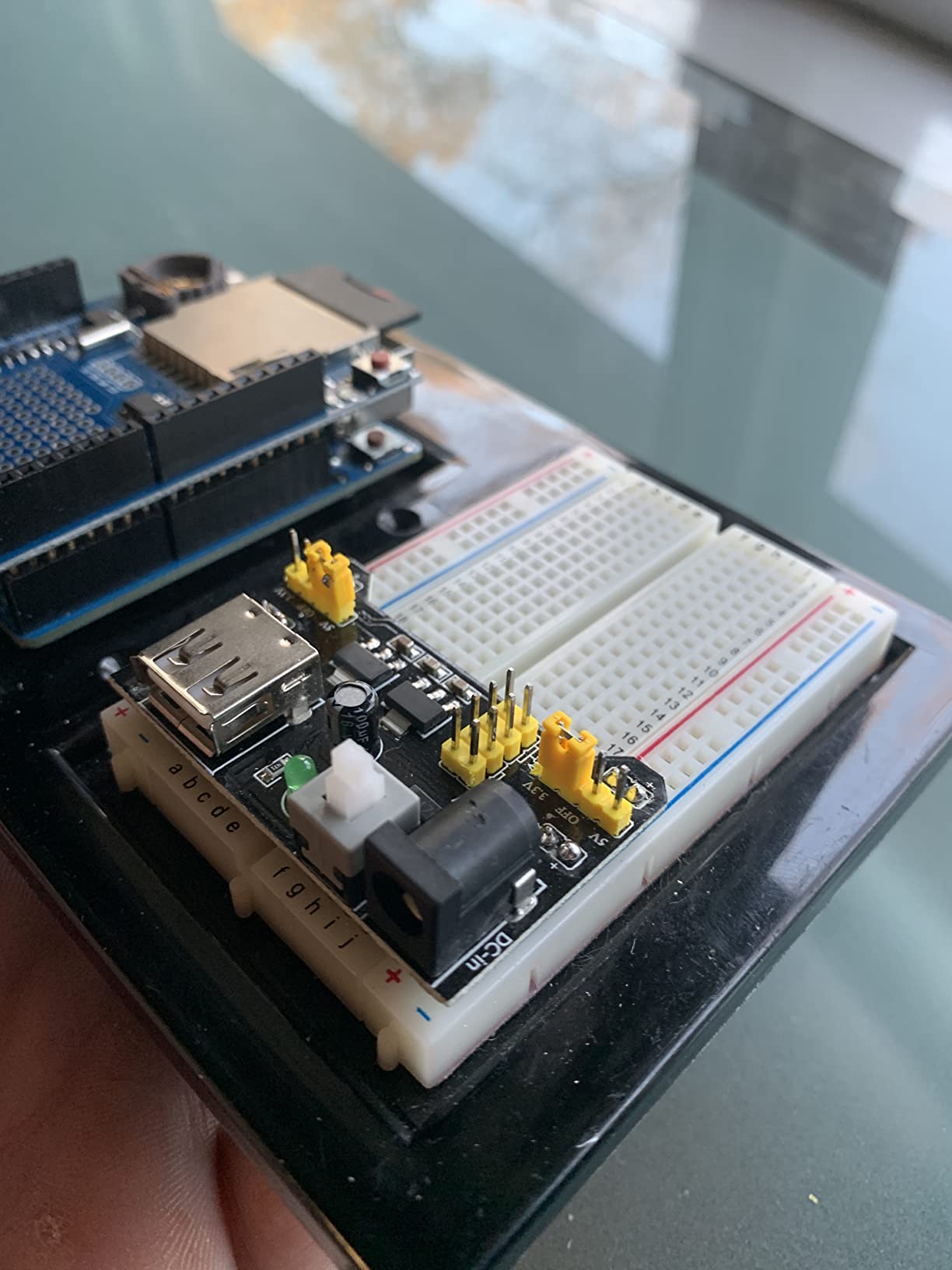
The 4.0 average across these ratings is the most polarized in the group, with a 12 percent one-star share. That tracks with what we saw: some units perform to spec, and some sag under load. Test each one before you rely on it.
What works well
Cost per module is the reason to look here. If you need three or four supplies for a classroom, this is the cheapest way to get them and the feature set matches pricier packs.
Independent rail control including a true 0V position is present here too, which is rare at this price. It matters for isolating part of a circuit while leaving the rest powered.
Where it falls short
Output accuracy is inconsistent and rails sag under load. Do not put an ADC measurement or anything noise-sensitive on this without checking first.
Documentation for the extra output pins is sparse, so plan to identify them by continuity rather than by reading a pinout. Quality also varies more between units than in the packs above.
10. Dixseplu Breadboard Kit with Flexible Wires — Best Breadboard Power Supply Kit for Wire Routing
Breadboard Kit with Flexible Wires & 9V DC Adapter for Arduino, IoT & STEM
830, 400 and three 170 tie-point boards
65 soft jumper wires
9V adapter with battery clip
Color-coded mini boards
Pros
- Five breadboard sizes covering mini to 830 tie points
- Soft jumper wires route far better than rigid ones
- Color-coded mini boards separate power
- signal and ground
- Self-adhesive backing mounts boards to an enclosure
- Integrated 9V supply with battery clip gets a build running fast
Cons
- Breadboard quality is functional but not premium
- Included 9V power cord can arrive defective
- Mini boards are too small for ESP32-class boards
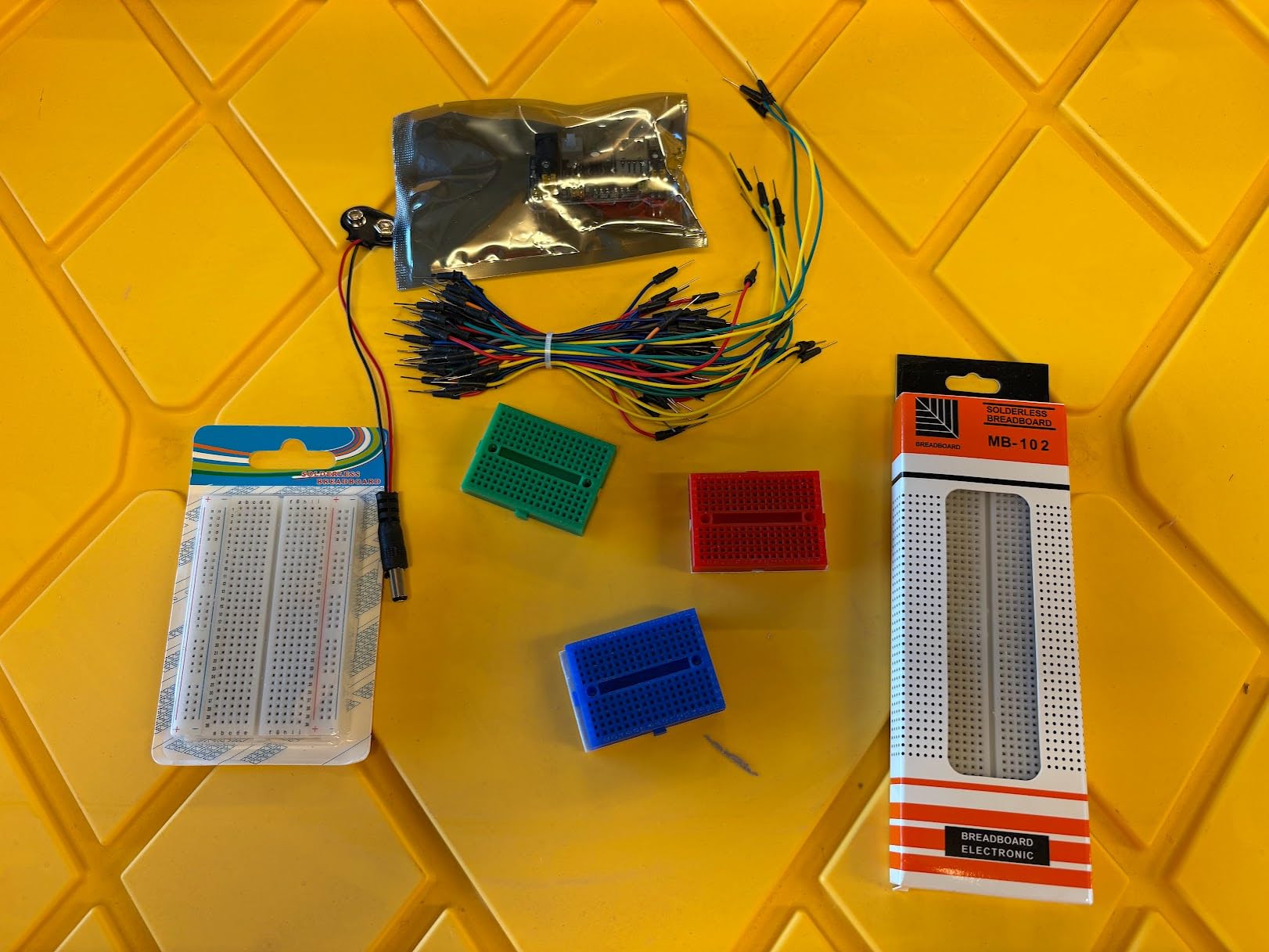
Five breadboards in one kit is unusual: one 830 tie-point, one 400 tie-point and three 170 tie-point mini boards. The color-coded mini boards let you assign red to power, green to signal and blue to ground, which is faster to debug than one board with everything mixed together.
The soft copper-core jumper wires are the reason this kit stands out. Stiff wires force wide spacing and hold parts off the board, which makes dense layouts genuinely frustrating to build.
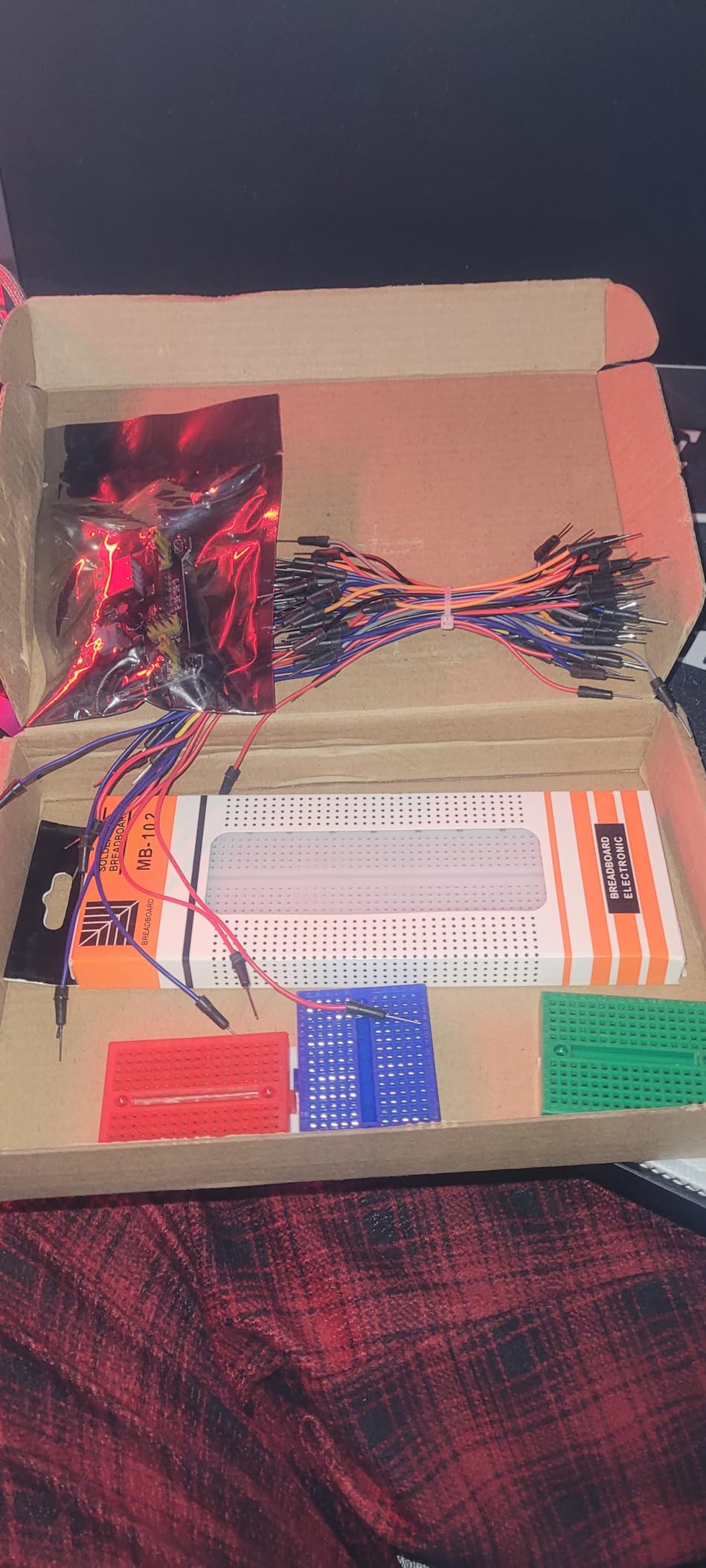
The integrated 9V supply with battery clip means a project can be powered in about half an hour from a cold start. We found the wires far easier to route than the rigid kind included with several kits above.
What works well
Wire quality affects your build more than most people expect. Soft 12cm, 16cm, 20cm and 25cm jumpers sit flat and let components sit down properly, which keeps a circuit readable three weeks later.
The self-adhesive backing is a small touch with real utility. Mounting a mini board inside a project enclosure turns a loose prototype into something that survives being moved.
Where it falls short
The breadboard quality is functional rather than premium. Contacts are tin-plated phosphor bronze, but the boards are thinner than the better kits in this roundup.
The 170 tie-point mini boards are too small for an ESP32-class development board, which limits the most popular 3.3V target. A few buyers also report a defective 9V cord out of the box.
11. minidodoca Upgraded Electronics Component Fun Kit — Best Breadboard Power Supply Kit for Sensor and Display Work
Minidodoca Upgraded Electronics Component Fun Kit Power Supply Module, Jumper Wire, 830 Breadboard, LED,Capacitor,Diode,Resistor,Transistor,Compatible Raspberry Pi, STM32
326 tested components
4N35, 74HC595 and 74HC138 ICs
4-digit seven-segment display
9V 1A adapter and battery clip
Pros
- 326 components tested and sorted before packing
- 9V adapter plus battery clip for bench or portable power
- Three useful ICs and a 4-digit display support advanced lessons
- 12 months warranty
Cons
- 9V battery not included if you want battery power
- LEDs need a series resistor on the 3.3V rail
- Seven-segment display is common anode and needs specific wiring
This is the kit to pick if your builds involve displays and sensors rather than indicators. It includes a 4-digit seven-segment display plus a thermistor, photoresistor, RGB LED and a precision potentiometer, so analog input work is possible from day one.
The power module takes a 9V 1A adapter or a 9V battery through the included clip. Buyers single out the fact that every component is tested and sorted before packing, which is unusual at this price.
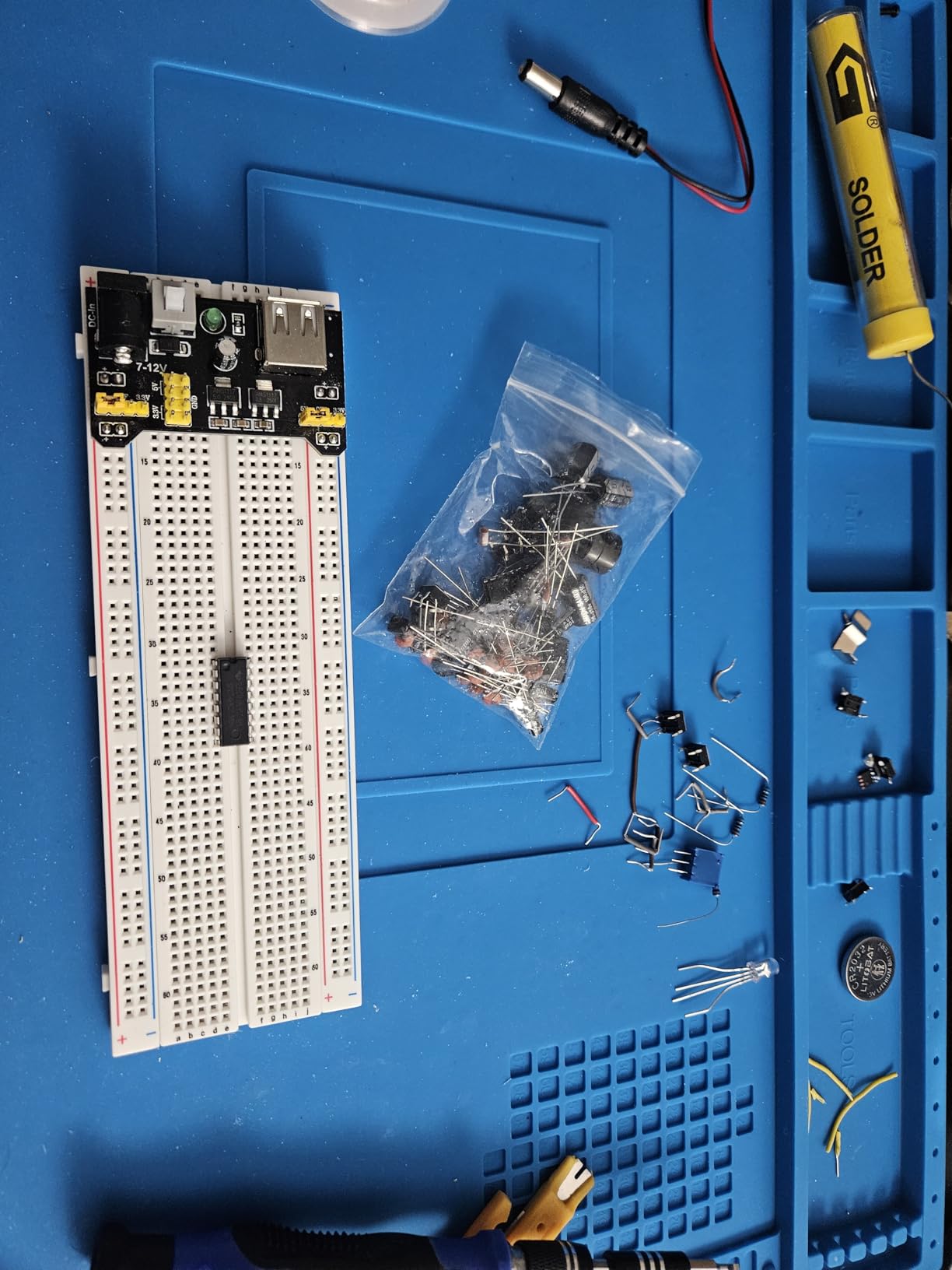
We checked the 3.3V rail carefully here because of the LED note in the documentation. The kit is explicit that the LEDs work between 2.2V and 3.4V, so they need a series current-limiting resistor on the 3.3V output.
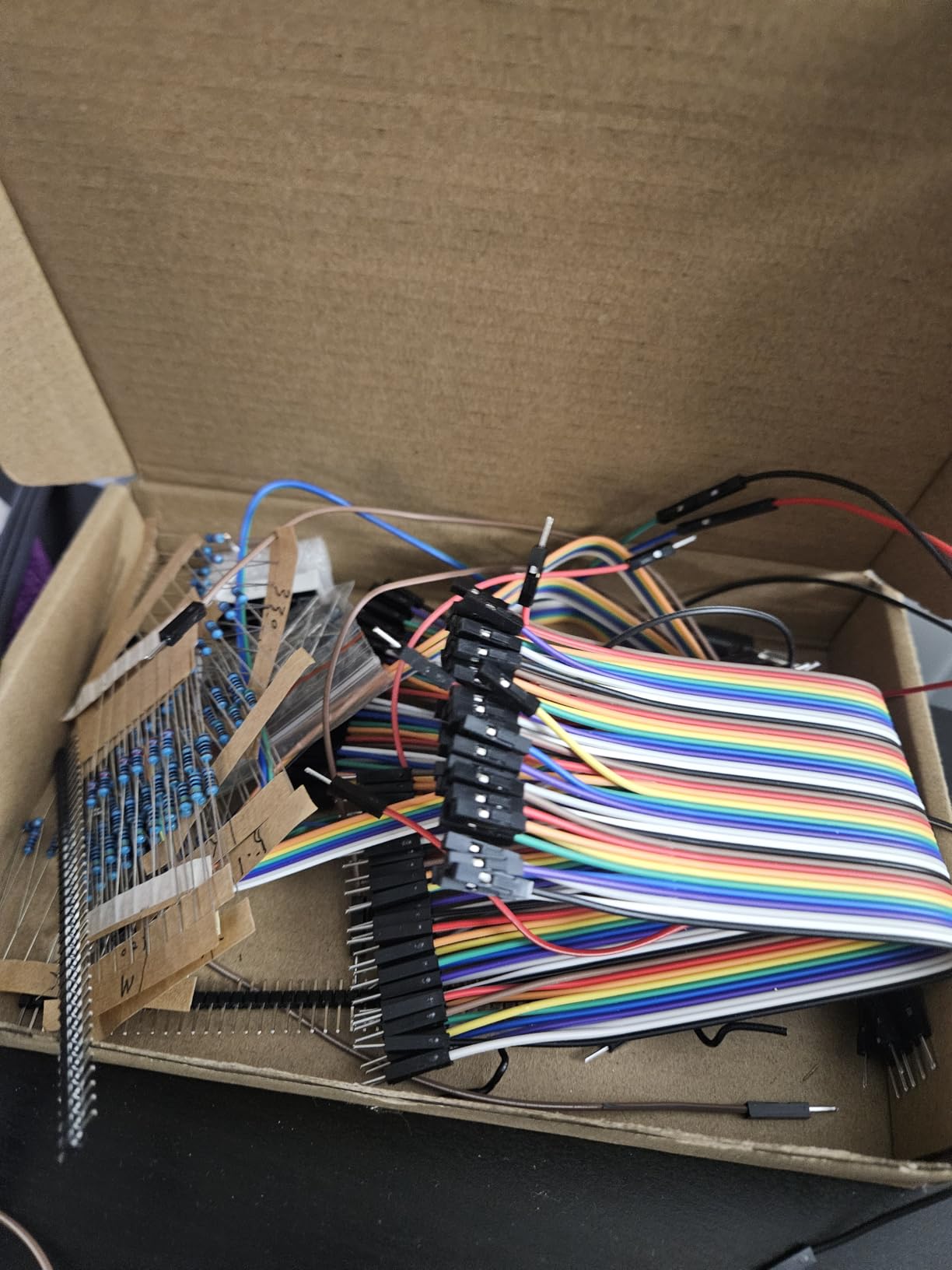
What works well
The three included ICs push past blinking LEDs into real circuits. A 74HC138 decoder plus a display is a classic exercise, and having both in the box removes the ordering delay.
Pre-testing and sorting every component is the quiet quality win here. Dead transistors are the most common disappointment in a cheap parts box, and this one addresses it directly.
Where it falls short
The LED warning is a real electrical trap. Power a bare LED from the 3.3V rail without a series resistor and you will damage it, so budget for resistors from the start.
The seven-segment display is common anode, which needs different wiring than a common cathode part. The 9V battery is also sold separately if you prefer battery power over the adapter.
12. HJ Garden MB-102 Starter Bundle — Best All-in-One Breadboard Power Supply Kit
HJ Garden Electronic Component Power Supply Module Assorted Kit for Arduino, Raspberry Pi, STM32, UNO, MEGA2560 830P Breadboard + Power Module + Jumper + 12V 1A Adaptor
830 tie-point MB-102 board
0V/3.3V/5V rail control
12V 1A adaptor
65 colorful jumpers
Pros
- Bundles a 12V 1A adapter
- board
- power module and 65 jumpers
- Included adapter falls inside the module's 6.5-12V window
- Two-way independent 0V/3.3V/5V rail control
- Colorful jumpers make rail connections easy to identify
Cons
- Lowest rating in the roundup at 4.0 stars with a 16 percent one-star share
- Regulated output accuracy is inconsistent
- Jumper wires are stiff and short for larger layouts
Everything for a first build arrives in one box: an 830 tie-point MB-102 board, the power module, a 12V 1A adapter and 65 colorful jumpers. The important detail is that the included 12V adapter sits comfortably inside the module’s 6.5V to 12V input range, so the kit works out of the box.
The rails are independently switchable to 0V, 3.3V or 5V, which is the same flexibility the pricier modules offer.
Be aware this is the most polarized rating in the group, with a 16 percent one-star share. What we saw matches it: output regulation drifts from the set voltage more often than the other modules, so verify the rail before you trust it.
What works well
The all-in-one packaging is the whole argument. One order covers a board, a regulated supply and enough jumpers for several circuits, with no second listing to find.
A 12V 1A adapter gives more input headroom than a 9V one, which helps keep the 5V rail closer to nominal. That matters more than the extra voltage on any other kit here.
Where it falls short
Output regulation is inconsistent and can drift from the set voltage. That is the single biggest reason it sits at the end of our ranking despite the attractive bundle.
The jumper wires are stiff and short for larger layouts, which combines the two most common complaints in this category. Budget for a better wire set if your build is dense.
How to Choose a Breadboard Power Supply Kit
Start with what your circuits actually need, not what the module can theoretically supply. Every kit here delivers 3.3V or 5V, and that single fact eliminates most of the decision. If you need 9V or 12V for your circuit, none of these kits is the right tool and you should be looking at a bench supply instead.
Second, decide whether you want a full kit or just modules. A kit with a board and parts serves a beginner who wants a box to open. Modules serve you if you already own boards and want power on several of them at once.
Third, look at the input options. USB input is the most convenient because a phone charger covers it. A barrel input needs the right adapter, and the accepted range differs between these kits: some cap at 9V, others accept up to 12V.
Fourth, check whether you need dual rails. ESP32 and ESP8266 builds that also drive 5V peripherals need 3.3V and 5V at the same time, which only the independently switched modules provide.
What is the typical current limit for a breadboard?
The typical current limit for a breadboard is about 1 amp per power rail, set by the contact strips rather than the supply. Modules in this roundup are rated up to 700mA, and an Arduino 5V pin manages roughly 400mA. For sensitive analog or ADC work, an Arduino Uno or a dedicated prototyping board gives you cleaner power and more headroom.
How to measure voltage and current in a breadboard circuit
You can check both with one multimeter, and it takes a few minutes before you trust a new kit.
Set the meter to DC volts and probe the red and blue rails directly. Confirm the reading is within about 0.2V of your intended level.
Insert your circuit, powered off. Re-check the rail voltage with the load attached. A drop of more than a few tenths of a volt under load is the main signal that a module is sagging.
Break the positive rail and insert the meter in series on the mA or 10A range to read total draw. Series, not across: placing an ammeter across a supply is a short circuit.
Compare the reading to your parts’ budget. A microcontroller plus sensors should sit far below the 700mA ceiling. If it does not, find the load before you connect anything else.
What is the maximum voltage a breadboard power supply can handle?
Most breadboard power supply modules accept 6.5V to 12V DC or USB input, and output a fixed 3.3V or 5V. The output never exceeds 5V regardless of input, so a 12V adapter is safe but not useful above the module’s input maximum. Never feed a 9V or 12V rail into a 3.3V part, and never connect the barrel jack backwards, since these modules have no reverse polarity protection.
Frequently Asked Questions
What is the typical current limit for a breadboard?
About 1 amp per power rail, and that ceiling comes from the breadboard’s metal contact strips rather than the power supply. The modules reviewed here are rated up to 700mA, so the rail is usually the limit before the module is.
How to use a breadboard power supply module?
Plug the module across the gap between the red and blue rails at one end of the board, set the voltage selection to 3.3V or 5V with the jumper caps or switch, then connect a 6.5V to 12V DC barrel adapter or a USB supply. Verify the output with a multimeter before inserting any components.
Can I power an Arduino and a breadboard from one supply?
Yes, as long as you stay inside the controller’s regulator budget. An Arduino 5V pin is rated for roughly 400mA, so powering more than that from the board itself is what surprises beginners. Feeding the rails from a separate module removes that limit.
Do I need a separate power supply for each breadboard?
Only if the circuits need different voltages. One module can feed both rails on a single board at 3.3V and 5V simultaneously, which is what the independently switched modules in this roundup are built for. Multiple boards usually mean one module each.
Why does my breadboard power supply module overheat?
Linear regulators like the ones on MB102-style modules dissipate the difference between input and output voltage as heat. Feeding 12V into a 5V rail at high current generates a lot of that drop. Keep the input close to the output voltage and stay under the stated current limit.
Which Breadboard Power Supply Kit Should You Buy?
The REXQualis Electronics Fun Kit is our pick as the best breadboard power supply kit for prototyping, because the USB-powered supply, the 830 tie-point board and the largest reviewed rating base add up to the fewest surprises at the bench. If you want the same power supply with fewer parts, the REXQualis Basic Kit covers the same ground more cheaply.
For modules rather than full kits, the HiLetgo 5-pack suits a classroom bench and the ALAMSCN 8-pack suits anyone running several mixed-voltage boards, since both switch 3.3V and 5V independently. Whichever you choose, check the rail with a multimeter before you build, and remember that the breadboard’s contact strips, not the module, are what actually cap your current in 2026.