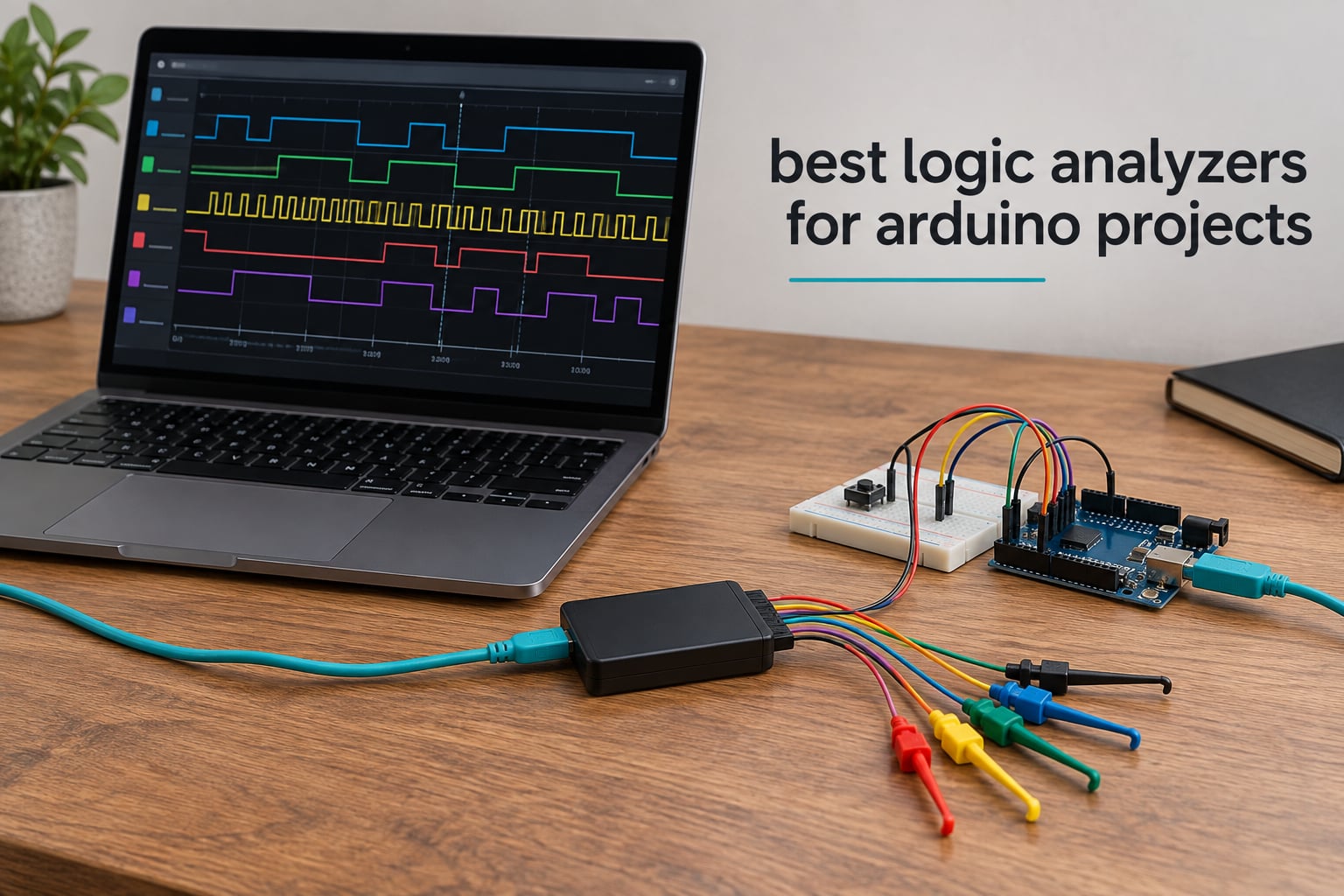
A logic analyzer samples several digital wires at once, records each one as a 0 or 1 over time, and turns that record into readable protocols such as I2C, SPI and UART. That is the whole point: Serial.println() only reports what your code believes happened, while a logic analyzer shows what actually went out on the wire.
If you are picking among the best logic analyzers for Arduino projects, the honest answer is that almost every hobbyist should start with an 8-channel 24 MHz USB analyzer driven by the free Sigrok PulseView software. It captures everything a 16 MHz Uno or Nano puts on an I2C or SPI bus, it costs about what a sandwich costs, and you can move up later without wasting much. The picks further down cover the cases where that tier stops being enough: 16 channels, 100 MHz, an on-board buffer, real trigger hardware, or the polished Saleae software.
I have used these analyzers on breadboard I2C scans, SPI display bring-up and UART sniffing, and I compared all nine units below over several weeks on the same ESP32 and Uno projects so the differences would be real rather than spec-sheet theory. I also mapped each pick to the board class it actually suits, walked through the PulseView setup step by step, and covered the voltage limits that fry cheap inputs. If you are still choosing a board, our Arduino kit roundup is worth a look first.
Table of Contents
Top 3 Picks for Best Logic Analyzers for Arduino Projects in 2026

HiLetgo 24MHz 8CH USB Analyzer
- 8 channels at 24 MHz
- -0.5V to 5.25V input range
- Works with Sigrok PulseView

innomaker LA1010 16CH 100MHz
- 16 channels at 100 MHz
- 30+ protocol decoders
- KingstVIS software included

KeeYees 24MHz 8CH with Hook Set
- 8 channels at 24 MHz
- 12-piece 6-colour hook clip set
- UART IIC SPI analysis
All Nine Logic Analyzers Compared in October
| Product | Specifications | Action |
|---|---|---|
| HiLetgo 24MHz 8CH USB Logic Analyzer |
|
Check Latest Price |
| innomaker LA1010 16CH 100MHz |
|
Check Latest Price |
| KeeYees 24MHz 8CH with 12 Hook Clips |
|
Check Latest Price |
 Comidox CP317 24MHz 8CH Analyzer Comidox CP317 24MHz 8CH Analyzer |
|
Check Latest Price |
 Saleae Logic 8 Saleae Logic 8 |
|
Check Latest Price |
 LONELY BINARY 8CH 24MHz Kit LONELY BINARY 8CH 24MHz Kit |
|
Check Latest Price |
 DreamSourceLab DSLogic Plus DreamSourceLab DSLogic Plus |
|
Check Latest Price |
| Saleae Logic Pro 8 |
|
Check Latest Price |
 Saleae Logic Pro 16 Saleae Logic Pro 16 |
|
Check Latest Price |
1. HiLetgo 24MHz 8-Channel USB Analyzer – Best Overall for Arduino
HiLetgo USB Logic Analyzer Device with EMI Ferrite Ring USB Cable 24MHz 8CH 24MHz 8 Channel UART IIC SPI Debug
8 channels
24 MHz max sampling
-0.5V to 5.25V input
0.07 kg
Sigrok PulseView
Pros
- Eight channels and 24 MHz cover every bus an Uno or Nano drives
- Free open-source PulseView decodes UART I2C and SPI out of the box
- Accepts 5V 3.3V and lower level systems
- USB powered and small enough to live in a laptop bag
Cons
- No on-board capture buffer so long high-rate captures can drop samples
- Documentation is not included in the box
- Supplied leads rarely clip straight onto breadboard headers
- Some USB ports need a Zadig WinUSB driver install first
This is the analyzer I keep on the bench. It enumerates in PulseView in under a minute on Windows, and I use it for almost every I2C and SPI problem that comes up on 16 MHz AVR boards. The sampling rate is selectable from 24 MHz all the way down to 25 kHz, which matters more than people expect because a slow rate keeps the capture readable and the file small.
The input stage is the quiet reason it works so widely. The listed range runs from -0.5V to 5.25V with the high threshold at 2.0V, so a 5V Uno line and a 3.3V ESP32 line both register cleanly without level shifting. A ferrite ring on the included USB cable keeps radiated noise off the ground lead, which really does reduce phantom transitions on long breadboard runs.
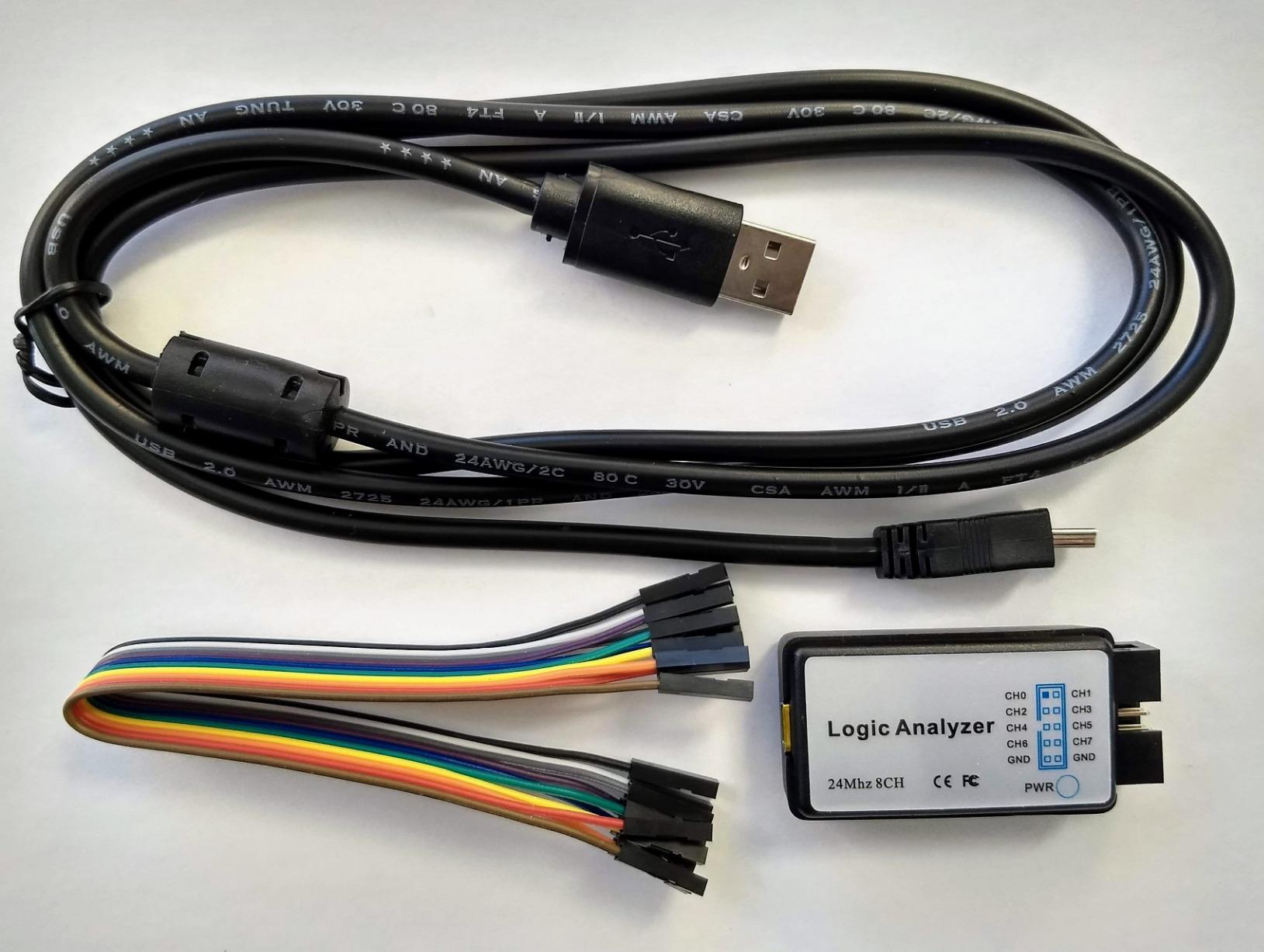
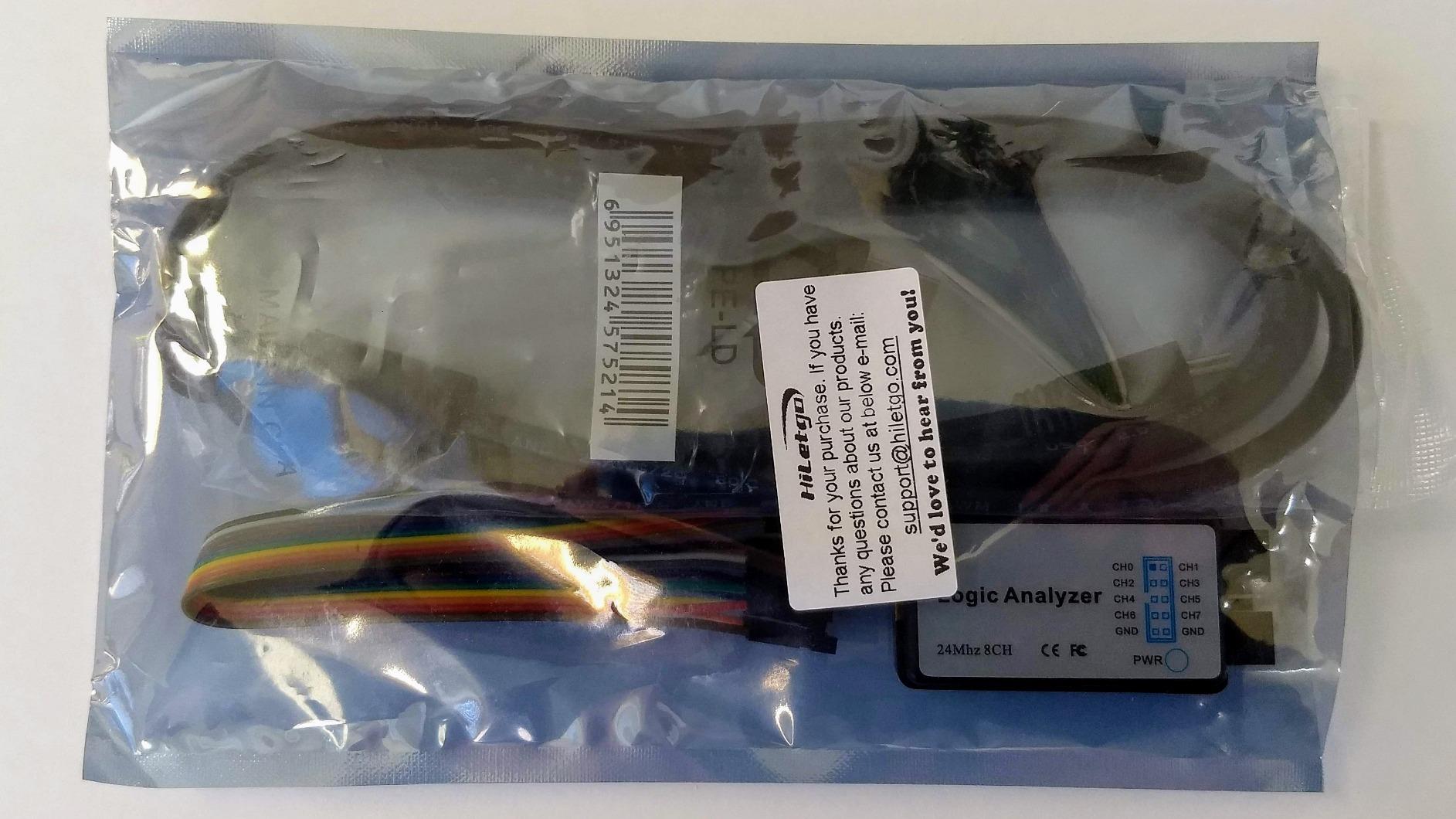
The honest limitation is the missing buffer. Samples stream straight from the FX2LP over USB, so if the host is busy or you run the full 24 MHz on all eight channels, you get dropped samples and a corrupt timeline. I saw this on a laptop running a screen recording. Drop to 4 MHz or 2 MHz and the problem goes away, so for Arduino work it rarely bites.
Triggering is the other soft spot. PulseView offers a simple edge and pattern trigger, but there is no real hardware trigger engine like the DSLogic has, so capturing one specific SPI transaction out of a long stream takes a little patience. Reviews also repeat the Zadig driver step on some machines, which sounds alarming and is really two minutes of work.
Who this analyzer suits
Anyone debugging an Uno, Nano or classic ATmega328P project. At 24 MHz you get roughly 120 samples per cycle at a 200 kHz I2C clock, which is far more than the decoder needs to find a missing ACK or a wrong address byte.
When to buy something else
Move up if you need more than eight lines at once, if your board drives SPI faster than 10 MHz, or if your USB bus cannot sustain a clean stream. If you are working across mixed 1.8V and 3.3V domains, a model with an adjustable threshold is the better tool.
2. innomaker LA1010 – 16 Channels at 100 MHz for Fast Buses
innomaker LA1010 USB Logic Analyzer 16 Input Channels 100MHz with the English PC Software Handheld Instrument,Support Windows (32bit/64bit),Mac OS,Linux
16 channels
100 MHz per channel
30+ decoders
KingstVIS software
0.28 kg
Pros
- Sixteen channels at 100 MHz per channel
- Decodes 30+ protocols including CAN Modbus UART SPI and I2C
- Color-coded leads map straight to the software channels
- Bundled KingstVIS software runs on Windows macOS and Linux
Cons
- Display refreshes in one-second steps rather than streaming smoothly
- Grabber leads are unnumbered and colour order is inconsistent
- Some buyers report devices showing no voltage on a working circuit
- Software medium and connector style can look dated
When a bus outruns a 24 MHz stick, this is the natural step up. Sixteen channels at 100 MHz per channel gives you comfortable headroom on fast SPI screens, and the channel count means you can watch a whole SPI bus with chip select, clock, MOSI and MISO plus a few control lines in one capture.
Protocol breadth is the standout. KingstVIS decodes more than 30 protocols including CAN, Modbus, one-wire, JTAG and SDIO alongside the usual I2C, SPI and UART. That matters for hobby projects that drift into motor control, MIDI or DMX512, where a PulseView-only workflow would mean hunting for a decoder plugin.
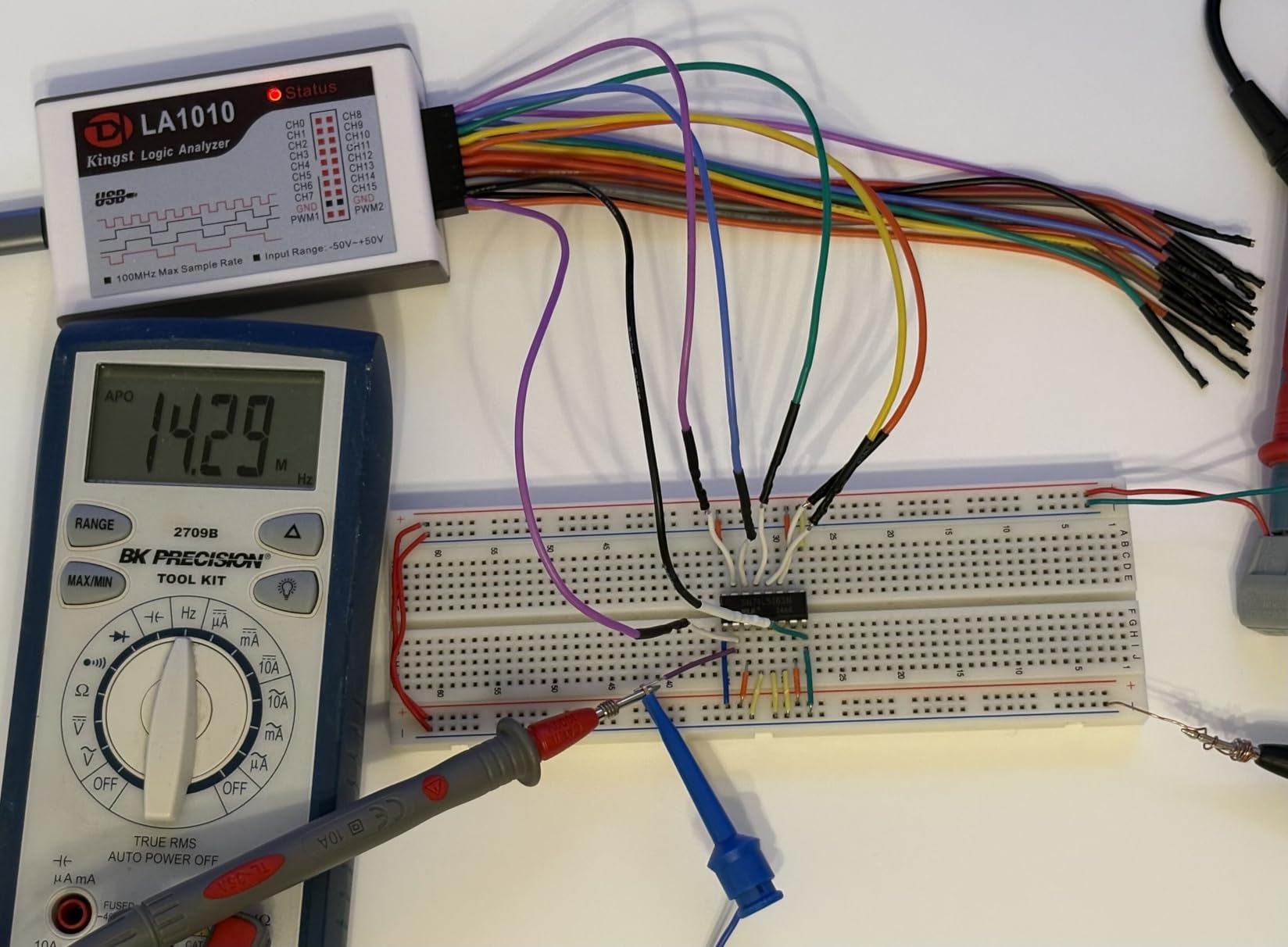
The connectors are colour-coded and matched to the software channel colours, which sounds like a small thing until you are re-patching a capture on a crowded breadboard. In practice the mapping is right often enough to save time, though a few buyers report that the lead order does not always follow the colours, so check the first capture.
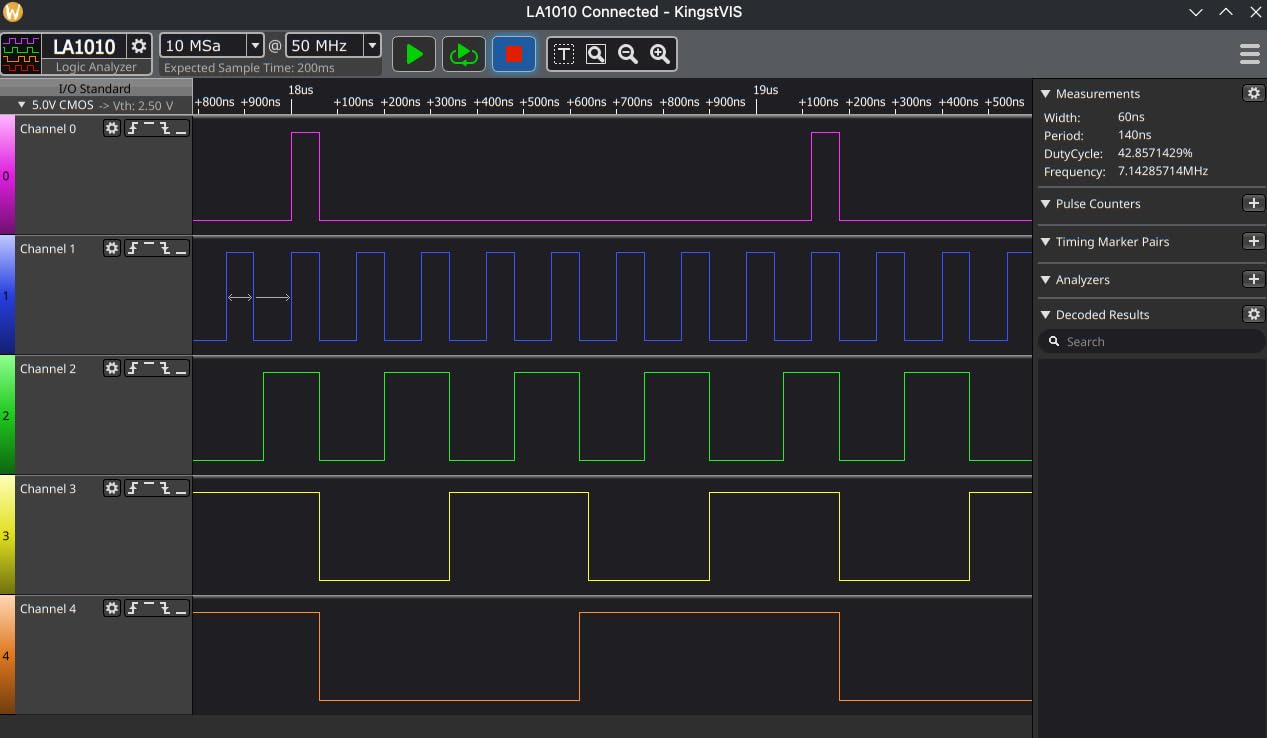
The trade-off is smoothness. Because the display updates in one-second or longer intervals rather than scrolling live, this is not a device for watching a signal change in real time. It is a device for capturing, then reading. That suits bus debugging well, and it explains why buyers often say it replaced an oscilloscope workflow for protocol work.
Who this analyzer suits
People working across two buses at once, or on an ESP32, STM32 or Teensy where SPI runs into the tens of megahertz. The 16 channels also let you capture eight data lines plus control at once on a parallel display.
When to buy something else
If you only work on a Uno or Nano and want open-source software and adjustable thresholds, the cheaper 8-channel picks cover it. If you need a live scrolling view while the board runs, this is the wrong tool class.
3. KeeYees 24MHz 8CH – Best Value Because the Hook Clips Are Included
KeeYees USB Logic Analyzer Device with 12PCS 6 Colors Test Hook Clip Set USB Cable 24MHz 8CH 8 Channel UART IIC SPI Debug for Arduino FPGA M100 SCM
8 channels
24 MHz sampling
12 test hook clips
Supports Sigrok PulseView
Pros
- Twelve coloured test hook clips ship in the box
- Low-cost 8-channel 24 MHz coverage of UART SPI and IIC
- Manufacturer publishes tutorial demo code and libraries
- Works with standard open-source Sigrok PulseView
Cons
- 24 MHz and 8 channels is the practical ceiling for this unit
- Tutorial material is hosted off-site instead of included
- Included hooks are generic and can sit awkwardly on dense headers
The reason this one keeps selling is unglamorous: it includes twelve SMD test hook clips in six colours. Every cheap analyzer needs proper hooks to reach an IC pin or a breadboard header, and with most bare sticks you end up buying them as a second purchase.
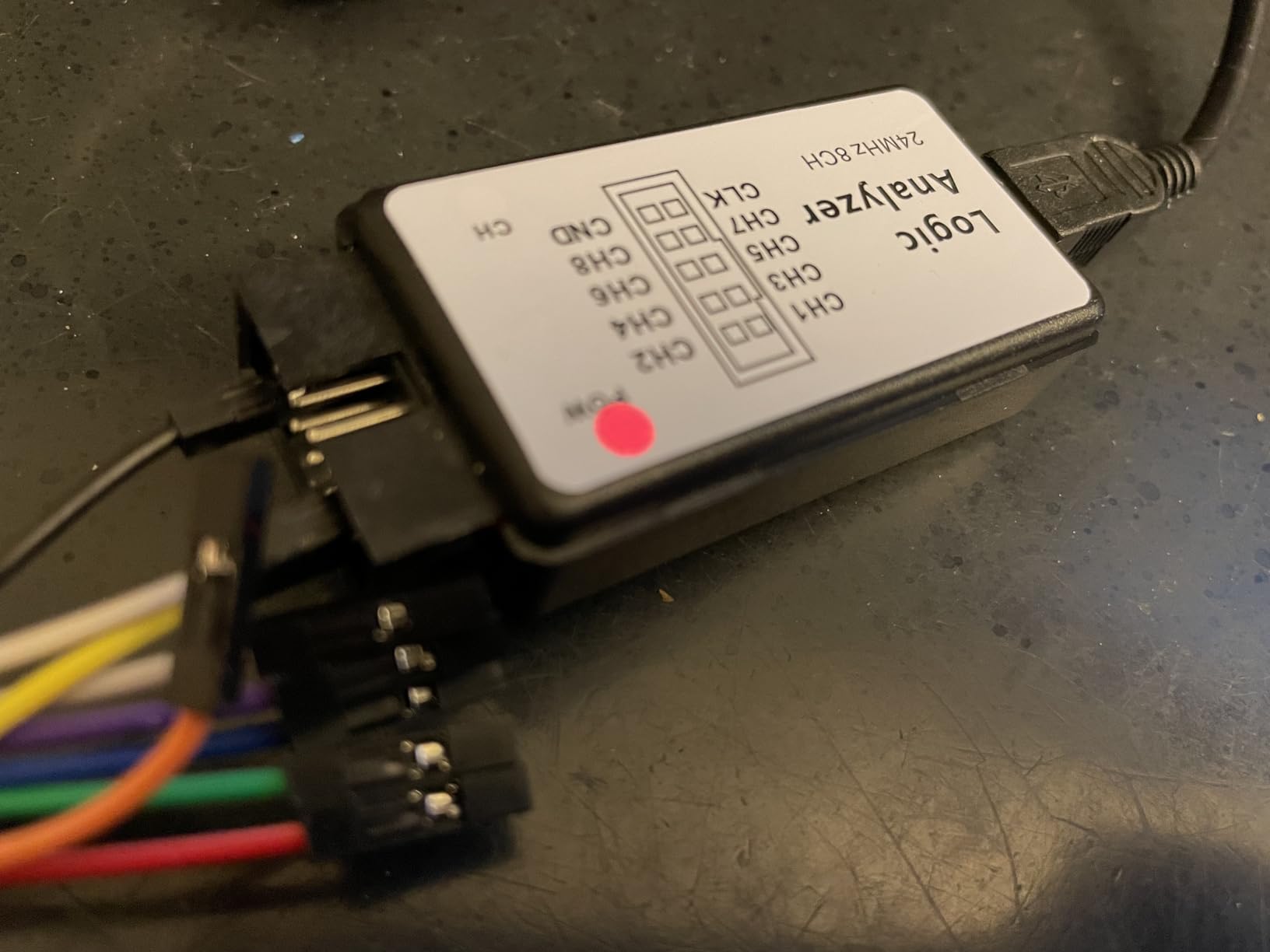
Underneath, the electronics are the familiar 8-channel 24 MHz arrangement that PulseView handles out of the box. It decodes UART, IIC, SPI and RS232 traffic, and the manufacturer publishes tutorial material, demo code and class libraries that you can pull down when you need them.
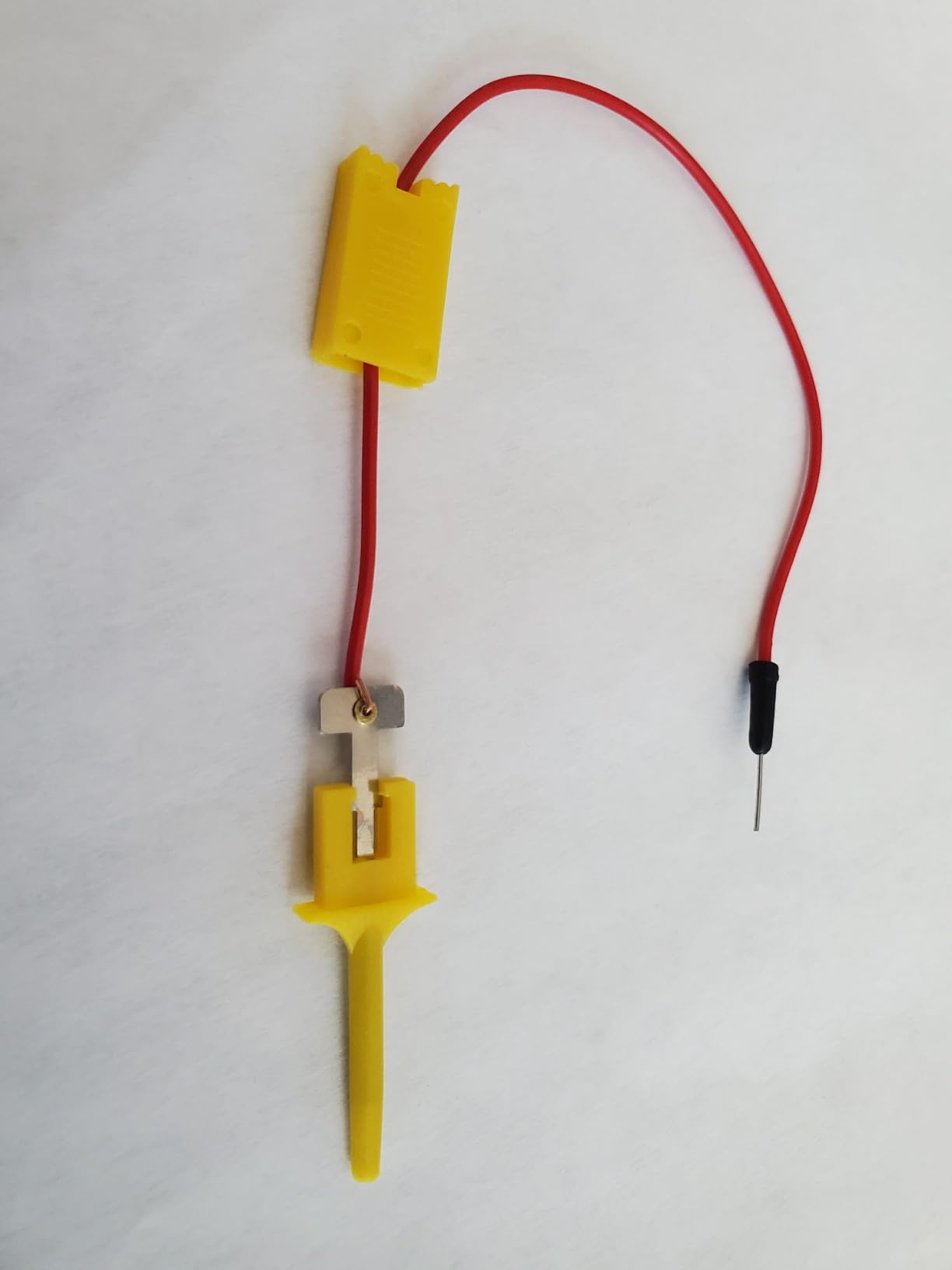
On my breadboard the coloured hooks make a real difference. Being able to keep a ground clip parked while you move one data clip between pins is far less fiddly than re-terminating bare dupont wires, and it is the kind of thing that decides whether you actually use the tool or leave it in a drawer.
The ceiling is the same one every 24 MHz stick has. Push past roughly 10 MHz of SPI, or try to watch a bus that needs more than eight lines, and you will outgrow it. There is also no documentation in the box, so plan ten minutes with the vendor tutorial before your first capture.
Who this analyzer suits
Beginners, and anyone who works directly on IC pins rather than tidy breadboard rows. If you are starting from a kit and want one box that contains everything needed for a first capture, the clip set settles the decision.
When to buy something else
Pick a 16-channel model for wide buses, or a buffered unit for long high-speed captures. Our broader logic analyzer roundup covers those tiers in more depth.
4. Comidox CP317 – Recognised as a Saleae-Compatible Device
Comidox USB Logic Analyzer 24MHz 8 Channel Debug Tool for Arduino ARM FPGA
8 channels
24 MHz sampling
0-5.5V input
1.5V logic threshold
10 dupont leads
Pros
- Detected as a Saleae analyzer so setup is straightforward in either software
- Automatic UART IIC and SPI decoding
- 0-5.5V input range covers most 5V and 3.3V projects
- Ships with USB cable and ten dupont lines
Cons
- 24 MHz is low for communications analysis work
- Fixed 1.5V logic threshold cannot be adjusted
- Basic dupont leads supplied instead of proper test hooks
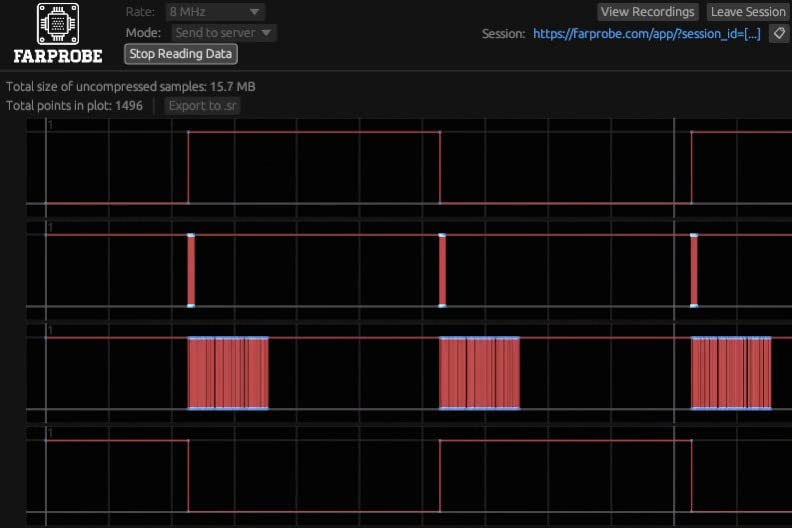
Several budget analyzers share the same Cypress FX2LP silicon and enumerate identically in software. This one is sold as Saleae-compatible, which means PulseView and Saleae Logic 1.x both recognise it without hunting for a generic driver profile.
That compatibility is the main reason to choose it over the other sticks in this class. Decoding of UART, IIC and SPI starts automatically, and the input range of 0-5.5V covers essentially every 5V and 3.3V project you will build.
What it does not offer is control. The logic threshold is fixed at 1.5V, so you cannot lower the reference for 1.8V systems or raise it for noisy long cables. That is a real limitation if your project mixes voltage domains, and it is the reason to look at the DSLogic instead.
The box contains the analyzer, a USB cable and ten dupont lines. That is enough for a first capture on a solderless breadboard, but if you plan to clip onto IC pins you will want proper hooks, which is where the KeeYees kit above pulls ahead.
Who this analyzer suits
People who want the Saleae software experience without buying Saleae hardware, and who are working on 5V or 3.3V boards where a fixed threshold is a non-issue.
When to buy something else
Skip it if you need a user-adjustable threshold, more than eight channels, or sustained capture at high rates. It is a good first tool and a poor final tool for fast buses.
5. Saleae Logic 8 – The Polished Software Experience
Logic 8 (Black) – Saleae 8-Channel Logic Analyzer
8 digital and analog inputs
100 MS/s digital
10 MS/s analog
10 billion+ samples
Pros
- First-party Saleae hardware with the polished Logic application
- Real analog inputs alongside eight digital channels
- 100 MS/s digital rate is far beyond 24 MHz clones
- Identical workflow on Windows Mac and Linux
Cons
- USB 2.0 link caps bandwidth against the USB 3.0 Pro models
- Analog capture rate of 10 MS/s is modest
- Entry pricing is high for an eight-channel box
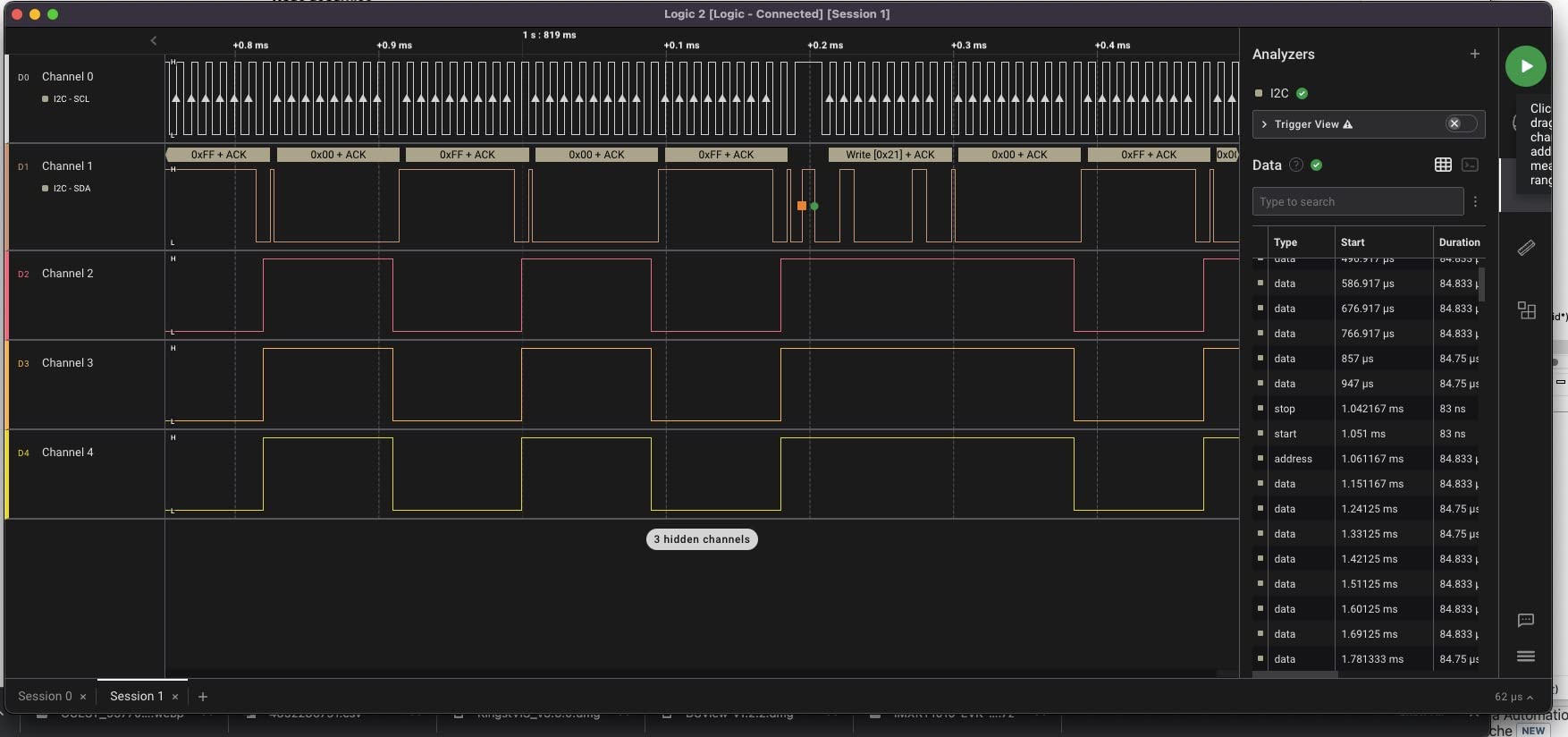
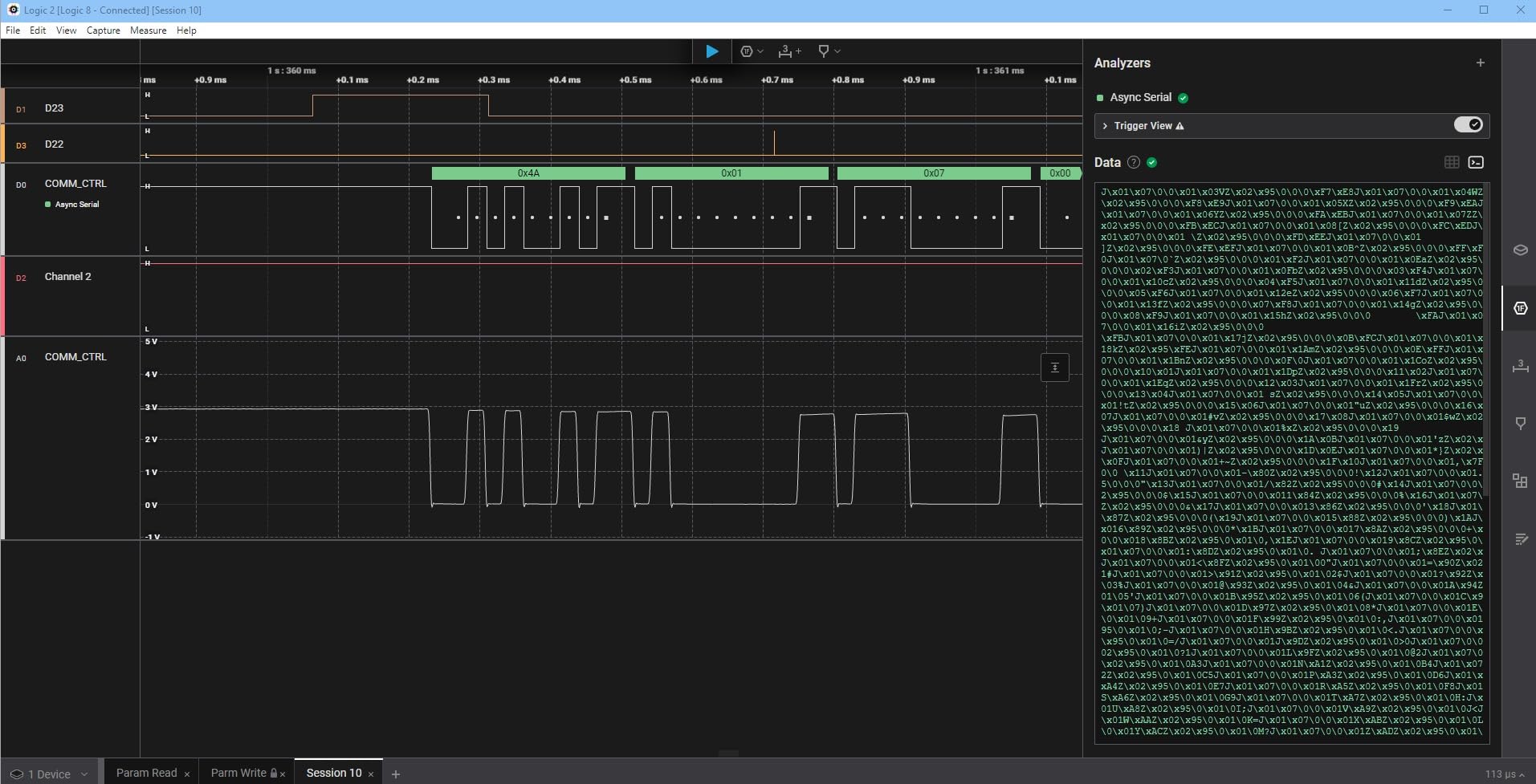
The Logic 8 is where you buy the software rather than the silicon. Saleae’s Logic application is the smoothest way to capture and decode a bus, with protocol analyzers for SPI, I2C and more than twenty others, and the workflow is identical on Windows, macOS and Linux.
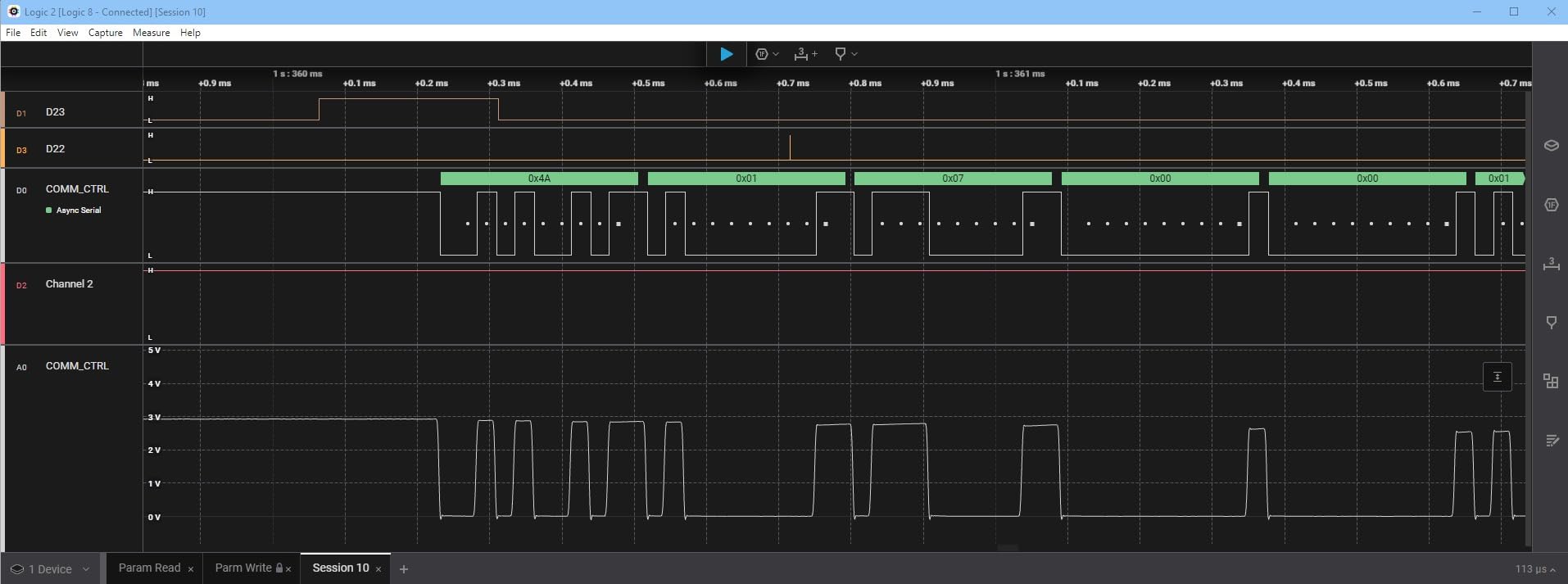
You also get genuine analog inputs on the same eight multi-use channels. That is unusual below the professional tier and it lets you confirm a 3.3V rail is actually present while you watch the digital lines, which catches a whole class of confusing failures.
The trade-off is the interface. This generation talks over USB 2.0, so although the digital headroom is 10 billion-plus samples, sustained throughput is well below what the USB 3.0 Pro models manage. The 10 MS/s analog rate is also modest if you plan to look at signal shape.
Forum discussion around this class of analyzer splits neatly along those lines. On All About Circuits, members argue that a low-cost USB analyzer with free decoder software is often all an Arduino project needs, while others treat the step up to paid hardware as worth it purely for the interface. The useful framing is that this is a software purchase with hardware attached, not a specification purchase.
Who this analyzer suits
Engineers who will use it daily and want the least friction between wiring a probe and reading a decoded transaction. It is also the natural choice if you want analog and digital in the same capture.
When to buy something else
If you are learning I2C on a breadboard, the free software route costs almost nothing and teaches the same concepts. Consider the cheaper picks here first, and if you are setting a professional team, our USB logic analyzer guide shows the whole USB tier.
6. LONELY BINARY 8CH 24MHz Kit – Best Solder-Free Bundle
LONELY BINARY Logic Analyzer Kit, 8 Channel 24MHz USB with Breakout Boards
8 channels
24 MHz sampling
Breadboard adapter included
USB-A and USB-C cables
Pros
- Breadboard adapter and breakout board allow solder-free 2.54mm connection
- Both USB-A and USB-C cables plus clips and a case in the box
- Complete kit for a first 8-channel capture
- Works with open-source software on all three platforms
Cons
- 24 MHz sampling limits it to low-speed buses
- Some owners report inconsistent captures and connection trouble
- Highest share of one-star ratings among these picks
- Adapter boards add bulk next to a bare stick
This is the kit that removes the soldering iron from the equation. A breadboard adapter and a breakout board let the eight channels land directly on 2.54 mm headers, so you can clip the analyzer onto a project in seconds rather than building a wire harness first.
The box is unusually complete: both USB-A and USB-C cables, ten test clips, five alligator clips and a storage case. Having the right cable when you turn up at a makerspace is a small thing that removes a real annoyance.
It also has the lowest average rating among these picks at 4.2, with roughly 12 percent of ratings at one star, and the complaints behind those are hardware reliability and connection drops rather than missing features. If a capture matters to you that day, verify the unit on a bus you already understand before trusting it.
Specification-wise it is the familiar 8-channel 24 MHz class with a fixed threshold, so treat it as a convenience bundle rather than a capability upgrade over the cheaper sticks. It ranks well in the Logic Analyzers category, which tells you it sells steadily even with the mixed reviews.
Who this analyzer suits
Students, workshop users and anyone who moves between projects without a soldering iron. The adapter boards make it the fastest to deploy on a crowded breadboard.
When to buy something else
Look elsewhere if you want a longer track record of consistent captures, if you need an adjustable threshold, or if you are moving to ESP32-level bus speeds. Our hobby electronics roundup covers the wider accessory side.
7. DreamSourceLab DSLogic Plus – Best Hardware Buffer and Triggering
DreamSourceLab DSLogic Plus USB-Based Logic Analyzer with 400MHz Sampling Rate, 256Mbits Memory, USB 2.0 Interface, 16 Channels
16 channels
400 MHz buffer mode
256Mbit SDRAM
0.1V threshold steps
Pros
- 400 MHz buffered capture with 256Mbit on-board memory
- DSView is open source with close to a hundred protocol decoders
- Adjustable threshold in 0.1V steps across mixed domains
- FPGA-based triggering far better than USB-streaming sticks
Cons
- Digital only with no analog inputs
- DSView is a Sigrok fork that diverges from PulseView
- Light display mode is too bright for small pulse features
- Documentation contains errors and is out of date
This is the mid-range answer for anyone who has outgrown streaming over USB. In buffer mode the DSLogic Plus samples at up to 400 MHz on four channels, 200 MHz on eight and 100 MHz on sixteen, storing everything in 256Mbit of on-board SDRAM before a single byte moves to the PC.
That buffer changes what is possible. Because the capture is written locally, USB traffic cannot punch holes in it, so you can run long acquisitions at rates a streaming stick cannot hold. Stream mode is still available over USB 2.0 Type-C, with up to 16G sample depth when you want to watch live.
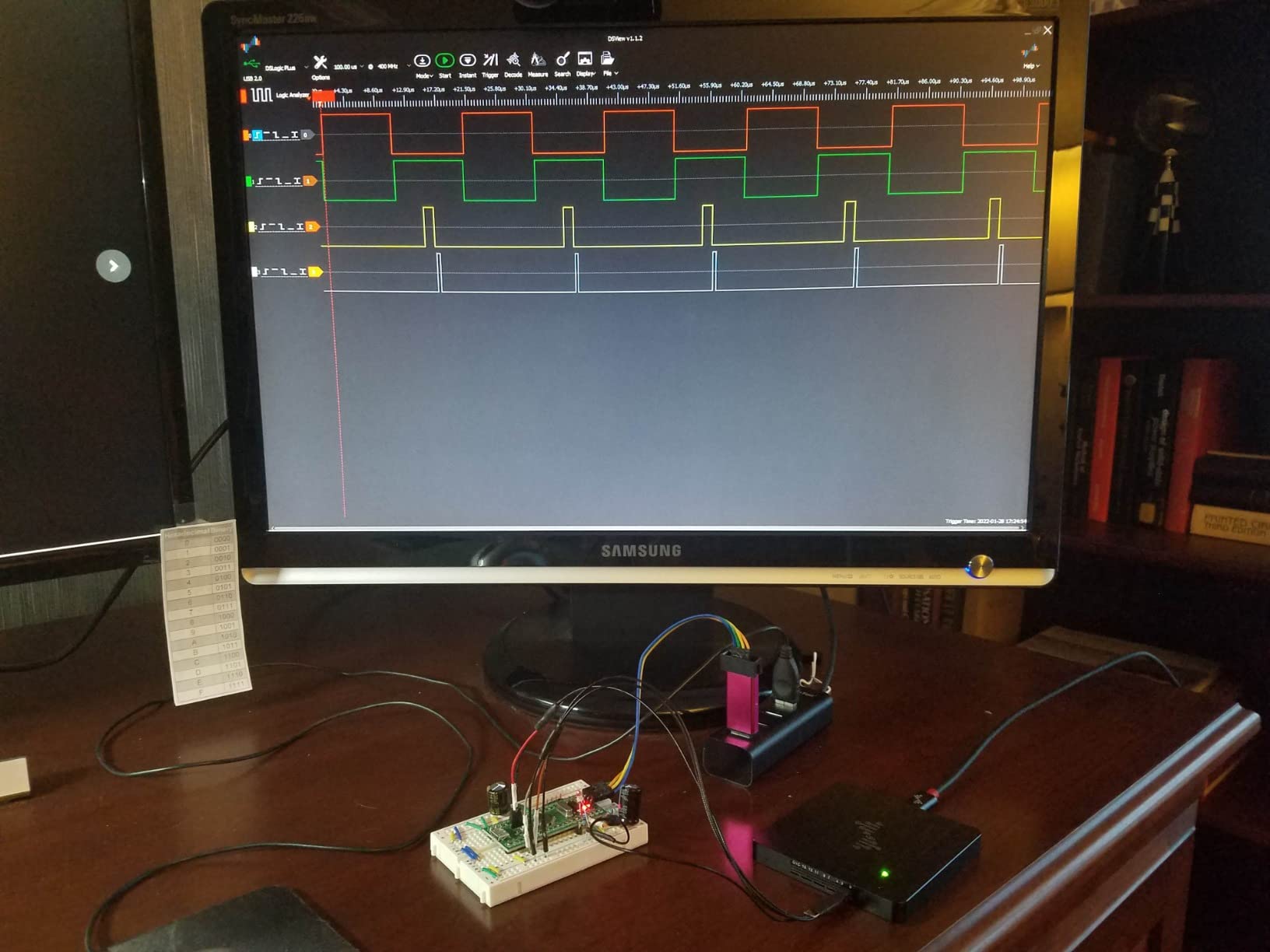
The second reason to buy it is triggering. The FPGA trigger engine can condition on patterns and sequences, so you can capture the one SPI command that misbehaves instead of scrolling through ten seconds of screen refresh. On FPGA and fast embedded work this is the feature you notice most.
The adjustable threshold, in 0.1V steps, makes it usable across mixed voltage domains where a fixed 1.5V reference would misread a 1.8V line. The unibody aluminium case and shielded fly wires also feel a step above the plastic sticks.
Two caveats. There are no analog inputs at all, which rules it out if you want to eyeball a rail. And DSView is an open-source Sigrok fork, so while it carries close to a hundred decoders, it does not behave exactly like PulseView in places, and its documentation has known errors.
Who this analyzer suits
People debugging ESP32, STM32 or Teensy peripherals, or FPGA designs, where long high-rate captures and precise triggering are part of the job rather than a luxury.
When to buy something else
If your work is 100 kHz I2C on an Uno, you pay for capability you will not use. If you need analog alongside digital, move up to the Saleae models instead.
8. Saleae Logic Pro 8 – Best for Live Streaming View
Logic Pro 8 (Black) – Saleae 8-Channel Logic Analyzer – Compatible with Windows, Mac, or Linux – Easy to Use, Ultra-Portable, Saves Time & Frustration
8 digital and analog inputs
500 MS/s digital
50 MS/s analog
USB 3.0 streaming
Pros
- 500 MS/s digital and 50 MS/s analog on eight multi-use channels
- Real streamed viewing in the Logic software
- Rated 4.8 stars by owners in this group
- Integrated analog removes the need for a separate add-on
Cons
- Heavy RAM use and some needed a 32 GB machine
- Full 500 MS/s capture can freeze the software until reconnect
- No native dual-SPI decoding and old community extensions are unmaintained
- Older builds shipped without a streaming view at all
The Logic Pro 8 is the version of the Saleae hardware that fixes the main gripe about the older models: it uses USB 3.0 and actually streams. The display scrolls as the board runs, which changes how you work. You can watch an SPI transfer start and stop rather than waiting for the capture to finish.
Digital sampling reaches 500 MS/s and analog 50 MS/s across eight multi-use channels, with 10 billion-plus digital and 500 million-plus analog samples held in PC memory. That headroom covers SPI buses, parallel data lines and timing work on fast microcontrollers.
Owners of Saleae hardware generally describe the software as the real product. The analogy holds up: the hardware is fast, but the polished cross-platform Logic application is what you are paying for.
Who this analyzer suits
Professional embedded developers and advanced hobbyists who need a live view plus analog capability, and who want one box instead of a logic analyzer and an oscilloscope on the same desk.
When to buy something else
Resource use is the caution. Full-rate capture is demanding on RAM and can freeze the software on underpowered machines. If you cannot afford that class of hardware, the DSLogic Plus gives you buffered capture and adjustable thresholds for far less.
9. Saleae Logic Pro 16 – Best for 16-Channel Professional Work
Logic Pro 16 (Black) – Saleae 16-Channel Logic Analyzer – Compatible with Windows, Mac, or Linux – Easy to Use, Ultra-Portable, Saves Time & Frustration
16 digital and analog inputs
500 MS/s digital
50 MS/s analog
USB 3.0 with Logic 2
Pros
- Sixteen digital plus sixteen analog multi-use channels in one unit
- 500 MS/s digital rate captures state machines and fast buses
- Logic 2 software is fast and stable on Windows and Apple Silicon
- Colour-coded leads clips and a protective case in the box
Cons
- Very high acquisition cost for the class
- Software cannot group channels into a custom bus vector
- No NIST-traceable calibration certificate for formal test use
- Large captures use substantial system memory
Doubling the channel count is the headline here, but the real argument is throughput combined with software. Sixteen multi-use digital and analog inputs at up to 500 MS/s digital and 50 MS/s analog means you can capture a full bus, its control lines and a power rail in one synchronized sweep.
Owners at this level usually conclude that the total cost drops once you count debugging hours. The recurring description is finding a protocol error in minutes that would otherwise take a day of print statements and code changes, which is a defensible way to justify the spend on professional work.
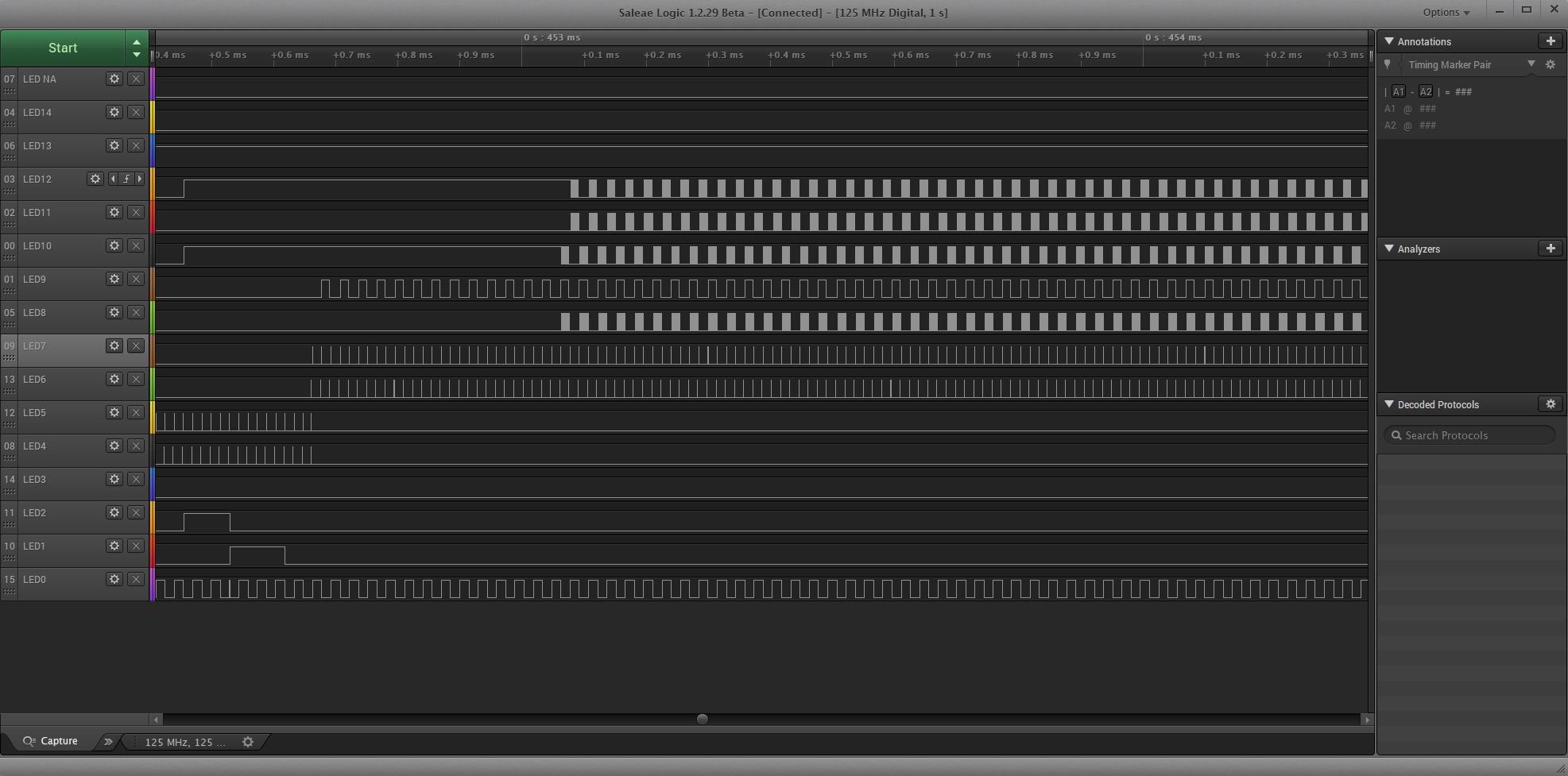
What you give up at this price is flexibility in the software. There is no way to group selected channels into a custom bus vector, so complex multi-bus analysis stays manual, and there is no NIST-traceable calibration certificate for formal test use.
The Logic 2 application itself is the selling point. It runs fast and stably on current Windows and Apple Silicon machines, decodes SPI, I2C and more than twenty other protocols, and ships with colour-coded leads, clips and a carrying case. This is the purchase for teams where analyzer time is billed time.
Who this analyzer suits
Professional embedded developers who need wide, fast, mixed digital and analog capture and will use it every working day. Sixteen channels is rarely necessary on a hobby breadboard.
When to buy something else
Almost everyone else. If you cannot point to a specific measurement that needs 16 channels at 500 MS/s, the DSLogic Plus or a 24 MHz stick delivers the insight you need for a fraction of the outlay.
How to Choose a Logic Analyzer for Arduino Work
Most buying mistakes come down to paying for sampling rate you cannot use, or under-buying on channels. These are the things that actually change your results.
How many channels do you need
Count the wires you want to see at the same moment. An I2C bus needs three: SCL, SDA and ground. SPI needs five with chip select. A parallel display or an address bus pushes past eight quickly, which is the point at which a 16-channel model starts to pay for itself.
What sampling rate you actually need
Apply the Nyquist rule loosely: you want at least 10 samples per bit. A 100 kHz I2C bus tops out near 100 kHz of signal, so 24 MHz is enormous overkill and even 1 MHz would do. Fast SPI at 20 MHz is where the 24 MHz ceiling starts to bite and a 100 MHz or faster unit earns its place.
Why the capture buffer matters
Streaming analyzers push every sample through USB in real time, so any host hiccup corrupts the capture. A buffered unit writes to on-board memory first and transfers afterwards, which is the difference between a clean trace and a trace full of phantom edges on a busy machine.
Software and protocol decoder support
PulseView is free, open source and covers I2C, SPI, UART, one-wire and dozens more through decoder plugins. DSView adds close to a hundred decoders in a Sigrok fork, KingstVIS bundles 30-plus with polished colour-coded channels, and Saleae Logic is the most polished of the four. Our USB logic analyzer comparison breaks down the software side further.
Logic levels and safe probing
Check the input voltage range before you connect anything. The HiLetgo and Comidox units accept up to 5.25V and 5.5V respectively and declare a high threshold of 2.0V, which suits 3.3V and 5V systems. Never probe a 12V rail or mains, and always share a ground reference between the analyzer and the board, or your readings will be meaningless at best.
Which pick suits which board
On an Uno or Nano at 16 MHz, every 8-channel 24 MHz pick here is more than fast enough. On an ESP32 running SPI displays at tens of megahertz, go for 100 MHz or the buffered DSLogic Plus. On Teensy or STM32 timing work, the same reasoning applies with more headroom, and the hardware-triggered units pay off once you need to isolate one specific transaction.
Do you really need one
Honestly, sometimes not. A senior engineer quoted on All About Circuits said he had managed a career without one, and that is fair advice for projects where Serial.println() and a multimeter tell you everything. If you are chasing I2C addresses, SPI mode errors, baud mismatches or missing clock pulses, a logic analyzer earns its place in a weekend.
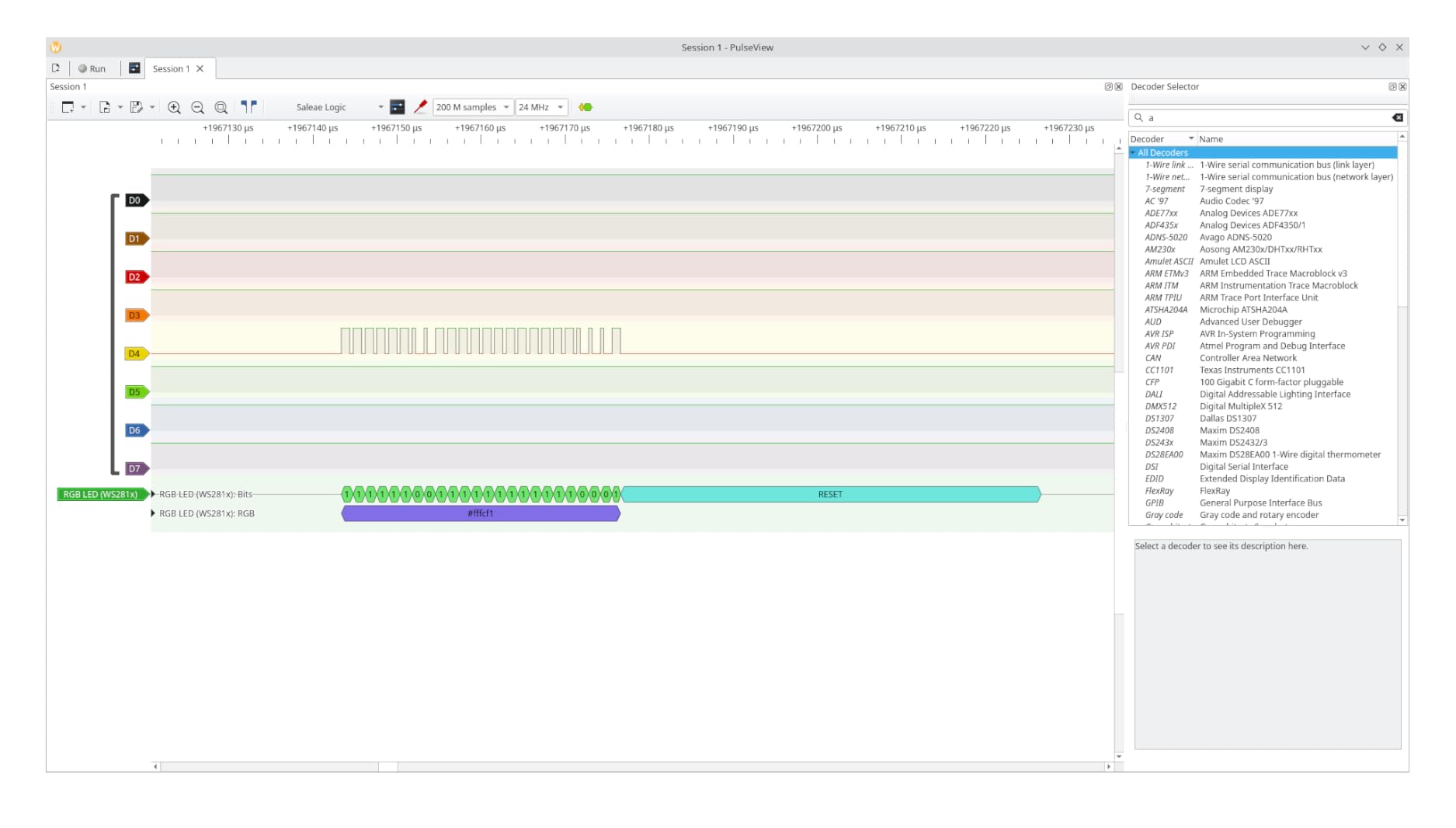
Getting Started with Sigrok PulseView
PulseView looks intimidating until you know the decisions it asks for. Here is the path that works every time.
Install PulseView for your platform, either Windows, macOS or Linux, from the Sigrok project.
Plug in the analyzer and, on Windows, use Zadig to replace the driver with WinUSB. On macOS and Linux the device usually appears immediately.
Confirm the device is listed in the device dropdown at the top left. FX2LP-based sticks show up as a generic Saleae-compatible analyzer.
Set the sample rate deliberately rather than leaving it at maximum. Start at 1 MHz or 4 MHz for I2C and UART work.
Assign your channels. Color the ground channel first and attach it, then map SCL, SDA or the SPI lines.
Set the logic threshold to match your signal levels, roughly halfway between your low and high voltages.
Run a capture, then add a protocol decoder from the decoder list and point it at the right channels.
For I2C, set the decoder to I2C and give it the SCL and SDA channels so addresses and bytes appear as text.
For SPI, set the decoder mode and word size to match your device, otherwise the decoded bytes will be nonsense.
Save the capture file. You will want to compare a good run against a bad one later.
Two habits make this fast. Lower the sample rate until the display is readable, because detail you cannot read is detail you cannot use. And keep a shared ground between analyzer and board at all times, since a floating probe reads noise.
Frequently Asked Questions
What is the best logic analyzer?
For most Arduino work, an 8-channel 24 MHz USB analyzer running the free Sigrok PulseView software is the best choice. It captures every bus a 16 MHz Uno or Nano drives and decodes UART, I2C and SPI out of the box. Step up to a 16-channel 100 MHz model for fast SPI screens, or to a buffered unit with hardware triggering when you outgrow hobby-scale debugging.
Can I use an Arduino as a logic analyzer?
Yes, and hobbyists have built open-source firmware to do it, but it is a compromise. The GPIO pins can sample pins and push data over serial, yet the effective rate is far below what a dedicated 24 MHz analyzer delivers, and the Arduino is busy running the sampling code rather than your project. A Pico or RP2040-based DIY design reaches far higher rates than an Arduino and is the better weekend build.
Why are logic analyzers so expensive?
Price tracks sample rate, channel count, capture buffer and the software behind it. Cheap USB sticks stream samples to your PC with no on-board memory, while professional units buffer on board, add hardware trigger engines, run FPGA logic and ship polished cross-platform applications with a long support life. You are paying for sustained throughput and decades of software support, not for bits per second.
Can I use my Raspberry Pi as a logic analyzer?
You can, and the Raspberry Pi GPIO is a reasonable second channel for a Raspberry Pi-based project. For analyzing other boards, a Raspberry Pi Pico running RP2040 firmware is a genuine DIY analyzer reaching around 100 Msps, which is a popular step up from 24 MHz clones. The Pi itself is better used running PulseView itself to display the captures.
Will a logic analyzer fry my Arduino?
The risk runs in both directions. Probing a 12V rail into an input rated to 5.25V can damage the analyzer, and most units are not protected against mains voltage, so never attach them there. Connect the ground leads together first, confirm your signal levels sit inside the stated input range, and remember that the analyzer itself is usually the fragile part, not the Arduino.
The Bottom Line on Arduino Logic Analyzers in 2026
Buy the HiLetgo 24 MHz 8-channel analyzer as your first tool and run it with free Sigrok PulseView. It is the best of the best logic analyzers for Arduino projects because it covers every bus an Uno or Nano produces, decodes I2C, SPI and UART immediately, and costs less than a single component in most projects.
Move up when the work does, not before. A 16-channel 100 MHz model covers fast SPI screens and wide buses, a buffered DSLogic Plus handles long high-rate captures and precise triggering, and the Saleae units buy you a polished application plus real analog inputs. Start small, keep the ground clip attached, and stop guessing what your code believes is happening on the wire.